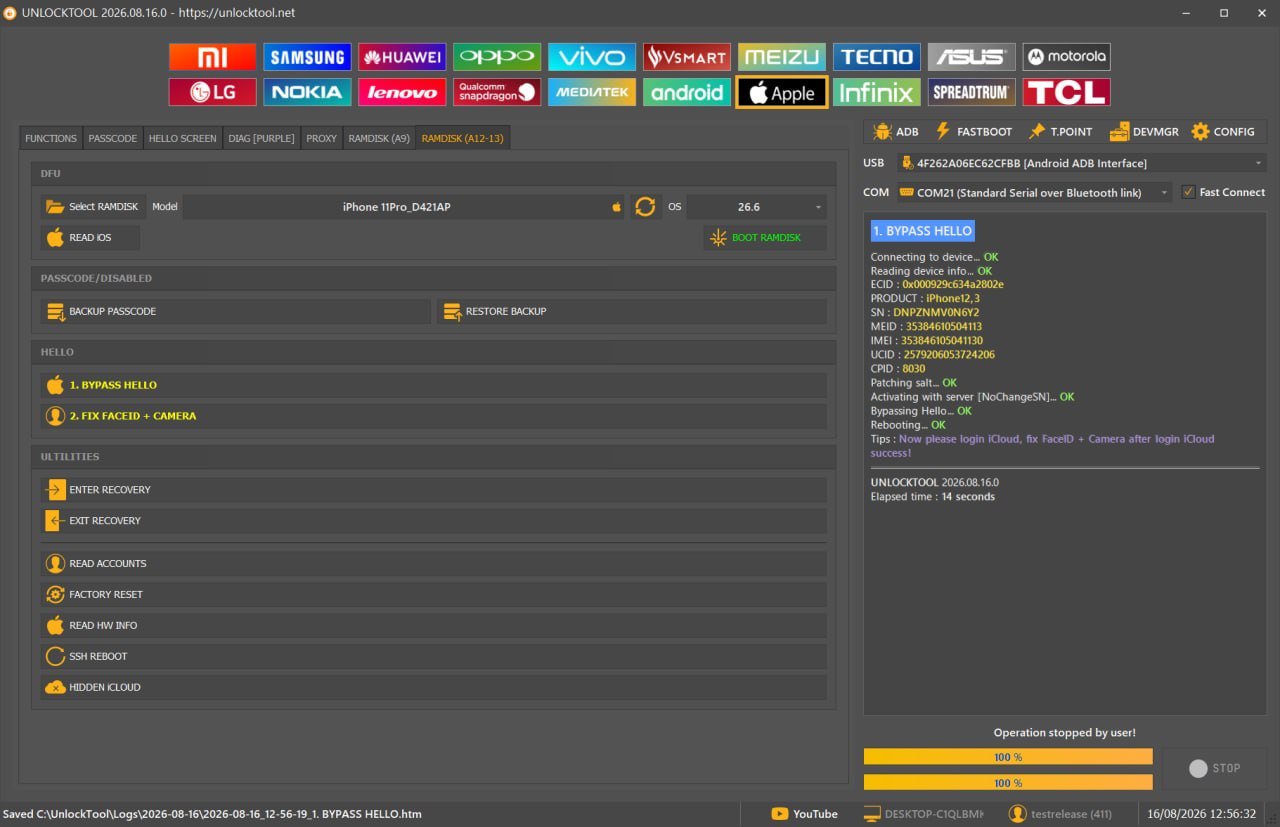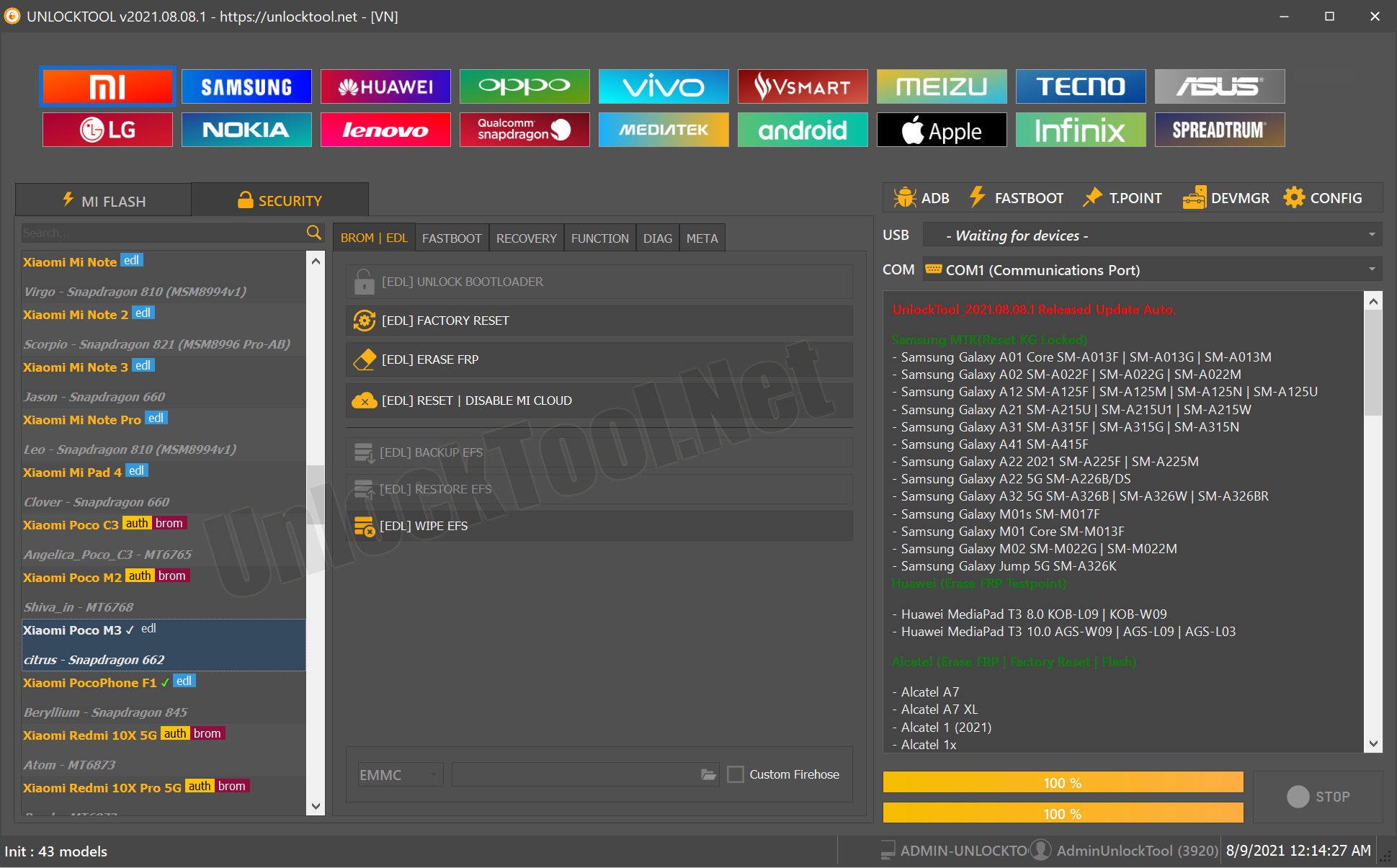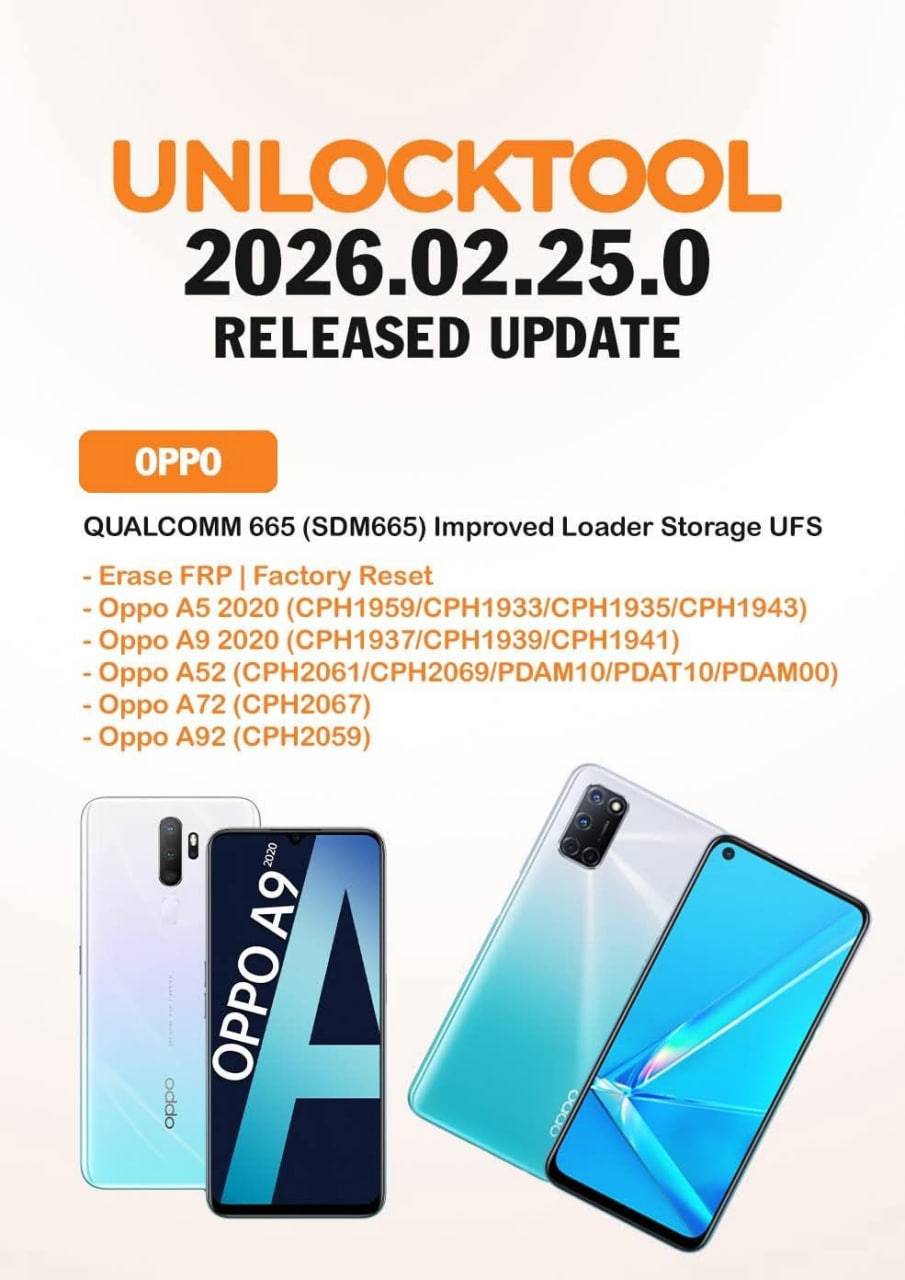


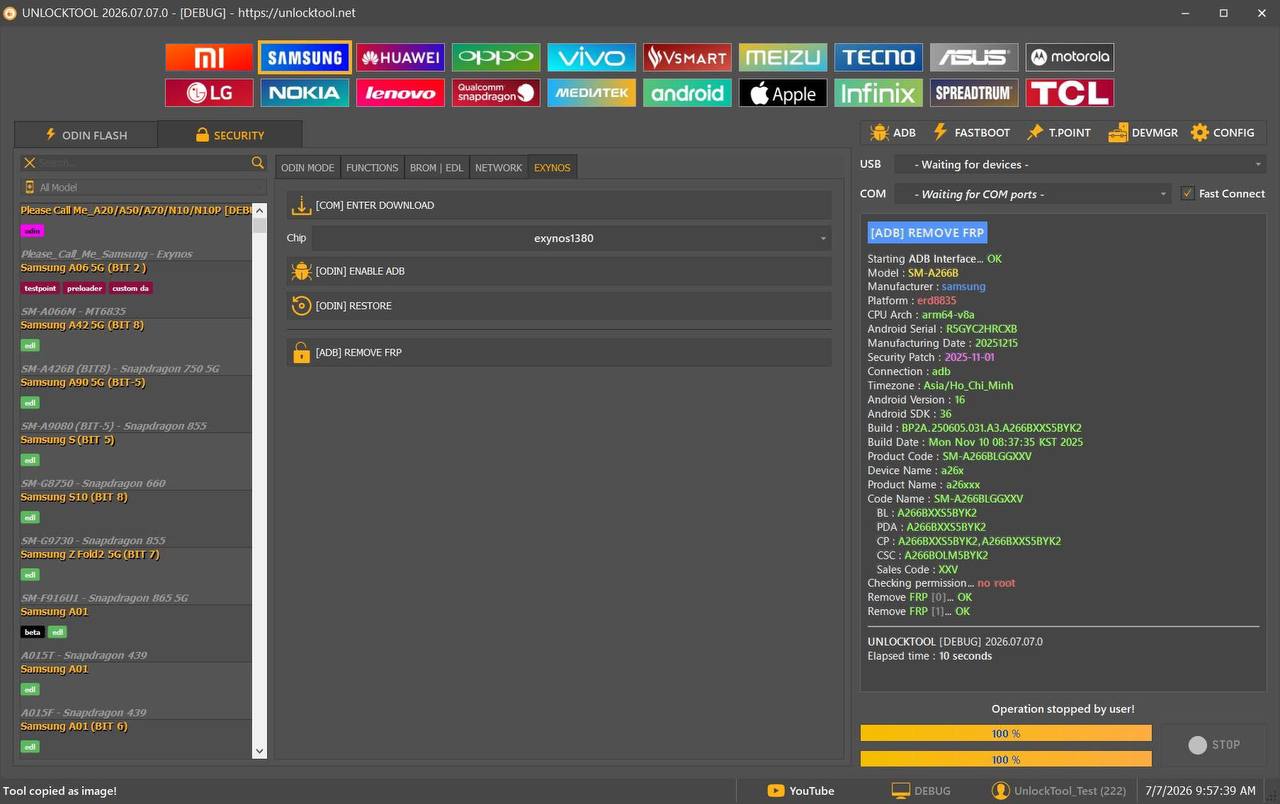
The UnlockTool 2026.07.07.0 Released update introduces important improvements that enhance stability, compatibility, and the overall user experience. The main highlight of this release is the fix for the ADB Device Unauthorized issue, along with improved ADB authorization handling that makes Android servicing smoother and more reliable.
Whether you are an individual Android user, a professional GSM technician, or a mobile repair shop owner, this version helps reduce interruptions while performing repair and maintenance tasks.
If you regularly work with Android devices, updating to the UnlockTool Latest Version is recommended to take advantage of these improvements.

What is UnlockTool 2026.07.07.0 Released?
UnlockTool 2026.07.07.0 Released is the latest version of the popular mobile servicing software used worldwide for Android repair, unlocking, flashing, FRP removal, and device maintenance.
The software supports a wide range of smartphone brands and provides technicians with advanced repair functions through an easy-to-use interface.
It is widely used for:
- Android device servicing
- Factory Reset Protection (FRP) removal
- Flashing firmware
- Bootloader-related operations
- Device maintenance
- Software troubleshooting
- Security-related repair functions (where supported)
The UnlockTool Latest Update focuses on improving reliability during ADB communication, which is one of the most common workflows for Android technicians.
Why is UnlockTool 2026.07.07.0 Released Important?
Many users previously experienced interruptions caused by unauthorized ADB connections. This update addresses those problems by improving authorization handling.
Benefits include:
- Faster device detection
- Better ADB communication
- Improved workflow stability
- Reduced servicing interruptions
- Better compatibility with supported Android devices
For repair businesses, these improvements can help save time during daily operations.
What’s New in UnlockTool 2026.07.07.0 Update?
According to the latest release notes, this version includes:
Improved
✅ Fixed ADB Device Unauthorized issue
✅ Improved ADB authorization handling
These changes make USB debugging communication more reliable while servicing supported Android devices
Key Features of UnlockTool 2026.07.07.0 Released
The latest version continues to offer a comprehensive set of repair and maintenance features.
Android Device Servicing
UnlockTool provides tools for various Android servicing tasks, making it a valuable utility for repair professionals.
FRP Operations
Supported devices can be serviced for Factory Reset Protection removal using available methods.
Flash Firmware
Install compatible firmware packages to restore supported Android devices.
Device Maintenance
Technicians can perform maintenance tasks to improve software functionality.
Fast ADB Communication
The UnlockTool 2026.07.07.0 Update introduces improved ADB authorization for smoother communication.
Regular Software Updates
Frequent updates ensure compatibility with newly released devices and Android versions.
Supported Smartphone Brands
UnlockTool supports many popular Android manufacturers.
These commonly include:
- Samsung
- Xiaomi
- OPPO
- vivo
- Realme
- Motorola
- Nokia
- OnePlus
- Huawei
- Honor
- Tecno
- Infinix
- ASUS
- Lenovo
- Google Pixel
Support varies depending on the specific model and security patch level.
Who Should Use UnlockTool?
Individual Users
Ideal for users who need assistance with supported Android software maintenance tasks.
Mobile Repair Shops
Repair businesses can use UnlockTool to streamline supported servicing operations.
Professional GSM Technicians
Technicians benefit from advanced repair functions and frequent software updates.
Service Centers
Organizations handling multiple devices can improve workflow efficiency using the latest version.
UnlockTool 2026.07.07.0 Download
Before downloading the software, make sure you obtain it from a trusted source or an authorized reseller.
Always verify that you are installing the UnlockTool Latest Version to receive the newest improvements and bug fixes.
Before installation:
- Use Windows with administrator privileges.
- Disable conflicting software if required.
- Ensure a stable internet connection.
- Install the latest USB drivers.
- Use a high-quality USB cable.

Step-by-Step Installation Guide
Follow these steps to install the software:
Step 1
Download the latest UnlockTool installer.
Step 2
Extract the downloaded package if it is compressed.
Step 3
Run the installer as Administrator.
Step 4
Complete the installation process by following the on-screen instructions.
Step 5
Restart the computer if prompted.
Step 6
Launch UnlockTool.
Step 7
Log in using your registered account.
Step 8
Allow the software to update automatically if a newer build is available.
System Requirements
| Component | Requirement |
|---|---|
| Operating System | Windows 10 / Windows 11 |
| RAM | 4 GB minimum (8 GB recommended) |
| Storage | 2 GB free space |
| Internet | Required for login and updates |
| USB | Stable USB connection |
| Drivers | Latest Android USB drivers |
Benefits of Updating
Updating to UnlockTool 2026.07.07.0 Released offers several advantages:
- Better software stability
- Improved ADB authorization
- Faster servicing workflow
- Reduced connection issues
- Improved user experience
- Better compatibility with supported devices
- Ongoing access to future improvements
For technicians who work on multiple devices each day, these enhancements can contribute to a smoother and more efficient servicing process.
How to Register UnlockTool 2026.07.07.0 Released
After installing UnlockTool 2026.07.07.0 Released, the next step is activating your account. Registration gives you access to the latest updates, supported features, and your active subscription.
Step-by-Step Registration
- Open UnlockTool.
- Create a new account if you are a first-time user.
- Existing users can simply sign in with their registered credentials.
- Purchase or renew your subscription through an authorized reseller.
- Restart the software after activation.
- Check for the latest updates before servicing any device.
Tip: Always purchase your license from a trusted reseller to ensure you receive genuine activation and ongoing support.
How to Use UnlockTool 2026.07.07.0 Released
The UnlockTool Latest Version is designed for both beginners and experienced technicians. Its clean interface makes common servicing tasks straightforward.
Basic Workflow
Step 1 – Install USB Drivers
Ensure the appropriate USB drivers for the target device are installed.
Step 2 – Enable USB Debugging
If required for the operation, enable Developer Options and USB Debugging on the Android device.
Step 3 – Connect the Device
Use a high-quality USB cable and connect the phone to your computer.
Step 4 – Select the Brand
Choose the correct smartphone manufacturer from the software.
Step 5 – Choose the Required Function
Depending on your needs and the supported device, you may be able to perform operations such as:
- Device information
- Flashing
- Factory Reset
- FRP-related functions
- Bootloader-related functions
- Software maintenance
Step 6 – Follow the On-Screen Instructions
Carefully follow the prompts until the process is complete.
IMEI Repair and Other Services
UnlockTool includes a variety of advanced servicing features. However, availability depends on the device model, chipset, regional regulations, and software version.
Depending on support, technicians may use the software for:
- Device diagnostics
- Software repair
- Firmware flashing
- Factory reset
- FRP servicing
- Device information
- Security maintenance
- Backup-related functions
Important: Always comply with your local laws and manufacturer policies. Only perform servicing on devices you own or are authorized to repair.
UnlockTool 2026.07.07.0 Released vs Other Mobile Unlock Programs
| Feature | UnlockTool | Typical Mobile Unlock Program |
|---|---|---|
| Regular Updates | ✅ Yes | Varies |
| Wide Brand Support | ✅ Yes | Limited |
| ADB Improvements | ✅ Latest Update | Not always |
| User-Friendly Interface | ✅ Yes | Varies |
| Frequent Bug Fixes | ✅ Yes | Less frequent |
| Professional Features | ✅ Extensive | Depends on software |
The UnlockTool 2026.07.07.0 Update continues to improve stability, making it a strong choice for professional repair environments.
Troubleshooting Common Errors
ADB Device Unauthorized
If you encounter this issue:
- Enable USB Debugging.
- Reconnect the USB cable.
- Accept the RSA authorization prompt on the device.
- Restart the ADB service if needed.
- Update to UnlockTool 2026.07.07.0 Released, which improves ADB authorization handling.
Device Not Detected
Possible solutions:
- Try a different USB port.
- Install the latest USB drivers.
- Replace the USB cable.
- Restart both the phone and the computer.
Login Problems
- Check your internet connection.
- Verify your account credentials.
- Confirm your subscription is active.
- Contact your reseller if the issue persists.
Installation Errors
- Run the installer as Administrator.
- Temporarily disable conflicting antivirus software if it is blocking installation.
- Ensure Windows is fully updated.
Pricing and Subscription Plans
UnlockTool is generally offered through subscription-based licensing.
Plans may include:
- Monthly subscription
- Quarterly subscription
- Semi-annual subscription
- Annual subscription
Pricing can vary depending on your reseller and region.
For the latest pricing, activation, and renewal offers, contact your preferred authorized reseller.
Frequently Asked Questions (FAQs)
Is UnlockTool 2026.07.07.0 Released free?
No. UnlockTool requires an active license or subscription to access its supported features.
Does this version fix the ADB Unauthorized issue?
Yes. One of the main improvements in UnlockTool 2026.07.07.0 Released is enhanced ADB authorization handling, helping reduce unauthorized connection issues.
Can beginners use UnlockTool?
Yes. The interface is beginner-friendly, although basic Android servicing knowledge is recommended.
Which Windows versions are supported?
The software is commonly used on Windows 10 and Windows 11 systems.
How often is UnlockTool updated?
UnlockTool receives regular updates that improve compatibility, stability, and support for newer devices.
Final Thoughts
The UnlockTool 2026.07.07.0 Released update may appear small, but it delivers meaningful improvements for daily Android servicing. By fixing the ADB Device Unauthorized issue and improving ADB authorization handling, it helps create a smoother workflow for both individual users and professional repair technicians.
If you regularly service Android devices, staying on the UnlockTool Latest Version ensures you benefit from the latest optimizations and compatibility improvements.