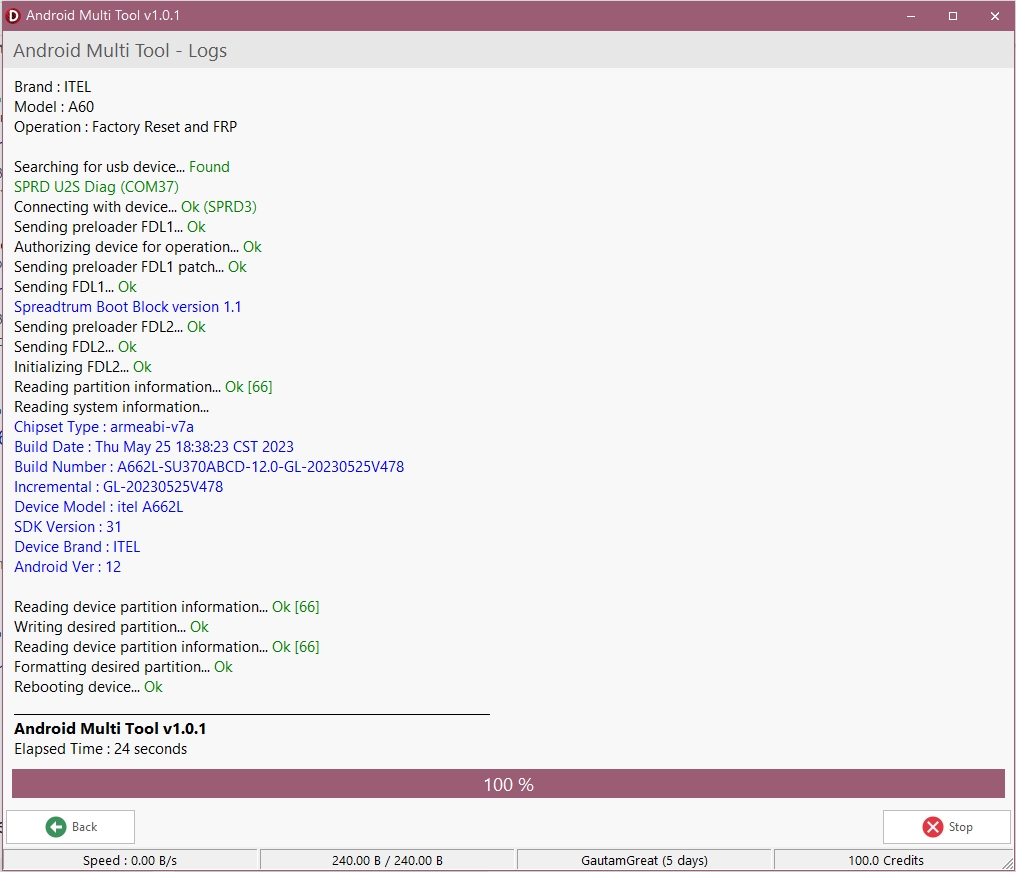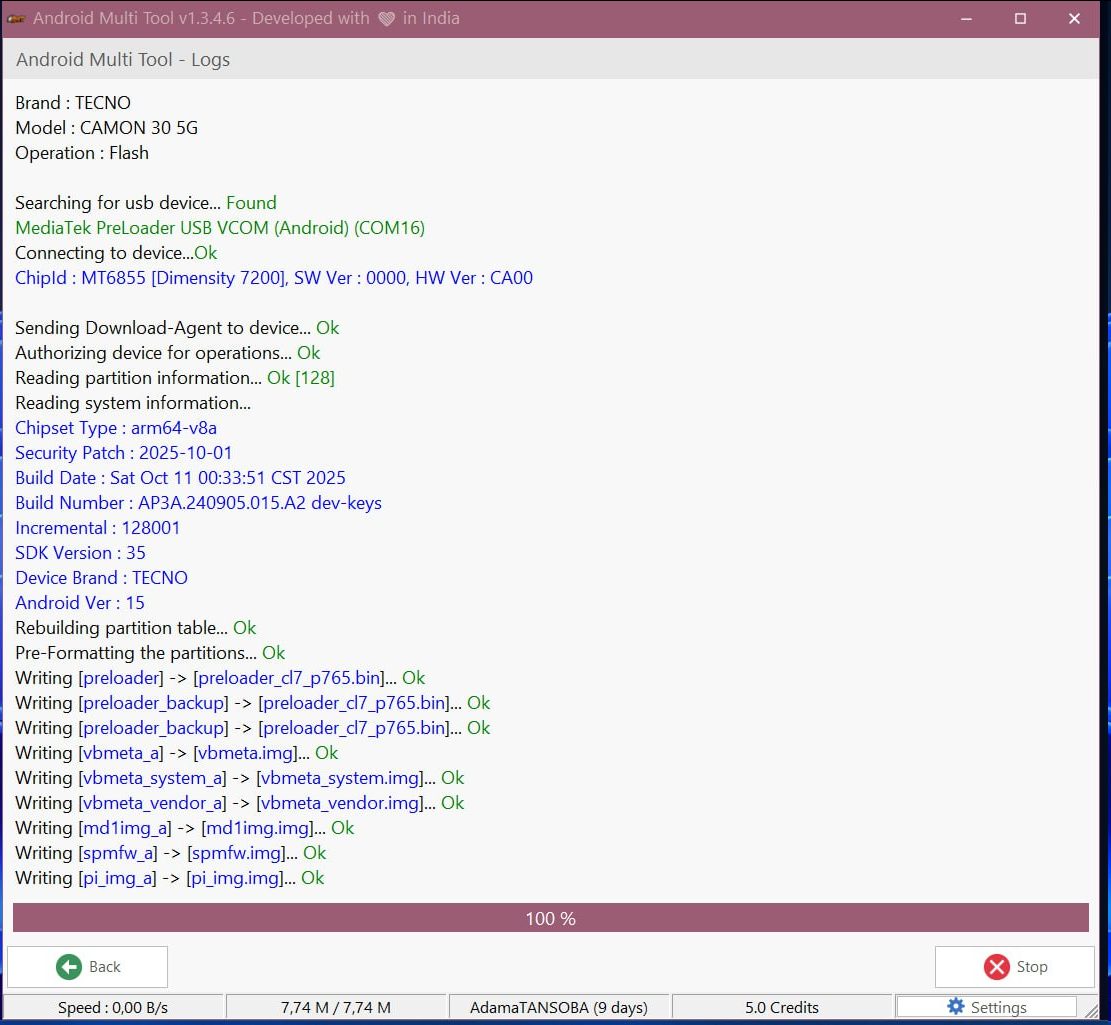
If you’re a mobile technician, repair shop owner, or even a DIY Android user, you know how essential a reliable unlocking and repair tool is. The AMT 1 Year Activation (Android Multi Tool) is one of the most advanced software solutions in the mobile repair world — designed to simplify FRP unlocks, network unlocking, IMEI repairs, and flashing operations.

With its powerful features, AMT allows users to handle multiple Android device brands using one tool — saving both time and cost. In this post, we’ll explore everything you need to know about AMT 1 Year Activation, including setup, activation, key features, and troubleshooting.
What is AMT 1 Year Activation and Why It Is Needed
AMT 1 Year Activation is a premium license for the Android Multi Tool (AMT) software that provides users access to advanced unlocking and servicing features for a full year.
It is particularly useful for:
- Mobile repair shops offering FRP, IMEI, and network unlocking services.
- Technicians who handle multiple Android devices daily.
- Individual users who want to unlock or repair their devices securely.
Why You Need AMT 1 Year Activation:
- Access all premium features for 12 months.
- Regular updates and tool enhancements.
- Support for the latest Android models and brands.
- Cost-effective compared to pay-per-service tools.
Key Features of AMT 1 Year Activation (Latest Version)
Here are the top features that make AMT 1 Year Activation stand out in 2025:
1. Universal Android Unlocking
Easily unlock FRP (Factory Reset Protection) locks on Samsung, Xiaomi, Vivo, Oppo, and more.
2. Network Unlock
Remove network locks for multiple carriers and make your phone usable with any SIM card.
3. IMEI Repair and Fix
Repair, restore, or write IMEI numbers securely without complicated flashing procedures.
4. Fast Flashing & Reset Options
Supports firmware flashing, pattern removal, and screen lock bypass with one click.
5. Cloud-Based License
Use your AMT 1 Year Activation key on multiple PCs (one at a time) — cloud activation makes it convenient and secure.
6. Regular Updates
Stay ahead with the latest AMT 1 Year Activation update — ensuring new device support and improved performance.
7. User-Friendly Interface
Even beginners can use the AMT software without needing coding or technical expertise.
Supported Devices and Brands
AMT supports hundreds of Android models from various manufacturers, including:
| Brand | Supported Functions |
|---|---|
| Samsung | FRP Unlock, Network Unlock, Flash, IMEI Repair |
| Xiaomi | FRP Unlock, Mi Account Remove, Flash |
| Vivo | FRP & Pattern Unlock, Reset User Lock |
| Oppo | Network Unlock, FRP Bypass |
| Huawei | ID Remove, FRP Unlock |
| Realme | Flashing & Unlocking |
| Tecno / Infinix | Factory Reset, FRP Unlock |
| Others | Support for 3000+ Android models |
FRP unlock tool download and Installation Process
Step-by-Step Installation Guide
Follow these simple steps to install Android Multi Tool (AMT) and activate your license:
- Download the setup file from the official or verified distributor website.
- Extract the file using WinRAR or 7-Zip.
- Run the installer and follow the on-screen instructions.
- Install necessary drivers (ADB & Fastboot) when prompted.
- After installation, launch the AMT software.
How to Register and Activate
- Purchase the AMT 1 Year Activation key from an authorized Reseller.
- Open the AMT software.
- Go to Activation / Registration tab.
- Enter your activated email and click Login.
- Wait for confirmation — once verified, your tool is active for 1 year.
💡 Tip: Save your activation details securely. You can re-use them in case of a PC reset or reinstallation.
How to Use AMT 1 Year Activation
AMT offers multiple powerful modules. Here’s how you can use them effectively:
1. FRP Unlock Tool
- Connect your Android device via USB.
- Select brand and model.
- Click “FRP Unlock” — the process completes automatically.
- Reboot your device once done.
2. Network Unlock
- Insert a SIM card from a different carrier.
- Open AMT → “Network Unlock” section.
- Click “Start Unlock” and follow prompts.
3. IMEI Repair and Other Services
- Go to Repair / Write IMEI tab.
- Enter the correct IMEI and click “Repair”.
- AMT will automatically detect your device and complete the operation.
Other tools include:
- Device Info
- Factory Reset
- Firmware Flashing
- Bootloader Unlock
Comparison with Other Tools
| Tool Name | License Duration | Supported Brands | FRP/IMEI/Network Unlock | Ease of Use |
|---|---|---|---|---|
| AMT (Android Multi Tool) | 1 Year | 3000+ | ✅ Full Support | ⭐⭐⭐⭐⭐ |
| UMT Dongle | Lifetime | 2000+ | ✅ Partial | ⭐⭐⭐ |
| MRT Tool | 6 Months | 1500+ | ✅ Full | ⭐⭐⭐⭐ |
| EFT Pro | 1 Year | 2000+ | ✅ Partial | ⭐⭐⭐⭐ |
✅ Verdict: AMT 1 Year Activation provides the best balance of features, pricing, and reliability.
Safety Tips and Legal Considerations
While using AMT:
Troubleshooting Common Errors
| Issue | Cause | Solution |
|---|---|---|
| “Activation Failed” | Wrong license key or network error | Recheck your code and ensure stable internet |
| Device Not Detected | Missing drivers | Install Android USB drivers and restart AMT |
| FRP Unlock Not Working | Outdated version | Update to latest AMT version |
| IMEI Repair Fails | Missing root permissions | Ensure device is rooted (if required) |
Pricing and Subscription Plans
| Plan | Duration | Features | Price (Approx.) |
|---|---|---|---|
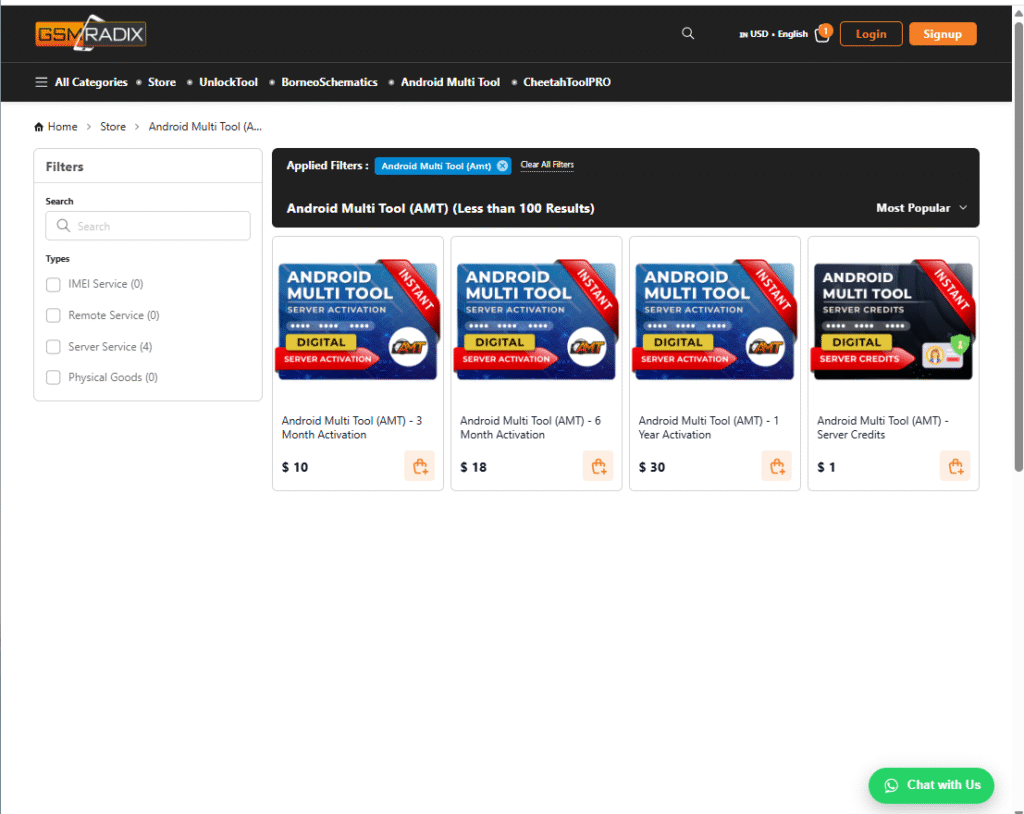
| Basic | 3 Months | FRP, Network Unlock | 10$ |
| Professional (Recommended) | 6 Months | FRP, IMEI, Network, Flash | 20$ |
| Enterprise | 12 Months | Full Access + Priority Support | 30$ |
Contact via WhatsApp or Telegram for bulk or Reseller discounts.
FAQs
Q1. What is AMT 1 Year Activation?
It’s a 12-month license for Android Multi Tool that unlocks all premium functions for technicians and users.
Q2. Can I transfer my license to another PC?
Yes, AMT 1 Year Activation allows reactivation on a new system (with verification).
Q3. Does AMT support all Android versions?
Yes, it supports Android 5.0 to Android 14 (latest).
Q4. How do I get updates?
The tool automatically checks for updates or you can download the latest AMT update manually.
Q5. Is AMT safe to use?
Yes, as long as you download from authorized sources.
Final Thoughts
The AMT 1 Year Activation is an all-in-one Android servicing solution built for both beginners and professionals. With its easy interface, multi-brand support, and regular updates, it’s one of the most dependable mobile unlock and repair tools in 2025.
If you want to unlock, repair, or flash Android phones, AMT should be your go-to tool.
Why Buy from GsmRadix
- 100% genuine and verified firmware
- Official download mirror of AMT 12 months
- Instant auto-delivery 24/7
- Secure checkout with fast technical support