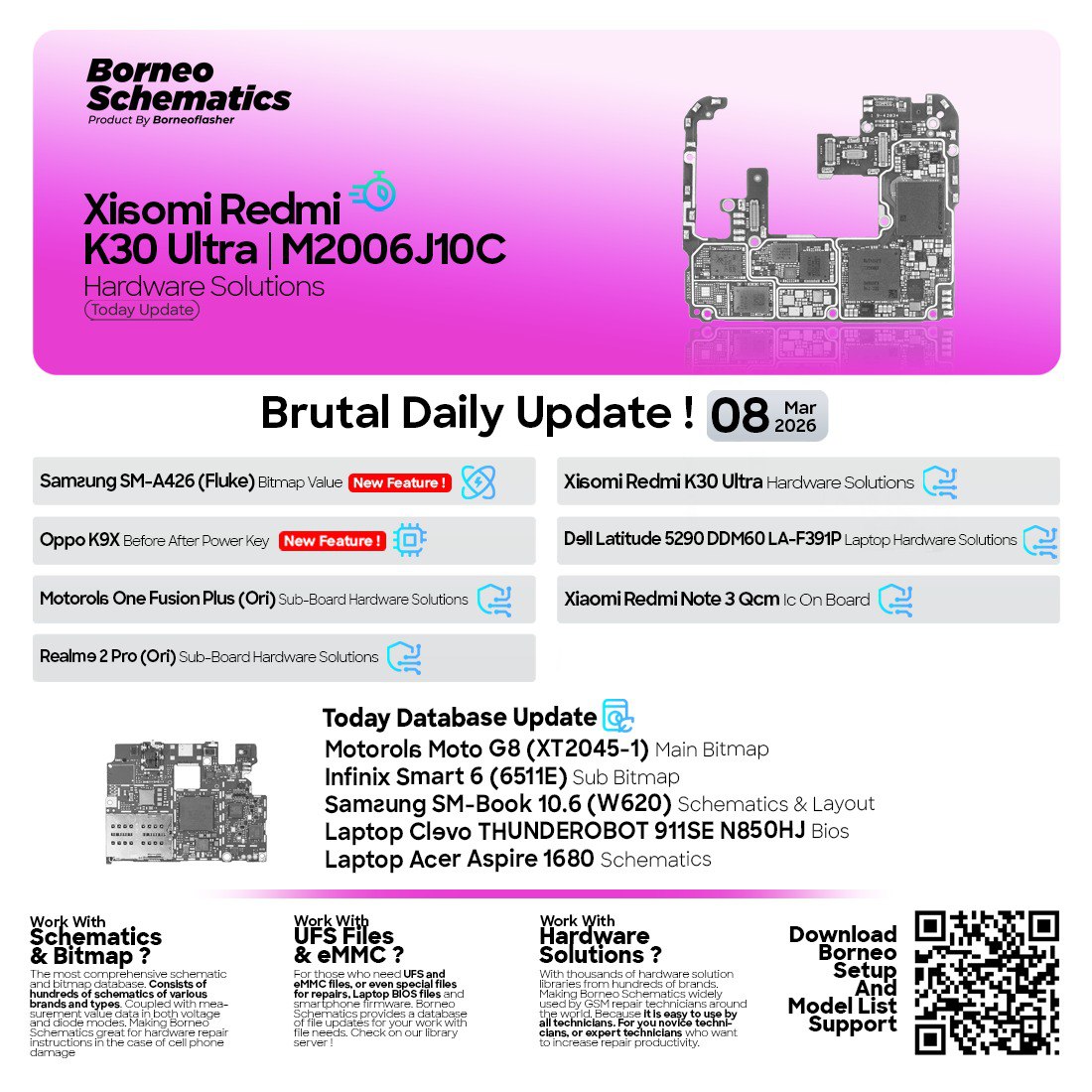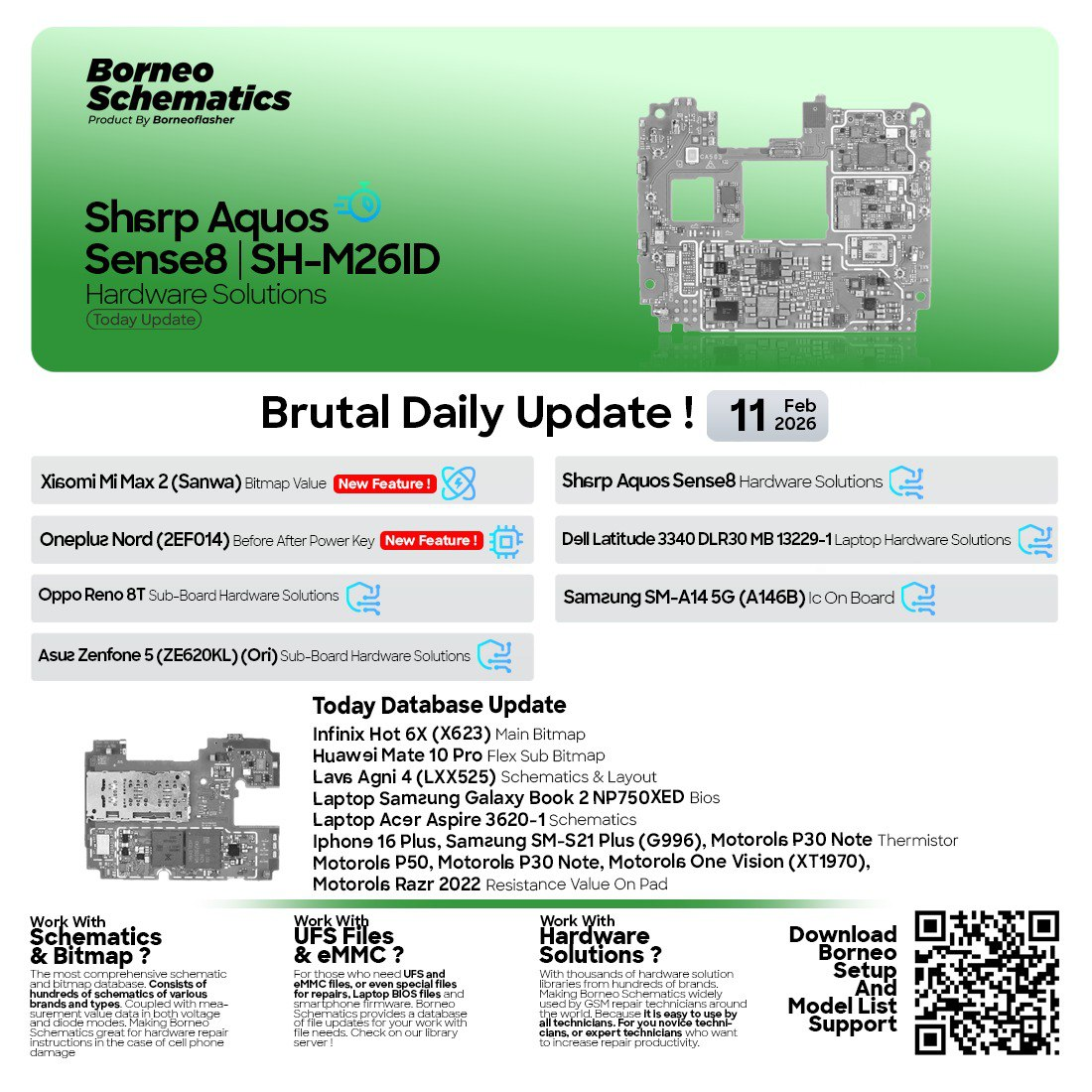
In today’s fast-paced world of mobile and laptop repairs, having the latest schematics and hardware diagrams is essential for every technician. Whether you’re working on Xiaomi 14, Samsung Galaxy M23, Vivo V40, or Acer laptops, quick access to accurate circuit diagrams and layouts can save hours of troubleshooting.
That’s where Borneo Schematics Daily Update comes in. It’s not just a tool — it’s the ultimate solution for technicians and repair shops who want daily updates of schematics, bitmaps, boardviews, and IC diagrams for thousands of supported devices.
If you repair smartphones or laptops professionally (or even as a hobby), this tool can drastically boost your repair success rate and help you deliver results faster than ever.
What is Borneo Schematics Daily Update and Why It Is Needed
Borneo Schematics Daily Update is a subscription-based software platform that provides daily updated schematics, hardware solutions, boardviews, and bitmaps for a wide range of mobile phones, tablets, and laptops.
Unlike traditional PDF schematics or random shared diagrams online, Borneo provides:
- High-quality bitmap views and tested schematics
- Daily update of new models and repair solutions
- Fast search with model number or IC name
- Professional-grade accuracy for hardware repairs
Why it’s needed:
- Mobile phone PCB and laptop motherboard designs change frequently.
- Technicians require updated reference diagrams for precise troubleshooting.
- Finding accurate and verified schematics online can be time-consuming or unreliable.
- Borneo centralizes all data in one easy-to-access software.


Key Features of Borneo Schematics Daily Update (Latest Version
The latest version of Borneo Schematics Daily Update comes with powerful features designed to make hardware repair easier and more efficient.
Main Features
- Daily Update System: Get new models, updated solutions, and fresh diagrams every single day.
- Advanced Search Filter: Search by brand, model, component, or IC code.
- Offline Mode: Download schematics and access them without an internet connection.
- Bitmap and Boardview Support: Visualize PCB tracks, sub boards, and test points clearly.
- Secure Access: Encrypted access and verified accounts ensure only legitimate users benefit.
- FRP & Network Unlock Guide Integration: Step-by-step instructions for common repairs.
- Technician Friendly UI: Easy to navigate, even for beginners.
What’s New in the Latest Update
- Support added for Xiaomi 14 Hardware Solution
- OPPO A98 Power Key Problem diagram update
- Vivo V40 Sub Board Solution
- Infinix Note 8 X692 Sub Board layout
- Acer B75H2-AD BIOS schematic
- Samsung Galaxy M23 and SM-A236 Bitmap files
Supported Devices and Brand
Borneo Schematics Daily Update supports thousands of models across top global brands. Below are just some of the popular categories.
| Category | Popular Models / Examples | Features Included |
|---|---|---|
| Smartphones | Xiaomi 14, OPPO A98, Vivo V40, Infinix Note 8 X692 | Sub-board solutions, bitmaps, IC diagrams |
| Laptops | Acer Aspire VN7-592G, Acer B75H2-AD, Quanta Z09A | Full schematics, BIOS files, layout |
| Samsung | SM-A236, M23, i8262 | Bitmap + power section diagram |
| Others | Vivo Y19s, Vivo X27 Pro | Sub Bitmap & charging section repair |
And many more — including Realme, Huawei, Nokia, Apple, Dell, HP, Asus, and Lenovo.
Download and Installation Process
Getting started with Borneo Schematics Daily Update is simple and beginner-friendly. You don’t need to be a tech wizard to set it up.
Step-by-Step Installation Guide
- Download the latest Borneo Schematics setup file from the official website or authorized resellers.
- Extract the ZIP file and run the
setup.exefile. - Follow the on-screen instructions to install the software.
- Once installed, launch the application from your desktop.
How to Register and Activate
- Open the Borneo Schematics software.
- Click on “Register New Account.”
- Enter your full name, email address, and contact number.
- Verify your email.
- Activate your license key (purchased from an official seller or reseller).
- Once activated, you can access the daily updated database.
Tip: For activation help, you can directly contact the support team on WhatsApp or Telegram.
How to Use Borneo Schematics Daily Update (For Owners and Technicians)
Borneo is designed for both individual users and professional repair shops. The interface is clean, intuitive, and extremely practical.
FRP Unlock
- Search the device model.
- Open the FRP section for that model.
- Follow step-by-step unlock procedures.
- Access schematics related to FRP points.
Network Unlock
- View network section diagrams.
- Use bitmap to trace network components.
- Apply jumper solutions or replace faulty parts.
IMEI Repair and Other Services
- Locate IMEI IC or modem section using bitmap.
- Identify damage and repair quickly.
- Follow official guides for clean repairs.
Hardware Troubleshooting with Bitmap
- Use bitmap diagrams to trace components.
- Quickly find power key, charging, or network issues.
- Example: OPPO A98 Power Key problem is solved with updated bitmap.
Comparison with Other Tools
| Feature | Borneo Schematics | Other Tools |
|---|---|---|
| Daily Updates | Yes | Limited |
| Mobile + Laptop Support | Wide | Partial |
| Bitmap + Boardview | Included | No |
| Offline Mode | Available | Limited |
| Price | Affordable | High |
| Support | Fast (Telegram/WhatsApp) | Slow or None |
Borneo clearly offers the best value for both beginners and professionals.
Safety Tips and Legal Considerations
- Always download from trusted sources to avoid pirated or infected files.
- Never share your license — it may lead to permanent suspension.
- Use schematics for legitimate repair services only.
- Avoid bypassing security locks illegally. Respect local and international repair laws.
Troubleshooting Common Errors
| Issue | Cause | Solution |
|---|---|---|
| “Login Failed” | Wrong credentials or expired key | Recheck email/password or renew your license |
| Software not opening | Corrupted installation or antivirus block | Reinstall or whitelist the app |
| Models not showing | Internet connection or server issue | Check connection or wait for server sync |
| Bitmap loading slowly | Old version or low RAM | Update software and close background apps |
Pricing and Subscription Plans
Borneo Schematics offers flexible subscription plans suitable for both individual users and repair shops.
| Plan Type | Duration | Access Level | Price (Approx.) |
|---|---|---|---|
| Basic Plan | 6 Months | Mobile only | Affordable |
| Standard Plan | 1 Year | Mobile + Laptop | Medium |
| Premium Technician | 1 Year + Bonus | All access + Priority Support | High |
Special offers may be available for bulk activations or authorized resellers.
Frequently Asked Questions (FAQs)
Q1: What is Borneo Schematics Daily Update?
It is a software platform that provides daily updated schematics, boardviews, bitmaps, and solutions for mobile phones and laptops.
Q2: How often are updates released?
Updates are released daily, covering new devices and hardware solutions.
Q3: Does it support laptops as well?
Yes. Borneo supports both smartphones and laptops, including Acer, Asus, HP, Dell, and more.
Q4: Can I use Borneo Schematics offline?
Yes. You can download files for offline use after logging in.
Q5: Is the software legal to use?
Yes. It is legal when used for legitimate repair purposes.
Q6: How do I contact support?
You can contact via WhatsApp or Telegram for instant activation and support.
Schema Markup (Recommended)
- HowTo Schema: For installation and activation steps.
- FAQPage Schema: For the FAQ section.
- SoftwareApplication Schema: For the Borneo Schematics software details.
Internal & External Link Suggestions
Internal Links (Your Website):
External Links:
Final Thoughts + Download / Contact / Subscribe CTA
Borneo Schematics Daily Update is more than just another tool — it’s a lifeline for mobile and laptop technicians who need the latest schematics and solutions fast. With its daily updates, bitmap views, and wide device coverage, Borneo is trusted by thousands of repair shops globally.
Why Buy from GsmRadix
- 100% genuine and verified firmware
- Official download mirror of Borneo 3 Months
- Instant auto-delivery 24/7
- Secure checkout with fast technical support