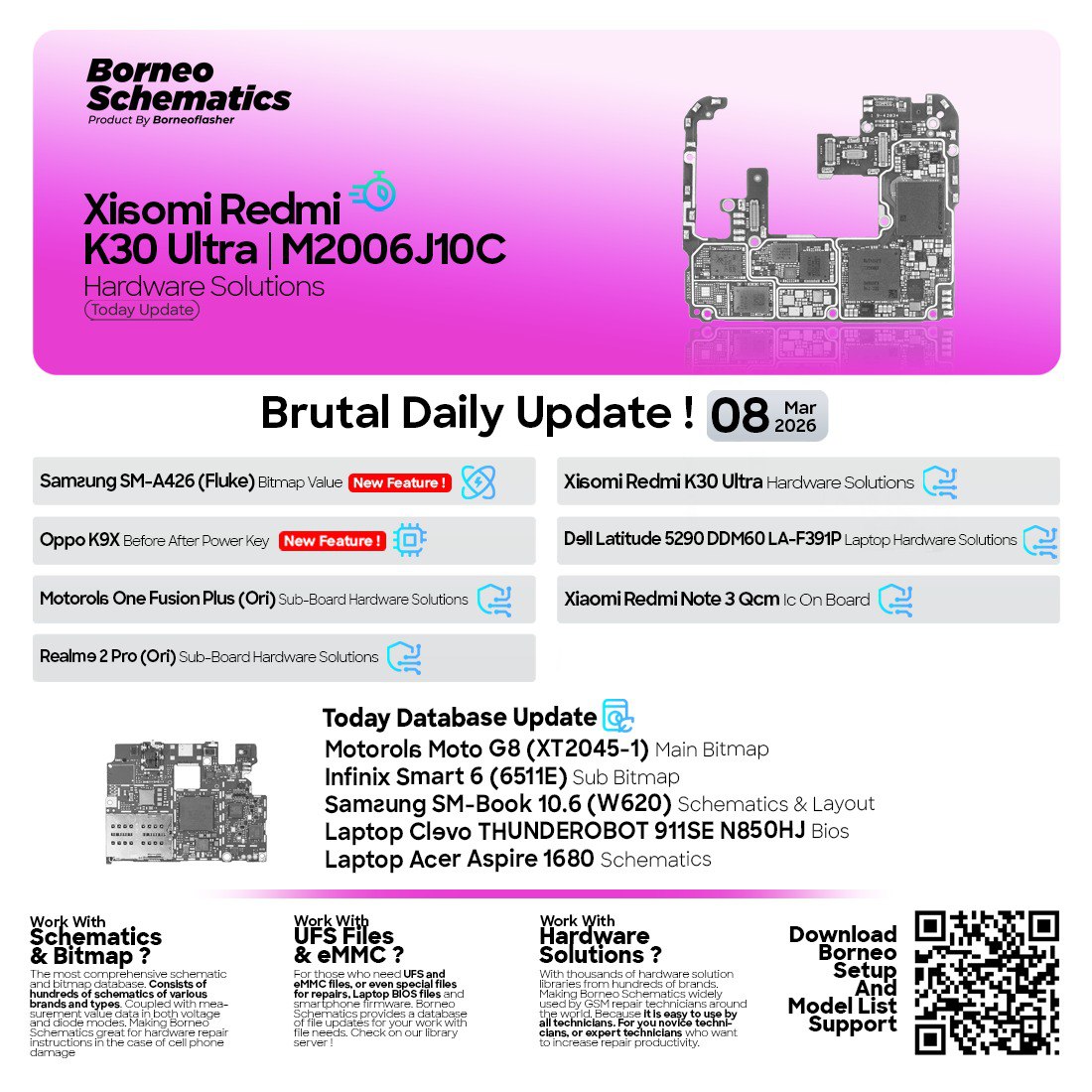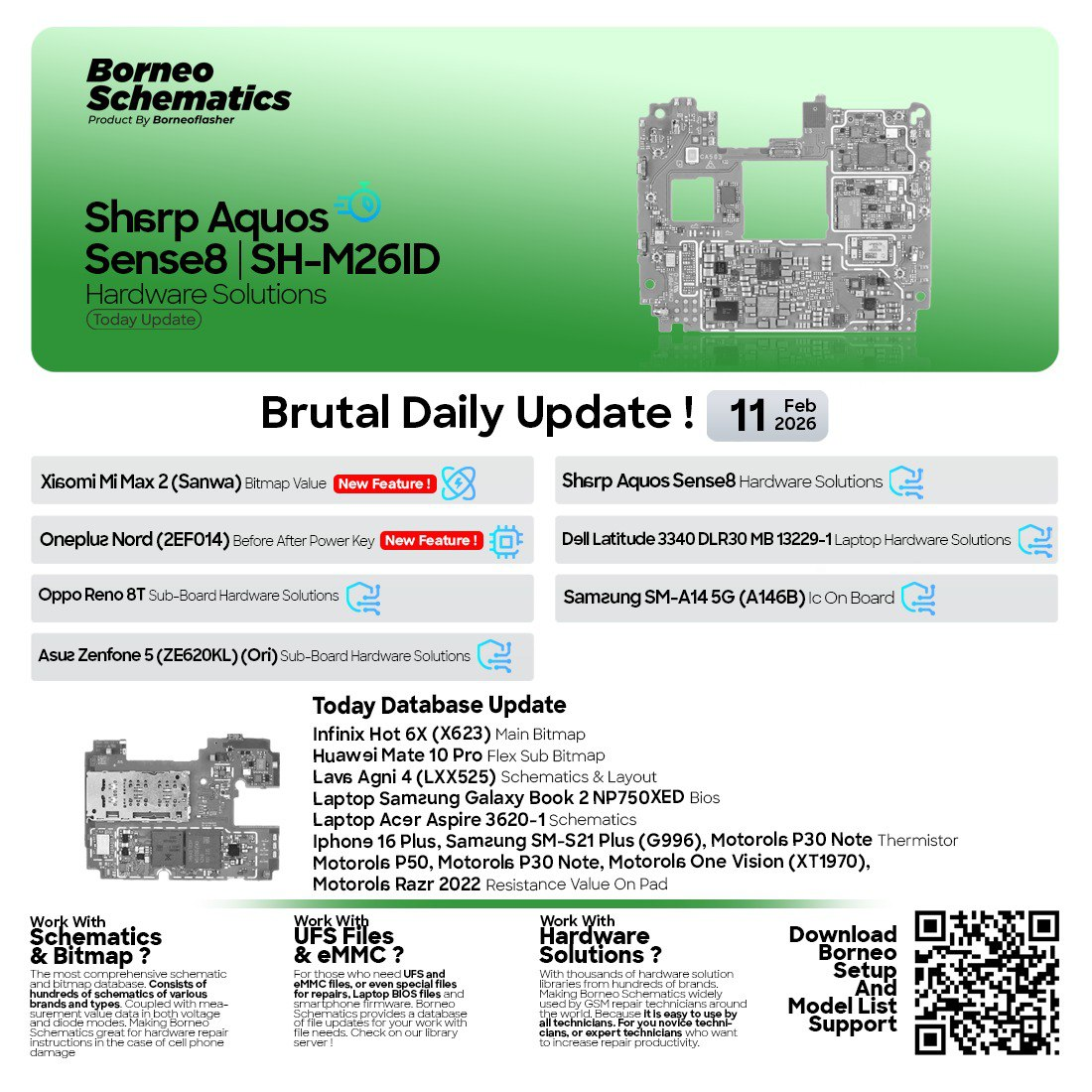
In the fast-growing world of mobile and laptop repair, staying updated with the latest hardware solutions is crucial. Whether you are an individual repair engineer or running a professional service center, having the right schematic tools can save hours of troubleshooting time.
That’s where the Borneo Schematics Daily Update plays a key role — providing updated diagrams, layouts, and BIOS data for thousands of devices across major brands.
This article covers everything you need to know about the Borneo Schematics Daily Update, including its features, download guide, usage instructions, supported brands, and pricing — all explained in a simple and professional way.
What is Borneo Schematics Daily Update and Why It Is Needed
Borneo Schematics Daily Update is a professional-grade software and database that provides technicians with up-to-date mobile and laptop hardware schematics. It includes board layouts, IC placements, circuit connections, voltage lines, and more.
Why Technicians Need It:
- Helps identify short circuits and missing connections.
- Simplifies component-level diagnosis and repair.
- Reduces turnaround time for motherboard-level work.
- Regularly updated with new schematics for the latest smartphone and laptop models.
- Trusted by thousands of technicians and repair centers worldwide.
In short, Borneo Schematics acts as a complete digital library for any repair technician looking to deliver professional-level results efficiently.


Key Features of Borneo Schematics Daily Update (Latest Version)
The latest version of Borneo Schematics Daily Update introduces advanced features designed to make the repair process faster, more accurate, and more intuitive.
Main Highlights:
- Extensive Database Access
Access thousands of schematics, layouts, and circuit diagrams for both mobile and laptop devices. - Regular Daily Updates
Receive fresh updates every day with new device models and hardware solutions. - High-Resolution Diagrams
Each schematic is clear, zoomable, and labeled for easy understanding. - Cross-Platform Compatibility
Works on most Windows PCs and laptops used in repair shops. - Offline Access Option
Download schematics for offline viewing to save bandwidth and time. - Easy Search and Navigation
Quickly find devices using search filters by model, brand, or chipset. - Technician-Friendly Interface
Designed for simplicity — even beginners can use it effectively.
Supported Devices and Brands
The Borneo Schematics Daily Update covers a wide range of mobile and laptop brands, ensuring comprehensive support for repair professionals.
Mobile Brands:
- Xiaomi (e.g., Xiaomi Redmi Note 14 4G schematic)
- Tecno (Tecno Spark 30C hardware solution)
- Huawei (Huawei Honor 9X Pro bitmap value)
- Infinix (Infinix Zero 20 sub board layout)
- Oppo (Oppo F15 main bitmap)
- Motorola (Motorola Edge 60 Neo schematic)
- ZTE / Nubia (Nubia RedMagic 6S Flex Pro bitmap)
Laptop Brands:
- Lenovo (Lenovo E40 BIOS dump)
- Acer (Acer Quanta ZHP-ZSP schematic)
- Apple (MacBook Unibody 2008 schematic)
- HP, Dell, Asus, and others
Each update release adds multiple devices, ensuring the tool remains up to date with the latest models.
Download and Installation Process
Getting started with Borneo Schematics Daily Update is straightforward. Follow this step-by-step guide to install and activate it on your system.
Step-by-Step Installation Guide
- Download the latest version
Visit the official or authorized reseller website to get the installer file for the latest version. - Extract and Run Installer
Unzip the downloaded file and run the setup as Administrator. - Complete Installation
Follow the on-screen instructions and choose your preferred installation directory. - Launch the Software
Once installed, open the Borneo Schematics application from your desktop or Start Menu. - Log In or Register
You’ll need a valid account to access the database.
How to Register and Activate
- Open the software and click “Register New Account.”
- Enter your basic details including email, phone number, and country.
- You will receive a verification code or activation key.
- Enter the key in the software to activate your license.
- Once
activated, you can start downloading and viewing schematics immediately.
If you purchased the software through an official reseller, they can assist with license activation via WhatsApp or Telegram support.
How to Use Borneo Schematics Daily Update
Once installed, using the software is simple and efficient. It’s designed for both individual users and professional repair centers.
For Mobile Technicians
- Search by phone model or chipset.
- Open schematic and zoom into specific sections (Power IC, CPU, Charging Section, etc.)
- Identify and repair faults like short lines, missing resistors, or broken circuits.
For Laptop Repair Engineers
- Access BIOS files and motherboard diagrams.
- Diagnose issues like power failure, charging problems, or shorted components.
- Refer to schematics for models like Lenovo E40, MacBook Unibody 2008, and Acer Quanta ZHP-ZSP.
Special Functionalities
1. FRP Unlock Support
Certain schematics include information useful for FRP unlock procedures by identifying boot points and test points.
2. Network Unlock Assistance
Locate the RF section or baseband area on the board for network-related faults.
3. IMEI Repair and Other Services
With proper knowledge, schematics help identify pathways and components essential for IMEI, Wi-Fi, and Bluetooth repairs.
Comparison with Other Tools
| Feature | Borneo Schematics Daily Update | Other Tools |
|---|---|---|
| Daily Updates | Yes | Weekly or Monthly |
| Mobile + Laptop Support | Yes | Often limited |
| Bitmap & Layout | Available | Partial |
| Offline Access | Supported | Limited |
| Technical Support | Active Telegram & WhatsApp | Limited Channels |
Borneo clearly stands out for its frequent updates, device coverage, and strong community support.
Safety Tips and Legal Considerations
While using Borneo Schematics Daily Update, always ensure:
- You download only from verified or authorized sources.
- Avoid using cracked versions — they can contain malware or outdated schematics.
- Use the tool for legitimate repair work only, not for bypassing security locks illegally.
- Keep your antivirus and system updated to prevent data loss.
Troubleshooting Common Errors
Here are some frequently faced issues and their quick fixes:
| Error | Possible Cause | Solution |
|---|---|---|
| Login failed | Wrong credentials | Reset your password via email |
| Database not loading | Internet issue | Check network and restart app |
| Activation key invalid | Wrong entry or expired license | Contact official reseller |
| Blank schematic window | Missing library file | Reinstall or update software |
If problems persist, connect with the official support via Telegram or WhatsApp for quick help.
Pricing and Subscription Plans
The Borneo Schematics Daily Update offers flexible subscription models suitable for individual users and teams.
| Plan Type | Duration | Access | Support |
|---|---|---|---|
| Basic Plan | 3 Month | All Schematics | Email Support |
| Standard Plan | 6 Months | All Devices | WhatsApp Support |
| Professional Plan | 12 Months | Full Access + Priority Updates | Telegram + WhatsApp |
Special discounts are often available for repair shops and resellers.
FAQs
Q1. What is Borneo Schematics Daily Update?
It is a daily updated database for mobile and laptop schematics, BIOS, bitmaps, and layouts used by technicians for hardware-level repairs.
Q2. Can I use Borneo Schematics offline?
Yes. You can download schematics for offline use after activation.
Q3. Is this tool safe and legal to use?
Yes, it’s completely safe and legal when used for legitimate hardware repair work.
Q4. How often are updates released?
Updates are released daily with new models added every 24 hours.
Q5. Does it support both mobile and laptop schematics?
Absolutely. It includes thousands of models from both mobile and laptop categories.
Q6. How do I renew my license?
Contact your reseller or the official Telegram support to renew your plan instantly.
Final Thoughts
The Borneo Schematics Daily Update has become an essential companion for repair professionals. It not only saves time but also enhances accuracy and customer satisfaction. With its vast collection of mobile and laptop schematics — including Xiaomi Redmi Note 14 4G schematic, Lenovo E40 BIOS dump, MacBook Unibody 2008 schematic, and many more — it remains the go-to tool for technicians worldwide.
If you are serious about hardware repair, don’t settle for outdated resources. Upgrade today and get access to the latest Borneo Schematics Daily Update.
Download & Contact
- Download Now: Visit the official Borneo Schematics website or authorized reseller page.
- Support via WhatsApp: Contact the support team for activation and installation help.
- Join Telegram Channel: Receive instant notifications for new schematic releases.
- Subscribe to Newsletter: Stay updated with new models and repair tutorials.
Why Buy from GsmRadix
- 100% genuine and verified firmware
- Official download mirror of Borneo 3 Months 1pc
- Instant auto-delivery 24/7
- Secure checkout with fast technical support