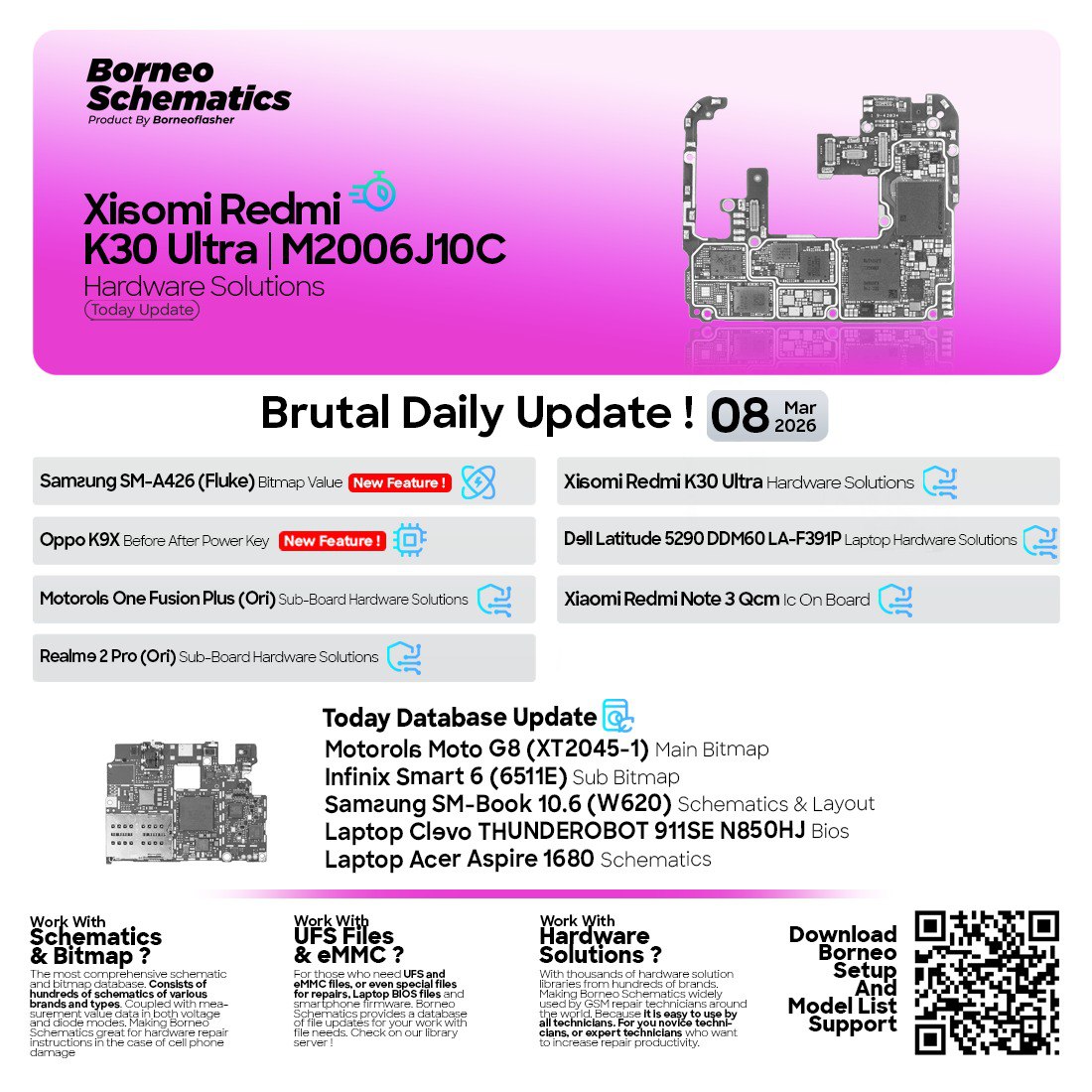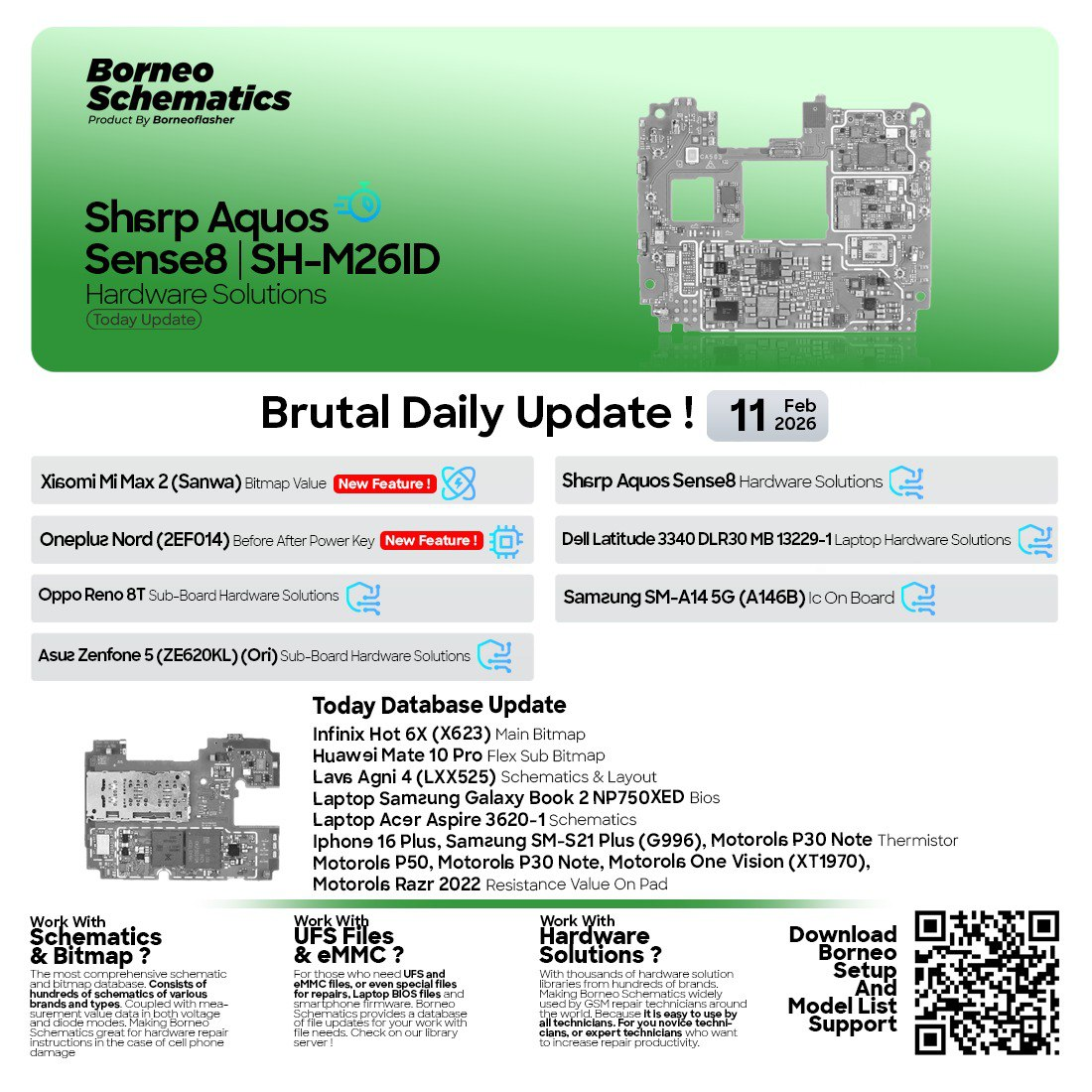
In today’s fast-moving mobile and laptop repair industry, having accurate and up-to-date hardware schematics is no longer optional—it is essential. Whether you are an independent repair technician, a professional repair shop, or a user learning advanced phone repair, access to reliable schematic data can save time, prevent mistakes, and increase success rates.
The Borneo Schematics Daily Update has emerged as one of the most trusted solutions for technicians who need daily updated hardware schematics, bitmap values, layouts, and board-level repair data. With consistent updates covering smartphones, feature phones, and laptops, this tool is becoming a standard reference in the repair community.
This article provides a complete, in-depth guide to the Borneo Schematics Daily Update 2025, including features, supported devices, installation steps, usage methods, safety considerations, pricing, and FAQs. The goal is to help both beginners and professionals understand why this tool is critical for modern repair work.


What is Borneo Schematics Daily Update and Why It Is Needed
Understanding Borneo Schematics Daily Update
The Borneo Schematics Daily Update is a professional software platform that delivers regularly updated mobile and laptop hardware schematics. These updates include:
- Board schematics
- Bitmap values
- Sub-board layouts
- Power, charging, and signal line diagrams
- IC-level reference data
The Best Borneo Schematics Daily Update 2025 focuses on real-world repair needs rather than theoretical documentation. This makes it extremely useful for technicians working on dead phones, no power issues, charging faults, display problems, and motherboard-level repairs.
Why Daily Updates Matter
Modern smartphones and laptops change rapidly. New revisions, board changes, and hardware variations appear frequently. Static schematic databases quickly become outdated.
The Borneo Schematics Daily Update solves this problem by providing frequent updates, including:
- Newly released phone models
- Revised board versions
- Latest laptop motherboards
- Updated bitmap values for troubleshooting
This is why repair professionals prefer a Borneo Hardware Schematics Update over old offline PDF collections.
Key Features of Borneo Schematics Daily Update (Latest Version)
The Borneo Schematics Daily Update 2025 offers a wide range of features designed for efficiency, accuracy, and professional use.
1. Daily Hardware Schematics Updates
- Continuous addition of new mobile and laptop models
- Updated board layouts and bitmap values
- Coverage for China, Global, and regional variants
2. Mobile and Laptop Support
- Smartphones, feature phones, and tablets
- Laptop motherboard schematics and BIOS layouts
- Ideal for mixed repair shops
3. Professional Bitmap and Layout Viewer
- Clear signal tracing
- Power line and component-level reference
- Simplified board analysis
4. Technician-Oriented Interface
- Easy navigation by brand and model
- Fast search for specific boards
- Optimized for repair workflow
5. Compatible with Unlocking and Repair Workflows
- Works alongside mobile unlock program tools
- Useful for phone unlock app diagnostics
- Supports IMEI repair and hardware fault tracing
6. Trusted by Repair Professionals
- Widely used in mobile repair training centers
- Recommended for advanced board repair
Supported Devices and Brands
One of the biggest strengths of Mobile Laptop Schematics Borneo is its wide device coverage.
Supported Smartphone Brands
- Samsung
- OPPO
- Vivo
- Xiaomi / Redmi
- Realme
- Tecno
- Infinix
- Lenovo
- Apple (schematic-level references)
Supported Laptop Brands
- HP (EliteBook, ProBook series)
- Dell (Latitude, Inspiron series)
- Lenovo ThinkPad and IdeaPad
Coverage Includes
- Mainboard schematics
- Sub-board diagrams
- Charging and power sections
- Signal and communication lines
The Smartphone Laptop Schematic Update ensures that technicians can work on both mobile and computer repairs using a single ecosystem.
Download and Installation Process
System Requirements
- Windows OS (Windows 10 or later recommended)
- Minimum 4GB RAM (8GB preferred)
- Stable internet connection for updates
Step-by-Step Installation Guide
- Visit the official Borneo software source or authorized distributor
- Download the latest Borneo Schematics Daily Update 2025 installer
- Disable antivirus temporarily if required
- Run the installer as administrator
- Complete installation and restart the system
How to Register and Activate
- Open the software after installation
- Click on the registration or activation section
- Enter your license or account credentials
- Complete online verification
- Restart software to apply activation
For professional shops, bulk or multi-system activation options are often available.
How to Use Borneo Schematics Daily Update (For Owners and Technicians)
For Individual Users
- Learn hardware layouts and board structure
- Understand power and charging sections
- Improve troubleshooting knowledge
For Professional Technicians
- Diagnose no power, dead boot, and short issues
- Trace signal paths using bitmap references
- Perform advanced board-level repairs
IMEI Repair and Other Services
While Borneo Schematics Daily Update itself focuses on schematics, it is commonly used alongside:
- Mobile unlock program tools
- Phone unlock app solutions
- IMEI repair software
This combination allows technicians to perform both software and hardware repairs efficiently.
Comparison with Other Tools
| Feature | Borneo Schematics Daily Update | Offline PDF Schematics | Generic Online Databases |
|---|---|---|---|
| Daily Updates | Yes | No | Limited |
| Mobile + Laptop | Yes | Mostly Mobile | Mixed |
| Bitmap Values | Yes | Rare | Inconsistent |
| Professional Use | High | Medium | Low |
| Support & Updates | Regular | None | Unreliable |
The Borneo Daily Hardware Solutions platform clearly stands out for technicians who rely on accuracy and updates.
Safety Tips and Legal Considerations
- Always use schematics for educational and repair purposes only
- Follow local laws regarding IMEI repair and unlocking
- Avoid unauthorized resale or redistribution of software
- Ensure customer consent before performing hardware modifications
Using Borneo Schematics Daily Update responsibly protects both technicians and customers.
Troubleshooting Common Errors
Software Not Opening
- Run as administrator
- Check antivirus exclusions
Update Not Downloading
- Verify internet connection
- Check firewall settings
Activation Failed
- Confirm license validity
- Contact official support or reseller
Missing Models
- Ensure latest Borneo Schematics Update December 23 2025 is installed
Pricing and Subscription Plans
Pricing varies depending on:
- Duration (monthly, yearly)
- Usage type (individual or shop)
- Region and reseller
Most technicians prefer yearly plans for uninterrupted Borneo Schematics Daily Update 2025 access.
For exact pricing, contact an authorized distributor via WhatsApp or Telegram.
Frequently Asked Questions (FAQs)
What is Borneo Schematics Daily Update?
It is a professional tool that provides daily updated mobile and laptop hardware schematics.
Is it suitable for beginners?
Yes. The interface and structured layouts make it beginner-friendly.
Does it support laptops?
Yes. Many HP, Dell, and Lenovo boards are supported.
Can it be used with unlock tools?
Yes. It complements mobile unlock program and phone unlock app workflows.
Is registration mandatory?
Yes. Activation is required for updates and full access.
Final Thoughts – Download and Get Started Today
The Borneo Schematics Daily Update has become a critical resource for modern mobile and laptop repair work. With daily updates, professional-grade schematics, and wide device coverage, it delivers unmatched value for both individuals and repair shops.
Why Buy from GsmRadix
- 100% genuine and verified firmware
- Official download mirror of UnlockTool 3 months
- Instant auto-delivery 24/7
- Secure checkout with fast technical support