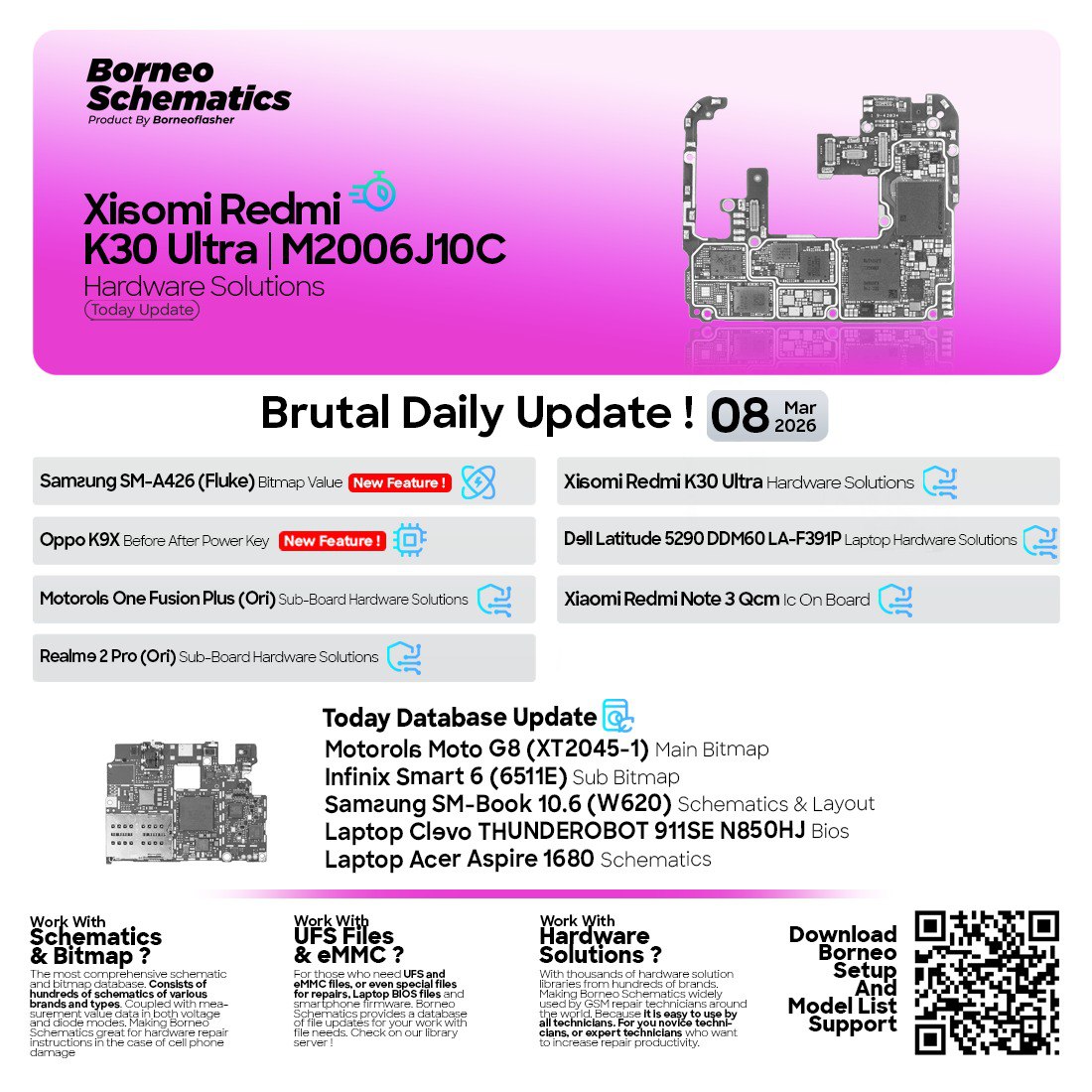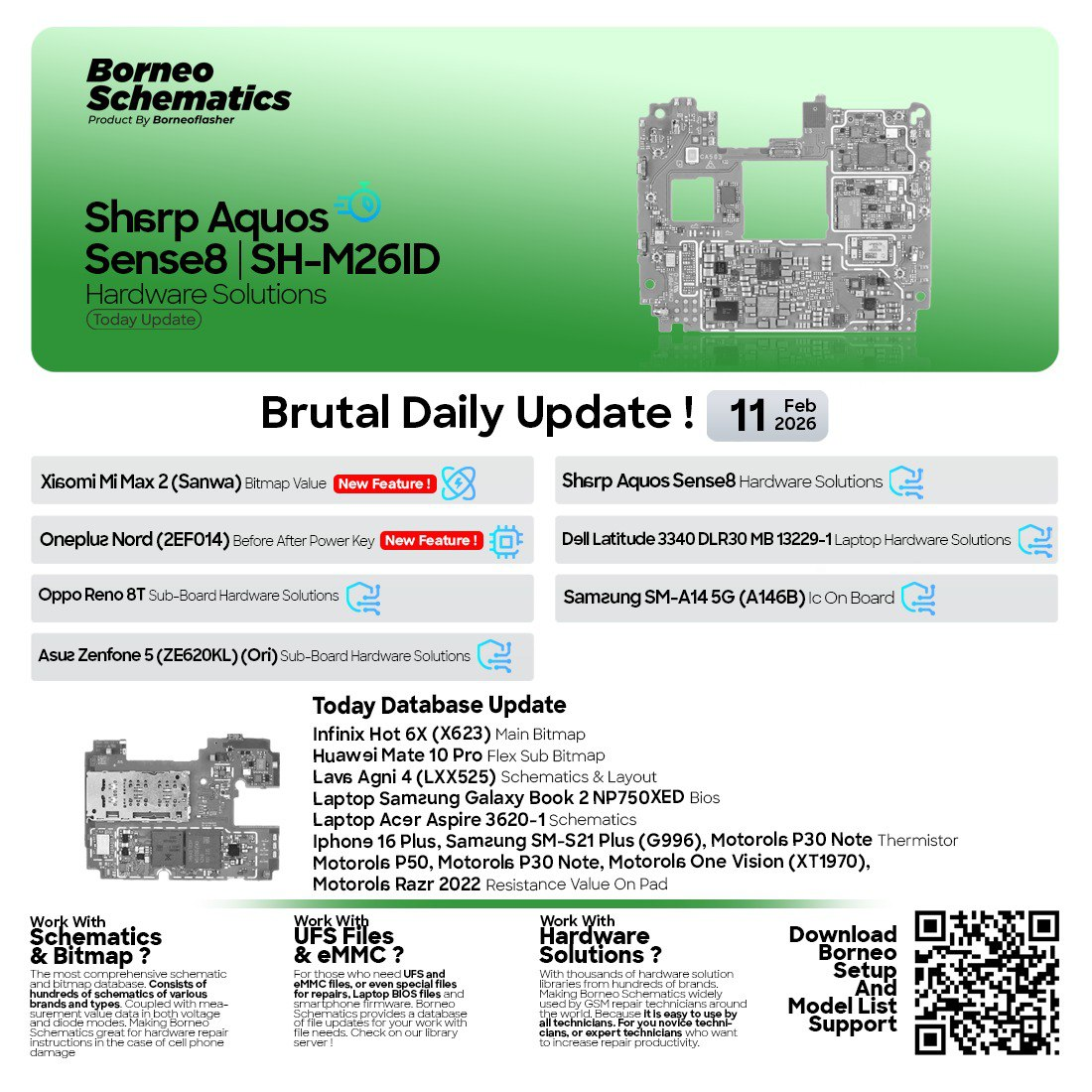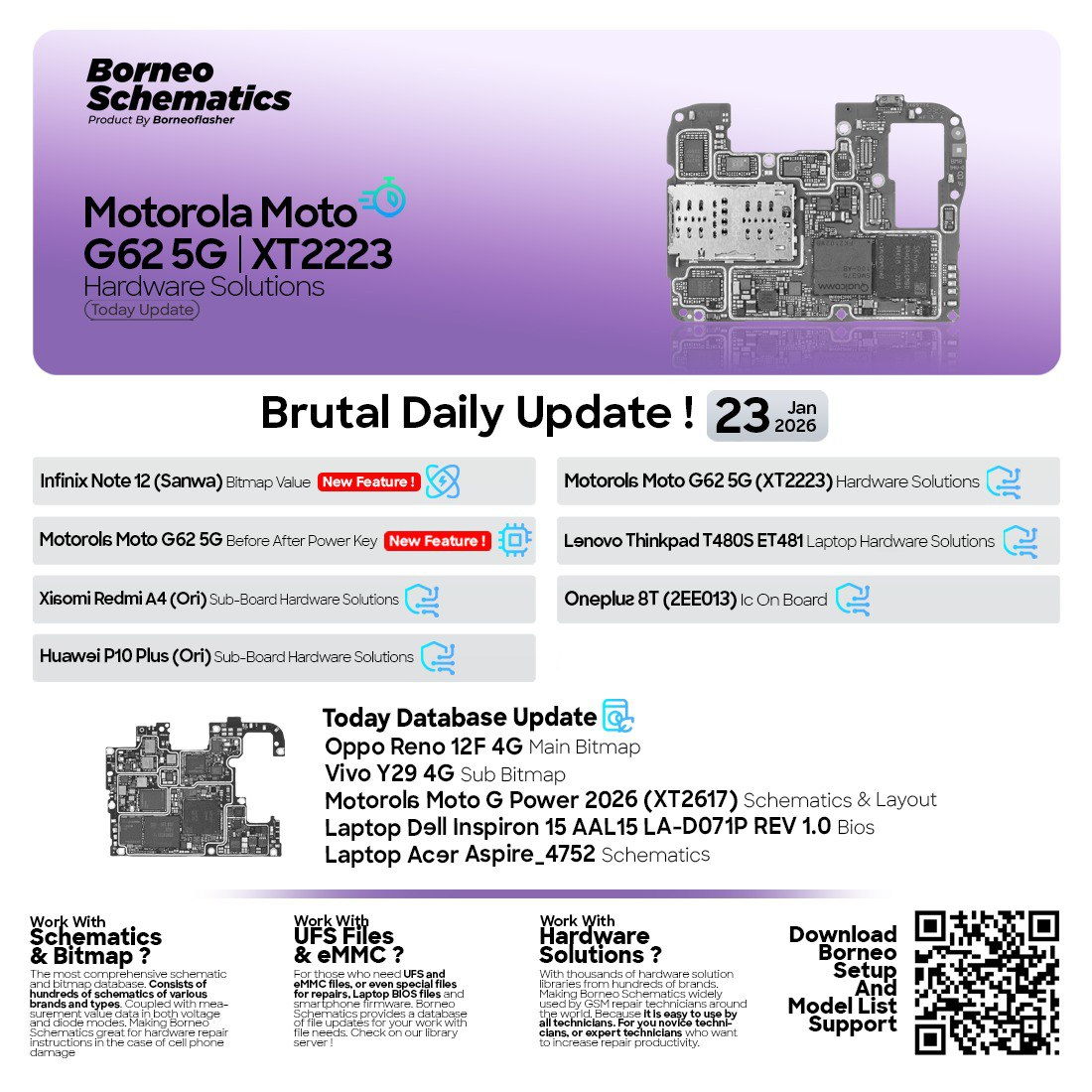
Keeping up with modern smartphone and laptop repair is essential, as new models and board layouts change rapidly. The Borneo Schematics Hardware Solutions Update 2026 provides accurate board-level data to diagnose hardware faults faster and more confidently. It includes schematic and layout files, bitmap values, and BIOS schematic references for precise troubleshooting. This guide explains what the update offers, why it matters, and how to use it safely and professionally.
Introduction: Why Today’s Hardware Data Updates Matter
In board-level repair, the “right data” can be the entire repair. A single missing resistor value, wrong line trace, or unknown power sequence can waste hours. With frequent releases, the Borneo Schematics today update style approach helps techs and shops stay ready for new devices and recurring faults.
The Borneo Schematics Hardware Solutions Update is designed to keep your repair toolbox fresh—especially when you’re working on common real-world jobs like:
- No power / dead boot
- Stuck on logo
- Power key faults (before/after power key on)
- Display and touch issues
- Charging and USB problems
- Sub-board faults
- Laptop BIOS issues
- Bitmap value checks for board troubleshooting
Whether you’re a beginner learning basics or a professional technician handling high-volume repairs, the Borneo Schematics Hardware Solutions Update supports faster, cleaner, more accurate work.
What is Borneo Schematics Hardware Solutions Update and Why It’s Needed
The Borneo Schematics Hardware Solutions Update is a regularly updated package (or content library update) that adds or refreshes repair data such as:
- Mobile hardware solutions Borneo Schematics content (fault points, lines, components)
- Schematic & layout files Borneo (where available)
- Bitmap value Borneo Schematics references for board analysis
- Laptop schematic update Borneo content (board views, components, BIOS-related info)
- BIOS schematic update Borneo additions for supported laptop boards
Why it is needed (simple reason)
Because modern devices are not “one-size-fits-all.” Even the same model can have different board revisions. Updates help you avoid:
- Guesswork repairs
- Wrong test points
- Incorrect jumper routes
- Missed short-circuit hotspots
- Slower diagnosis and dissatisfied customers
For repair shops, time saved = profit saved. For individuals, accurate information = fewer unnecessary part replacements.
Key Features of Borneo Schematics Hardware Solutions Update (Latest Version)
Here’s what users typically expect from the latest Borneo Schematics Hardware Solutions Update 2026, especially in a daily update cycle:
1) Daily / Frequent Data Improvements
- New model entries and board information
- Updated fault solutions for common cases
- Revision-level improvements when available
This is the “stay current” advantage of the Borneo Schematics today update approach.
2) Mobile Hardware Solutions for Real Repair Scenarios
- No power solutions
- Before/after power key on data
- Sub-board hardware solutions
- IC identification and placement references
This is especially useful for quick diagnosis on the bench.
3) Bitmap Values for Guided Troubleshooting
The bitmap value Borneo Schematics section helps technicians compare readings/values and confirm suspect lines.
4) Schematic & Layout References
When available, schematic & layout files Borneo help you:
- Trace signal lines
- Verify power rails
- Find missing components
- Identify correct jump points safely
5) Laptop Coverage: Boards + BIOS Focus
With laptop schematic update Borneo data, laptop techs benefit from:
- Board identification help
- Common fault solutions
- BIOS schematic update Borneo support (where applicable)
6) Beginner-Friendly Usability
Even if you’re new:
- Search by model
- Follow structured solution flow
- Use board views to locate components
7) Works Well in a Modern Repair Workflow
For repair businesses, the Borneo Schematics Hardware Solutions Update fits neatly into:
- Intake → diagnosis → quote → repair → QC → delivery
- Faster technician decision-making
- Standardized repair procedure across staff
Note: Some users search for this update using terms like mobile unlock program or phone unlock app. While “unlock” keywords may be popular in the market, this article focuses on the hardware solutions/schematics side and responsible technical usage.
Supported Devices and Brands
The Borneo Schematics Hardware Solutions Update typically covers a wide range of Android brands and includes laptop board content depending on the release.
Common Supported Categories
- Smartphones: Motorola, Xiaomi, Huawei, OnePlus, Oppo, Vivo, Infinix, Tecno, Samsung (varies by update)
- Laptops: Lenovo, Dell, Acer, Apple boards (varies by update availability)
Example: Borneo Schematics January 2026 Daily Update Style List
A typical daily update list can include items like:
- Hardware solutions for specific phone models
- Power key “before/after” sequences
- Bitmap value entries for targeted models
- Laptop board solutions and BIOS references
- IC-on-board identifiers
This is why “version-specific” searches like Best Borneo Schematics Hardware Solutions Update 2026 can rank quickly—users want the newest release and the newest supported models.
Download and Installation Process
Below is a clean, beginner-friendly method to install the Borneo Schematics Hardware Solutions Update setup and keep updates working smoothly.
Tip for repair shops: Install it on your main diagnosis PC and keep login details secured so technicians don’t lose access.
Step-by-step Installation Guide
- Download the installer
- Use the official download source or your authorized reseller portal.
- Disable conflicting antivirus temporarily (if needed)
- Some repair tools trigger false positives due to packaging methods.
- Run installer as Administrator
- Right-click → Run as Administrator.
- Choose install location
- Prefer an SSD drive for faster loading.
- Complete installation
- Launch the software once installation finishes.
- Allow network access
- Needed for login, updates, and content sync.
- Update the content library
- Use “Update” inside the tool to fetch the newest Borneo Schematics January 2026 data.
How to Register and Activate
Registration/activation is usually straightforward:
- Open the tool → go to Login/Register
- Create account using email/phone
- Verify details (OTP/email link, if required)
- Choose a plan or enter activation code
- Activate and restart the software
Pro security tip: Use a dedicated email for repair shop tools and store credentials in your shop password manager.

How to Use Borneo Schematics Hardware Solutions Update (For Owners and Technicians)
This section is designed to help both casual users and professionals.
For Phone Owners (Non-Technical Users)
If your phone has hardware symptoms and you want to understand what might be wrong:
- Search your model
- Read fault overview (no power / charging / display)
- Use it to communicate clearly with your technician
This prevents overpaying for unnecessary repairs and helps you ask better questions.
For Repair Shops / Technicians (Professional Workflow)
A practical workflow using the Borneo Schematics Hardware Solutions Update:
Step 1: Identify model + board revision
- Confirm exact model number (e.g., XTxxxx)
- Check board marking/revision if available
Step 2: Select symptom-based solution
Example:
- No power
- Power key issue (before/after power key on)
- Charging fault
- Boot loop/logo stuck
Step 3: Use board view and line tracing
- Locate suspected area
- Follow recommended measurement/test points
- Compare values using bitmap value Borneo Schematics references
Step 4: Confirm with multimeter + thermal method
- Check for short circuits
- Verify power rails
- Replace/repair components with minimal risk
Step 5: Final QC and documentation
- Document fixed components
- Save screenshots/notes for your team
IMEI Repair and Other Services (Responsible Use Note)
Some repair ecosystems mention IMEI repair or device servicing features. If you see IMEI-related functions inside any tool:
- Follow your local laws and OEM policies
- Only perform legitimate repairs (e.g., authorized board replacement records, legal service jobs)
- Keep customer consent and proper documentation
A safe professional practice is: focus on hardware diagnostics, board repair, and legal servicing.
Comparison with Other Tools (Optional)
Below is a simple comparison table to help users understand positioning. (This is general guidance; features vary by version and licensing.)
| Feature | Borneo Schematics Hardware Solutions Update | Generic PDF Schematics Packs | Community Groups/Forums |
|---|---|---|---|
| Frequent updates | Yes | No/rare | Unpredictable |
| Searchable database | Usually yes | Limited | Difficult |
| Bitmap values | Often included | Rare | Sometimes |
| Laptop BIOS/board data | Sometimes | Sometimes | Rare |
| Reliability | Higher (organized) | Medium | Mixed |
| Best for repair shops | Yes | Partial | Supplement only |
Bottom line: For daily repair work, organized updates beat scattered sources.
Safety Tips and Legal Considerations
Repair work is technical—and risky if rushed. Follow these safe rules when using the Borneo Schematics Hardware Solutions Update:
Hardware Safety Tips
- Always disconnect battery before deep board work
- Use proper ESD protection (wrist strap/mat)
- Avoid overheating ICs (use controlled hot air settings)
- Replace components with correct ratings
- Verify current draw using a DC power supply when needed
Legal Considerations
- Use tools and data for legitimate repairs
- Avoid unauthorized changes that violate device policies
- Keep customer consent records (especially for sensitive jobs)
- Respect copyrights and licensing terms of the software/content
Troubleshooting Common Errors
If you’re stuck during installation or login, these steps solve most issues quickly.
Issue 1: Software not opening / crashing
Fix:
- Run as Administrator
- Install latest Visual C++ runtimes (common dependency)
- Update Windows drivers
- Reinstall cleanly
Issue 2: Update not downloading (server/network issue)
Fix:
- Check internet
- Disable VPN (or change network)
- Allow the tool in firewall
- Try alternative DNS
Issue 3: Login or activation failed
Fix:
- Reset password
- Check system date/time
- Ensure your subscription is active
- Contact support/reseller with your account details
Issue 4: Content missing for your model
Fix:
- Search with model variants (global/region)
- Check for board revision differences
- Wait for next Borneo Schematics today update cycle if the device is new
Pricing and Subscription Plans
Pricing can vary by:
- Region
- Reseller channel
- Plan duration (monthly/quarterly/yearly)
- Bundle offers (multi-tools or shop plans)
Common Plan Types
- Monthly plan: good for small shops/testing
- Quarterly plan: balanced value
- Yearly plan: best for repair businesses (lowest cost per month)
Recommendation: If you run a repair shop, choose a plan that matches your job volume and ensures uninterrupted updates. Continuous access helps you benefit from every Borneo Schematics Hardware Solutions Update release.

FAQs (Structured)
1) What is the Borneo Schematics Hardware Solutions Update used for?
It’s used to access updated hardware solutions, schematics/layout references, bitmap values, and board-level guidance for smartphones and sometimes laptops—helping users diagnose and repair devices faster.
2) Is this update useful for beginners?
Yes. Beginners can search by model, follow symptom-based guidance, and use it to learn board locations and common fault paths.
3) Does it support laptops too?
Many releases include laptop schematic update Borneo data and sometimes BIOS schematic update Borneo content. Coverage depends on the update cycle.
4) What does “bitmap value” mean in repair?
Bitmap value Borneo Schematics typically refers to reference values used for checking lines/rails to identify abnormal readings during diagnosis.
5) How often do updates arrive?
Often frequently (daily/regular cycles), especially for high-demand repair data—commonly referred to as Borneo Schematics today update releases.
6) Can I install it on multiple PCs?
That depends on your license type and activation rules. Business plans may differ from personal plans.
7) Is it safe to use with antivirus enabled?
Yes, but some tools trigger false positives. If blocked, allow it in antivirus settings or install from an official source and whitelist it.
8) How do I get support if activation fails?
Contact your authorized seller/support channel and share your registered email, error screenshot, and purchase details.
Final Thoughts: Why This Update is Worth It (For Users + Repair Shops)
If you’re serious about repair—either as a technician or as a device owner who wants clarity—Borneo Schematics Hardware Solutions Update is one of the most practical ways to keep up with new models and evolving faults.
Why Buy from GsmRadix
- 100% genuine and verified firmware
- Official download mirror of Borneo Schematics
- Instant auto-delivery 24/7
- Secure checkout with fast technical support