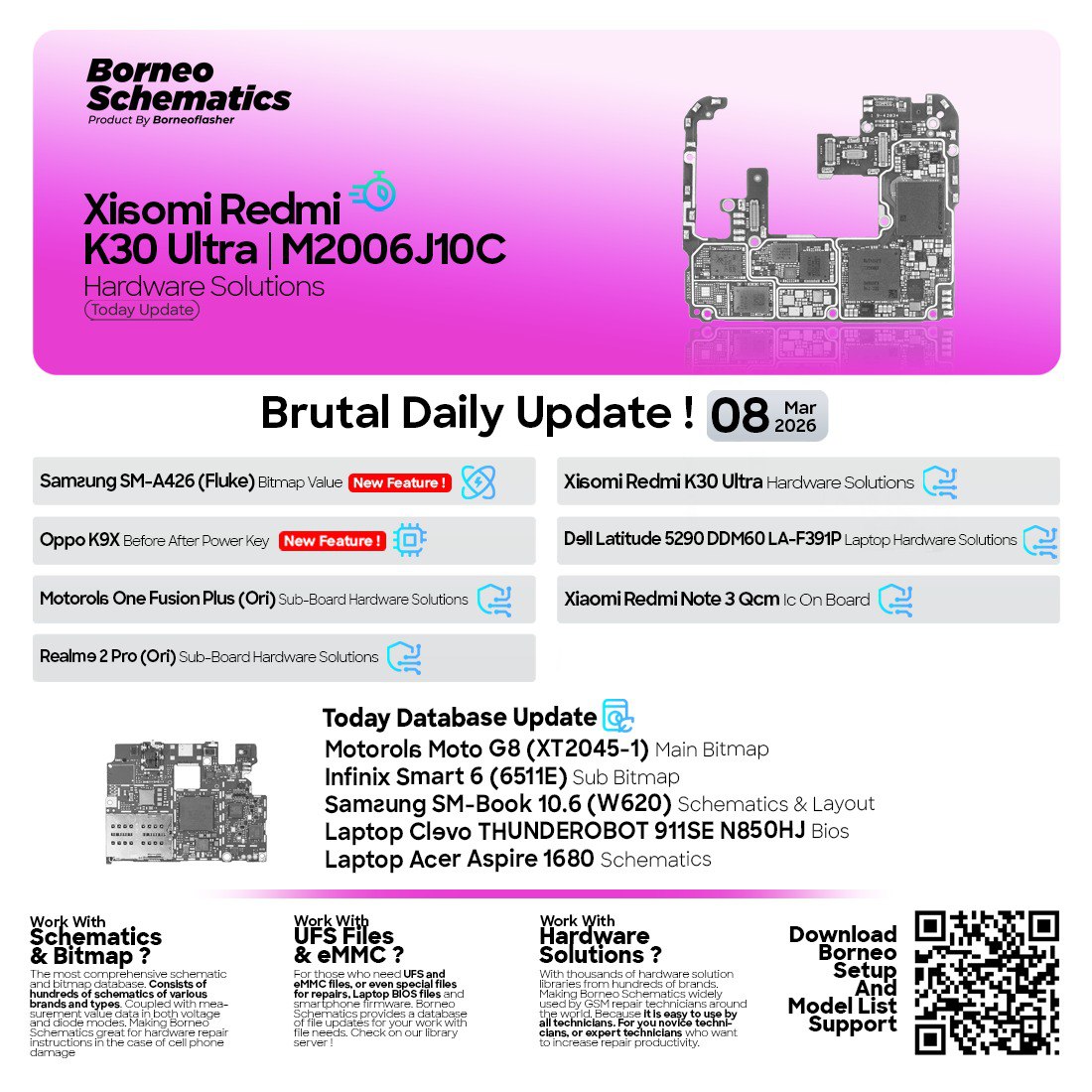
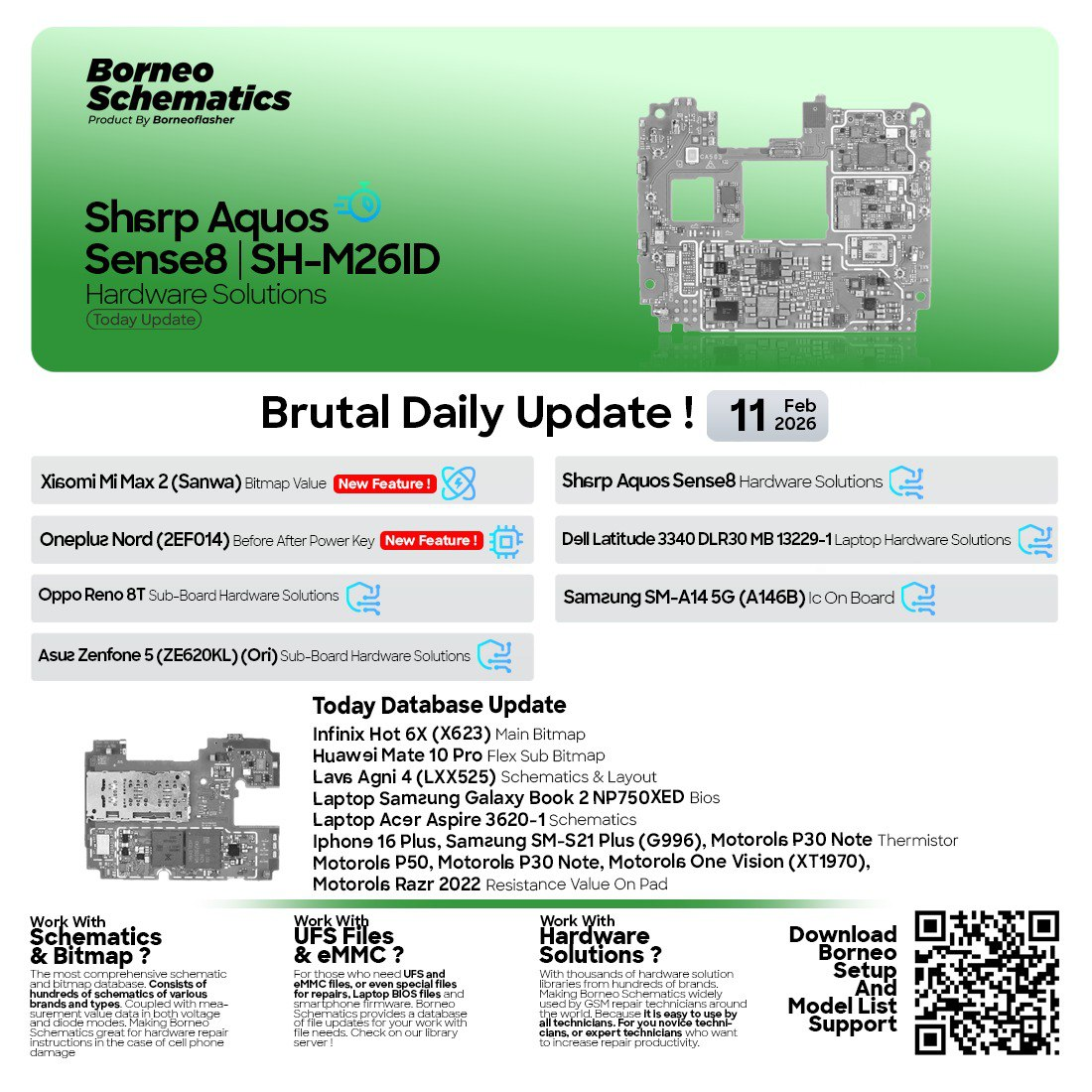
The Borneo Schematics January 29 2026 Update is one of the most important releases for the mobile and laptop repair industry in 2026. Whether you are an individual technician, a mobile repair shop owner, or a professional hardware engineer, this update delivers fresh schematic diagrams, bitmap values, IC voltage details, and laptop BIOS files that are essential for modern motherboard-level repair work.
In today’s fast-moving mobile repair ecosystem, relying on outdated diagrams or incomplete information can cost both time and money. That is why the Borneo Schematics January 29 2026 Update is designed to provide daily, accurate, and practical hardware solutions that technicians actually need at the workbench.
This article is a complete, beginner-friendly yet professional guide covering everything you need to know about the Borneo Schematics January 29 2026 Update, including features, supported devices, download steps, installation, usage, pricing, safety considerations, and more.
What is Borneo Schematics January 29 2026 Update and Why It Is Needed
Borneo Schematics is a professional schematic and board-level repair software widely used by mobile and laptop technicians worldwide. The Borneo Schematics January 29 2026 Update is the latest daily update that adds new devices, improves existing schematics, and includes real-world hardware repair solutions.
Why this update matters in 2026
Modern smartphones and laptops are becoming more complex every year. Manufacturers rarely release official schematics to independent repair shops. As a result, technicians depend on trusted third-party tools like Borneo Schematics.
The Borneo Schematics January 29 2026 Update is needed because it:
- Supports newer mobile chipsets and laptop platforms
- Provides verified bitmap and IC voltage values
- Helps technicians reduce trial-and-error diagnostics
- Saves time during no power, dead boot, and charging issues
- Improves success rate for motherboard-level repairs
For anyone serious about mobile motherboard repair solutions 2026, this update is not optional—it is essential.
Key Features of Borneo Schematics January 29 2026 Update (Latest Version)
The Borneo Schematics January 29 2026 Update focuses on practical, technician-tested improvements rather than cosmetic changes.
Core Features
- Latest mobile and laptop schematic diagrams
- Bitmap values for critical signals and components
- IC in/out voltage measurements for troubleshooting
- Sub-board and mainboard hardware solutions
- Laptop schematic and BIOS file download
- Fast search by model, brand, and board name
- Regular daily updates for new devices
What’s New in January 29 2026 Update
The Best Borneo Schematics January 29 2026 Update 2026 introduces new hardware solutions across multiple brands, including:
- Vivo iQOO series hardware solutions
- Xiaomi power key diagnostics
- Samsung bitmap value improvements
- Huawei sub-board and IC voltage data
- Oppo and Realme bitmap updates
- Acer laptop schematics and BIOS files
These additions make the Borneo Schematics January 29 2026 Update one of the most comprehensive releases to date.
Supported Devices and Brands
One of the biggest strengths of the Borneo Schematics January 29 2026 Update is its wide device coverage.
Supported Mobile Brands
- Samsung
- Xiaomi / Redmi
- Vivo / iQOO
- Oppo
- Realme
- Huawei / Honor
- Itel
- Other Android brands (varies by update)
Supported Laptop Brands
- Acer (Aspire, Veriton series)
- Other brands added gradually via updates
This wide compatibility makes Borneo Schematics a daily hardware solutions tool for mobile technicians and laptop repair professionals alike.
Download and Installation Process
Getting started with the Borneo Schematics January 29 2026 Update is simple, even for beginners.
Step-by-Step Installation Guide
- Visit the official Borneo Schematics website or authorized reseller
- Download the latest installer for January 29 2026
- Disable antivirus temporarily (recommended during installation)
- Run the installer as Administrator
- Complete the setup process
- Launch the software after installation

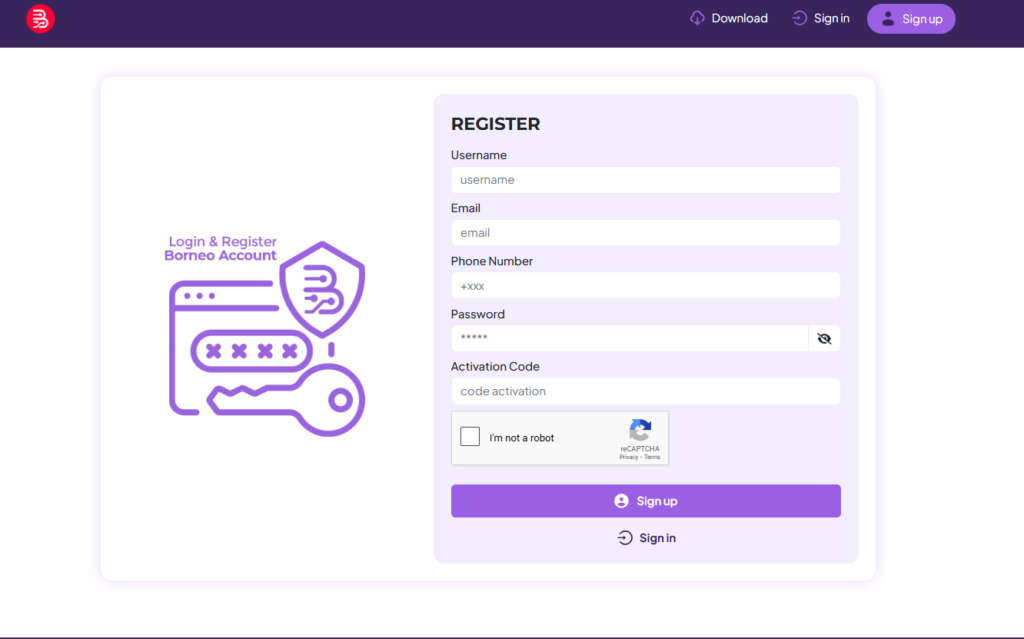
How to Register and Activate
To use the Borneo Schematics January 29 2026 Update, activation is required.
- Open the software
- Copy your hardware ID
- Purchase a license from an authorized source
- Enter the activation key
- Restart the software
- Confirm successful activation
Once activated, you gain full access to borneo schematics schematic and bitmap download features.
How to Use Borneo Schematics January 29 2026 Update (For Owners and Technicians)
The Borneo Schematics January 29 2026 Update is designed for both shop owners and hands-on technicians.
For Individual Technicians
- Quickly diagnose no power and dead phone issues
- Identify missing voltages using IC in/out data
- Cross-check bitmap values during board inspection
- Reduce guesswork during motherboard repair
For Repair Shops
- Train junior technicians faster
- Standardize repair procedures
- Increase repair success rate
- Save time on complex cases
IMEI Repair and Other Services
While Borneo Schematics is not a mobile unlock program or phone unlock app, it works alongside such tools by providing:
- Board-level repair guidance before software unlock
- Power and signal tracing before IMEI repair
- Hardware verification before flashing or unlocking
This makes it a perfect companion tool for advanced repair workflows.
Comparison with Other Tools
| Feature | Borneo Schematics January 29 2026 Update | Other Tools |
|---|---|---|
| Daily hardware updates | Yes | Limited |
| Mobile + laptop support | Yes | Mostly mobile only |
| Bitmap values | Detailed | Partial |
| IC voltage diagrams | Included | Often missing |
| Technician-focused | Yes | Mixed |
| Regular expansion | Continuous | Slow |
For latest borneo schematics update for mobile repair, Borneo remains a top choice.
Safety Tips and Legal Considerations
Using the Borneo Schematics January 29 2026 Update responsibly is important.
Safety Tips
- Always power off devices before probing
- Use proper ESD protection
- Double-check voltages before injecting power
- Keep backups of BIOS files
Legal Considerations
- Use schematics only for legitimate repair purposes
- Respect local repair and data protection laws
- Do not misuse information for unauthorized modifications
Borneo Schematics is intended strictly for professional repair and diagnostics.
Troubleshooting Common Errors
Here are common issues users face with the Borneo Schematics January 29 2026 Update and how to fix them.
Software Not Opening
- Run as Administrator
- Check antivirus quarantine
- Reinstall latest version
Activation Failed
- Verify hardware ID
- Check internet connection
- Contact seller for key reset
Missing Models
- Update the software database
- Wait for the next daily update
Most issues are easily resolved with proper setup.
Pricing and Subscription Plans
Pricing for the Borneo Schematics January 29 2026 Update depends on the license type.
Common Plans
- Monthly subscription
- Quarterly subscription
- Yearly subscription
Who Should Choose Which Plan
- Beginners: Monthly
- Repair shops: Quarterly or yearly
- High-volume technicians: Yearly for best value
Always buy from authorized sellers to avoid activation problems.
Frequently Asked Questions (FAQs)
What is Borneo Schematics January 29 2026 Update?
It is the latest daily update of Borneo Schematics software, providing new mobile and laptop hardware repair solutions.
Is Borneo Schematics free?
No, it is paid professional software requiring activation.
Does it support laptop schematics?
Yes, including laptop schematic and BIOS file download for supported models.
Is this a phone unlock app?
No. It is a hardware repair reference tool, not a phone unlock app.
Who should use this update?
Mobile technicians, laptop repair professionals, and advanced electronics repair shops.
Final Thoughts – Download and Get Started Today
The Borneo Schematics January 29 2026 Update is a must-have tool for anyone involved in modern mobile and laptop repair. With its daily updates, verified schematics, bitmap values, and IC voltage solutions, it significantly improves diagnostic accuracy and repair success.
Why Buy from GsmRadix
- 100% genuine and verified firmware
- Official download mirror of Borneo Schematics 3 Months
- Instant auto-delivery 24/7
- Secure checkout with fast technical support