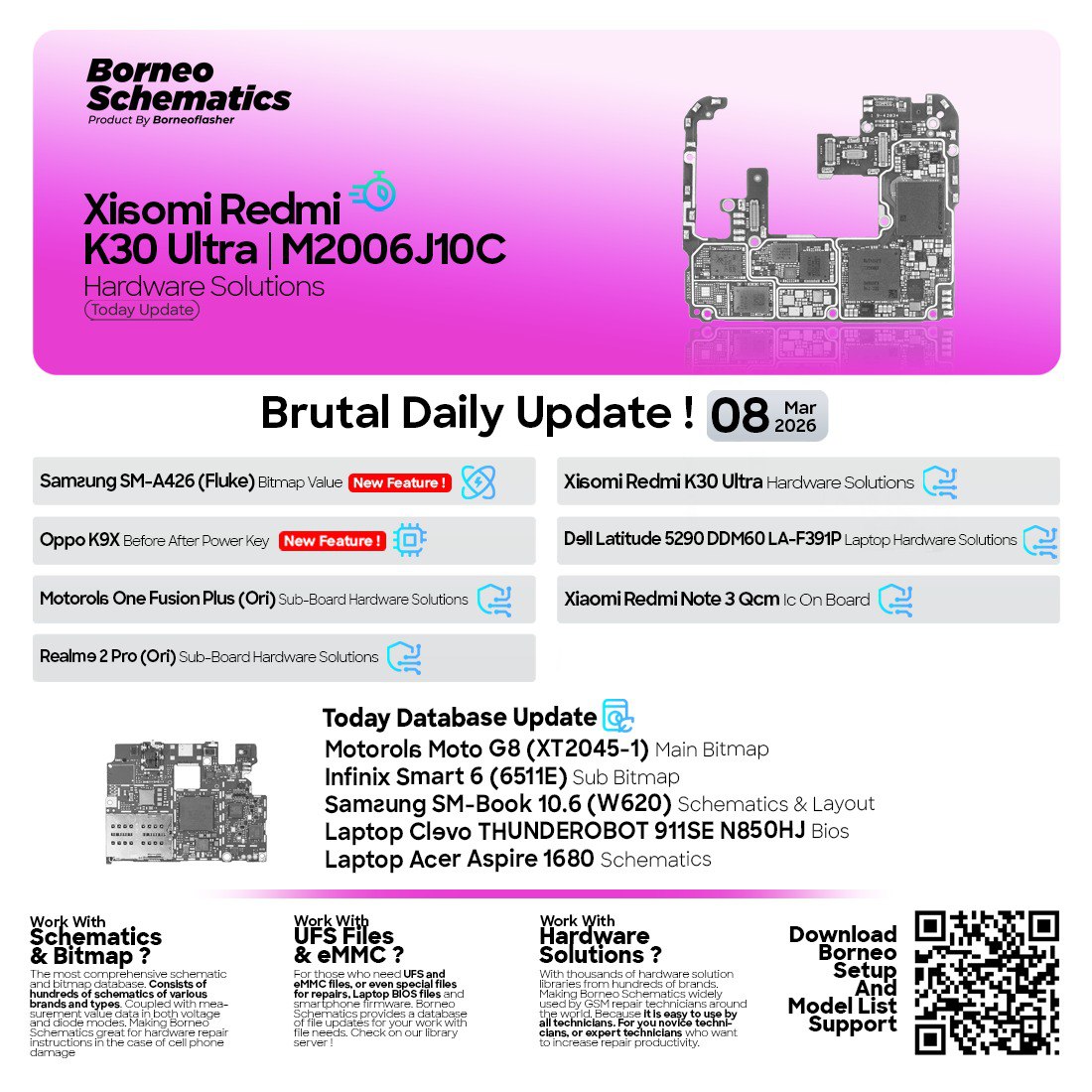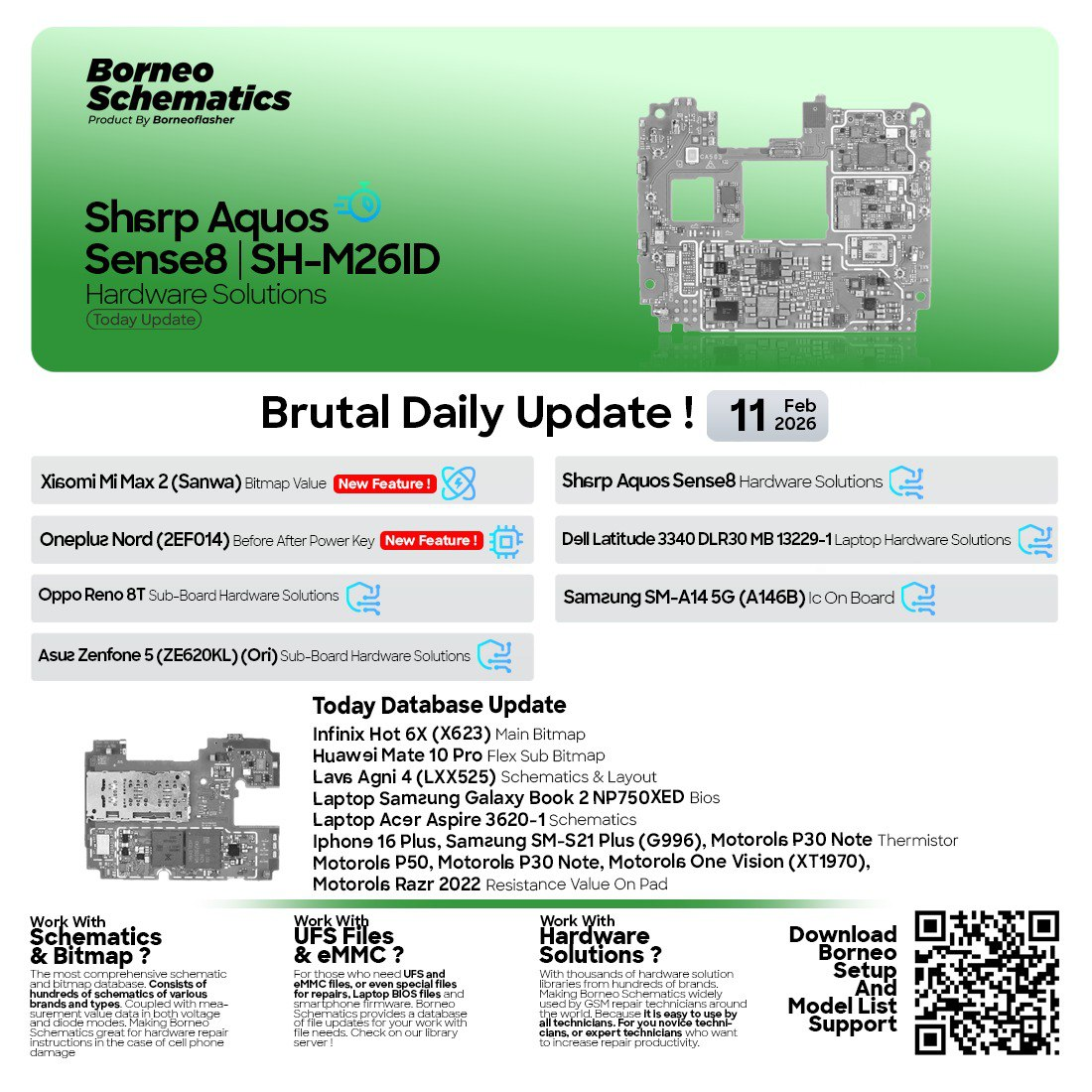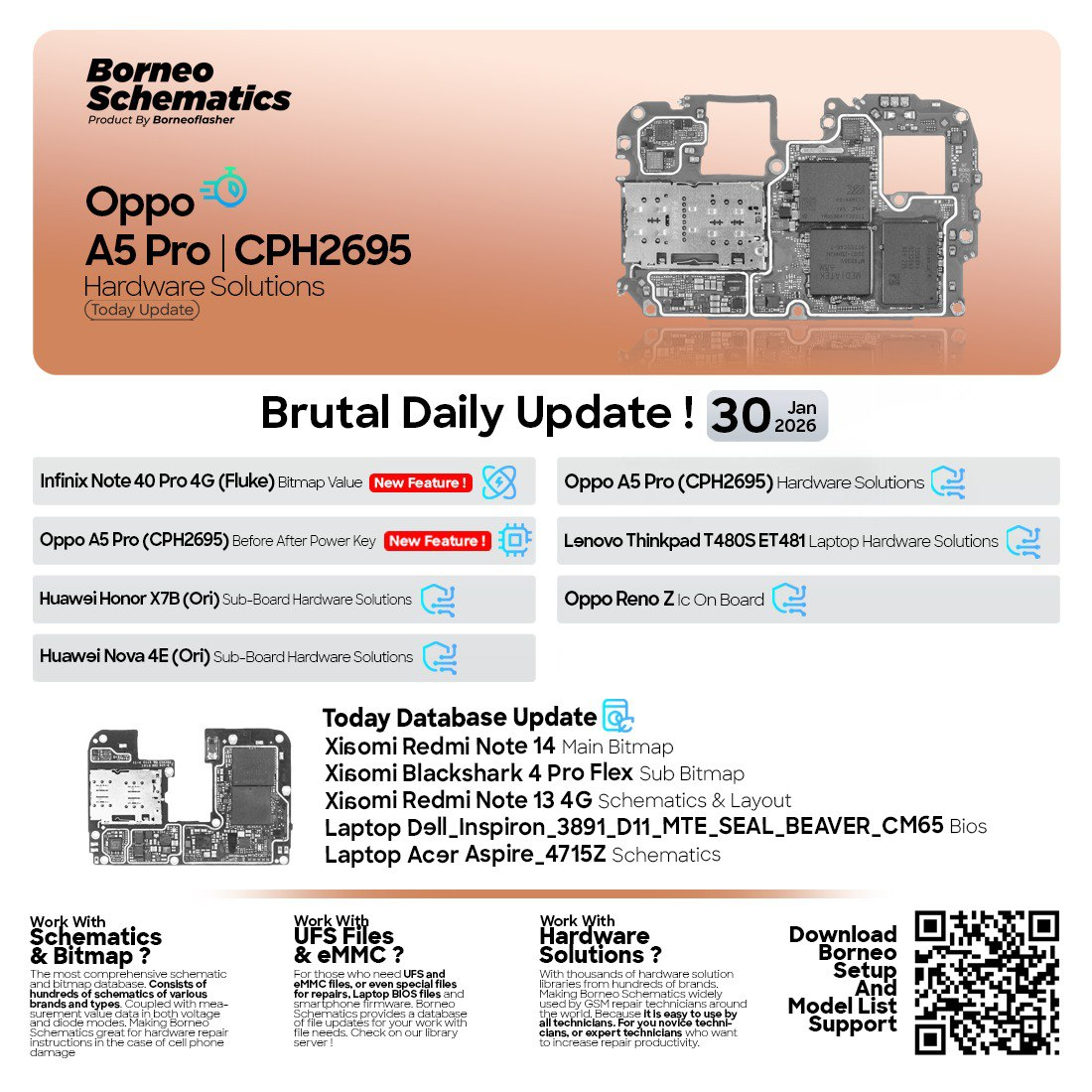
In today’s fast-evolving mobile and laptop repair industry, staying updated is essential. The Borneo Schematics January 30 2026 Update provides newly added mobile and laptop schematics, bitmap values, sub-board layouts, and BIOS files. Trusted by technicians and repair shops, it helps diagnose hardware issues faster and more accurately. From Oppo and Xiaomi devices to Lenovo and Dell laptops, this update delivers reliable repair solutions that improve efficiency and success rates.
What is Borneo Schematics January 30 2026 Update and Why It Is Needed
Borneo Schematics January 30 2026 Update is the latest official daily update released for the Borneo Schematics platform. It adds new device models, enhanced hardware solutions, and expanded schematic coverage for both mobile phones and laptops.
Why This Update Is Important
Modern devices use multilayer PCBs, tiny components, and complex power and signal paths. Trial-and-error repair methods waste time and increase the risk of board damage. The Borneo Schematics Latest Update solves this problem by offering:
- Accurate PCB bitmaps for tracing signals
- Official schematic PDFs for deep-level diagnosis
- Hardware repair solutions for known faults
- Regular updates covering new devices
For repair shops, this means faster turnaround times. For individual users, it means fewer failed repairs and better learning resources.
The Borneo Schematics January 30 2026 Update is especially valuable because it includes both mobile and laptop schematics, making it a complete hardware repair solution under one subscription.
Key Features of Borneo Schematics January 30 2026 Update (Latest Version)
The Best Borneo Schematics January 30 2026 Update 2026 introduces multiple improvements and newly added models. Below are the key highlights.
Updated Hardware Solutions
- Detailed repair solutions for power, charging, display, and sub-board issues
- Model-specific fault diagnosis guides
Expanded Bitmap Database
- New bitmap values for Xiaomi and Infinix devices
- Sub-board and flex bitmap layouts for complex repairs
Laptop Schematic Expansion
- New laptop motherboard schematics and BIOS files
- Ideal for board-level laptop repair professionals
Online Access
- Cloud-based access with no heavy local storage needed
- Faster loading and search functionality
Professional-Grade Accuracy
- Data verified and structured for real repair scenarios
- Trusted by thousands of technicians worldwide
These features make the Borneo Schematics January 30 2026 Update one of the most reliable resources for mobile hardware repair schematics today.
Supported Devices and Brands (January 30 2026 Update)
One of the strongest points of the Borneo Schematics New Models Added update is its wide device coverage.
Newly Added Mobile Devices
- Oppo A5 Pro (CPH2695) – Hardware Solutions
- Oppo A5 Pro (CPH2695) – Before/After Power Key On
- Infinix Note 40 Pro 4G – Bitmap Value
- Oppo Reno Z – IC on Board
- Xiaomi Redmi Note 14 – Main Bitmap
- Xiaomi BlackShark 4 Pro – Flex Sub Bitmap
- Xiaomi Redmi Note 13 4G – Schematic & Layout
- Huawei Honor X7B – Sub Board Hardware Solutions
- Huawei Nova 4E – Sub Board Hardware Solutions
Newly Added Laptop Models
- Lenovo ThinkPad T480s / ET481 – NM-B471 Rev 1.0 Hardware Solutions
- Dell Inspiron 3891 – D11 MTE Seal Beaver CM65 BIOS
- Acer Aspire 4715Z – Schematic
This wide compatibility makes the Laptop Schematic Update Borneo extremely valuable for mixed repair shops handling both mobiles and laptops.
Download and Installation Process
Downloading and installing the Borneo Schematics January 30 2026 Update is straightforward and beginner-friendly.
Step-by-Step Installation Guide
- Visit the official Borneo Schematics reseller or website
- Download the latest Borneo Schematics software installer
- Install the software on a Windows PC
- Ensure a stable internet connection for online access
- Launch the software after installation
How to Register and Activate
- Open the Borneo Schematics application
- Click on the registration or login section
- Enter your activation credentials
- Choose your subscription plan
- Activate and start using the Borneo Schematics January 30 2026 Update
Activation is server-based, ensuring secure and reliable access.

How to Use Borneo Schematics January 30 2026 Update (For Owners and Technicians)
The software is designed for both shop owners and hands-on technicians.
For Professional Repair Shops
- Diagnose faults faster using PCB bitmaps
- Reduce guesswork during motherboard repairs
- Handle multiple brands with one tool
For Individual Users
- Learn board-level repair techniques
- Understand signal tracing and component roles
- Improve repair accuracy
IMEI Repair and Other Services
While Borneo Schematics is not a mobile unlock program or phone unlock app, it complements such tools perfectly by focusing on hardware-level repair. It helps technicians fix physical issues that software tools cannot resolve, such as:
- Power failure
- No display
- Charging issues
- Dead motherboard lines
Comparison with Other Tools
| Feature | Borneo Schematics | Other Schematic Tools |
|---|---|---|
| Daily Updates | Yes | Limited |
| Mobile + Laptop Support | Yes | Mostly Mobile Only |
| PCB Bitmaps | Advanced | Basic |
| Official PDFs | Yes | Partial |
| Online Access | Yes | Offline Only |
The Borneo Schematics January 30 2026 Update clearly stands out for professionals seeking accuracy and coverage.
Safety Tips and Legal Considerations
- Use schematics only for legal repair purposes
- Do not attempt repairs beyond your skill level
- Follow ESD safety measures
- Respect device warranty and local laws
Borneo Schematics is a documentation tool, not a bypass or unlocking solution.
Troubleshooting Common Errors
Login or Activation Issues
- Check internet connection
- Verify credentials
- Contact official support
Data Not Loading
- Restart the software
- Clear cache
- Ensure subscription is active
Compatibility Problems
- Use supported Windows versions
- Keep software updated
Most issues are resolved quickly through official support channels.
Pricing and Subscription Plans
Borneo Schematics typically offers flexible subscription plans such as:
- Monthly access
- 6-month activation
- Annual plans
The Borneo Schematics January 30 2026 Update is included automatically for active subscribers, ensuring continuous value.
Frequently Asked Questions (FAQs)
What is Borneo Schematics January 30 2026 Update?
It is the latest daily update adding new mobile and laptop hardware schematics, bitmaps, and repair solutions.
Is it suitable for beginners?
Yes. The interface is user-friendly, and data is structured clearly.
Does it support Xiaomi bitmap downloads?
Yes. The update includes Xiaomi Bitmap & Schematic Download options.
Can it replace unlocking software?
No. It is a hardware repair tool, not a phone unlock app.
Is internet required?
Yes, for online access and updates.
Final Thoughts – Why You Should Use Borneo Schematics January 30 2026 Update
The Borneo Schematics January 30 2026 Update is a must-have resource for anyone serious about mobile and laptop hardware repair. With daily updates, accurate schematics, and broad device support, it helps technicians work smarter, faster, and with confidence.
Why Buy from GsmRadix
- 100% genuine and verified firmware
- Official download mirror of Borneo Schematics 3 Months
- Instant auto-delivery 24/7
- Secure checkout with fast technical support