Introduction
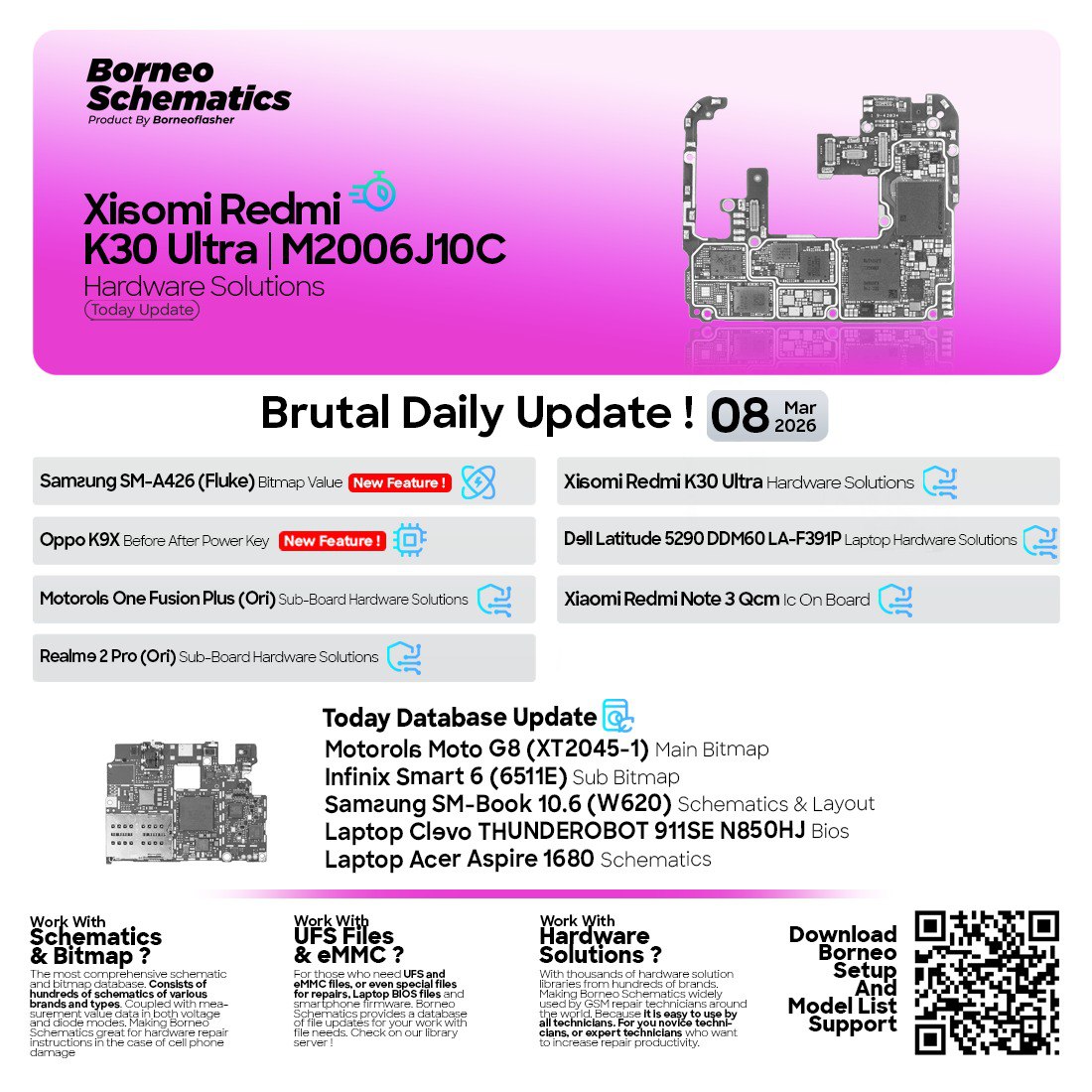
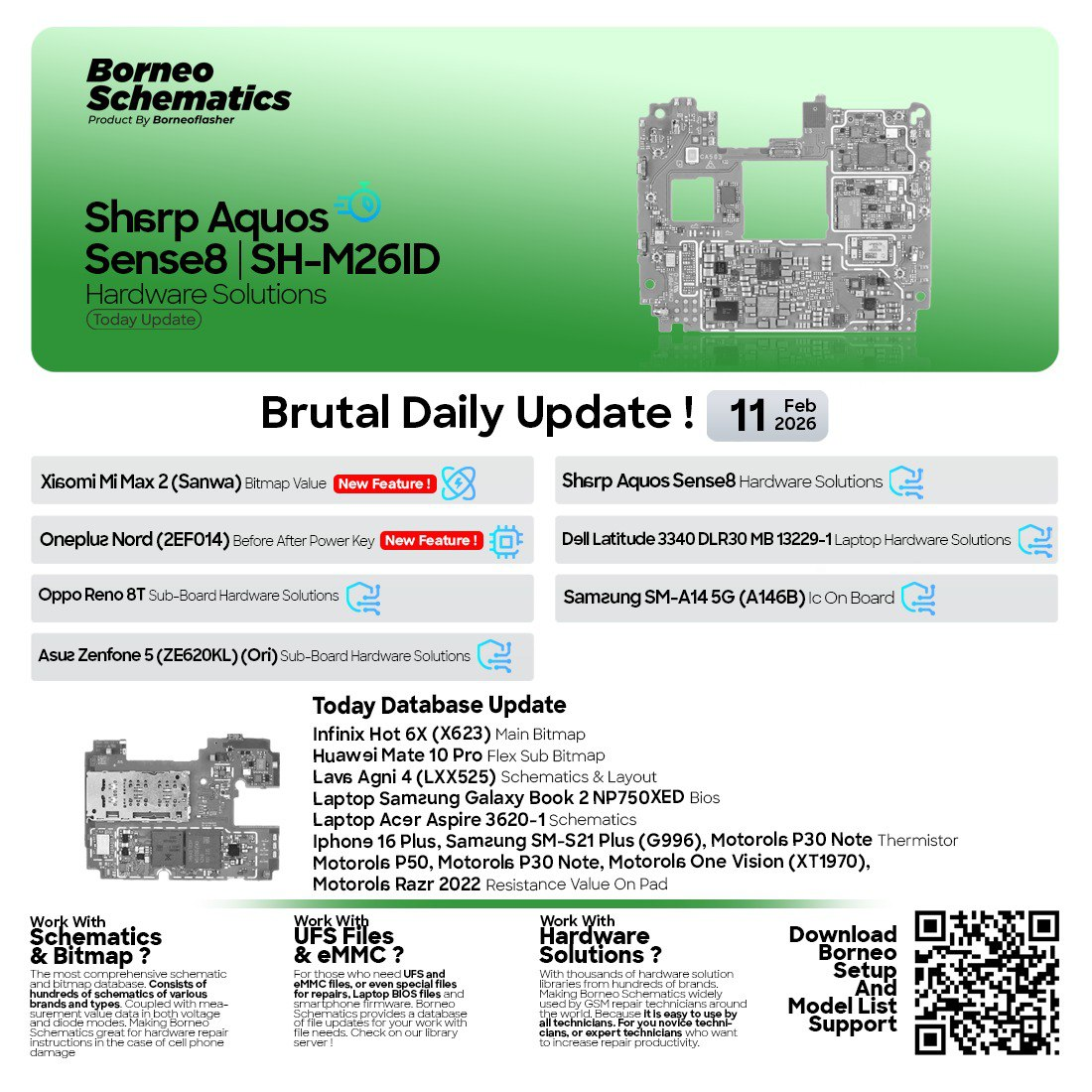
In the fast-evolving world of smartphone repair and electronic servicing, Borneo Schematics Today Update has become a vital daily resource for technicians. Whether you run a professional repair shop or are an individual user who repairs devices independently, this powerful tool helps you identify, analyze, and solve complex hardware issues.

As of October 12, 2025, the Borneo Schematics Latest Update 2025 introduces major improvements, new hardware solutions, and expanded support for the latest smartphones and laptops. This update ensures that every technician has access to the most reliable schematic diagrams, layouts, and component-level data.
What is Borneo Schematics and Why It Is Needed
Borneo Schematics is a comprehensive software database designed for smartphone and laptop repair professionals. It offers detailed schematic diagrams, bitmaps, and component layouts, enabling technicians to identify hardware faults efficiently.
Why Technicians Need Borneo Schematics Today Update
- Daily database refresh: Ensures access to the newest repair data.
- Massive device coverage: From old models to the latest 2025 smartphones.
- Accurate hardware solutions: Helps locate short circuits, missing components, and voltage test points.
- Professional reputation: Boosts repair accuracy and reduces turnaround time.
The Borneo Schematics 12 October 2025 Update continues this tradition by providing a new set of tested, verified schematics for popular brands like ZTE, Samsung, Huawei, Infinix, and Asus.
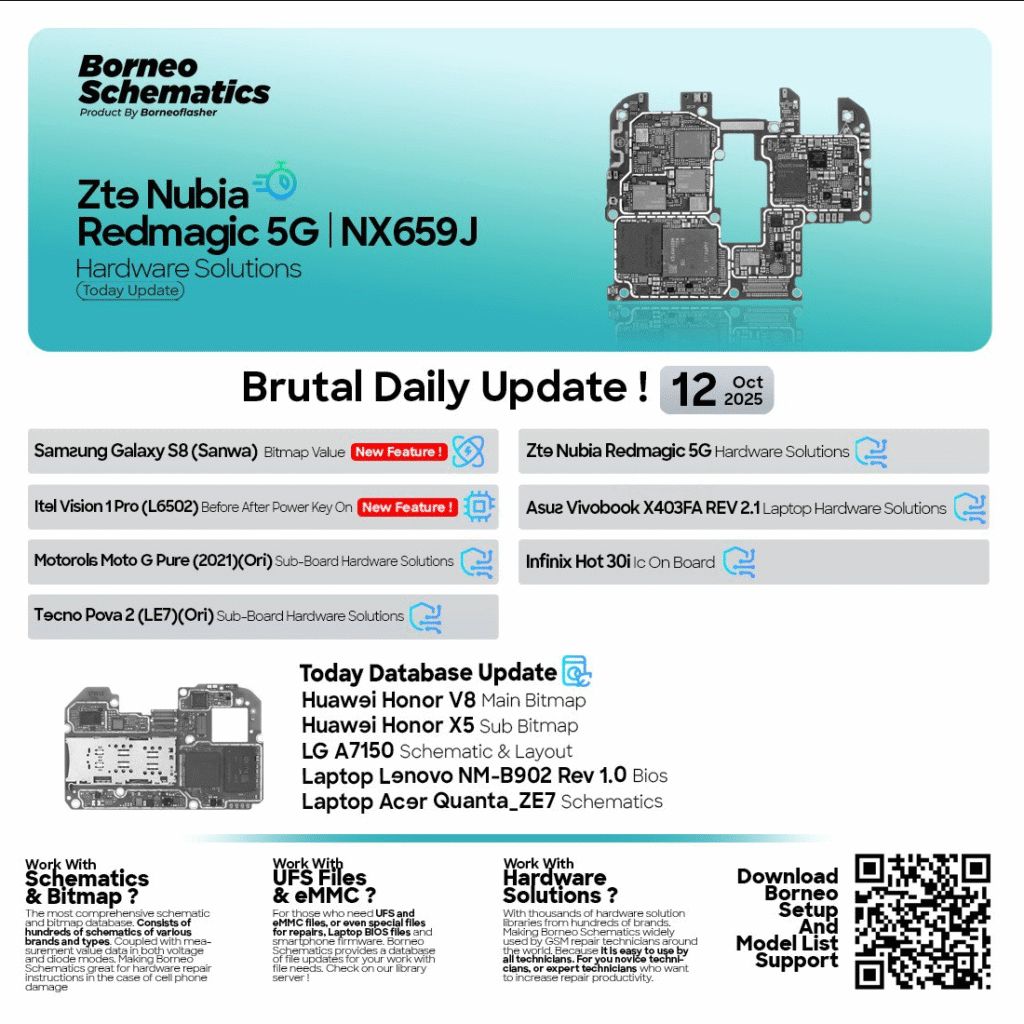
Key Features of Borneo Schematics Today Update (October 2025)
The Borneo Schematics New Version October 2025 brings several major enhancements that make it more efficient and easier to use.
1. Updated Hardware Solutions
The new update adds multiple mobile and laptop board solutions, including:
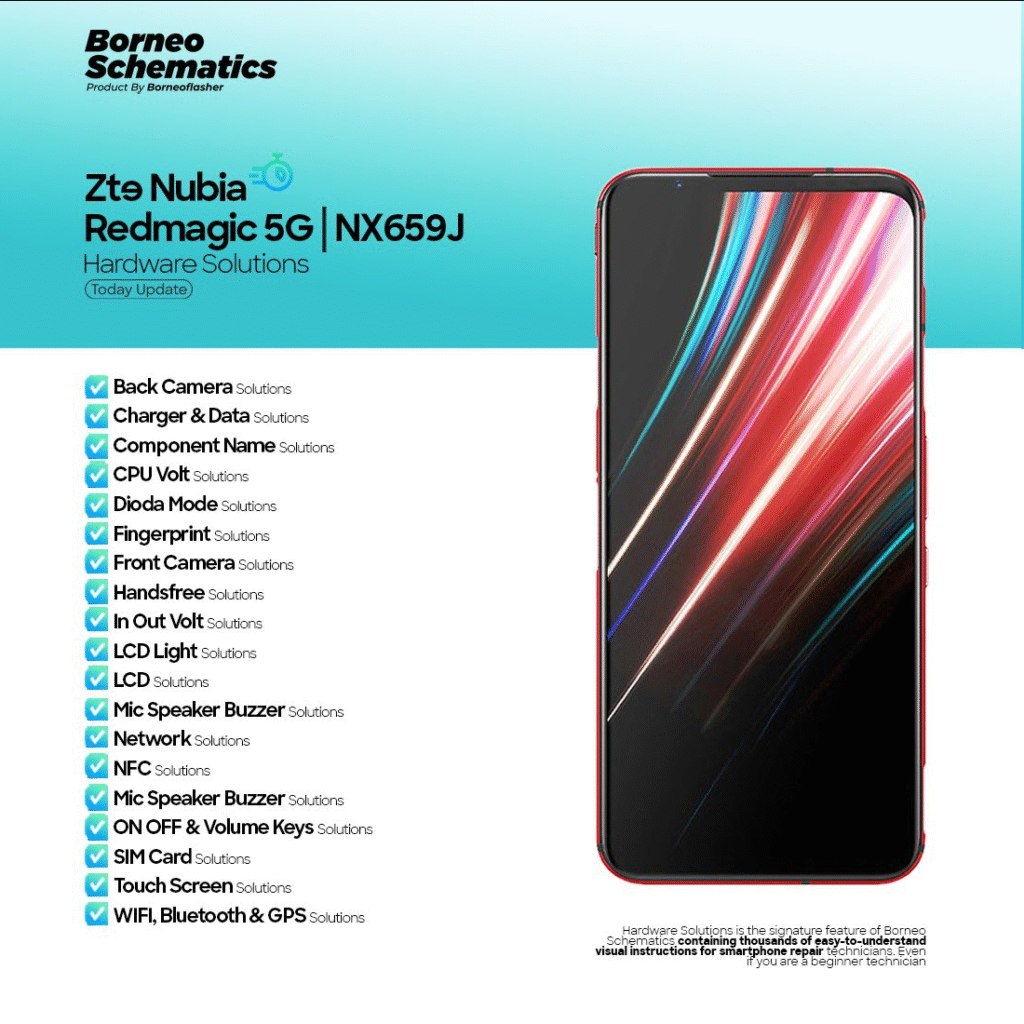
- ZTE Nubia Redmagic 5G (NX659J) Hardware Solutions
- Itel Vision 1 Pro (L6502) Before/After Power Key On
- Samsung Galaxy S8 (SM-G950F) Bitmap Value
- Asus Vivobook X403FA REV 2.1 Laptop Hardware Solutions
- Motorola Moto G Pure (2021) Sub-Board Hardware Solutions
- Tecno Pova 2 (LE7) Sub-Board Hardware Solutions
- Lenovo NM-B902 Rev 1.0 BIOS
- Infinix Hot 30i IC On Board
- Huawei Honor V8 Main Bitmap
- Huawei Honor X5 Sub Bitmap
- LG A7150 Schematic & Layout
- Acer Quanta ZE7 Schematics
2. Expanded Component Database
The database now includes thousands of new entries with detailed test points, resistance values, and signal lines.
3. Faster Loading and Search
Optimized database indexing now provides faster schematic loading and instant search results across all supported brands.
4. Multi-Device Support
Whether you work on Android phones, iPhones, or laptops, the tool covers a broad range of schematics from major OEMs.
5. Secure Cloud Updates
Each daily update is verified for accuracy and authenticity, ensuring that users always access official, error-free schematics.
Supported Devices and Brands
The Borneo Schematics Today Update supports over 10,000 device models across smartphones, tablets, and laptops. The October 12, 2025 release focuses particularly on:
| Brand | Models / Updates |
|---|---|
| ZTE | Nubia Redmagic 5G NX659J |
| Samsung | Galaxy S8 SM-G950F |
| Itel | Vision 1 Pro (L6502) |
| Motorola | Moto G Pure (2021) |
| Tecno | Pova 2 (LE7) |
| Infinix | Hot 30i |
| Huawei | Honor V8, Honor X5 |
| LG | A7150 |
| Asus | Vivobook X403FA REV 2.1 |
| Lenovo | NM-B902 Rev 1.0 BIOS |
| Acer | Quanta ZE7 |
This wide coverage ensures that technicians can handle both modern and legacy devices with ease.
Download and Installation Process
Step-by-Step Installation Guide
- Download the latest Borneo Schematics setup file from the official source or trusted distributor.
- Extract the setup package to your desired directory using WinRAR or 7-Zip.
- Run the installer and follow the on-screen prompts to complete installation.
- Once installed, launch the program and allow it to update automatically.
- After updating, you can log in with your registered account to access all available schematics and solutions.
How to Register and Activate
- Visit the official registration page or contact an authorized reseller.
- Choose your preferred subscription plan (monthly, 6-month, or annual).
- Submit your serial number or hardware ID.
- Receive the activation key through email or direct message.
- Enter the key in the software to unlock all features instantly.
How to Use Borneo Schematics Today Update
The Borneo Schematics Latest Update 2025 is designed to simplify complex hardware troubleshooting.
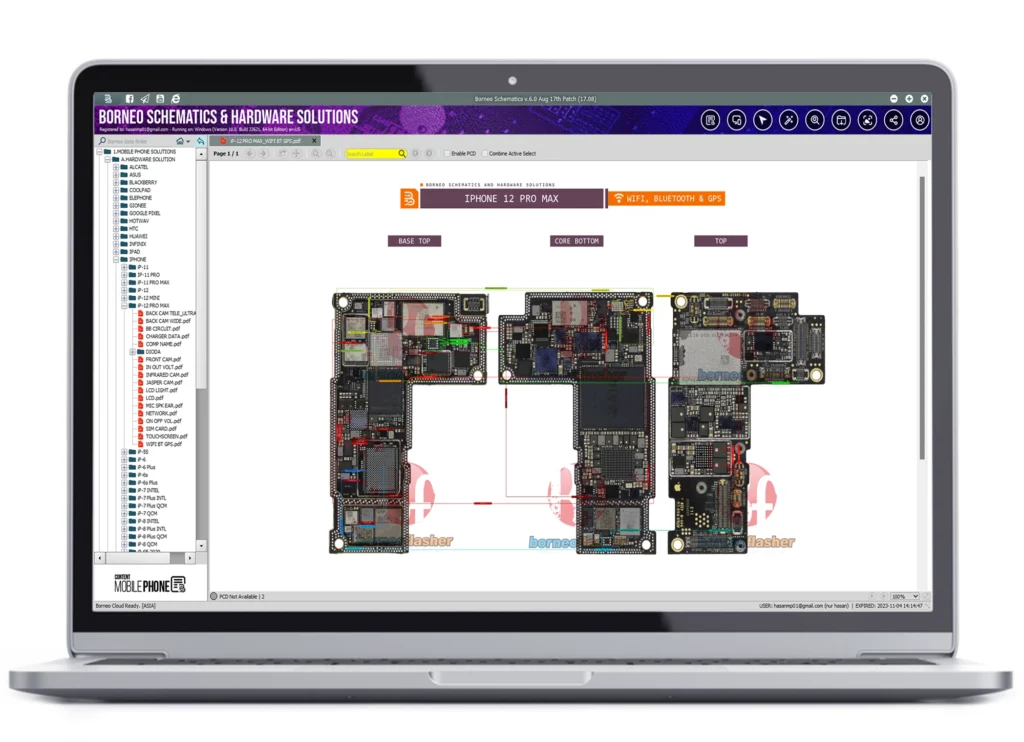
1. Viewing Schematic Diagrams
- Open the desired model from the database.
- Navigate through the circuit pages using the sidebar.
- Zoom in or search for specific components (ICs, resistors, capacitors).
2. Checking Bitmaps and Layouts
- Access the bitmap view to identify exact component locations on the PCB.
- Use color-coded paths to trace signal lines and measure voltage drops.
3. Understanding Voltage Points
- The CPU Volt and Diode Mode sections help determine faulty components through live measurements.
4. Repairing Common Issues
- Utilize solutions for back camera, charging, network, LCD, Wi-Fi, and Bluetooth.
- Follow the pre-tested repair guides provided in the hardware solution library.
Comparison with Other Tools
| Feature | Borneo Schematics | ZXW Tools | EasyJTAG Layout | Wuxinji |
|---|---|---|---|---|
| Daily Updates | Yes | No | Monthly | Rare |
| Mobile & Laptop Support | Yes | Mobile Only | Mobile Only | Mobile Only |
| Bitmap + Schematic | Yes | Yes | Partial | Yes |
| Subscription Plans | Flexible | Fixed | Fixed | Fixed |
| Cloud Access | Yes | Limited | No | No |
Conclusion: Borneo Schematics stands out due to its daily update system, cross-device compatibility, and professional-grade accuracy.
Safety Tips and Legal Considerations
- Always download from the official source to avoid modified or malicious versions.
- Use schematics for legitimate repair and educational purposes only.
- Avoid redistributing or reselling database files.
- Keep your software updated to maintain compatibility and accuracy.
Troubleshooting Common Errors
| Issue | Possible Cause | Solution |
|---|---|---|
| Update not downloading | Internet connectivity issue | Reconnect and retry update |
| Activation failed | Wrong key or expired license | Contact reseller for reactivation |
| Software not opening | Missing dependency | Reinstall Microsoft Visual C++ Redistributable |
| Schematic not displaying | Damaged cache files | Clear cache and restart |
| Bitmap not loading | Outdated version | Update to the latest October 2025 build |
Pricing and Subscription Plans
Borneo Schematics offers flexible subscription options suitable for both individuals and repair shops.
| Plan | Duration | Features | Ideal For |
|---|---|---|---|
| Basic | 3 Month | Full access to schematics, bitmaps, and updates | Individual users |
| Standard | 6 Months | Priority updates and support | Professional technicians |
| Premium | 12 Months | Unlimited database access + exclusive hardware guides | Service centers |
Renewals are simple and can be completed through the official reseller network or the software dashboard.
Frequently Asked Questions (FAQs)
Q1: What is the Borneo Schematics Today Update?
A: It is a daily update package containing new schematics, layouts, and repair data for multiple smartphone and laptop brands.
Q2: How often is the database updated?
A: Every single day, ensuring technicians always have the latest board information.
Q3: Can beginners use it?
A: Yes. Even new technicians can understand the diagrams thanks to Borneo’s beginner-friendly interface.
Q4: Is the October 12, 2025 update free?
A: No. You need a valid subscription license to access it.
Q5: How do I download Borneo Schematics?
A: Visit the official site or authorized reseller and follow the setup guide provided above.
Q6: What devices are included in the 12 October 2025 update?
A: ZTE Nubia Redmagic 5G, Samsung Galaxy S8, Itel Vision 1 Pro, Tecno Pova 2, and more.
Final Thoughts
The Borneo Schematics Today Update continues to prove why it’s the most trusted name in smartphone and laptop repair solutions. With daily database updates, detailed hardware diagrams, and a rapidly growing community of professional users, it’s an essential investment for every technician.
To experience the latest improvements introduced in the Borneo Schematics 12 October 2025 Update, download the latest version and activate your subscription. For personalized assistance, reach out through WhatsApp or Telegram to authorized distributors.
Stay updated, repair smarter, and make your workflow more efficient with Borneo Schematics Latest Update 2025.
Call to Action
Download the Borneo Schematics Today Update (October 12, 2025) now from the official website or your trusted reseller.
For technical support, registration, or renewal assistance, contact via WhatsApp or Telegram.
Subscribe to the newsletter to receive instant notifications about future updates, new features, and device additions.
Why Buy from GsmRadix
- 100% genuine and verified firmware
- Official download mirror of BorneoSchematics
- Instant auto-delivery 24/7
- Secure checkout with fast technical support