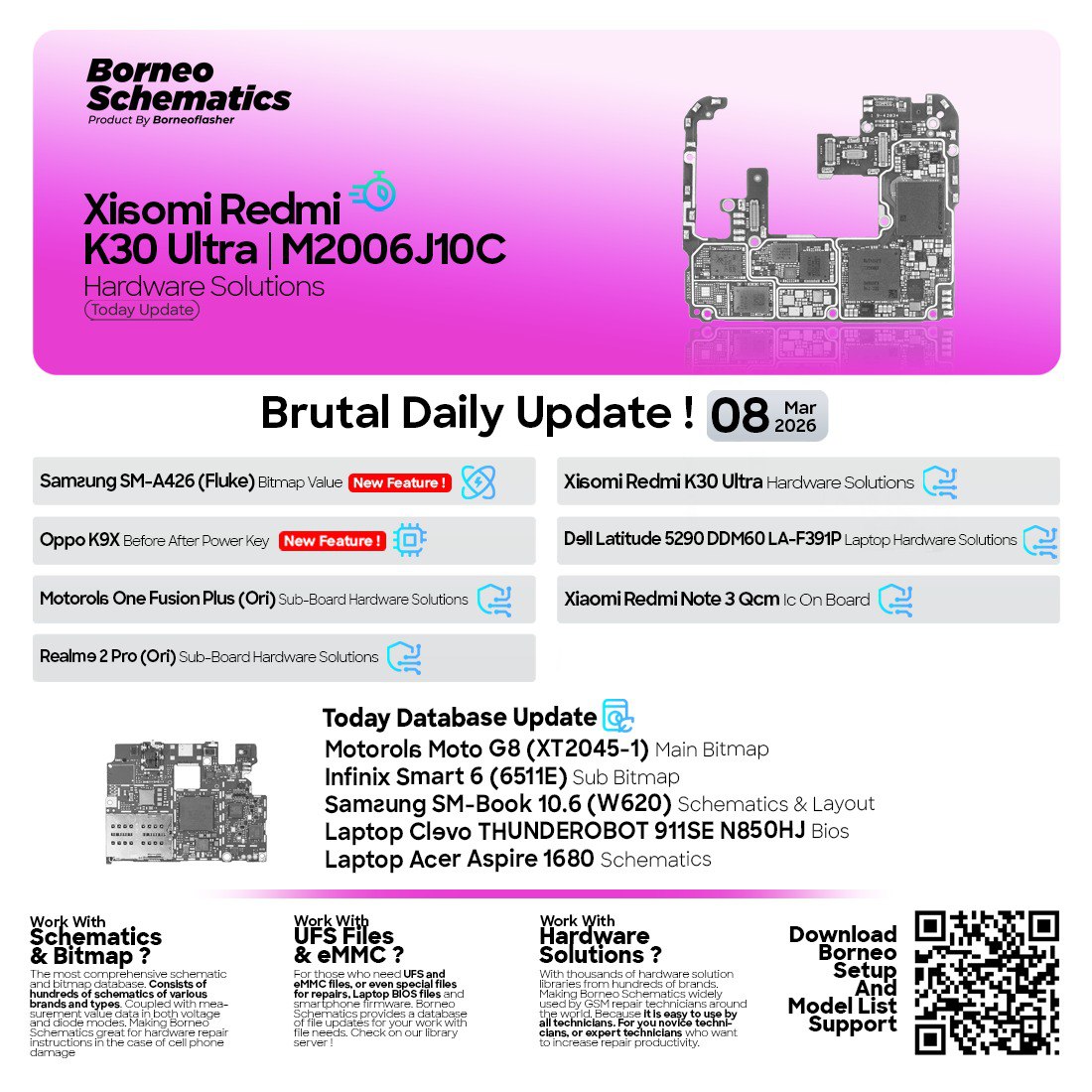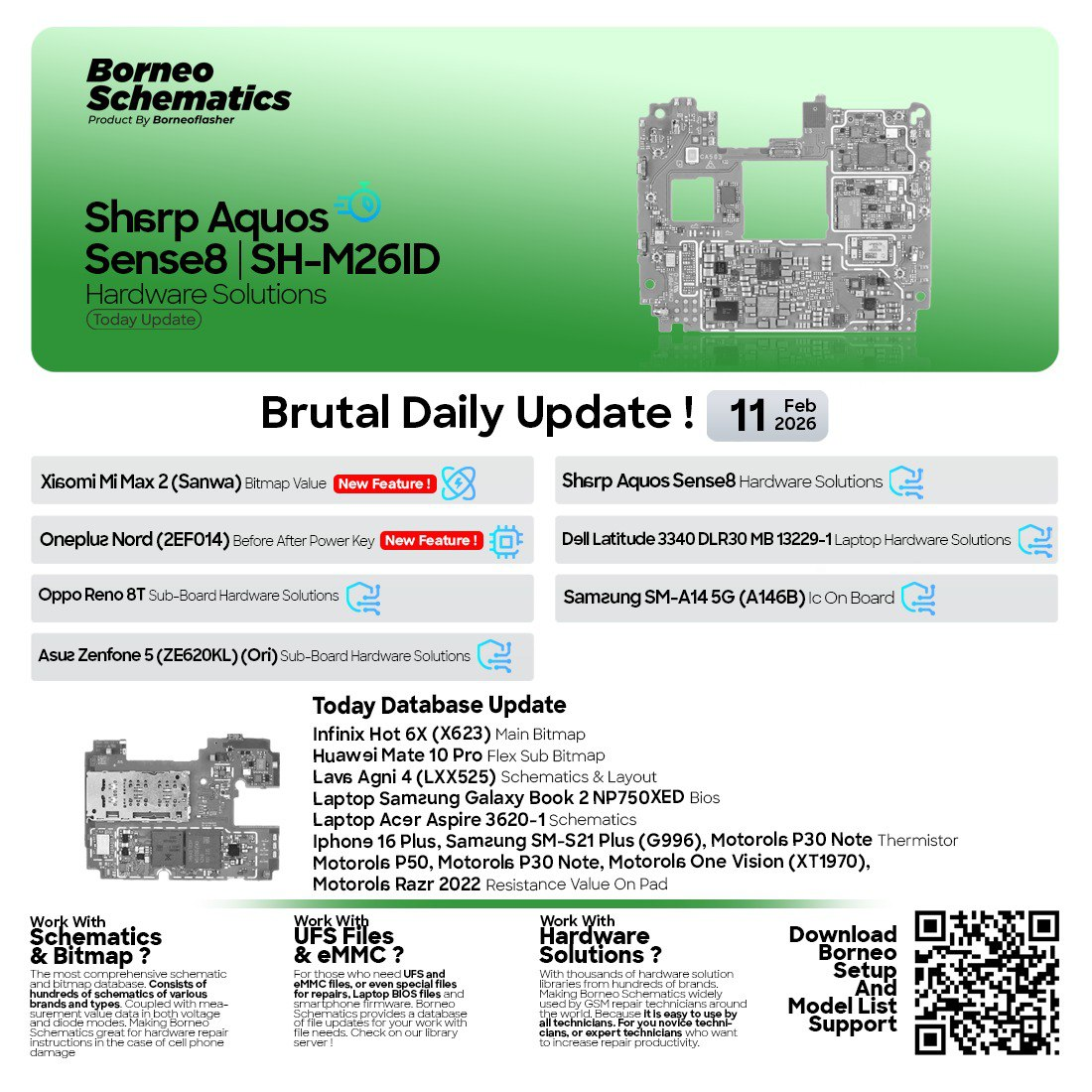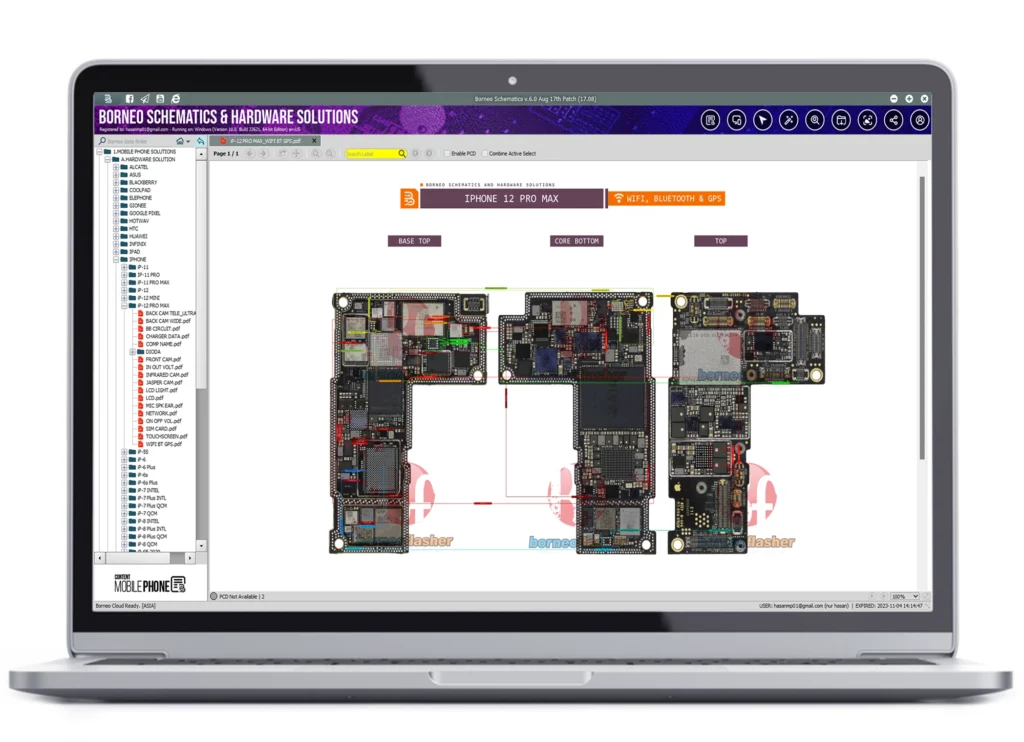
In the fast-paced world of mobile and laptop repair, having access to accurate, updated schematics and hardware diagrams is crucial. Borneo Schematics Update delivers exactly that — daily updates for the latest devices, ensuring repair engineers, service centers, and professional technicians can diagnose and fix hardware problems quickly and effectively.
Whether you repair smartphones, tablets, or laptops, this powerful software is your go-to resource for circuit diagrams, sub-board layouts, and tested hardware solutions.
What is Borneo Schematics Update and Why It Is Needed
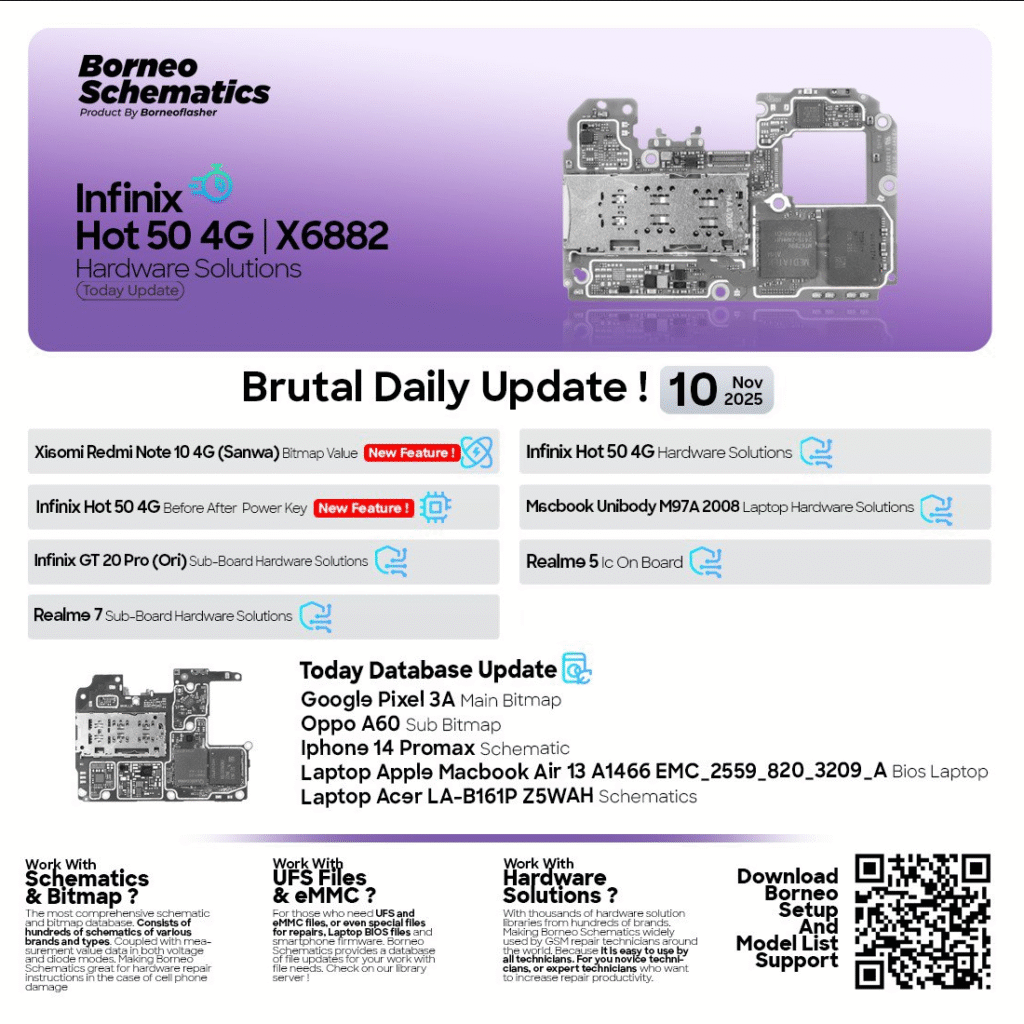
Borneo Schematics Update is a specialized software tool that provides daily updates of hardware solutions, bitmaps, and schematics for a wide range of brands — including Infinix, Xiaomi, Realme, Oppo, iPhone, and more.

Why It’s Important:
- Helps technicians identify faulty ICs, resistors, and capacitors with accurate schematic references.
- Reduces time spent on trial-and-error troubleshooting.
- Ensures you’re always working with the latest verified solutions from global repair experts.
- Saves cost by minimizing component replacement mistakes.
If you’re a mobile repair professional or running a service shop, the Borneo Schematics Update is your most powerful daily assistant.
Key Features of Borneo Schematics Update (Latest Version)
The latest Borneo Schematics Update (November 2025) introduces improved usability and an expanded database. Here’s what makes it stand out:
- Daily Hardware Solutions Update – Receive new schematics every day for the latest smartphones and laptops.
- Bitmap and Board View – Visual IC and track diagrams for easy reference.
- Multi-Brand Support – Covers leading brands like Realme, Infinix, Oppo, Xiaomi, Apple, and Vivo.
- Search and Filter Options – Quickly find model-specific solutions.
- Offline Mode Access – Access downloaded data even without an internet connection.
- Regular Firmware & Flash File Integration – Combine hardware schematics with firmware data for deeper insights.
This makes Borneo Schematics Update one of the most trusted solutions for repair professionals worldwide.
Supported Devices and Brands
The software supports hundreds of mobile and laptop models across leading brands, including:
| Brand | Supported Models |
|---|---|
| Infinix | Hot 50 4G, GT 20 Pro, Hot 40i |
| Xiaomi | Redmi Note 10 4G (Sanwa), Redmi Note Series |
| Realme | Realme 5, Realme 7 |
| Oppo | Oppo A60, Oppo Reno Series |
| Apple | iPhone 14 Pro Max, MacBook Air A1466, Unibody M97A |
| Acer / Dell / HP | Various laptop boards and schematics |
With every Borneo Daily Update, new brands and models are continuously added.
Download and Installation Process
Step-by-Step Installation Guide
- Visit the official Borneo Schematics portal or trusted distributor website.
- Click on the Download Latest Version link.
- Extract the downloaded
.zipfile using WinRAR or 7Zip. - Run the
setup.exefile and follow on-screen instructions. - After installation, launch the program from your desktop shortcut.
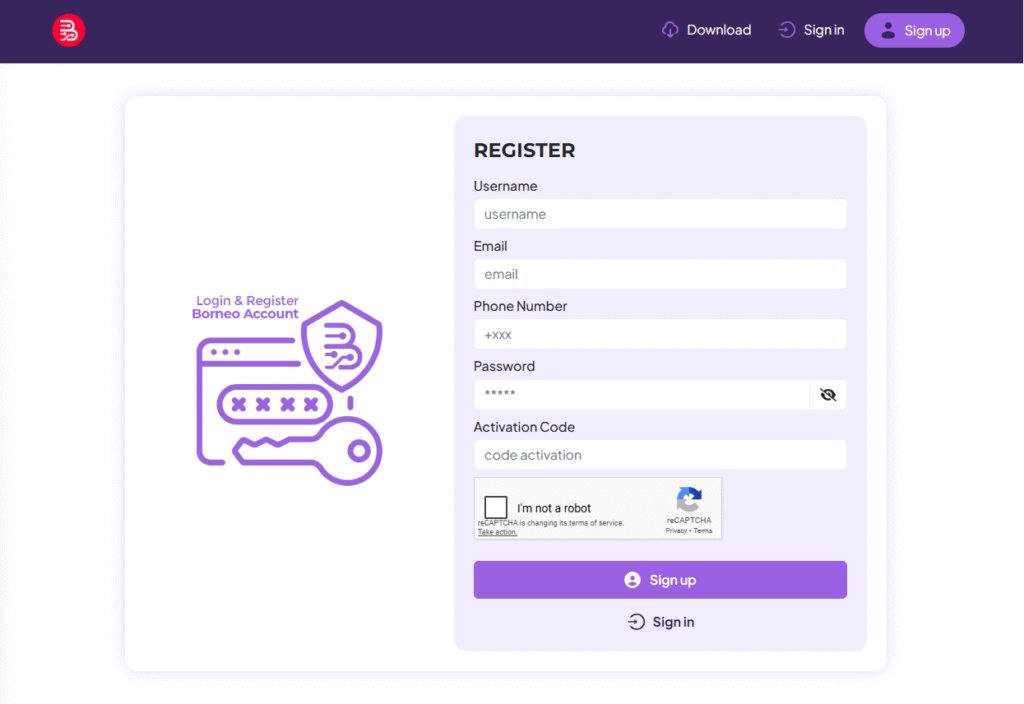
- Log in with your registered Borneo ID or activate a new license.
How to Register and Activate
- Open the Borneo Schematics software.
- Go to Settings → License → Activate.
- Enter your serial key or activation code.
- For new users, click Register and fill in your contact information.
- Activation confirmation will appear within seconds.
If you face any issue, you can contact support via WhatsApp or Telegram (details below).
How to Use Borneo Schematics Update (For Owners and Technicians)
Once installed, using Borneo Schematics is straightforward. Here’s what you can do with it:
1. FRP Unlock
Locate FRP section schematics and identify the FRP reset points for supported devices.
2. Network Unlock
View modem circuit diagrams and hardware points to fix or unlock network-related issues.
3. IMEI Repair
Find the IMEI IC location and signal paths to restore damaged or null IMEIs.
4. Charging and Display Solutions
Use board views to track charging IC, USB connector, and display circuit points.
5. Sub-Board Solutions
Borneo offers complete sub-board schematics for modern smartphones like Infinix GT 20 Pro and Realme 7, making diagnosis faster.
Comparison with Other Tools
| Feature | Borneo Schematics | ZXW Tool | Wuxinji |
|---|---|---|---|
| Daily Updates | Yes | No | Limited |
| Multi-Brand Support | Yes | iPhone only | Limited Android |
| Offline Access | Yes | No | Partial |
| Bitmap View | Yes | Yes | No |
| Cost Efficiency | Affordable | Expensive | Medium |
Clearly, Borneo Schematics Update offers the most balanced combination of price, features, and reliability.
Safety Tips and Legal Considerations
- Use only official Borneo downloads to avoid malware or corrupted files.
- Do not modify or redistribute the software illegally.
- Ensure that schematics are used strictly for technical and educational purposes.
- Always back up your data before making hardware-level changes.
Pricing and Subscription Plans
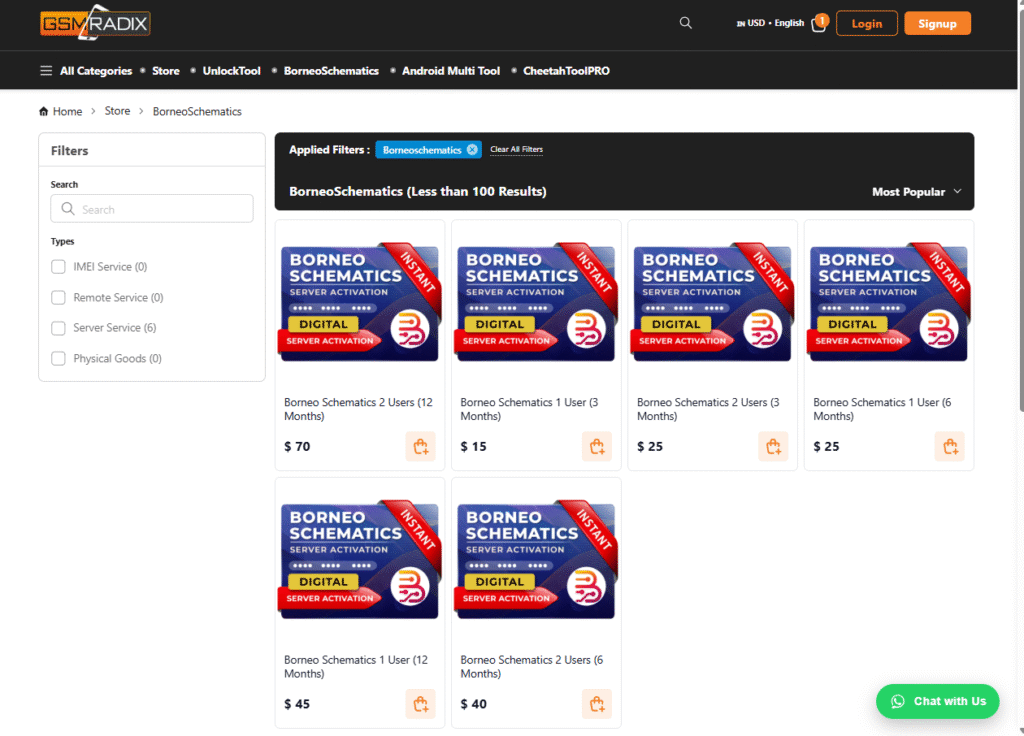
Borneo Schematics Update offers flexible pricing for different users:
| Plan | Duration | Features | Ideal For |
|---|---|---|---|
| Monthly Plan | 30 Days | Full access, daily updates | Individual Technicians |
| Quarterly Plan | 90 Days | Priority support | Small Repair Shops |
| Annual Plan | 1 Year | Unlimited updates, exclusive tools | Professional Service Centers |
Tip: Annual subscribers get early access to new tools and beta versions.
FAQs
1. Is Borneo Schematics free to use?
No, it requires a valid license, but you can access trial updates via selected partners.
2. Can I use Borneo Schematics offline?
Yes, after activation, most downloaded schematics can be accessed offline.
3. What is included in the daily update?
Each update contains new schematics, bitmaps, hardware fixes, and IC reference points.
4. How do I contact support?
You can reach official Borneo support via WhatsApp or Telegram.
Final Thoughts
If you’re serious about hardware repair and want a tool that delivers daily, accurate, and verified updates — the Borneo Schematics Update is the ultimate solution. With support for smartphones, tablets, and laptops, it gives every technician the edge needed to stay ahead in today’s competitive repair industry.
Download & Contact
Download Now: Official Borneo Schematics Website
WhatsApp/Telegram Support: Contact your authorized reseller for instant activation
Subscribe: Join our newsletter to get the latest Borneo Daily Updates directly in your inbox
Why Buy from GsmRadix
- 100% genuine and verified firmware
- Official download mirror of Phoenix Service Credits
- Instant auto-delivery 24/7
- Secure checkout with fast technical support