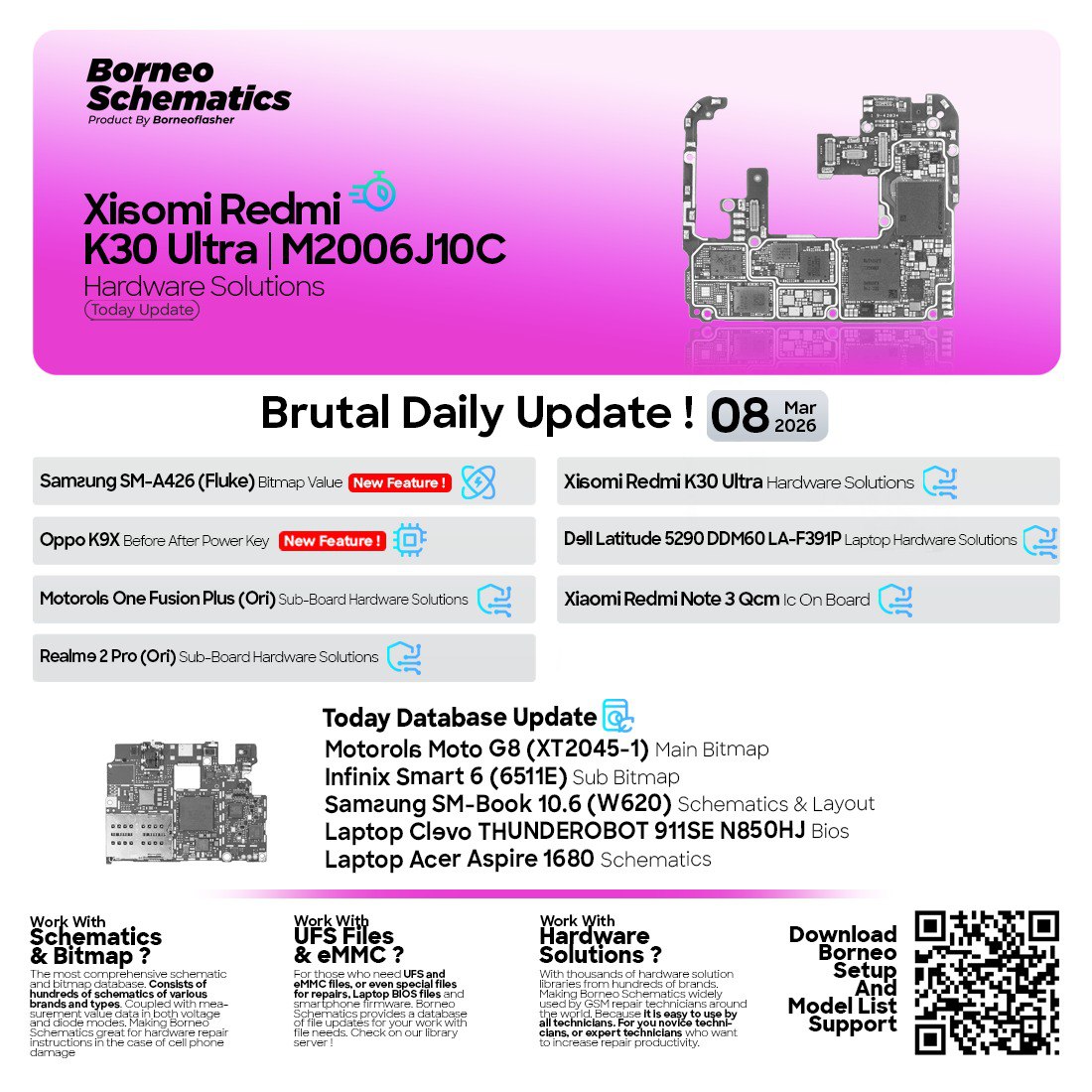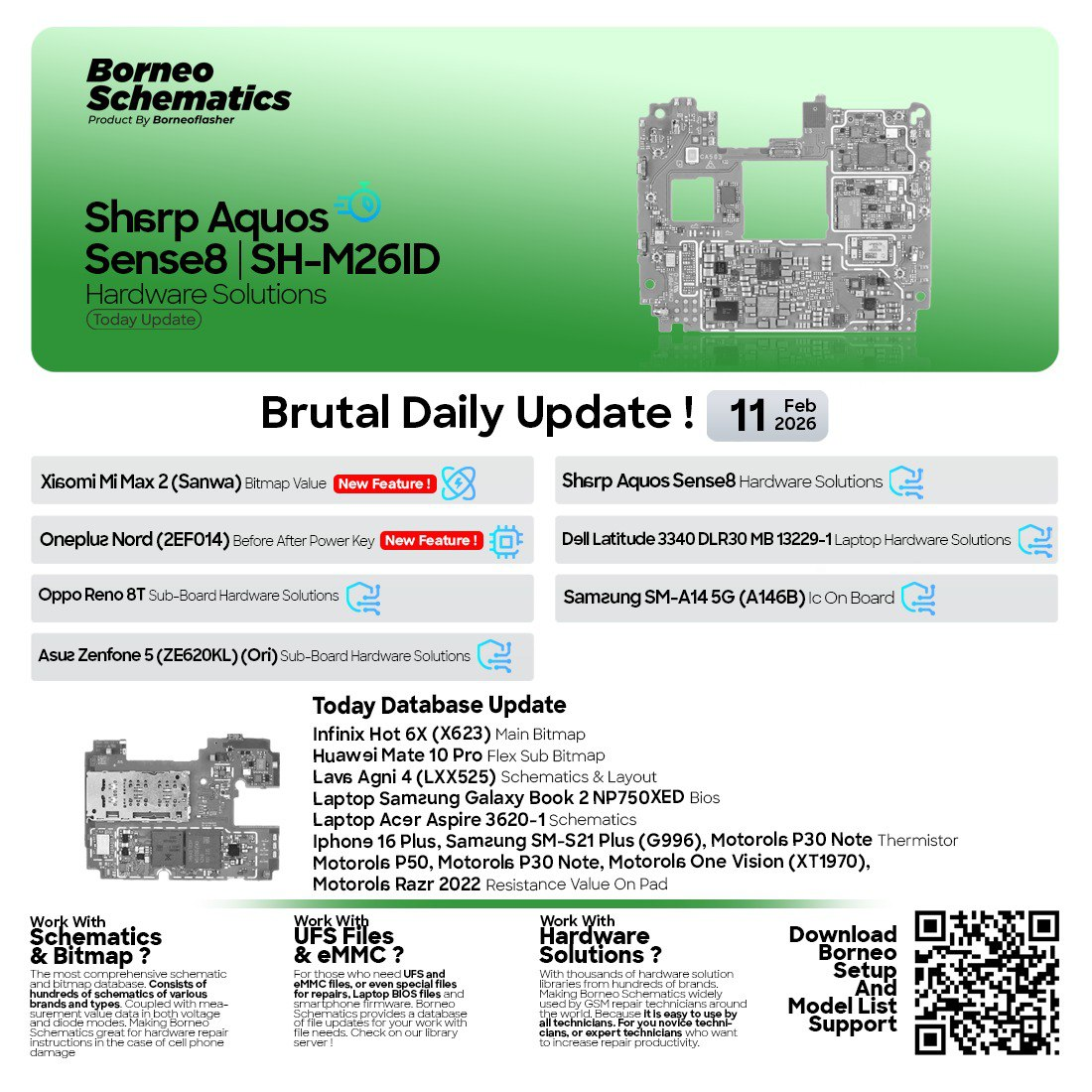
The Borneo Schematics Update has become one of the most essential tools for mobile technicians, repair shops, laptop engineers, and board-level specialists. Whether you’re repairing a shorted motherboard, testing a sub-board connection, identifying a thermistor value, debugging a BIOS issue, or checking component maps, Borneo Schematics makes the job faster, easier, and more accurate.
In 2025, hardware repairing has become more advanced and challenging. New devices with highly integrated chipsets require deeper board-level knowledge—and that’s where the Borneo Schematics Update helps. With thousands of diagrams, bitmap files, resistance values, and hardware pathways, it gives repair professionals the clarity they need to fix devices confidently.
This detailed guide provides everything you need to know—supported device lists, installation guide, activation tips, troubleshooting, safety practices, pricing, and a step-by-step overview of how to use the software effectively.
What is Borneo Schematics Update and Why is It Needed?
Borneo Schematics Update is a powerful hardware repair database that includes:
- Mobile phone schematics
- Laptop and desktop schematics
- Sub-board layouts
- Bitmap views
- Thermistor and resistance data
- Charging paths and network lines
- IC identification
- BIOS files
- Component-level diagrams
It is widely used by:
- Mobile repair shops
- Board-level engineers
- Students learning hardware
- Chip-level specialists
- Laptop and PC technicians
- Reverse-engineering experts
Why it is needed?
Because modern devices require:
- Precise component identification
- Correct voltage/resistance values
- Accurate connection pathways
- Proper diagram references
- Efficient fault diagnosis
Without these, repair becomes guesswork. Borneo Schematics removes guesswork and provides clear, step-by-step board insight.
Key Features of Borneo Schematics Update (Latest 2025 Version)
The 2025 update of Borneo Schematics brings major improvements. Here are the top features:
1. Huge Collection of Mobile Schematics
Includes all major brands—Samsung, Vivo, Oppo, Realme, Xiaomi, Motorola, Infinix, Tecno, and more.
2. High-Quality Bitmap Files
Bitmap files help technicians identify component placement faster.
3. Advanced Search Function
Search by model number, IC name, resistance value, or component type.
4. Regular Daily Updates
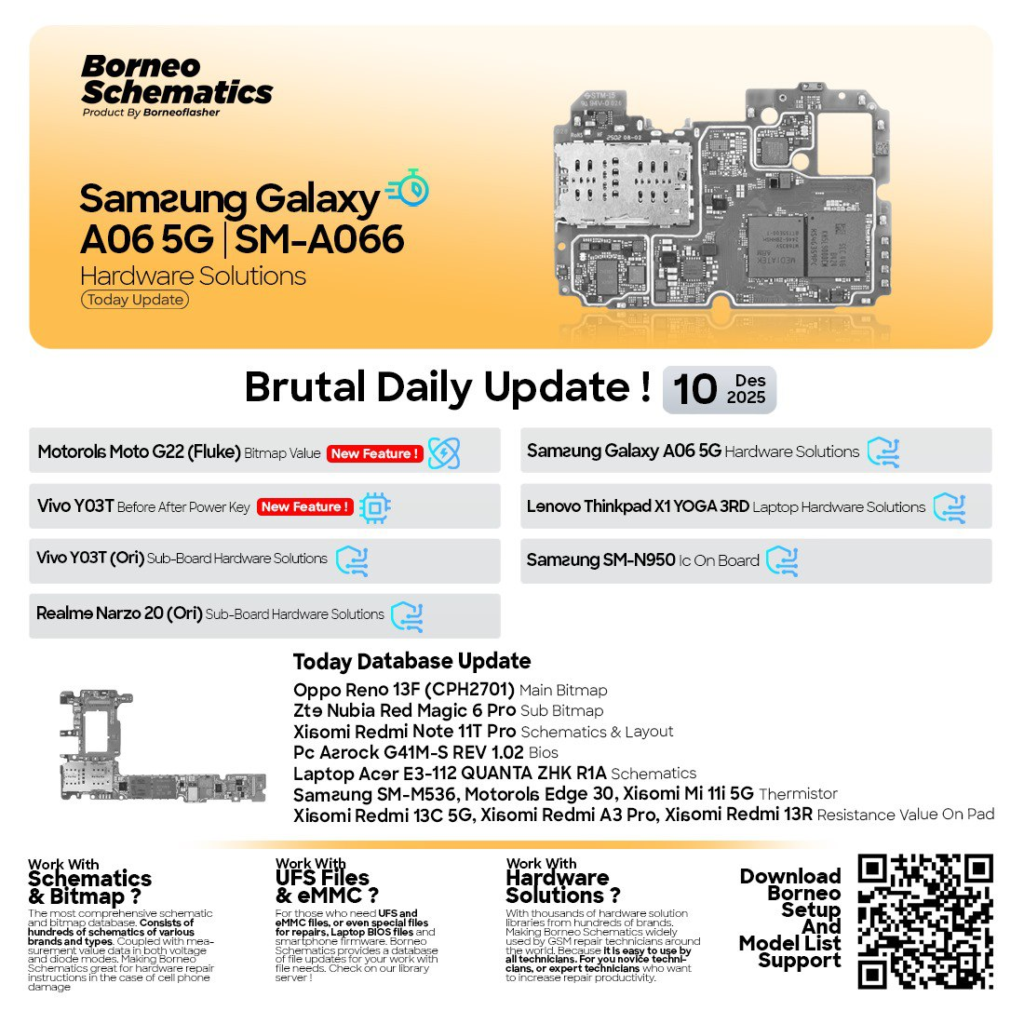
New devices are added daily, such as:
- Samsung Galaxy A06 5G
- Vivo Y03T
- Motorola Moto G22
- Redmi 13C 5G
- Oppo Reno 13F
- Many more
5. Laptop & PC Schematics Support
Including:
- Lenovo ThinkPad X1 Yoga 3rd Gen
- Acer E3-112 Quanta ZHK R1A
- Asrock G41M-S Rev 1.02 BIOS
6. Thermistor & Resistance Database
Instantly access accurate values needed for charging, battery, network, and display repairs.
7. Sub Board Hardware Solutions
Essential for repairing budget phones with separate sub boards.
8. Faster Performance in Latest Update
Optimized search engine
Reduced load time
More stable servers
9. IMEI & Network Section
Hardware-level IMEI repair steps and pathways for advanced users.
10. Compatible With All Windows Versions
Windows 7 / 8 / 10 / 11 (32-bit & 64-bit)
Supported Devices and Brands (2025 Update)
The latest Borneo Schematics Update supports:
Samsung Series
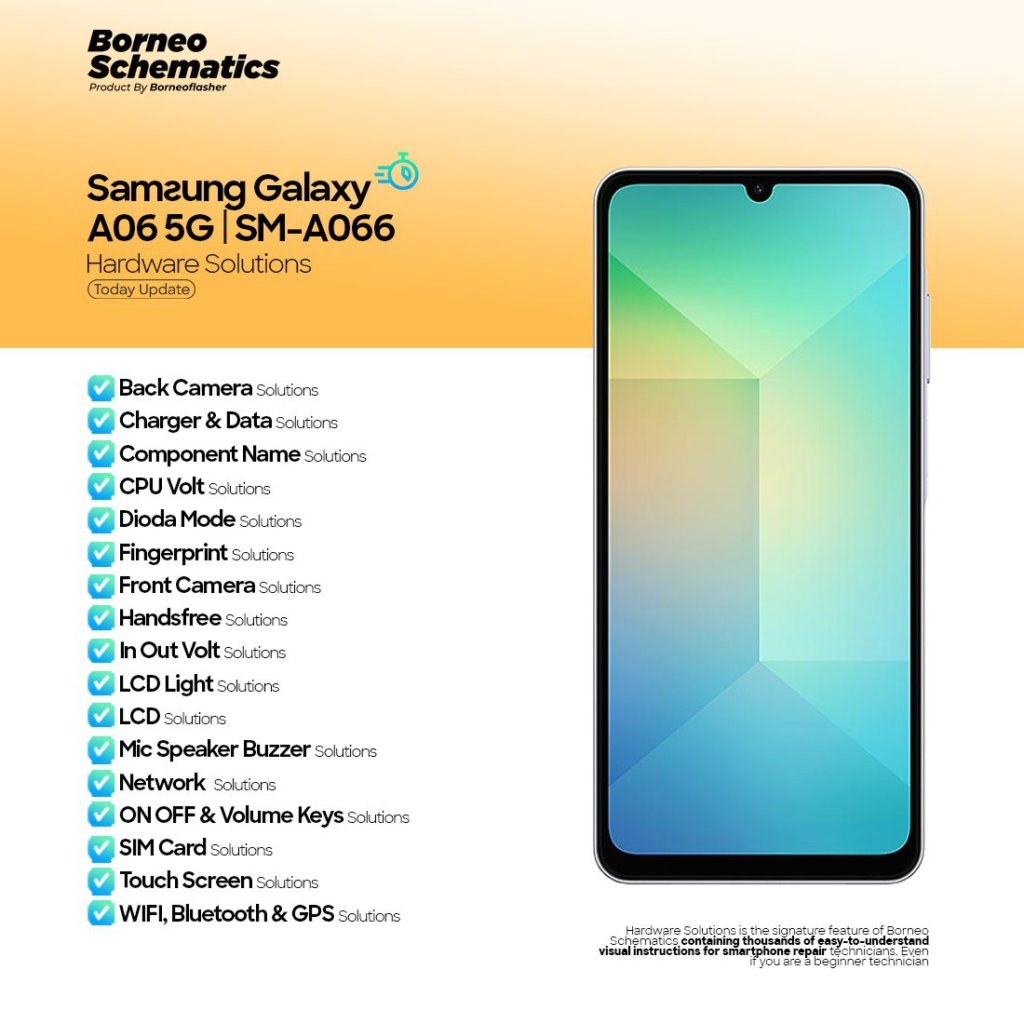
- Samsung Galaxy A06 5G (SM-A066) Hardware Solutions
- Samsung SM-M53 (M536B) Thermistor Solution
- Samsung Note 8 N950 IC On Board
Vivo Series
- Vivo Y03T Before/After Power Key On
- Vivo Y03T Sub Board Hardware Solution
Motorola Series
- Motorola Moto G22 (Fluke) Bitmap File
- Motorola Edge 30 Thermistor Value
Xiaomi Series
- Xiaomi Mi 11i 5G Thermistor
- Redmi 13C 5G Resistance Value
- Redmi A3 Pro Resistance Points
- Xiaomi Redmi 13R Pad Resistance
- Xiaomi Redmi Note 11T Pro Schematic & Layout
Realme Series
- Realme Narzo 20 Sub Board Hardware Solution
Oppo Series
- Oppo Reno 13F (CPH2701) Main Bitmap
ZTE / Nubia Series
- Nubia Red Magic 6 Pro Sub Bitmap
Laptop & PC
- Lenovo ThinkPad X1 Yoga 3rd Gen Wistron RAVEN 3
- Acer E3-112 Quanta ZHK R1A
- Asrock G41M-S Rev 1.02 BIOS
Download and Installation Process
Step-by-Step Installation Guide
- Download the latest version of Borneo Schematics Update (Link provided in CTA below).
- Extract the ZIP file using WinRAR or 7-Zip.
- Open the installer file (.exe).
- Click “Install” and follow the on-screen instructions.
- Wait for the installation to complete.
- Launch the software.
- Log in with your registered email and password.
- Wait for the database sync to complete.
- Start exploring device schematics and diagrams.

How to Register and Activate
- Open the application.
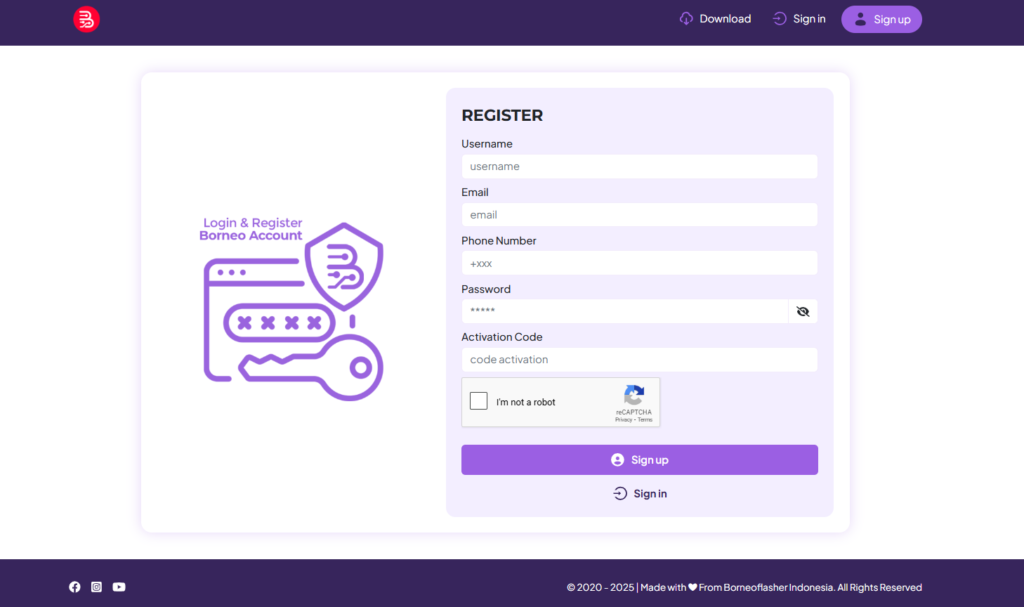
- Visit the registration section.
- Enter your email, phone number, and basic details.
- A verification email will be sent.
- Verify your email.
- Contact your official reseller (WhatsApp/Telegram provided below).
- Provide your email ID to activate the license.
- Restart the software.
- You are ready to use the full database.
How to Use Borneo Schematics Update (For Owners & Technicians)
Once activated, you can use the software in multiple ways:
1. Search for Schematics
Type any of these:
- Model number (e.g., SM-A066)
- Component name
- IC number
- Brand name
- Hardware issue category
2. Use Bitmap View
Bitmap files show exact locations of components. Perfect for:
- Power key issues
- No display
- Not charging
- Dead board
- Sub board faults
3. IMEI Repair Guide (Hardware Based)
Learn:
- Baseband pathways
- RF section
- Network ICs
- Antenna lines
- Voltage checks
4. Measuring Points
Use multimeter to test:
- Resistance points
- Thermistor values
- Line continuity
- Grounding
- VBUS and VCC lines
5. Sub-Board Hardware Repair
Perfect for Realme, Vivo, Oppo, Xiaomi budget models.
6. Laptop Schematics
Analyze:
- Motherboard lines
- Charging IC
- BIOS points
- Power sequence
- VRM testing
Comparison with Other Tools
| Feature | Borneo Schematics Update | Other Tools |
|---|---|---|
| Daily Updates | Yes | Limited |
| Mobile Schematics | Very extensive | Moderate |
| Laptop Schematics | Yes | Few tools include |
| Bitmap Files | Yes | Not always |
| Resistance/Thermistor Data | Detailed | Partially |
| Easy Activation | Yes | Sometimes complex |
| Customer Support | Fast | Slow |
| Multi-Brand Coverage | Excellent | Average |
Safety Tips and Legal Considerations
To ensure safe use:
- Always download from official or trusted resellers.
- Avoid cracked versions—they contain malware.
- Use original BIOS files only.
- Avoid modifying hardware schematics illegally.
- Never share your login publicly.
- Keep backups of your important files.
- Use anti-virus for Windows safety.
Troubleshooting Common Errors
1. Login Failed
- Check your internet connection.
- Verify your email is activated.
- Contact support for reactivation.
2. Update Not Loading
- Restart the software.
- Clear cache files.
- Use VPN if server is slow.
3. Database Not Opening
- Reinstall the application.
- Delete old versions.
- Install the latest update.
4. Activation Delayed
- Sometimes takes 5–30 minutes.
- Contact reseller if not resolved.
Pricing and Subscription Plans
Borneo Schematics Update usually offers:
- 1 Month Plan – Affordable and suitable for beginners
- 3 Months Plan – Best for consistent technicians
- 6 Months Plan – Good value
- 12 Months Plan – Maximum savings
Prices may vary by region.
Contact below for exact pricing.
FAQs
Q1. Is Borneo Schematics Update safe to use?
Yes, it is 100% safe when downloaded from trusted resellers.
Q2. Can beginners use this?
Yes, the interface is simple and beginner-friendly.
Q3. Does it support laptop schematics?
Yes, including Lenovo, Acer, Dell, HP, and many more.
Q4. How many daily updates are provided?
Usually 15–40 new schematics per day.
Q5. Does it work on Windows 11?
Yes, fully compatible.
Q6. Is activation online or offline?
Online activation through reseller.
Q7. Can I use it on multiple PCs?
Depends on your license type.
Final Thoughts + Download / Contact / Subscribe CTA
The Borneo Schematics Update is one of the most powerful tools available today for mobile and laptop repair professionals. Whether you’re solving a charging issue, diagnosing a dead motherboard, or working on advanced IC-level repairs, Borneo gives you the clarity, confidence, and precision needed to handle repairs efficiently.
Why Buy from GsmRadix
- 100% genuine and verified firmware
- Official download mirror of UnlockTool 3 months
- Instant auto-delivery 24/7
- Secure checkout with fast technical support