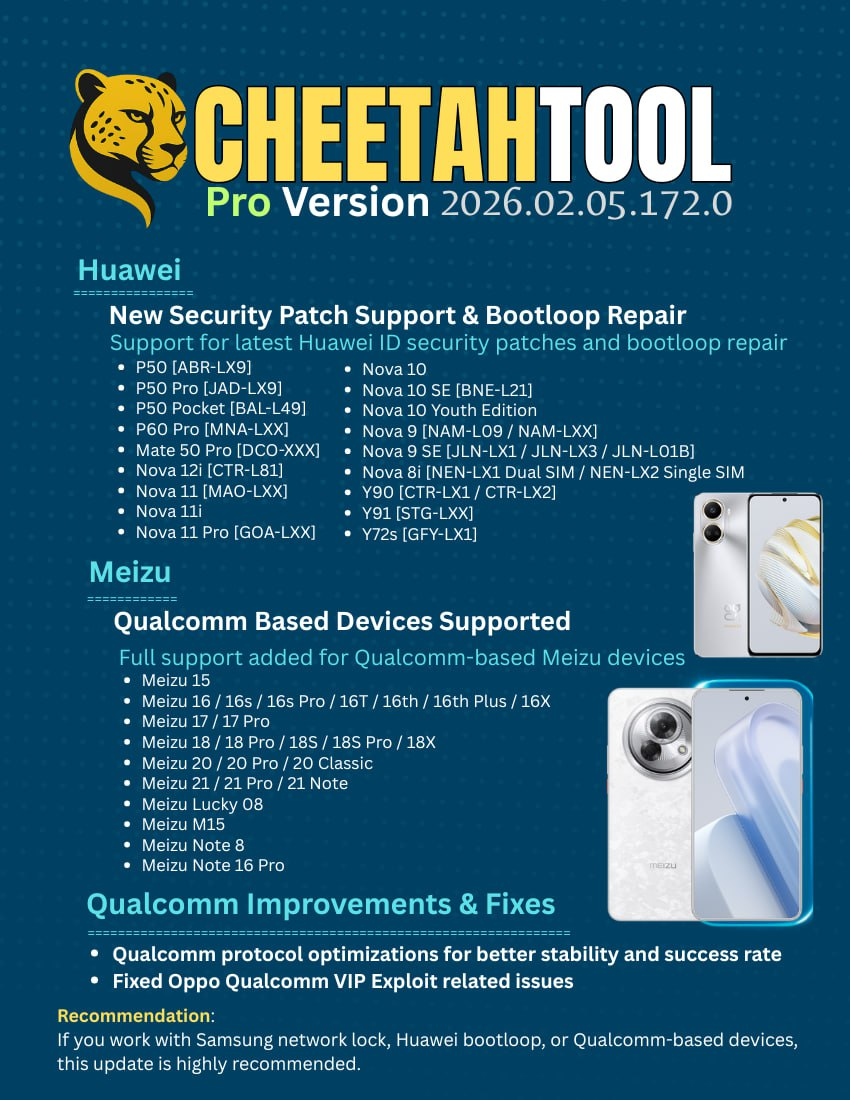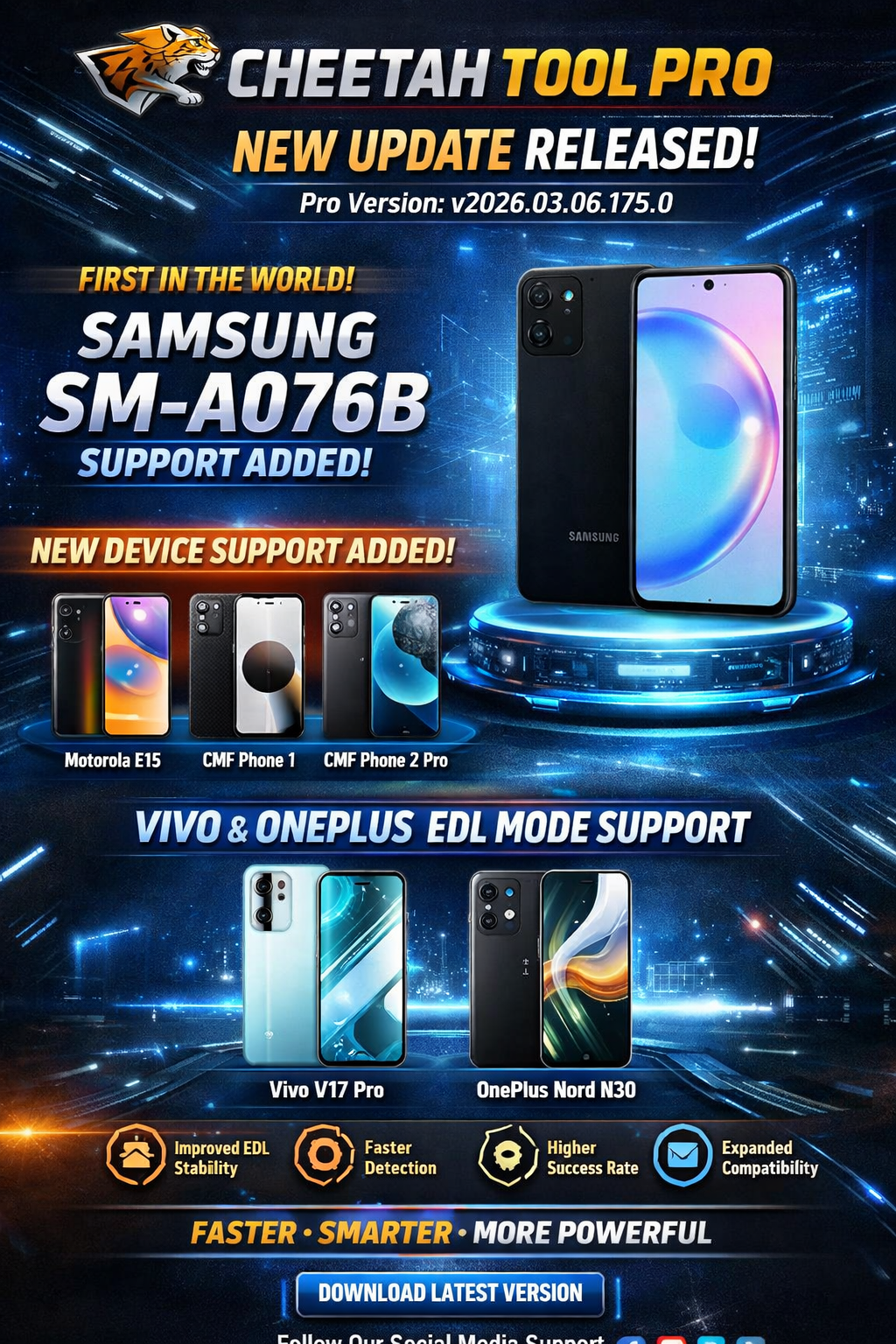
The Cheetah Tool Pro Latest Update has officially been released, bringing powerful new features, expanded device compatibility, and improved EDL capabilities for mobile repair technicians and unlock professionals.
The newest version Cheetah Tool Pro v2026.03.06.175.0 introduces support for several new smartphones, including the Samsung SM-A076B, Motorola E15, and CMF devices. Even more importantly, this update expands Qualcomm EDL Mode (9008) functionality for Vivo and OnePlus devices.
In the fast-moving mobile repair industry, staying updated with the latest tools is critical. A reliable mobile unlock program like Cheetah Tool Pro helps technicians perform operations such as:
- Device unlocking
- Firmware flashing
- IMEI repair
- FRP removal
- Qualcomm EDL repair
- Device diagnostics
For both individual users and professional repair shops, the Cheetah Tool Pro Latest Update provides improved speed, better device detection, and a higher success rate for repair operations.
In this detailed guide, we will cover everything you need to know about the Cheetah Tool Pro New Update 2026, including new features, supported devices, installation instructions, pricing, troubleshooting tips, and more.
What Is Cheetah Tool Pro Latest Update and Why It Is Needed
The Cheetah Tool Pro Latest Update is the newest version of the popular phone unlock app and mobile servicing software used by technicians worldwide.
It is specifically designed for:
- Mobile repair technicians
- Phone unlocking professionals
- GSM service centers
- Electronics repair shops
- Advanced Android users
Why Mobile Technicians Need This Tool
Modern smartphones are highly secure and complex. Without specialized software, tasks such as unlocking, repairing IMEI, or bypassing FRP locks can be extremely difficult.
This is where the Cheetah Tool Pro Latest Update becomes essential.
The software enables professionals to perform advanced repair operations quickly and safely. It also supports Qualcomm EDL Mode, which allows deep-level communication with devices even when they are not booting.
Key Benefits
Using the Cheetah Tool Pro New Update 2026 allows technicians to:
- Repair devices that are stuck in bootloop
- Unlock phones without data loss
- Fix network issues
- Restore corrupted firmware
- Access Qualcomm EDL repair mode
For repair shops handling multiple devices daily, the Cheetah Tool Pro Latest Update 2025/2026 versions offer improved efficiency and faster turnaround times.
Key Features of Cheetah Tool Pro Latest Update (v2026.03.06)
The Cheetah Tool Pro v2026.03.06 Update introduces several new capabilities that make it one of the most powerful mobile repair tools available today.
1. First-Time Support for Samsung SM-A076B
One of the biggest highlights of the Cheetah Tool Pro Latest Update is the first-ever support for Samsung SM-A076B.
This means technicians can now perform professional repair operations on this device, including:
- Firmware repair
- Unlocking
- System recovery
- Diagnostics
Early support for new devices gives technicians a competitive advantage in the mobile repair market.
2. New Device Support Added
The Cheetah Tool Pro New Update 2026 now supports several new devices:
| Brand | Model |
|---|---|
| Samsung | SM-A076B |
| Motorola | Motorola E15 |
| CMF | Phone 1 (A015) |
| CMF | Phone 2 Pro (A001) |
With every Cheetah Tool Pro Latest Update, more devices are added, ensuring the tool remains compatible with modern smartphones.
3. Expanded Qualcomm EDL Mode Support
Another major improvement in the Cheetah Tool Pro Latest Update is enhanced EDL Mode (9008) support.
This feature is particularly important for repairing devices that are:
- Hard bricked
- Bootlooped
- Firmware corrupted
- Locked due to software errors
Newly Supported Devices in EDL Mode
Vivo Devices
- Vivo V17 Pro (PD1931)
OnePlus Devices
- OnePlus Nord N30 (CPH2515)
Thanks to this update, technicians can perform Cheetah Tool Pro Qualcomm EDL Unlock operations more reliably.
4. Performance Improvements
The Cheetah Tool Pro v2026.03.06 Update also includes major performance optimizations.
Improvements
- Improved EDL communication stability
- Faster device detection
- Higher repair success rate
- Expanded device compatibility
- Better software performance
These improvements make the Cheetah Tool Pro Latest Update faster and more reliable for professional repair operations.
Supported Devices and Brands
The Cheetah Tool Pro Latest Update supports a wide range of smartphone brands.
Major Supported Brands
- Samsung
- Xiaomi
- Vivo
- Oppo
- Realme
- OnePlus
- Motorola
- CMF
- Qualcomm-based devices
Because of its advanced capabilities, the Cheetah Tool Pro Latest Update is widely used in professional GSM repair environments.
Download and Installation Process
Installing the Cheetah Tool Pro Latest Update is simple if you follow the correct steps.
Step-by-Step Installation Guide
- Download the Cheetah Tool Pro Latest Update installer from the official website.
- Extract the ZIP file to your computer.
- Run the setup file as administrator.
- Install required drivers.
- Launch the software.
- Login using your registered account.
Make sure you disable antivirus temporarily during installation to avoid conflicts.

System Requirements
Before installing the Cheetah Tool Pro Latest Update, ensure your system meets these requirements.
| Requirement | Minimum |
|---|---|
| OS | Windows 10/11 |
| RAM | 4GB |
| Storage | 2GB free space |
| Internet | Required for activation |
| USB Port | Required |
How to Register and Activate Cheetah Tool Pro
To use the Cheetah Tool Pro Latest Update, you must activate the software.
Activation Process
- Open the software.
- Enter your registered username and password.
- Connect the license dongle (if required).
- Click activate.
- Restart the software.
After activation, you will have full access to the Cheetah Tool Pro Latest Update features.
How to Use Cheetah Tool Pro Latest Update
Using the Cheetah Tool Pro Latest Update is straightforward for both beginners and professional technicians.
Basic Workflow
- Connect the phone using USB.
- Select the device brand.
- Choose the operation.
- Start the process.
IMEI Repair and Other Services
The Cheetah Tool Pro Latest Update allows technicians to perform various repair operations.
Supported Services
- IMEI repair
- FRP unlock
- Bootloader operations
- Firmware flashing
- Network repair
- Qualcomm EDL repair
- Device diagnostics
This makes the Cheetah Tool Pro Latest Update a complete mobile unlock program for professional repair shops.
Comparison with Other Mobile Repair Tools
| Feature | Cheetah Tool Pro | Other Tools |
|---|---|---|
| EDL Support | Yes | Limited |
| Device Compatibility | High | Medium |
| Speed | Fast | Moderate |
| Updates | Frequent | Occasional |
| Success Rate | High | Variable |
Because of these advantages, the Cheetah Tool Pro Latest Update is becoming a preferred tool for technicians worldwide.
Safety Tips and Legal Considerations
While using the Cheetah Tool Pro Latest Update, technicians should follow certain guidelines.
Safety Tips
- Always backup device data
- Use original USB cables
- Install correct drivers
- Avoid interrupting operations
Legal Considerations
Device unlocking laws vary by country. Ensure that you:
- Only repair devices with owner permission
- Follow local regulations
- Avoid unauthorized modifications
Using the Cheetah Tool Pro Latest Update responsibly ensures safe and professional repair operations.
Troubleshooting Common Errors
Sometimes technicians may encounter issues when using the Cheetah Tool Pro Latest Update.
Common Problems
Device Not Detected
Solution:
- Install USB drivers
- Use another cable
- Enable USB debugging
EDL Mode Not Working
Solution:
- Check Qualcomm drivers
- Use test point method
- Restart the software
Activation Error
Solution:
- Check internet connection
- Verify login credentials
- Contact support
These simple steps usually resolve most issues in the Cheetah Tool Pro Latest Update.
Pricing and Subscription Plans
The Cheetah Tool Pro Latest Update is available through subscription plans.
Typical pricing options may include:
| Plan | Duration |
|---|---|
| Basic Plan | 3 Months |
| Standard Plan | 6 Months |
| Professional Plan | 12 Months |
Professional repair shops often prefer yearly subscriptions for uninterrupted access to Cheetah Tool Pro New Update 2026 features.
Frequently Asked Questions (FAQs)
What is the Cheetah Tool Pro Latest Update?
The Cheetah Tool Pro Latest Update is the newest version of the mobile repair software that provides unlocking, firmware repair, and Qualcomm EDL operations
Which devices are supported in the new update?
The Cheetah Tool Pro v2026.03.06 Update adds support for:
- Samsung SM-A076B
- Motorola E15
- CMF Phone 1 (A015)
- CMF Phone 2 Pro (A001)
Does the tool support Qualcomm EDL mode?
Yes. The Cheetah Tool Pro EDL Mode Support allows technicians to repair Qualcomm devices using 9008 EDL mode.
Is the tool suitable for beginners?
Yes. Although designed for professionals, the Cheetah Tool Pro Latest Update has a user-friendly interface that beginners can learn quickly.
Where can I download the latest version?
You can download the Cheetah Tool Pro Latest Update from the official website or from authorized distributors.
Final Thoughts
The Cheetah Tool Pro Latest Update v2026.03.06 is a powerful upgrade that brings new device support, expanded Qualcomm EDL capabilities, and improved repair performance.
With first-time support for Samsung SM-A076B, additional devices, and enhanced communication stability, this update is especially valuable for professional technicians and mobile repair shops.