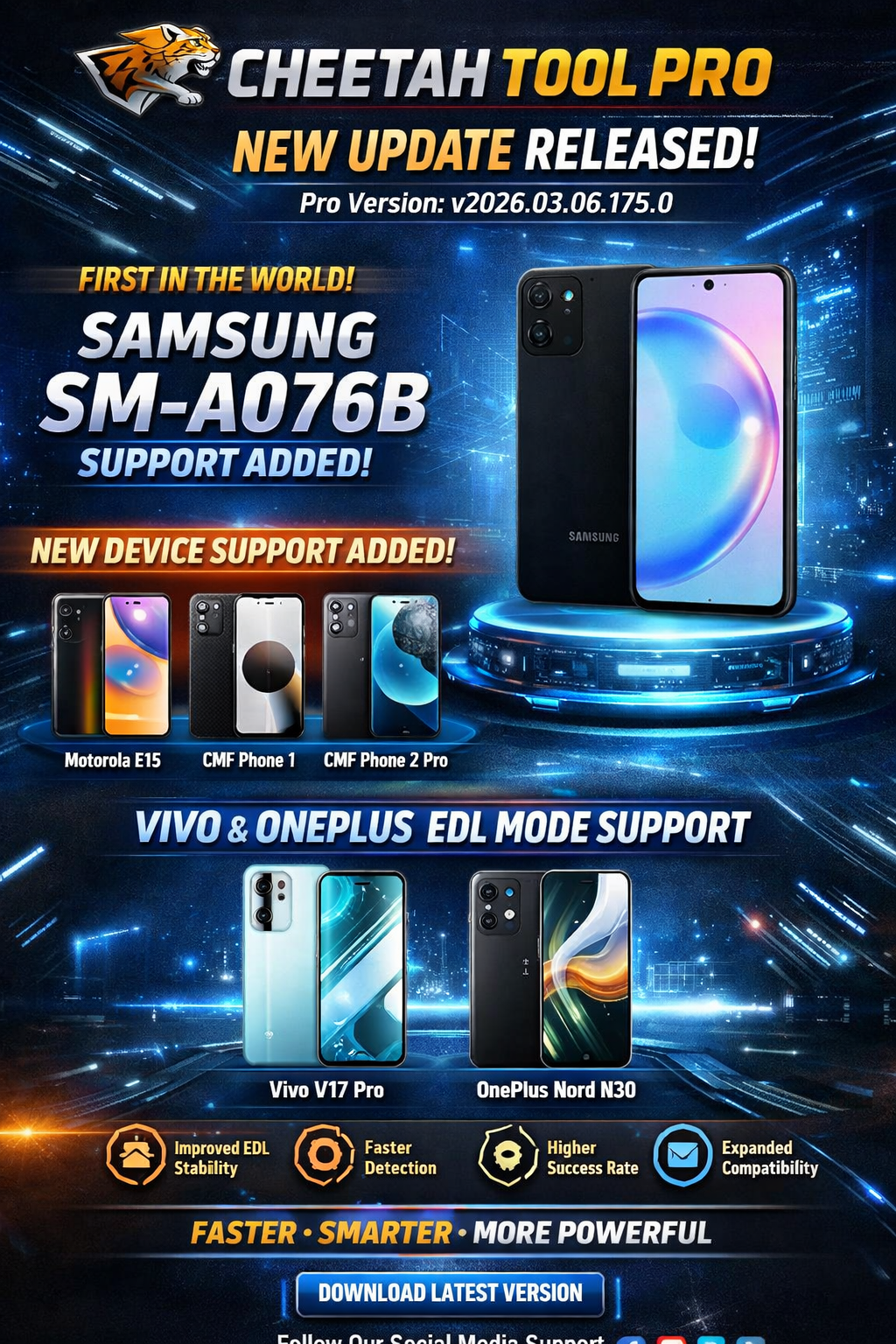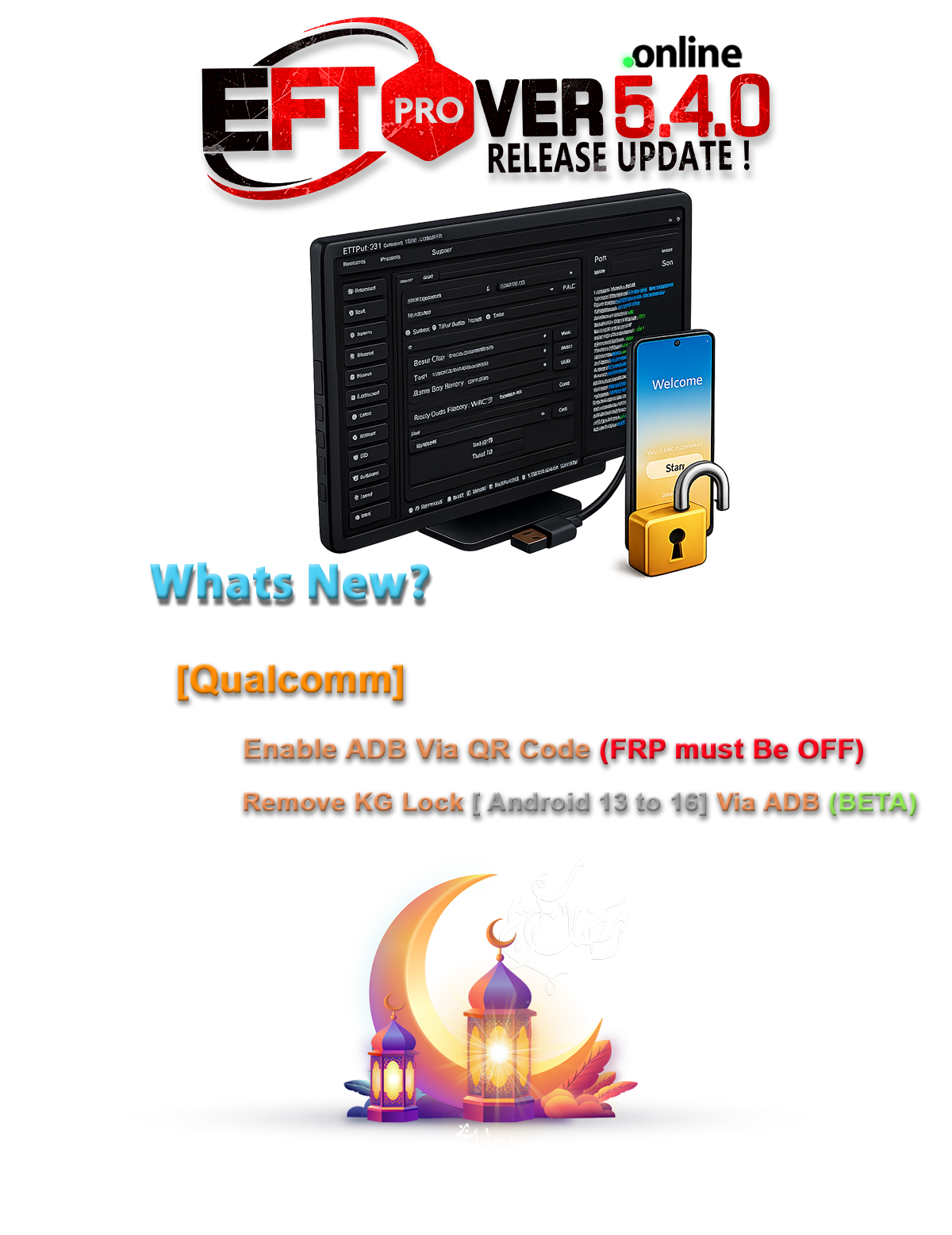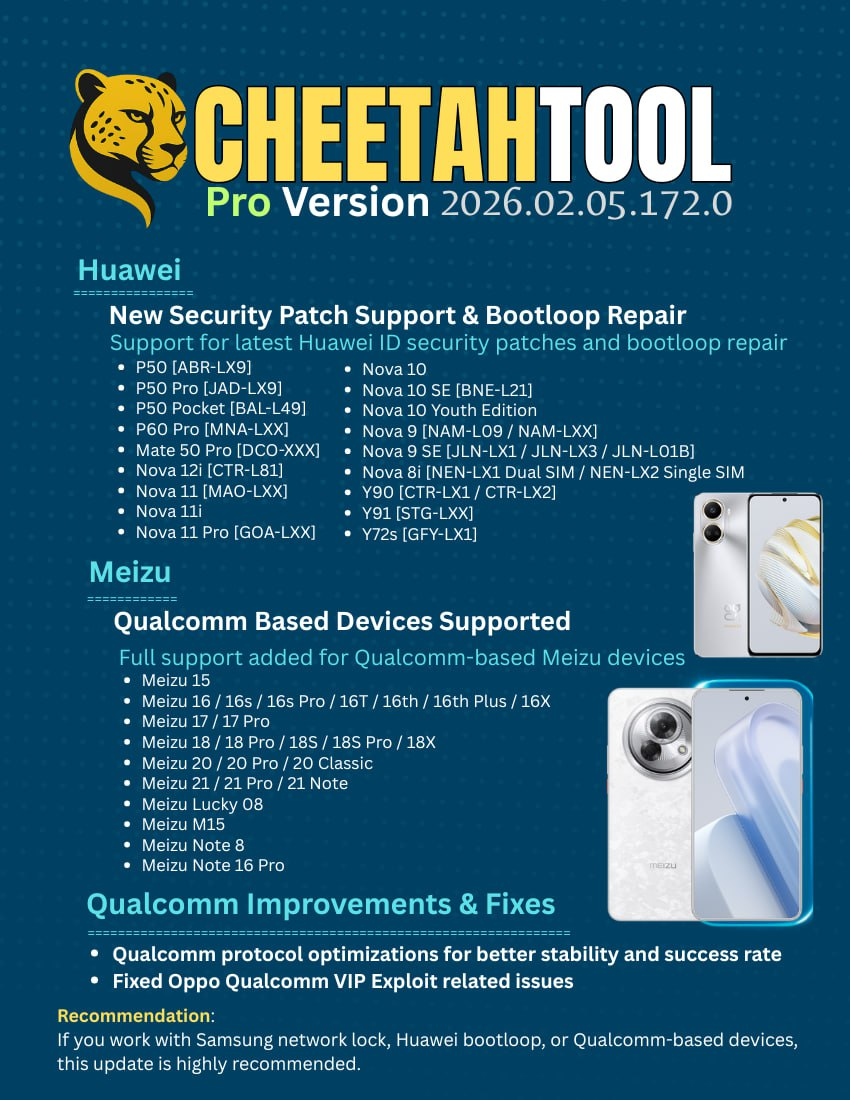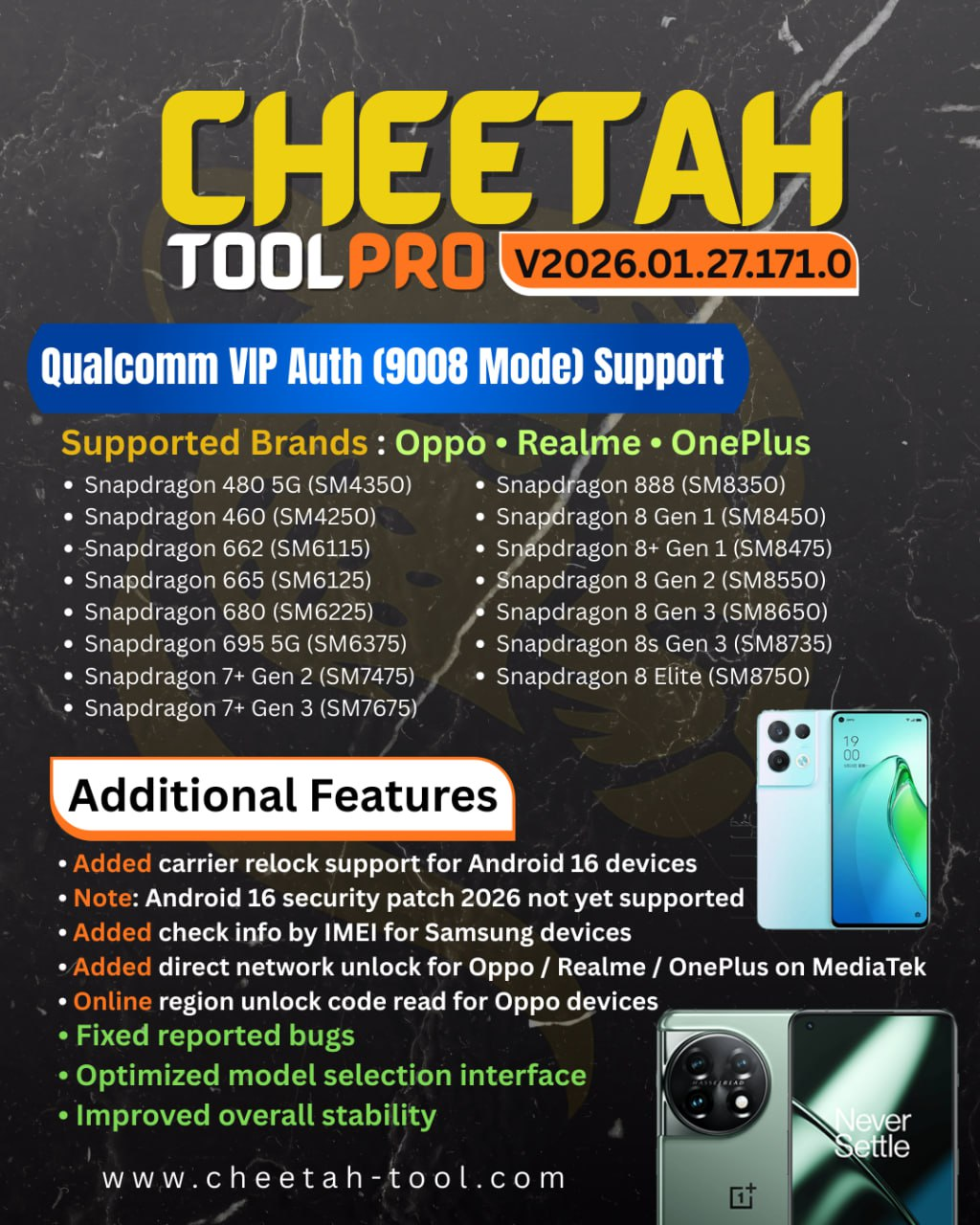
The mobile repair and unlocking industry is evolving fast, and technicians need powerful, reliable, and regularly updated tools to stay ahead. Cheetah Tool Pro New Update 2026 delivers advanced Qualcomm authorization, improved 9008 mode support, and wide compatibility with Oppo, Realme, OnePlus, and Samsung devices. Designed for both individual users and professional repair shops, it offers a secure, efficient, and future-ready phone unlocking solution.
What is Cheetah Tool Pro New Update 2026 and Why It Is Needed
Cheetah Tool Pro New Update 2026 is a professional GSM software designed for mobile unlocking, flashing, FRP removal, IMEI repair, and advanced servicing tasks. It is especially known for its strong Qualcomm support, including secure authentication methods that many other tools fail to handle.
Modern smartphones come with stricter security layers such as secure boot, factory reset protection (FRP), and server-side authentication. Older tools struggle with these protections, which is why technicians need an updated solution like Cheetah Tool Pro New Update 2026.
Why this update matters in 2026
- Smartphone brands are increasing security patches every month
- Qualcomm devices now require VIP Auth and EDL authorization
- FRP and Mi Account locks are harder to bypass
- Customers expect fast, safe, and legal solutions
The Cheetah Tool Pro New Update 2026 addresses all these challenges with improved algorithms, server-based authentication, and wider model coverage.
Key Features of Cheetah Tool Pro New Update 2026 (Latest Version)
The latest version of Cheetah Tool Pro focuses on speed, stability, and compatibility. Below are the most important features that make it stand out.
Advanced Qualcomm Support
- Cheetah Tool Pro Qualcomm VIP Auth for secure devices
- Full 9008 Mode Update for EDL flashing and repair
- Bypass authentication on supported Qualcomm chipsets
- Improved stability on Windows 10 and Windows 11
FRP and Lock Removal
- Cheetah Tool Pro FRP Samsung latest security supported
- FRP removal for Oppo, Realme, Vivo, Xiaomi, and more
- Support for newer Android versions and patches
- Safe methods to reduce the risk of device damage
IMEI Repair and Security Functions
- IMEI repair for supported Qualcomm devices
- Network unlock and baseband repair
- Backup and restore of security data
- QCN read and write features
User-Friendly Interface
- Clean and simple dashboard
- Step-by-step operation flow
- Beginner-friendly options for individual users
- Advanced modes for professional technicians
Regular Online Updates
- Frequent server updates
- New models added monthly
- Bug fixes and performance improvements
- Improved tool detection and error handling
Supported Devices and Brands
One of the biggest strengths of Cheetah Tool Pro New Update 2026 is its wide device compatibility.
Supported Chipsets
- Qualcomm Snapdragon (primary focus)
- Selected MediaTek operations (limited support)
Supported Brands
- Oppo
- Realme
- OnePlus
- Samsung
- Xiaomi
- Vivo
- Motorola
- Nokia
- Lenovo
- Asus
The Cheetah Tool Pro Oppo Realme OnePlus Support is especially strong in this update, making it ideal for technicians who frequently work with these brands.
Download and Installation Process
Downloading and installing the Cheetah Tool Pro Latest Version Download is straightforward if done correctly.
System Requirements
- Windows 10 or Windows 11 (64-bit recommended)
- Minimum 8 GB RAM
- Stable internet connection
- Qualcomm USB drivers installed
- Antivirus temporarily disabled during installation
Step-by-Step Installation Guide
- Download the setup file from an authorized source
- Extract the ZIP or RAR file using WinRAR or 7-Zip
- Run the installer as Administrator
- Follow on-screen instructions
- Install required drivers if prompted
- Restart your PC after installation

How to Register and Activate
- Open Cheetah Tool Pro
- Click on the Login or Register option
- Create an account using your email
- Purchase a valid license or subscription
- Enter your activation details
- Restart the tool and verify activation status
Activation is server-based, so a stable internet connection is mandatory.
How to Use Cheetah Tool Pro New Update 2026 (For Owners and Technicians)
The Cheetah Tool Pro New Update 2026 is designed for both personal users and professional repair shops.
Basic Usage for Individual Users
- Connect the phone in the required mode (EDL, Fastboot, or Normal)
- Select the correct brand and model
- Choose the required operation (FRP, unlock, flash)
- Click Start and wait for completion
Professional Usage for Technicians
- Multi-device servicing support
- Advanced Qualcomm authorization handling
- Batch repair and flashing workflows
- Detailed logs for troubleshooting
IMEI Repair and Other Services
- IMEI repair for supported models only
- QCN backup before any repair
- Network repair after baseband issues
- Always follow local laws and regulations
Comparison with Other Tools
| Feature | Cheetah Tool Pro New Update 2026 | Other GSM Tools |
|---|---|---|
| Qualcomm VIP Auth | Yes | Limited |
| 9008 Mode Support | Full | Partial |
| Oppo/Realme Support | Strong | Average |
| FRP Latest Security | Yes | Not always |
| Ease of Use | High | Medium |
| Update Frequency | Regular | Irregular |
The Best Cheetah Tool Pro New Update 2026 2026 stands out due to its consistent updates and advanced Qualcomm handling.
Safety Tips and Legal Considerations
Using a phone unlock app responsibly is crucial.
Safety Tips
- Always backup user data before operations
- Use original USB cables
- Avoid interrupting the process
- Keep your system updated
Legal Considerations
- IMEI repair may be restricted in some countries
- Always obtain user consent
- Use the tool for lawful repair purposes only
- Follow local telecom regulations
Troubleshooting Common Errors
Tool Not Opening
- Run as Administrator
- Disable antivirus temporarily
- Reinstall Visual C++ libraries
Device Not Detected
- Reinstall Qualcomm USB drivers
- Try a different USB port
- Use EDL test point if required
Authentication Failed
- Check internet connection
- Verify active subscription
- Update the tool to the latest version
Pricing and Subscription Plans
The Cheetah Tool Pro New Update 2026 is available in flexible plans.
Common Plans
- Monthly subscription
- Quarterly subscription
- Yearly subscription
Pricing varies depending on region and reseller. Professional technicians often prefer longer plans for cost efficiency.
FAQs – Cheetah Tool Pro New Update 2026
Is Cheetah Tool Pro New Update 2026 safe to use?
Yes, when downloaded from trusted sources and used correctly.
Does it support the latest Android security patches?
Yes, the tool is regularly updated to handle newer patches.
Can beginners use Cheetah Tool Pro?
Absolutely. The interface is beginner-friendly, with advanced options for experts.
Is it an online or offline tool?
It is primarily an online tool and requires internet for authentication.
Does it support Samsung FRP removal?
Yes, Cheetah Tool Pro FRP Samsung is supported in the latest version.
Final Thoughts + Download / Contact / Subscribe CTA
The Cheetah Tool Pro New Update 2026 is a powerful, reliable, and future-ready solution for mobile unlocking and repair. With advanced Qualcomm VIP Auth, strong 9008 mode support, and excellent Oppo, Realme, and OnePlus compatibility, it is an ideal choice for both individuals and professional technicians.
Why Buy from GsmRadix
- 100% genuine and verified firmware
- Official download mirror of Cheetah Pro Tool
- Instant auto-delivery 24/7
- Secure checkout with fast technical support