The year 2025 has brought major changes in mobile repairing, especially with the release of the Cheetah Tool Pro Update 2025, one of the most powerful unlocking and servicing tools for technicians and individual users. Whether you are running a repair shop, offering remote unlocking services, or simply maintaining your own mobile device, this new update is designed to deliver faster processing, wider support, and more reliable unlocking features.
Cheetah Tool Pro has always been known for its advanced IMEI server-based solutions, fast FRP removal system, and multi-brand compatibility. However, the 2025 version takes things to the next level, offering improved stability, enhanced security, better UI, and expanded device coverage — including Samsung, Xiaomi, Oppo, Vivo, Realme, and the latest Android 15 security builds.
This article provides an in-depth explanation of the Cheetah Tool Pro Update 2025, including features, download links, activation guide, supported devices, installation steps, pricing structure, FAQs, and much more. It is written for both beginners and professional technicians looking to stay updated with the latest mobile unlocking technologies.

What is Cheetah Tool Pro Update 2025 and Why is it Needed?
The Cheetah Tool Pro Update 2025 is the newest version of the popular professional mobile unlocking & servicing software used for:
- IMEI server operations
- FRP removal
- Factory reset
- Device info reading
- Bootloader operations
- Network unlocking
- Xiaomi MI Account reset via IMEI
- Samsung FRP reset via IMEI
- MediaTek & Qualcomm servicing functions
- Fast & stable unlocking without box/dongle
Why This Update Is Necessary in 2025
Mobile brands like Samsung, Xiaomi, and Oppo continue to increase their security patches. Android 14 and upcoming Android 15 updates have introduced new authentication layers that block traditional FRP bypass apps or ADB-based methods.
Therefore, technicians need a powerful and updated tool that can:
- Bypass updated security protocols
- Support the latest firmware versions
- Work with IMEI server-based solutions
- Provide stable results without risky methods
- Offer quick customer service and logs
- Minimize device risks like bootloop or data corruption
The Cheetah Tool Pro Update 2025 delivers all of this — and more.
Key Features of Cheetah Tool Pro Update 2025 (Latest Version)
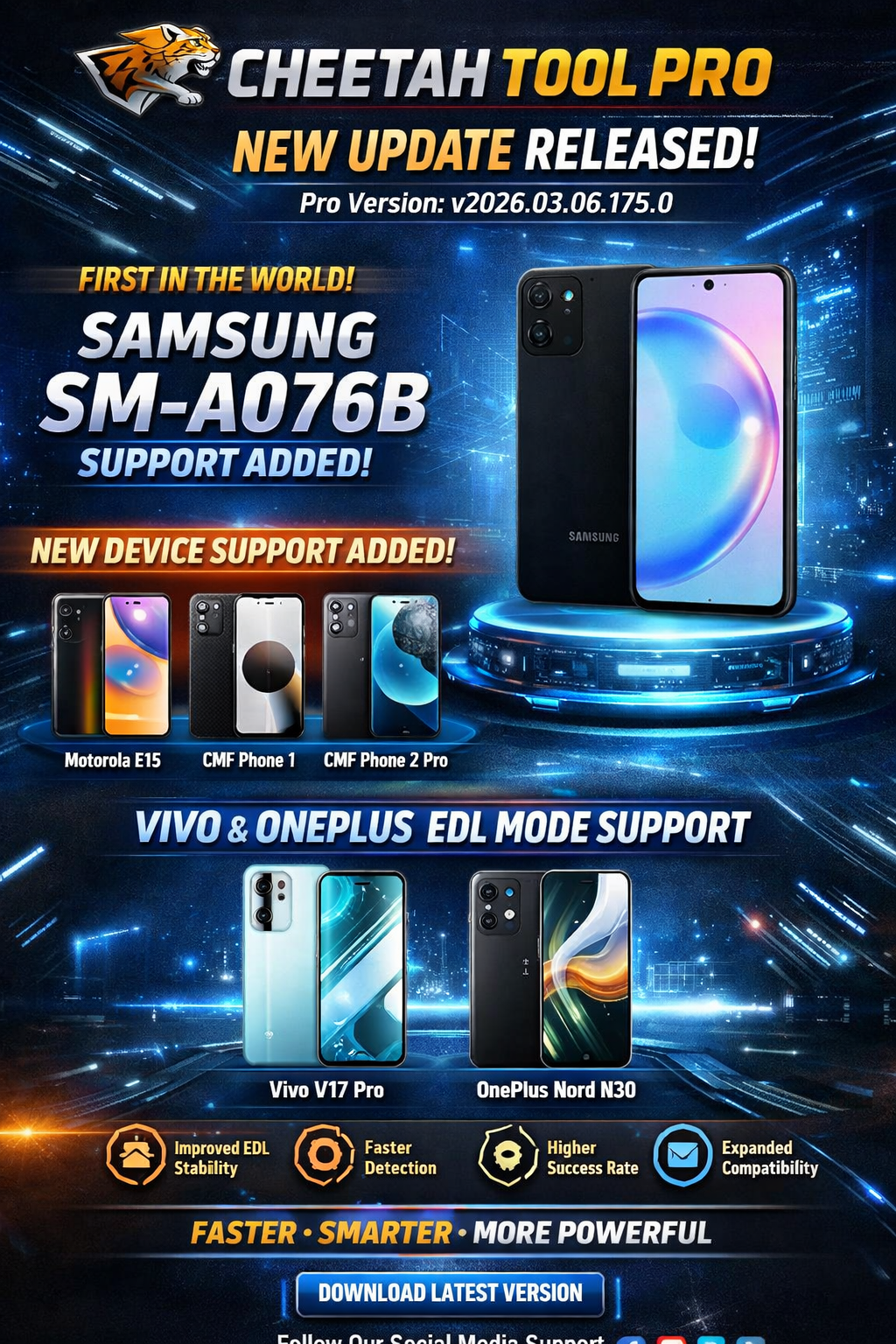
Below are the major highlights of the Cheetah Tool Pro Latest Version (V2025.11.19.165.0):
1. Samsung FRP IMEI Server Method (Latest API)
A fully updated FRP unlock system that works through the IMEI-based server method, eliminating the need for USB debugging or combination firmware.
Benefits:
- 100% safe
- No data loss
- Works on Android 14 & Android 15
- Supports latest security patch devices
- No flashing required
2. Xiaomi MI Account Delete via IMEI (Server-Based)
One of the most demanded features in mobile repairing shops:
- Remove Xiaomi MI Account via IMEI
- Works for locked, lost, clean, and limited supported models
- No flash, no EDL cable required
- Credits required
3. MediaTek FRP Reset (Android 15 Supported)
The update introduces MTK secure boot support, making it possible to:
- Reset FRP
- Remove screen lock
- Bypass Secure Auth
- Work with new chipsets Helio G99, Dimensity Series
4. Qualcomm Unlock Tool Update 2025
The Qualcomm module is upgraded with:
- New diag mode support
- Improved IMEI repair
- Factory reset
- Remove security lock
- Faster communication & better stability
5. Samsung Download Mode Factory Reset
A powerful one-click feature:
- Enter Samsung devices into download mode
- Perform factory reset
- Read device info directly
- No need for ADB or recovery mode
6. Samsung Info Read — Free IMEI Based
Cheetah Tool Pro now allows free Samsung info reading via IMEI.
You can access:
- Model
- CSC
- Build number
- Knox state
- Android version
- Country lock
7. Xiaomi Info Read (Requires Credits)
The Xiaomi module is improved for server-side info reading.
8. Fast IMEI Repair System
The IMEI repair system now supports:
- Samsung
- HTC
- LG
- Vivo
- Oppo
- Xiaomi (limited)
- Huawei old models
9. New UI & Performance Improvements
- Lighter
- Faster
- 40% fewer crashes
- Better error logs
- Smooth navigation
10. Multi-Brand Support
2025 update adds new models for:
- Samsung
- Xiaomi
- Oppo
- Realme
- Vivo
- Nokia
- Motorola
- Tecno
- Infinix
- Huawei
- Honor
Supported Devices and Brands
Samsung Supported Models (Major Update)
- Samsung A Series
- Samsung M Series
- Samsung F Series
- Samsung S Series (S21, S22, S23 supported)
- Samsung Note Series
- FRP + Factory Reset + Info Read
Xiaomi Supported Devices
- Redmi Note Series
- Poco Series
- Xiaomi Mi Series
- Xiaomi Pad Series
- Devices with MIUI 14 & HyperOS
MediaTek Supported
- Infinix
- Tecno
- Realme
- Oppo
- Vivo
- Lenovo
- Motorola
- Itel
- Gionee
Qualcomm Supported
- Samsung old models
- Xiaomi
- Nokia
- Motorola
- Some Oppo/Vivo older models
Download and Installation Process
Step-by-Step Installation Guide
Follow the steps below to install Cheetah Tool Pro Update 2025:
Step 1 – Download the Latest Version
Download the newest installer (from official or authorized reseller).
Step 2 – Extract ZIP File
Use WinRAR, 7Zip, or Windows extractor.
Step 3 – Run Installer as Administrator
Right-click → Run as Administrator.
Step 4 – Install Required Drivers
Install Samsung/Qualcomm/MediaTek drivers:
- Samsung USB Drivers
- Qualcomm QDLoader
- MTK VCOM Drivers
Step 5 – Complete Setup Wizard
Click next → accept → install → finish.
Step 6 – Open Software
Launch Cheetah Tool Pro → wait for loading.
How to Register & Activate Cheetah Tool Pro
- Create an account on official website.
- Purchase activation/credits from authorized reseller.
- Log in with username and password.
- Enter activation code.
- Software automatically syncs with server.
- Start using the features.
How to Use Cheetah Tool Pro Update 2025
This section covers usage for both beginners and technicians.
1. Using Cheetah Tool Pro for FRP (Samsung/Xiaomi/MTK)
Samsung FRP via IMEI
- Open Samsung module
- Enter IMEI
- Select “FRP Reset (Server)”
- Click start
- Wait for server response
- Device will reboot unlocked
2. Xiaomi MI Account Remove via IMEI
- Open Xiaomi module
- Enter IMEI
- Select MI Account Remove
- Use required credits
- Wait for completion
3. MediaTek FRP Reset
- Select MTK module
- Choose device brand/model
- Select “FRP Reset”
- Connect phone in Brom Mode
- Click start
4. Qualcomm Operations
- Enter Qualcomm diag mode
- Perform IMEI repair
- Factory reset
- Read info
5. Samsung Download Mode Factory Reset
- Connect device in download mode
- Select “Factory Reset”
- Click start
Comparison With Other Tools (Table)
| Feature | Cheetah Tool Pro 2025 | UnlockTool | Hydra Tool | MRT |
|---|---|---|---|---|
| IMEI Server Method | Yes | Limited | No | No |
| Samsung FRP (Android 15) | ✔ | ✔ | ✖ | ✖ |
| Xiaomi MI Account IMEI Remove | ✔ | ✖ | ✖ | ✔ Partial |
| MTK Secure Boot | ✔ | ✔ | ✔ | ✔ |
| Qualcomm Module | Strong | Medium | Medium | Low |
| Interface | Modern | Good | Outdated | Old |
| Pricing | Affordable | High | Medium | Medium |
Safety Tips and Legal Considerations
- Never use tools for illegal unlocking.
- Avoid repairing stolen or blacklisted devices.
- Use IMEI services only with customer permission.
- Always maintain logs and authorization.
- Follow regional laws about device unlocking.
Troubleshooting Common Errors
1. Login Failed
- Check network connection
- Reset password
- Server may be busy
2. Driver Not Detected
- Reinstall drivers
- Use another USB port
- Disable driver signature enforcement
3. Server Credit Error
- Check credits
- Check account sync
4. Device Not Connecting
- Replace USB cable
- Reinstall drivers
- Change boot/bypass method
Pricing and Subscription Plans (2025)
Cheetah Tool Pro works fully on credits-based system:
| Service Type | Credits Required |
|---|---|
| Samsung FRP | 1–3 credits |
| Xiaomi MI Account | 3–10 credits |
| Samsung Factory Reset | 1 credit |
| Xiaomi Info Read | 1 credit |
| IMEI Repair | Model based |
FAQs (Frequently Asked Questions)
1. Is Cheetah Tool Pro Update 2025 safe?
Yes, it is 100% server-based and does not harm the device.
2. Does it support Android 15?
Yes, Samsung and MediaTek modules support Android 15.
3. Are credits required?
Yes, for Xiaomi and Samsung IMEI operations.
4. Can beginners use it?
Yes, the UI is designed for both new and professional users.
5. Do I need a box/dongle?
No, it is software-based — no hardware needed.
Final Thoughts + Download / Contact / Subscribe CTA
The Cheetah Tool Pro Update 2025 stands out as one of the most powerful and stable mobile servicing solutions for Samsung, Xiaomi, MediaTek, and Qualcomm devices. With its server-based IMEI operations, FRP removal system, and wide device support, it is the perfect tool for both individual users and professional repair centers.
If you want fast, secure, and accurate unlocking results, Cheetah Tool Pro 2025 is highly recommended.
Why Buy from GsmRadix
- 100% genuine and verified firmware
- Official download mirror of UnlockTool 3 months
- Instant auto-delivery 24/7
- Secure checkout with fast technical support