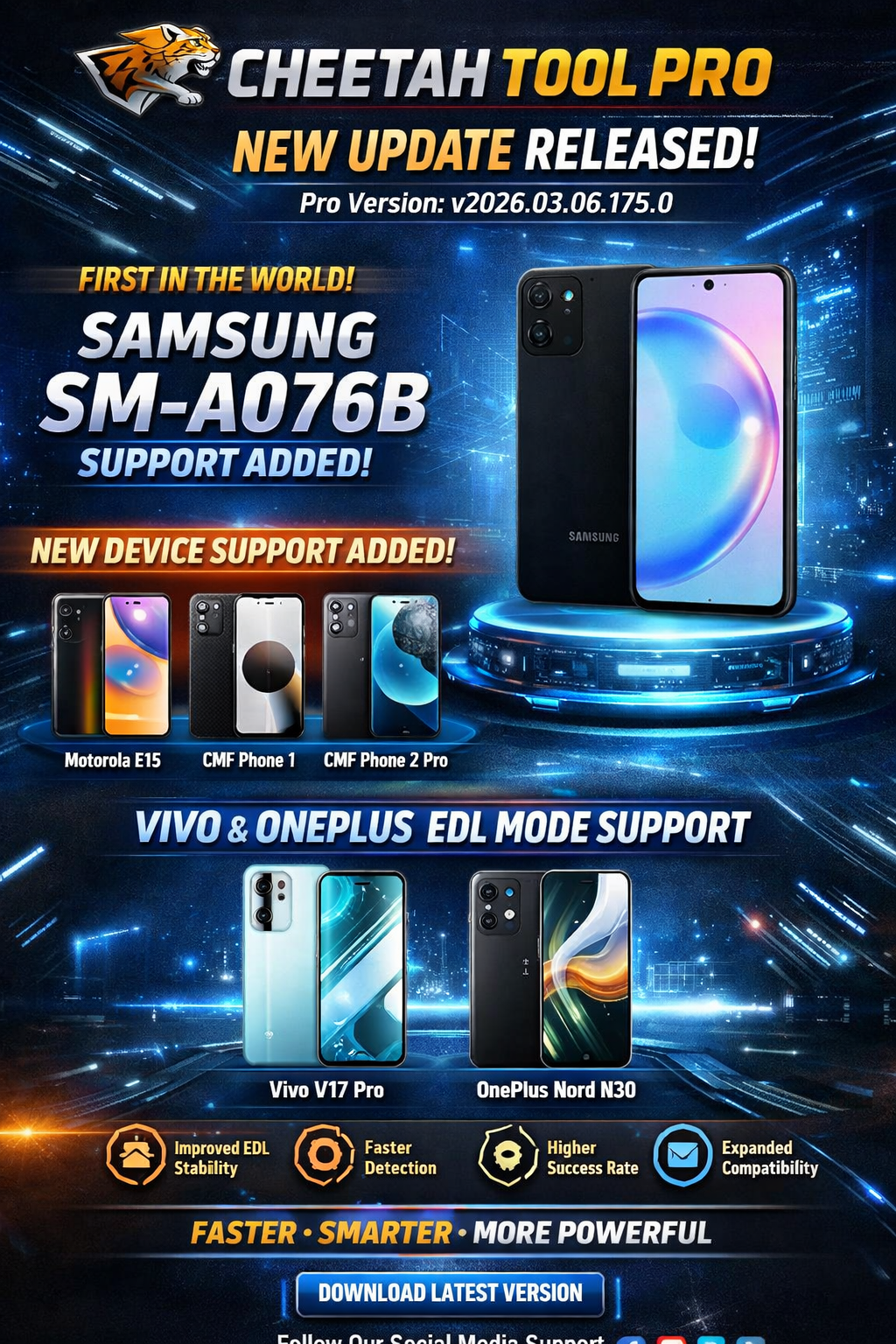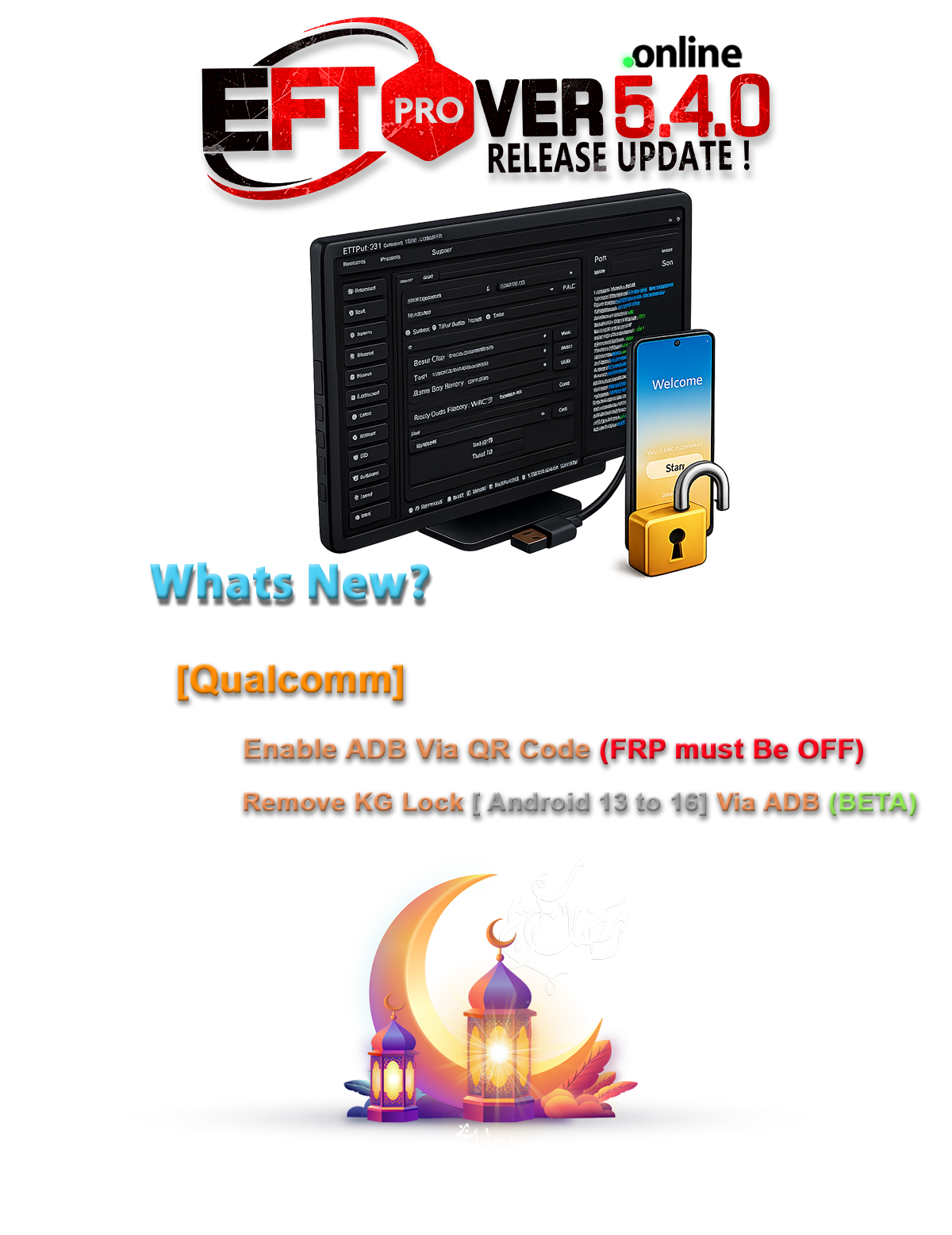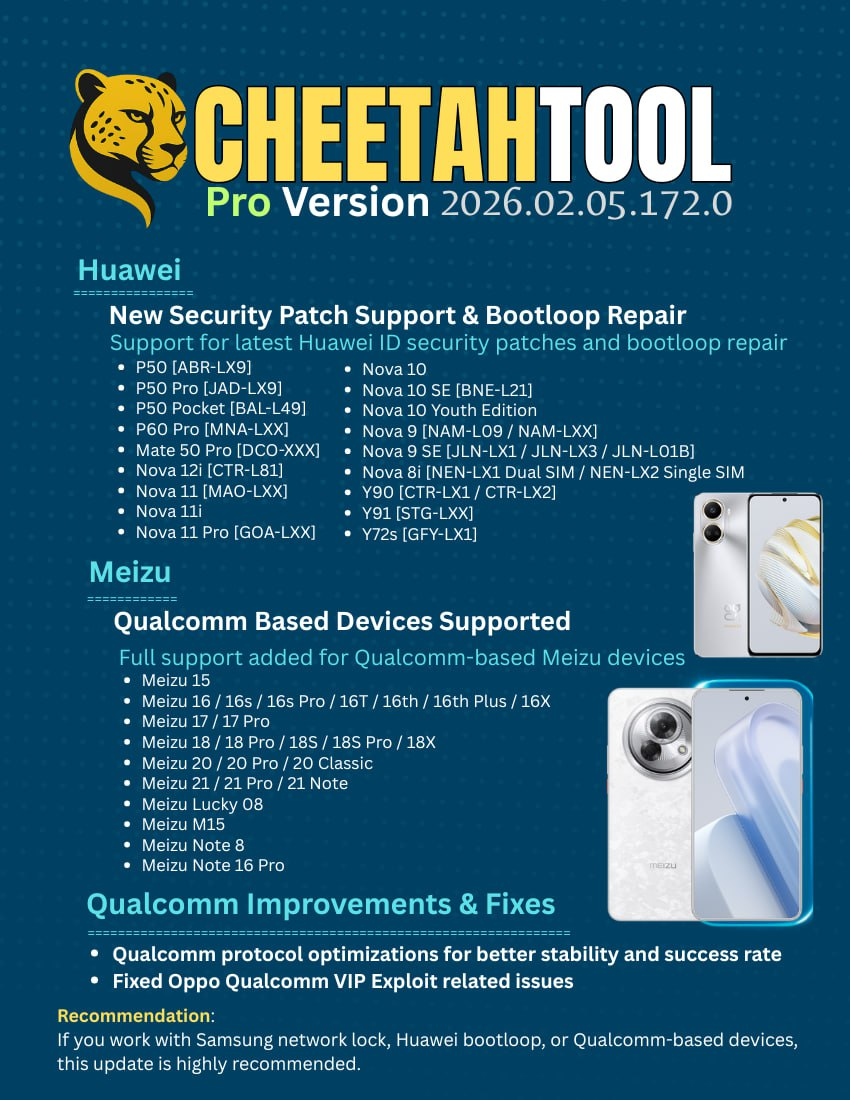
The mobile repair industry is advancing rapidly, and modern smartphone security can no longer be handled with outdated tools. Cheetah Tool Pro Update 2026 offers a powerful, stable, and professional solution for safely unlocking and repairing today’s advanced devices—whether you’re an individual user or a repair technician.
What is Cheetah Tool Pro Update 2026 and Why It Is Needed
Cheetah Tool Pro Update 2026 is a next-generation mobile servicing software designed for unlocking, repairing, and restoring smartphones powered by Qualcomm, Exynos, and modern security chipsets. It is built specifically for technicians who need reliable results without risky trial-and-error methods.
Why Traditional Tools No Longer Work
- New Qualcomm security protocols block free exploits
- Samsung devices lock after multiple wrong attempts
- Huawei ID protection has become server-side verified
- Oppo Qualcomm exploits frequently fail or crash
- Older tools lack support for latest Android versions
The Cheetah Tool Pro Update 2026 solves these challenges by using authorized repair methods, stable communication protocols, and updated security handling that aligns with modern device architecture.
Key Features of Cheetah Tool Pro Update 2026 (Latest Version)
The latest release focuses on stability, speed, and higher success rates, making it suitable for both beginners and professionals.
Samsung Advanced Repair Features
- Samsung Network Unlock Tool
- Samsung NV Rebuild Tool
- Reset MCK Samsung after wrong attempts
- Fix network lock without risky flashing
- Safe operations without data corruption
Huawei Security Solutions
- Huawei ID Unlock Tool (new security patch supported)
- Huawei Bootloop Repair Tool
- Stable handling of P, Mate, Nova, and Y series
- No random reboots or dead boot issues
Qualcomm Engine Improvements
- Qualcomm Unlock Tool 2026 engine
- Faster protocol communication
- Higher success rate on locked devices
- Improved stability during critical operations
Oppo & Other Brand Fixes
- Oppo Qualcomm Exploit Fix
- Reduced error rate on VIP operations
- Better detection of supported chipsets
Professional-Level Enhancements
- Clean and beginner-friendly interface
- Faster device detection
- Reduced operation time
- Logs for professional diagnostics
Supported Devices and Brands
The Cheetah Tool Pro Update 2026 supports a wide range of brands and models, making it a versatile solution for repair shops.
Samsung Devices
- Galaxy A, S, Note, M, and Fold series
- Exynos and Qualcomm variants
- Network lock and NV repair supported
Huawei Devices
- P50 / P60 Pro
- Mate 50 Pro
- Nova and Y Series
- Huawei ID and bootloop support
Qualcomm-Based Devices
- Multiple brands using Qualcomm chipsets
- Advanced unlock and repair compatibility
Oppo & Related Brands
- Qualcomm-powered Oppo models
- Fixed exploit issues for smoother operations
Support is continuously expanding, with more CPUs and models expected in future updates.
Download and Installation Process
Step-by-Step Installation Guide
- Visit the official Cheetah Tool Pro website or authorized reseller
- Download the Cheetah Tool Pro Update 2026 installer
- Disable antivirus temporarily (to avoid false positives)
- Extract the downloaded file
- Run the installer as Administrator
- Complete installation and reboot your system
System Requirements
- Windows 10 or Windows 11 (64-bit)
- Minimum 8GB RAM (16GB recommended)
- Stable internet connection
- Updated USB drivers

How to Register and Activate Cheetah Tool Pro Update 2026
- Open the tool after installation
- Click on Register / Login
- Create a new account or log in
- Purchase or activate your license
- Restart the tool after activation
Once activated, all supported modules of Cheetah Tool Pro Update 2026 become available.
How to Use Cheetah Tool Pro Update 2026 (For Owners and Technicians)
FRP Unlock
- Connect the device in supported mode
- Select brand and model
- Choose FRP Unlock
- Start the process and wait for completion
This method is safe and does not require flashing in most cases.
Network Unlock
- Ideal for locked Samsung devices
- Uses Samsung Network Unlock Tool methods
- Supports Reset MCK Samsung and NV repair
- Works even after multiple wrong attempts
IMEI Repair and Other Services
- IMEI repair (where legally permitted)
- Read and write backup
- Device information retrieval
- Software testpoint operations
The Cheetah Tool Pro Update 2026 is designed to minimize user error, making it suitable for beginners while still powerful enough for professionals.
Comparison with Other Tools (2026)
| Feature | Cheetah Tool Pro Update 2026 | Other Tools |
|---|---|---|
| Samsung NV Repair | Yes | Limited |
| Huawei ID Unlock | Yes | Partial |
| Qualcomm Stability | High | Medium |
| Oppo Exploit Fix | Updated | Buggy |
| Beginner Friendly | Yes | No |
| Professional Logs | Yes | Rare |
Safety Tips and Legal Considerations
- Always obtain customer authorization before unlocking
- Follow local laws regarding IMEI repair
- Avoid unauthorized modifications
- Use official updates only
- Backup data before operations
The Cheetah Tool Pro Update 2026 is designed for professional and ethical use.
Troubleshooting Common Errors
Device Not Detected
- Reinstall USB drivers
- Try different USB ports
- Use original cable
Operation Failed
- Check internet connection
- Update to the latest version
- Ensure correct model selection
Login Issues
- Reset password
- Verify license validity
- Contact official support
Pricing and Subscription Plans
Pricing varies based on license type and reseller. Common plans include:
- Monthly License
- Quarterly License
- Yearly Professional License
Special promotions and bonus months may be available depending on region and distributor.

Frequently Asked Questions (FAQs)
Is Cheetah Tool Pro Update 2026 safe to use?
Yes, when used correctly and legally, it is one of the safest professional tools available.
Can beginners use Cheetah Tool Pro Update 2026?
Absolutely. The interface is simple, and most operations are guided.
Does it support the latest Android versions?
Yes, the Cheetah Tool Pro Update 2026 is optimized for modern Android security.
Is internet required?
Yes, for authentication and some secure operations.
Final Thoughts – Why You Should Upgrade Today
The mobile repair industry in 2026 demands precision, stability, and verified tools. The Cheetah Tool Pro Update 2026 is not just another unlock tool—it is a complete professional ecosystem designed to keep technicians ahead of security updates and device protections.
If you are serious about Samsung network unlocks, Huawei ID repairs, Qualcomm servicing, and long-term business growth, upgrading to Cheetah Tool Pro Update 2026 is a smart investment.