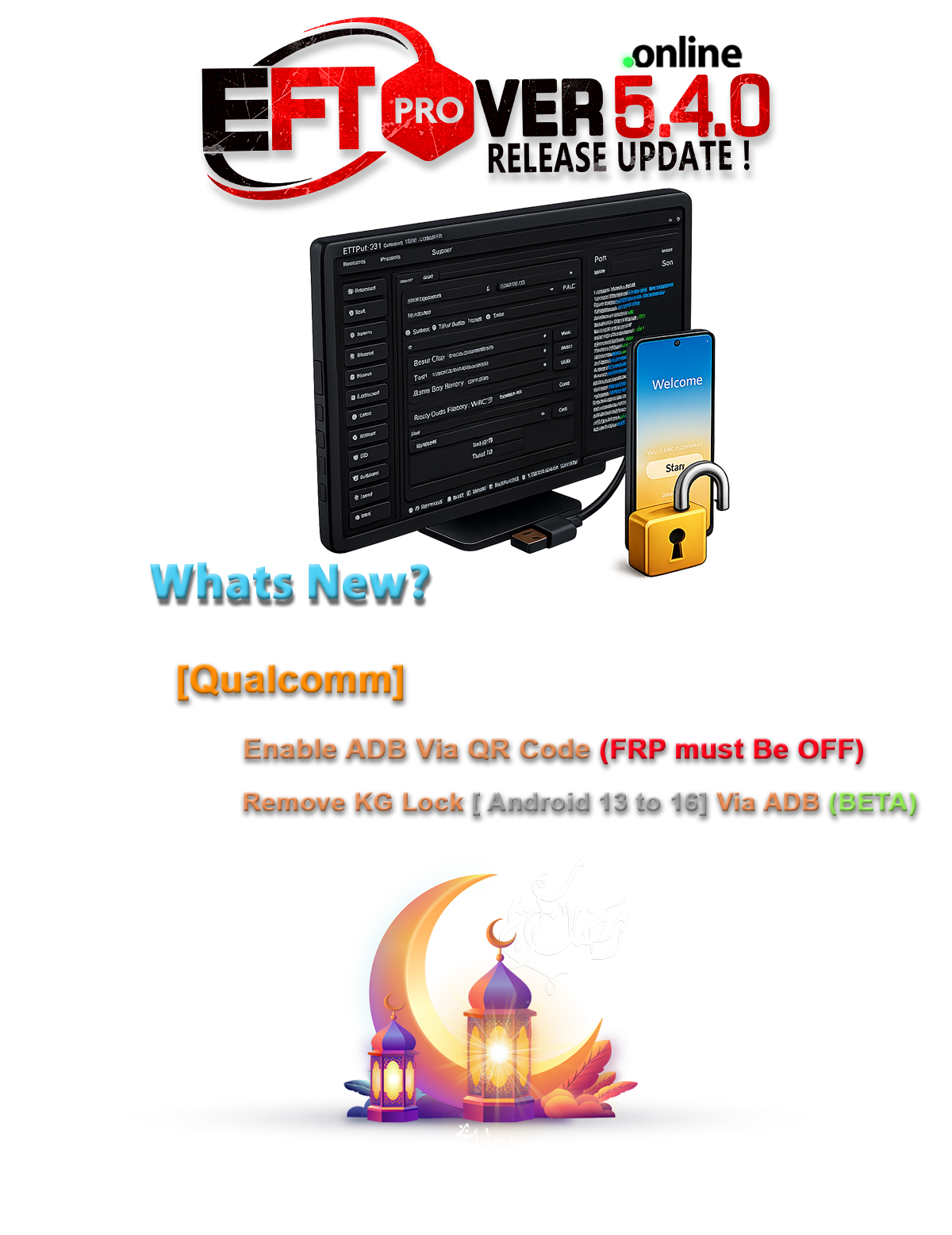
EFT Dongle Pro V5.4.0 Update is now officially released with powerful improvements for Samsung servicing, FRP handling, and KG lock removal. This update is perfect for both mobile technicians and repair shop professionals.
With V5.4.0 Build 001, you can now enable Samsung ADB via QR Code (FRP OFF required) and remove KG Lock (Android 13–16) via ADB (Beta), making unlocking and servicing faster and more efficient.
What is EFT Dongle Pro V5.4.0 Update and Why It Is Needed?
The EFT Dongle Pro V5.4.0 Update is the latest release of the popular Easy Firmware Tool used for Android device servicing, unlocking, and repair. This version, powered by Easy Firmware, enhances compatibility with newer Android versions and strengthens Samsung service capabilities.
Why This Update Matters
Modern Android devices come with advanced security mechanisms such as:
- KG Lock (Knox Guard)
- FRP (Factory Reset Protection)
- Secure Boot & OEM restrictions
- Android 13–16 protection layers
Older tools struggle with these protections. The EFT Dongle Pro Latest Version addresses these challenges by providing improved ADB-based solutions and updated protocols compatible with the latest firmware.
For repair shops, this means:
- Faster service turnaround
- Increased success rate
- Reduced need for risky test point methods
- Expanded compatibility with Android 13 to 16
For individual users:
- Easier device recovery
- Secure servicing methods
- Reliable unlocking solutions
Key Features of EFT Dongle Pro V5.4.0 Update (Latest Version)
The EFT Dongle Pro V5.4.0 Update introduces significant enhancements tailored especially for Samsung devices.
1. Samsung Enable ADB via QR Code (FRP must be OFF)
This feature allows technicians to enable ADB access using a QR code method when FRP is disabled.
Benefits:
- No need for complicated engineering menus
- Fast activation
- Reduced risk of system damage
- Streamlined workflow
This new Samsung Enable ADB via QR Code method is especially useful for Android 13 and higher devices with stricter USB debugging controls.
2. Remove KG Lock Android 13 to 16 (Via ADB – BETA)
Knox Guard (KG Lock) is one of Samsung’s strongest security mechanisms. The EFT Samsung FRP ADB Method now includes support for:
- Remove KG Lock Android 13 to 16
- ADB-based unlocking (Beta)
- Improved compatibility for newer firmware builds
For professional technicians, this is a game-changer. Instead of relying on unstable third-party scripts, the EFT Pro Dongle Update V5.4.0 Build 001 provides a more integrated and structured solution.
3. Enhanced Stability and Performance
The Best EFT Dongle Pro V5.4.0 Update 2025 improves:
- Software response time
- Device detection accuracy
- USB communication reliability
- Error handling
These improvements make it one of the most reliable mobile unlock program solutions currently available.
4. Expanded Android 13–16 Support
With continuous Android upgrades, tools must adapt. The EFT Dongle Pro V5.4.0 Update update ensures:
- Broader firmware compatibility
- Updated security bypass routines
- Improved handling of new bootloader revisions
Supported Devices and Brands
The EFT Dongle Pro V5.4.0 Update primarily focuses on Samsung improvements but also supports multiple Android brands.
Major Supported Brands:
- Samsung
- Xiaomi
- Huawei
- Oppo
- Vivo
- Realme
- Motorola
- Infinix
- Tecno
Samsung devices running Android 13, 14, 15, and 16 receive special enhancements in this release.
Download and Installation Process
Downloading and installing the EFT Dongle Pro V5.4.0 Update is straightforward when done correctly.
System Requirements
- Windows 10 or Windows 11 (64-bit recommended)
- Minimum 4GB RAM (8GB recommended)
- Stable internet connection
- Original EFT Dongle hardware
- Updated USB drivers

Step-by-Step Installation Guide
Step 1: Download the Setup
Download the official EFT Pro Dongle Update V5.4.0 Build 001 setup file from the authorized source.
Step 2: Disable Antivirus Temporarily
Some antivirus programs may flag mobile servicing tools incorrectly.
Step 3: Install Drivers
Ensure:
- Samsung USB drivers installed
- ADB drivers updated
Step 4: Run Setup as Administrator
Right-click → Run as Administrator.
Step 5: Complete Installation
Follow on-screen instructions and reboot your PC if required.
How to Register and Activate
After installation:
- Insert EFT Dongle into USB port.
- Open EFT software.
- Login using your registered credentials.
- Activate using your license details.
If you don’t have an account:
- Register via official website.
- Contact authorized reseller.
- Subscribe to license plan.
The EFT Dongle Pro Latest Version requires active subscription for full features.

How to Use EFT Dongle Pro V5.4.0 Update
The EFT Dongle Pro V5.4.0 Update is designed for both beginners and advanced technicians.
For Individual Users
If you own a device and want basic servicing:
- Remove FRP (where legally allowed)
- Flash firmware
- Factory reset safely
- Backup device information
Always ensure you have legal ownership of the device before performing unlocking tasks.
For Professional Technicians
For repair shops, this version supports:
- Samsung Enable ADB via QR Code
- Remove KG Lock Android 13 to 16
- IMEI repair (where legally permitted)
- Bootloader operations
- Firmware flashing
- Partition management
- Unlocking and relocking
IMEI Repair and Other Services
IMEI repair features should only be used:
- In compliance with local laws
- For restoring original IMEI after corruption
- Not for illegal modifications
The mobile unlock program functionality makes this tool a comprehensive solution for professional workshops.
Comparison with Other Tools
| Feature | EFT Dongle Pro V5.4.0 Update | Generic Phone Unlock App | Other Professional Tools |
|---|---|---|---|
| Samsung KG Lock Removal | Yes (ADB Beta) | No | Limited |
| ADB via QR Code | Yes | No | Rare |
| Android 13–16 Support | Strong | Weak | Partial |
| Professional License | Yes | No | Yes |
| Stability | High | Low | Medium |
Compared to a standard phone unlock app, the EFT Dongle Pro V5.4.0 Update provides deeper system-level control and more reliable servicing results.
Safety Tips and Legal Considerations
Before using the EFT Dongle Pro V5.4.0 Update, consider:
- Only service legally owned devices.
- Follow local telecom and device laws.
- Avoid illegal IMEI changes.
- Always backup device data.
- Keep firmware files verified.
Improper usage may void warranties or violate regulations.
Troubleshooting Common Errors
Device Not Detected
- Reinstall USB drivers.
- Change USB cable.
- Try different port.
ADB Not Authorized
- Enable USB debugging.
- Accept RSA key prompt.
- Reconnect device.
KG Lock Removal Fails
- Confirm Android version.
- Ensure FRP is OFF.
- Update to latest firmware supported.
Pricing and Subscription Plans
The EFT Dongle Pro V5.4.0 Update works with licensed dongle hardware.
Typical pricing includes:
- One-year subscription
- Renewal plans
- Reseller-based pricing
Contact official distributors for exact pricing in your region.
Frequently Asked Questions (FAQs)
Q1: Is EFT Dongle Pro V5.4.0 Update safe?
Yes, when used properly and legally.
Q2: Can it remove KG Lock on Android 16?
Yes, Remove KG Lock Android 13 to 16 is supported via ADB (Beta).
Q3: Is this tool for beginners?
Yes, but advanced features are best handled by technicians.
Q4: Do I need internet access?
Yes, for activation and some operations.
Q5: Is this the Best EFT Dongle Pro V5.4.0 Update 2025?
Currently, it is one of the most advanced releases available.
Final Thoughts – Download & Get Started Today
The EFT Dongle Pro V5.4.0 Update represents a significant step forward in Samsung servicing and Android 13–16 compatibility. With Samsung Enable ADB via QR Code and Remove KG Lock Android 13 to 16 support, it strengthens its position as a leading professional mobile unlock program.
Whether you are an individual user recovering your own device or a repair shop aiming to increase revenue, this update provides practical and powerful solutions.