When it comes to professional mobile repair, EFT Pro Dongle V5.2.5 stands at the top of the list for technicians and mobile service centers worldwide. This latest Build 001 update brings more power, better speed, and wider support for Android devices.

Whether you’re an individual user or running a professional repair shop, this tool can save hours of manual work by unlocking FRP, repairing IMEI, and removing locks with just a few clicks.
In this comprehensive guide, we’ll cover everything from features to installation, usage, pricing, and legal safety tips — making it the most detailed EFT Pro Dongle V5.2.5 resource you’ll find online.
What is EFT Pro Dongle V5.2.5 and Why It Is Needed
EFT Pro Dongle V5.2.5 is the latest release of the EFT Pro Tool — a powerful mobile servicing solution designed for Android phones. It enables FRP unlock, network unlock, bootloader operations, firmware flashing, IMEI repair, and many more professional-level services.
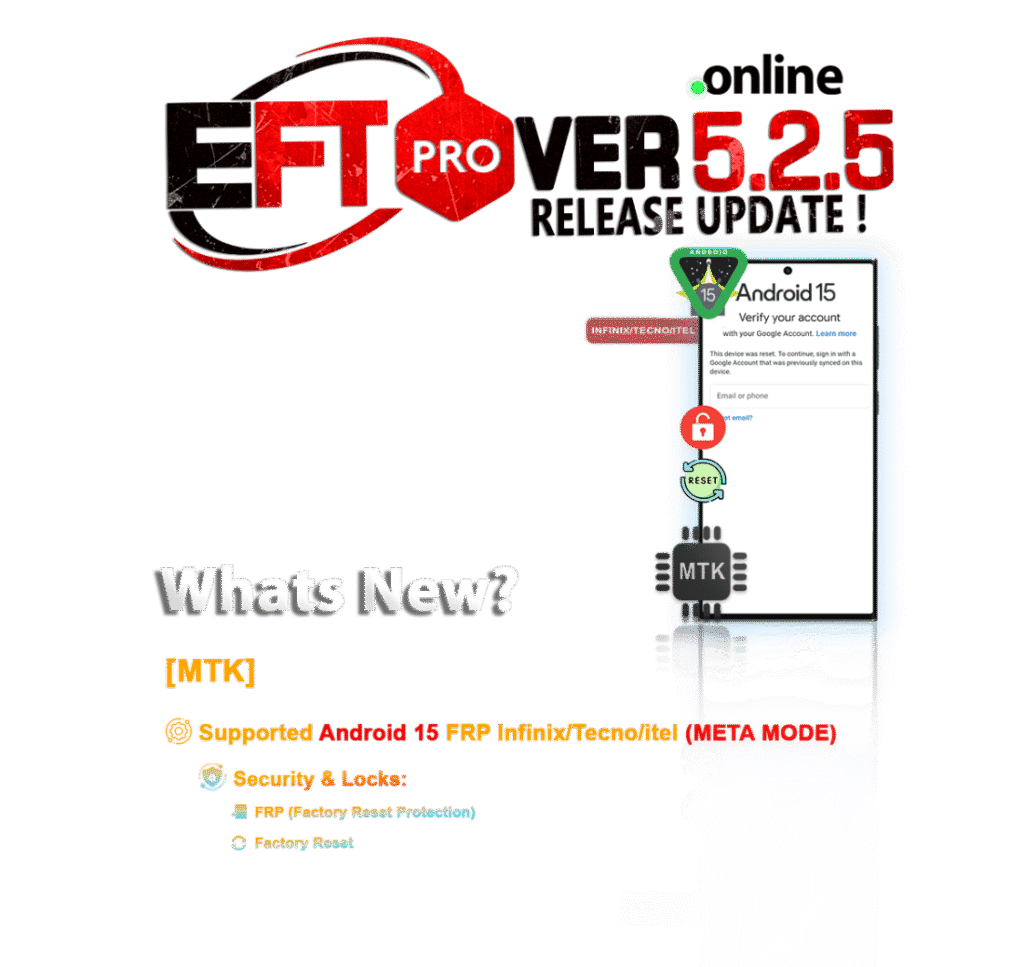
Why Technicians Need EFT Pro Dongle
- Unlock devices locked with FRP (Factory Reset Protection) in minutes
- Compatible with major Android brands including Samsung, Xiaomi, Vivo, Oppo, Realme, Huawei, and others
- Fast and stable operations compared to many other unlock tools
- Regular updates like EFT Pro Dongle V5.2.5 Build 001 bring more models and functions
- Legal and secure solution for authorized device servicing
In 2025, EFT Pro remains one of the most trusted tools for technicians who want a reliable all-in-one mobile unlock program.
Key Features of EFT Pro Dongle V5.2.5 (Latest Version)
The EFT Pro 5.2.5 Update adds exciting improvements, especially for FRP unlock and network unlock functions.
Top Features of EFT Pro Dongle V5.2.5
- FRP Unlock Support: Remove Google FRP lock in just one click
- Network Unlock: Unlock SIM/network locks without complicated procedures
- IMEI Repair: Safely repair IMEI numbers for supported devices
- Flash & Root: Flash firmware, root devices, and fix system issues
- Support for Latest Android 14 Devices
- One-Click Bypass Method: No complicated scripts or risky bypass apps
- Auto Update Function: Always stay on the latest EFT Pro Build 001 download
- Multi-Brand Support: Samsung, Huawei, Xiaomi, Vivo, Oppo, Realme, Infinix, Tecno, and more
- Fast Processing: Unlock and repair tasks take just minutes
- Secure Platform: Official tool, safer than cracked or unofficial software
This makes the EFT Pro Dongle Latest Version setup a must-have for every serious repair professional.
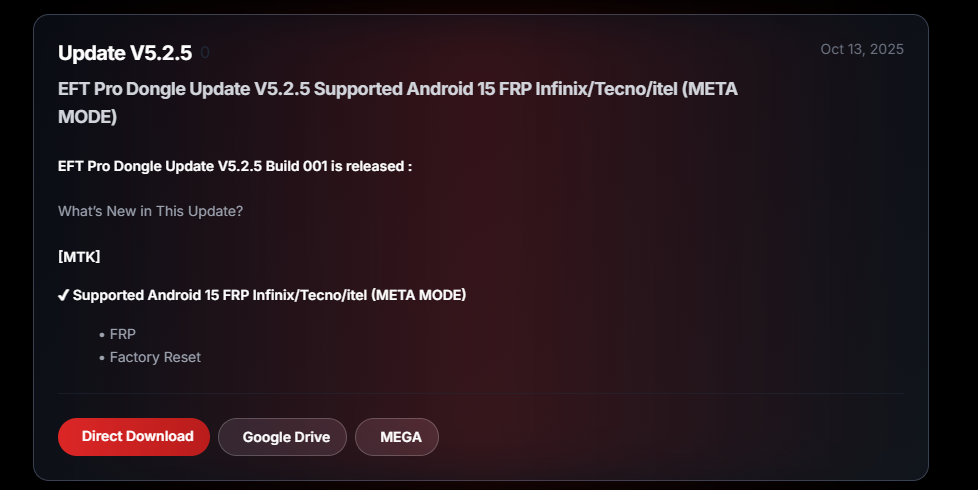
Supported Devices and Brands
The strength of EFT Pro Dongle V5.2.5 lies in its wide compatibility with leading Android manufacturers.
| Brand Name | Supported Operations | Android Versions |
|---|---|---|
| Samsung | FRP Unlock, Network Unlock, IMEI Repair | Android 5 – Android 14 |
| Xiaomi / Redmi | FRP Unlock, Flashing, Bootloader Unlock | Android 7 – Android 14 |
| Huawei / Honor | FRP Bypass, Network Unlock | Android 5 – Android 13 |
| Oppo / Realme | FRP, Bootloader, Fast Unlock | Android 8 – Android 14 |
| Vivo | FRP Unlock, Repair Functions | Android 6 – Android 14 |
| Infinix / Tecno | Network Unlock, FRP, Flash | Android 6 – Android 13 |
New brands and models are frequently added with each EFT Pro Dongle V5.2.5 update.
Download and Installation Process of EFT Pro Dongle V5.2.5
Getting started with the EFT Pro 5.2.5 Update is quick and beginner-friendly.
Step 1: Download the Latest EFT Pro Build 001
- Visit the official EFT Pro website or trusted reseller
- Click on “Download EFT Pro Dongle V5.2.5”
- Save the
.zipfile to your PC
Step 2: Extract and Install
- Right-click on the file → Extract All
- Double-click on
EFTProSetup.exe - Follow the installation wizard steps
- Allow the app through Windows Defender if prompted
Step 3: Driver Installation
- Install required Android USB drivers for your device brand
- Restart the computer after installation
How to Register and Activate EFT Pro Dongle
- Launch EFT Pro software
- Connect your EFT Pro Dongle to the USB port
- Click on “Register/Activate”
- Fill in your email, password, and license key (provided after purchase)
- After activation, restart the software
Once activated, the EFT Pro Dongle V5.2.5 latest version is ready to use.
How to Use EFT Pro Dongle V5.2.5 (for Owners & Technicians)
Using the tool is simple, even for beginners.
FRP Unlock with EFT Pro 5.2.5 Update
- Launch EFT Pro software
- Select your device brand
- Choose “FRP Unlock” from the menu
- Connect the phone in Download or Fastboot Mode
- Click “Start” and wait
- Reboot the device — FRP will be removed
Time Required: 1–5 minutes
No complex scripts or manual bypass needed.
Network Unlock with EFT Pro Dongle Latest Version Setup
- Open EFT Pro Tool
- Choose “Network Unlock” from the options
- Connect your locked device
- Start the process and wait until completion
- Insert any SIM card to check
Supported: Samsung, Huawei, Vivo, Oppo, Realme, Tecno, Infinix
Average Time: 2–4 minutes
IMEI Repair and Other Services
- Go to IMEI/Repair Tab
- Enter the correct IMEI (as per local regulations)
- Click Repair IMEI
- Wait for confirmation
Other available features:
- Factory Reset
- Rooting Tools
- Recovery Flash
- Firmware Management
- Bootloader Unlock
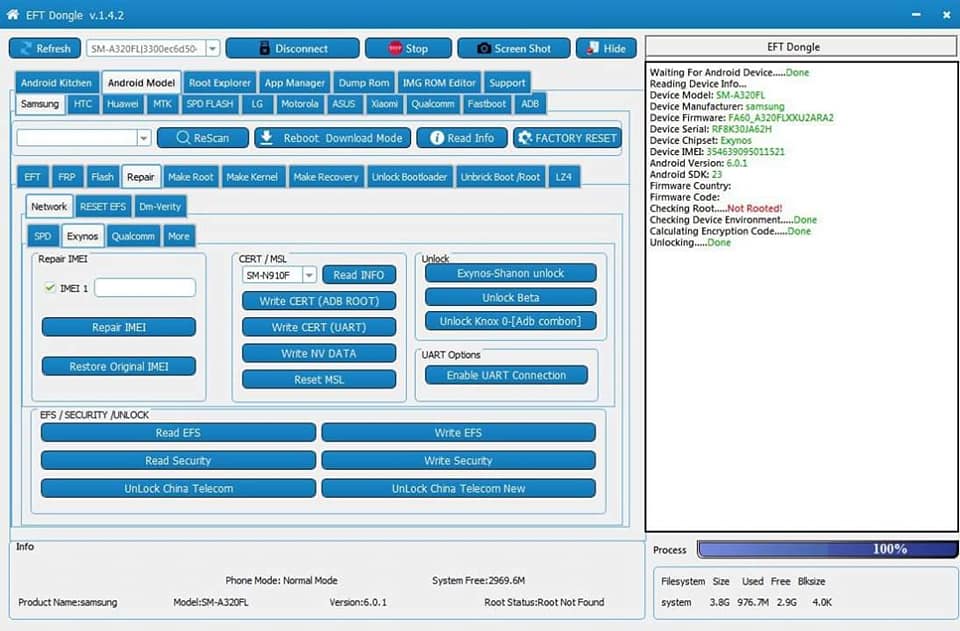
EFT Pro Dongle V5.2.5 vs Other Tools (Comparison)
| Feature | EFT Pro V5.2.5 | Tool B | Tool C |
|---|---|---|---|
| FRP Unlock | Fast, stable | Moderate | Moderate |
| Network Unlock | Wide support | Limited | No |
| IMEI Repair | Supported | Partial | No |
| Supported Brands | 20+ | 10+ | 8+ |
| Android 14 Compatibility | Yes | Partial | No |
| Price | Affordable | Higher | Higher |
| Auto Update | Yes | No | No |
Conclusion: EFT Pro Dongle V5.2.5 stands out for its value, speed, and reliability.
Safety Tips and Legal Considerations
Using EFT Pro Dongle V5.2.5 requires compliance with local and international mobile unlocking laws.
- Use the tool only for legal purposes
- Make sure the device is not reported stolen
- Always take customer consent when unlocking or repairing
- Keep license information private
- Do not use cracked or illegal versions of EFT Pro
Always keep a backup of original IMEI and firmware before performing any operation.
Troubleshooting Common Errors in EFT Pro Dongle V5.2.5
| Error Message | Possible Cause | Solution |
|---|---|---|
| “Dongle Not Detected” | USB port or driver issue | Reinstall drivers / try another port |
| “Server Connection Failed” | Internet issue or firewall | Disable firewall, use stable internet |
| “FRP Unlock Failed” | Unsupported model or outdated software | Update EFT Pro to latest build, recheck model support |
| “IMEI Repair Error” | Permission / security issue | Run as Administrator, check EDL/Download mode connection |
If errors persist, contact the official support team or your authorized reseller.
Pricing and Subscription Plans (2025)
EFT Pro offers flexible plans for both individuals and repair shops.
| Plan Type | Duration | Features Included | Price (Approx.) |
|---|---|---|---|
| Basic Activation | 1 Year | FRP + Network Unlock + IMEI Repair | $70 |
| Premium Activation | 6 Months | All features + Priority Support + Auto Updates | $45 |
| Reseller License | Custom | Bulk activations + Reseller panel + Support | Contact sales team |
Purchase from trusted resellers only to avoid fake or cracked software.
Frequently Asked Questions (FAQs)
Q1: Is EFT Pro Dongle V5.2.5 safe to use?
Yes, it is an official licensed tool used worldwide by professional technicians.
Q2: Can I use EFT Pro without internet?
No, activation and server operations require an active internet connection.
Q3: Which Android versions are supported?
Android 5 to Android 14+ are fully supported.
Q4: Does it work on FRP-locked Samsung devices?
Yes, EFT Pro V5.2.5 offers fast FRP bypass for Samsung and other major brands.
Q5: Where can I download EFT Pro 5.2.5 Update?
From the official EFT Pro website or authorized resellers.
Final Thoughts + Download / Contact / Subscribe CTA
The EFT Pro Dongle V5.2.5 is more than just a tool — it’s a complete mobile servicing solution for FRP unlock, network unlock, IMEI repair, and advanced operations.
Whether you’re a solo technician or managing a full-fledged mobile service center, this update provides unmatched power, speed, and reliability.
Download EFT Pro Dongle V5.2.5 Now:
Official Download Link
For Instant Support:
- WhatsApp: Click Here
- Telegram Channel: Join Here
Stay Updated: Subscribe to our newsletter to receive the latest EFT Pro updates, tutorials, and offers.
Why Buy from GsmRadix
- 100% genuine and verified firmware
- Official download mirror of AMT 12 months
- Instant auto-delivery 24/7
- Secure checkout with fast technical support