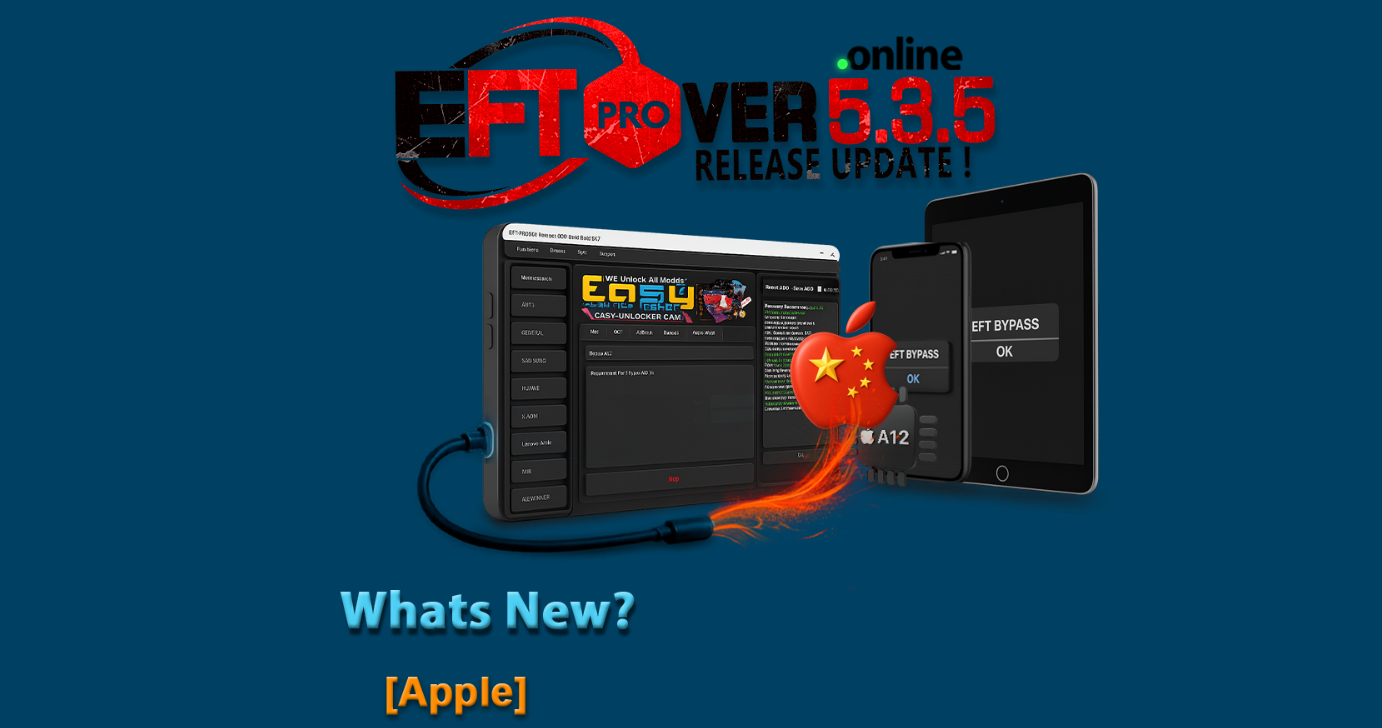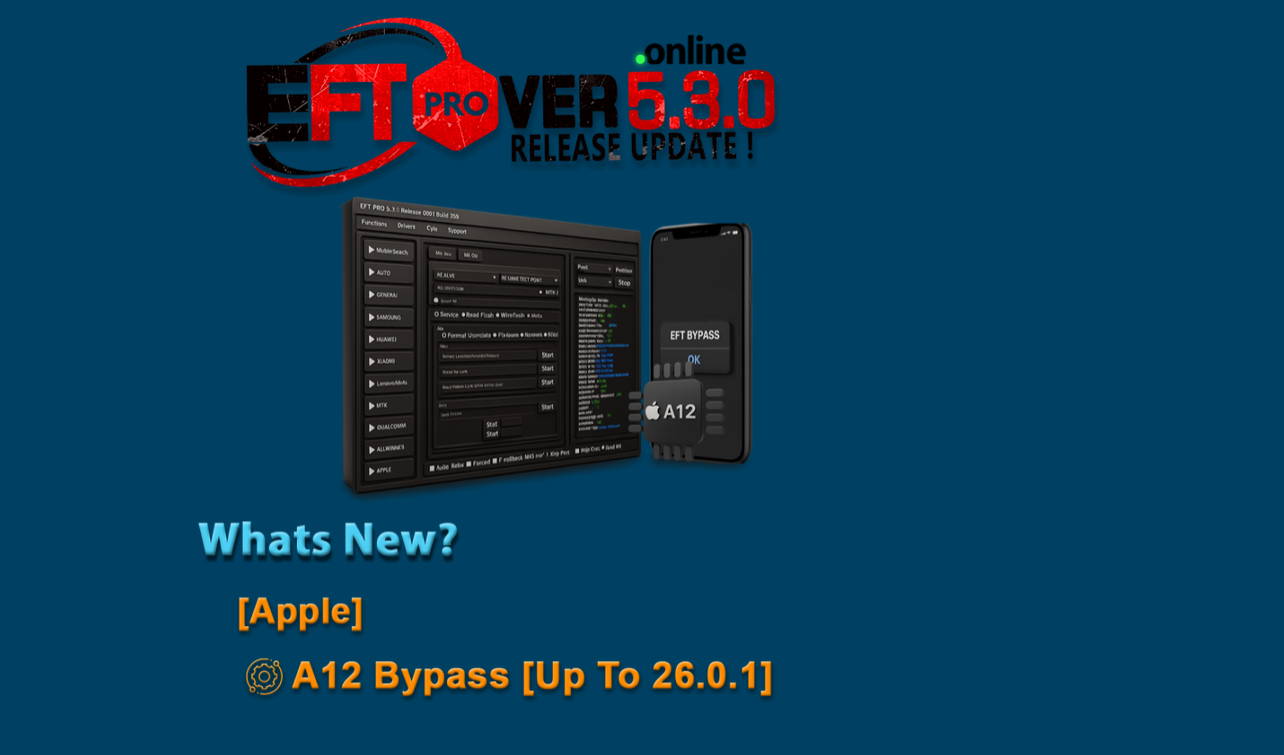
In the rapidly evolving world of mobile device servicing and unlocking, staying ahead with the latest tools is crucial. Whether you are a smartphone repair shop, technician servicing FRP/unlocking tasks, or an individual user looking to resolve network or iCloud locks, the EFT Pro Dongle V5.3.0 Update represents a major milestone. With enhanced support for newer chip‐sets, the much-talked “Apple A12 bypass up to iOS 26.0.1”, and a streamlined installation and use process, this update marks a new level of capability.
In this comprehensive guide, we will walk you through what the update is and why you may need it, the key features, supported devices & brands, a step-by-step download & installation process, how to use the tool for various services (FRP unlock, network unlock, IMEI repair), a comparison with other tools, safety & legal considerations, common troubleshooting, pricing & subscription plans, and finally FAQs and next steps to help you build authority, drive downloads/registrations, and generate leads via WhatsApp or Telegram.
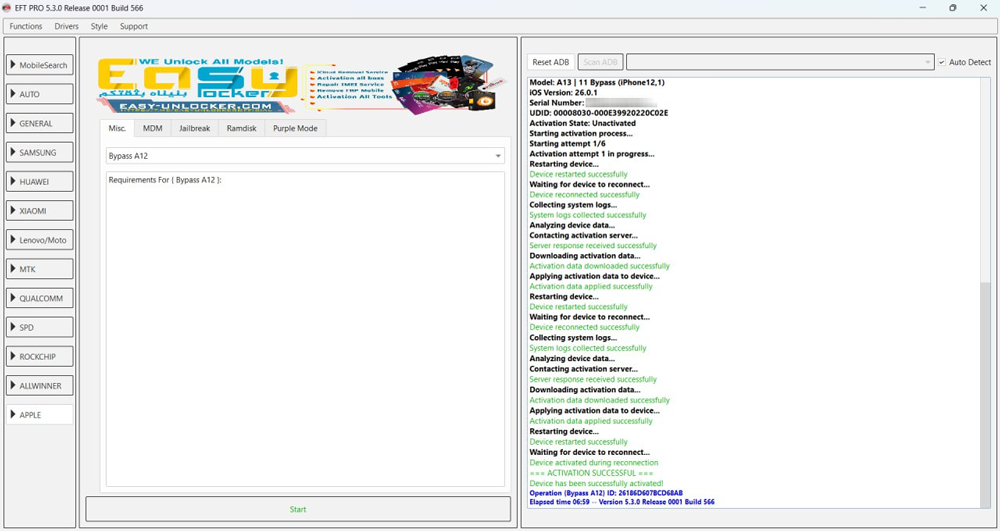
What is “EFT Pro Dongle V5.3.0 Update” and Why It Is Needed
The EFT Pro Dongle is a well-known servicing tool developed by EFT Dongle (by Easy Firmware Team) that provides unlocking, flashing, bypassing, IMEI repair, and network unlock support for a wide range of mobile devices. Previous versions (for example V5.1.8, V5.2.x) added support for older Android chipsets and Apple devices.
The V5.3.0 Update (Build 001) is the next logical step—bringing new device support, improved protocols, enhanced stability, and especially important for Apple device technicians: the A12 chip bypass capability up to iOS 26.0.1. This is important because each new iOS version and chip revision introduces new security protections. If you’re servicing newer Apple models (e.g., iPhone 11 Pro, iPhone 12 Pro, iPhone 15 Pro Max), having a tool that keeps pace is essential.
From a repair-shop perspective, this update means less time wasted, fewer devices that are “unserviceable” with older tools, and more satisfied customers. For individual users, it means that you can resolve issues like iCloud lock, activation server errors, or network unlocks without needing to buy entirely new equipment.
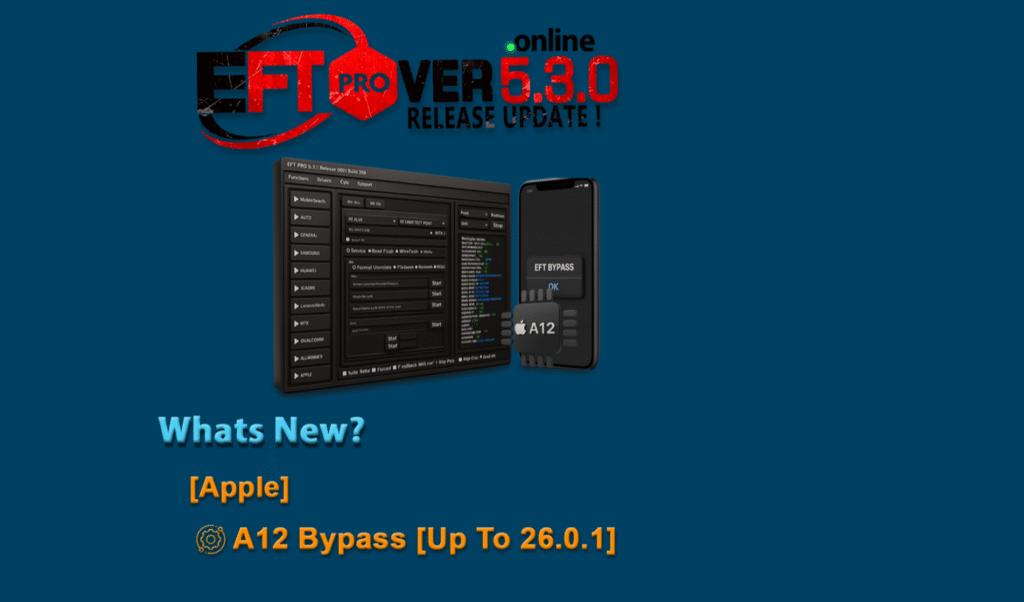
Key Features of EFT Pro Dongle V5.3.0 Update (Latest Version)
Here’s a breakdown of the standout features included in this latest version:
- Apple A12 Bypass up to iOS 26.0.1 – The highlight feature. Provides compatibility for newer Apple device chips with the latest iOS update.
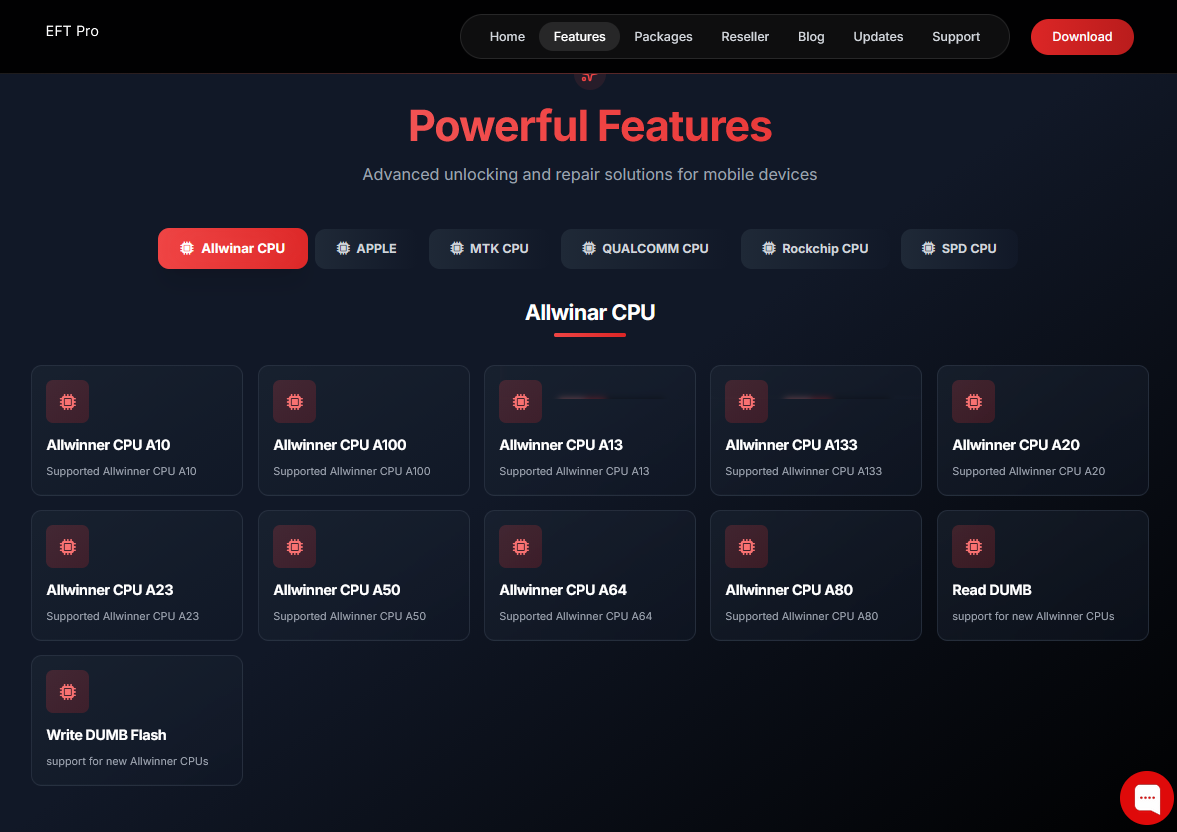
- Enhanced FRP/Unlock Protocols for Android – Android chipsets (Qualcomm, MTK, SPD) receive updated protocol support, faster flashing, one-click FRP removal for many models.
- Support for New Brands & Models – Expanded model database for various manufacturers including Samsung V2/V3 models, new Infinix/Tecno/itel iterations in META or BROM mode. (See also Poco X6 Neo FRP Unlock 2025 for example of broader device support.)
- Improved User Interface & Workflow – More intuitive menus, faster device detection, reduced step count for common tasks.
- Stability & Bug Fixes – Known issues from previous builds addressed: crash during Apple mount, authentication issues in META mode, etc.
- Subscription/Online Activation Model – Simplified login/activation process for both technicians and individual users.
- Extensive Service Modules – Including IMEI repair, network unlock, bootloader unlock, FRP bypass, factory reset, flash firmware, read/write dump etc.
- Cross-Platform (Windows PC) support – Works on Windows PCs with USB dongle or dongle-less account (depending on licensing).
These features collectively make EFT Pro Dongle V5.3.0 Update a compelling tool for anyone serious about mobile servicing.
Supported Devices and Brands
One of the most important considerations when selecting a servicing tool is: Will it work on the devices you actually get in? With the V5.3.0 update, EFT Pro supports a wide array:
Apple devices:
- iPhone 11 / 11 Pro/Pro Max (A12 chip)
- iPhone 12 Pro/12 Pro Max
- iPhone 15 Pro/15 Pro Max – iOS up to 26.0.1 (via Apple A12 bypass feature)
- Many iPad models (where device chips align)
From user reports: “iPhone 15 Pro Max – iOS 26.0.1 bypass done by EFT Pro.” (See success post screenshot)
Android devices (brands & chipsets):
- Samsung (Qualcomm & Exynos, new BIT-H, BIT-J codes)
- Poco / Xiaomi (see Poco X6 Neo FRP Unlock 2025 for example)
- Itel, Infinix, Tecno (META mode, MTK chips)
- SPD, MTK generic devices – factory reset, FRP reset, IMEI repair
- Other brands as added by firmware updates
Brands covered: Samsung, Xiaomi, Poco, Infinix, Tecno, Itel, Realme, Oppo, Vivo, Huawei (depending on model & bootloader)
Notes for technicians:
- Always check the latest device list after installing V5.3.0.
- Some niche models may require manual scatter/loader file selection.
- For Apple devices, ensure the computer has proper drivers, and that you follow the correct “mount”/“hello screen” bypass procedure.
Download and Installation Process
Step-by-step Installation Guide
- Go to the official download page for the tool: typically the manufacturer site or authorized reseller. (Confirm you are using a legitimate link to get the correct build.)
- Download the installer for EFT Pro Dongle V5.3.0 Update Build 001.
- On your Windows PC, right-click installer → Run as Administrator.
- During installation: accept license agreement, choose installation folder, install drivers when prompted (especially Apple or MTP/ADB drivers).
- After installation, reboot if requested.
- Open the application and you should see the version number: “V5.3.0 Build 001” (or similar) under About.

How to Register and Activate
- If you purchased the dongle hardware: plug in the dongle via USB to PC. The software should detect it.
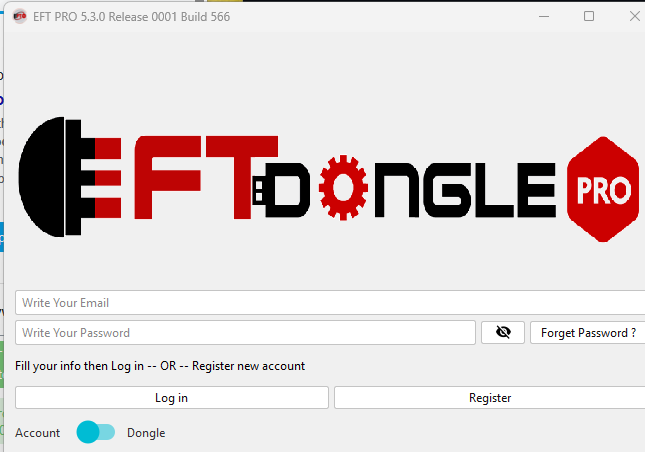
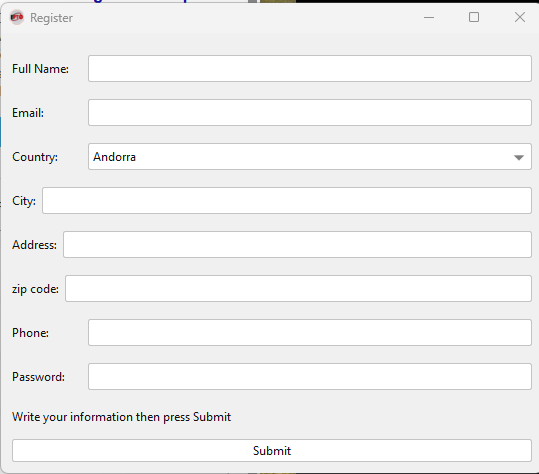
- If you are using a dongle-less account (depends on your license/reseller): register your account via email and password.
- Submit or enter your license key/activation code (provided by reseller).
- Once activated, log in using your credentials. The software should change to “Licensed” status and allow full access to service modules.
- Important: Activate your dongle/account before performing any unknown device. Back up any necessary data.
- Save your credentials/activation information safely; if you lose these, access issues may arise.
How to Use EFT Pro Dongle V5.3.0 Update (for Owners and Technicians)
This section explains practical usage scenarios—both for individual users and professional repair shops.
FRP Unlock
- Connect the phone (e.g., Samsung, Poco, Infinix) to the PC via USB in correct mode (ADB/Download/Meta).
- In the tool, select “FRP Unlock” or “Remove Account / Bypass” module.
- The software will detect the model and chip info. Choose the correct model if necessary (for example Poco X6 Neo or equivalent).
- Click Start. The tool may reboot the device into a special mode, perform operations, and then indicate success.
- Remove the USB, reboot device. Confirm that FRP lock is removed and device boots to home screen.
- For newer Android 15/16/17 devices the process may ask for a ‘load loader/scatter’ file—EFT Pro V5.3.0 adds support for many of these newer models.
Network Unlock
- This service is for removing carrier SIM locks or restricting SIM changes.
- Connect device, choose “Network Unlock / SIM Unlock” in the software.
- For many Qualcomm or MTK models, the tool writes a “write code” or patches secure area.
- After completion, insert a different carrier SIM card and confirm network registration.
- Note: Some newer devices may have stronger bootloader locks; ensure your version supports that specific model.
IMEI Repair and Other Services
- IMEI repair (where legally permissible) is supported for many chipsets in this version.
- Connect device in Diag/BOOT mode per instructions, select “Repair IMEI / Write IMEI”.
- Enter the correct IMEI number (legally obtained).
- Click Start. Wait for completion. Reboot and verify IMEI is correctly shown under settings.
- Other services: Bootloader unlock/rel-ock, flash firmware via scatter/TAR/PAC, factory reset/format, disable MDM/demo mode (especially for Infinix/Tecno/itel).
- The EFT Pro Dongle V5.3.0 Update includes modules for Apple devices: bypass “Hello” screen, mount file for activation, bypass iCloud MEID/gsm (especially for A12 chip devices up to iOS 26.0.1) — making it a truly cross-platform servicing tool.
Comparison with Other Tools
Here is a comparison table between EFT Pro Dongle V5.3.0 Update and some alternative servicing tools (for example Box/IC-based or dongleless tools).
| Feature / Tool | EFT Pro Dongle V5.3.0 Update | Alternative Tool A | Alternative Tool B |
|---|---|---|---|
| Apple A12 bypass up to iOS 26.0.1 | ✅ Yes | ❌ Partial / Older iOS only | ❌ Not supported |
| Multi-brand Android support | ✅ Comprehensive (Qualcomm/MTK/SPD/Apple) | ✅ Good, but fewer newer models | ✅ Good, but less Apple support |
| One-click FRP Reset | ✅ Yes | ❌ May require manual loader/scatter | ❌ May lack newer models support |
| UI & workflow | ✅ Updated for ease-of-use | ❌ Older UI or more steps | ❌ Similar complexity |
| Subscription/Activation | ✅ Dongle or account model | ❌ Typically dongle/hardware only | ✅ Mixed, but higher cost |
| Cost (for tech shops) | Competitive | Higher hardware cost | Lower hardware cost but fewer features |
| Service modules (IMEI/Network) | ✅ Full coverage | ❌ Limited network/IMEI support | ✅ Good network but poor Apple support |
Note: The best tool depends on your target device list, budget, and service needs. For servicing new Apple models and leading Android brands, EFT Pro Dongle V5.3.0 Update offers very strong value.
Safety Tips and Legal Considerations
While servicing tools like EFT Pro Dongle V5.3.0 Update are powerful, you must always operate within legal and ethical boundaries.
- Backup everything: Before performing any operation (flash, unlock, IMEI write), backup user data if possible.
- Use legitimate licenses: Use only authorized versions and dongle/account activations. Avoid cracked/unauthorized releases (risk of malware, legal issues).
- IMEI Repair compliance: In many jurisdictions, altering or writing IMEI numbers is illegal unless done by authorized service centers under legal frameworks. Always verify local laws.
- iCloud / Activation bypass: Use for legitimately owned/repaired devices. Bypassing iCloud or activation locks on stolen devices is illegal and unethical.
- Ensure firmware compatibility: Flashing incorrect firmware can brick the device. Confirm model, variant, region, and backup original firmware if possible.
- Service log documentation: Maintain records of operations performed, especially for professional repair shops.
- Avoid piracy: Ensure you are using official/factory versions—unauthorized crack versions may contain hidden malware or lack updates/support.
Troubleshooting Common Errors
Even with a tool as refined as EFT Pro Dongle V5.3.0 Update, you may encounter issues. Here are common errors and solutions:
- Device not detected:
- Check USB cable/port, enable correct mode (Download, ADB, BROM).
- Install or update device drivers (MTP/ADB for Android, Apple drivers for iOS).
- Try a different USB port or reboot PC.
- Activation failure or license error:
- Ensure dongle/account is correctly registered and activated.
- Check internet connection (some features may require online validation).
- Double-check email & password credentials.
- FRP removal fails or stuck:
- Confirm the model and security patch are supported in version 5.3.0.
- If newer than supported list, allow more time or engage manual loader mode.
- Try different mode (ADB vs Download vs Meta) depending on device.
- Apple device remains on “Hello” screen or activation lock persists:
- Make sure you selected the correct model and chip (A12 or higher).
- Reboot the PC-tool and device; ensure full driver installation.
- Use latest build and check for any incremental update post V5.3.0.
- IMEI repair error or network still locked:
- Verify the correct IMEI number entered.
- Ensure device is in correct diagnostic mode (for example QPST/Diag for Qualcomm).
- Confirm server/auth status in the dongle tool shows “Licensed”.
If problems persist, consult the official support forum or contact via WhatsApp/Telegram (see CTA below).
Pricing and Subscription Plans
The pricing model for EFT Pro Dongle V5.3.0 Update typically includes:
- Hardware Dongle + 12-month license: You purchase the physical dongle (USB) which includes 12-month activation.
- Renewal/Extension: After 12 months you may pay a renewal fee to continue getting updates and support.
- Account-Only License (Dongle-less): Some resellers offer login-based access without dongle hardware; suitable for mobile technicians who already have PC infrastructure.
- Support Packages: Some offer premium support or exclusive loader/firmware databases.
Pricing varies by region and reseller. Contact your authorized reseller for current pricing. Always ask for official invoice and version guarantee (V5.3.0 Build 001) to ensure you get the correct update.
Frequently Asked Questions (FAQs)
Q1: What is the difference between “EFT Pro Dongle latest update” and V5.3.0?
A1: The term “latest update” refers generally to the most current version, whereas EFT Pro Dongle V5.3.0 Update (Build 001) is the specific version we’re discussing with its unique feature set (Apple A12 bypass up to iOS 26.0.1, etc).
Q2: Can I use EFT Pro Dongle V5.3.0 for Apple A12 devices only?
A2: No, you can use it for both Apple devices (A12 chip and arguably higher if supported) and a broad range of Android devices (Qualcomm, MTK, SPD). It’s a multi-tool.
Q3: Does this tool support “Poco X6 Neo FRP Unlock 2025”?
A3: Yes, the tool supports a wide range of new Android models. While we cannot guarantee every specific “Poco X6 Neo” listing, the updated version covers many newer models and chipsets. Always check the model list in your version.
Q4: Is it safe to use and legal?
A4: Yes, provided you use it for lawful purposes—repair of legitimately obtained devices, proper IMEI repair under local law, and you use licensed software/hardware. See our Safety & Legal section for full guidelines.
Q5: How do I update from an older version (for example V5.2.x or V5.1.8) to V5.3.0?
A5: Simply open your installed EFT Pro software, go to “Check for update” or download the new installer from your authorized link. Install as Administrator; your licensed account or dongle will carry over. Always backup before proceeding.
Q6: What if the device model is not listed in the service list?
A6: If your specific model isn’t listed, you may still attempt using manual mode (scatter, loader, etc). Also, many new models are added in subsequent incremental updates—verify whether your reseller has the latest model list and if your subscription includes future updates.
Final Thoughts + Download / Contact / Subscribe CTA
To sum up: the EFT Pro Dongle V5.3.0 Update is a powerful, versatile, and timely tool for both individual users and professional repair shops. With added support for Apple A12 devices (up to iOS 26.0.1), expanded Android model compatibility, stronger workflow and service modules, it’s a tool you’ll want in your arsenal.
Why Buy from GsmRadix
- 100% genuine and verified firmware
- Official download mirror of EFT 1 Months Activation
- Instant auto-delivery 24/7
- Secure checkout with fast technical support