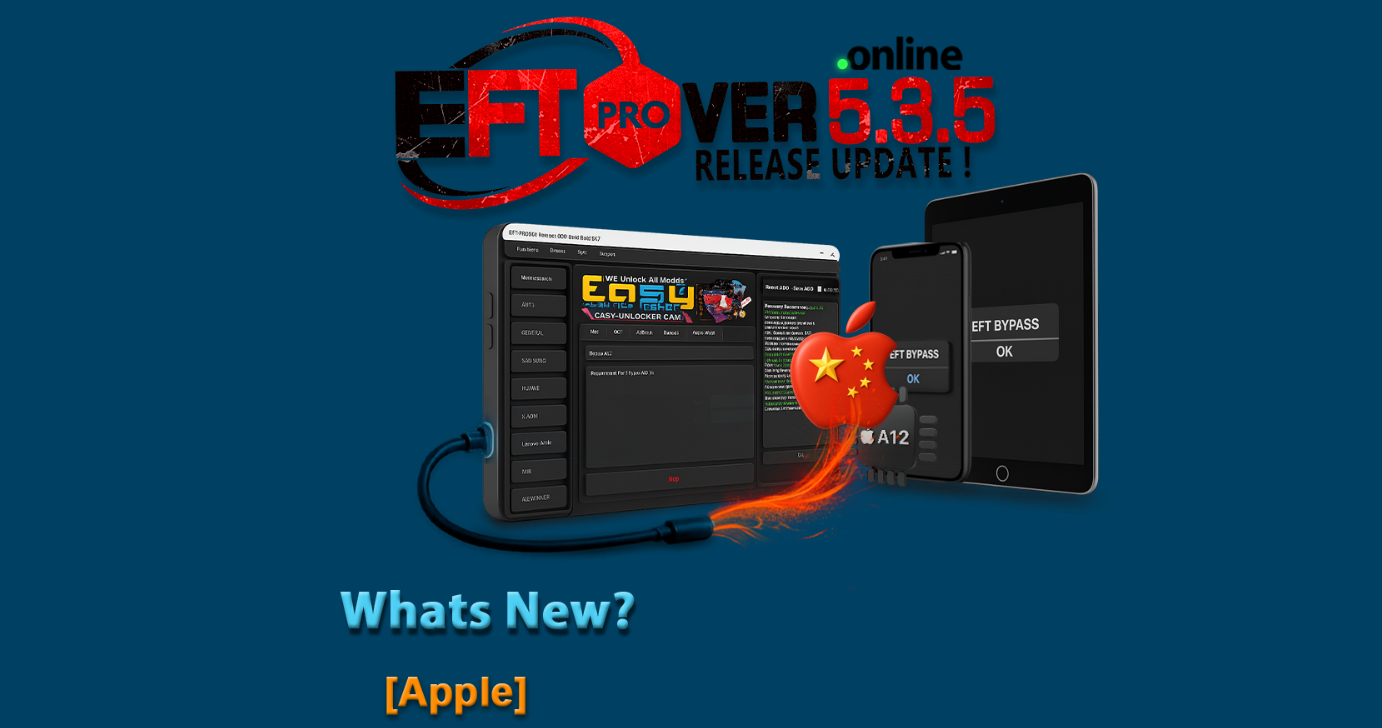
The EFT Pro Dongle V5.4.1 Update brings important improvements for mobile repair technicians. It adds better support for Apple devices, improved performance, and new bypass and unlocking solutions for modern smartphones.
This update helps technicians and smartphone enthusiasts perform unlocking, bypassing, and system repairs more easily and efficiently.
What is EFT Pro Dongle V5.4.1 Update and Why It Is Needed
The EFT Pro Dongle V5.4.1 Update is the latest version of the powerful mobile unlocking and servicing software developed for professional technicians. It allows users to perform multiple advanced operations on smartphones, including unlocking, FRP removal, system repair, and Apple Hello Screen bypass.
Over the years, mobile manufacturers have implemented stronger security systems to protect user data. While these protections are important, they sometimes create challenges for legitimate users and repair professionals.
For example, users may forget their device credentials or face lock issues after resetting their phones. In such situations, tools like the EFT Pro Dongle V5.4.1 Update help technicians restore access to the device safely and efficiently.
This update is particularly important because it introduces new capabilities such as:
- Apple Hello Screen Bypass support
- Improved compatibility with the latest iOS versions
- Stability improvements for device detection
- Expanded support for new smartphone models
These improvements make the EFT Pro Dongle Latest Update 2026 one of the most reliable mobile unlock programs available today.
Key Features of EFT Pro Dongle V5.4.1 Update
The EFT Pro Dongle V5.4.1 Update brings powerful enhancements designed to improve device servicing and unlocking processes.
1. Apple Hello Screen Bypass Support
One of the most significant additions in EFT Pro Dongle V5.4.1 Build 001 is support for Apple Hello Screen bypass.
This feature allows technicians to bypass the activation screen on supported iOS devices during specific repair scenarios.
Key highlights include:
- Apple Hello Screen Bypass for iOS 11.x to iOS 18.x
- No serial number change required
- Jailbreak-based bypass support
- Improved compatibility with new Apple devices
The EFT Pro Dongle Apple Hello Screen Bypass feature is especially useful for technicians who frequently work with iPhone devices that require system restoration.
2. iOS 18 Hello Screen Bypass Support
The EFT Pro Dongle iOS 18 Hello Screen Bypass feature expands the compatibility of the tool with modern iOS versions.
This ensures that technicians can handle newer Apple devices without needing multiple software tools.
Benefits include:
- Support for modern iOS versions
- Faster processing time
- Improved jailbreak integration
- Reliable bypass workflow
3. Improved Software Stability
The EFT Pro Dongle V5.4.1 Update introduces better system stability and faster performance.
Users will experience:
- Faster device detection
- Reduced crash issues
- Improved compatibility with Windows systems
- Faster operation execution
These improvements make daily repair tasks easier for technicians.
4. Multi-Brand Mobile Unlocking
Another major advantage of the EFT Pro Dongle V5.4.1 Update is its ability to work with multiple smartphone brands.
Supported services include:
- FRP removal
- Bootloader unlock
- Firmware flashing
- IMEI repair (where legally permitted)
- Factory reset operations
This makes the software a complete phone unlock app and a reliable mobile unlock program for professional repair centers.
Supported Devices and Brands
The EFT Pro Dongle Latest Update 2026 supports a wide range of smartphone brands and chipsets.
Below are some commonly supported brands.
| Brand | Supported Services |
|---|---|
| Apple | Hello Screen Bypass, Device Info |
| Samsung | FRP Remove, Flashing |
| Xiaomi | Bootloader Unlock, FRP Remove |
| Vivo | Unlock and Reset |
| Oppo | Software Repair |
| Huawei | System Operations |
The tool is frequently updated to support newer devices, including models requiring solutions like the iQOO Neo Z9 Pro FRP Solution.
Download and Installation Process
Installing the EFT Pro Dongle V5.4.1 Update is simple when you follow the correct procedure.
Before installing, make sure your system meets the minimum requirements:
- Windows 10 or Windows 11
- Stable internet connection
- Installed USB drivers
- Active EFT Dongle
Step-by-Step Installation Guide
Follow these steps to install the EFT Pro Dongle V5.4.1 Update successfully.
- Download the latest setup file from the official source.
- Extract the downloaded file using WinRAR or similar software.
- Run the setup file as Administrator.
- Follow the installation instructions.
- Connect the EFT dongle to your computer.
- Launch the software after installation.
Once completed, your system will be ready to use the EFT Pro Dongle V5.4.1 Build 001.

How to Register and Activate
To use the EFT Pro Dongle V5.4.1 Update, activation is required.
Activation steps:
- Connect your EFT dongle to the computer.
- Open the EFT software.
- Login using your registered account.
- Activate the software license.
- Restart the software.
After activation, all features of the EFT Pro Dongle Latest Update 2026 will become available.

How to Use EFT Pro Dongle V5.4.1 Update
The EFT Pro Dongle V5.4.1 Update is designed for both beginners and professional technicians.
Once installed and activated, users can access multiple repair and unlock functions.
Typical workflow:
- Connect the smartphone to the computer.
- Open EFT software.
- Select the device brand.
- Choose the required service.
- Execute the operation.
This process makes the tool easy to use even for technicians who are new to advanced mobile servicing.
IMEI Repair and Other Services
In some regions and for legitimate repair purposes, technicians may need to perform IMEI repair operations.
The EFT Pro Dongle V5.4.1 Update provides features for:
- Device information reading
- Firmware flashing
- Network repair
- Software troubleshooting
However, users must always comply with local laws and regulations when performing such services.
Comparison with Other Mobile Unlock Tools
Below is a comparison between the EFT Pro Dongle V5.4.1 Update and other popular tools.
| Feature | EFT Pro Dongle | Other Tools |
|---|---|---|
| Apple Hello Screen Bypass | Yes | Limited |
| iOS 18 Support | Yes | Partial |
| Multi-Brand Support | Yes | Yes |
| Frequent Updates | Yes | Sometimes |
| Technician Friendly | Yes | Moderate |
This comparison shows why many technicians prefer the EFT Pro Dongle V5.4.1 Update 2025 over other unlocking tools.
Safety Tips and Legal Considerations
While the EFT Pro Dongle V5.4.1 Update provides powerful device servicing features, it should always be used responsibly.
Important safety guidelines:
- Use the tool only for legitimate repair purposes.
- Always obtain device owner permission before unlocking.
- Avoid unauthorized IMEI modifications.
- Use official firmware files whenever possible.
Following these guidelines ensures ethical and legal usage of the mobile unlock program.
Troubleshooting Common Errors
Some users may encounter issues while using the EFT Pro Dongle V5.4.1 Update.
Here are common problems and solutions.
Dongle Not Detected
- Reconnect the dongle
- Install updated drivers
- Restart the computer
Device Not Recognized
- Install correct USB drivers
- Use original USB cable
- Enable USB debugging
Software Crash
- Update to the latest version
- Disable antivirus temporarily
- Run software as Administrator
These steps usually resolve most technical issues.
Pricing and Subscription Plans
The EFT Pro Dongle V5.4.1 Update typically requires purchasing the official dongle and maintaining an active license.
Common pricing models include:
| Plan | Description |
|---|---|
| Annual License | Full access to updates |
| Lifetime Dongle | Permanent hardware license |
| Technician Pack | Multi-device service access |
For the latest pricing, users should contact authorized distributors.
Frequently Asked Questions (FAQs)
What is EFT Pro Dongle V5.4.1 Update?
The EFT Pro Dongle V5.4.1 Update is the latest version of the EFT software used for smartphone unlocking, repair, and servicing.
Does the update support Apple Hello Screen bypass?
Yes, EFT Pro Dongle V5.4.1 Build 001 includes Apple Hello Screen bypass support for multiple iOS versions.
Is the tool suitable for beginners?
Yes, the interface is user-friendly and suitable for both beginners and professional technicians.
Does it support the latest iOS versions?
Yes, the EFT Pro Dongle iOS 18 Hello Screen Bypass feature allows compatibility with modern Apple devices.
Is the tool safe to use?
When used responsibly and legally, the EFT Pro Dongle V5.4.1 Update is safe for mobile servicing.
Final Thoughts
The EFT Pro Dongle V5.4.1 Update represents a significant improvement in mobile unlocking and repair technology. With powerful features like Apple Hello Screen bypass, expanded device support, and improved system stability, it has become a must-have tool for modern repair technicians.