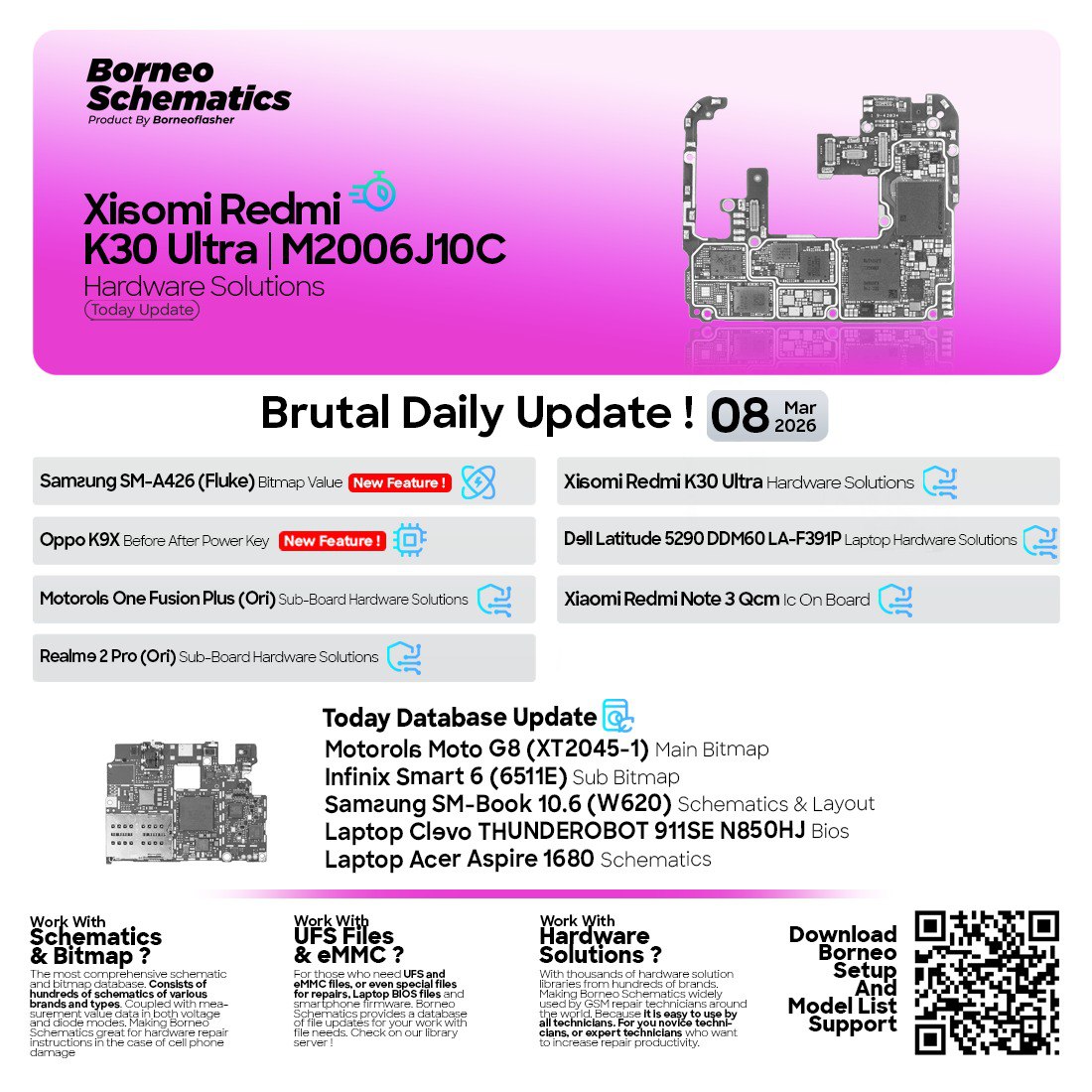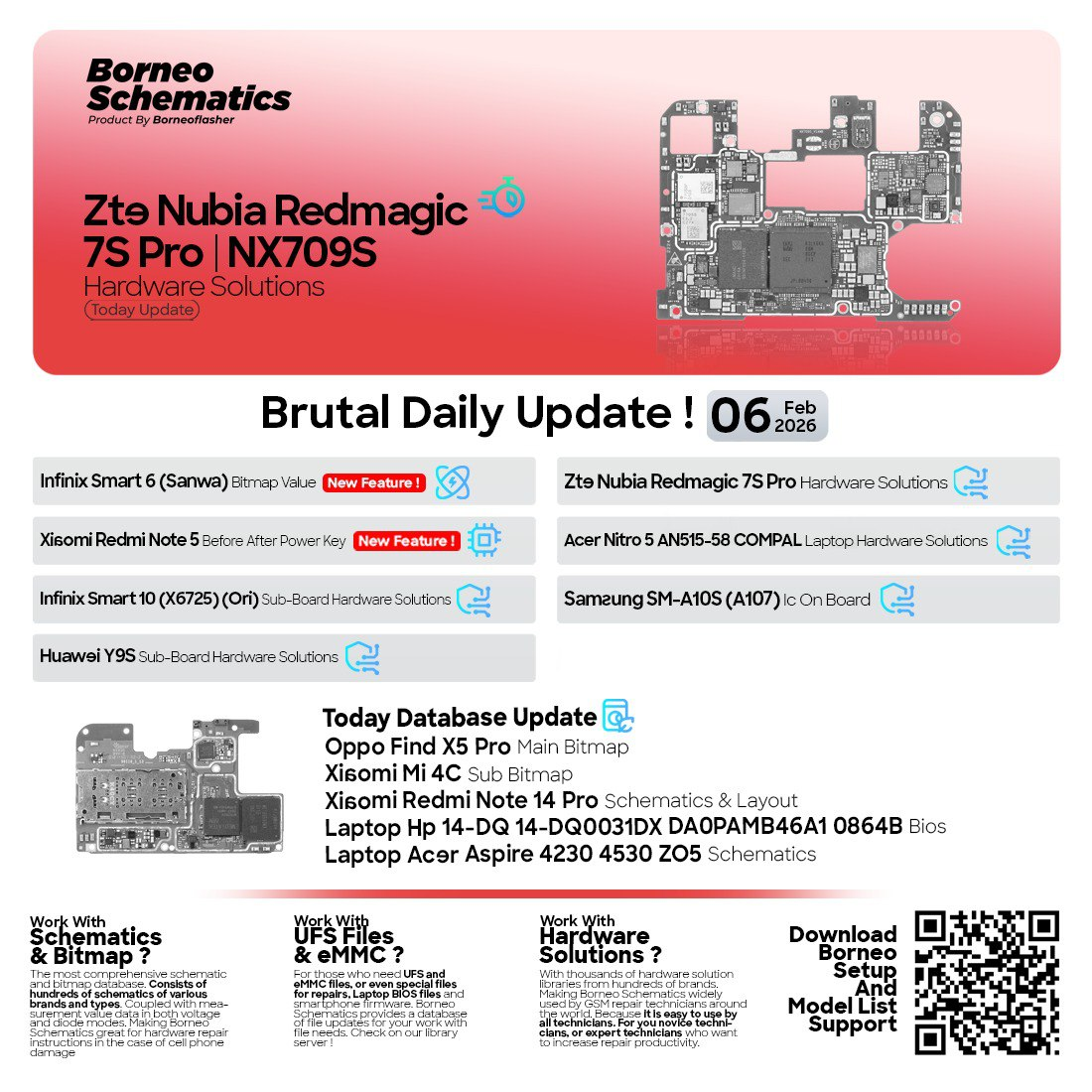
The mobile repair and unlocking industry has advanced rapidly in 2026, making up-to-date schematics essential for both technicians and users. The February 6, 2026 Borneo schematics update provides the latest hardware layouts, repair guides, and mobile unlock programs for devices like ZTE Nubia Redmagic 7S Pro and Xiaomi Redmi Note 5. This article covers everything from supported devices to installation and safe usage tips.
What is February 6, 2026 Borneo Schematics Update and Why It’s Needed
The February 6, 2026 Borneo schematics update is a curated collection of mobile and laptop repair schematics, layouts, and bitmap solutions. It is designed for:
- Technicians and repair shops: To repair devices faster and more accurately.
- Individual users: To unlock devices, fix power key issues, or troubleshoot hardware problems.
- Mobile unlock programs & phone unlock apps: To bypass FRP locks, IMEI repair, or network restrictions legally.
Why it is needed:
- Complex modern hardware: Devices like the Infinix Smart 10 Sub Board or Huawei Y9S Sub Board have intricate layouts. Schematics save hours of guesswork.
- Faster repair and diagnostics: Instead of trial-and-error, technicians can rely on accurate board layouts.
- Legal and secure unlocking: Mobile unlock programs integrated with Borneo schematics reduce the risk of damaging devices.
- Comprehensive coverage: Supports multiple brands—Xiaomi, ZTE, Oppo, Infinix, Huawei, Samsung, and laptops like Acer Nitro and Aspire series.
Key Features of February 6, 2026 Borneo Schematics Update
The update comes packed with features that make it essential for every professional and advanced user:
- Latest hardware schematics: For devices like ZTE Nubia Redmagic 7S Pro Hardware Solutions and Xiaomi Redmi Note 14 Pro Schematic Layout.
- Bitmap solutions: Includes Infinix Smart 6 Bitmap Value and Oppo Find X5 Pro Main Bitmap for fast diagnosis.
- Sub-board repair guidance: Covers Huawei Y9S Sub Board Repair and Infinix Smart 10 Sub Board Solutions.
- Laptop schematics: Detailed layouts for Acer Nitro 5 AN515-58 and Acer Aspire 4230/4530 series.
- IC-level fixes: Helps technicians with Samsung SM-A10S IC On Board Fix and similar models.
- IMIE repair & FRP unlock: Legal mobile unlock programs and phone unlock apps included.
- Regular updates: Keeps your library current with latest device releases.
Supported Devices and Brands
The February 6, 2026 update supports a wide array of devices:
| Brand | Devices / Features Supported |
|---|---|
| ZTE | Nubia Redmagic 7S Pro Hardware Solutions |
| Xiaomi | Redmi Note 5 Power Key Fix, Redmi Note 14 Pro Schematic Layout, Mi 4C Sub Bitmap |
| Infinix | Smart 6 Bitmap Value, Smart 10 Sub Board Solutions |
| Huawei | Y9S Sub Board Repair |
| Oppo | Find X5 Pro Main Bitmap |
| Samsung | SM-A10S IC On Board Fix |
| Acer | Nitro 5 AN515-58 Hardware Solutions, Aspire 4230 & 4530 Schematic |
💡 Pro Tip: If you are a technician, maintaining a reference library from this update ensures you can service nearly any device encountered in your workshop.
Download and Installation Process
The February 6, 2026 Borneo schematics update is designed to be easy to download and install, even for beginners.
Step-by-Step Installation Guide
- Visit the official Borneo schematics download page via WhatsApp/Telegram or official website.
- Select your subscription plan (Basic, Premium).
- Download the update package (ZIP file containing schematics, bitmap solutions, and mobile unlock programs).
- Extract the files into a dedicated folder on your PC or laptop.
- Run the setup installer for the schematic viewer software.
- Restart your system to ensure all drivers and software components are loaded.
How to Register and Activate
- Open the installed schematic software.
- Click Register/Activate and enter your license key provided after purchase.
- Verify via WhatsApp/Telegram OTP (if required).
- Complete the activation, and the software will load the February 6, 2026 Borneo schematics update.

How to Use February 6, 2026 Borneo Schematics Update
This update is designed for both professional technicians and individual users.
For Device Owners
- Power Key Fixes: Quickly locate the power key circuit using Xiaomi Redmi Note 5 Power Key Fix guides.
- Sub Board Repairs: Follow step-by-step repair for Huawei Y9S Sub Board Repair or Infinix Smart 10 Sub Board Solutions.
- Mobile Unlock Programs: Legally unlock phones with network restrictions using built-in apps.
For Technicians
- IC-level Diagnosis: Repair IC faults using Samsung SM-A10S IC On Board Fix guides.
- IMIE Repair & FRP Unlock: Use the software for safe IMEI repairs and FRP bypasses.
- Bitmap & Layout Reference: Reference Infinix Smart 6 Bitmap Value or Oppo Find X5 Pro Main Bitmap during board-level repairs.
- Laptop Repairs: Utilize Acer Nitro 5 AN515-58 Hardware Solutions or Aspire 4230/4530 Schematic for faster troubleshooting.
Comparison with Other Tools
| Feature / Tool | Borneo Schematics | Other Tools |
|---|---|---|
| Multi-brand coverage | ✅ Yes | ❌ Limited |
| Latest device support | ✅ Feb 2026 | ❌ Often outdated |
| Legal mobile unlock programs | ✅ Yes | ❌ Usually unsafe |
| Step-by-step repair guidance | ✅ Yes | ❌ Basic or missing |
| IC & bitmap solutions | ✅ Yes | ❌ Rarely available |
| Regular updates | ✅ Yes | ❌ Irregular |
Safety Tips and Legal Considerations
- Always back up device data before attempting repairs or unlocks.
- Only use licensed and verified tools to avoid legal issues.
- Avoid altering IMEI illegally; stick to authorized IMEI repair processes.
- Wear ESD protection when handling motherboards.
- Follow manufacturer repair guidelines to prevent permanent damage.
Troubleshooting Common Errors
| Error Message / Issue | Solution |
|---|---|
| “Activation failed” | Recheck license key, ensure internet connectivity. |
| “Device not detected” | Install correct drivers, enable USB debugging. |
| “Bitmap file missing” | Re-download update, ensure extraction to correct folder. |
| Software crashes on launch | Run as administrator, check system requirements. |
| FRP bypass not working | Verify device model compatibility, update software. |
Pricing and Subscription Plans
The February 6, 2026 Borneo schematics update comes in flexible plans:
| Duration | Features | Price (USD) |
|---|---|---|
| 3 Months | Access to mobile & laptop schematics, updates, and mobile unlock programs | $15 |
| 6 Months | Access to mobile & laptop schematics, updates, and mobile unlock programs | $25 |
| 12 Months | Access to mobile & laptop schematics, updates, and mobile unlock programs | $45 |
💡 Tip: Premium plan is recommended for repair shops servicing multiple brands regularly.

FAQs
Q1: What devices are supported in this update?
A1: Supports ZTE, Xiaomi, Infinix, Huawei, Oppo, Samsung, and Acer laptops, including models like Redmagic 7S Pro, Redmi Note 14 Pro, and Nitro 5 AN515-58.
Q2: Can beginners use this update?
A2: Yes! The software is beginner-friendly, with step-by-step guides and visual schematics.
Q3: Is it safe to use mobile unlock programs included?
A3: Absolutely. All tools provided are legal and verified for safe usage.
Q4: How often are updates released?
A4: Updates are released regularly; February 6, 2026 is the latest version.
Q5: How do I get WhatsApp/Telegram support?
A5: After registration, you get direct support via official WhatsApp/Telegram channels.
Final Thoughts
The February 6, 2026 Borneo schematics update is a must-have for anyone serious about mobile and laptop repair. It provides accurate schematics, bitmap solutions, IC-level guidance, and legal mobile unlock programs—all in a single, easy-to-use package.
Whether you are a technician servicing multiple devices daily or an individual user attempting safe repairs, this update saves time, reduces errors, and ensures your repairs are professional and precise.