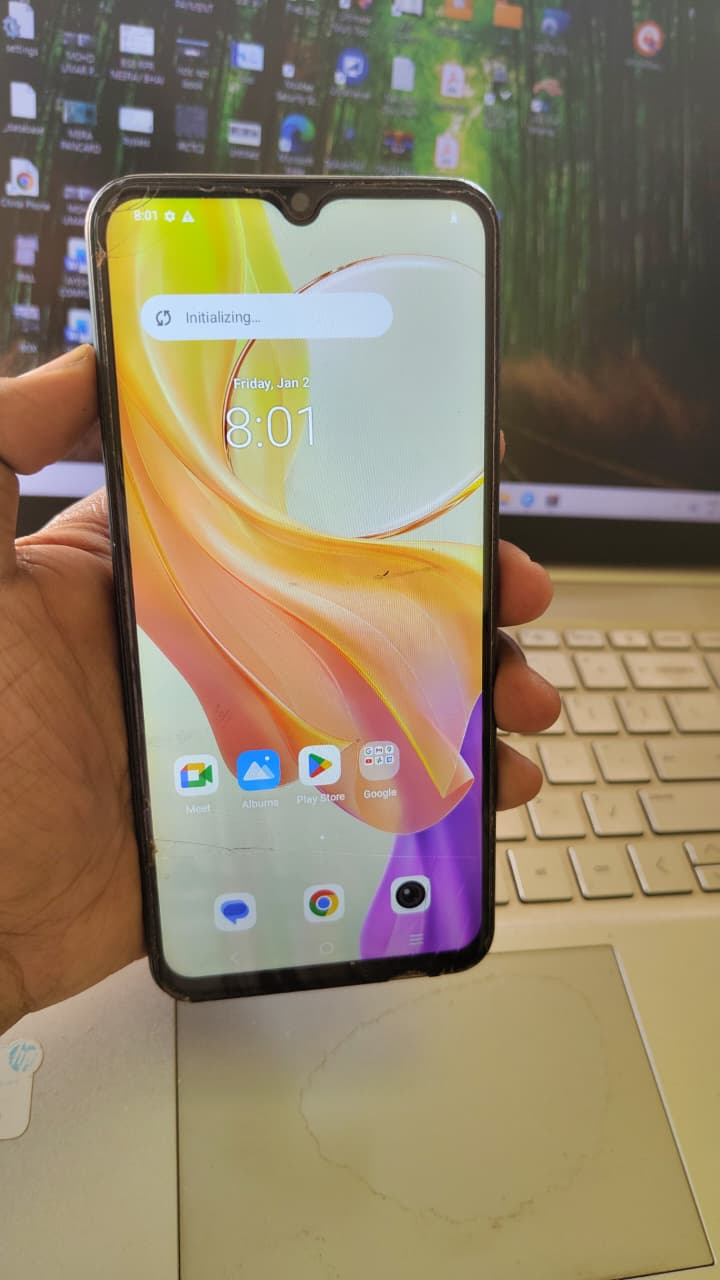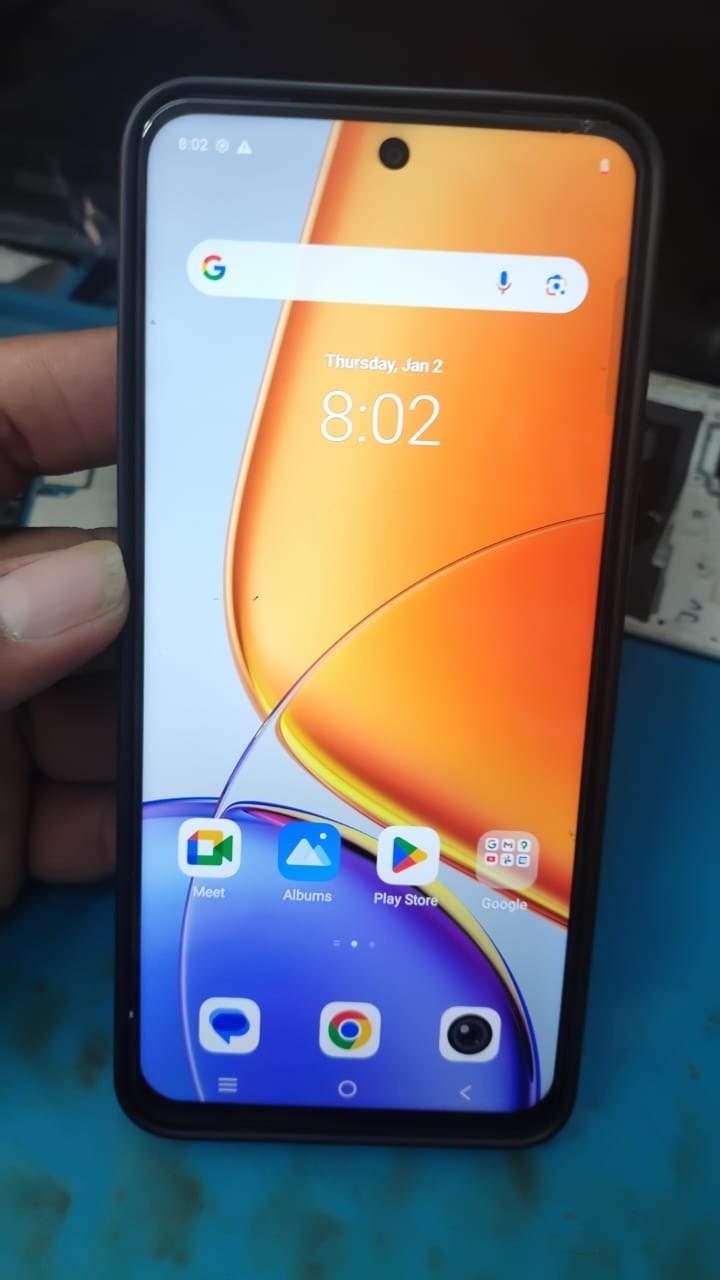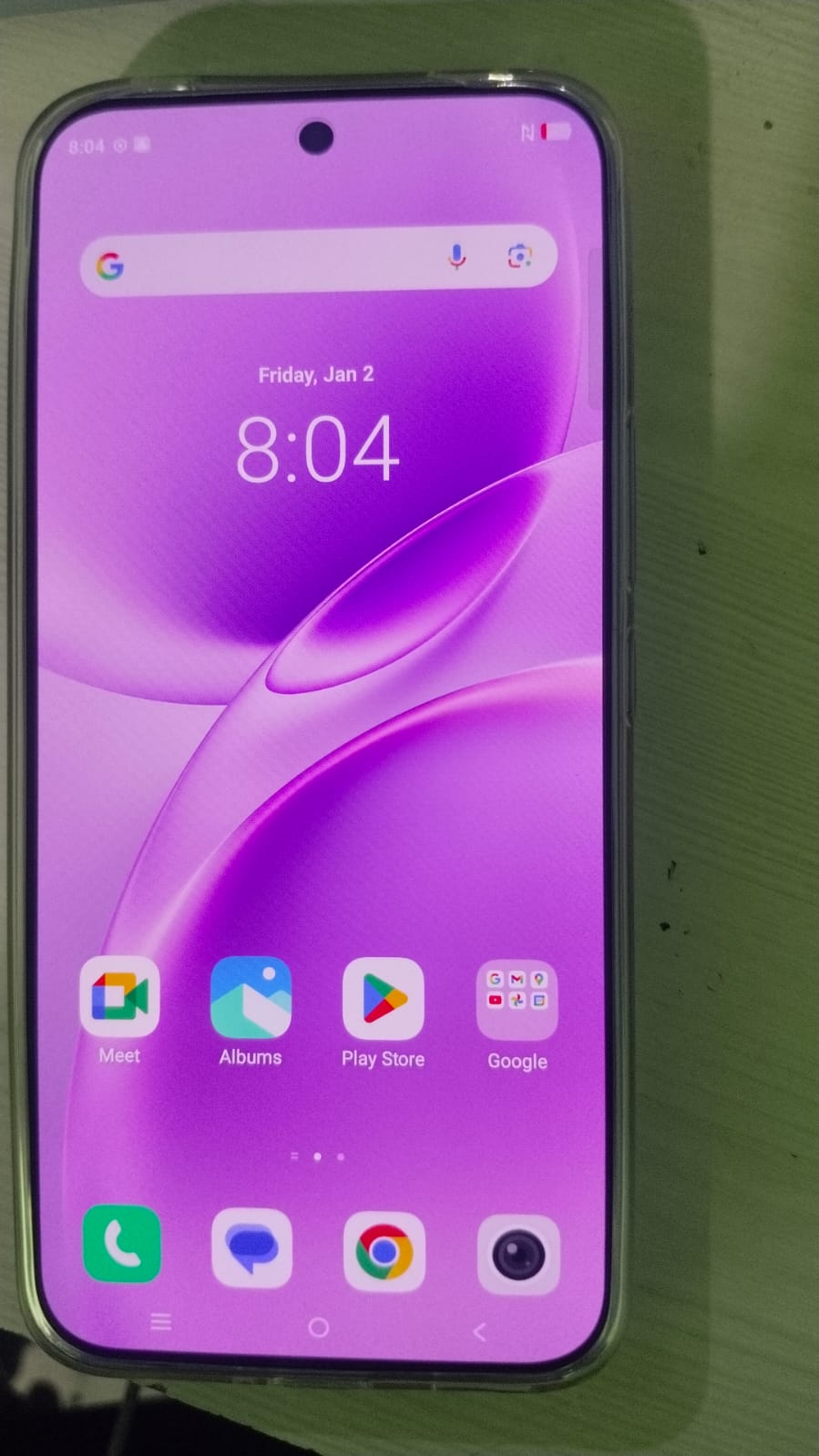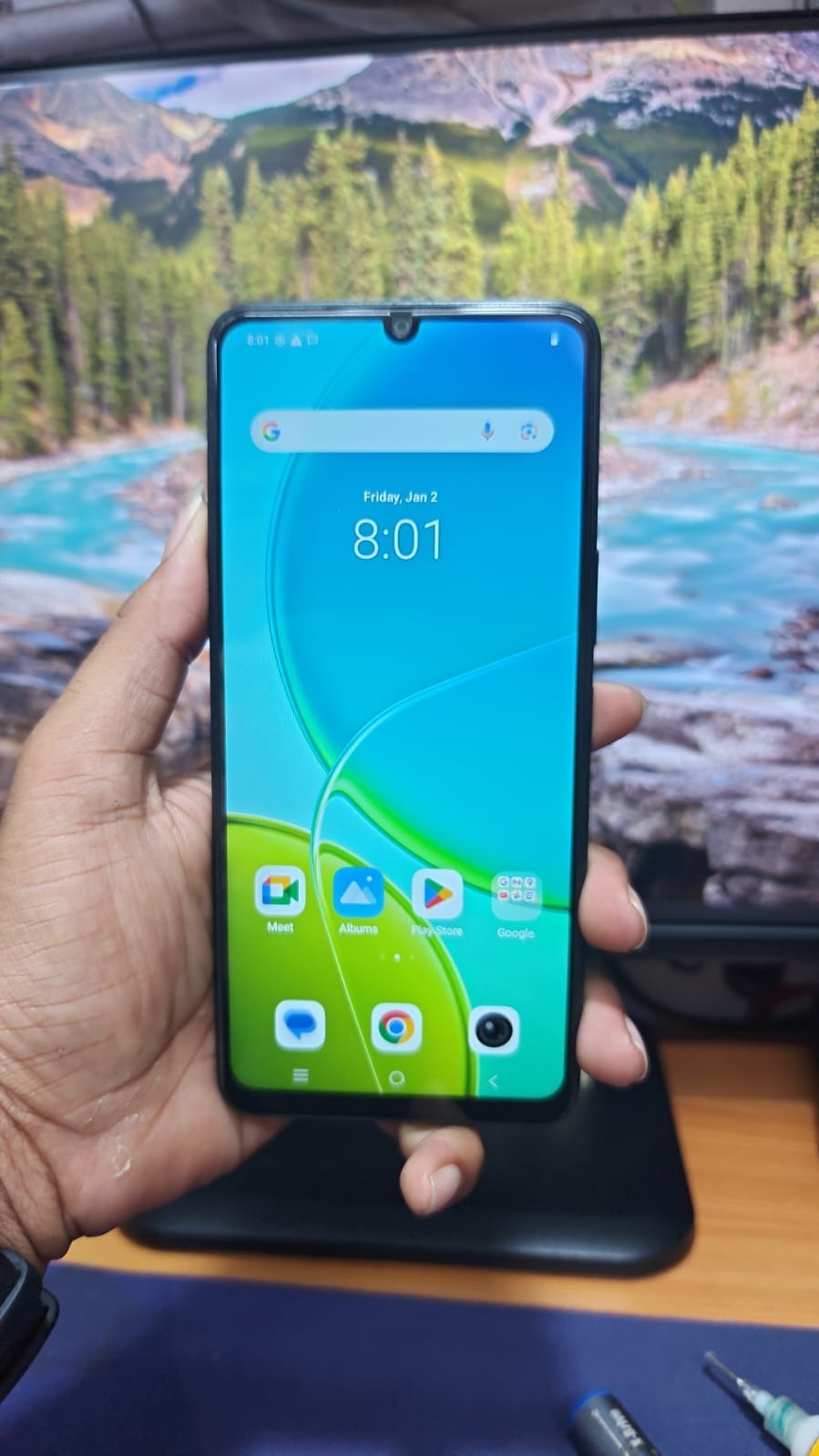
Factory Reset Protection (FRP) is a powerful Android security feature, but it can become a major issue when users forget their Google account credentials. This is where GendaTool Vivo Y19 5G FRP Unlock comes in as a reliable and efficient solution.
Whether you’re a mobile repair technician or an individual user locked out of your device, this complete guide will walk you through everything you need to know about unlocking FRP on Vivo Y19 5G using GendaTool.
With growing demand for remote unlocking services, tools like GendaTool are transforming the mobile repair industry by offering fast, safe, and professional solutions.

What is GendaTool Vivo Y19 5G FRP Unlock and Why It Is Needed
Understanding FRP Lock
FRP (Factory Reset Protection) is designed to protect Android devices from unauthorized access after a factory reset. However, if you forget your Google login details, your phone becomes inaccessible.
What is GendaTool
GendaTool Vivo Y19 5G FRP Unlock is a professional mobile unlock program and phone unlock app that helps users:
- Remove FRP locks
- Bypass Google account verification
- Unlock devices remotely
- Perform advanced servicing tasks
Why You Need It
- Forgot Google account credentials
- Purchased a second-hand phone
- Device stuck on verification screen
- Repair shop needs a bulk unlocking solution
Key Features of GendaTool Vivo Y19 5G FRP Unlock (Latest Version)
Latest Features (2025 Update)
- 100% Remote FRP Unlock
- Fast and secure processing
- No need to visit a service center
- Supports latest Vivo security patches
- Easy-to-use interface
- No complex setup required
Advanced Capabilities
- Vivo Y19 5G Google Account Remove
- IMEI repair support
- Firmware flash assistance
- Multi-device compatibility
Supported Devices and Brands
Although focused on Vivo devices, GendaTool Vivo FRP Unlock Tool supports multiple brands:
| Brand | Supported Models |
|---|---|
| Vivo | Y19 5G, Y20, Y21, Y22 |
| Oppo | A-series, Reno series |
| Xiaomi | Redmi and Mi devices |
| Realme | Narzo and GT series |
This makes it a powerful FRP Unlock Vivo Phones GendaTool solution for technicians.
Download and Installation Process
How to Download
- Get the latest version from an official provider
- Contact via WhatsApp or Telegram for a secure download link
- Avoid unofficial or cracked versions
Step-by-Step Installation Guide
- Download the setup file
- Disable antivirus temporarily
- Run installer as Administrator
- Complete installation
- Launch the tool
How to Register and Activate
- Open GendaTool
- Enter your license credentials
- Connect to the server
- Activate your subscription
- Start using the tool

How to Use GendaTool Vivo Y19 5G FRP Unlock
For Individual Users
- Connect your phone using a USB cable
- Select the FRP Unlock option
- Follow on-screen instructions
- Wait for the process to complete
For Technicians
- Handle multiple devices efficiently
- Provide remote unlocking services
- Use batch processing features
- Offer professional repair solutions
IMEI Repair and Other Services
GendaTool also supports additional services such as:
- IMEI repair
- Software flashing
- Device diagnostics
- Advanced unlocking operations
Comparison with Other Tools
| Feature | GendaTool | Other Tools |
|---|---|---|
| Remote Unlock | Yes | Limited |
| Vivo Support | Strong | Partial |
| Ease of Use | Easy | Moderate |
| Speed | Fast | Slow |
| Updates | Frequent | Rare |
GendaTool provides better performance and reliability compared to many alternatives.
Safety Tips and Legal Considerations
- Only unlock devices you own or have permission to service
- Avoid illegal or unauthorized usage
- Always use official versions of the tool
- Backup important data before processing
Troubleshooting Common Errors
Device Not Detected
- Install proper USB drivers
- Change USB cable or port
Server Error
- Check internet connection
- Retry login process
Unlock Failed
- Update to the latest version
- Contact support for assistance
Pricing and Subscription Plans
GendaTool offers flexible pricing options:
- 6 Months License
- 12 Months License
- Pay-per-use plans
Pricing may vary depending on provider and included features.
FAQs (Frequently Asked Questions)
What is GendaTool Vivo Y19 5G FRP Unlock?
It is a professional tool used to remove FRP lock from Vivo Y19 5G devices.
Can I use it without a PC?
Some features support Vivo Y19 5G FRP Remove Without PC, but using a PC is recommended for better results.
Is it safe to use?
Yes, when used properly and for legal purposes.
Does it support remote unlocking?
Yes, GendaTool FRP Unlock Vivo Y19 5G Remote feature is fully supported.
Can technicians use it commercially?
Yes, it is suitable for repair shops and professional technicians.
Final Thoughts and Call to Action
If you are searching for a reliable and efficient solution, GendaTool Vivo Y19 5G FRP Unlock is one of the best tools available in 2025.
It offers a smooth and secure unlocking experience for both beginners and professionals.