


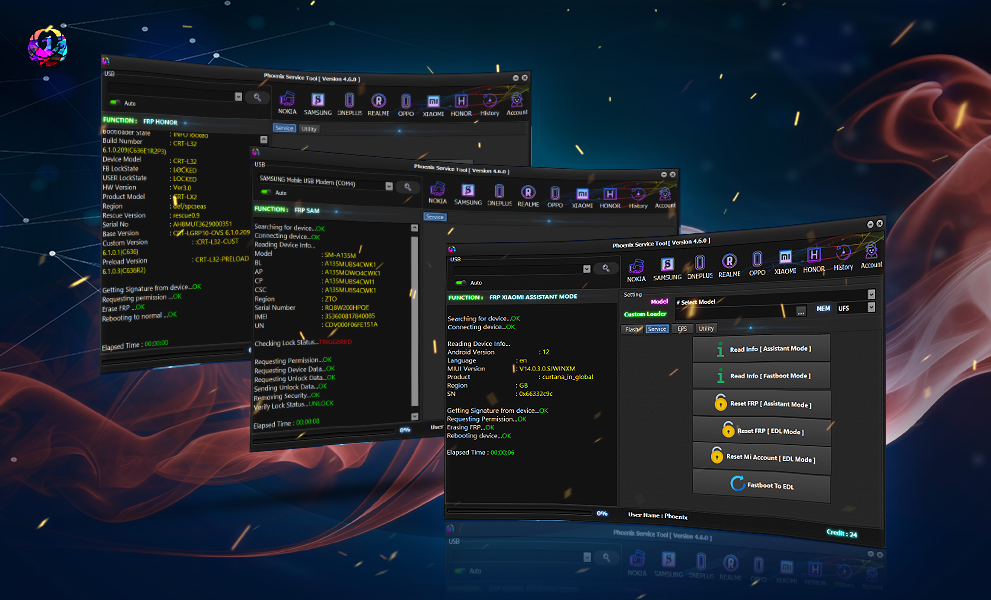
Whether you’re a professional mobile technician or an individual user trying to fix your own smartphone, the Phoenix Service Tool has become an essential software for unlocking, repairing, and flashing devices.
One of the most common questions new users ask is: “How to use Phoenix Service Credits?”
Phoenix Service Credits are the digital currency of the Phoenix ecosystem. They power every service operation — from FRP removal to IMEI repair. In this comprehensive guide, we’ll explain what Phoenix Credits are, how to buy and activate them, and how to use them effectively to make your repair process smooth and professional.
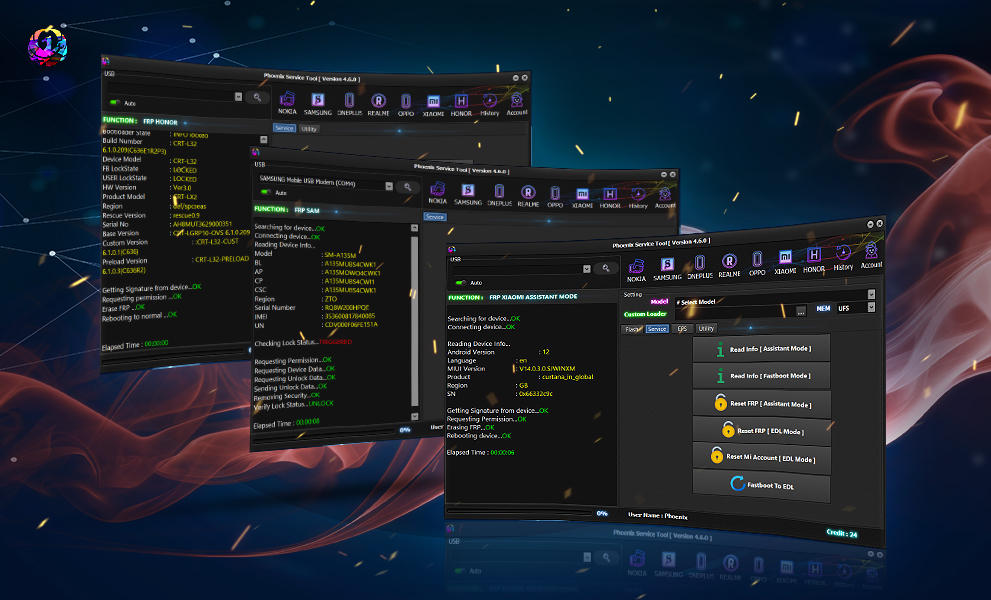
What Are Phoenix Service Credits and Why Are They Needed?
Phoenix Service Credits are virtual tokens used to access premium operations inside the Phoenix Service Tool. Instead of paying per file or activation, you purchase credits in advance, which can then be consumed each time you perform a service operation.
Why Phoenix Credits Matter
- Each repair, FRP unlock, or network operation requires a specific number of credits.
- Credits make transactions simple and secure — no need to share card details every time.
- Credits can be recharged or transferred between accounts.
- They prevent misuse and keep the tool licensed only for genuine users.
Essentially, without credits, the Phoenix Tool can’t perform premium operations. That’s why understanding how to buy, activate, and use Phoenix Credits is crucial for every user.
Key Features of Phoenix Service Credits (Latest Version)
Here’s what makes the latest Phoenix Credits system efficient and user-friendly:
Secure License System – Each credit is linked to your Phoenix account, preventing unauthorized access.
Instant Activation – Credits appear in your account within minutes after purchase.
Global Usage – Works across countries — including the USA, Mexico, Brazil, Venezuela, and beyond.
Auto-Sync with Tool – Credits automatically sync when you log in to the Phoenix Service Tool.
Multiple Payment Options – Buy credits using PayPal, crypto, or local reseller networks.
Multi-Device Access – Same account can be used on multiple PCs (with secure login).
Supports FRP, Unlock, IMEI Repair, and Flashing – Each service deducts specific credits.
Supported Devices and Brands
Phoenix Service Credits are used to unlock and service multiple brands and chipsets. Supported devices include:
| Brand | Supported Operations |
|---|---|
| Samsung | FRP Unlock, Flash, Network Unlock |
| Xiaomi | FRP Bypass, Bootloader Relock |
| Huawei | ID Removal, Repair, Flash |
| Oppo / Vivo | FRP, IMEI Repair, Security Lock |
| Tecno / Infinix | SPD / MTK Flash, FRP |
| Nokia / HMD | Flash, Reset, Unlock |
| Motorola | FRP, Network Repair |
| Others | Generic MTK, SPD, and Qualcomm devices |
Tip: The credit usage per brand may vary depending on the model and operation type.
How to Register and Activate Phoenix Account
- Open the tool and click “Register New Account.”
- Enter your email, password, and region.
- Check your inbox and verify the activation email.
- Log in with your credentials.
- Navigate to the Credits / Activation tab.
How to Use Phoenix Service Credits (for Users & Technicians)
Once your account is active and you’ve purchased credits, follow these steps to start using them.
🔹 Step 1: Buy Phoenix Credits
You can purchase credits from:
- Official Phoenix resellers
- Authorized websites like GsmRadix.com
- Secure Telegram or WhatsApp resellers
After payment, credits are sent directly to your registered Phoenix account ID.
Step 2: Activate Your Credits
- Open Phoenix Tool → Click “Activation”.
- Enter your Email ID and Pass (if required).
- Press “Buy Now.”
- Credits will sync automatically to your account balance.
🔹 Step 3: Check Credit Balance
- Go to Menu → Credits → Check Balance.
- You’ll see the available credits and usage history.
FRP Unlock
FRP (Factory Reset Protection) is one of the most used features of Phoenix Service Tool.
Steps to use credits for FRP Unlock:
- Connect your phone in EDL / Fastboot / Meta Mode.
- Choose your brand (Samsung, Xiaomi, etc.).
- Select “FRP Remove.”
- The tool will deduct the required credits automatically.
- Wait for completion — device will reboot FRP-free.
Network Unlock
For SIM or network unlocks:
- Go to Unlock Menu → Network Unlock.
- Select the model and region.
- Credits will be deducted once the process begins.
- Tool will unlock network restrictions safely.
IMEI Repair and Other Services
Phoenix Service Tool also allows:
- IMEI rewrite for supported models
- Flashing firmware with credits
- Boot repair, reset, and security patch updates
All these use your Phoenix Credits securely.
Comparison with Other Tools
| Feature | Phoenix Service Tool | Octopus | Chimera | UMT |
|---|---|---|---|---|
| FRP Unlock | ✅ Wide brand support | ✅ | ✅ | ✅ |
| IMEI Repair | ✅ (Qualcomm + MTK) | Limited | ✅ | ✅ |
| Credit System | ✅ Secure + Rechargeable | Fixed Packs | Subscription | Tokens |
| Interface | Modern UI | Old | Medium | Basic |
| Price | Affordable | Expensive | Medium | Medium |
| Updates | Frequent | Moderate | Regular | Moderate |
Safety Tips and Legal Considerations
While using Phoenix Service Credits and performing repairs:
✅ Use Genuine Software: Download only from official or verified reseller sites.
✅ Avoid Piracy: Using cracked versions may lead to account ban or credit loss.
✅ Backup Data: Always backup device data before flashing or unlocking.
✅ Follow Legal Rules: IMEI modification and network unlocks should comply with local laws.
✅ Secure Your Login: Do not share Phoenix credentials with others.
Responsible usage ensures your credits remain active and your business reputation intact.
Troubleshooting Common Errors
| Error Message | Possible Cause | Fix |
|---|---|---|
| Credits Not Showing | Sync delay or wrong account ID | Re-login or refresh tool |
| Invalid Activation Code | Typo or expired key | Verify reseller & request replacement |
| Tool Not Connecting | Outdated driver / cable | Reinstall drivers, use good cable |
| Server Error | Maintenance or slow internet | Wait & retry after few minutes |
| Operation Failed | Unsupported device | Check device compatibility list |
Pricing and Subscription Plans
| Package | Credits | Validity | Price (USD) |
|---|---|---|---|
| Starter | 10 Credits | Lifetime | $10 |
| Professional | 50 Credits | Lifetime | $48 |
| Premium | 100 Credits | Lifetime | $95 |
| Enterprise | 500 Credits | Lifetime | $480 |
Frequently Asked Questions (FAQs)
1. What are Phoenix Service Credits used for?
Phoenix Credits are used to perform operations like FRP unlock, flashing, IMEI repair, and network unlocking in the Phoenix Service Tool.
2. How can I buy Phoenix Credits?
You can buy them from authorized resellers or directly through GsmRadix.com
3. Do Phoenix Credits expire?
No, credits are lifetime-valid and remain linked to your account.
4. What if my Phoenix Credits don’t appear?
Try refreshing your account or re-logging into the Phoenix Tool. If still missing, contact your reseller or Phoenix support via Telegram.
5. Can I transfer credits to another user?
Yes, but only through verified reseller assistance or via Phoenix Support.
6. Are Phoenix Credits refundable?
No. Once used or activated, they cannot be refunded.
Final Thoughts
Phoenix Service Credits simplify how technicians and users interact with the Phoenix Tool ecosystem. They remove the complexity of per-service payments and make it possible to perform dozens of advanced mobile operations with a single activation.
If you’re serious about mobile repair, learning how to use Phoenix Service Credits properly is a must. With secure payments, global accessibility, and strong support from trusted platforms like GsmRadix, Phoenix remains one of the most reliable solutions for professional servicing.
Why Buy from GsmRadix
- 100% genuine and verified firmware
- Official download mirror of Phoenix Service Credits
- Instant auto-delivery 24/7
- Secure checkout with fast technical support
