


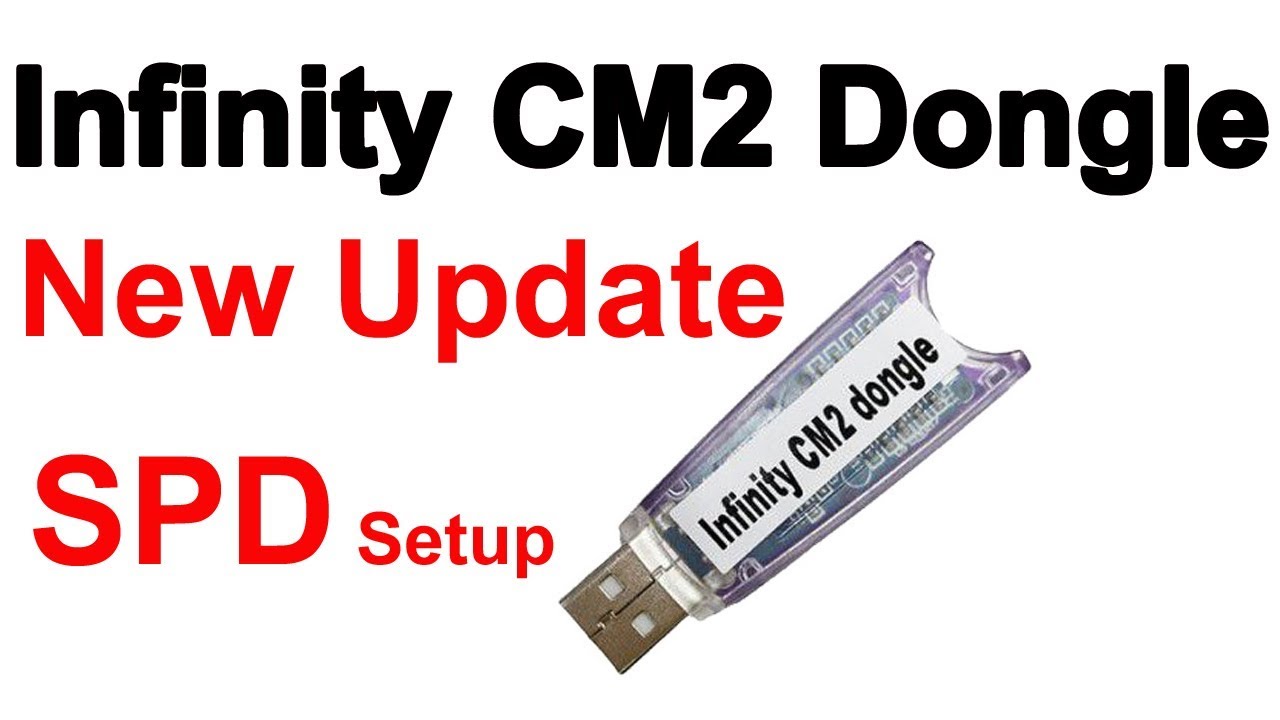
The Infinity CM2SP3 v2.43 Update has officially arrived, bringing a powerful wave of enhancements for both mobile technicians and repair professionals. With support for hundreds of new models, improved filesystem management, enhanced bootloader unlock functions, and new UI improvements, this update is one of the biggest releases yet from the Infinity Team.
Whether you’re a professional repair shop owner or an individual looking to handle advanced Android repairs, Infinity CM2SP3 v2.43 provides everything you need to work efficiently, safely, and confidently.
What is Infinity CM2SP3 v2.43 Update and Why It’s Needed
Infinity CM2SP3 is part of the Infinity-Box Smart Platform 3 (SP3) software suite — a professional multi-brand servicing tool designed for Android devices. It allows users to:
- Flash and repair firmware
- Unlock FRP (Factory Reset Protection)
- Perform IMEI repairs
- Reset or format user data
- Unlock bootloaders safely
- Analyze and modify filesystems
With the v2.43 Update, Infinity has focused on modernizing compatibility for Android 13 and Android 14 devices, as well as introducing new models from popular brands like iTel, Vivo, ZTE, Oukitel, Mobicel, and Nubia.
This version is essential because many of the newly launched devices in 2024–2025 use updated chipsets, security protocols, and partition structures. Older versions of CM2SP3 couldn’t handle these changes — but v2.43 fixes that.

Key Features of Infinity CM2SP3 v2.43 Update
The latest version is packed with performance enhancements and bug fixes that make Android servicing smoother than ever. Let’s look at the highlights:
🔹 1. Added Support for New Models
Infinity CM2SP3 v2.43 brings compatibility for dozens of new devices, including:
- iTel: A673L, P671L, S25, S25-Ultra, S685LN
- Vivo: V2430, PD2442
- ZTE: Blade-A56
- Oukitel: WP53-Pro, WP23-Plus, C58-Pro, C57-S, C61
- Mobicel: F51, Beam, Epic-Max, Legend Series
- Hisense: E72, HLTE268e
- Others: LP W55, Maxfone Max70-Plus, Nubia Focus-5G, Xiaomi Poco-C71
(See the full list of supported devices below.)
🔹 2. Bootloader Unlock Process Updated
The bootloader unlock feature has been enhanced for Tecno, Infinix, and iTel devices, ensuring smoother operation and reduced error rates.
🔹 3. New Fix: Repeated Reboot After Slot Change
A major issue causing some devices to reboot endlessly after setting slot has been resolved.
🔹 4. FileSystem Manager Updated
The AppTool FileSystem Manager has been updated to support the latest Android file structures — making it easier to read, extract, and rebuild partitions.
🔹 5. Improved Firmware (Super OTA) Detection
The system now detects super OTA firmware status more accurately, ensuring reliable image creation for flashing.
🔹 6. Format Userdata with Create FS
The new “Create FS” option avoids endless recovery loops, a common problem on devices with dynamic partitions.
🔹 7. Simplified User Interface
Cleaner logs, faster navigation, and reduced clutter help technicians perform tasks more efficiently.
Supported Devices and Brands
Below is an overview of some of the newly supported devices added in Infinity CM2SP3 v2.43:
| Brand | Newly Supported Models |
|---|---|
| iTel | A673L, P671L, S25, S25-Ultra, S685LN |
| Vivo | V2430, PD2442 |
| ZTE | Blade-A56 |
| Oukitel | WP53-Pro, WP23-Plus, C58-Pro, C57-Pro, C61 |
| Mobicel | F51, Beam, Epic-Max, Fendy-Plus, Legend, Ultra, VX20-Pro |
| Hisense | E72, HLTE268e |
| Maxwest | Gravity-G6, MX-GG6, Astro-8R, Astro-10R |
| Nubia | Focus-5G |
| Xiaomi | Poco-C71 |
| Others | MTN Smart-T, Logicom Le-KAY-284, Multilaser M10-4G-Pro |
Download and Installation Process
Downloading and installing the Infinity CM2SP3 v2.43 Update is simple and straightforward.
Step-by-Step Installation Guide
- Login to your Infinity Support Area
Visit the official Infinity support or reseller portal. - Navigate to the “CM2SP3” Section
Download the latest setup (v2.43) file. - Uninstall Old Version (Optional)
If you are upgrading from v2.42 or older, remove previous installations. - Run the Installer as Administrator
Double-click the.exefile and follow on-screen instructions. - Restart the PC After Installation
This ensures drivers and modules are correctly initialized.
How to Register and Activate Infinity CM2SP3
- Connect Your Infinity Smart-Card / Dongle.
- Launch CM2SP3 Tool → Enter your login credentials.
- Activate the Software Online (requires internet connection).
- Check Subscription Validity from your account dashboard.
- Once activated, you can immediately start using the tool for flashing, unlocking, and repairing supported devices.
🧩 Pro Tip: Keep your Infinity Dongle drivers updated to avoid connection errors during activation.
How to Use Infinity CM2SP3 v2.43 (for Owners and Technicians)
The updated version introduces smoother performance across all major servicing functions. Here’s how you can use it for daily operations:
1. FRP Unlock
- Detect the connected device via USB.
- Choose the correct brand/model from the dropdown list.
- Click on “Reset FRP” or “Clear FRP Lock”.
- Wait for the tool to process — device will reboot automatically.
2. Network Unlock
- Open the “Service” tab.
- Select the network lock option (based on chipset).
- Execute the unlock and reboot the device.
- The network lock should now be removed.
3. IMEI Repair & Other Services
- Navigate to the IMEI tab.
- Connect device in meta or diag mode.
- Input valid IMEI (as per sticker or invoice).
- Click “Repair IMEI” — the process completes in seconds.
Additional features include:
- Backup & Restore NVRAM
- Read/Write firmware images
- Reset Screen Lock / Pattern
- Factory format with auto FS rebuild
Comparison with Other Tools
| Feature | Infinity CM2SP3 v2.43 | UnlockTool | NCK Dongle | UMT Pro |
|---|---|---|---|---|
| Multi-brand Support | ✅ Yes | ✅ | ✅ | ✅ |
| Android 14 Compatibility | ✅ Full | Partial | Partial | Partial |
| FileSystem Modifications | ✅ Advanced | ❌ Limited | ❌ | ❌ |
| FRP Unlock (New Security) | ✅ Yes | ✅ | ✅ | ✅ |
| Bootloader Unlock | ✅ Updated for Tecno/Infinix/iTel | ✅ | ✅ | ✅ |
| OTA Firmware Detection | ✅ Yes | ❌ | ❌ | ❌ |
| Price/Subscription | Affordable | Medium | Medium | High |
Safety Tips and Legal Considerations
Using professional servicing tools like Infinity CM2SP3 requires responsibility and compliance:
- Always use valid IMEI numbers — never clone or misuse.
- Obtain owner consent before unlocking or repairing a device.
- Avoid downloading firmware from unverified sources.
- Keep antivirus exclusions for the Infinity installation folder to prevent conflicts.
- Regularly backup NVRAM and user data before flashing or formatting.
Infinity Team always encourages ethical and legal usage of their tools.
Troubleshooting Common Errors
Here are solutions to frequently reported issues:
| Issue | Possible Cause | Solution |
|---|---|---|
| “Dongle Not Found” | Driver conflict | Reinstall Smart-Card driver |
| “Connection Timeout” | Bad USB cable | Use original cable or try another port |
| “FileSystem Not Supported” | Outdated version | Update to v2.43 |
| “Endless Reboot After Flash” | Slot issue | Use new “Fix Reboot After Set Slot” function |
| “Activation Failed” | Network issue | Check internet and retry |
Pricing and Subscription Plans
Infinity CM2SP3 is part of the Infinity-Box package, which uses a subscription-based model.
| Plan | Validity | Features Included |
|---|---|---|
| Standard Plan | 12 months | All CM2SP3 updates + support |
| Pro Plan | Lifetime | Includes all Infinity modules + support |
| Renewal | Annual | Affordable renewal via official resellers |
FAQs about Infinity CM2SP3 v2.43 Update
Q1. Is Infinity CM2SP3 v2.43 a free update?
Yes, if you already have an active Infinity-Box subscription, you can update for free.
Q2. Can I use CM2SP3 without an Infinity Dongle?
No, a valid dongle or smart-card is required for activation and usage.
Q3. Does this version support Android 14?
Yes, v2.43 fully supports Android 13 and 14-based firmware structures.
Q4. Will it work on Windows 11?
Yes, Infinity CM2SP3 is compatible with Windows 7, 10, and 11 (64-bit recommended).
Q5. Where can I download the update?
You can download the latest setup from the Infinity support area or authorized resellers’ websites.
Final Thoughts
The Infinity CM2SP3 v2.43 Update is one of the most comprehensive releases to date. It expands device support, fixes long-standing bugs, and improves performance for modern Android systems.
For technicians, it’s a reliable investment that speeds up daily repairs, enhances success rates, and adds support for new brands entering the market.
If you haven’t updated yet — now’s the time.
Keep your tools updated, stay compatible with new firmware structures, and continue offering professional-level Android servicing.
Why Buy from GsmRadix
- 100% genuine and verified firmware
- Official download mirror of AMT 3 Months
- Instant auto-delivery 24/7
- Secure checkout with fast technical support
