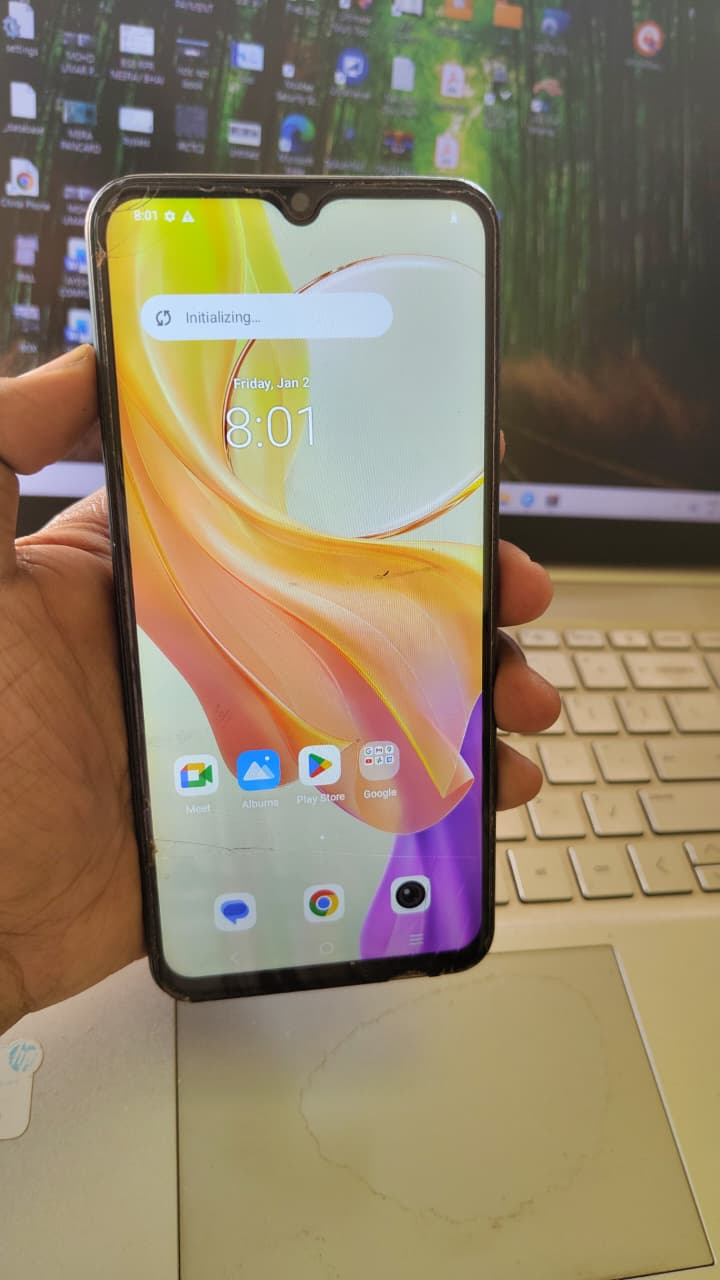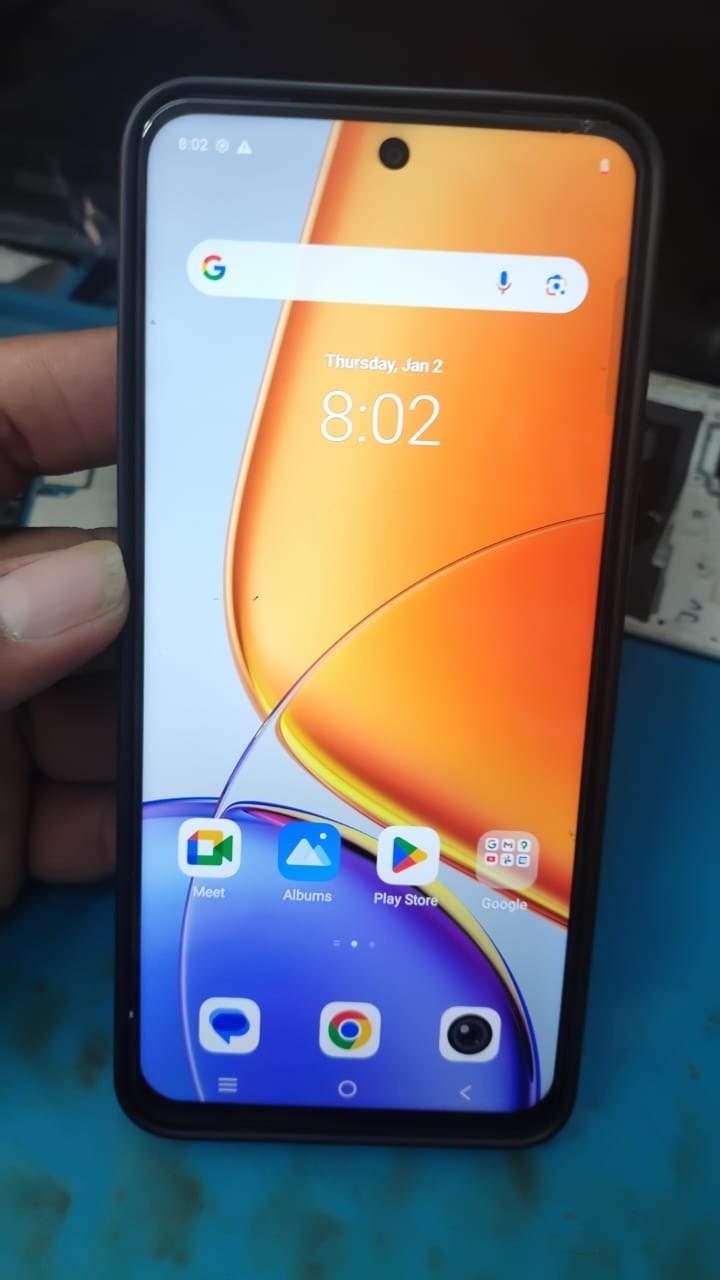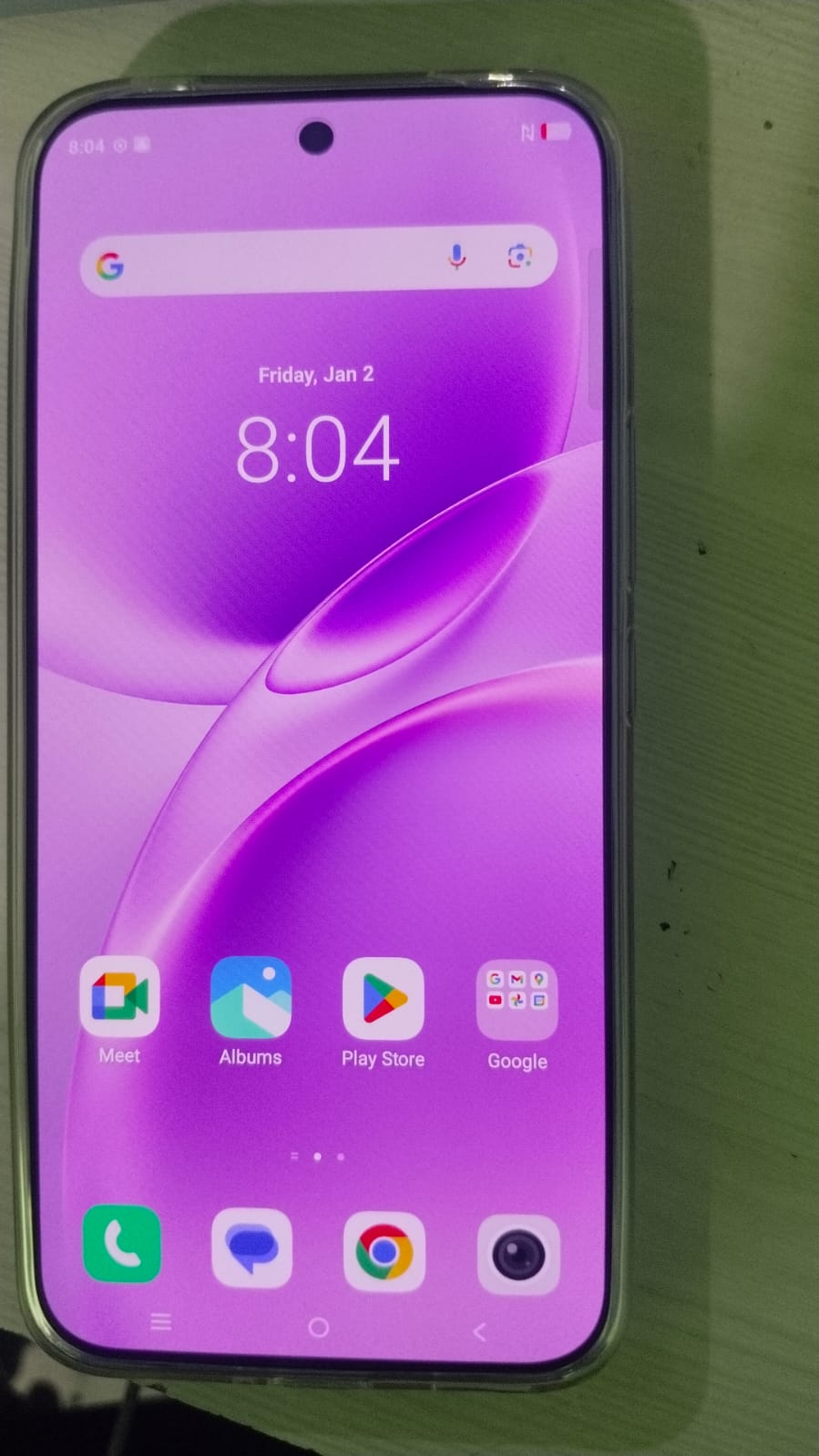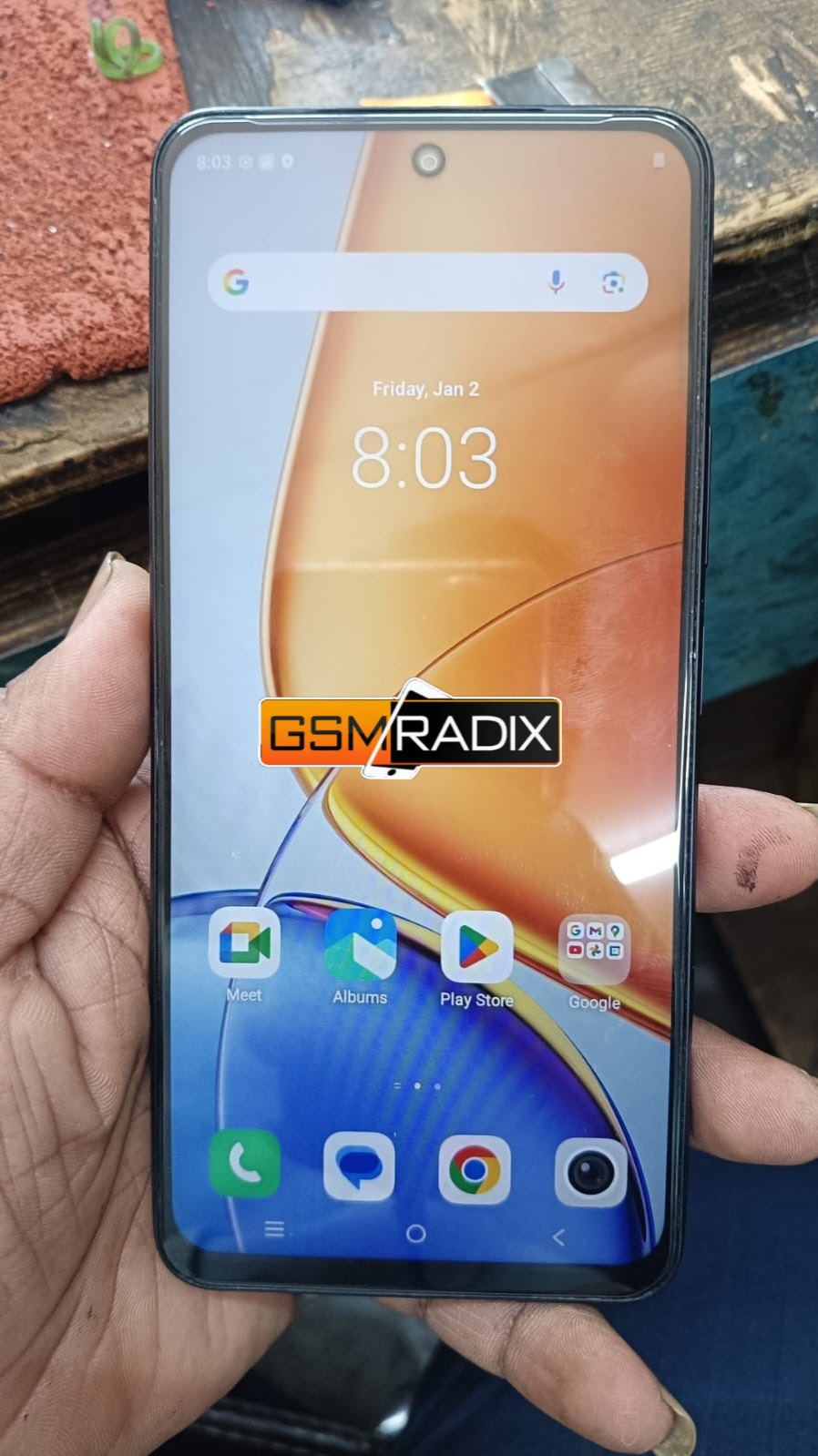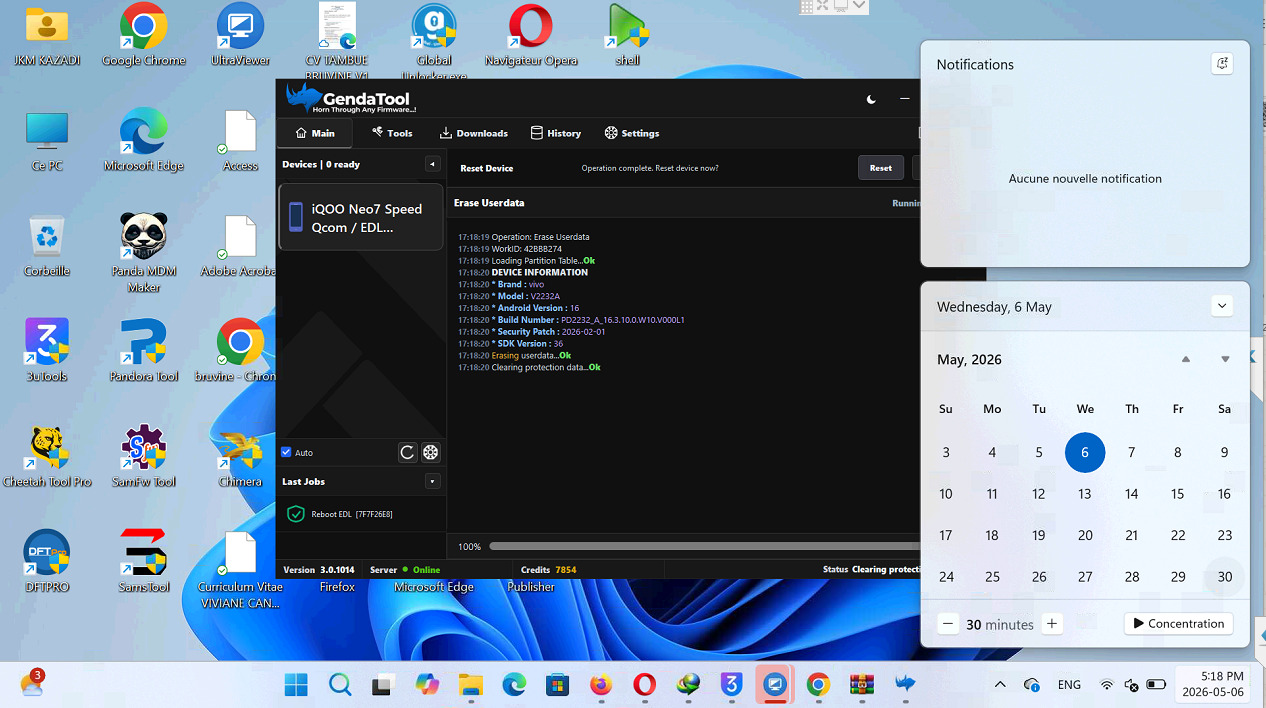
If you’re stuck on the Google verification screen after a factory reset, you’re not alone. Many iQOO Neo7 users face this issue due to Factory Reset Protection (FRP). This guide on iQOO Neo7 FRP Bypass will help you safely and effectively regain access to your device.
Whether you’re an individual user locked out of your phone or a professional technician handling multiple devices, this comprehensive tutorial covers everything—from tools and methods to troubleshooting and best practices.

What is iQOO Neo7 FRP Bypass and Why It Is Needed
Understanding FRP Lock
Factory Reset Protection (FRP) is a security feature in Android devices (especially Android 13 and above) designed to prevent unauthorized access after a reset.
Why You Need iQOO Neo7 FRP Bypass
You may need iQOO Neo7 FRP Bypass if:
- You forgot your Google account credentials
- You purchased a second-hand device
- Device was reset without removing the account
- You’re a technician repairing customer phones
Without bypassing FRP, the phone remains unusable. That’s where iQOO Neo7 Google Account Remove solutions come in.
Key Features of iQOO Neo7 FRP Bypass (Latest Version)
The latest iQOO Neo7 FRP Bypass Latest Method comes with improved compatibility and faster unlocking:
- ✅ Supports Android 13 & newer updates
- ✅ One-click iQOO Neo7 FRP Unlock Without PC options
- ✅ Works with multiple unlocking tools
- ✅ Safe and secure bypass process
- ✅ No technical expertise required for basic methods
- ✅ Advanced options for technicians
- ✅ Supports iQOO Neo7 Factory Reset Protection Unlock in minutes
Supported Devices and Brands
While this guide focuses on iQOO Neo7, most tools also support:
| Brand | Supported Models |
|---|---|
| iQOO | Neo7, Neo6, Z series |
| Vivo | Y series, V series |
| Samsung | A, M, S series |
| Xiaomi | Redmi, Poco |
| Oppo | A, Reno series |
This makes tools useful for shops handling multiple brands.
Download and Installation Process
Requirements
Before starting:
- Stable internet connection
- USB cable (if using PC method)
- Charged device (minimum 50%)
- FRP bypass tool or APK
Step-by-Step Installation Guide
- Download the iQOO Neo7 FRP Unlock Tool from a trusted source
- Extract the file (if ZIP format)
- Install required drivers (for PC method)
- Disable antivirus temporarily (if needed)
- Launch the tool
How to Register and Activate
Most premium tools require activation:
- Open the tool
- Click on “Register”
- Enter email and password
- Purchase a license (if required)
- Login to activate

How to Use iQOO Neo7 FRP Bypass (For Owners and Technicians)
Method 1: iQOO Neo7 FRP Unlock Without PC
This method is beginner-friendly:
- Turn on the device
- Connect to Wi-Fi
- Use accessibility settings
- Open browser via shortcut
- Download bypass APK
- Install and open it
- Add a new Google account
- Restart device
✅ This method helps Remove FRP Lock iQOO Neo7 without technical tools.
Method 2: Using PC Tool (Advanced)
- Connect device to PC
- Launch FRP tool
- Select “FRP Unlock”
- Put phone into required mode
- Click “Start”
- Wait for process to complete
FRP Unlock
Using tools:
- Detect device automatically
- Remove previous Google account
- Reboot device
Network Unlock (Optional)
Some tools also offer:
- Carrier unlock
- SIM restriction removal
IMEI Repair and Other Services
Advanced tools allow:
- IMEI repair
- Firmware flashing
- Pattern/password removal
These are useful for technicians handling multiple repairs.
Comparison with Other Tools
| Feature | Free Method | Paid Tool |
|---|---|---|
| Ease of Use | Medium | Easy |
| Success Rate | Moderate | High |
| Android 13 Support | Limited | Full |
| Speed | Slow | Fast |
| Additional Features | No | Yes |
Safety Tips and Legal Considerations
Before performing iQOO Neo7 FRP Bypass, consider:
- Only unlock devices you own or have permission to repair
- Avoid illegal or stolen devices
- Backup data if possible
- Use trusted tools only
FRP is a security feature—bypassing it improperly may violate policies.
Troubleshooting Common Errors
Device Not Detected
- Install proper drivers
- Change USB port
Tool Not Working
- Update to latest version
- Disable antivirus
FRP Still Locked
- Retry method
- Use alternative tool
Pricing and Subscription Plans
Typical pricing for professional tools:
| Plan | Price | Features |
|---|---|---|
| Per Device (Remote) | $25 | Remote FRP unlock service (no tool needed, technician-assisted) |
Technicians benefit more from paid plans.
FAQs – iQOO Neo7 FRP Bypass
1. What is iQOO Neo7 FRP Bypass?
It is a method to remove Google account verification after a factory reset.
2. Can I do iQOO Neo7 FRP Unlock Without PC?
Yes, using APK and browser-based methods.
3. Is FRP bypass safe?
Yes, if done legally and with trusted tools.
4. Does it work on Android 13?
Yes, using updated iQOO Neo7 FRP Bypass Android 13 methods.
5. Do I need technical skills?
Basic methods require minimal skills; advanced tools are for professionals.
Final Thoughts + Download / Contact / Subscribe CTA
The iQOO Neo7 FRP Bypass process has become easier with modern tools and updated techniques. Whether you’re unlocking your personal device or running a repair business, following the right steps ensures a safe and successful unlock.