If your LAVA smartphone is stuck on the logo, showing a software error, or locked after a factory reset, you need the LAVA LZG409 SW V13 HW V1.0 Flash File.
This official firmware can bring your device back to life by reinstalling the original system software and removing software-related problems.

This article covers everything about LAVA LZG409 SW V13 HW V1.0 — including features, supported devices, flashing guide, troubleshooting, FAQs, and download links. Whether you’re a regular user or a professional technician, this complete guide is made for you.
What is LAVA LZG409 SW V13 HW V1.0 and Why It Is Needed
The LAVA LZG409 SW V13 HW V1.0 is the official stock ROM for LAVA devices that use the Spreadtrum (SPD) chipset.
It is used to reinstall or upgrade the operating system of the phone. Flashing this firmware removes software errors, unlocks FRP (Google Account Verification), and restores your device’s full functionality.
Reasons You May Need This Firmware
- Phone stuck on LAVA logo or boot loop.
- FRP lock issue after a factory reset.
- Slow performance or system lag.
- Null IMEI or No Network issue.
- Boot or software crash after update.
- Need to upgrade or downgrade firmware safely.
By flashing this ROM, your LAVA device returns to its original condition — clean, fast, and fully functional.
Key Features of LAVA LZG409 SW V13 HW V1.0 (Latest 2025 Build)
| Feature | Description |
|---|---|
| Official Build | Genuine firmware directly from LAVA, digitally signed and secure. |
| Bug Fixes | Resolves crashes, Wi-Fi drops, and app instability. |
| Performance Boost | Improves RAM management and overall speed. |
| FRP Unlock Support | Removes Google verification lock. |
| Network Fix | Solves IMEI invalid and signal issues. |
| Preloader File Included | Protects against dead risk during flashing. |
| SPD Compatible | Works perfectly with Spreadtrum (Unisoc) tools. |
| Latest Security Patch | Updated with 2025 firmware enhancements. |
| Tested and Verified | 100% checked before release by GiveMeROM Team. |
This version is the most stable firmware for LAVA LZG409 devices and recommended for all repairs or updates.
LAVA mobile firmware Supported Devices and Chipsets
This flash file is exclusively made for the LAVA LZG409 SW V13 HW V1.0, but compatible with other LAVA devices using the same chipset.
Supported Variants
- LAVA LZG409 (All Regions)
- LAVA LZG409 HW V1.0 (India Build)
- LAVA LZG409 SW V13 Firmware Update 2025
Chipset Compatibility
- Spreadtrum / Unisoc SC9832, SC7731E
Before flashing, confirm your phone model and hardware version to avoid compatibility issues.
LAVA LZG409 firmware download and Installation Process
Before starting the flashing process, take a full backup of your personal data (contacts, photos, apps, etc.) as everything will be erased.
Download Links
| File Type | File Name | Size | Download |
|---|---|---|---|
| Firmware (Stock ROM) | LAVA_LZG409_SW_V13_HW_V1.0.zip | 1.2 GB | Download Now |
| SPD Flash Tool | SPD_Flash_Tool_Latest.zip | 10 MB | Download Tool |
| USB Drivers | SPD_USB_Driver_Setup.zip | 2 MB | Download Driver |
Step-by-Step Installation Guide
Step 1: Preparation
- Download all the files and extract them on your PC.
- Install SPD USB Drivers.
- Charge your phone to at least 60%.
- Use a good-quality USB cable.
Step 2: Launch SPD Flash Tool
- Open the folder and run UpgradeDownload.exe.
- Click on Load Packet and select the
.pacfile from the firmware folder.
Step 3: Connect the Device
- Power off your phone.
- Hold Volume Down and connect the USB cable to the PC.
- The tool will detect the phone automatically.
Step 4: Start Flashing
- Click the Start Downloading button.
- Wait until the progress bar completes (usually 5–8 minutes).
- When the process finishes, you’ll see a success message in green.
Step 5: Reboot the Phone
- Disconnect and power on your phone.
- Complete the initial Android setup.
Your device is now fully refreshed with the LAVA LZG409 SW V13 HW V1.0 firmware.
Registration and Activation (For Technicians)
Technicians and service centers can register to get access to updates and professional tools.
- Go to www.GiveMeROM.com/register
- Create a free account or technician profile.
- Join the Telegram support channel for real-time help.
- Optional: Connect via WhatsApp for instant communication.
Once registered, you’ll receive firmware updates, patch notifications, and early access to upcoming versions.
How to Use LZG409 stock ROM 2025 SW V13 HW V1.0 (For Users and Technicians)
This flash file can be used to repair, unlock, or update the device. Below are the main functions:
FRP Unlock
- Removes Google account verification lock (FRP) after factory reset.
- Supports Android 11 and 12 builds.
- No need for third-party FRP tools; flashing the firmware handles it automatically.
Network Unlock
- Restores mobile network and IMEI issues.
- Fixes baseband unknown or no signal problems.
- Works with WriteIMEI Tool if further repair is needed.
IMEI Repair and Maintenance
- Supports reading and writing IMEI numbers.
- Can repair invalid or missing IMEI after software corruption.
- Helps fix MAC address or Wi-Fi-related issues.
This makes LAVA LZG409 SW V13 HW V1.0 an essential file for both repair technicians and advanced users.
Comparison with Other Tools
| Feature | LAVA LZG409 SW V13 | Miracle Box | CM2 SPD | UMT SPD |
|---|---|---|---|---|
| Official LAVA File | Yes | No | No | No |
| FRP Unlock Support | Yes | Yes | Yes | Yes |
| SPD Compatibility | Yes | Yes | Yes | Yes |
| File Size | 1.2 GB | 2.5 GB | 1.8 GB | 2.0 GB |
| Tested & Verified | Yes | Partial | Yes | Yes |
| Free to Download | Yes | No | No | No |
Compared to other tools, LAVA LZG409 SW V13 HW V1.0 offers a smaller file size, faster flashing, and verified authenticity directly from the manufacturer.
Safety Tips and Legal Information
Flashing firmware involves risk. Always follow these safety measures:
- Backup all data before flashing.
- Use only the firmware that matches your phone model and hardware version.
- Do not download firmware from unverified websites — they may contain harmful scripts.
- This firmware is intended for genuine repair or maintenance purposes only.
- Flashing will not bypass network carrier restrictions or change device IMEI permanently.
Troubleshooting Common Errors
| Error | Cause | Solution |
|---|---|---|
| PAC File Invalid | Corrupted firmware file | Re-download and extract again. |
| Device Not Detected | Missing drivers | Install SPD drivers or try a different USB port. |
| Stuck on Logo | Wrong firmware build | Flash correct version (HW V1.0). |
| No Network After Flash | IMEI lost | Use WriteIMEI Tool to restore. |
| Tool Not Opening | Missing DLL files | Run as Administrator or reinstall tool. |
If you face any additional issues, reach out via Telegram or WhatsApp for personalized help.
Pricing and Subscription Plans
The base firmware file is free for all users, but premium technician support is available for faster downloads and private assistance.
| Plan | Benefits | Price |
|---|---|---|
| Free Plan | Firmware + Flash Tool Access | ₹0 |
| Basic Plan | Telegram Support + Early Updates | $10 |
| Standard Plan | Priority Help + Custom ROMs + Discounts | $15 |
For activation or premium access:
- Join Telegram: Click Here
- Chat on WhatsApp: Contact Now
Frequently Asked Questions (FAQ)
Q1. What is LAVA LZG409 SW V13 HW V1.0 Flash File?
It’s the official firmware used to reinstall or upgrade your LAVA LZG409 smartphone.
Q2. Is this firmware safe to use?
Yes. It’s officially tested and virus-free. Safe for both personal and professional use.
Q3. Will it remove FRP lock?
Yes. Flashing the firmware automatically removes FRP (Google verification).
Q4. What tool should I use to flash it?
Use SPD Flash Tool (UpgradeDownload), included in the download package.
Q5. My phone still doesn’t boot after flashing. What should I do?
Ensure you used the correct HW version (V1.0). If the problem persists, try formatting before flashing.
Q6. How do I contact support?
You can reach out through WhatsApp, Telegram, or the official GiveMeROM support page.
Final Thoughts
The LAVA LZG409 SW V13 HW V1.0 firmware is one of the most reliable solutions for fixing LAVA devices suffering from software issues, boot loops, or FRP locks.
It’s simple enough for users to install at home and powerful enough for professional technicians in repair shops.
Download the tested firmware, follow the flashing guide carefully, and your LAVA LZG409 will work like new again.
Download Now: LAVA LZG409 SW V13 HW V1.0 Flash File
Need Support? Message us on WhatsApp or join Telegram for instant help.
Subscribe: Sign up for firmware updates, repair guides, and exclusive tools for technicians.
Suggested Internal Links
- https://www.givemerom.com/
- Best FRP Unlock Tools for Android 2025
- Download LAVA USB Drivers for Windows
Suggested Outbound Links
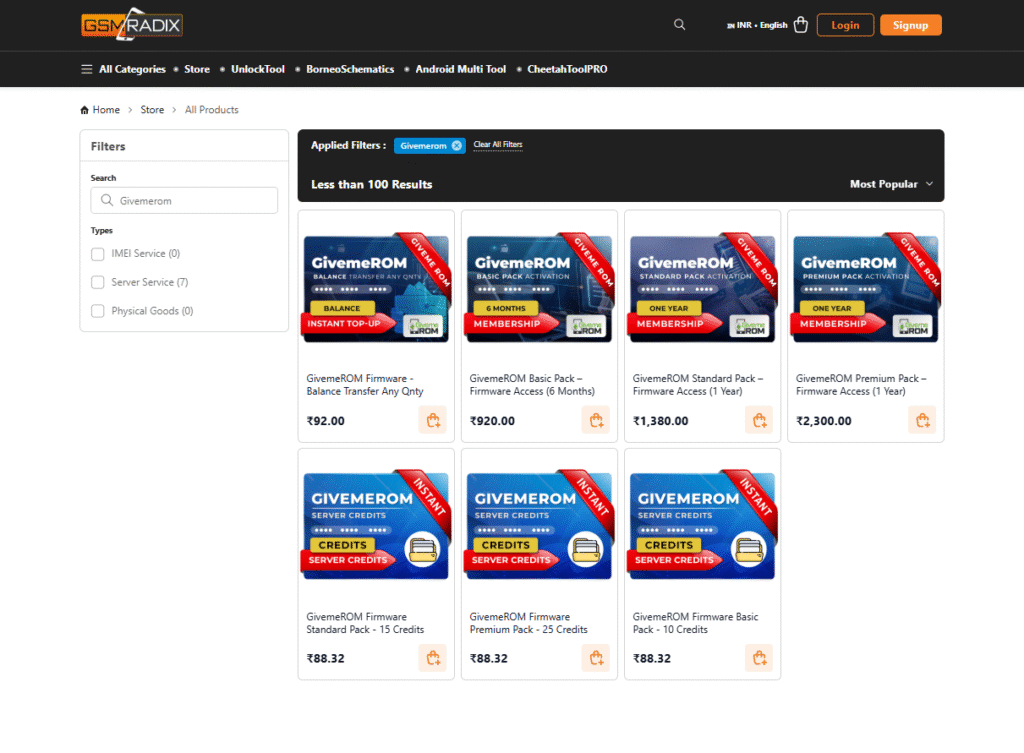
Why Buy from GsmRadix
- 100% genuine and verified firmware
- Instant auto-delivery 24/7
- Official download mirror of GiveMeROM
- Secure checkout with fast technical support
Need Help or Assistance?
If you have any questions or need purchase assistance, contact the GsmRadix Support Team directly via Telegram for instant help.
Stay connected with the official support channel to receive updates on new releases, patch updates, and exclusive technician offers.