Skip to content
April 22, 2026
  • Vivo Y58 FRP Unlock – Complete Guide (2026 Update)
  • Vivo V50e FRP Unlock – Fast, Secure and Remote Solution (Buy Now)
  • Poco C71 FRP Unlock Service – Complete Guide for Users & Technicians
  • GendaTool Download Latest Version (2026) – Complete Setup & Usage Guide
gsm radix

Newsletter
Random News
  • Android Multi Tool
  • Android Root Tool
  • Auth Flash Tool
  • Borneo Schematics
  • Cheetah Pro Tool
  • Cm2 Dongle
  • DFT PRO TOOL
  • DFT PRO TOOL
  • Digital Marketing
  • EFT Dongle
  • F64 Box
  • Genda Tool
  • GivemeROM
  • Google Ads
  • Griffin Unloker Tool
  • HW-Key Tool
  • Iphone
  • iREMOVAL PRO
  • Mdm Fix Tool
  • MI FRP
  • MrAuthTool Credits
  • Nck Dongle
  • Nokia Update
  • Octoplus
  • Pandora Tool
  • Phoenix Service Tool
  • Samsung FRP Remove
  • Samsung KG Bypass
  • Second Hand Phone
  • Sigma Plus
  • SSM Tool
  • TFM Tool Pro
  • TSM Pro Tool
  • UAT Pro Tool
  • UMT / UMT Pro
  • Uncategorized
  • UnlockTool
  • Vivo FRP Bypass Qualcomm
  • Z3x Sams Tool

Chief Editor

Saroj Mhr

Lorem ipsum is simply dummy text
  • Borneo Schematics
  • UnlockTool
  • Android Multi Tool
  • Cheetah Pro Tool
Youtube Live
  • Home
  • MI FRP
  • Poco C71 FRP Unlock Service – Complete Guide for Users & Technicians

Highlight News

  • MI FRP

Poco C71 FRP Unlock Service – Complete Guide for Users & Technicians

[email protected]4 days ago4 days ago14 mins
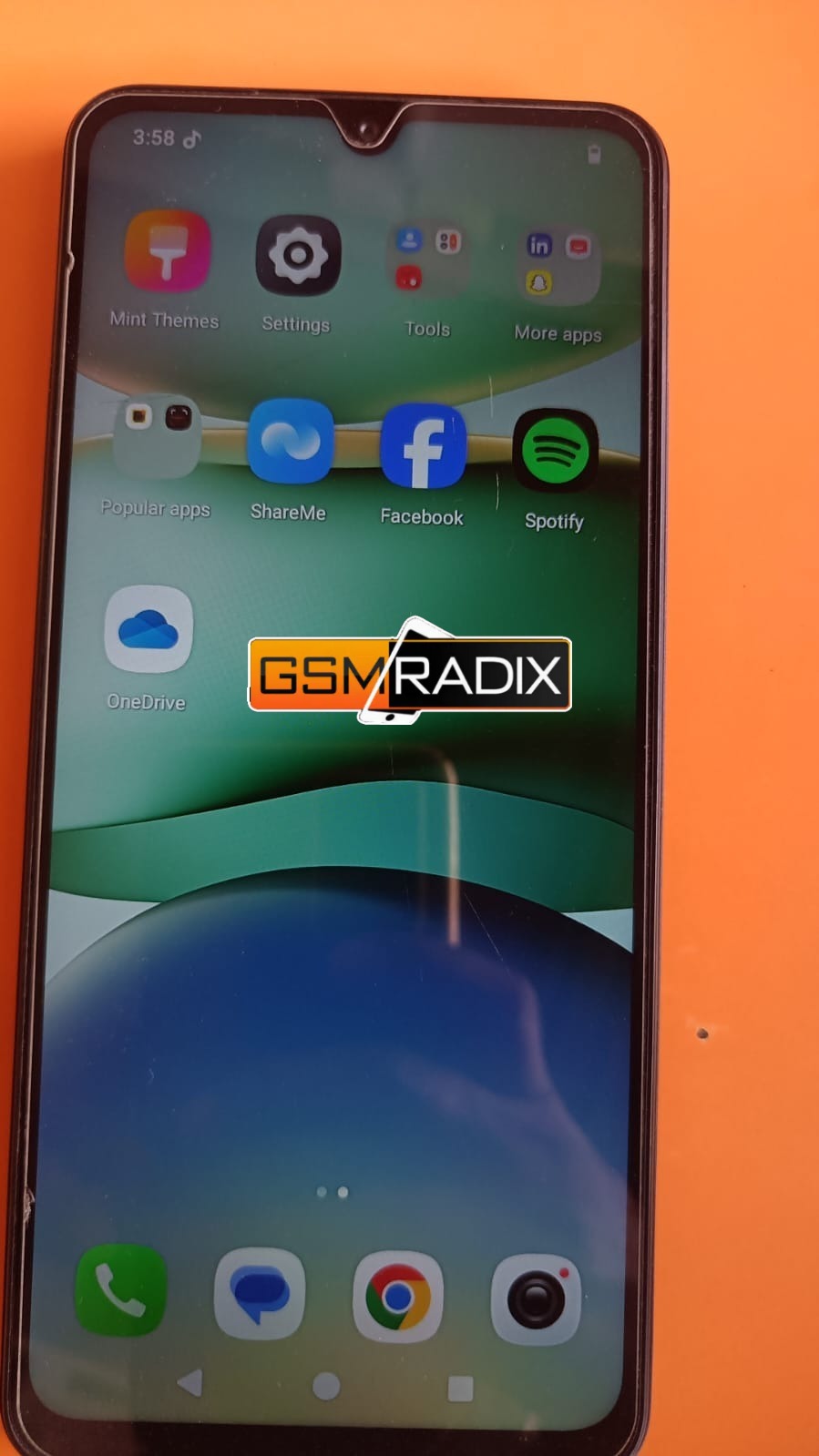
Poco C71 FRP Unlock Service

Smartphones today come with strong security features, and Factory Reset Protection (FRP) is one of the most important among them. While it protects your device from unauthorized access, it can also create problems for genuine users.

If your device is stuck on the Google verification screen, the Poco C71 FRP Unlock Service is the most reliable and fastest way to regain access.

This guide is specially created for both individual users and mobile technicians who are looking for a professional, safe, and instant unlocking solution in 2025.

Poco C71 FRP Unlock Service

What is Poco C71 FRP Unlock and Why It is Needed?

Factory Reset Protection (FRP) is a built-in Android security system that activates automatically when a Google account is added to the device.

After a factory reset, the device asks for the previously synced Google account credentials.

Common Problems Users Face:

  • Forgot Google account email or password
  • Purchased a second-hand Poco device
  • Device reset without removing account
  • Phone stuck on “Verify your account” screen

In such cases, the Poco C71 FRP Unlock process becomes necessary to restore access.

Key Features of Poco C71 FRP Unlock Service (Latest 2025 Version)

The Best Poco C71 FRP Unlock 2025 service offers:

  • Instant FRP removal
  • Full support for SPD chipset devices
  • Compatible with latest Android updates
  • Safe and secure unlocking process
  • No data damage risk
  • Beginner-friendly method
  • High success rate for all users

This makes it ideal as both a mobile unlock program and a phone unlock service solution.

Supported Devices and Brands

Although focused on Poco C71 FRP Unlock, our service supports multiple brands:

BrandSupported Models
PocoC Series, X Series
XiaomiRedmi, Mi
RealmeC Series, Narzo
VivoY Series
OppoA Series

Poco C71 FRP Unlock – Download and Installation Process

For technicians who want to use tools manually, here is the process.

Requirements:

  • Windows PC or Laptop
  • USB Cable
  • SPD USB Drivers
  • FRP Unlock Tool
  • Active internet connection

Step-by-Step Installation Guide

  1. Download the Poco C71 FRP Unlock Tool
  2. Extract the ZIP file
  3. Install SPD USB drivers
  4. Run the tool as Administrator
  5. Login or register account

How to Register and Activate

  • Open the software
  • Create username and password
  • Enter activation key or credits
  • Login to dashboard

Some tools are server-based and require credits.

How to Use Poco C71 FRP Unlock (Step-by-Step)

For Normal Users

  1. Power off the device
  2. Connect it to PC in FRP mode
  3. Open FRP Unlock tool
  4. Click “Remove FRP”
  5. Wait for process completion
  6. Reboot the device

For Technicians / Repair Shops

Advanced options include:

  • Poco C71 SPD FRP Remove
  • Poco C71 FRP Unlock Without PC (limited methods)
  • Poco C71 Google Account Remove
  • Firmware flashing and repair
Poco C71 FRP Unlock Service

IMEI Repair and Additional Services

Professional tools may also provide:

  • IMEI repair
  • Network unlock
  • Bootloader unlock
  • Flashing dead devices

Comparison with Other FRP Unlock Methods

MethodSuccess RateTime RequiredRisk
Free TricksLowHighMedium
Manual ToolsMediumMediumMedium
Paid Professional ServiceHighFastLow

Pricing and Subscription Plans

We offer multiple pricing options:

  • Single Device Unlock (best for users)
  • Bulk Unlock Plans (for technicians)
  • Monthly / 6 Months / 12 Months licenses
  • Credit-based system

For best price and offers, contact directly.

Safety Tips and Legal Considerations

Before using Poco C71 FRP Unlock Service, keep in mind:

  • Only unlock your own device
  • Avoid illegal or unauthorized usage
  • Always verify ownership
  • Use trusted tools and services

Troubleshooting Common Errors

Device Not Detected:

  • Install correct drivers
  • Use different USB port

FRP Removal Failed:

  • Try updated tool
  • Restart process

Login Error:

  • Check internet
  • Verify account details

FAQs – Poco C71 FRP Unlock

Q1: Is Poco C71 FRP Unlock safe?

Yes, if done using trusted service or tool.

Q2: Can I unlock without PC?

Some methods support it, but PC-based unlocking is more reliable.

Q3: How long does it take?

Usually a few minutes after activation.

Q4: Is it free?

Free methods exist but are not reliable. Paid services give best results.

Q5: Does it support latest Android version?

Yes, it supports latest 2025 updates.

Final Thoughts

The Poco C71 FRP Unlock Service is the best solution for users facing Google account lock issues. It provides fast, secure, and reliable unlocking for both beginners and professionals.

Instead of wasting time on low-success free methods, choosing a professional service ensures guaranteed results.

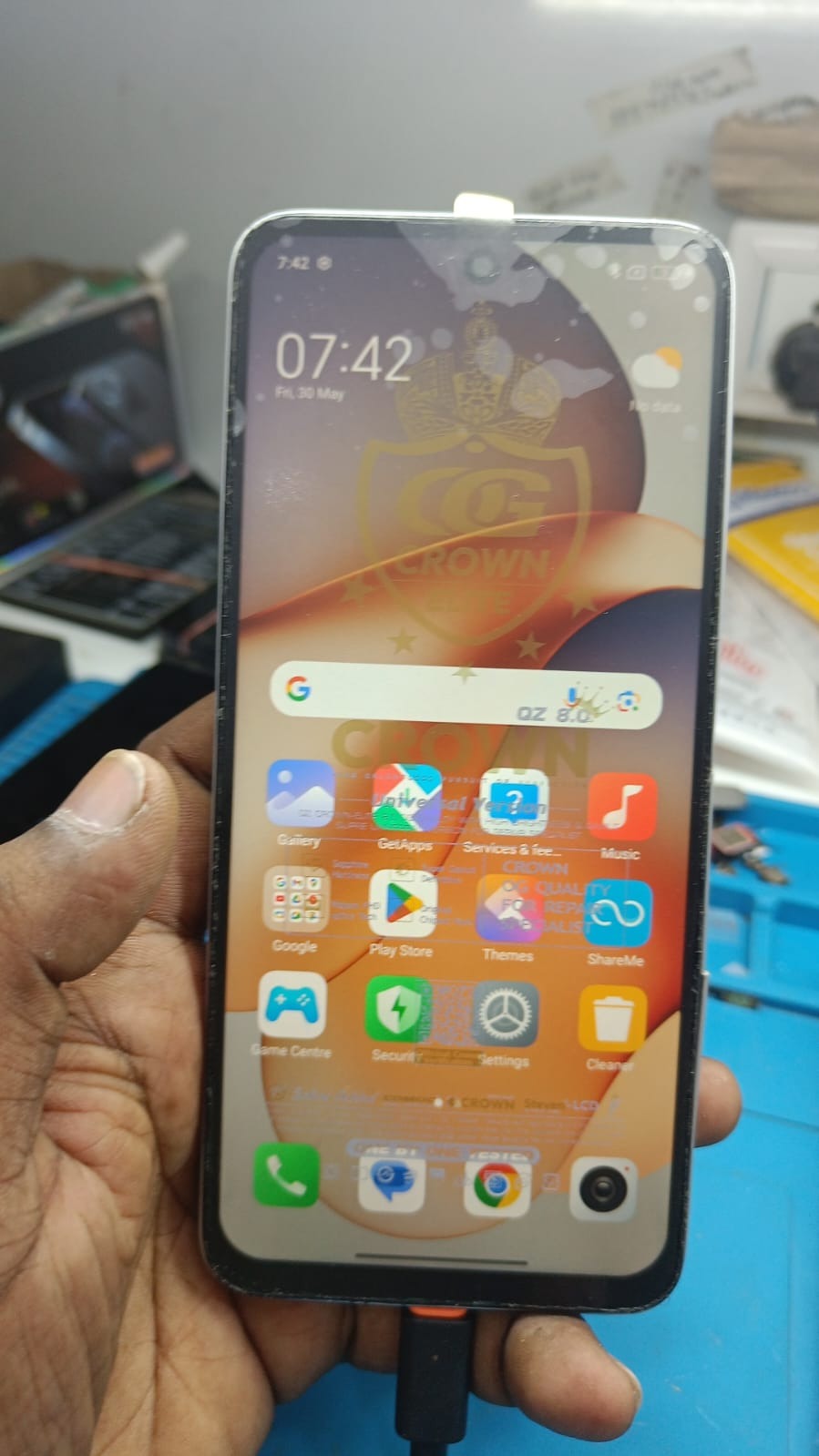
Poco C71 FRP Unlock Service
Post Views: 8
Tagged: Poco C71 FRP Bypass Poco C71 FRP Unlock Poco C71 FRP Unlock Contact Poco C71 FRP Unlock Service Poco C71 Google Account Remove

Post navigation

Previous: GendaTool Download Latest Version (2026) – Complete Setup & Usage Guide
Next: Vivo V50e FRP Unlock – Fast, Secure and Remote Solution (Buy Now)

One thought on “Poco C71 FRP Unlock Service – Complete Guide for Users & Technicians”

  1. AI Music Generator says:
    April 18, 2026 at 5:16 pm

    It’s interesting how FRP security can be both essential and frustrating for users who forget their credentials. Clear guides like this really help bridge the gap between strong security measures and practical usability, making it easier for users to regain access without stress.

    Reply

Leave a Reply Cancel reply

Your email address will not be published. Required fields are marked *

Related News

Redmi Note 13 5G FRP Unlock Online

Redmi Note 13 5G FRP Unlock Online – Complete Step-by-Step Guide

[email protected]6 days ago6 days ago 1
Redmi 13 5G FRP Unlock

Redmi 13 5G FRP Unlock – Complete Guide for Users & Technicians (2026 Update)

[email protected]1 week ago1 week ago 0
Redmi 13 5G FRP

Redmi 13 5G FRP Unlock – Complete Guide for Users & Technicians

[email protected]3 weeks ago3 weeks ago 0
Redmi 13C 5G FRP Bypass

Redmi 13C 5G FRP Bypass (2026) – Remote Unlock Service Without PC

[email protected]3 weeks ago3 weeks ago 0

Recent Posts

  • Vivo Y58 FRP Unlock – Complete Guide (2026 Update)
  • Vivo V50e FRP Unlock – Fast, Secure and Remote Solution (Buy Now)
  • Poco C71 FRP Unlock Service – Complete Guide for Users & Technicians
  • GendaTool Download Latest Version (2026) – Complete Setup & Usage Guide
  • Redmi Note 13 5G FRP Unlock Online – Complete Step-by-Step Guide
  • Vivo Y19s 5G FRP Unlock – Complete 2026 Guide for Users & Technicians
  • Vivo V30e Remote Unlock – Complete Online Solution
  • Redmi 13 5G FRP Unlock – Complete Guide for Users & Technicians (2026 Update)
  • GendaTool Vivo Y19 5G FRP Unlock – Complete Guide (Remote FRP Bypass 2025)
  • GendaTool Buy Activation – Complete Guide for Users & Technicians (2025)

Categories

  • Android Multi Tool
  • Android Root Tool
  • Auth Flash Tool
  • Borneo Schematics
  • Cheetah Pro Tool
  • Cm2 Dongle
  • DFT PRO TOOL
  • DFT PRO TOOL
  • Digital Marketing
  • EFT Dongle
  • F64 Box
  • Genda Tool
  • GivemeROM
  • Google Ads
  • Griffin Unloker Tool
  • HW-Key Tool
  • Iphone
  • iREMOVAL PRO
  • Mdm Fix Tool
  • MI FRP
  • MrAuthTool Credits
  • Nck Dongle
  • Nokia Update
  • Octoplus
  • Pandora Tool
  • Phoenix Service Tool
  • Samsung FRP Remove
  • Samsung KG Bypass
  • Second Hand Phone
  • Sigma Plus
  • SSM Tool
  • TFM Tool Pro
  • TSM Pro Tool
  • UAT Pro Tool
  • UMT / UMT Pro
  • Uncategorized
  • UnlockTool
  • Vivo FRP Bypass Qualcomm
  • Z3x Sams Tool

Popular News

1

Vivo Y58 FRP Unlock – Complete Guide (2026 Update)

  • Genda Tool
2

Vivo V50e FRP Unlock – Fast, Secure and Remote Solution (Buy Now)

  • Genda Tool
3

Poco C71 FRP Unlock Service – Complete Guide for Users & Technicians

  • MI FRP
4

GendaTool Download Latest Version (2026) – Complete Setup & Usage Guide

  • Genda Tool
5

Redmi Note 13 5G FRP Unlock Online – Complete Step-by-Step Guide

  • MI FRP
6

Vivo Y19s 5G FRP Unlock – Complete 2026 Guide for Users & Technicians

  • Genda Tool
7

Vivo V30e Remote Unlock – Complete Online Solution

  • Genda Tool
8

Redmi 13 5G FRP Unlock – Complete Guide for Users & Technicians (2026 Update)

  • MI FRP

Trending News

Genda Tool
Vivo Y58 FRP Unlock – Complete Guide (2026 Update) 01
2 minutes ago2 minutes ago
02
Genda Tool
Vivo V50e FRP Unlock – Fast, Secure and Remote Solution (Buy Now)
03
MI FRP
Poco C71 FRP Unlock Service – Complete Guide for Users & Technicians

Recent News

1

Vivo Y58 FRP Unlock – Complete Guide (2026 Update)

  • Genda Tool
2

Vivo V50e FRP Unlock – Fast, Secure and Remote Solution (Buy Now)

  • Genda Tool
3

Poco C71 FRP Unlock Service – Complete Guide for Users & Technicians

  • MI FRP
4

GendaTool Download Latest Version (2026) – Complete Setup & Usage Guide

  • Genda Tool
5

Redmi Note 13 5G FRP Unlock Online – Complete Step-by-Step Guide

  • MI FRP
6

Vivo Y19s 5G FRP Unlock – Complete 2026 Guide for Users & Technicians

  • Genda Tool
7

Vivo V30e Remote Unlock – Complete Online Solution

  • Genda Tool
8

Redmi 13 5G FRP Unlock – Complete Guide for Users & Technicians (2026 Update)

  • MI FRP
© 2026 GsmRadix Team All Rights Reserved Powered By BlazeThemes.
  • Blog
  • Privacy
  • Contact