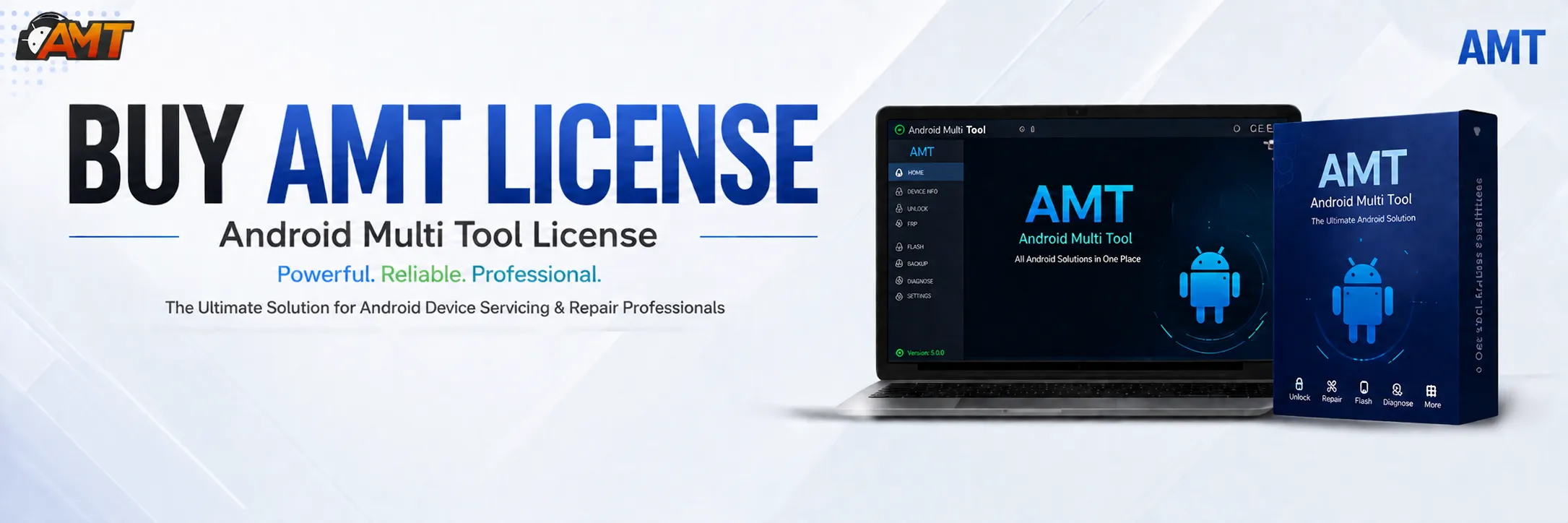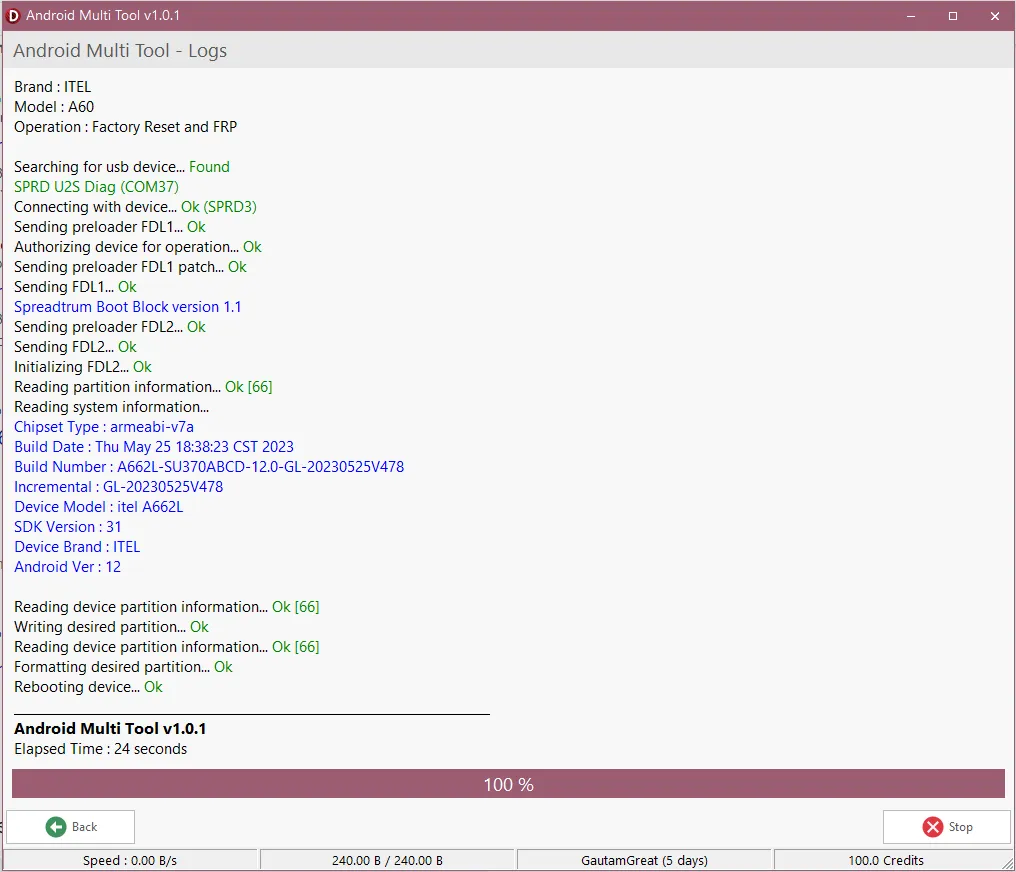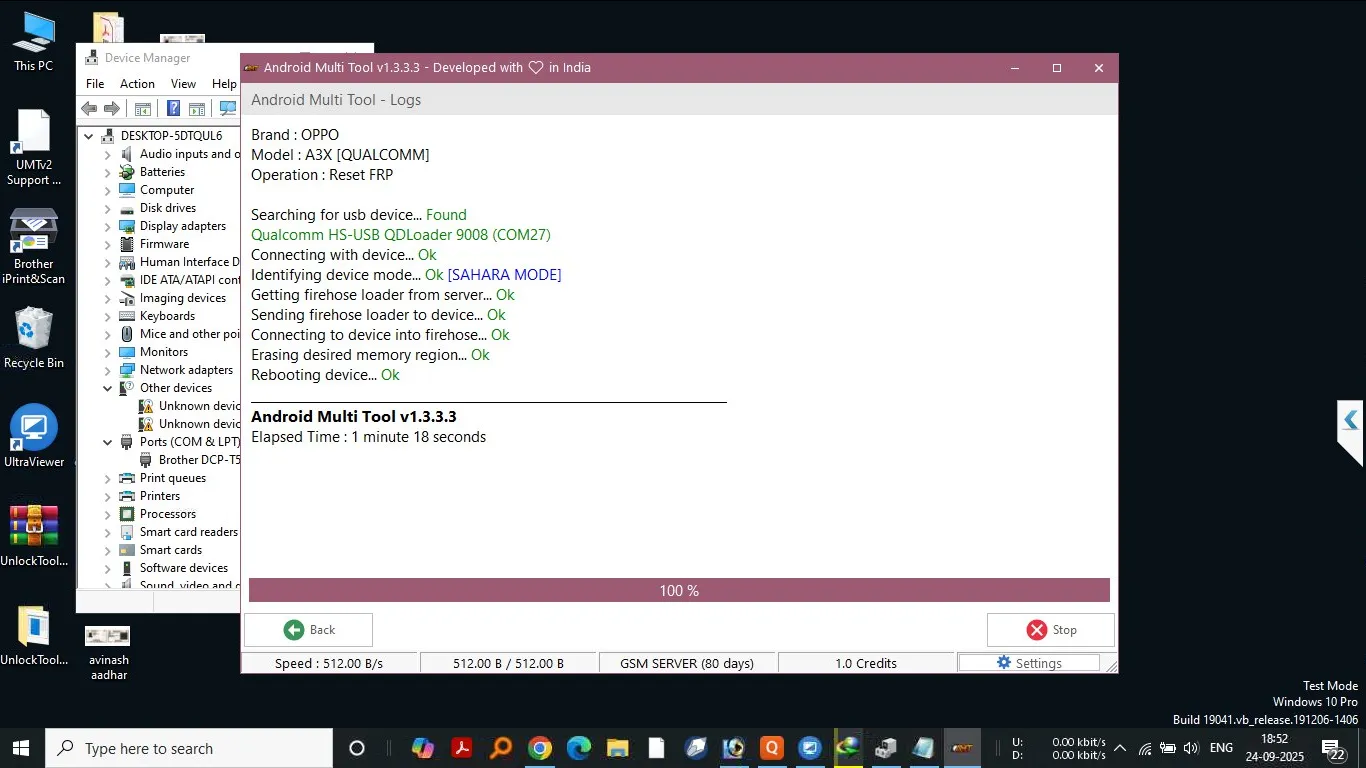
The AMT 6 Month Activation is one of the most reliable and professional tools for Android unlocking, FRP removal, IMEI repair, and more. Whether you are a beginner managing your own phone or a professional technician running a mobile repair shop, this guide will help you understand, install, and use AMT effectively.

What is AMT 6 Month Activation and Why It Is Needed
AMT 6 Month Activation (Android Multi Tool) is a specialized Android unlocking and servicing software. It provides access to a wide range of features, including FRP unlocking, network unlocking, IMEI repair, firmware flashing, and security patch updates. With a 6-month activation plan, users get full access to the latest features and regular updates.
Why You Need AMT 6 Month Activation:
Unlock Android devices without technical hassle.
Bypass Google FRP lock easily.
Perform IMEI repairs and software fixes.
Get access to constant updates for new devices.
Perfect for individual users and professional technicians.
Key Features of AMT 6 Month Activation (Latest Version)
Here are the most important features of the latest AMT 6 Month Activation update:
FRP Unlock: Remove Google account verification with one click.
Network Unlock: Enable carrier unlocking for multiple brands.
IMEI Repair: Fix or restore invalid IMEI numbers.
Flash and Reset Tools: Perform firmware flashing, resets, and data repairs.
Regular Updates: Automatic updates ensure compatibility with new Android versions.
Instant Activation: Get started immediately after purchase.
User-Friendly Interface: Simplified layout for both experts and beginners.
Supported Devices and Brands
Android Multi Tool (AMT) supports a wide range of Android brands, including but not limited to:
Brand | Supported Features |
|---|---|
Samsung | FRP Unlock, IMEI Repair, Network Unlock |
Xiaomi | FRP Unlock, Flash, Reset |
Oppo | FRP Unlock, Network Unlock |
Vivo | FRP Unlock, IMEI Repair |
Realme | FRP Unlock, Flash Tool Support |
Motorola | FRP Unlock, Network Unlock |
Huawei | FRP Unlock, IMEI Services |
Note: Support varies depending on the device model and Android version. Always check the latest device compatibility list in AMT software updates.
Download and Installation Process
Step-by-Step Installation Guide
Visit the official AMT Download Page
Download the Android Multi Tool (AMT) setup file.
Run the installer and follow on-screen prompts.
Choose an installation folder.
Complete installation and launch AMT.
How to Register and Activate
Open AMT software after installation.
Enter your AMT 6 Month Activation key.
Verify your details and complete activation.
Restart the tool and begin unlocking.
How to Use AMT 6 Month Activation (For Owners and Technicians)
FRP Unlock
Connect your device via USB.
Select FRP Unlock from the dashboard.
Follow the automated steps.
Device restarts without Google lock.
Network Unlock
Choose Network Unlock in AMT.
Select brand and model.
Start the unlock process.
Use your preferred carrier afterward.
IMEI Repair and Other Service
Comparison with Other Tools
Feature | AMT 6 Month Activation | Tool A | Tool B |
FRP Unlock | ✅ | ✅ | ❌ |
Network Unlock | ✅ | ❌ | ✅ |
IMEI Repair | ✅ | ✅ | ✅ |
Regular Updates | ✅ | ❌ | ✅ |
Instant Activation | ✅ | ❌ | ❌ |
Supported Brands | Wide Range | Limited | Moderate |
Safety Tips and Legal Considerations
Only unlock or repair devices that you own or have permission for.
Use the official AMT 6 Month Activation license to avoid malware and piracy risks.
Always backup data before using any unlocking or flashing features.
Comply with local laws regarding phone unlocking.
Troubleshooting Common Errors
Problem: Activation key not working
Solution: Verify your key and check your internet connection.
Problem: Device not detected
Solution: Install or update USB drivers.
Problem: FRP unlock stuck
Solution: Reboot device and retry with safe mode.
Problem: IMEI repair failed
Solution: Make sure device is rooted (if required) and drivers are installed.
For assistance, contact AMT support through WhatsApp or Telegram.
Pricing and Subscription Plans
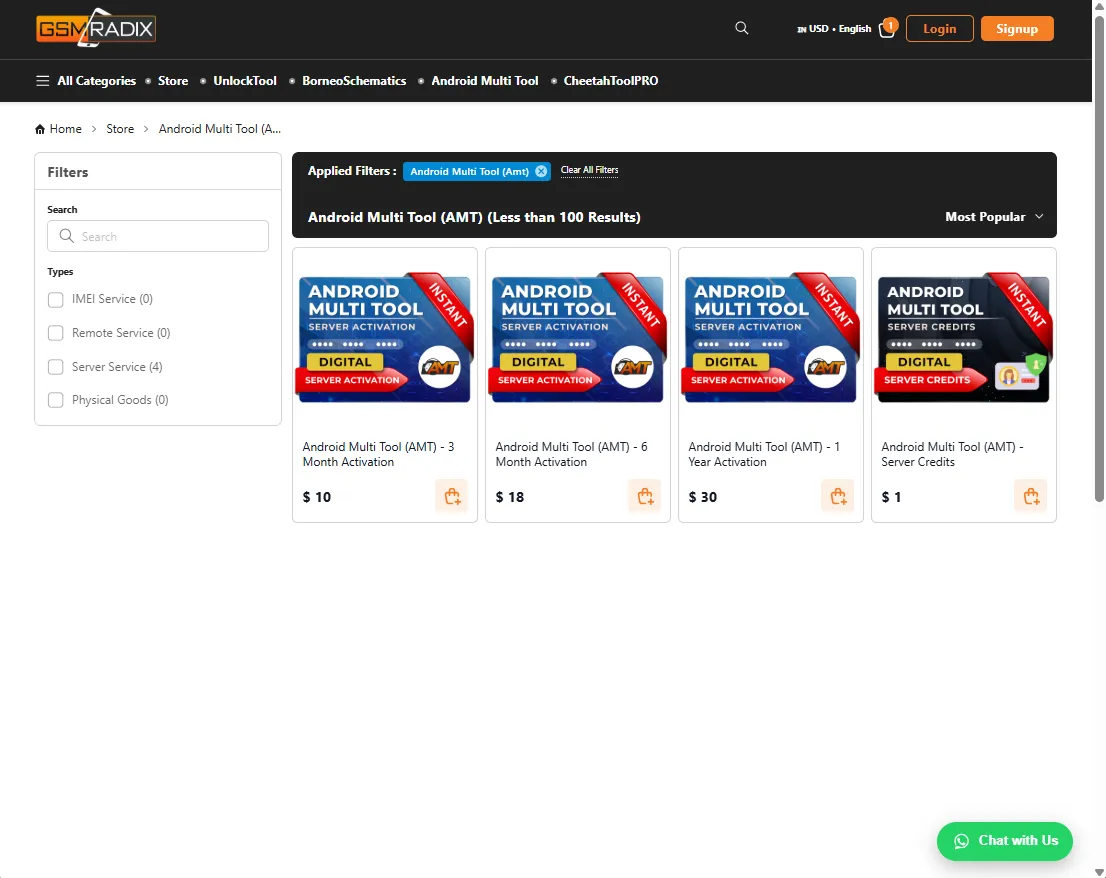
AMT 6 Month Activation: 30$ – Full access to all premium features.
Renewal Option: Extend your license before expiration for uninterrupted service.
Bulk Discounts: Available for repair shops and professional technicians.
FAQs
Q1: What is AMT 6 Month Activation?
A professional Android unlocking and repair software license valid for six months.
Q2: Can I use AMT on multiple PCs?
Yes, but each activation requires separate registration.
Q3: Does AMT support Android 14 or later?
Yes, the latest version includes Android 14 compatibility.
Q4: Is internet required for activation?
Yes, initial activation requires an internet connection.
Q5: How do I get support?
You can reach out via official WhatsApp or Telegram support channels.
Final Thoughts + Download / Contact / Subscribe CTA
The AMT 6 Month Activation is a must-have for anyone serious about Android unlocking, repair, and maintenance. With its user-friendly interface, fast activation, and wide compatibility, it’s an all-in-one solution for professionals and everyday users.
Download Now: AMT Download
WhatsApp Support: Contact us
Join Telegram Channel: Support Team
Subscribe for Updates: YouTube
Why Buy from GsmRadix100% genuine and verified firmwareOfficial download mirror of AMT 6 monthsInstant auto-delivery 24/7Secure checkout with fast technical support

Tags
Share this article
About the author