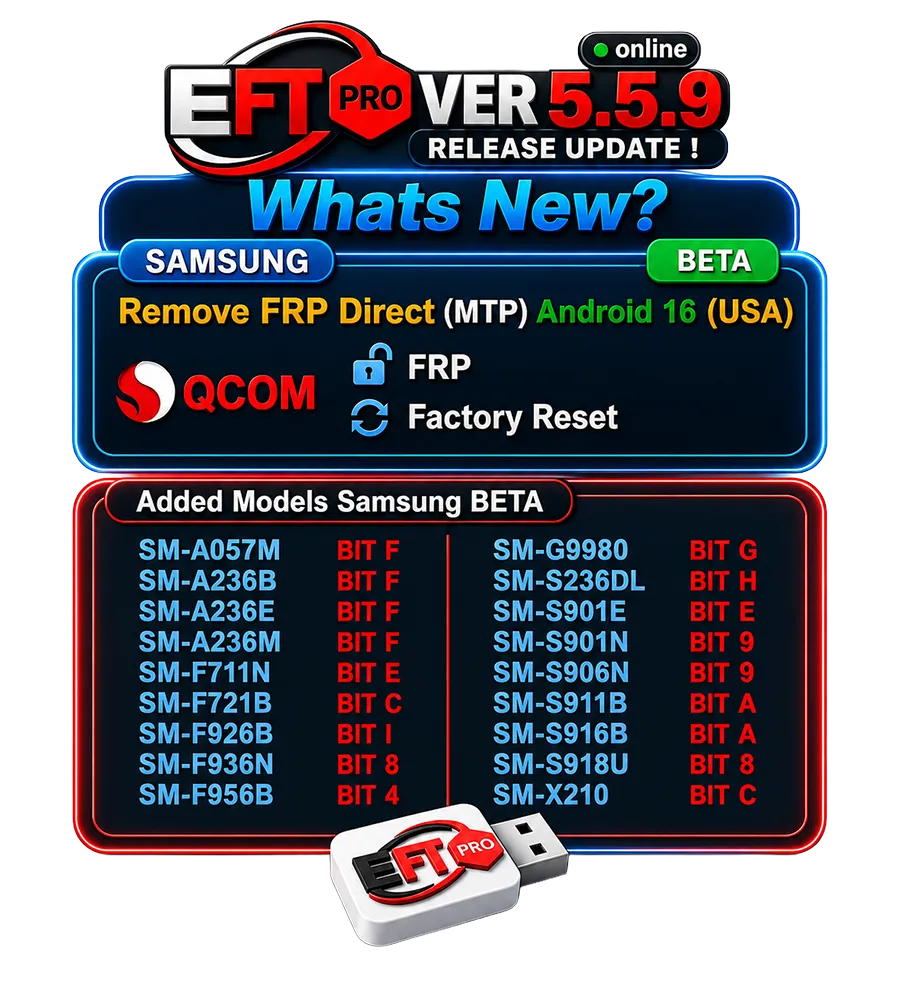
EFT Pro Tool 1 Month Activation is a no-dongle Android repair solution that helps technicians handle FRP locks, flashing, and software issues with instant online access. It is ideal for both beginners and professionals looking for a flexible and affordable short-term tool.

What Is EFT Pro Tool and Why It Is Popular
EFT Pro Tool is a powerful Android servicing solution trusted by mobile technicians across India and worldwide. Designed for efficiency and reliability, it supports a wide range of Android brands and major chipsets like MTK and Qualcomm.
It is commonly used for:
FRP Lock Removal
Device Flashing
Screen Lock Unlocking
Software Repair & Maintenance
With its user-friendly interface, regular updates, and stable performance, EFT Pro Tool helps technicians complete tasks faster and more accurately.
For repair shops, it’s an all-in-one solution that saves time, reduces the need for multiple tools, and boosts overall productivity.
EFT Pro Tool 1 Month Activation
No Dongle Required (Online Activation)
1 Month Digital License
FRP Remove (Samsung, Huawei, MTK, Qualcomm)
Android Flashing & Firmware Repair
Screen Lock / PIN / Pattern Removal
Root Android Devices (Supported Models)
Language Add & App Management
Understanding EFT Pro Tool 1 Month Activation
EFT Pro Tool 1 Month Activation is a digital license that provides full access to the software for 30 days. It is an online activation system, which means no physical dongle or hardware device is required.
This plan is ideal for:
Technicians who want to test the tool
Short-term repair projects
Beginners who do not want to invest heavily at the start
Once activated, all supported features are available during the validity period. After one month, the license expires and needs renewal to continue usage.
This flexible activation model makes EFT Pro Tool accessible to a wide range of users.
What Does No Dongle Version Mean
The no-dongle version means that the software does not require any USB dongle or hardware key to operate.
In traditional dongle-based tools:
Dongles can be damaged or lost
USB ports may face wear and tear
Carrying hardware is inconvenient
With EFT Pro Tool No Dongle version:
Login-based authentication is used
Activation is handled online
The tool is easier to manage and transport
This is especially useful for technicians who work on multiple systems or provide on-site repair services.
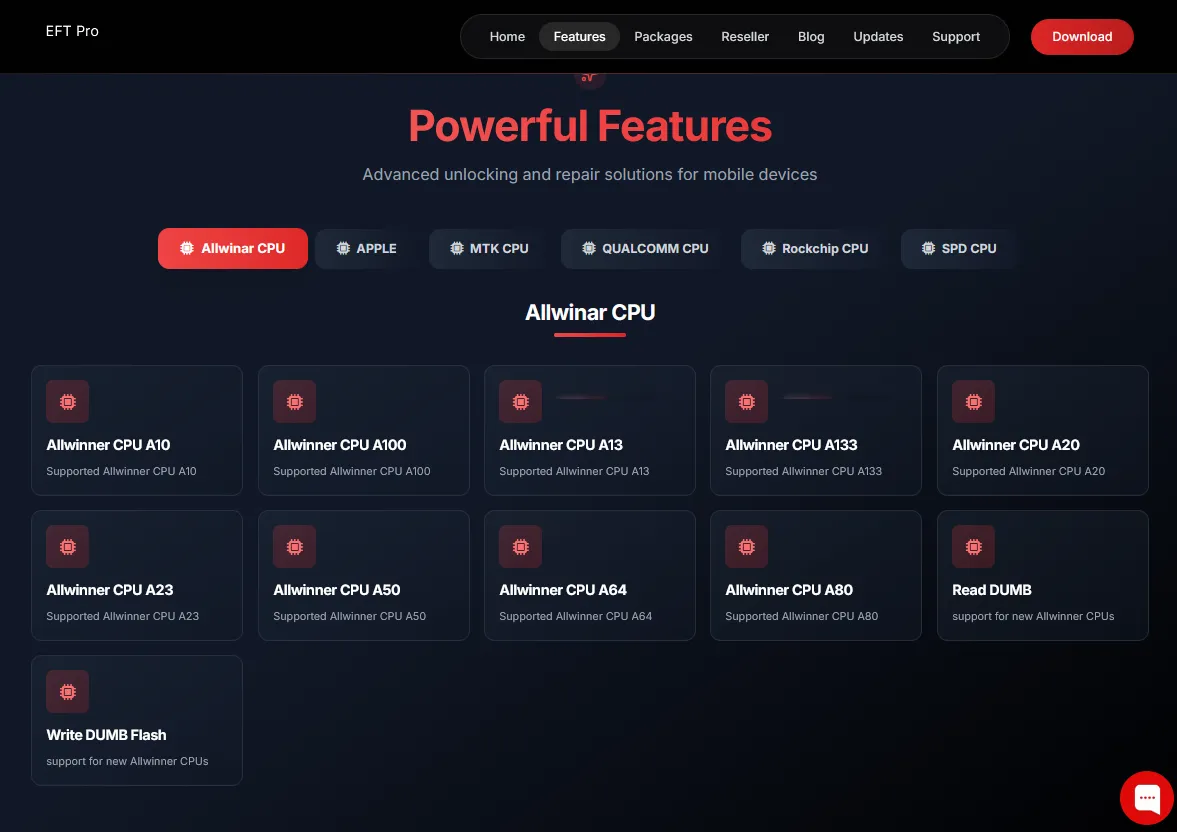
Key Features of EFT Pro Tool
EFT Pro Tool offers a wide range of features that cover most Android software repair needs.
Key features include:
FRP removal for Samsung, Huawei, MTK, and Qualcomm devices
Android flashing and firmware repair
Screen lock, PIN, and password removal
Root access for supported devices
Language addition for imported phones
App manager for system and user apps
IMEI repair for selected models
Each feature is designed to solve real-world mobile repair problems efficiently.
FRP Removal Capabilities Explained
Factory Reset Protection (FRP) is one of the most common issues faced by mobile technicians. Customers often forget their Google account credentials after a factory reset.
Using EFT Pro Tool, technicians can:
Remove FRP locks from supported Samsung devices
Bypass FRP on Huawei smartphones
Handle FRP on MTK and Qualcomm chipset devices
Example use case:
A customer brings a phone that is locked after a reset due to forgotten Google credentials. With EFT Pro Tool, the FRP lock can be removed quickly, restoring access to the device.
This feature saves time and increases customer satisfaction.
Flashing and Software Repair Options
Flashing is the process of reinstalling or updating the phone’s firmware. EFT Pro Tool supports flashing for various Android devices.
Common problems solved through flashing:
Bootloop issues
Dead or stuck devices
Software crashes and corruption
In the Indian mobile repair market, software-related problems are very common. EFT Pro Tool provides reliable flashing options that help technicians restore devices efficiently.
Screen Lock, PIN, and Password Removal
Screen lock issues are another frequent repair request. Customers may forget their pattern, PIN, or password.
EFT Pro Tool supports:
Pattern lock removal
PIN unlock
Password bypass for supported models
This allows technicians to unlock devices without unnecessary delays. However, it is important to use this feature responsibly and only with customer permission.
Root Access, Language Addition, and App Management
For advanced users, EFT Pro Tool offers additional features such as:
Root access for supported devices
Adding English language to Chinese or imported phones
Managing and removing unwanted system apps
These features are particularly useful for technicians handling imported devices or performing customization tasks.
IMEI Repair Support and Limitations
EFT Pro Tool includes IMEI repair support for selected models only.
Important points to remember:
Not all devices support IMEI repair
Legal regulations must always be followed
Use this feature only for legitimate repair cases
Technicians should stay updated on local laws related to IMEI repair.
Step-by-Step EFT Pro Tool Activation Process
Activating EFT Pro Tool is simple and quick.
Steps:
Download the EFT Pro Tool setup file
Install the software on your computer
Enter your login credentials
Ensure a stable internet connection
Start using the activated tool
No dongle installation or hardware setup is required.

EFT Pro Tool Pros and Cons
Pros
No physical dongle required
Affordable 1-month activation plan
Supports multiple brands and chipsets
Easy to use interface
Regular updates and online support
Cons
Internet connection is mandatory
License validity is limited to one month
IMEI repair is available only for selected models
Overall, the advantages clearly outweigh the limitations.
Who Should Use EFT Pro Tool
EFT Pro Tool 1 Month Activation is suitable for:
Mobile repair shop owners
Freelance mobile technicians
Beginners learning Android software repair
Professionals needing short-term access
It provides a low-risk way to use a professional-grade tool without long-term commitment.
EFT Pro Tool vs Dongle-Based Tools
Feature | EFT Pro Tool (No Dongle) | Dongle-Based Tools |
|---|---|---|
Hardware Required | No | Yes |
Portability | High | Limited |
Risk of Damage | Low | High |
Initial Cost | Affordable | Expensive |
This comparison shows why many technicians prefer no-dongle solutions.
Important Things to Know Before Using EFT Tool
Before using EFT Pro Tool, ensure:
A stable internet connection
Latest USB drivers are installed
Antivirus is temporarily disabled if needed
Customer consent is obtained for unlocking services
Following these steps ensures smooth operation and professional service.
Value of EFT Pro Tool 1 Month Plan
The 1-month plan offers excellent value, especially for beginners and small repair businesses.
With minimal investment, users get:
Access to professional repair features
Practical learning experience
Opportunity to increase daily earnings
It is a smart choice for testing the tool before opting for long-term solutions.
FREQUENTLY ASKED QUESTIONS
What is EFT Pro Tool 1 Month Activation?
It is a digital license that provides full access to EFT Pro Tool for one month.
Does EFT Pro Tool require a dongle?
No, the no-dongle version works through online activation.
Can EFT Pro Tool remove FRP locks?
Yes, it supports FRP removal on Samsung, Huawei, MTK, and Qualcomm devices.
CONCLUSION
EFT Pro Tool 1 Month Activation is a powerful, affordable, and flexible solution for Android mobile repair professionals. The no-dongle system, instant online access, and wide range of features make it an excellent choice for technicians who want reliable performance without heavy investment.
Whether you are just starting out or managing a busy repair shop, this tool can significantly improve your workflow and service quality.

Share this article
About the author