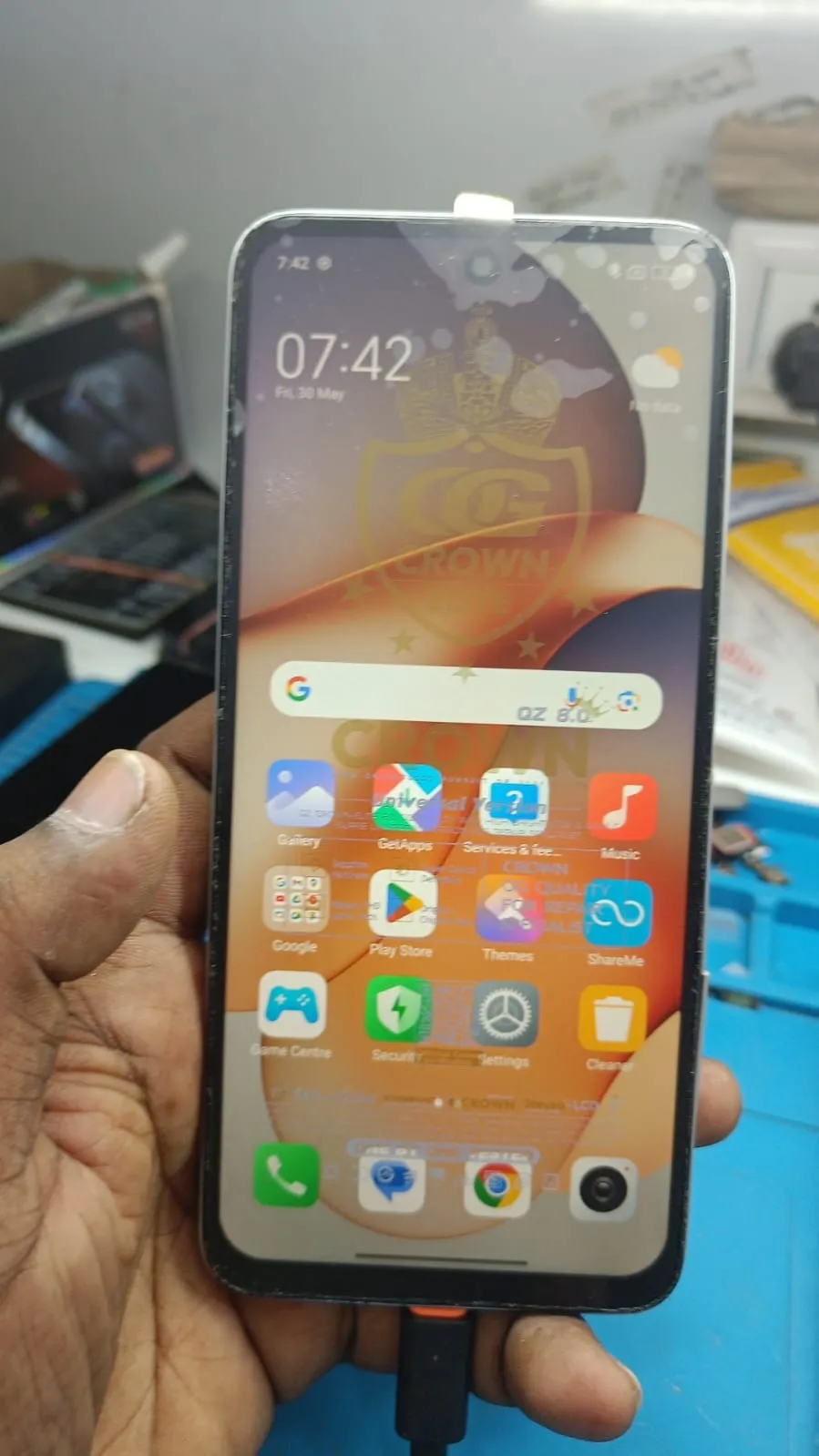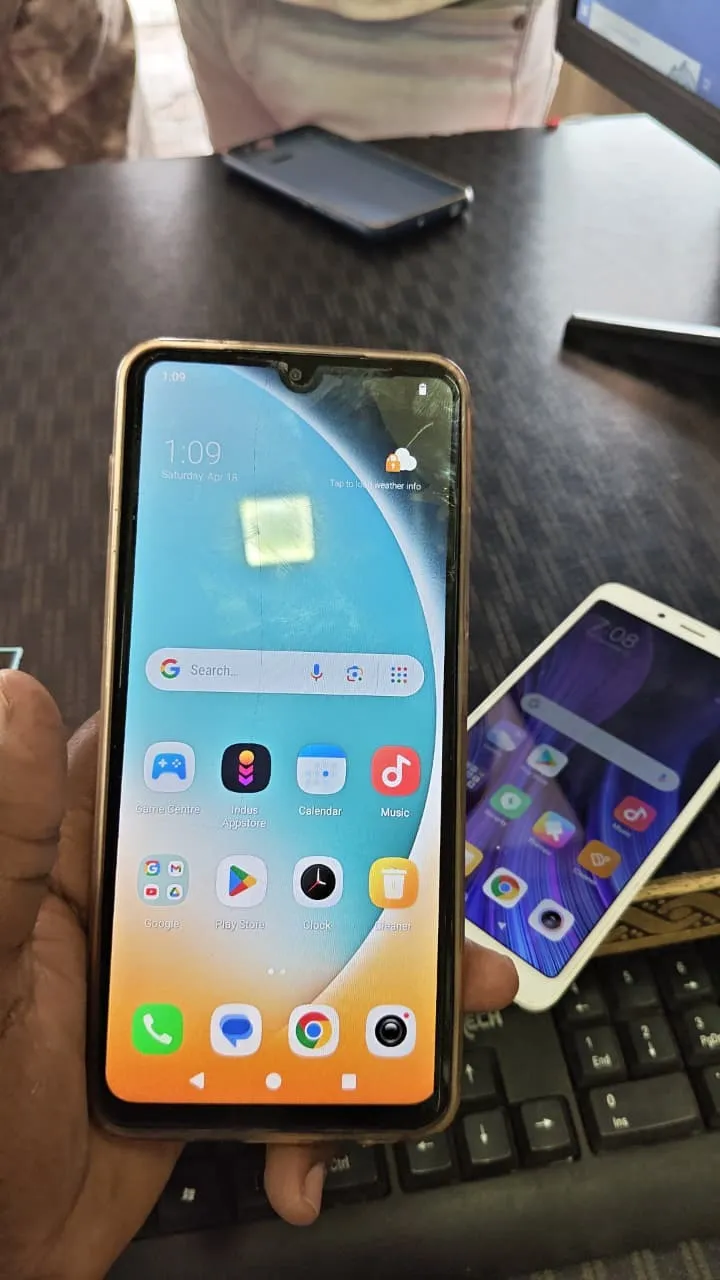
In today’s mobile security ecosystem, Factory Reset Protection (FRP) plays a crucial role in protecting Android devices from unauthorized access. However, there are many legitimate situations where users and technicians need to bypass this protection. That’s where Poco C75 FRP Unlock becomes essential.
Whether you are an individual user locked out of your device or a professional technician handling multiple repairs daily, having access to a reliable and remote solution can save both time and effort. This guide explains everything you need to know about Poco C75 FRP Unlock, including how it works, features, supported services, and how you can use it efficiently through a remote process.

What is Poco C75 FRP Unlock and Why It is Needed
Poco C75 FRP Unlock refers to the process of removing Google account verification from the Poco C75 device after a factory reset.
Why FRP Lock Happens
Device reset without removing Google account
Forgotten login credentials
Second-hand phone purchases
Device access issues after updates
Why You Need FRP Unlock
Regain access to your device
Make the phone usable again
Support customers in repair shops
Enable resale or reuse of devices
Without a proper Poco C75 FRP Remove method, the device remains locked and unusable.
Key Features of Poco C75 FRP Unlock (Latest Version)
The latest Best Poco C75 FRP Unlock 2025 solution offers advanced capabilities designed for both beginners and professionals.
Core Features
Fully remote process (no physical tool required)
Safe and secure unlocking procedure
Fast processing time
Compatible with latest updates
No technical expertise required for users
Technician-friendly workflow
Advanced Capabilities
Supports Poco C75 Google Account Unlock
Works on updated security patches
Includes Poco C75 FRP Bypass methods
Stable and tested solution
Continuous Poco C75 FRP Unlock update
This makes it one of the most efficient remote unlocking services available today.
Supported Devices and Brands
Although this guide focuses on Poco C75, the remote system supports multiple devices and brands.
Supported Devices
Poco C75 (All variants)
Xiaomi series devices
Redmi models
Selected Android devices
Additional Support
iQOO Neo Z9 Pro FRP Solution
Other Qualcomm and MediaTek devices
This flexibility allows technicians to use one system for multiple brands, increasing efficiency.
Download and Installation Process
Since this is a remote-based solution, there is no traditional installation required.
How the Remote Process Works
Device is connected via PC
Technician accesses the system remotely
Unlock process is performed securely
Step-by-Step Installation Guide (Remote Setup)
Prepare a stable internet connection
Connect your Poco C75 device to PC
Keep the device powered on
Allow remote access as instructed
Technician initiates the unlock process
How to Register and Activate
Instead of manual registration, the process is handled remotely:
Contact the support team
Provide device details
Get remote session scheduled
Unlock process begins instantly
This eliminates complicated setup steps and ensures a smooth experience.
How to Use Poco C75 FRP Unlock (For Owners and Technicians)
For Individual Users
Share device details with the service team
Connect your device when instructed
Wait for the process to complete
Access your phone again
For Technicians / Repair Shops
Handle multiple devices efficiently
Offer remote unlocking services to clients
Reduce dependency on physical tools
Improve turnaround time
IMEI Repair and Other Services
Along with Poco C75 FRP Unlock, additional services may include:
IMEI repair support (where legally permitted)
Software issue fixing
System unlocking solutions
General mobile servicing support
This makes it a complete mobile unlock program suitable for professionals.
Comparison with Other Tools
Feature | Poco C75 FRP Unlock Remote | Traditional Tools |
|---|---|---|
Setup Required | No | Yes |
Remote Access | Yes | No |
Ease of Use | High | Medium |
Time Efficiency | Fast | Slow |
Technical Knowledge Needed | Minimal | High |
Updates Support | Regular | Limited |
This clearly shows why remote solutions are becoming more popular.
Safety Tips and Legal Considerations
Important Guidelines
Only unlock devices you own or have permission for
Avoid unauthorized usage
Follow local laws and regulations
Use trusted service providers only
Data Safety
No data misuse during process
Secure remote handling
Privacy maintained at all times
Using Poco C75 FRP Unlock responsibly ensures a safe and legal experience.
Troubleshooting Common Errors
Common Issues
Device not detected
Unstable internet connection
Process interruption
Unsupported software version
Solutions
Use a stable internet connection
Check USB cable and drivers
Follow instructions carefully
Contact support for assistance
Most issues are resolved quickly in remote sessions.
Pricing and Subscription Plans
Pricing depends on service type and volume.
Typical Pricing Models
Per device service
Bulk technician plans
Monthly service access
For Technicians
Better pricing for multiple devices
Priority support
Faster service handling
This makes it suitable for both individuals and business users.
FAQs (Frequently Asked Questions)
1. What is Poco C75 FRP Unlock?
It is a process to remove Google account verification from a locked Poco C75 device.
2. Is the process safe?
Yes, it is performed securely via remote access.
3. Do I need technical knowledge?
No, the process is handled remotely by experts.
4. Can technicians use this service?
Yes, it is highly beneficial for repair shops.
5. Does it support latest updates?
Yes, it includes ongoing Poco C75 FRP Unlock update support.
6. How long does it take?
Usually completed within a short time during the remote session.
Final Thoughts + Contact CTA
Poco C75 FRP Unlock is one of the most efficient and reliable solutions for bypassing FRP locks in 2025. With its remote functionality, ease of use, and professional-grade capabilities, it serves both individual users and technicians perfectly.
If you are facing FRP lock issues or want to offer unlocking services professionally, this solution provides everything you need without complicated setups.

Share this article
About the author