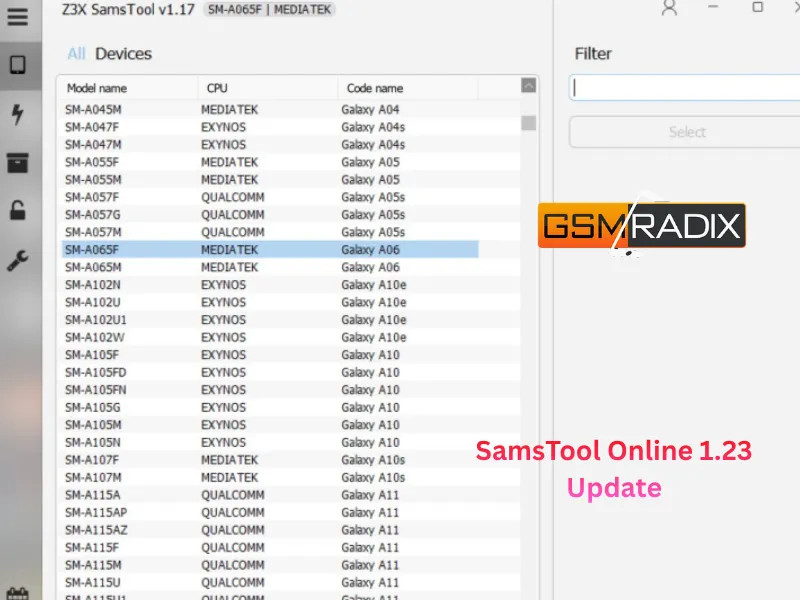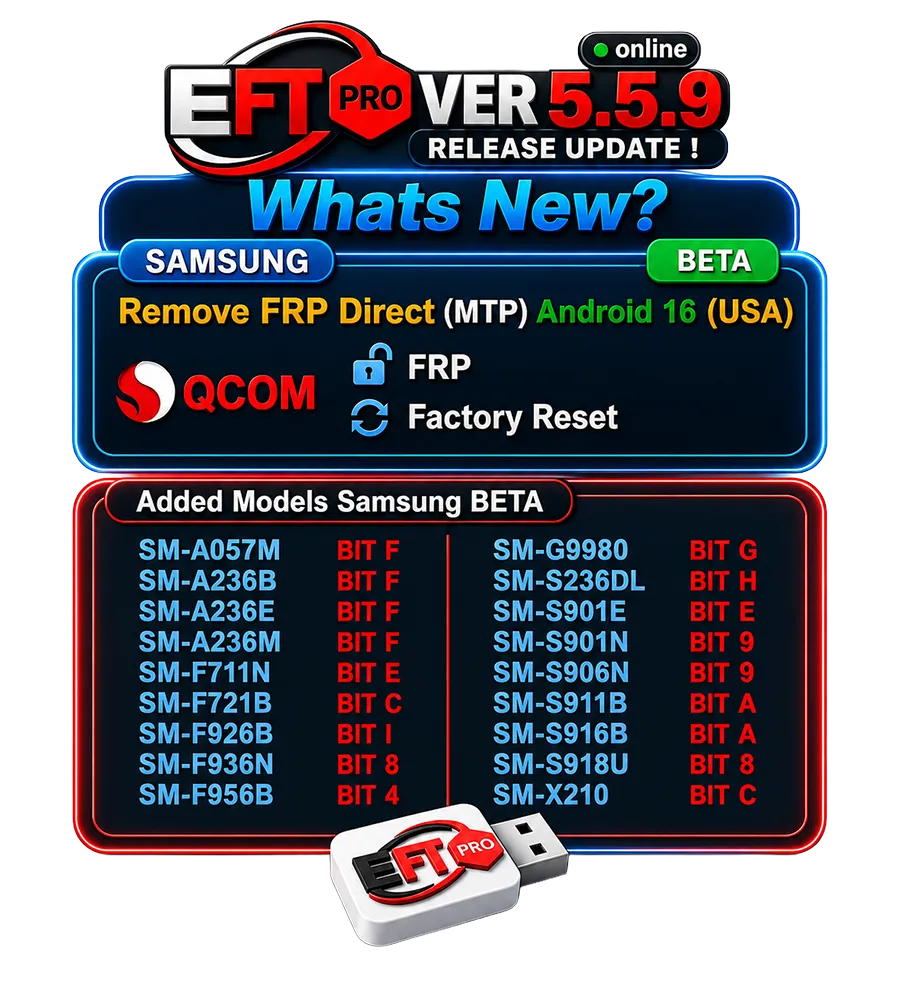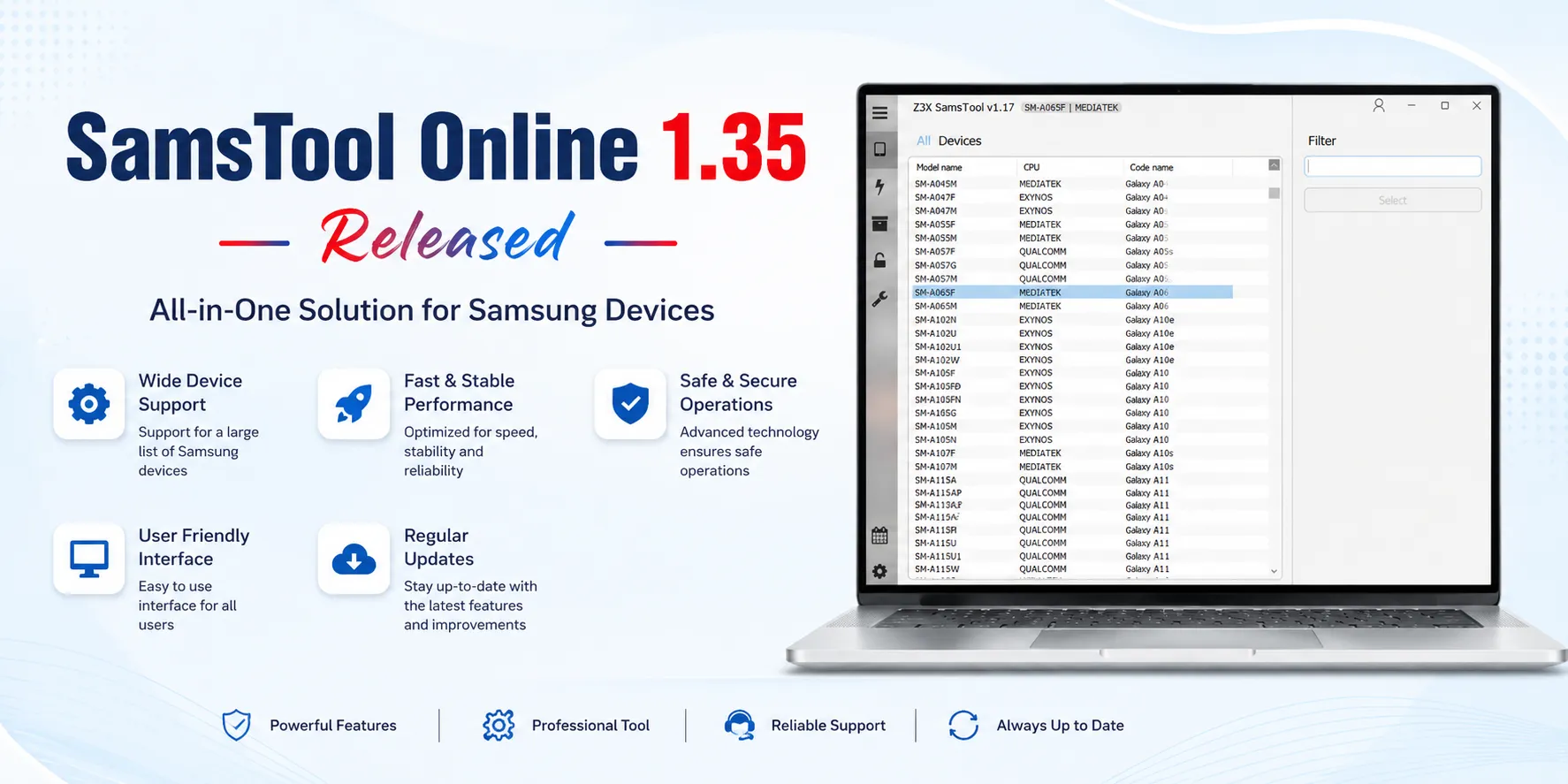
The SamsTool Online 1.35 Update introduces one of the biggest improvements for Samsung device servicing by expanding support for modern Exynos processors and adding new EDL loaders for numerous Samsung smartphones and tablets. Whether you are an individual user looking for a reliable Samsung servicing solution or a professional repair technician handling multiple devices daily, this latest version offers improved compatibility, enhanced stability, and better servicing capabilities.
The latest release focuses heavily on Samsung Exynos devices, making FRP Reset operations easier while extending support for additional loader BIT versions. This significantly improves compatibility with newer Samsung smartphones and tablets.
This complete guide explains everything you need to know about the SamsTool Online 1.35 Update, including features, supported devices, installation, activation, pricing, troubleshooting, safety recommendations, FAQs, and more.
What is SamsTool Online 1.35 Update?
SamsTool Online is a professional Samsung servicing platform designed for GSM technicians, repair shops, service centers, and advanced users. It provides cloud-based solutions for Samsung smartphones, allowing users to perform various maintenance and servicing operations.
The SamsTool Online 1.35 Update expands the software by introducing support for Exynos FRP Reset and multiple new Samsung EDL loaders. These additions improve compatibility with newer Samsung firmware and security updates.
The software is especially useful for professionals who regularly service Samsung smartphones because it reduces servicing time while improving success rates.
Why is the SamsTool Online 1.35 Update Important?
Modern Samsung devices receive frequent security updates that often make servicing more challenging.
The latest version addresses this by introducing:
Better Samsung compatibility
Expanded Exynos CPU support
Updated EDL loaders
Improved servicing stability
Higher operation success rate
Faster device recognition
These improvements help technicians work more efficiently while reducing failed operations.

Key Features of SamsTool Online 1.35 Update
New Exynos FRP Reset Support
One of the biggest highlights of this update is support for Samsung Exynos FRP Tool operations on multiple Exynos chipsets.
Supported processors include:
Exynos 850
Exynos 990
Exynos 1280
Exynos 1330
Exynos 1380
Exynos 1480
Exynos 1580
Exynos 2100
Exynos 2200
Exynos 2400
Exynos 2500
This greatly expands compatibility with many recent Samsung Galaxy smartphones.
New Samsung EDL Loader Update
The Samsung EDL Loader Update adds support for additional BIT versions, improving compatibility with newer firmware revisions.
Newly Added Loaders
Device | Loader |
|---|---|
SM-A736B | BIT C |
SM-F731N | BIT 6 |
SM-F741U | BIT 4 |
SM-F936B | BIT C |
SM-F946U | BIT 8 |
SM-F956U | BIT 4 |
SM-G990U2 | BIT L |
SM-G9910 | BIT G |
SM-S901U | BIT A |
SM-S906U | BIT A |
SM-S908E | BIT E |
SM-S908U | BIT A |
SM-S926U | BIT 6 |
SM-S928N | BIT 6 |
SM-S928U | BIT 6 |
SM-T737 | BIT 9 |
SM-X218U | BIT C |
Improved Performance
Compared to previous versions, the latest release offers:
Faster detection
Better communication
Improved server stability
Reduced operation failures
Better firmware compatibility
Supported Devices and Brands
The SamsTool Online Latest Version primarily supports Samsung devices.
Supported categories include:
Galaxy S Series
Galaxy Note Series
Galaxy A Series
Galaxy M Series
Galaxy Z Fold
Galaxy Z Flip
Galaxy Tab
Other supported Samsung models
Support continues to expand through regular software updates.
Download and Installation Process
Step 1
Download the latest version from an authorized reseller or official source.
Step 2
Extract the downloaded package.
Step 3
Run the installer as Administrator.
Step 4
Install required drivers.
Step 5
Restart the computer.
Step 6
Launch SamsTool Online.
How to Register and Activate
Activation is simple.
Purchase a valid license.
Receive your activation credentials.
Log into SamsTool Online.
Enter your license information.
Verify your account.
Start using the software.
Most authorized resellers provide instant activation.

How to Use SamsTool Online 1.35 Update
For Individual Users
If you own a supported Samsung device, the software can help perform supported maintenance operations using an active license.
Always follow the software’s official documentation and ensure you understand each operation before proceeding.
For Professional Technicians
Repair professionals benefit from:
Faster servicing
Better compatibility
Higher success rate
Reduced waiting time
Online server operations
Regular updates
The software is ideal for:
GSM shops
Service centers
Mobile repair businesses
Unlock specialists
Available Services
Depending on device compatibility and license type, SamsTool Online may support:
FRP Reset
Device Identification
Samsung servicing
Security maintenance
EDL Loader operations
Device communication tools
Always verify whether your specific model and firmware are supported before starting any operation.
Comparison with Other Samsung Tools
Feature | SamsTool Online | Traditional Samsung Tools |
|---|---|---|
Online Updates | ✔ | Limited |
Exynos FRP Support | ✔ | Varies |
New EDL Loaders | ✔ | Limited |
Regular Updates | ✔ | Depends |
Server-Based Features | ✔ | Partial |
Professional Support | ✔ | Varies |
Benefits for Repair Shops
Professional repair businesses can benefit from:
Increased productivity
Faster customer turnaround
Better compatibility
Lower servicing time
Improved workflow
Regular feature updates
These improvements can help repair centers serve more customers efficiently.
Safety Tips
Before servicing any device:
Back up important data whenever possible.
Ensure the battery has sufficient charge.
Use reliable USB cables.
Install the latest Samsung USB drivers.
Avoid interrupting operations.
Verify that the device is supported.
Use only properly licensed software.
Legal Consideration
Always use SamsTool Online responsibly.
Only service:
Devices you own, or
Devices you are authorized to repair.
Respect local laws, manufacturer policies, and customer consent. Certain operations may affect warranties or require authorization depending on your jurisdiction.
Troubleshooting Common Errors
Device Not Detected
Possible solutions:
Reinstall drivers
Change USB cable
Try another USB port
Restart the software
Login Error
Check internet connection
Verify credentials
Confirm license validity
Server Error
Wait a few minutes
Check server status
Update to the latest version
Operation Failed
Verify supported model
Check firmware version
Retry using updated loaders
Pricing and Subscription Plans
Pricing depends on:
License duration
Authorized reseller
Promotional offers (if available)
Regional pricing
Common license durations include:
Monthly
Quarterly
Semi-Annual
Annual
Choose a plan that matches your servicing requirements and purchase only from trusted sellers.
Frequently Asked Questions
What is SamsTool Online 1.35 Update?
It is the latest version of SamsTool Online, introducing Exynos FRP Reset support and new Samsung EDL loaders.
Is it suitable for beginners?
Yes. Beginners can use the software for supported operations, while professional technicians benefit from its advanced servicing capabilities. Users should review the documentation before performing any operation.
Which Samsung processors are supported?
The update supports:
Exynos 850
Exynos 990
Exynos 1280
Exynos 1330
Exynos 1380
Exynos 1480
Exynos 1580
Exynos 2100
Exynos 2200
Exynos 2400
Exynos 2500
Does the software receive updates?
Yes. New updates regularly improve compatibility and add support for additional devices and firmware.
Can repair shops use it?
Absolutely. It is designed for GSM technicians, repair businesses, and professional service centers.
How do I activate my license?
Purchase a valid subscription from an authorized reseller, receive your activation credentials, and log in to the software to activate your account.
Final Thoughts
The SamsTool Online 1.35 Update is a significant release for Samsung servicing professionals. With expanded Exynos FRP Reset support, additional Samsung EDL loaders, and improved compatibility across modern Galaxy devices, this version enhances efficiency for repair shops while remaining approachable for knowledgeable individual users.
Keeping your software updated helps ensure better compatibility with newer firmware, improved stability, and access to the latest supported features. Before performing any operation, confirm that your device model and firmware are supported, and always work within applicable laws and with proper authorization.
Share this article
About the author