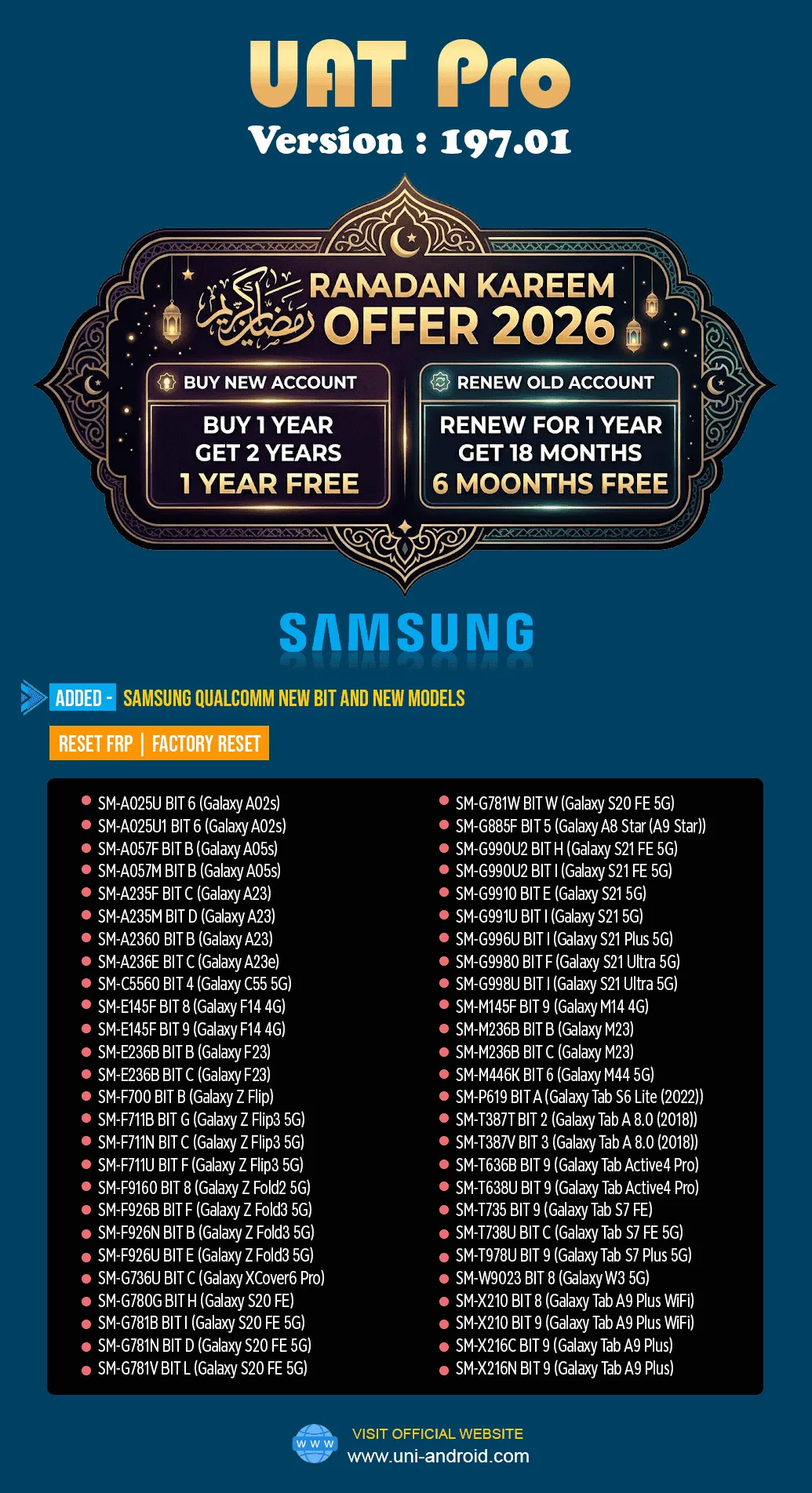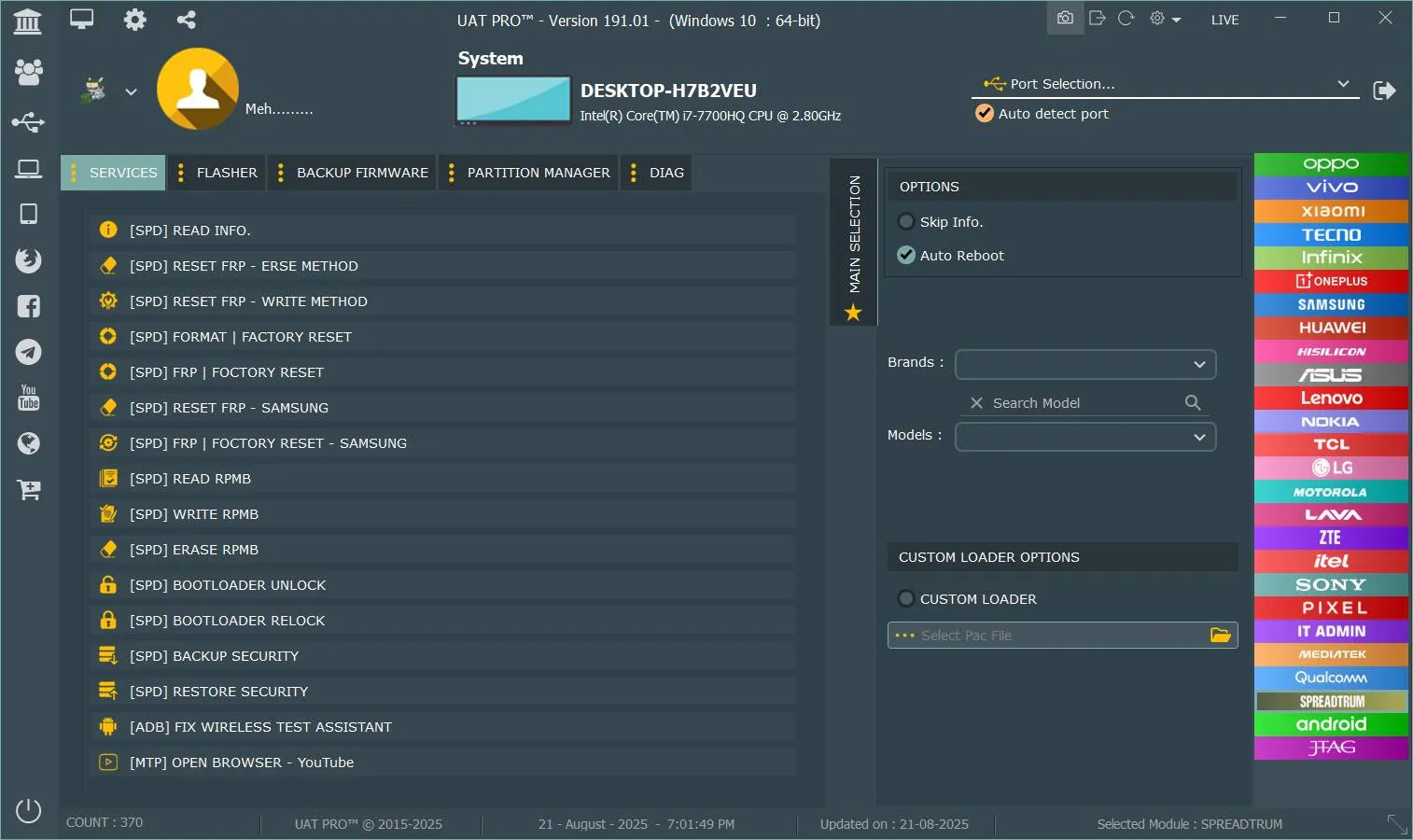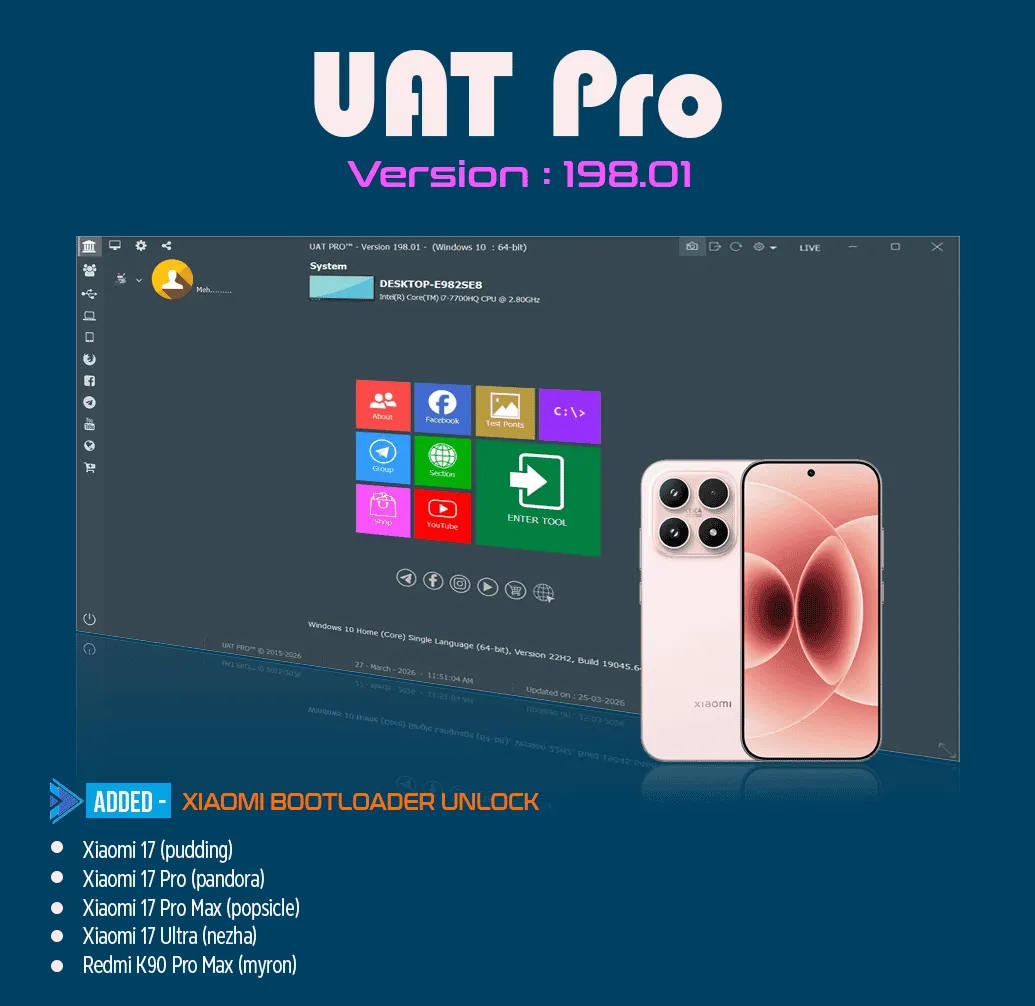
The UAT PRO 198.01 Update is one of the most advanced releases in the mobile repair and unlocking industry. Designed for both individual users and professional technicians, this update introduces powerful features like Xiaomi Bootloader Unlock via ADB, along with extended support for Mobicel and Hisense devices.
With the increasing demand for mobile unlocking, FRP bypass, and repair services, tools like UAT PRO have become essential. Whether you run a repair shop or work independently, this update enhances your workflow, saves time, and expands your service capabilities.
What is UAT PRO 198.01 Update and Why It Is Needed
The UAT PRO 198.01 Update is the latest version of the UAT PRO tool, a widely used mobile unlock program and phone unlock app. It allows users to perform advanced operations such as:
FRP (Factory Reset Protection) removal
Bootloader unlocking
IMEI repair
Device servicing and flashing
This update is needed because smartphone security is constantly evolving. Older tools may not support newer models or security patches. The latest UAT PRO update for FRP unlock ensures compatibility with modern devices and provides updated methods for unlocking and repairing smartphones.
Key Features of UAT PRO 198.01 Update (Latest Version)
The UAT PRO 198.01 Update introduces several new features and improvements:
Xiaomi Bootloader Unlock via ADB
Direct unlocking using ADB connection
No need for complex authorization processes
Works with the latest Xiaomi models
Data Safety Requirements
Device data will be erased during the process
Requires removing Mi Account, fingerprints, and screen lock
Expanded Device Support
New Xiaomi models added
Mobicel and Hisense support update included
Improved Performance
Faster processing speed
Better stability and fewer errors
Multi-Brand Compatibility
Supports multiple brands under one platform
Ideal for professional technicians handling bulk devices
Supported Devices and Brands
The UAT PRO 198.01 new models added list includes a wide range of devices:
Xiaomi Devices
Xiaomi 17 (pudding)
Xiaomi 17 Pro (pandora)
Xiaomi 17 Pro Max (popsicle)
Xiaomi 17 Ultra (nezha)
Redmi K90 Pro Max (myron)
Mobicel Devices
Mobicel K120, K210, K101 series
Mobicel RIO, Glo, Blink, Star, Y4, X4
Mobicel Pulse, Pure, R6 Plus, R7 NC
Mobicel PX10, PX8, F51 and more
Hisense Devices
Hisense E32 Lite, E33, E40 series
Hisense Infinity H30, H40
Hisense U series including U50, U60, U70 Pro
This broad compatibility makes the UAT PRO Mobicel and Hisense support update highly valuable for technicians.
Download and Installation Process
Step-by-Step Installation Guide
Download the latest version of UAT PRO 198.01 Update from the official source
Extract the setup file
Run the installer as administrator
Follow on-screen instructions
Install required drivers
Restart your system
How to Register and Activate
Open the UAT PRO tool
Enter your activation credentials
Connect your dongle or login account
Complete verification
Start using the tool

How to Use UAT PRO 198.01 Update
How to Use UAT PRO Xiaomi Bootloader Unlock
Enable USB Debugging on your Xiaomi device
Connect the device via USB
Open UAT PRO tool
Select Xiaomi Bootloader Unlock option
Follow on-screen instructions
Wait for the process to complete
This method allows you to unlock Xiaomi bootloader via ADB UAT PRO efficiently.
IMEI Repair and Other Services
With the UAT PRO 198.01 Update, users can perform:
IMEI repair
FRP unlock
Software flashing
Device formatting
These features make it a complete mobile servicing solution.
Comparison with Other Tools
Feature | UAT PRO 198.01 | Other Tools |
|---|---|---|
Xiaomi Bootloader Unlock | Yes | Limited |
FRP Unlock | Advanced | Basic |
Device Support | Wide | Moderate |
Performance | Fast | متوسط |
Updates | Frequent | Irregular |
Safety Tips and Legal Considerations
Always take a full backup before performing any operation
Ensure the device is not stolen
Use the tool only for legal purposes
Follow brand-specific guidelines
Using the UAT PRO 198.01 Update responsibly ensures safe and effective results.
Troubleshooting Common Errors
Device Not Detected
Check USB cable
Install drivers properly
Bootloader Unlock Failed
Ensure Mi Account is removed
Enable USB debugging
Activation Issues
Verify login credentials
Check internet connection
Pricing and Subscription Plans
The UAT PRO 198.01 Update typically requires:
One-time activation fee
Annual subscription renewal
Prices may vary depending on the seller or region. Always purchase from trusted sources.
FAQs
What is UAT PRO 198.01 Update?
It is the latest version of the UAT PRO tool with new features like Xiaomi Bootloader Unlock and expanded device support.
Is UAT PRO safe to use?
Yes, when used correctly and for legal purposes.
Can beginners use this tool?
Yes, it is beginner-friendly with proper guidance.
Does it support FRP unlock?
Yes, it is one of the best tools for FRP removal.
Final Thoughts
The UAT PRO 198.01 Update is a powerful and essential tool for anyone involved in mobile repair and unlocking. With features like Xiaomi Bootloader Unlock via ADB, expanded model support, and advanced FRP solutions, it stands out as one of the best tools available today.
Whether you are an individual user or a professional technician, this update helps you stay ahead in the competitive mobile repair industry.

Share this article
About the author