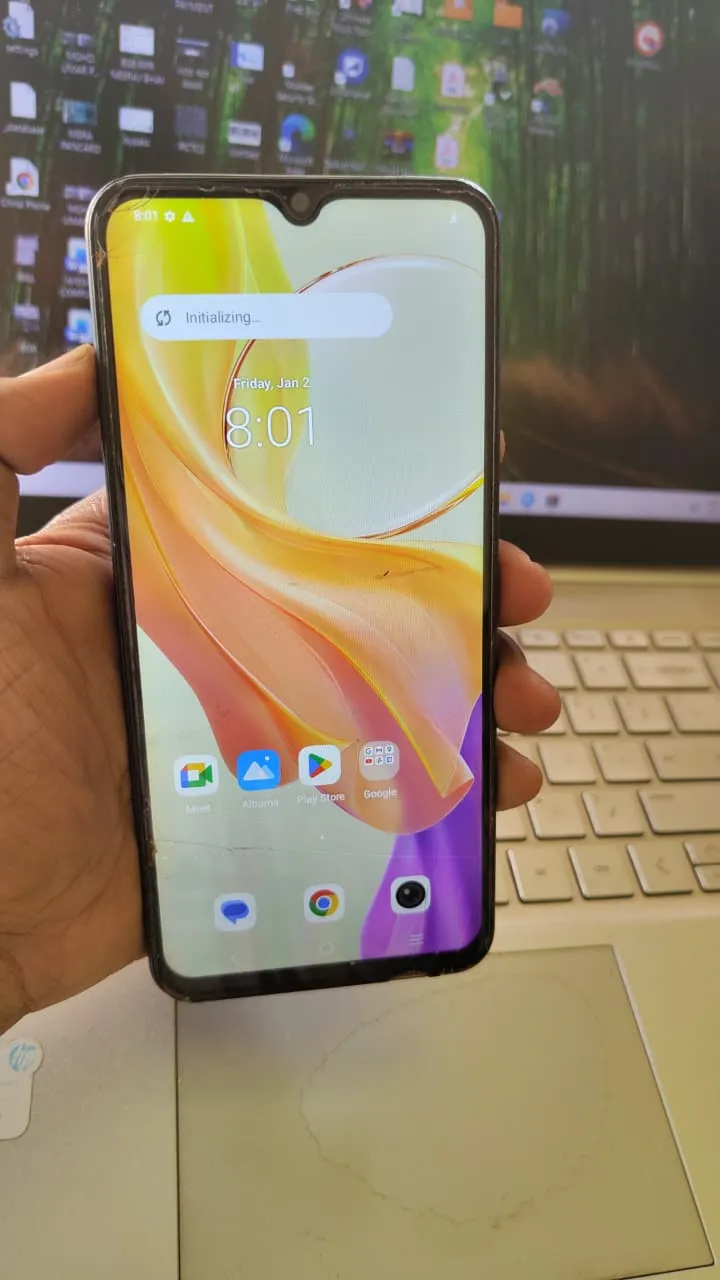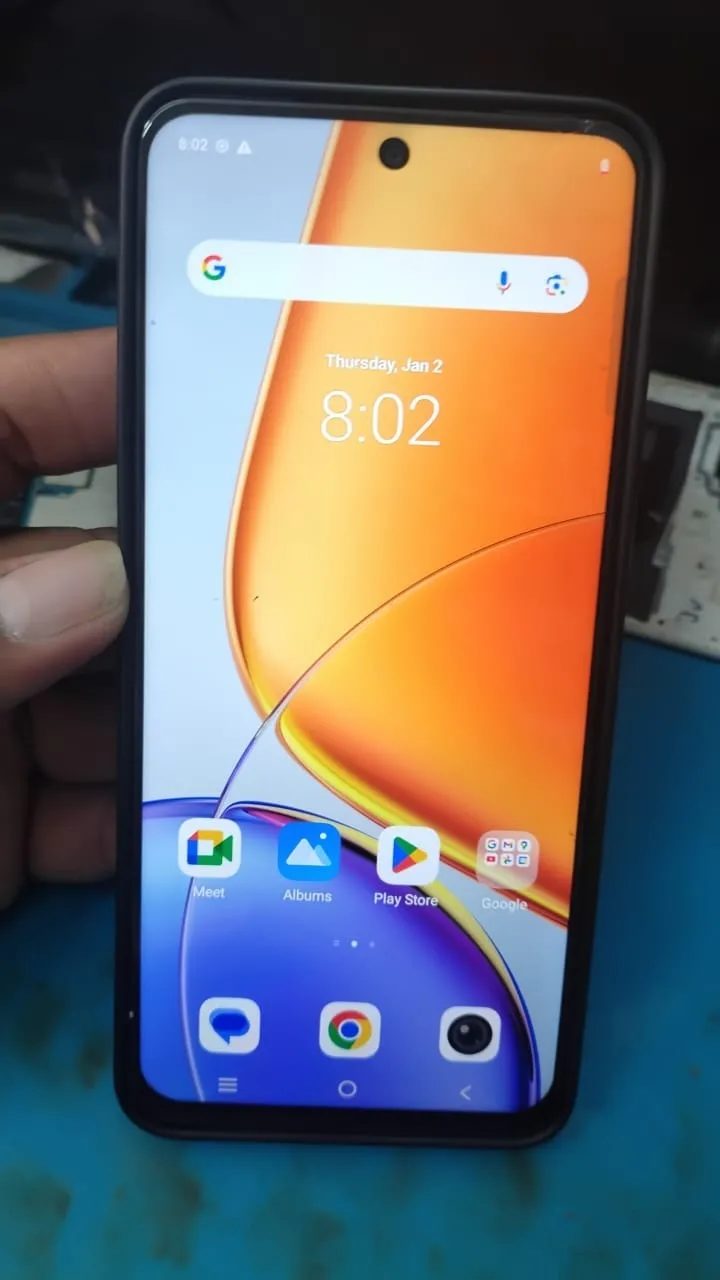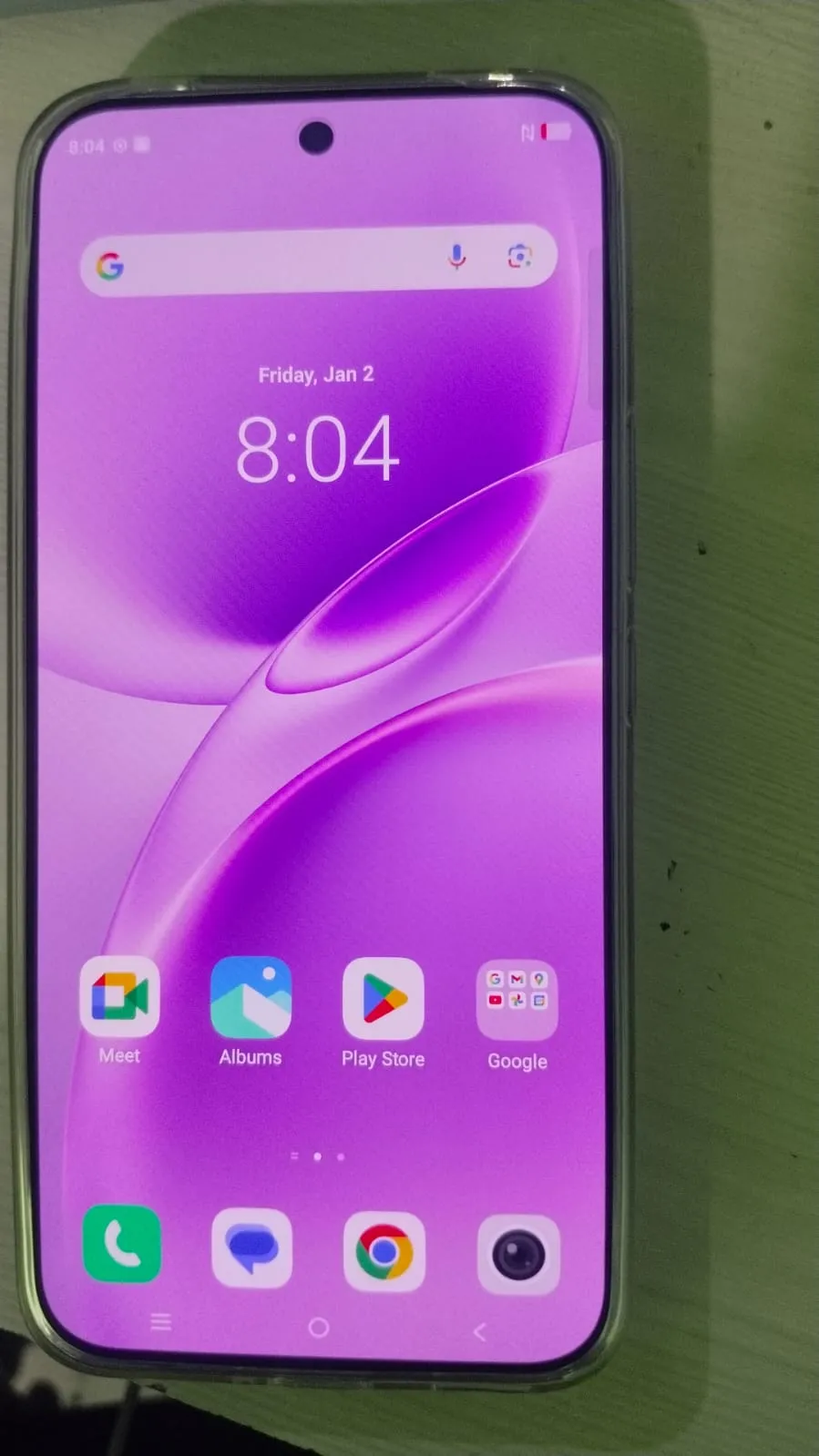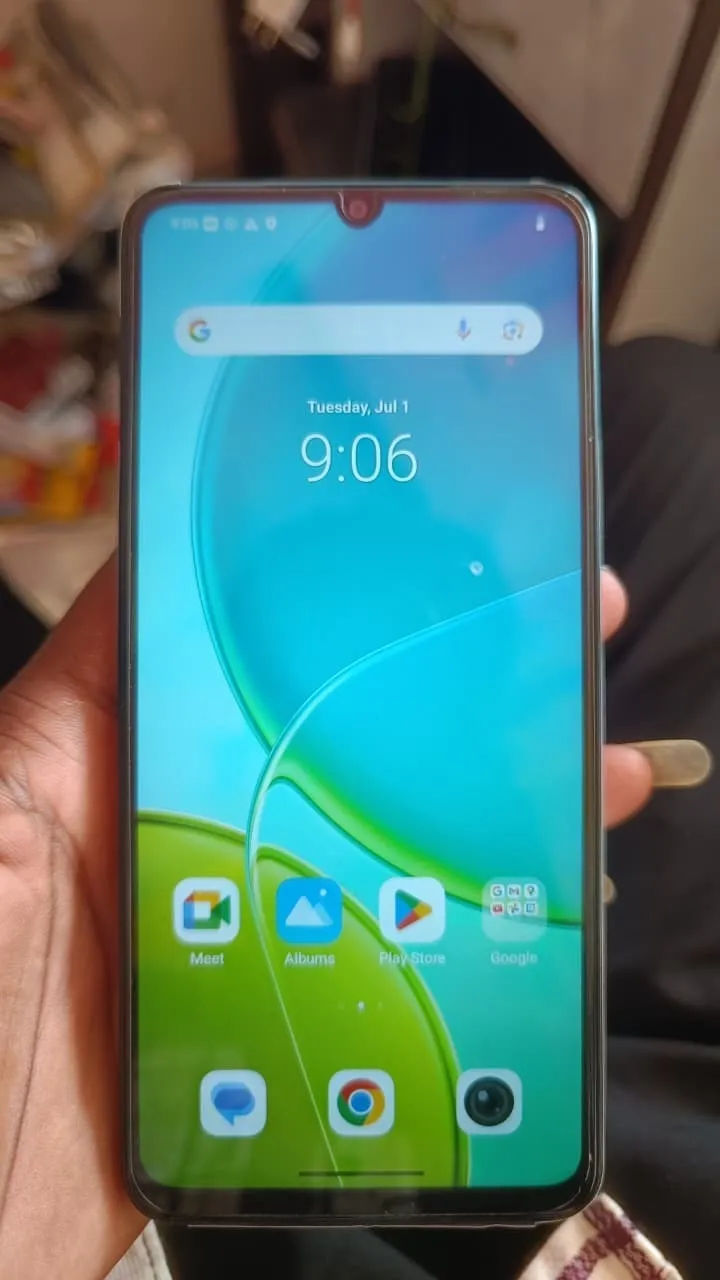
Factory Reset Protection (FRP) is a security feature designed to protect Android devices from unauthorized access. However, it can become a major issue when users forget their Google account credentials. The Vivo Y19s 5G FRP Unlock process helps remove this lock and restore full access to the device.
Whether you are an individual user or a professional technician, this guide explains the latest Vivo FRP bypass method, installation, activation, and usage. It is designed to help you perform Android FRP Unlock Without Password safely and efficiently.

What is Vivo Y19s 5G FRP Unlock and Why It Is Needed
Vivo Y19s 5G FRP Unlock is the process of removing the Google account verification screen that appears after a factory reset.
Why FRP Lock Happens
Resetting the device without removing the Google account
Forgotten Gmail ID or password
Purchasing a second-hand device
Software flashing or update issues
Why You Need FRP Unlock
Regain full access to the device
Use the phone without previous account verification
Complete normal setup process
Improve workflow in repair shops
Key Features of Vivo Y19s 5G FRP Unlock (Latest Version)
The Vivo FRP Unlock Tool 2026 includes advanced features for both users and technicians:
One-click Google Account Bypass Android 2026
Works without password or OTP
Supports latest Android versions
Fast and reliable unlocking process
Compatible with multiple Vivo models
Vivo Security Lock Remove options
Safe and secure operation
Regular updates for new devices
Supported Devices and Brands
This method focuses on Vivo Y19s 5G FRP Unlock but also supports multiple devices.
Vivo Devices
Vivo Y19s 5G
Vivo Y29 5G
Vivo Y36 5G
Other Vivo Y, V, and X series
Other Supported Brands
Samsung
Xiaomi
Oppo
Realme
Tecno
This makes it a strong solution for FRP Unlock All Vivo Models and multi-brand servicing.
Download and Installation Process
Requirements
Windows PC or Laptop
USB Cable
Stable internet connection
FRP Unlock Tool
Step-by-Step Installation Guide
Download the FRP Unlock Tool Free Download package
Extract the ZIP file
Temporarily disable antivirus
Run setup as Administrator
Install required drivers
Launch the tool
How to Register and Activate
To use full features:
Purchase activation (6 months or 12 months)
Open the tool
Enter username and password
Click Login
Tool activates automatically
Licensed versions are recommended for better stability and updates.

How to Use Vivo Y19s 5G FRP Unlock
For Individual Users
Connect your device to PC
Open the tool
Select Vivo Y19s 5G
Click FRP Unlock
Wait for the process
Device will reboot unlocked
For Technicians and Repair Shops
Supports multiple devices
Faster processing time
Advanced unlocking features
Ideal for professional use
IMEI Repair and Other Services
Many tools also include:
IMEI Repair
Pattern and PIN unlock
Firmware flashing
Bootloader operations
Device diagnostics
Comparison with Other Tools
Feature | GendaTool | Other Tools |
|---|---|---|
Speed | Fast | Medium |
Device Support | Wide | Limited |
Updates | Frequent | Rare |
Interface | Easy | Complex |
Success Rate | High | Averag |
Safety Tips and Legal Considerations
Use only on legally owned devices
Avoid unauthorized unlocking
Backup important data before process
Use trusted tools only
Do not misuse unlocking services
Troubleshooting Common Errors
Device Not Detected
Install USB drivers
Change USB cable
Try another port
Tool Not Opening
Disable antivirus
Run as Administrator
Unlock Failed
Check internet connection
Use updated version
Retry process
Pricing and Subscription Plans
Common plans include:
6 Months License
12 Months License
Lifetime (limited features)
Pricing depends on tool features and updates.

FAQs
What is Vivo Y19s 5G FRP Unlock
It is a process to remove Google account verification after a factory reset.
Can I unlock without password
Yes, using the latest Vivo FRP bypass method.
Is it safe
Yes, if you use trusted software and follow proper steps.
Does it support all Vivo models
Most tools support FRP Unlock All Vivo Models.
Is it free
Some tools offer trial versions, but full access requires activation.
Final Thoughts
Vivo Y19s 5G FRP Unlock is an essential solution for users and mobile technicians. With the right tool and proper method, you can easily bypass Google account verification and regain full access to your device.
Using a reliable mobile unlock program or phone unlock app ensures better success rate, faster processing, and safe operation.
Share this article
About the author