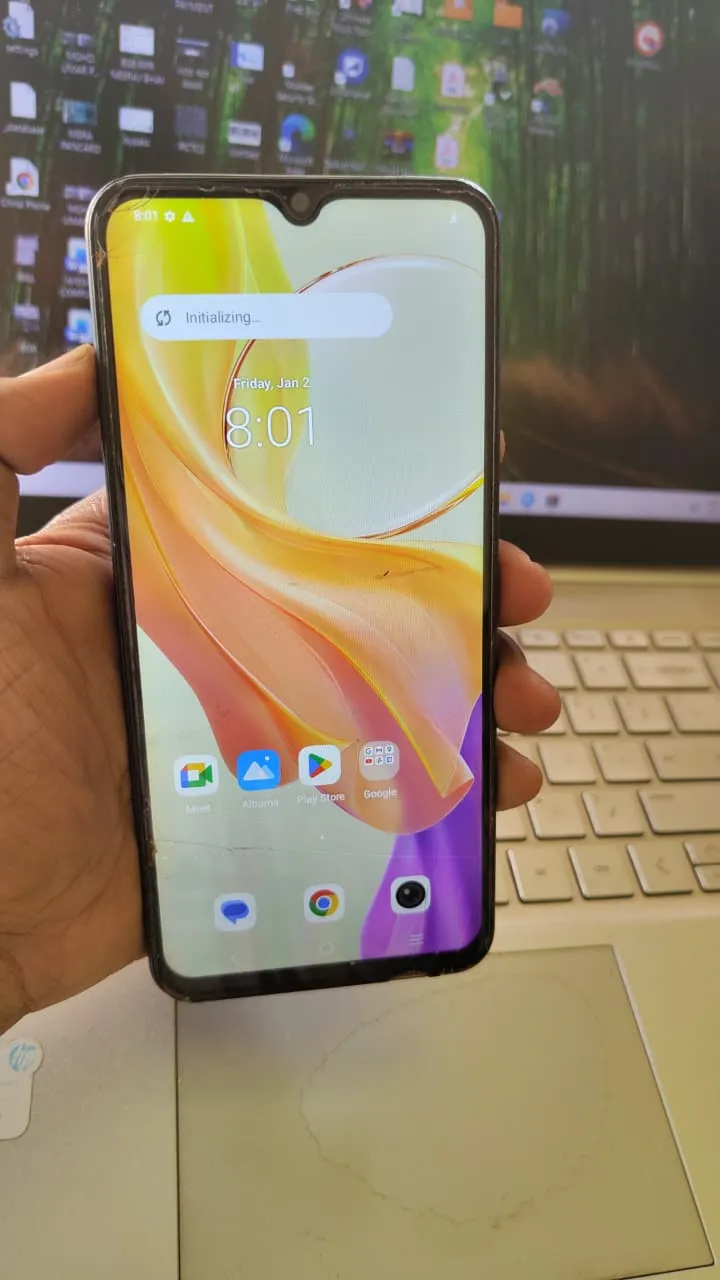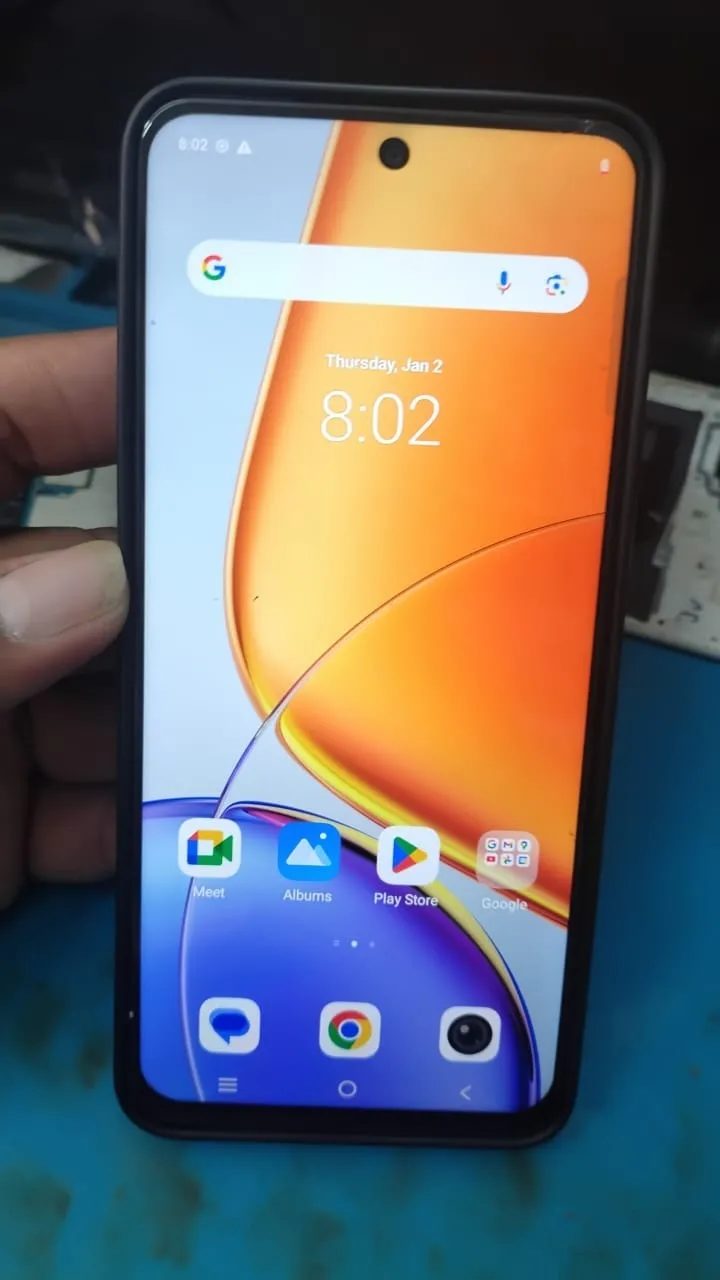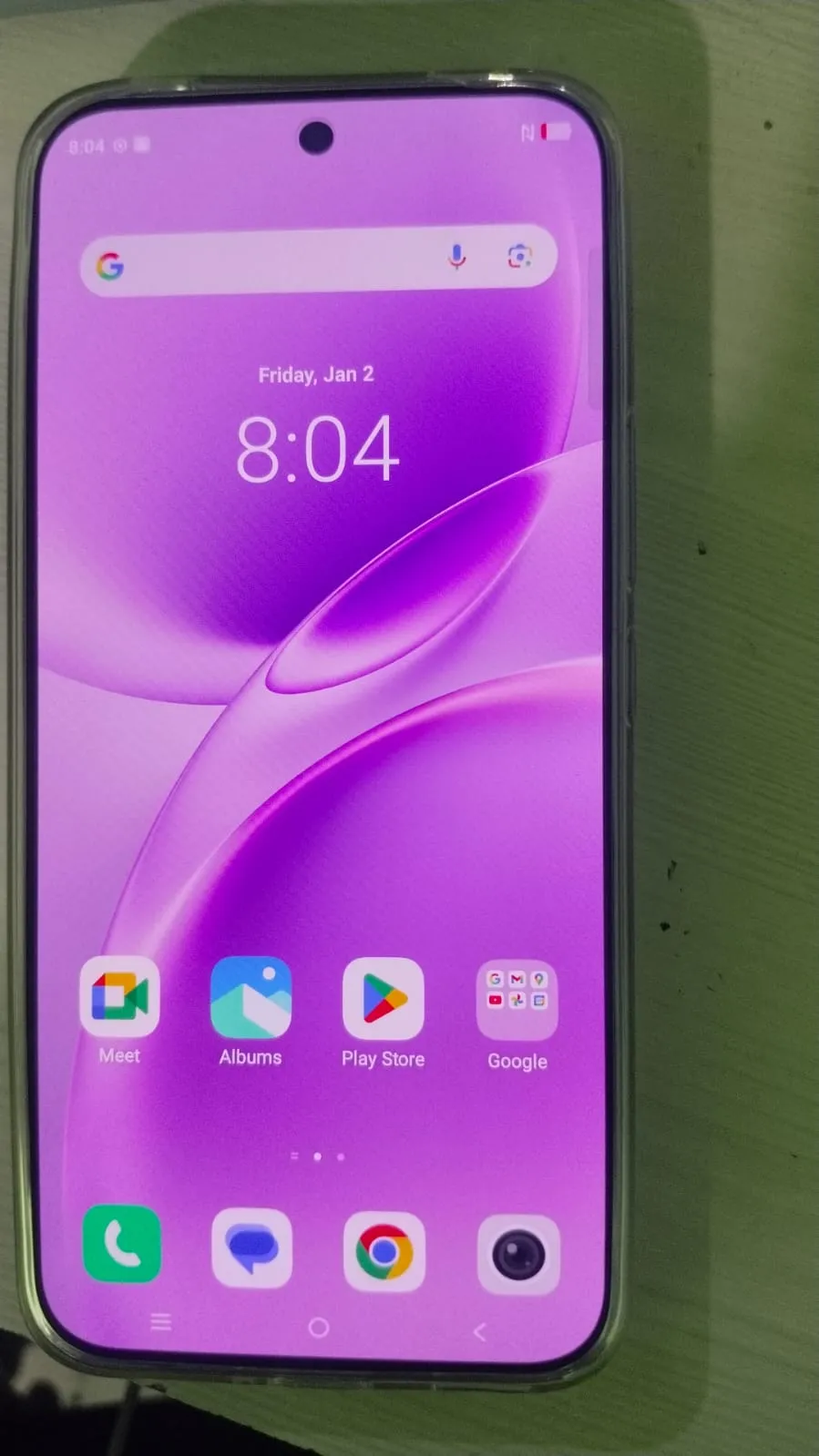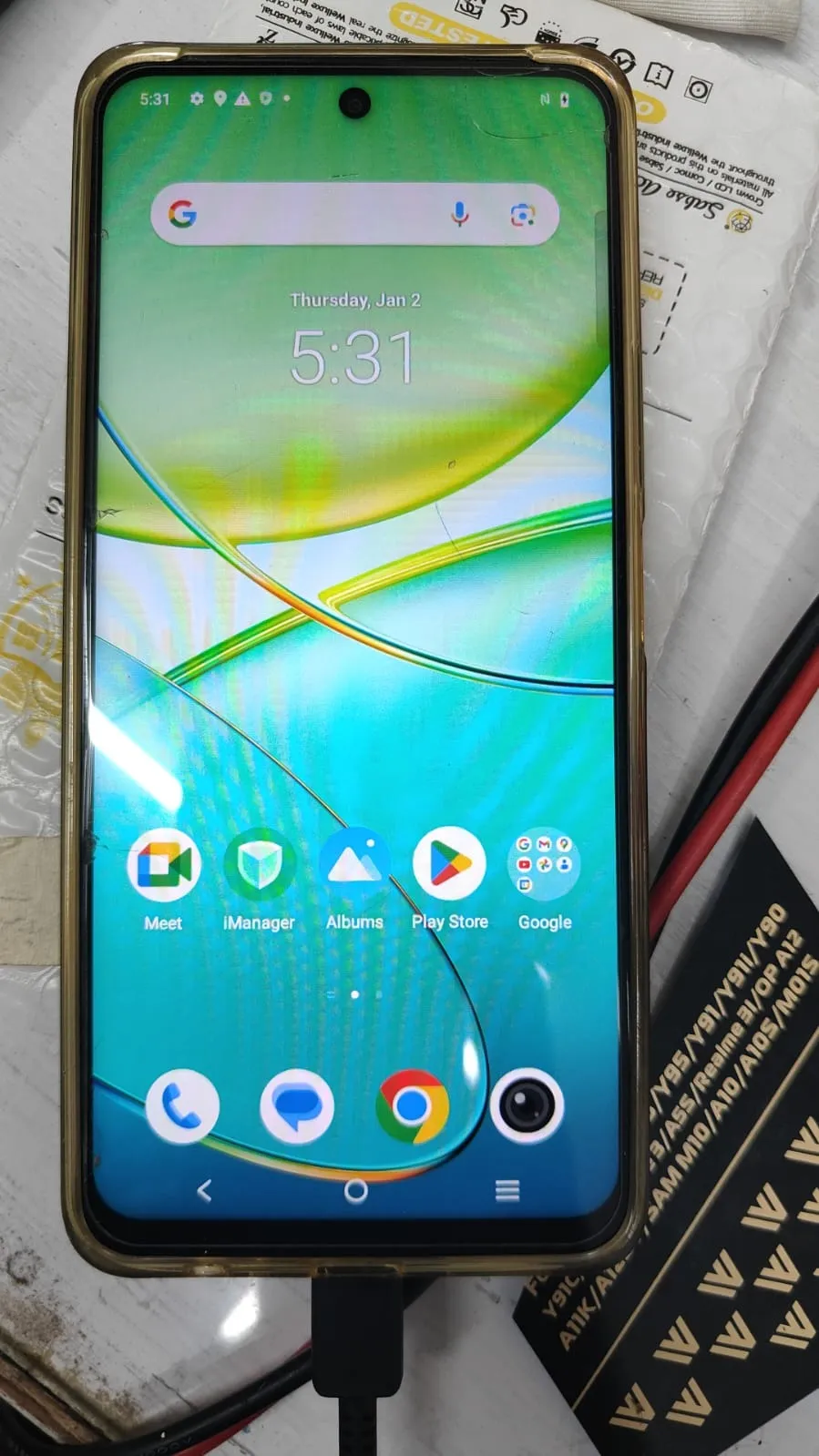
If you are stuck on a Google verification screen or dealing with a demo unit, then Vivo Y38 5G FRP Unlock is the solution you need. Factory Reset Protection (FRP) is designed to protect user data, but it can also create problems when login credentials are forgotten or when devices are locked in demo mode.
In this complete guide, we will walk you through everything you need to know about Vivo Y38 5G FRP Unlock, including remote unlocking, tools, features, and step-by-step solutions. Whether you are an individual user or a professional technician, this guide is built to help you solve the issue quickly and safely.

What is Vivo Y38 5G FRP Unlock and Why It Is Needed
Vivo Y38 5G FRP Unlock refers to the process of removing Google account verification from the device after a factory reset.
Why FRP Lock Happens:
Device reset without removing Google account
Forgotten Gmail credentials
Buying second-hand phone with locked account
Demo unit devices (retail mode)
Why You Need FRP Unlock:
Regain full access to your phone
Convert demo mode to normal mode
Use device without previous owner credentials
Repair and resell devices (for technicians)
Many users search for Vivo Y38 5G Google Account Bypass when facing this issue.
Key Features of Vivo Y38 5G FRP Unlock (Latest Version)
The latest unlocking methods and tools offer powerful features:
100% Remote Unlock Support
Safe and Secure Process
No Data Damage Risk
Demo Mode Remove Supported
Fast Processing (5–15 minutes)
Compatible with Latest Android Versions
Works with professional tools like Vivo Y38 5G FRP Genda Tool
Supported Devices and Brands
Although this guide focuses on Vivo Y38 5G FRP Unlock, many tools support multiple devices:
Vivo Devices:
Vivo Y38 5G
Vivo Y27 / Y29 / V50e
Other MTK / Qualcomm models
Other Brands Supported:
Samsung
Xiaomi
Oppo
Realme
Download and Installation Process
Step-by-Step Installation Guide
Download the FRP unlock tool (official or trusted source)
Extract ZIP file
Disable antivirus temporarily
Install required drivers (ADB, USB)
Run setup as Administrator
How to Register and Activate
Purchase license or contact provider
Open tool dashboard
Enter login credentials
Activate device access
Connect device via USB or remotely

How to Use Vivo Y38 5G FRP Unlock
FRP Unlock (Main Process)
Connect your device
Enable USB debugging (if possible)
Select FRP Unlock option
Start process
Wait for automatic reboot
This is one of the most effective Vivo Y38 5G FRP Bypass methods available.
Demo Mode Remove (Retail Devices)
Select “Demo Mode Remove”
Tool will convert device to normal mode
No firmware flashing required
This is widely used for Vivo Y38 5G Demo Mode Remove.
Remote Unlock (No Physical Access)
One of the best features is Vivo Y38 5G Remote Unlock:
Technician connects via remote software
Performs unlocking live
No need to visit shop
IMEI Repair and Other Services
Advanced tools also support:
IMEI repair
Network unlock
Software fixing
Bootloop repair
Comparison with Other Tools
Feature | Genda Tool | Free Methods | Other Paid Tools |
|---|---|---|---|
FRP Unlock | Yes | Limited | Yes |
Demo Mode Remove | Yes | No | Partial |
Remote Unlock | Yes | No | Limited |
Safety | High | Risky | Medium |
Speed | Fast | Slow | Medium |
Safety Tips and Legal Considerations
Before performing Vivo Y38 5G FRP Unlock, keep these points in mind:
Use only on legally owned devices
Avoid unknown or untrusted tools
Always backup data
Do not misuse for illegal purposes
Troubleshooting Common Errors
Device Not Detected
Install correct USB drivers
Unlock Failed
Check internet connection
Restart tool and retry
Stuck on Logo
Perform factory reset again
Pricing and Subscription Plans
Pricing depends on the service type:
Remote Unlock: ₹2000-3000
Tool Access: Monthly or lifetime plans
Technician packages available
Bulk unlock discounts are often available for repair shops.

FAQs (Frequently Asked Questions)
What is Vivo Y38 5G FRP Unlock?
It is the process of removing Google account lock after reset.
Is Vivo Y38 5G FRP Unlock safe?
Yes, if done using trusted tools or professionals.
Can I unlock without PC?
Some methods exist, but PC tools are more reliable.
How long does it take?
Usually 5–15 minutes.
Is remote unlock possible?
Yes, Vivo Y38 5G Remote Unlock is widely used.
Final Thoughts and Call to Action
Vivo Y38 5G FRP Unlock is no longer a complicated process thanks to advanced tools and remote services. Whether you are an individual user or a professional technician, you can easily unlock, remove demo mode, and restore full functionality.
Share this article
About the author