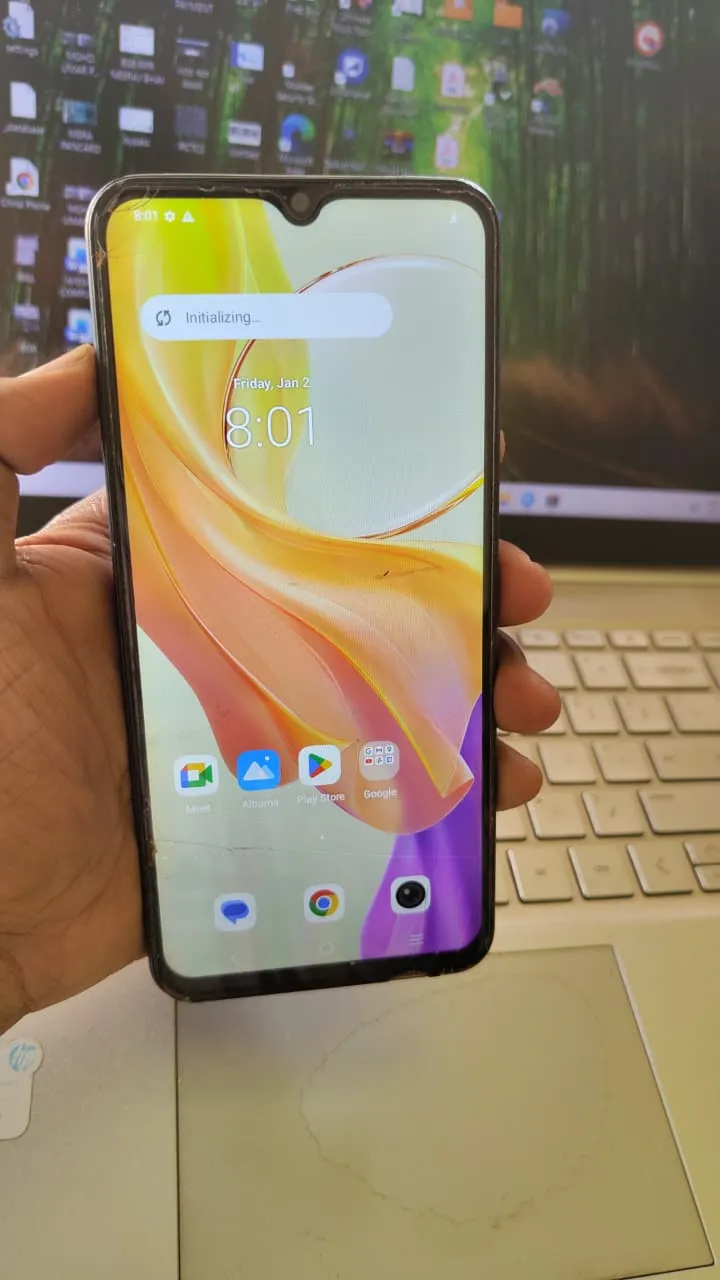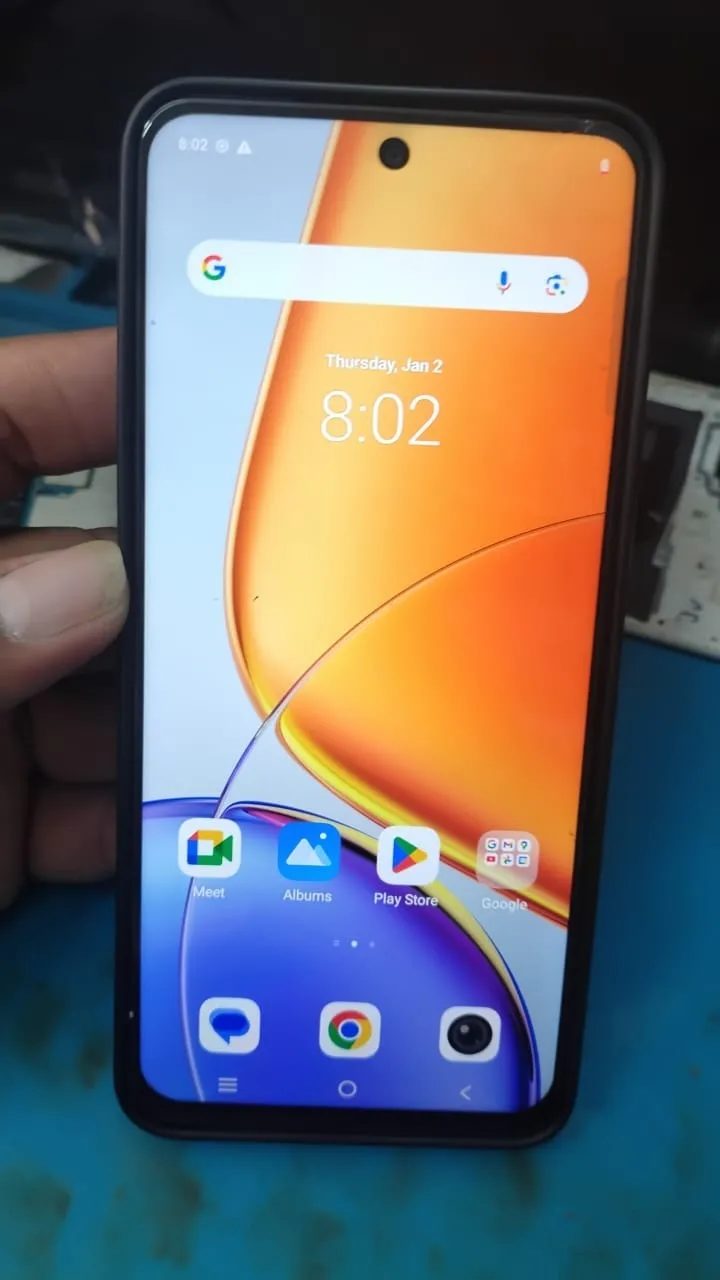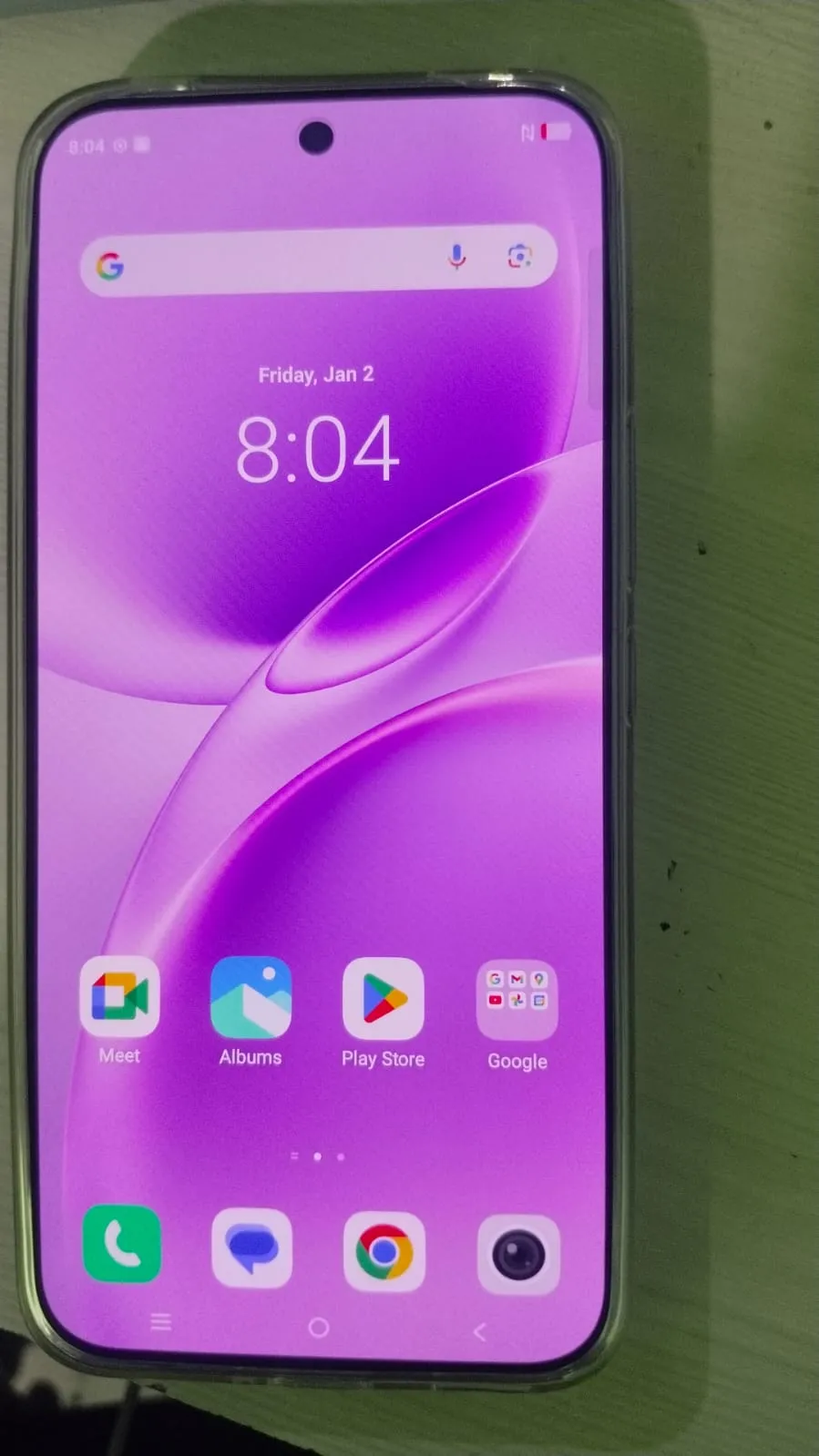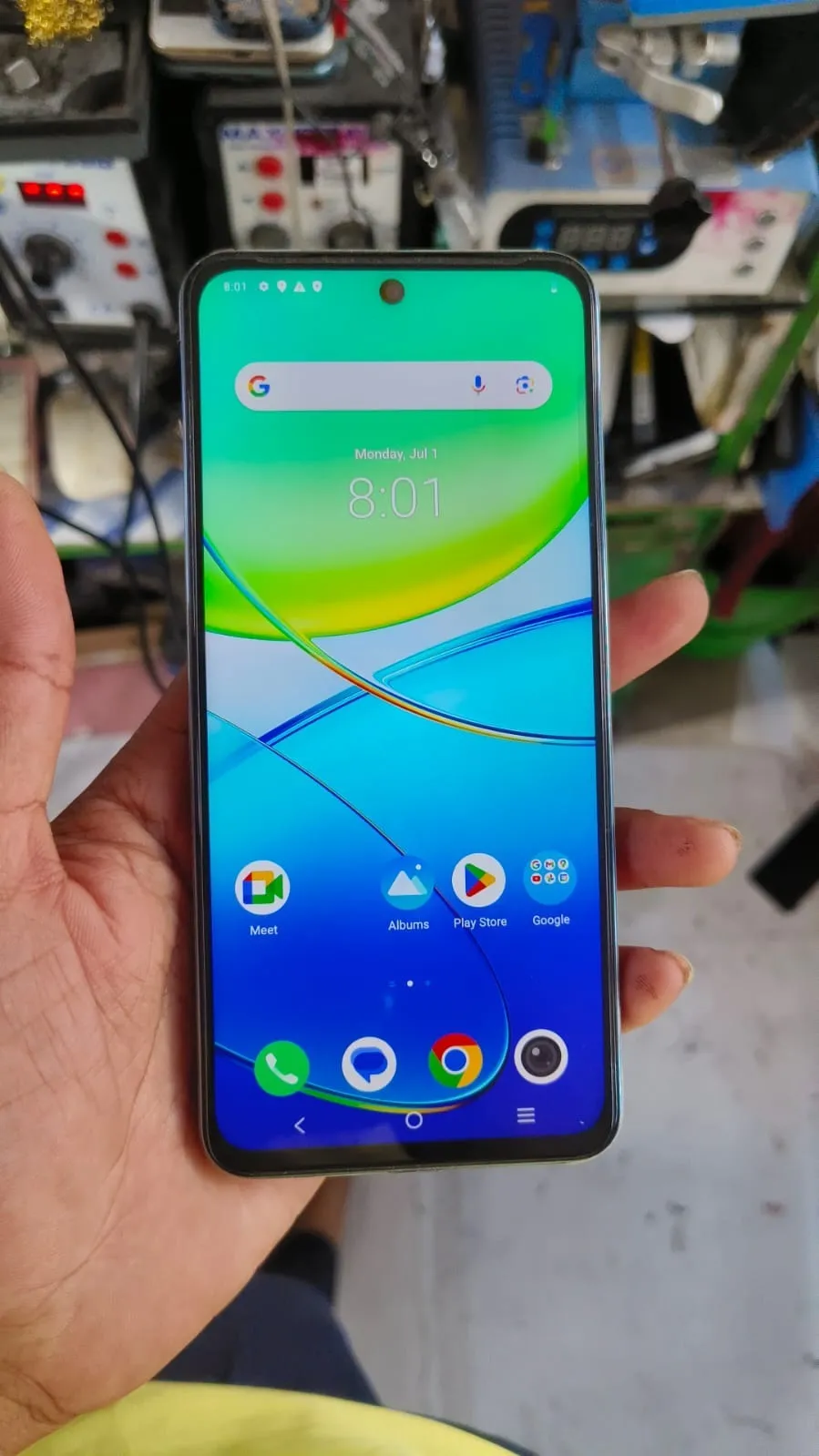
Factory Reset Protection (FRP) can lock you out of your phone after a reset if you don’t remember your Google account credentials. This guide explains everything about Vivo Y58 FRP Unlock in a simple and practical way.
Whether you are a normal user or a professional technician, this article will help you unlock your device using safe methods, tools, and remote services.

What is Vivo Y58 FRP Unlock and Why It Is Needed
Factory Reset Protection (FRP) is a built-in Android security feature that prevents unauthorized access. After a factory reset, the phone asks for the previously synced Google account.
Vivo Y58 FRP Unlock is required when:
You forgot your Google account credentials
You bought a second-hand phone
The device is stuck on the verification screen
You cannot access your phone after reset
In these cases, unlocking FRP is the only way to regain access.
Key Features of Vivo Y58 FRP Unlock (Latest Version)
The latest Vivo Y58 FRP Unlock 2026 update includes several improvements:
Fast FRP unlocking process
Remote service support worldwide
High success rate
Secure and safe method
Compatible with latest Android versions
Easy to use for beginners and technicians
Regular updates and improvements
Supported Devices and Brands
Although this guide focuses on Vivo Y58, most tools also support other devices.
Supported Devices
Vivo Y58
Vivo Y-series
Vivo V-series
Other Supported Brands
Xiaomi / Redmi
Samsung
Realme
Oppo
Download and Installation Process
Step-by-Step Installation Guide
Download the Vivo Y58 FRP Unlock Tool from a trusted source
Extract the downloaded file
Disable antivirus temporarily if needed
Run the setup as Administrator
Complete installation
How to Register and Activate
Open the software
Create an account
Purchase or activate your license
Login with your credentials
You can also contact support for remote activation.

How to Use Vivo Y58 FRP Unlock
For Normal Users
Connect your phone in ADB or Fastboot mode
Open the FRP unlock tool
Select your device model
Click Start and wait for completion
For Technicians
Use professional Vivo Y58 FRP Unlock Tool
Install required USB drivers
Select correct chipset/model
Use server-based unlocking if needed
IMEI Repair and Other Services
Many professional tools also support:
IMEI repair
Pattern and password unlock
Software flashing
Bootloader operations
Comparison with Other Tools
Feature | Professional Tool | Basic Tools |
|---|---|---|
Speed | Fast | Medium |
Success Rate | High | Moderate |
Remote Service | Available | Limited |
Updates | Regular | Rare |
Ease of Use | Easy | Average |
Safety Tips and Legal Considerations
Before performing Unlock Vivo Y58 Google Lock, follow these guidelines:
Only unlock devices you own or have permission for
Avoid illegal or unauthorized usage
Always backup important data
Use trusted tools and services
Follow your local laws and regulations
Troubleshooting Common Error
Device Not Detected
Install proper USB drivers
Try a different USB port
Unlock Failed
Check internet connection
Restart the tool and try again
Server Issues
Wait and retry later
Contact support if problem continues
Pricing and Subscription Plans
Prices vary depending on the service provider.
Typical pricing:
Single unlock: $5 to $15
Monthly plan: $30 to $50
Yearly subscription: $100 or more
For the best price and instant service, contact via WhatsApp or Telegram.

FAQs
What is Vivo Y58 FRP Unlock?
It is a process to remove Google account verification from the device after a reset.
Is Vivo Y58 FRP Unlock safe?
Yes, if you use a trusted tool or professional service.
Can I unlock without a PC?
Some methods exist, but PC-based tools are more reliable.
How long does the process take?
Usually between 5 to 15 minutes.
Do I need technical knowledge?
Basic knowledge is enough for most tools.
Final Thoughts
Vivo Y58 FRP Unlock is now easier than ever with the latest tools and remote services. Both beginners and professionals can complete the process quickly and safely.
Share this article
About the author