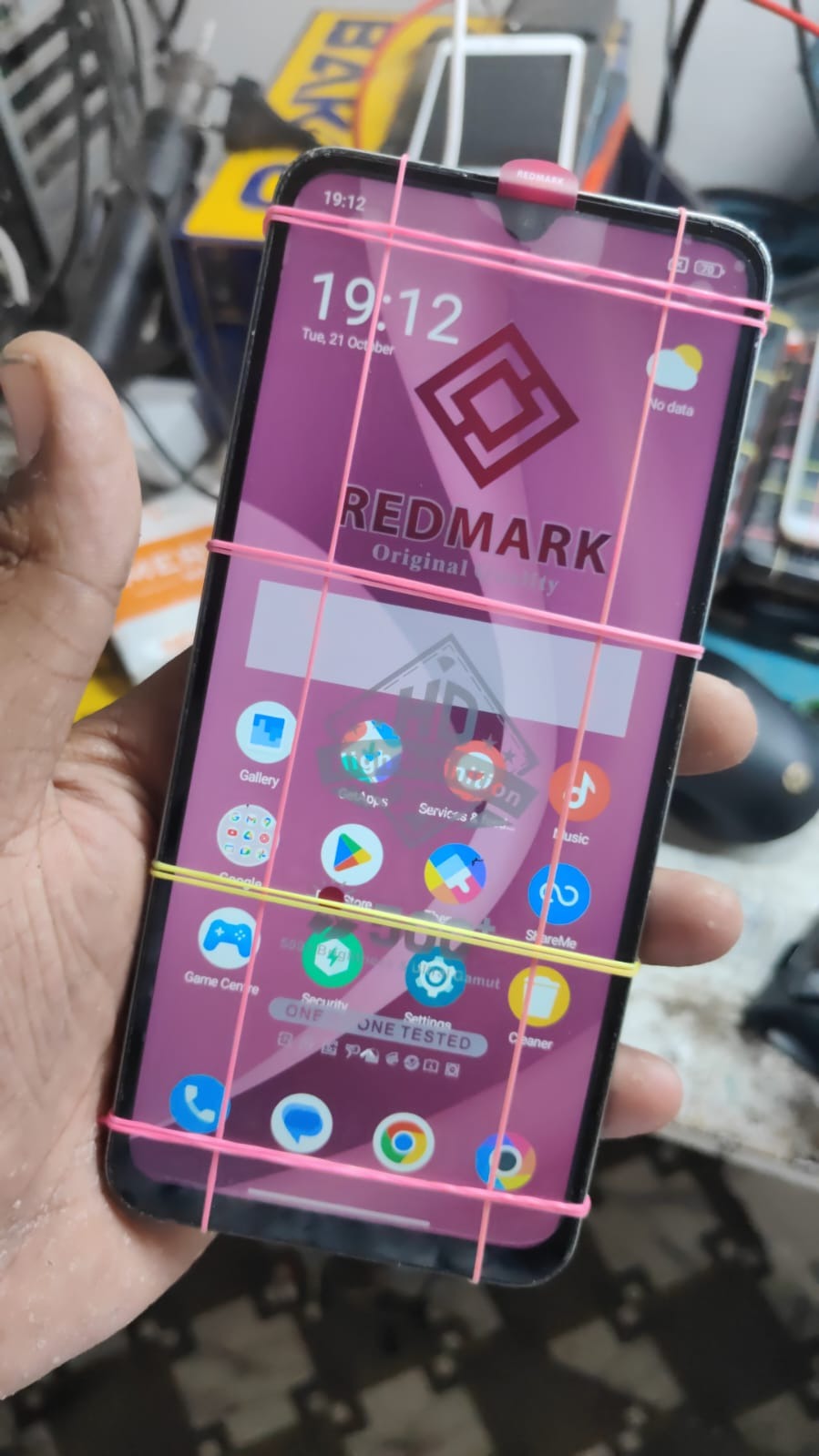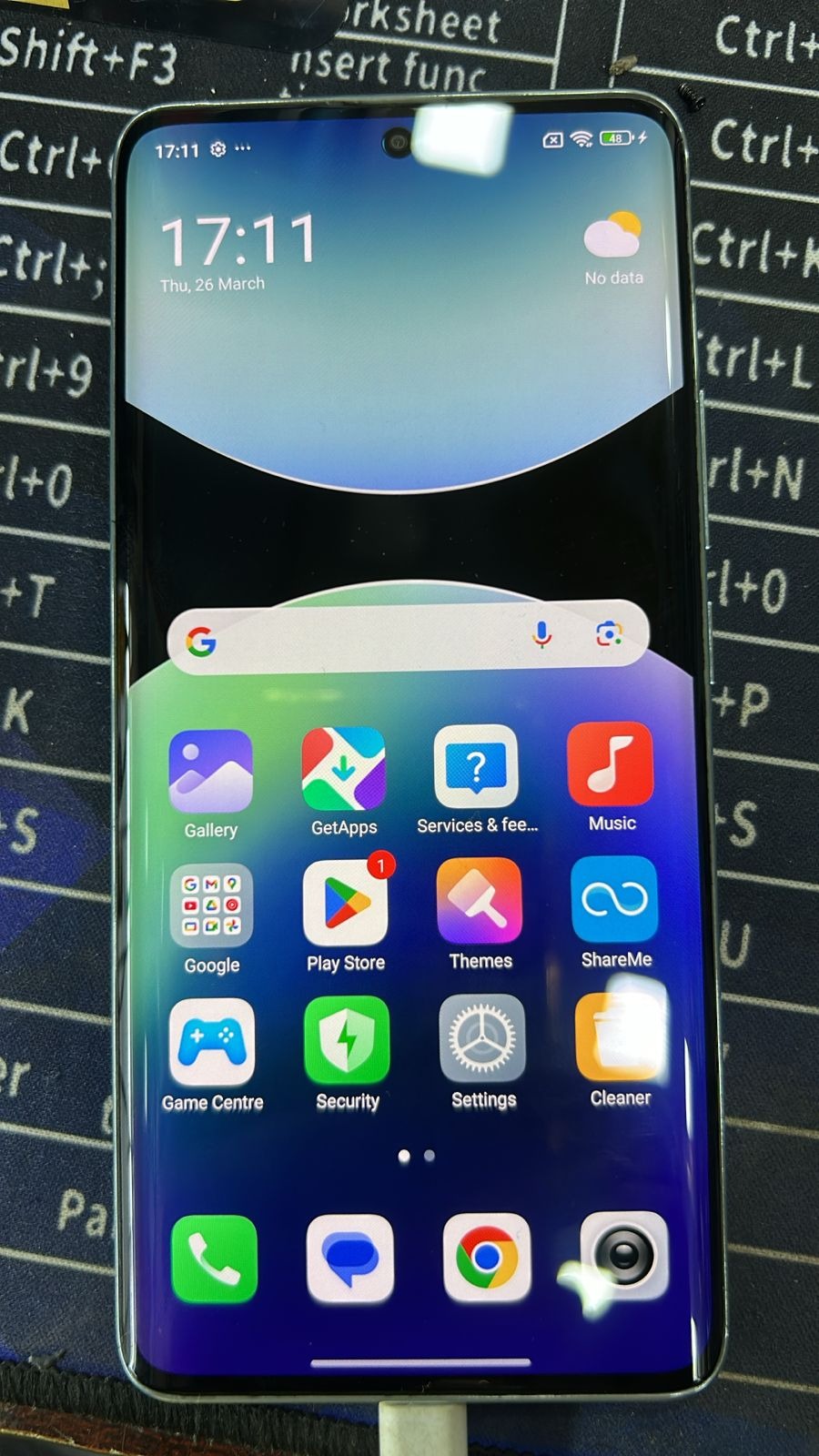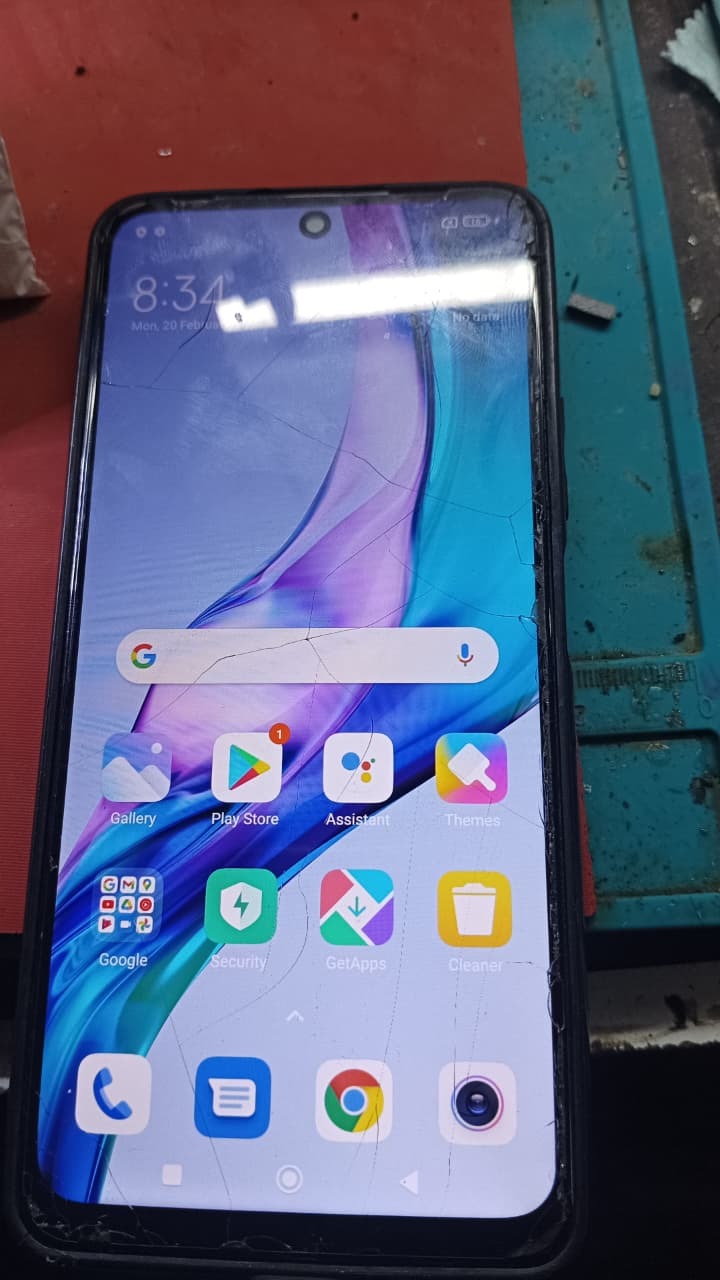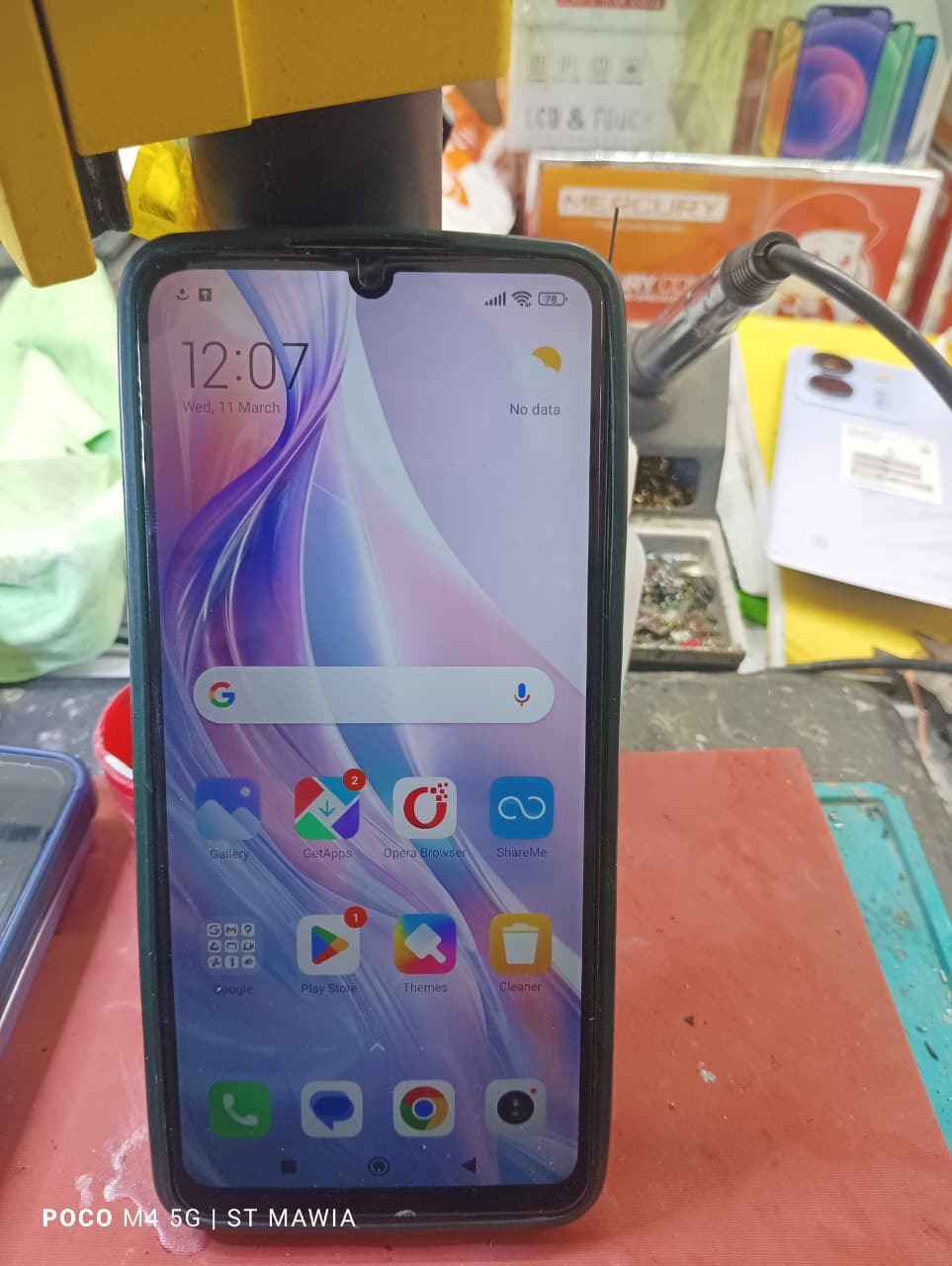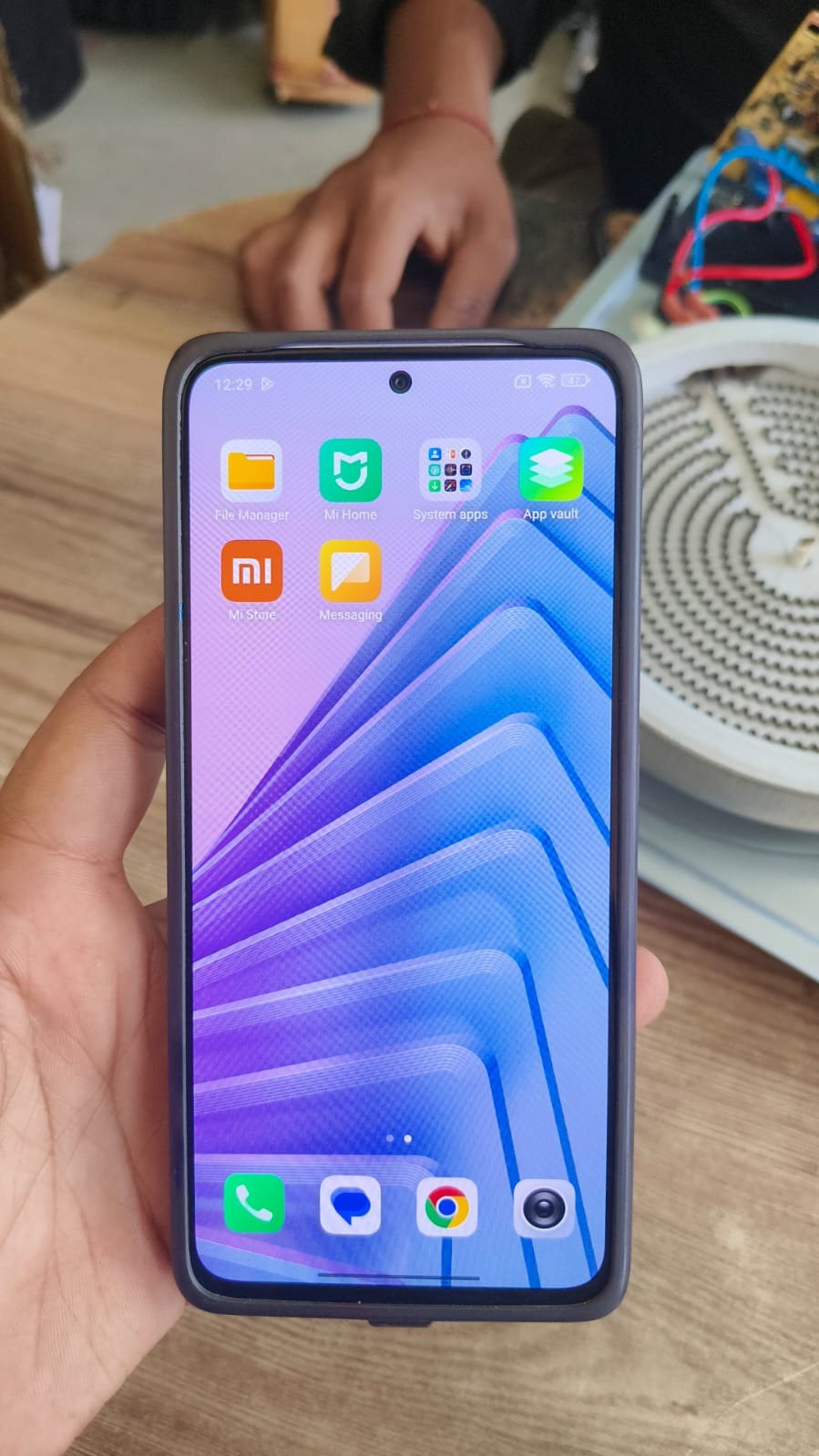
Factory Reset Protection (FRP) is one of the most important security features in Android devices. However, it can also create problems when users forget their Google account credentials. If your phone is locked after a reset, the Redmi 13C 5G FRP Bypass solution helps you regain access quickly and safely.
With increasing Android security updates, traditional bypass methods are no longer reliable. This is where remote services come in. The Redmi 13C 5G FRP Bypass latest method focuses on a completely remote process, making it easier for both normal users and professional technicians to unlock devices without complicated tools.

What is Redmi 13C 5G FRP Bypass and Why It Is Needed
Redmi 13C 5G FRP Bypass is the process of removing the Google account verification lock that appears after a factory reset. This lock is designed to protect user data, but it can block access if credentials are forgotten.
Common Reasons You Need FRP Bypass
- Forgot Google account or password
- Bought a second-hand device with a locked account
- Device stuck on verification screen
- Unable to proceed after reset
The Redmi 13C 5G Google Account Remove process ensures that you can access your device again without unnecessary delays.
Key Features of Redmi 13C 5G FRP Bypass (Latest Method)
The Redmi 13C 5G FRP Bypass latest method offers advanced features designed for modern Android security systems.
Features
- Fully remote process
- No PC required for users
- Supports latest Android updates
- Fast and reliable unlocking
- Safe and secure method
- Works on most locked devices
- Suitable for technicians and service centers
This modern mobile unlock program eliminates the need for risky or outdated tools.
Supported Devices and Brands
Although this guide focuses on Redmi 13C 5G FRP Unlock, the same remote method supports multiple brands.
Supported Brands
- Xiaomi, Redmi, Poco
- Samsung
- Oppo, Vivo, Realme
- Tecno, Infinix
- Motorola
This makes it a strong alternative to any traditional phone unlock app.
Remote Process (No Download or Installation Required)
Unlike traditional methods, there is no need to download or install any software.
How the Remote Process Works
- Contact the service provider
- Share device details
- Technician verifies the device
- Remote process is initiated
- FRP lock is removed successfully
This approach reduces risks and ensures better success rates.
How to Use Redmi 13C 5G FRP Bypass
For Individual Users
The process is simple and beginner-friendly.
- Contact via WhatsApp or Telegram
- Provide device model and issue details
- Follow instructions given by the technician
- Wait during the remote process
- Device is unlocked successfully
No technical skills are required for Redmi 13C 5G FRP Remove Without PC.
For Professional Technicians
Technicians can use this method to improve efficiency and handle more clients.
- Faster service delivery
- No need to install multiple tools
- Reliable results on latest security patches
- Ability to manage bulk devices
The Redmi 13C 5G FRP Unlock process becomes faster and more scalable.
Additional Services
Along with Redmi 13C 5G FRP Bypass, remote services may include:
- Google account removal
- Factory reset assistance
- Software repair
- Flashing support
IMEI-related services depend on legal regulations and may not be available in all regions.
Comparison with Traditional Methods
| Feature | Remote FRP Service | Old Methods |
|---|---|---|
| Ease of Use | Easy | Difficult |
| Success Rate | High | Medium |
| Time Required | Fast | Slow |
| Risk Level | Low | High |
| Update Support | Yes | Limited |
Safety Tips and Legal Considerations
When performing Redmi 13C 5G FRP Bypass, always follow safe and legal practices.
- Only unlock devices you own or have permission for
- Avoid cracked or unofficial tools
- Use trusted service providers
- Protect your personal data
FRP is a security feature, so bypassing it must be done responsibly.
Troubleshooting Common Errors
Some issues may occur during the process.
Common Problems
- Device not connecting
- Slow internet
- Incorrect device details
- Unsupported software version
Solutions
- Ensure stable internet connection
- Double-check device model
- Follow technician instructions carefully
Pricing and Service Plans
Pricing depends on several factors.
Pricing Factors
- Android version
- Security patch level
- Device condition
- Urgency of service
Contact the service provider for accurate pricing based on your device.
FAQs
What is Redmi 13C 5G FRP Bypass
It is a method to remove Google account verification after a factory reset.
Can I do Redmi 13C 5G FRP Remove Without PC
Yes, remote services allow unlocking without a computer.
Is this method safe
Yes, when done by professionals, it is safe and secure.
How long does the process take
Usually a few minutes depending on the device.
Does it support latest updates
Yes, Redmi 13C 5G FRP Bypass update supports latest Android versions.
Final Thoughts
Redmi 13C 5G FRP Bypass has become much easier with remote solutions. Instead of using complicated tools, users can now unlock devices safely and quickly.
This method is ideal for both individual users and technicians who want a reliable and professional solution. The Redmi 13C 5G FRP Bypass latest method ensures high success rates with minimal effort.