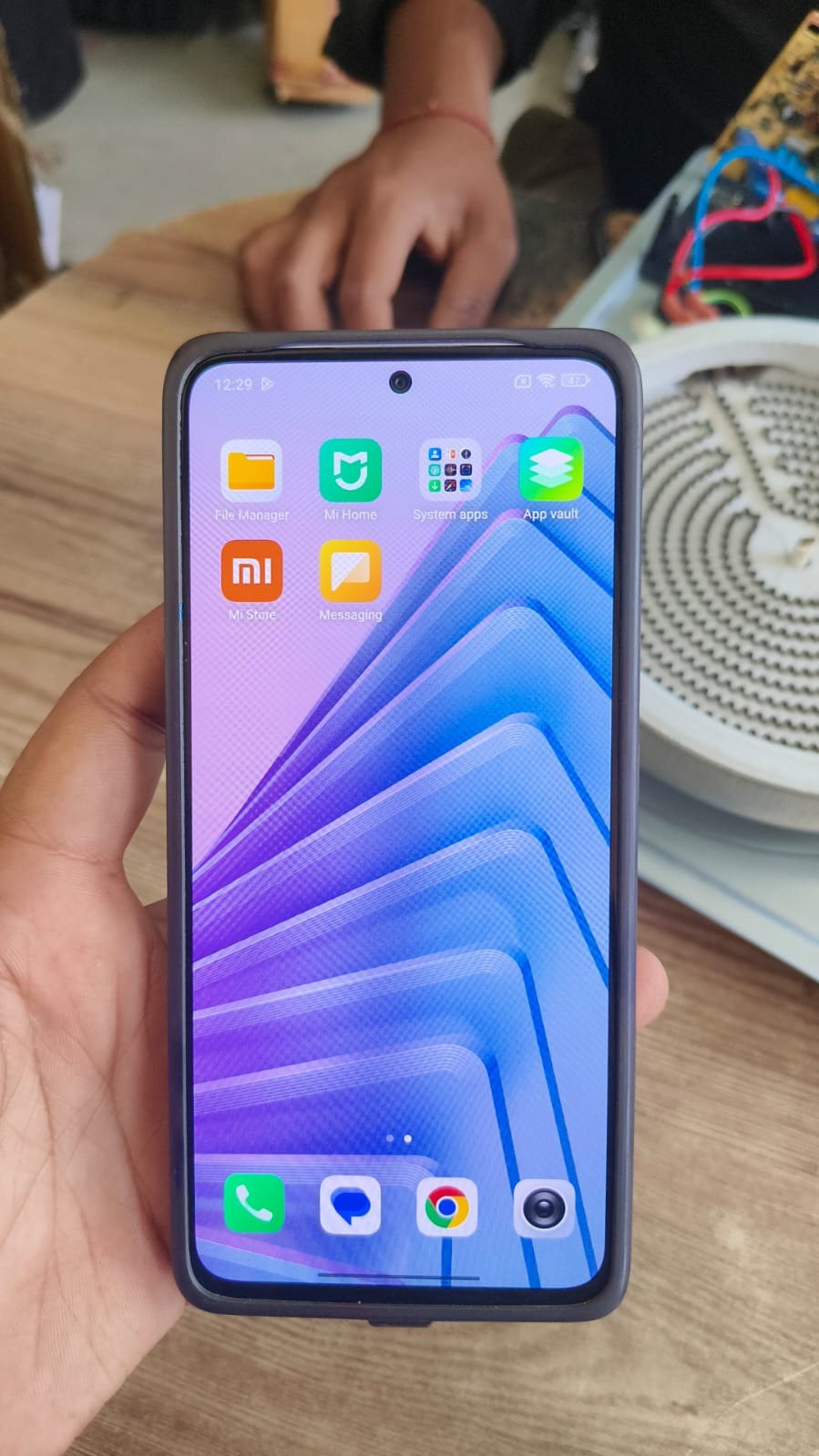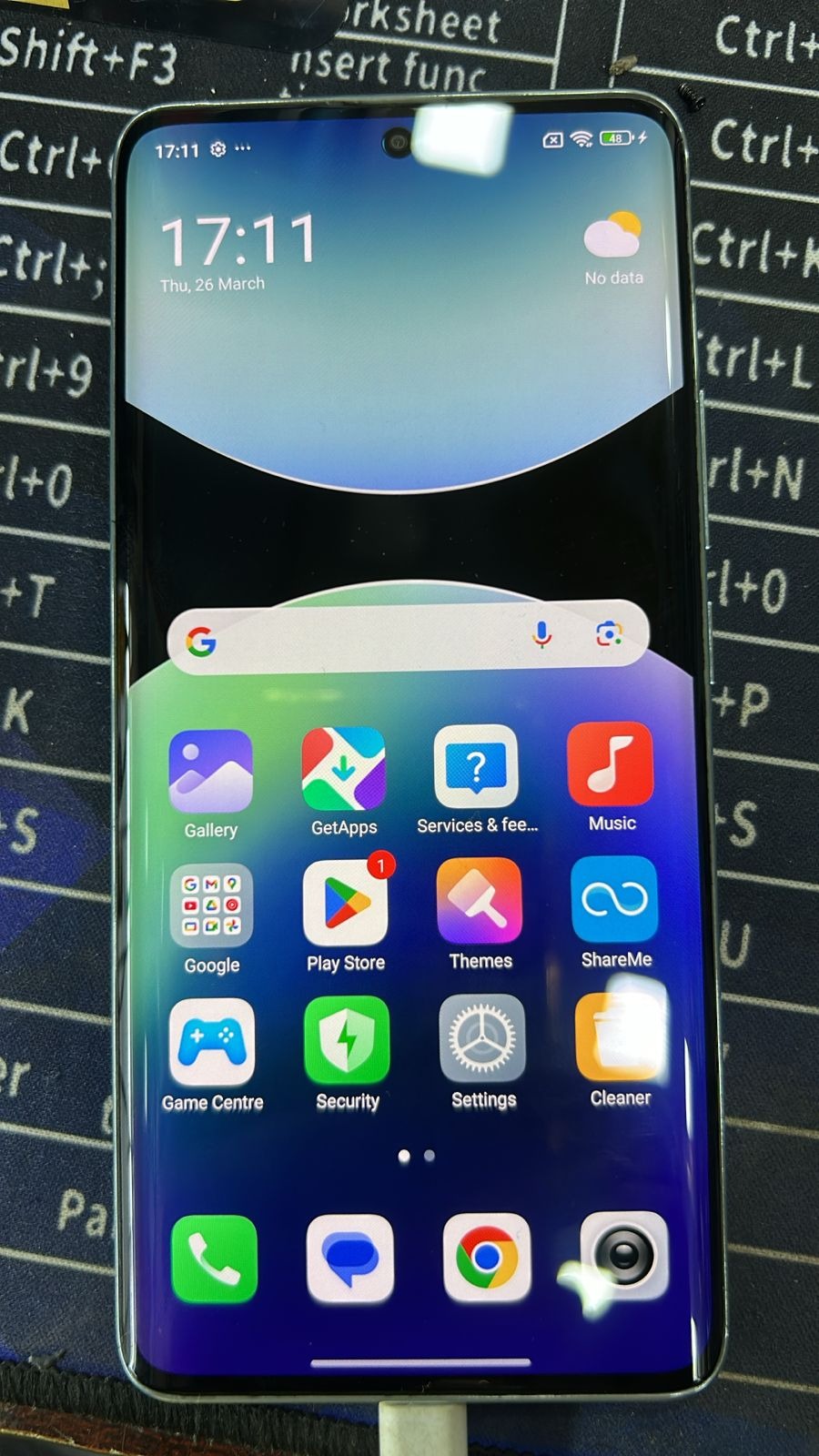
Redmi Note 14 Pro Plus 5G FRP Unlock is one of the most in-demand solutions for Android users and mobile technicians. After a factory reset, many users get stuck on the Google verification screen and are unable to access their device. This issue can be frustrating, especially when the original account credentials are forgotten.
This is where a professional and secure Redmi Note 14 Pro Plus 5G FRP Unlock remote service becomes the best solution. It allows users to unlock their device safely without using risky or outdated methods.

What is Redmi Note 14 Pro Plus 5G FRP Unlock and Why It is Needed
Factory Reset Protection (FRP) is a security feature designed by Google to prevent unauthorized access. However, it can also lock out genuine users.
Redmi Note 14 Pro Plus 5G FRP Unlock refers to removing this Google account verification so the device can be used normally again.
Common reasons why FRP unlock is needed:
- Forgot Google account details
- Bought a second-hand phone
- Device stuck after reset
- Unable to verify previous account
A reliable Redmi Note 14 Pro Plus 5G FRP Bypass ensures the phone becomes fully usable again.
Key Features of Redmi Note 14 Pro Plus 5G FRP Unloc
This is a professional remote service designed for both normal users and technicians.
Main features include:
- 100% safe and secure process
- No risk of data damage
- Works on latest Android security
- No technical skills required
- Fast and reliable results
- Remote support available
This makes it one of the best Redmi Note 14 Pro Plus FRP Solution options available today.
Supported Devices and Brands
Although focused on Redmi Note 14 Pro Plus 5G FRP Unlock, the service supports multiple Xiaomi devices.
Supported devices include:
- Redmi series devices
- Mi series smartphones
- POCO devices
- Other Android models (on request)
This makes it useful for technicians looking for a scalable Redmi Note 14 Pro+ 5G FRP Unlock Tool alternative.
How Remote FRP Unlock Service Works
The process is simple and user-friendly.
Basic steps:
- Connect your phone to the internet
- Share device details
- Technician starts remote session
- FRP lock is removed
- Device becomes fully accessible
This is much safer compared to unreliable Redmi Note 14 Pro Plus 5G Unlock Without PC tricks.
How to Use Redmi Note 14 Pro Plus 5G FRP Unlock
For individual users:
- Contact support
- Share your device issue
- Follow instructions
- Wait for unlock completion
For technicians:
- Use the service for multiple clients
- Save time and effort
- Deliver fast results
The Redmi Note 14 Pro Plus Google Account Remove process is completed within minutes in most cases.
FRP Unlock Service
The main function is removing Google account lock safely.
It ensures full access to the device without any complications.
Network Unlock (Optional)
Some devices may also require network unlocking, which can be handled during the same session.
IMEI Repair and Other Services
Additional services may include:
- IMEI repair (as per legal guidelines)
- Software fixes
- System issues
- Account-related problems
Comparison with Other Methods
Remote service vs other methods:
Remote Service:
- High success rate
- Safe and fast
- No technical knowledge required
Free Methods:
- Unreliable
- Risky
- Time-consuming
Local Tools:
- Require experience
- Not always updated
Clearly, Redmi Note 14 Pro Plus 5G FRP Bypass via remote service is the best option.
Safety Tips and Legal Considerations
Always ensure:
- You are the device owner
- The service is used legally
- Avoid unknown tools
- Follow proper instructions
Professional services ensure safe and ethical unlocking.
Troubleshooting Common Errors
Common problems:
- Device not connecting
- Weak internet
- Firmware issues
Solutions:
- Use stable internet
- Charge device above 50%
- Follow instructions carefully
Pricing and Service Plans
Pricing depends on:
- Device model
- Security level
- Service complexity
Options available:
- Per device pricing
- Bulk plans for technicians
- Priority service
FAQs
Is Redmi Note 14 Pro Plus 5G FRP Unlock safe?
Yes, it is completely safe and tested.
Do I need a PC?
In most cases, no PC is required.
How long does it take?
Usually a few minutes.
Will my data be lost?
No, the process is safe.
Can technicians use it?
Yes, it is ideal for professional use.
Final Thoughts
Redmi Note 14 Pro Plus 5G FRP Unlock remote service is the most reliable way to remove Google account lock. It is fast, safe, and suitable for both beginners and professionals.
Instead of using risky or outdated methods, choosing a trusted remote solution ensures better results and saves time.