In today’s smartphone ecosystem, security is stronger than ever—but sometimes that security becomes a barrier for genuine users. If you are locked out of your Realme device after a reset, this Remove FRP Realme C71 guide will help you unlock your phone safely and professionally.
Whether you are an individual user who forgot their Google account or a mobile repair technician handling customer devices daily, this article provides a complete, up-to-date solution for Realme C71 FRP Remove using tested tools and methods compatible with Android 15, Spreadtrum T7250, and the latest 2025–2026 security patches.
Introduction
Factory Reset Protection (FRP) is a security feature introduced by Google to protect Android devices from unauthorized access after a factory reset. While FRP plays an important role in preventing theft, it often creates problems for legitimate users who forget their Google account credentials.
The Realme C71 (RMX5303) is one of the latest devices using Android 15 and Spreadtrum T7250 CPU, making FRP removal more complex than older models. Traditional bypass tricks no longer work, and that’s why professional tools and proper methods are required.
This guide focuses on the Best Remove FRP Realme C71 2026 solutions that actually work—especially for technicians and unlock shops.
What is Remove FRP Realme C71 and Why Is It Needed?
Remove FRP Realme C71 refers to the process of bypassing or unlocking Google Factory Reset Protection on the Realme C71 smartphone after a factory reset.
Why FRP Lock Occurs on Realme C71
- Factory reset performed without removing Google account
- Forgotten Gmail ID or password
- Second-hand device with previous owner’s account
- Phone flashed or updated without proper logout
Why FRP Removal Is Important
- Regain access to your own device
- Repair shop requirement for customer phones
- Faster turnaround for mobile technicians
- Avoid motherboard replacement or device loss
For Realme C71 FRP Remove, software-based unlocking is the safest and most cost-effective option.
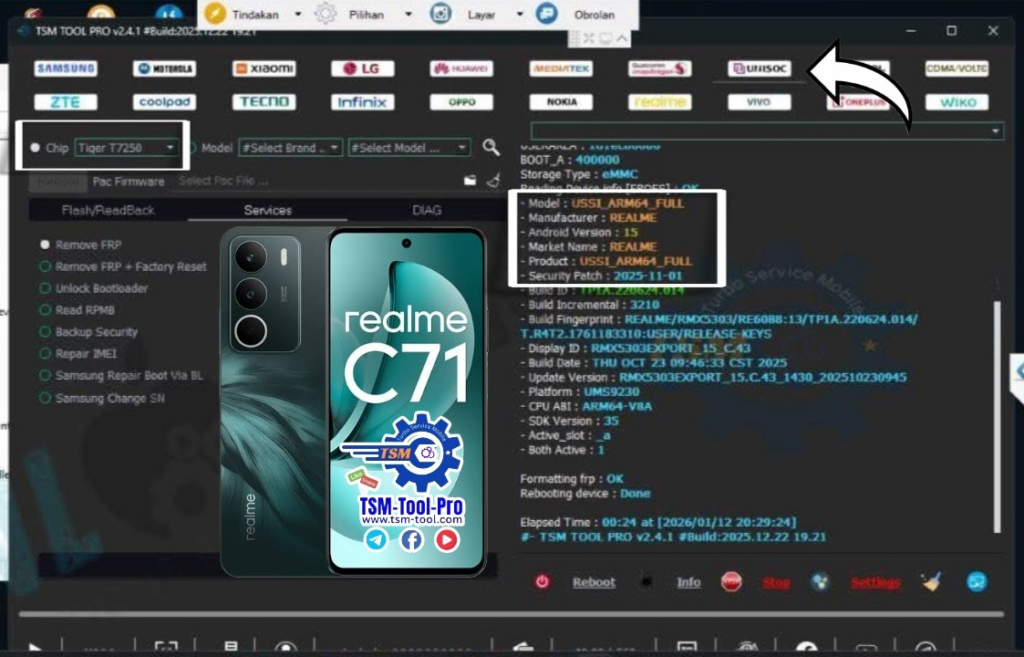
Device Overview – Realme C71 FRP Technical Details
Understanding the device helps in choosing the correct FRP tool:
- Brand: Realme
- Model: Realme C71
- Model Number: RMX5303
- Android Version: Android 15
- CPU: Spreadtrum / Unisoc T7250
- Security Patch: 2025–11–01 (Latest)
- FRP Mode: SPD DIAG U2S
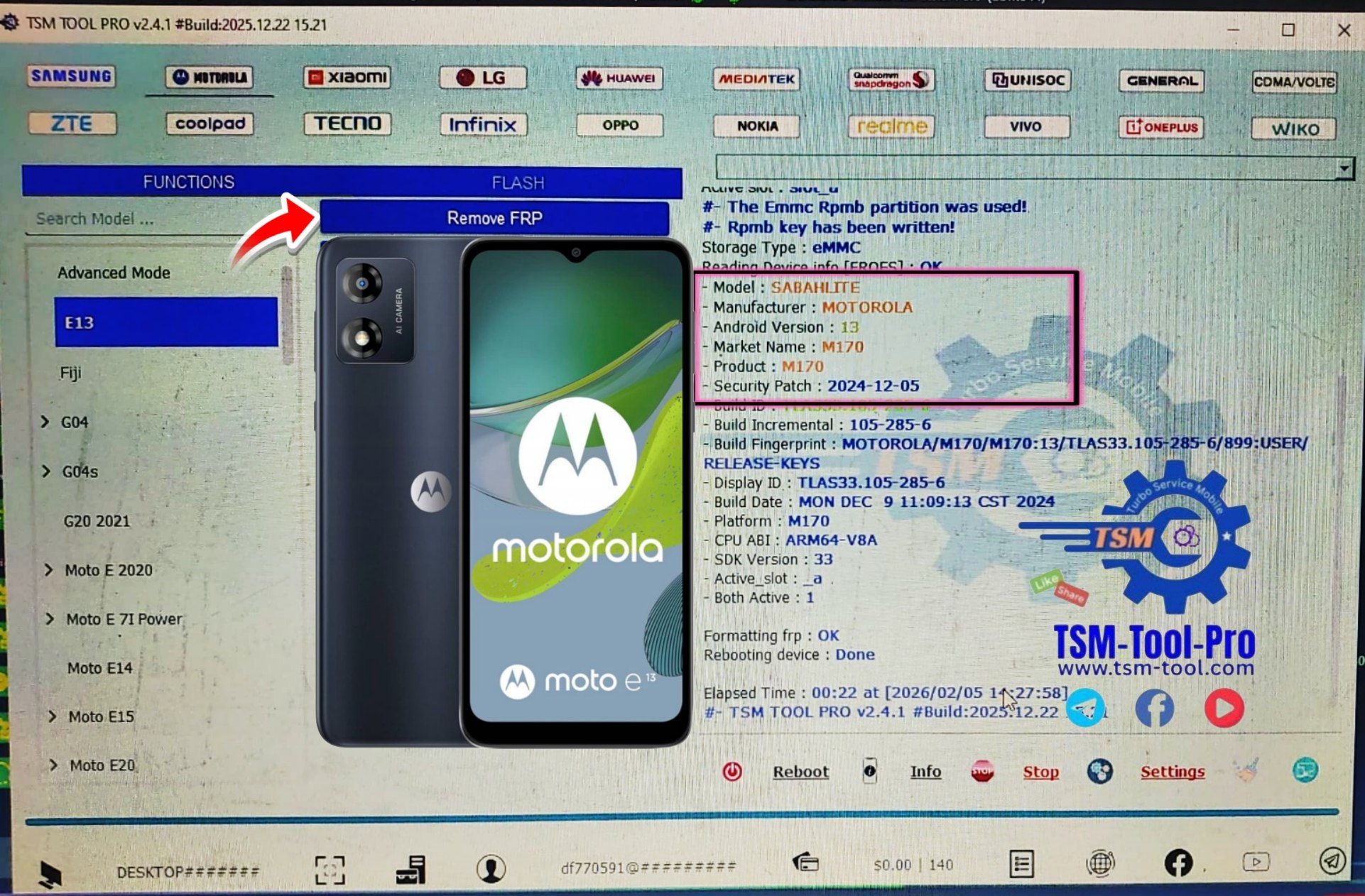
- Best Tool: TSM Tool Pro FRP Realme C71
These specifications confirm that Realme C71 Spreadtrum T7250 FRP Remove requires SPD-compatible professional tools.
Key Features of Remove FRP Realme C71 (Latest Version)
Modern FRP tools are no longer limited to Google lock removal. The latest Remove FRP Realme C71 solutions offer multiple advanced features.
🔹 Core Features
- One-click Realme C71 FRP Unlock
- Works on Android 15 latest security patch
- Supports SPD DIAG U2S FRP
- No test point required
- Fast process (2–5 minutes)
🔹 Advanced Features
- IMEI Repair (where legally permitted)
- Factory reset fix
- Boot repair support
- Read device info (CPU, model, security)
- Technician-friendly interface
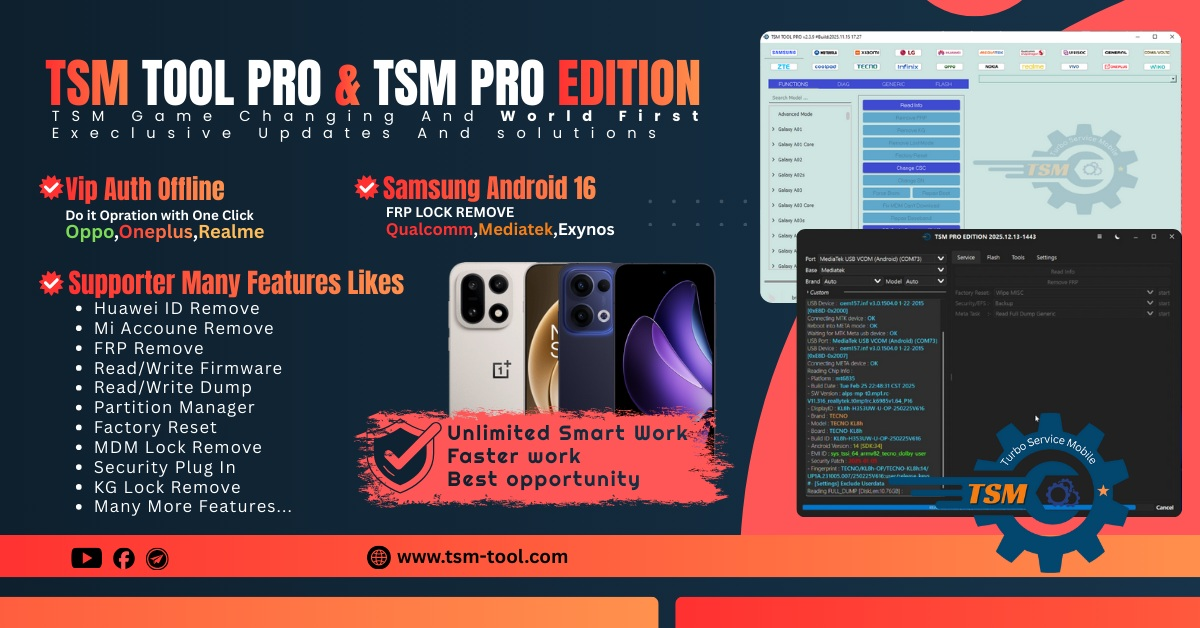
These features make TSM Tool Pro FRP Realme C71 one of the most reliable solutions in 2026.
Supported Devices and Brands
Although this guide focuses on Remove FRP Realme C71, most professional tools also support multiple brands.
Supported Brands (Example)
- Realme (C-series, Narzo, GT series)
- Oppo
- Vivo
- Tecno
- Infinix
- Itel
- Samsung (limited models)
- Nokia (SPD-based)
Chipset Support
- Spreadtrum / Unisoc
- MediaTek (selected models)
- Qualcomm (basic functions)
This makes the tool ideal for mobile unlock programs and repair shops.
Download and Installation Process
Step-by-Step Installation Guide
Follow these steps carefully to avoid errors during Remove FRP Realme C71:
- Download the latest FRP tool from the official source
- Disable antivirus temporarily
- Install required USB drivers (SPD/Unisoc)
- Extract the tool files
- Run the tool as Administrator
- Connect Realme C71 in SPD DIAG U2S mode
Always use the latest version to support Realme C71 Latest Security Patch FRP.

How to Register and Activate
Most professional FRP tools require activation.
Common activation steps:
- Create an account inside the tool
- Purchase a license or credit
- Login with registered ID
- Activate online (internet required)
For technicians, yearly or lifetime plans are cost-effective.
How to Use Remove FRP Realme C71 (Users & Technicians)
For Individual Users
- Visit a professional unlock shop
- Share device model and Android version
- Avoid free APKs or risky phone unlock apps
- Ensure data backup is not required (data loss possible)
For Technicians / Repair Shops
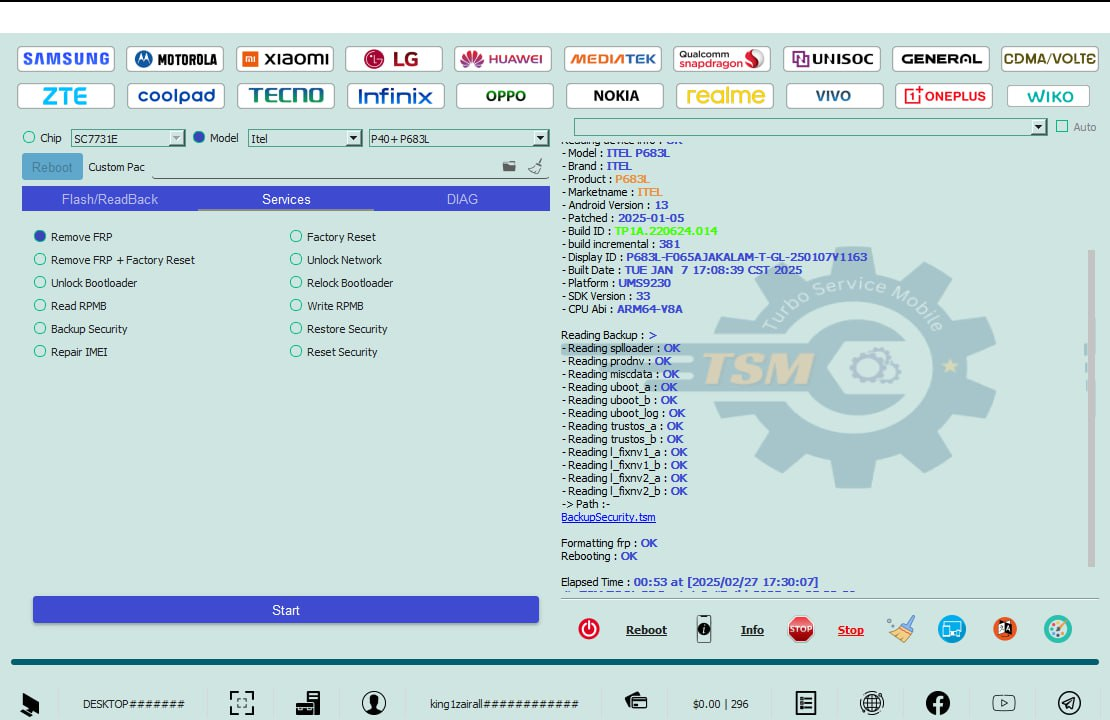
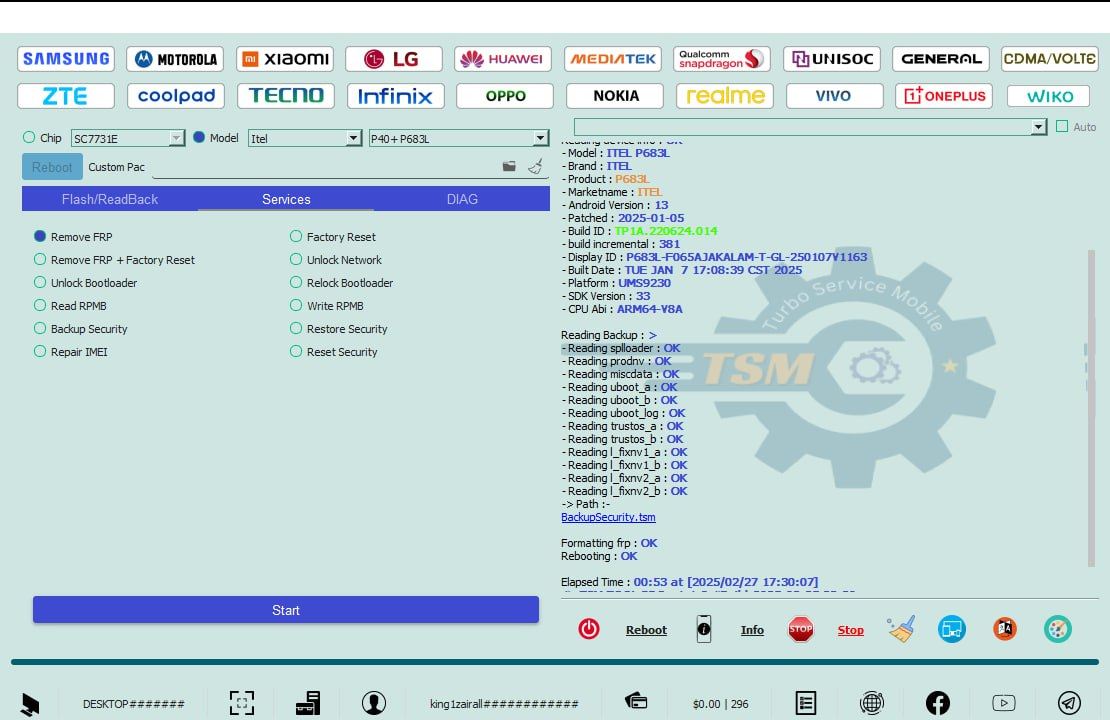
- Open TSM Tool Pro
- Select Realme → C71 → RMX5303
- Choose FRP Remove (SPD DIAG U2S)
- Connect phone in powered-off mode
- Click Start and wait
- Reboot device and set up new Google account
This is currently the best Remove FRP Realme C71 2026 method.
IMEI Repair and Other Services
Some tools also offer:
- IMEI write (as per local laws)
- NV repair
- Baseband fix
- Network unlock (limited)
⚠️ Always follow your country’s legal regulations.
Comparison with Other Tools
| Tool Name | Android 15 Support | Realme C71 | Ease of Use | Technician Grade |
|---|---|---|---|---|
| TSM Tool Pro | ✅ Yes | ✅ Full | ⭐⭐⭐⭐☆ | ✅ Yes |
| Generic APK | ❌ No | ❌ | ⭐⭐ | ❌ |
| Free Online Tools | ❌ No | ❌ | ⭐ | ❌ |
| Old SPD Tools | ⚠️ Limited | ❌ | ⭐⭐⭐ | ⚠️ |
Safety Tips and Legal Considerations
- Only unlock devices you own or have permission for
- Avoid cracked tools (malware risk)
- Keep customer data confidential
- Follow local IMEI and unlocking laws
Using Remove FRP Realme C71 responsibly builds trust and business reputation.
Troubleshooting Common Errors
Device Not Detected
- Reinstall SPD drivers
- Use original USB cable
- Try another USB port
FRP Failed
- Update tool version
- Check Android/security patch
- Use correct model (RMX5303)
Tool Login Error
- Check internet connection
- Verify license validity
Pricing and Subscription Plans
Pricing varies by tool and region.
Typical Plans
- Single Credit: Best for individual use
- Monthly Plan: Small repair shops
- Yearly : High-volume technicians
For best value, technicians should choose annual plans.
FAQs – Remove FRP Realme C71
Q1. Can I remove FRP on Realme C71 Android 15?
Yes, using professional tools that support Android 15 and latest security patch.
Q2. Is Remove FRP Realme C71 free?
No reliable free method exists for Android 15. Professional tools are recommended.
Q3. Does this method support RMX5303?
Yes, Realme C71 RMX5303 FRP Unlock is fully supported.
Q4. Is data lost during FRP removal?
Yes, data is usually erased. FRP removal does not recover old data.
Q5. Is this safe for technicians?
Yes, when using licensed tools like TSM Tool Pro FRP Realme C71.
Final Thoughts – Download, Contact & Subscribe
If you are searching for a reliable, fast, and professional way to Remove FRP Realme C71, this guide covers everything you need—from technical details to real-world usage.
Why Buy from GsmRadix
- 100% genuine and verified firmware
- Official download mirror of TSM Pro Tool
- Instant auto-delivery 24/7
- Secure checkout with fast technical support