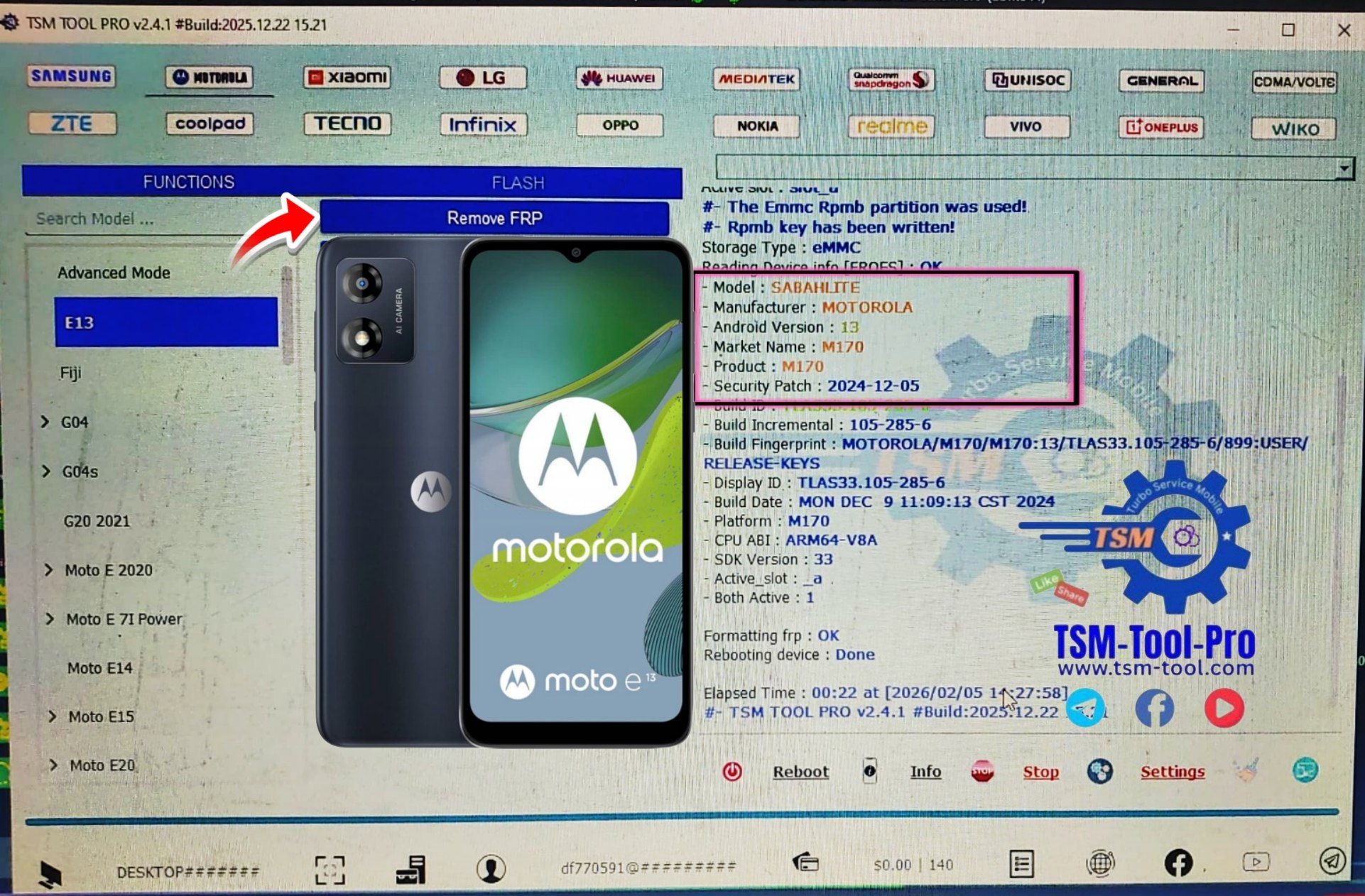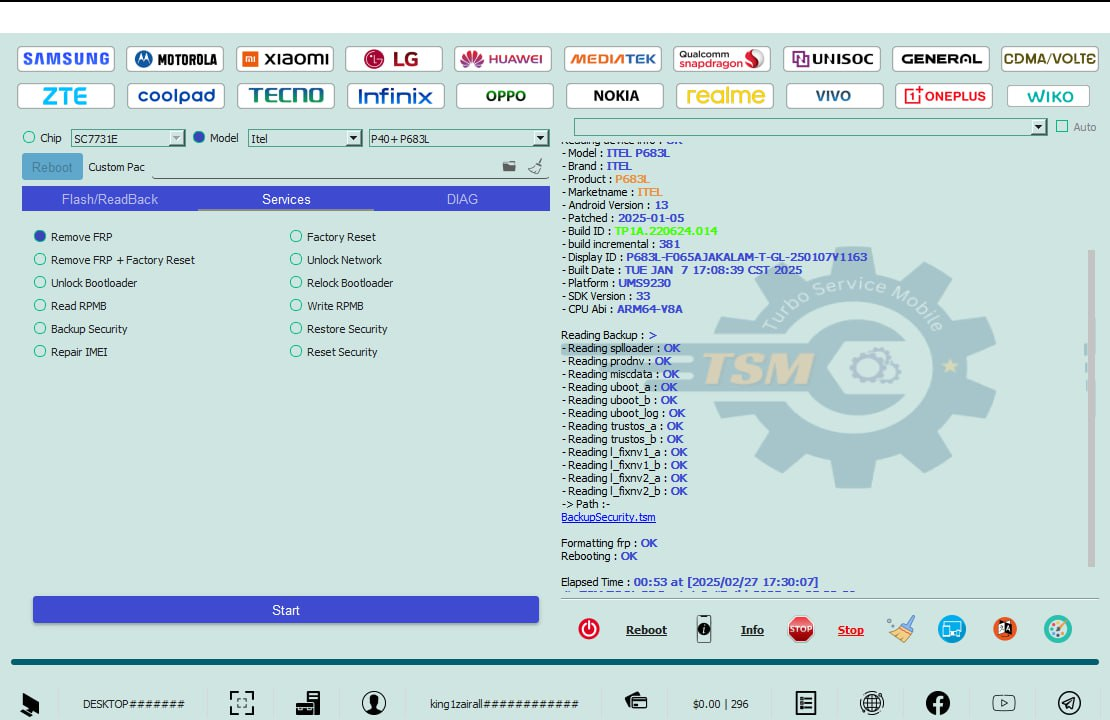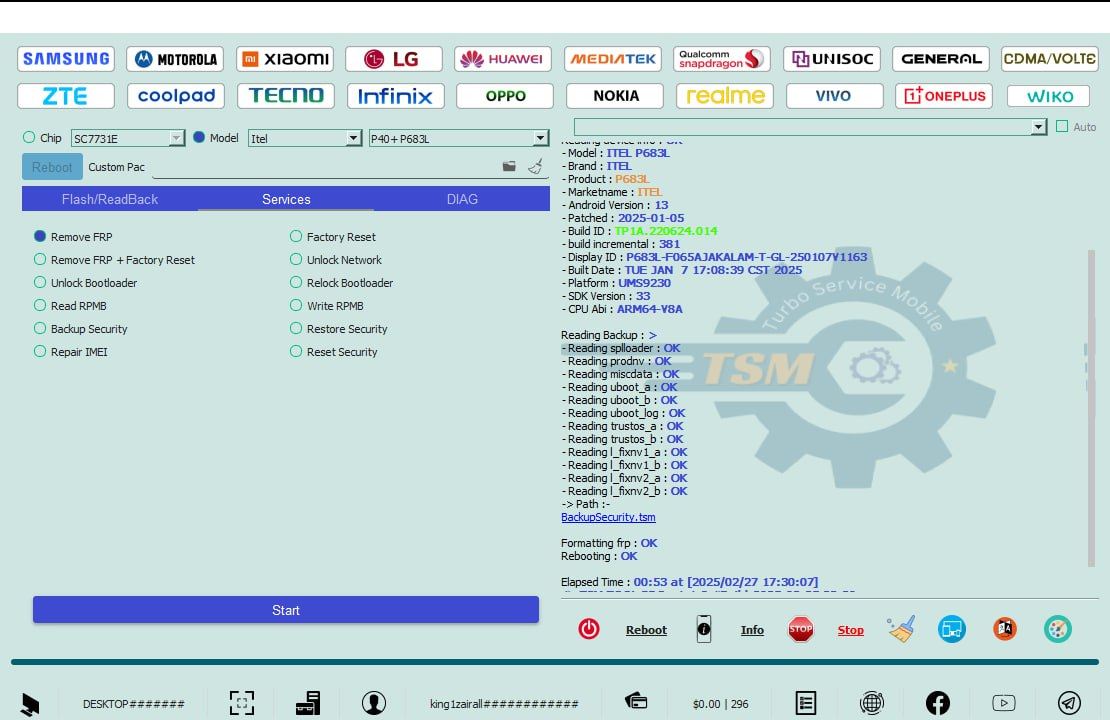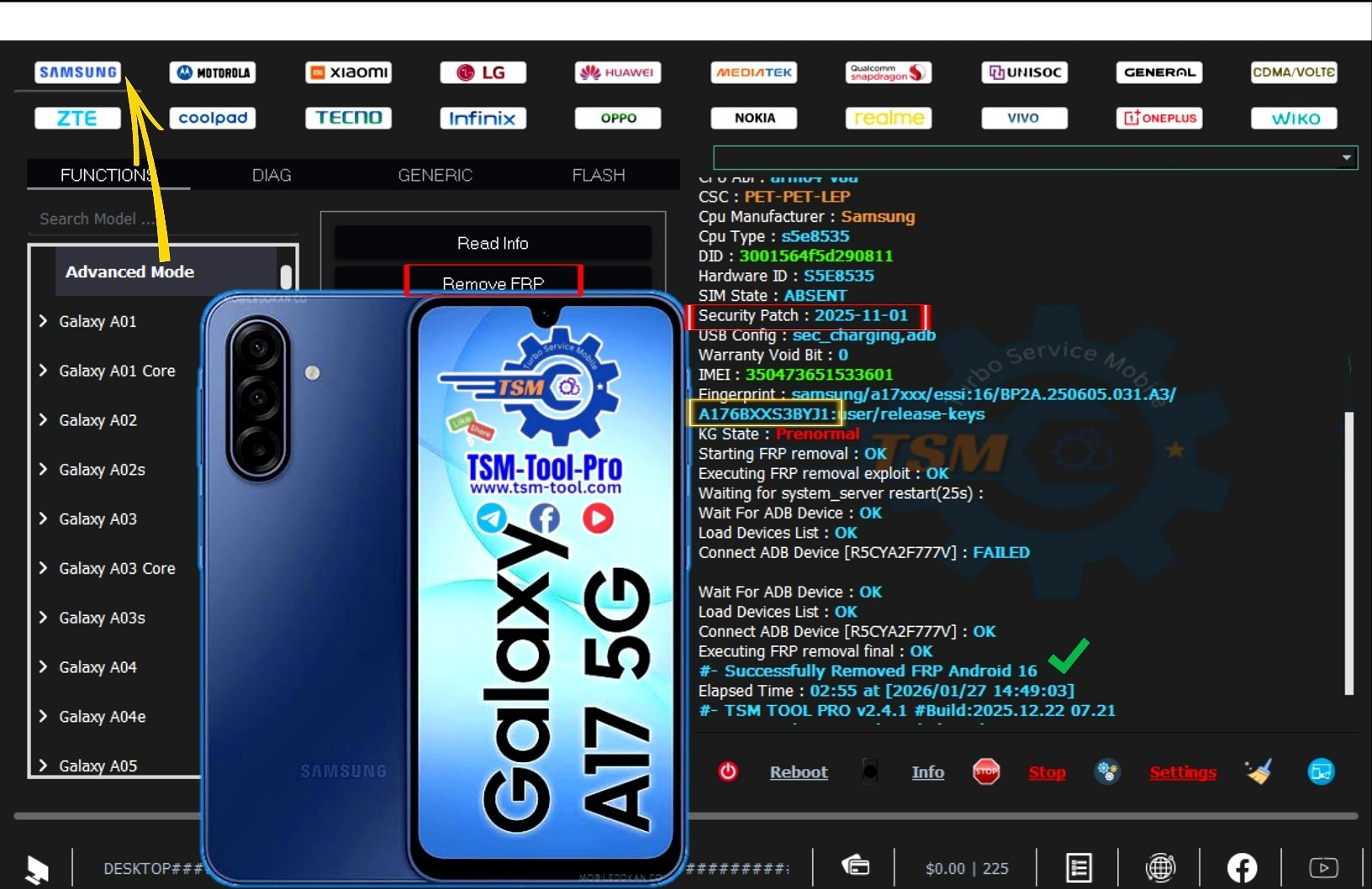
Factory Reset Protection (FRP) is an Android security feature that protects user data after a factory reset, but it can lock out legitimate users if Google account details are forgotten.
This short guide explains Remove FRP Samsung Galaxy A17 SM-A176B Android 16 using a safe and updated 2026 method.
It is suitable for both individual users and professional technicians.
Follow this guide to unlock FRP on Samsung Galaxy A17 quickly and legally.
What Is Remove FRP Samsung Galaxy A17 SM-A176B Android 16 and Why It Is Needed
Understanding FRP Lock on Samsung Galaxy A17
FRP (Factory Reset Protection) activates automatically when a Google account is added to an Android device. After a hard reset, Android requires the same Google account credentials to proceed.
For the Samsung Galaxy A17 SM-A176B running Android 16, FRP security is stronger than previous versions due to:
- Updated Google security policies
- New Samsung boot and authentication layers
- Improved MTK chipset protection
Why FRP Removal Is Required
Removing FRP on Samsung Galaxy A17 becomes necessary in situations such as:
- Forgotten Google account ID or password
- Second-hand device with previous owner account
- Customer devices in repair shops
- Demo or test devices reset without account removal
The Remove FRP Samsung Galaxy A17 SM-A176B Android 16 solution allows legitimate access while maintaining compliance with legal and ethical standards.
Key Features of Remove FRP Samsung Galaxy A17 SM-A176B Android 16 (Latest Version)
The latest FRP removal solution for Samsung Galaxy A17 offers powerful capabilities designed for modern Android security.
Core Features
- Supports Android 16 (2025–2026 security patches)
- Works on MTK chipset without hardware test points
- Fast FRP reset process (usually under 5 minutes)
- Compatible with MTP and authorized connection modes
- Safe for personal users and professional technicians
Advanced Capabilities
- Stable performance on updated firmware
- No data corruption or system damage
- Supports bulk device handling (for repair shops)
- Regular updates for future Android patches
This makes Samsung Galaxy A17 FRP Unlock both reliable and future-proof.
Supported Devices and Brands
Although this guide focuses on Remove FRP Samsung Galaxy A17 SM-A176B Android 16, the same mobile unlock program often supports multiple models.
Supported Samsung Models (Examples)
- Galaxy A17 (SM-A176B)
- Galaxy A15 / A16 (MTK variants)
- Galaxy M series (MTK models)
- Galaxy F series
Other Supported Brands (Depending on Tool Version)
- Xiaomi (MTK)
- Vivo / Oppo (select MTK models)
- Tecno / Infinix / Itel
This wide compatibility makes it a valuable phone unlock app for technicians.
Download and Installation Process
System Requirements
Before proceeding, ensure your system meets these requirements:
- Windows 10 or Windows 11 (64-bit recommended)
- Minimum 8 GB RAM
- Stable internet connection
- Original USB cable
Step-by-Step Installation Guide
- Download the latest version of the FRP removal tool from the official source
- Extract the downloaded ZIP file
- Disable antivirus temporarily (to avoid false positives)
- Run the setup file as administrator
- Complete installation and reboot the system
Once installed, the software is ready for Remove FRP Samsung Galaxy A17 SM-A176B Android 16 operations.

How to Register and Activate
Most professional tools require activation.
- Open the installed software
- Click on Register or Login
- Create an account using email
- Activate license By Our Trusted Reseller
- Restart the tool after successful activation
Activation ensures stable operation and access to updates.
How to Use Remove FRP Samsung Galaxy A17 SM-A176B Android 16
This section is written for both phone owners and technicians.
For Individual Users
- Power off Samsung Galaxy A17
- Connect device to PC via USB
- Launch the FRP unlock tool
- Select Samsung → MTK → FRP
- Follow on-screen instructions
- Wait until FRP removal completes
- Reboot and set up device without Google lock
For Professional Technicians and Repair Shops
Technicians benefit from faster workflows and additional features:
- Batch processing for multiple devices
- Firmware-safe FRP reset
- Reduced callback and failure rate
Using SM-A176B FRP Bypass professionally increases customer trust and business reputation.
IMEI Repair and Other Services
Some advanced tools also offer:
- IMEI repair (where legally permitted)
- Baseband restoration
- Network unlock features
- Firmware repair and flashing
Always follow local laws when performing IMEI-related services.
Comparison with Other FRP Removal Tools
| Feature | Galaxy A17 FRP Tool | Generic FRP Tools |
|---|---|---|
| Android 16 Support | Yes | Limited |
| MTK Optimization | Yes | No |
| Samsung A17 Support | Full | Partial |
| Update Frequency | Regular | Rare |
| Technician Friendly | High | Medium |
The table clearly shows why Remove FRP Samsung Galaxy A17 SM-A176B Android 16 tools outperform generic solutions.
Safety Tips and Legal Considerations
FRP removal must always be performed responsibly.
Safety Guidelines
- Always confirm device ownership
- Backup data when possible
- Use trusted and verified software
- Avoid cracked or modified tools
Legal Notice
FRP unlocking should only be done on devices you own or have customer authorization for. Unauthorized access to locked devices may violate local laws.
Troubleshooting Common Errors
Device Not Detected
- Reinstall USB drivers
- Change USB cable or port
- Enable proper connection mode
FRP Removal Failed
- Ensure correct firmware version
- Update tool to latest release
- Retry with stable internet
Tool Crashes
- Run as administrator
- Disable conflicting background software
Most issues during Galaxy A17 FRP Remove Android 16 are easily solvable with proper setup.
Pricing and Subscription Plans
Pricing depends on the tool provider.
Common License Options
- Monthly plan (for technicians)
- Annual subscription (best value)
- Lifetime license (limited availability)
Professional repair shops often choose yearly plans for maximum ROI.
Frequently Asked Questions (FAQs)
Is it safe to remove FRP on Samsung Galaxy A17?
Yes, when using trusted tools and legal methods.
Does this work on latest Android 16 patch?
Yes, the Remove FRP Samsung Galaxy A17 SM-A176B Android 16 method supports 2025–2026 patches.
Can beginners use this method?
Yes, the process is beginner-friendly with guided steps.
Is internet required during FRP removal?
Yes, for authentication and verification.
Does this erase user data?
FRP removal does not erase existing data, but factory reset may already have done so.
Final Thoughts + Download and Contact CTA
Removing FRP on modern Samsung devices requires precision, updated tools, and correct knowledge. This guide on Remove FRP Samsung Galaxy A17 SM-A176B Android 16 provides everything needed to unlock devices safely and efficiently.
Why Buy from GsmRadix
- 100% genuine and verified firmware
- Official download mirror of Tsm Pro Tool 3 Months
- Instant auto-delivery 24/7
- Secure checkout with fast technical support