The Samsung Qualcomm BIT FRP Tool has become one of the most trusted solutions for removing Factory Reset Protection (FRP), performing factory resets, flashing firmware, and handling advanced Qualcomm-based Samsung devices. In 2025, with frequent security updates and higher BIT versions, both individual users and professional repair technicians need a reliable, safe, and fast mobile unlock program.
This in-depth guide explains everything you need to know about the Samsung Qualcomm BIT FRP Tool, including features, supported models, installation steps, usage methods, pricing, and safety considerations. Whether you are a beginner or a repair shop owner, this article will help you decide why this tool is the right choice.
What is Samsung Qualcomm BIT FRP Tool and Why It Is Needed
The Samsung Qualcomm BIT FRP Tool is a professional phone unlock app designed specifically for Samsung devices powered by Qualcomm chipsets. It focuses on handling higher security BIT versions that standard tools often fail to support.
Why FRP Protection Exists
Factory Reset Protection is a Google security feature that prevents unauthorized access after a factory reset. While it improves security, it can also lock out genuine owners who forget their Google account credentials.
Why You Need This Tool in 2025
- Samsung devices now ship with higher Qualcomm BIT security
- Many free or outdated tools fail on new patches
- Repair shops need a fast and repeatable solution
- Individual users need a safe way to regain access to their own devices
The Best Samsung Qualcomm BIT FRP Tool 2025 ensures compatibility with the latest security updates while maintaining a simple workflow.
Key Features of Samsung Qualcomm BIT FRP Tool (Latest Version)
The latest release focuses on stability, speed, and broader model support.
Core Features
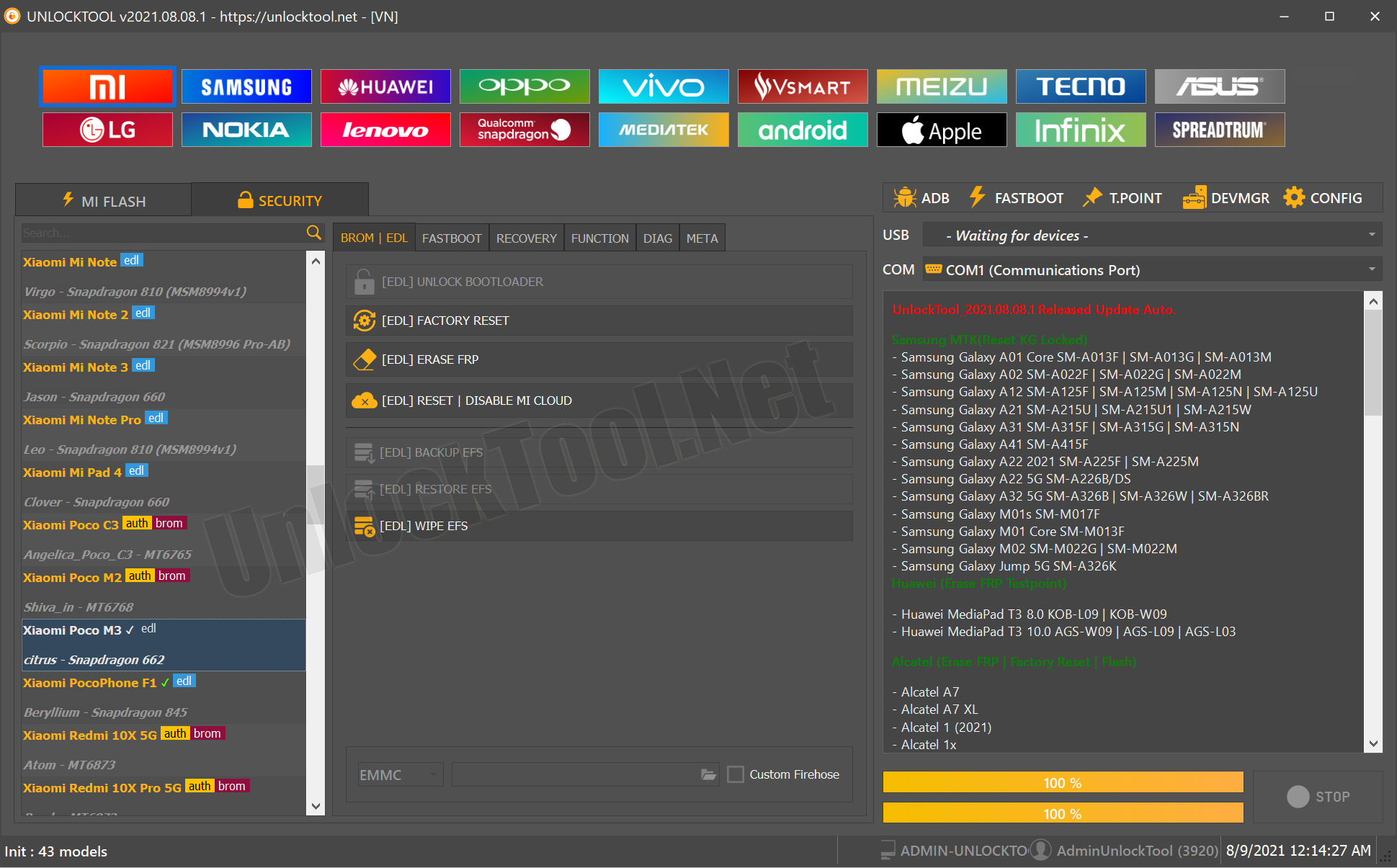
- FRP Remove Samsung (Qualcomm BIT supported)
- Samsung BIT Factory Reset Tool functionality
- Readback and backup support
- Secure flashing using the UnlockTool Samsung Flash Tool module
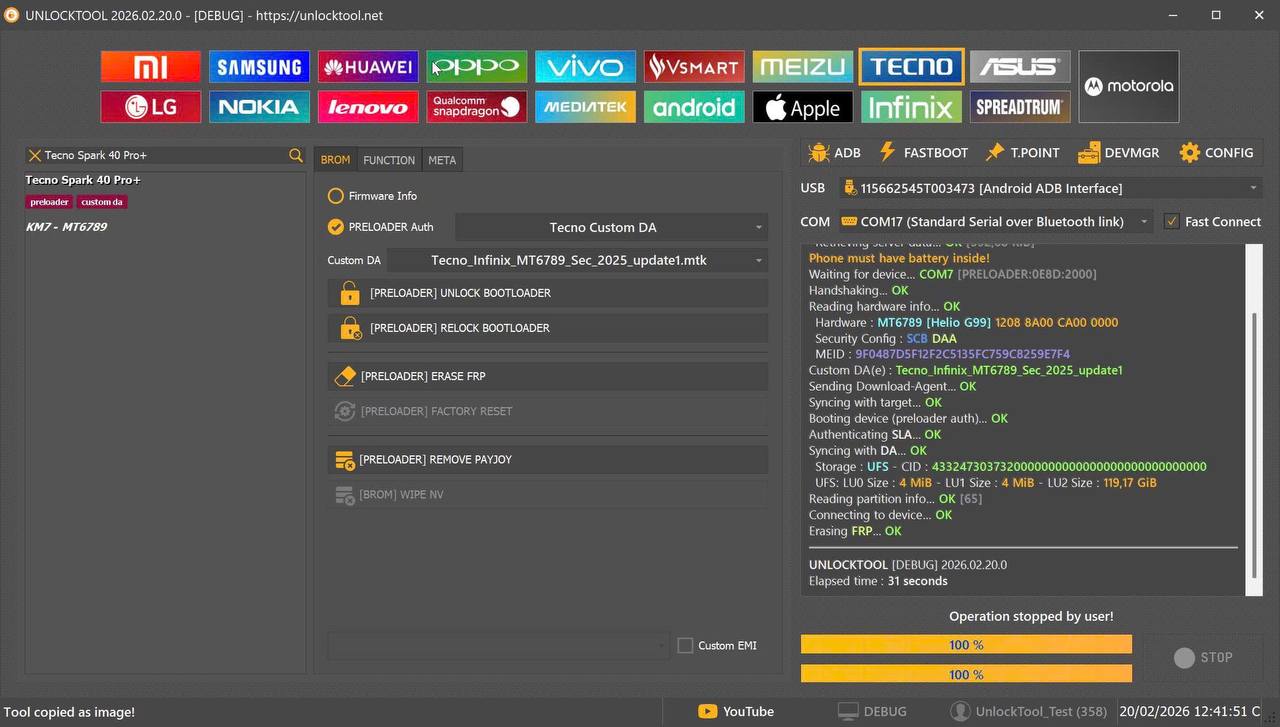
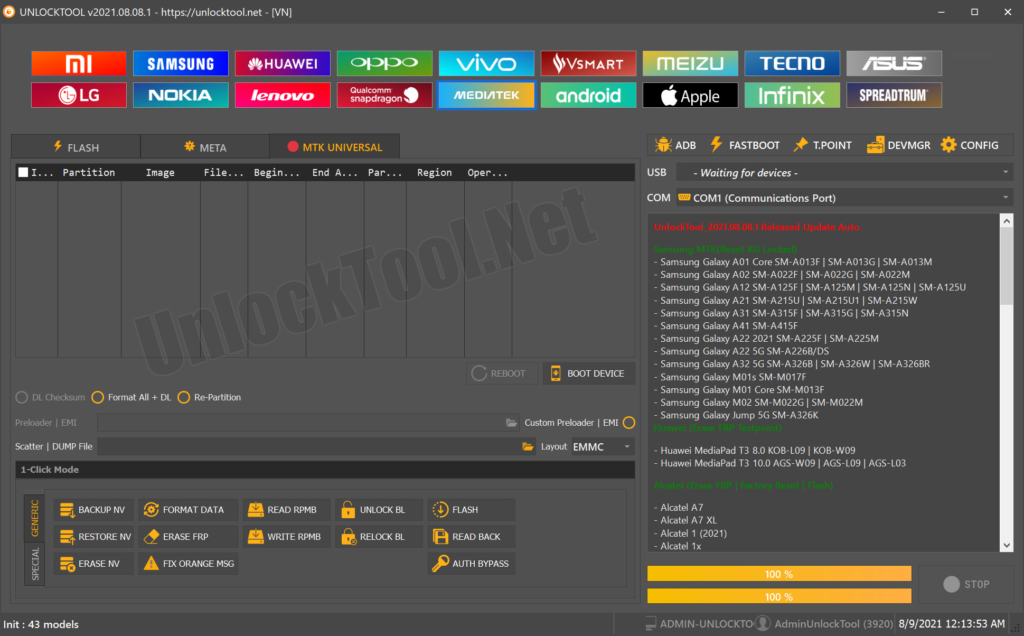
- Automatic device detection in EDL mode
- Safe handling of high BIT versions
Advanced Features for Technicians
- Bulk processing support
- Logs for error tracking
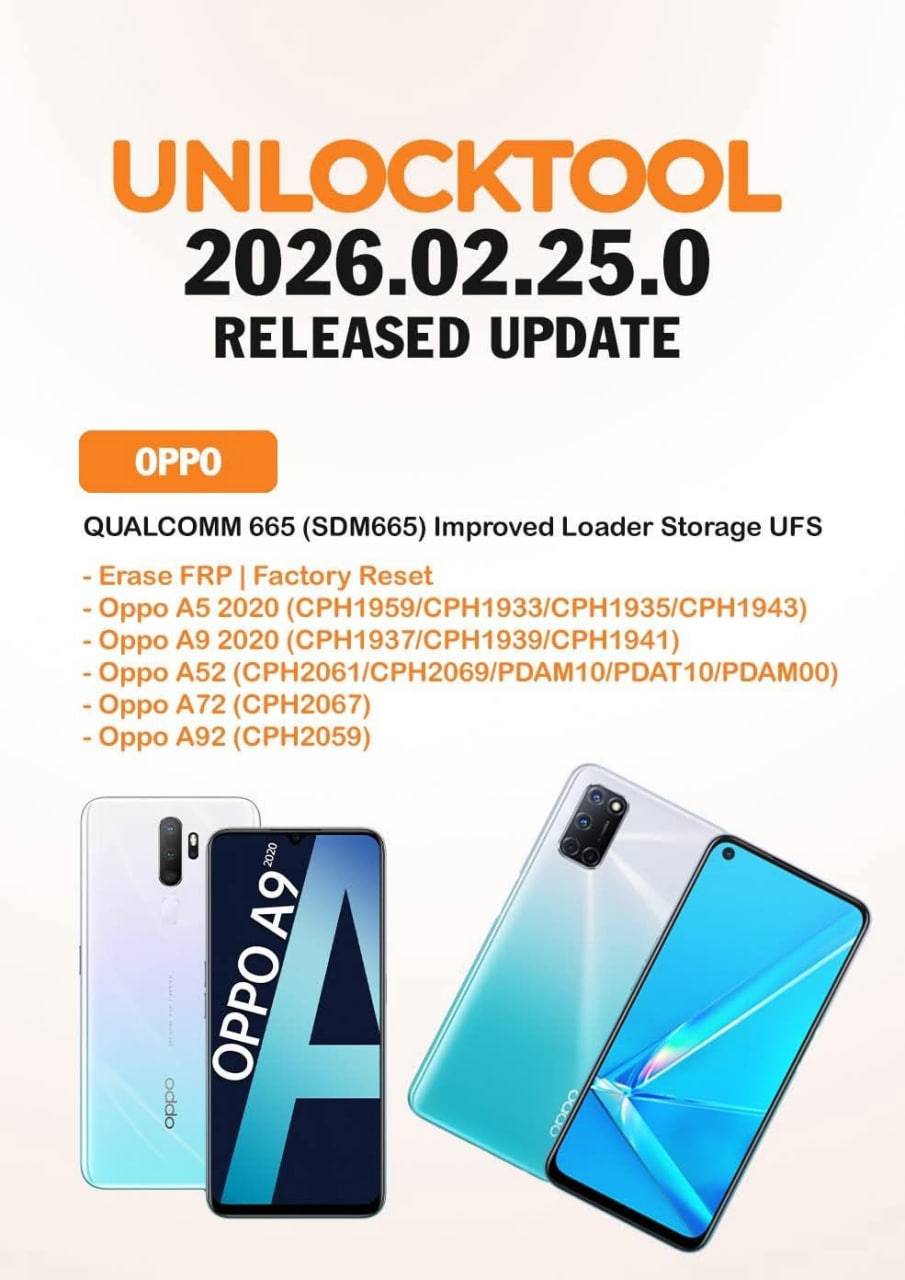
- Regular UnlockTool Samsung BIT Update releases
- Optimized workflow for repair shops
Supported Devices and Brands
The Samsung Qualcomm BIT FRP Tool supports a wide range of Samsung smartphones and tablets using Qualcomm processors.
Popular Supported Categories
- Galaxy S Series (S20, S21, FE variants)
- Galaxy Z Fold & Z Flip series
- Galaxy A and M series
- Samsung Tabs (Active, S FE, A series)
Tip: Always verify the Samsung Qualcomm BIT Supported Models list before starting a job to avoid compatibility issues.
Download and Installation Process
Downloading and installing the Samsung Qualcomm BIT FRP Tool is straightforward when done from official sources.
Step-by-Step Installation Guide
- Download the latest version from the official website
- Disable antivirus temporarily (to avoid false positives)
- Install required USB and Qualcomm drivers
- Launch the tool as administrator
- Restart your system if prompted

How to Register and Activate
- Create an account using email or username
- Purchase or activate your license
- Log in to the tool dashboard
- Wait for online authentication
Once activated, you can access all supported Samsung Qualcomm BIT operations.
How to Use Samsung Qualcomm BIT FRP Tool (For Owners and Technicians)
The tool is designed for both non-technical users and professionals.
Basic FRP Removal (Owners)
- Boot the device into EDL mode
- Connect via USB
- Select FRP Remove Samsung option
- Click Start and wait for completion
Professional Usage (Technicians)
- Perform factory reset on locked devices
- Flash official firmware safely
- Use it as a full mobile unlock program for Qualcomm Samsung phones
IMEI Repair and Other Services
Some versions include additional service features such as:
- Diagnostic readback
- Secure flashing assistance
- Device information retrieval
Always ensure compliance with local laws before using advanced services.
Comparison with Other Tools
| Feature | Samsung Qualcomm BIT FRP Tool | Free Tools | Generic Unlock Apps |
|---|---|---|---|
| High BIT Support | Yes | No | Limited |
| Latest Samsung Models | Yes | Rare | Partial |
| Stability | High | Low | Medium |
| Technician Friendly | Yes | No | No |
This comparison shows why professionals prefer this solution over generic phone unlock apps.
Safety Tips and Legal Considerations
Using the Samsung Qualcomm BIT FRP Tool responsibly is essential.
Safety Tips
- Always backup data before operations
- Use official firmware files
- Keep the tool updated
Legal Considerations
- Use only on devices you own or are authorized to repair
- Follow local regulations regarding IMEI and security features
- Avoid misuse for illegal unlocking
Troubleshooting Common Errors
Device Not Detected
- Reinstall Qualcomm drivers
- Change USB cable or port
Authentication Failed
- Check internet connection
- Verify license validity
Operation Stuck
- Restart tool and PC
- Reboot device into correct mode
Most issues are resolved with updated drivers and the latest UnlockTool Samsung BIT Update.
Pricing and Subscription Plans
The Samsung Qualcomm BIT FRP Tool is usually available under subscription-based licensing.
Common Plans
- Monthly license (best for individuals)
- Quarterly license (small shops)
- Annual license (high-volume repair centers)
Pricing varies by region and feature access. Always buy from trusted resellers.
Frequently Asked Questions (FAQs)
Is Samsung Qualcomm BIT FRP Tool safe?
Yes, when downloaded from official sources and used properly.
Does it support the latest Samsung updates?
Yes, regular updates ensure compatibility with new security patches.
Can beginners use this tool?
Absolutely. The interface is beginner-friendly with guided steps.
Is this the best Samsung Qualcomm BIT FRP Tool 2025?
Based on stability, support, and success rate, it is one of the top choices.
Final Thoughts – Download, Contact & Subscribe
The Samsung Qualcomm BIT FRP Tool stands out as a reliable, future-ready solution for Samsung Qualcomm devices. It combines power, ease of use, and professional-grade features, making it suitable for both personal users and repair technicians.
Why Buy from GsmRadix
- 100% genuine and verified firmware
- Official download mirror of UnlockTool 3 months
- Instant auto-delivery 24/7
- Secure checkout with fast technical support