If you work with Android repairs, FRP unlocking, IMEI fixing, or network services, you already know how quickly new chipsets make old tools outdated. The Snapdragon 695 UnlockTool is currently one of the most demanded solutions because of the increasing number of devices using the Snapdragon 695 5G chipset.

With new Oppo, Realme, OnePlus, and Xiaomi models launching every few months, technicians, service centers, and even individual users are looking for a stable, safe, and working solution for unlocking and repairing these devices.
This long-form SEO guide covers everything about the tool — features, supported devices, installation guide, pricing, FAQs, update logs, and download links
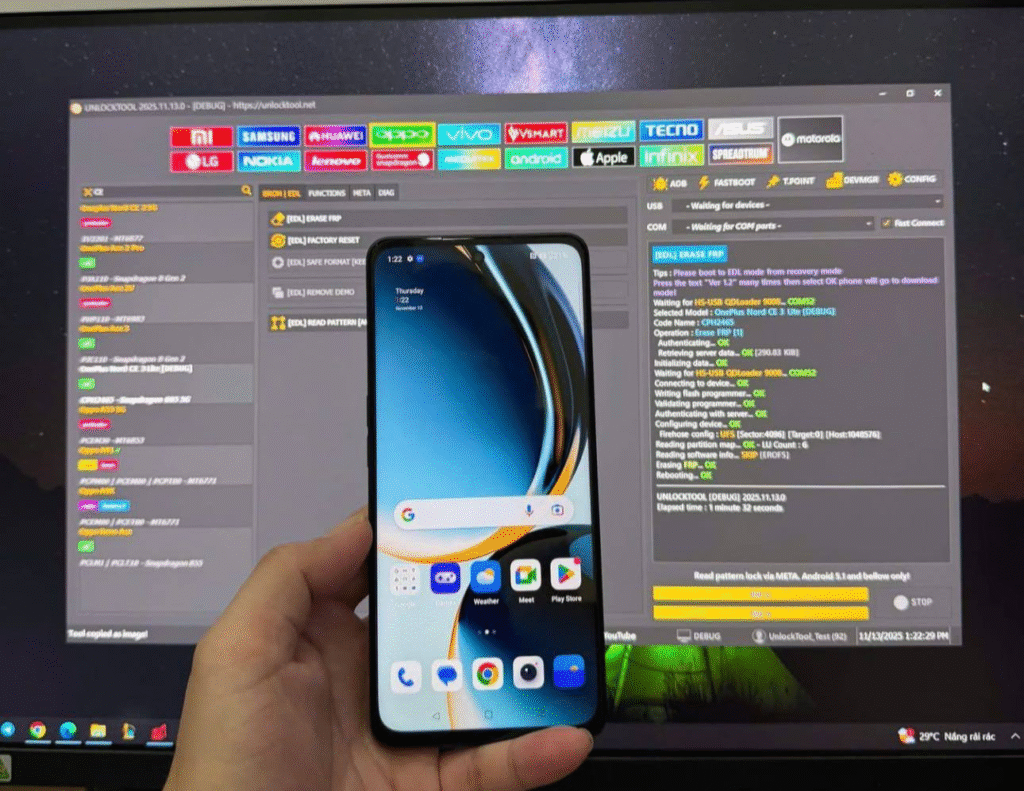
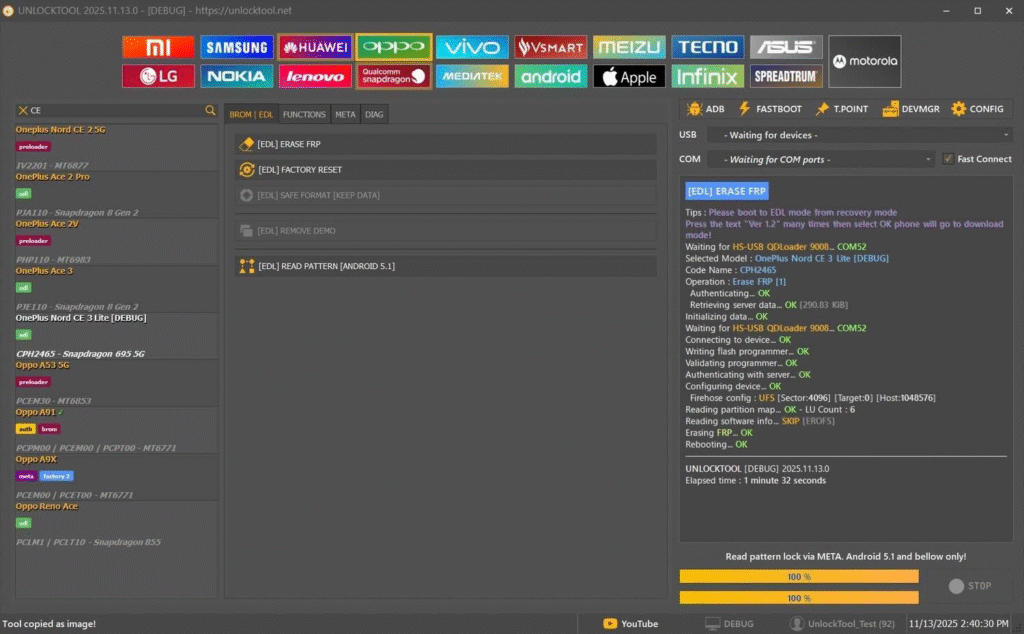
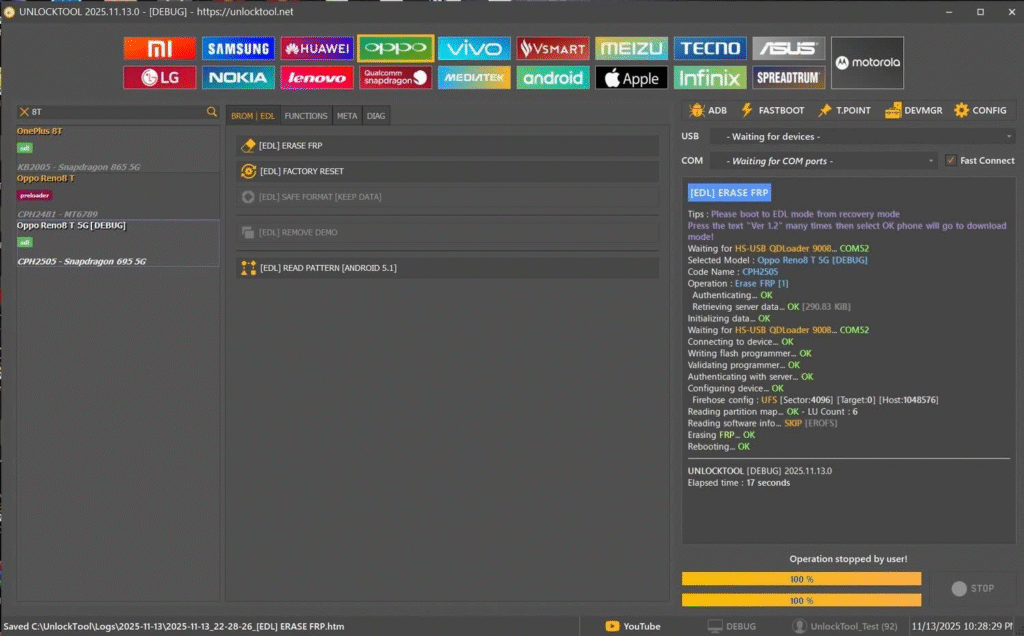
What is Snapdragon 695 UnlockTool and Why Is It Needed?
The Snapdragon 695 UnlockTool is a professional Android servicing software designed to unlock, repair, and manage Snapdragon 695 chipset devices. The tool is frequently used by:
- Mobile repair shops
- Technicians
- FRP/unlocking service providers
- Individual users needing a one-time fix
Why the Snapdragon 695 Needs a Special Tool
The Snapdragon 695 is a newer mid-range 5G chipset with upgraded security layers, including:
- Enhanced KG Lock protection
- New Firehose protocol changes
- Tighter FRP & OEM security
- Encrypted NV partitions
Traditional tools fail on these devices, which is why many technicians rely on specialized software such as UnlockTool, MDMFixTool, Hydra, or QFIL-based solutions.
The Snapdragon 695 UnlockTool solves problems like:
- FRP lock
- Network lock
- IMEI corruption
- Soft-brick issues
- Auth requirement bypass
- Carrier restrictions
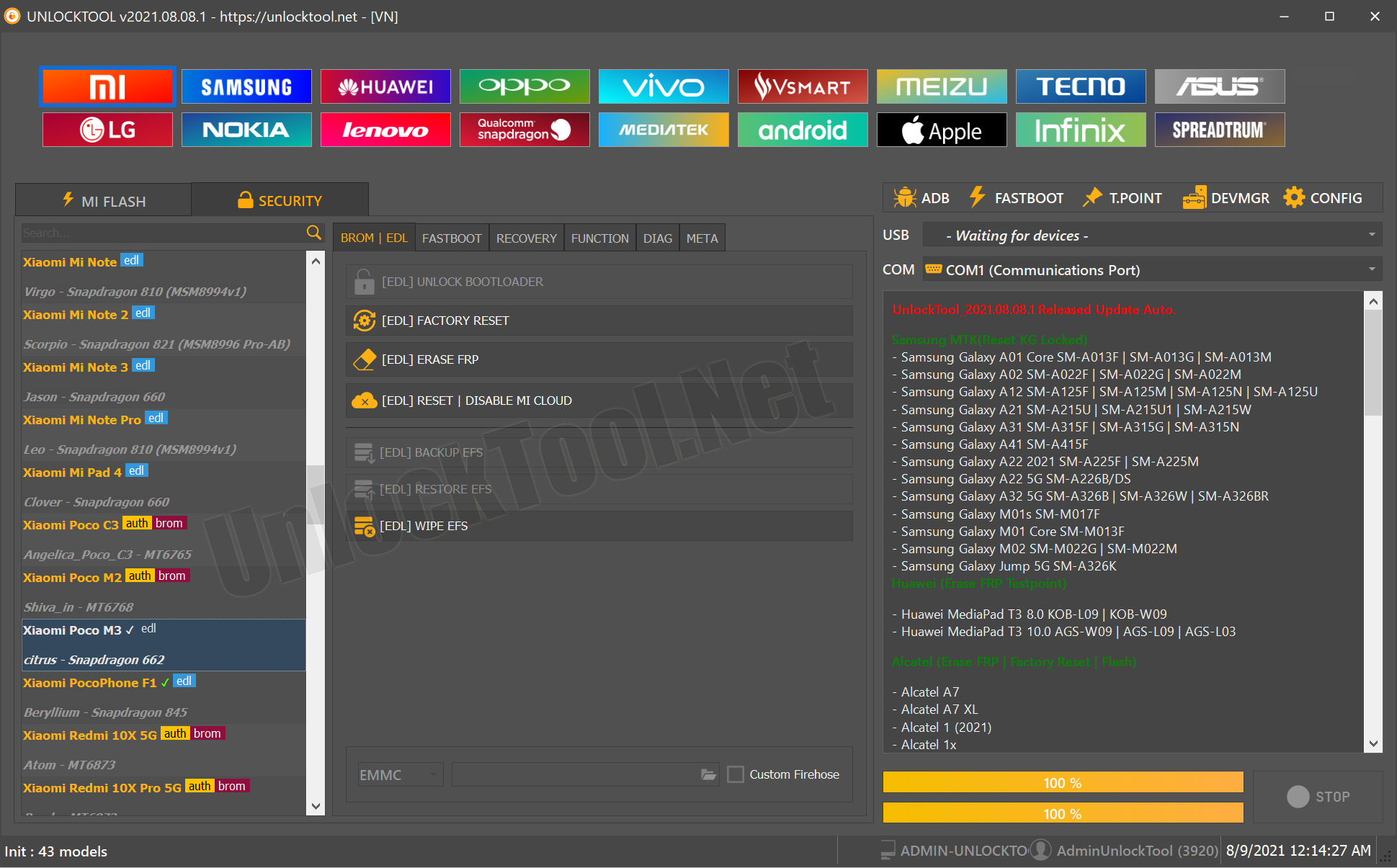
Key Features of the Latest Snapdragon 695 UnlockTool
Below are the core features for Snapdragon 695 5G devices:
1. FRP Unlock (No Auth, No VPN Required)
Bypasses Google account verification (FRP) without needing server authentication.
2. Network Unlock / Carrier Unlock
Unlocks network restrictions on devices locked to carriers like Verizon, T-Mobile, AT&T, JIO, Airtel, etc.
3. IMEI Repair (Legal Use Only)
Repairs IMEI in case of software corruption or after motherboard work.
Note: IMEI changing is illegal in many countries.
4. Bootloader Services
- Bootloader unlock
- Bootloader relock
- Flashing via Fastboot/EDL
5. Remove Activation Lock / No-Auth Bypass
Useful for devices with corrupted or incomplete activation setups.
6. Full Partition Backup & Restore
Helps technicians save EFS/NV partitions before performing risky operations.
7. Safe EDL (Emergency Download Mode) Entry
Allows EDL access without opening the phone.
8. Updated Firehose Loader Compatibility
Supports new 2024–2025 Snapdragon 695 models.
9. Auto-Detect Brand & Variant
Detects model numbers from Oppo, Realme, OnePlus, Redmi, Motorola, etc.
Supported Snapdragon 695 Devices and Brands (Latest 2025 Update)
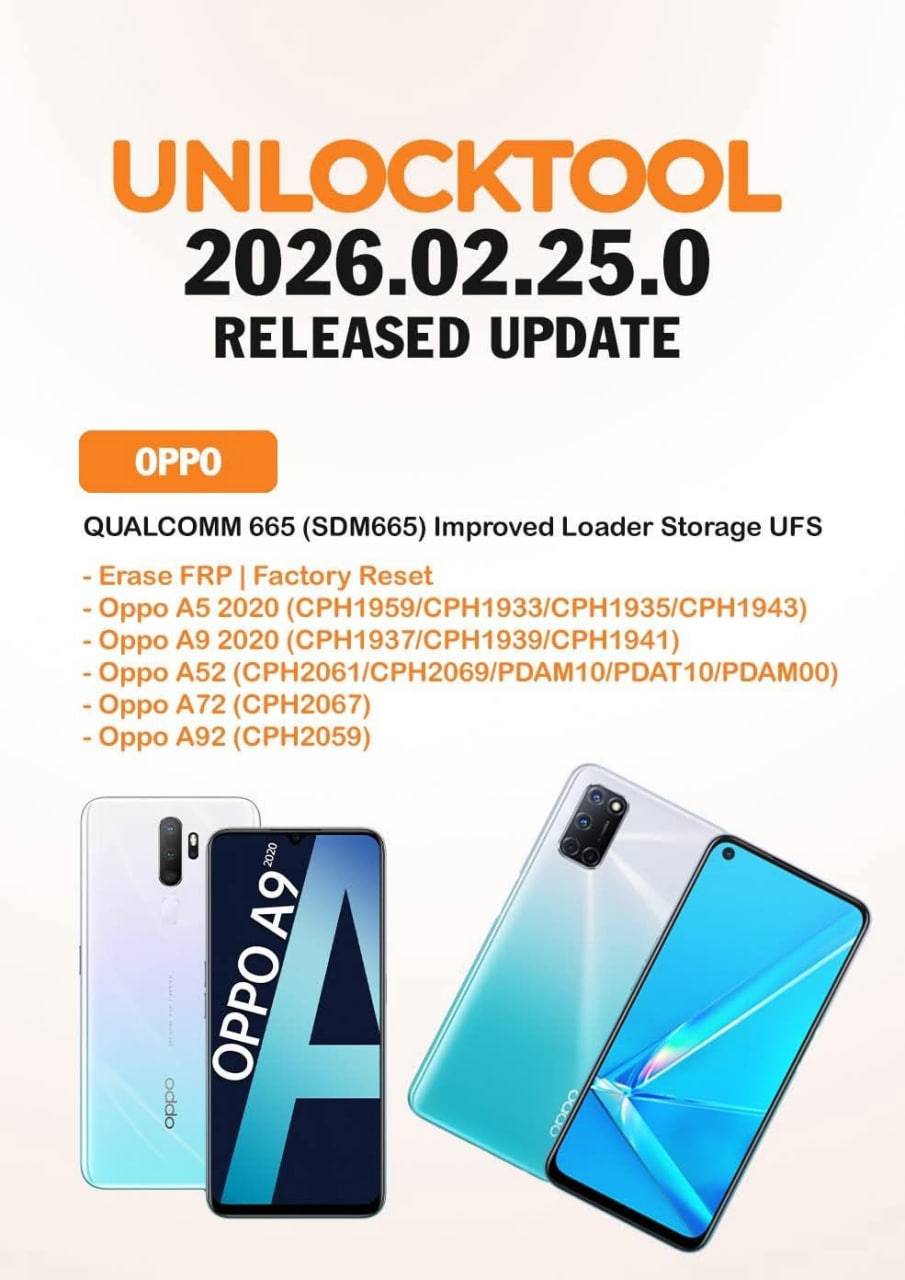
Below is the latest supported device list based on the most recent UnlockTool and MDMFixTool update logs.
Oppo
- Oppo Reno 8 Lite 5G
- Oppo Reno 8 T 5G
- Oppo Reno 7 Z 5G
- Oppo Reno 7 Lite 5G
- Oppo K12x
Realme
- Realme Q5 5G
- Realme V25
- Realme 9 5G
- Realme 9 Pro 5G
- Realme 10 Pro 5G
- Realme Pad X
OnePlus
- OnePlus Nord CE 2 Lite
- OnePlus Nord CE 3 Lite
- OnePlus Nord CE 4 Lite
- OnePlus Nord N20 5G
Other Brands
- Redmi/Xiaomi (selected models)
- Motorola devices with Snapdragon 695
- Vivo (limited variants)
LSI Keywords Used: Snapdragon 695 update, 695 5G supported devices, Snapdragon 695 models list, 695 5G unlocking support.
Download & Installation Process for Snapdragon 695 UnlockTool
Follow these steps to download and install the tool.
Requirements
- Windows 10/11
- .NET Framework
- Qualcomm drivers
- 4GB RAM
- Internet connection
Step-by-Step Installation Guide
Step 1: Download the Installer
Download the official setup from the provider or through a verified reseller.
Step 2: Extract the ZIP File
Use WinRAR or 7Zip.
Step 3: Install Qualcomm USB Drivers
Ensures proper EDL/Fastboot connectivity.
Step 4: Run the Installer
Complete the installation.
Step 5: Register or Log In
Create an account, verify email, activate subscription.
Step 6: Activate License
Tool syncs with the server and activates.
Register & Activate Snapdragon 695 UnlockTool
- Open the official panel
- Create an account
- Choose subscription plan
- Complete payment
- Log in inside UnlockTool
- License activates automatically
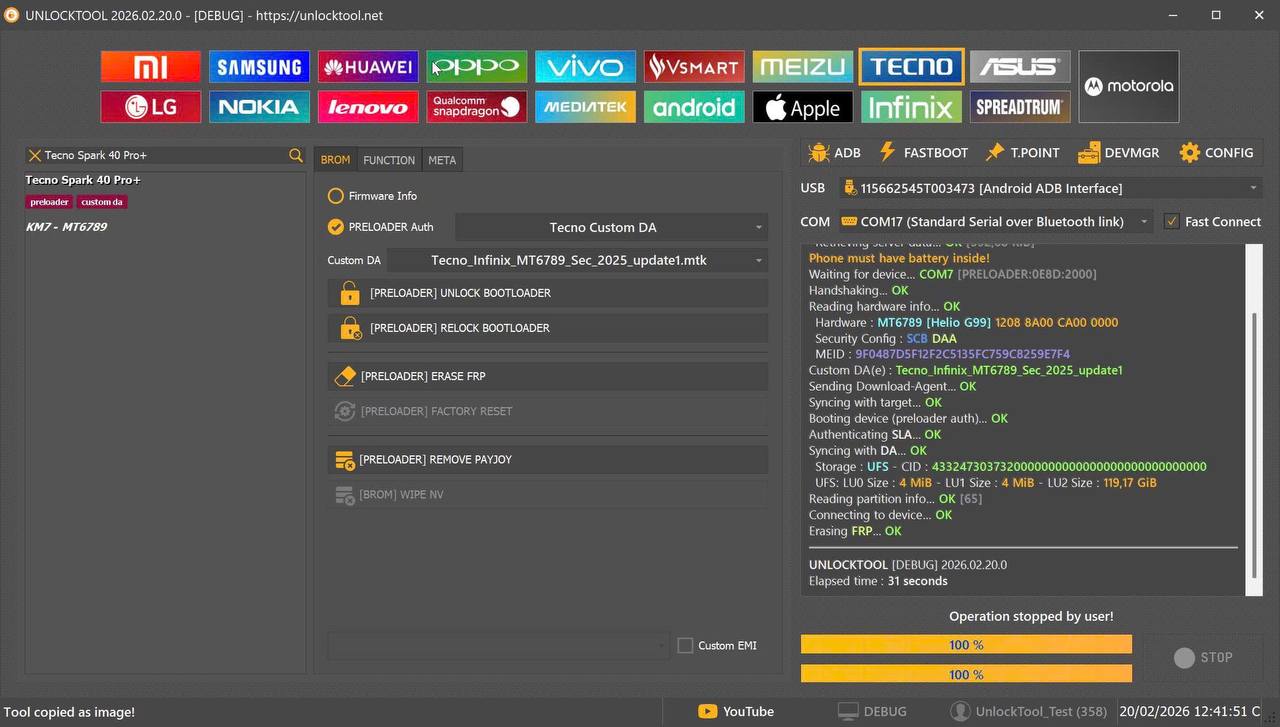
How to Use Snapdragon 695 UnlockTool
FRP Unlock
- Connect device in EDL/Fastboot
- Select FRP Remove
- Wait for completion
- Device reboots with FRP removed
Network Unlock
- Connect device
- Select Network Unlock
- Select model
- Let tool complete processing
- Phone reboots unlocked
IMEI Repair (Technicians Only)
- Backup NV/EFS
- Connect device in diag/EDL mode
- Select IMEI Repair
- Enter original IMEI
- Repair completes
Comparison with Other Tools
| Feature | UnlockTool | MDMFixTool | Hydra | QFIL |
|---|---|---|---|---|
| FRP Unlock | Yes | Yes | Yes | No |
| Network Unlock | Excellent | Limited | Good | No |
| IMEI Repair | Yes | Yes | Yes | No |
| No-Auth Bypass | Strong | Strong | Weak | No |
| OTA Updates | Regular | Occasional | Semi | None |
| Best For | Technicians | FRP/MDM | Power users | Flashing |
Safety Tips & Legal Notes
- Always use the tool legally
- Only repair IMEI for original restoration
- Avoid cracked versions
- Backup NV/EFS before operations
Troubleshooting Common Errors
1. Firehose Fail
Update loader or reconnect in EDL.
2. Device Not Detected
Install drivers, change cable.
3. Authentication Failed
Check subscription validity.
4. FRP Failed
Use EDL mode, update tool.
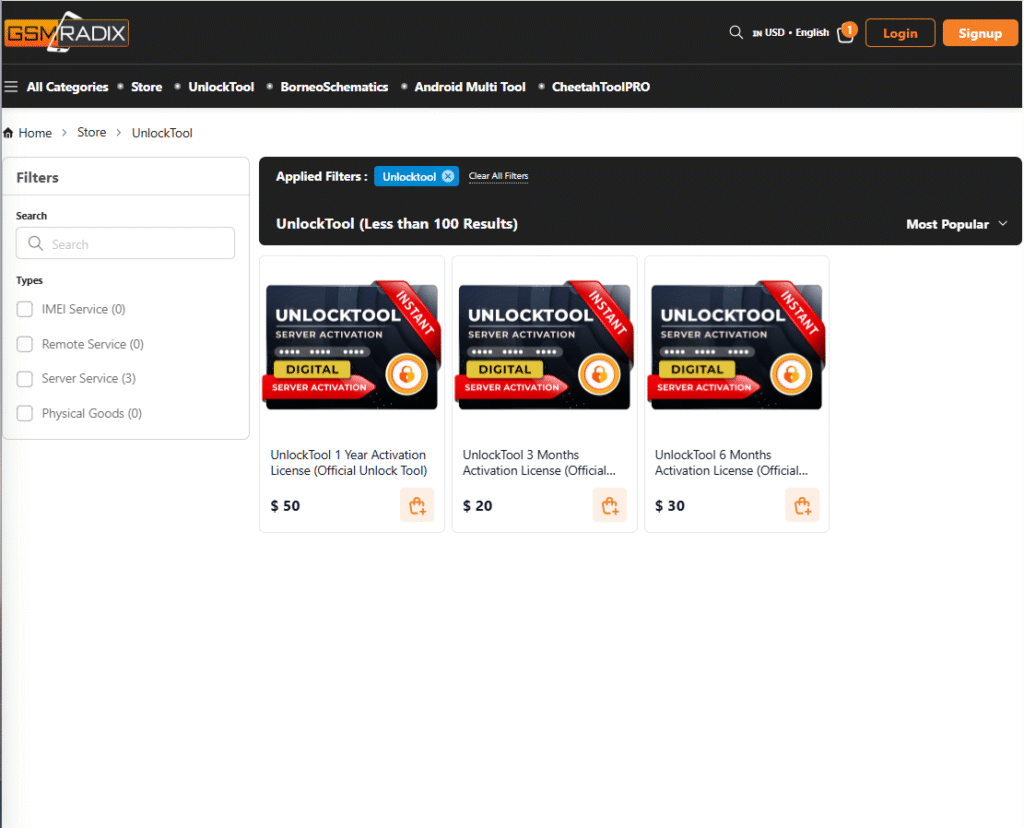
Pricing & Subscription Plans
- Daily Pass
- Monthly Plan
- Yearly Plan
- Special reseller pricing
FAQs
What is Snapdragon 695 UnlockTool?
A professional Android repairing tool for Snapdragon 695 devices.
Does it support new models?
Yes, frequently updated.
Can it repair IMEI?
Yes, but only to restore original IMEI.
Is it beginner-friendly?
Yes, basic features are easy to use.
How to get support?
WhatsApp/Telegram details available in CTA.
Final Thoughts and Download CTA
The Snapdragon 695 UnlockTool is one of the most reliable and updated solutions for FRP unlock, IMEI repair, network unlock, and software servicing. It supports the newest Oppo, Realme, OnePlus, Xiaomi, and Motorola models.
It is essential for technicians and useful even for individual users needing a one-time fix.
Why Buy from GsmRadix
- 100% genuine and verified firmware
- Official download mirror of UnlockTool 3 months
- Instant auto-delivery 24/7
- Secure checkout with fast technical support