The mobile repair and unlocking industry is evolving rapidly. With frequent Android security patches, new Snapdragon chipsets, and stricter OEM protections, technicians and advanced users need tools that are powerful, reliable, and consistently updated. This is where the TSM Pro Edition 2026 Update stands out.
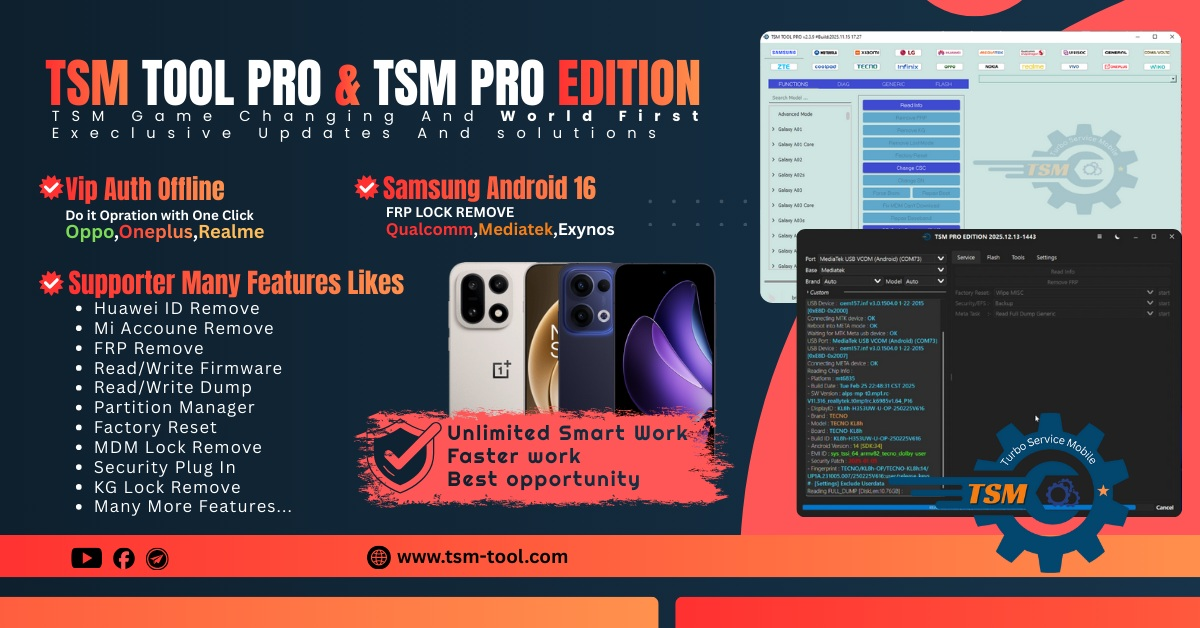
Designed for both individual users and professional repair shops, the TSM Pro Edition 2026 Update delivers advanced features such as FRP removal, Snapdragon-based unlocking, firmware read/write, dump operations, and factory reset support across a wide range of devices.
In this detailed guide, you will learn everything about the TSM Pro Edition 2026 Update, including features, supported brands, installation steps, usage methods, pricing, safety tips, and how it compares with other mobile unlock programs.
What is TSM Pro Edition 2026 Update and Why It Is Needed
The TSM Pro Edition 2026 Update is a professional-grade mobile unlock program and phone unlock app designed for Android smartphones and tablets, especially those running on Qualcomm Snapdragon processors.
Why the TSM Pro Edition 2026 Update Is Essential
Modern smartphones come with:
- Stronger FRP (Factory Reset Protection)
- Locked bootloaders
- Encrypted firmware
- Advanced chipset-level security
Without a specialized tool like the TSM Pro Edition 2026 Update, handling these protections becomes nearly impossible.
Who Should Use It
- Mobile repair technicians
- Service centers and repair shops
- Advanced users handling their own devices
- Businesses offering unlocking and firmware services
The Best TSM Pro Edition 2026 Update 2026 version is optimized for speed, stability, and compatibility with the latest devices.
Key Features of TSM Pro Edition 2026 Update (Latest Version)
The TSM Pro Edition 2026 Update introduces enhanced performance, wider device support, and improved success rates.
Core Features
FRP and Unlocking
- TSM Pro Edition FRP remove tool
- TSM Pro Edition Snapdragon FRP unlock
- One-click FRP bypass on supported models
- Safe factory reset without data corruption
Firmware & Dump Operations
- TSM Pro Edition read write firmware tool
- Read full firmware from supported devices
- Write firmware and dumps via EDL mode
- Backup and restore critical partitions
Advanced Repair Functions
- Factory reset
- Flashing support
- Read/write dump files
- Qualcomm EDL-based servicing
Performance Improvements
- Faster detection of Snapdragon devices
- Improved USB communication
- Reduced failure rates on locked models
The TSM Pro Edition 2026 Update is built to handle both routine repairs and complex recovery tasks.
Supported Devices and Brands
One of the biggest strengths of the TSM Pro Edition 2026 Update is its expanding device database.
Major Supported Brands
- Lenovo
- ZTE
- Nubia
- RedMagic
- Meizu
- Snapdragon-based Android tablets
Popular Device Categories
- Gaming phones (RedMagic series)
- Tablets (Lenovo Tab, Yoga series)
- Flagship Snapdragon smartphones
- Professional and enterprise devices
Thanks to frequent updates, the TSM Pro Edition 2026 Update ensures compatibility with both older and newer models.
Download and Installation Process
Installing the TSM Pro Edition 2026 Update is straightforward when done correctly.
System Requirements
- Windows 10 or Windows 11 (64-bit)
- Minimum 8 GB RAM recommended
- Stable internet connection
- Qualcomm USB drivers installed

Step-by-Step Installation Guide
- Download the TSM Pro Edition 2026 Update setup file from the official source
- Disable antivirus temporarily (to avoid false positives)
- Run the installer as Administrator
- Complete installation and reboot your system
- Install required USB and Qualcomm drivers
Once installed, launch the TSM Pro Edition 2026 Update from your desktop.
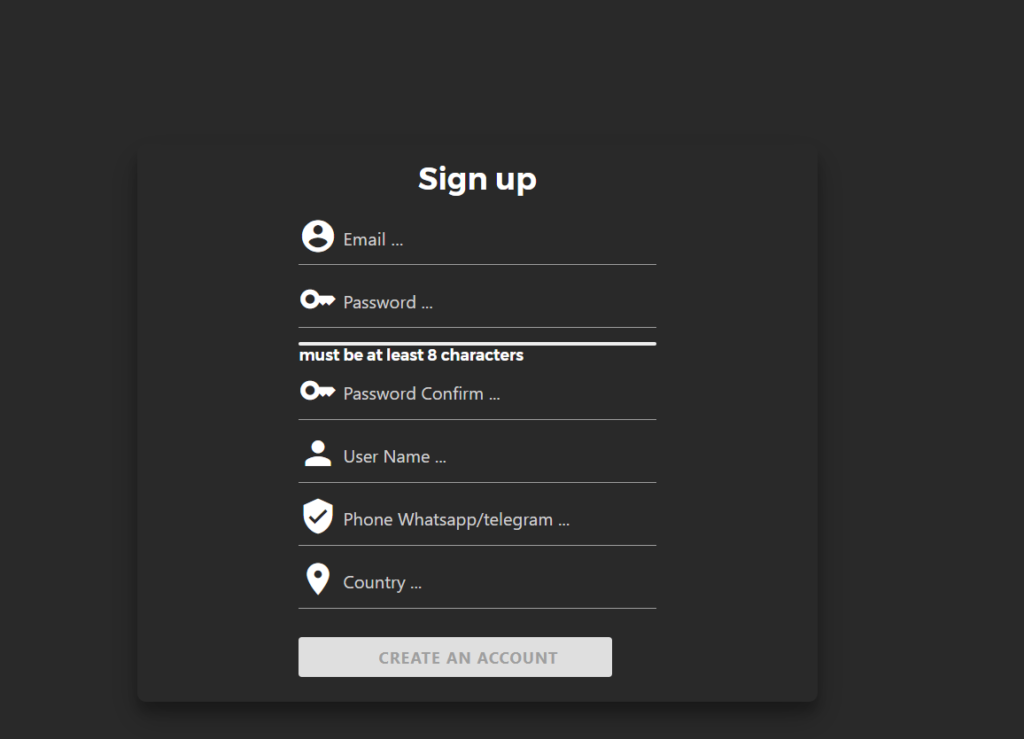
How to Register and Activate
- Open the tool after installation
- Click on “Register” or “Login”
- Create an account or enter your existing credentials
- Activate your license using credits or subscription
- Restart the software to apply activation
After activation, all features of the TSM Pro Edition 2026 Update become available.
How to Use TSM Pro Edition 2026 Update (For Owners and Technicians)
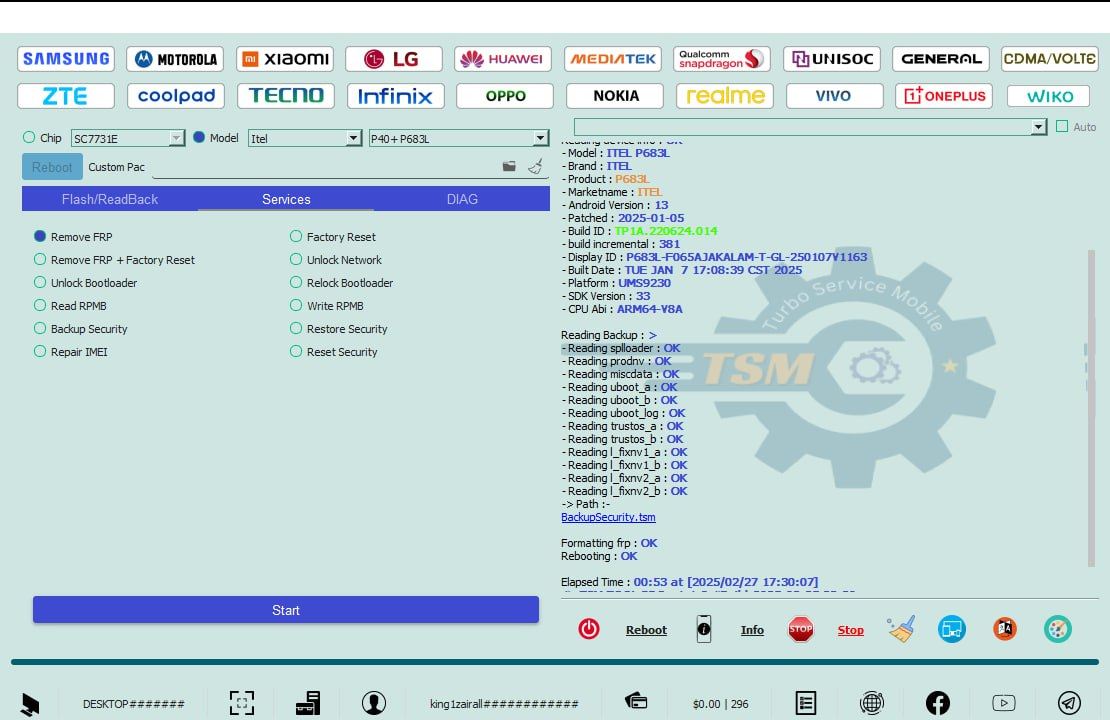
The TSM Pro Edition 2026 Update is designed with a clean interface, making it accessible to beginners while remaining powerful for professionals.
Basic Workflow
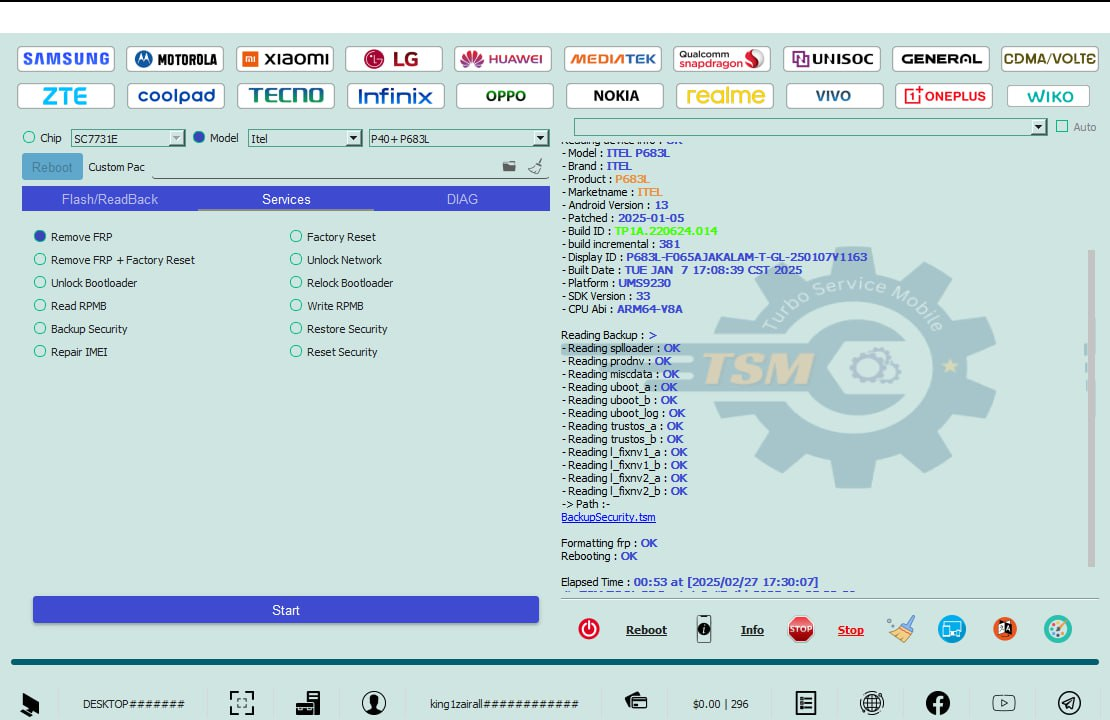
- Connect the device in the required mode (EDL / Fastboot / Recovery)
- Select brand and model
- Choose the desired operation
- Start the process and monitor logs
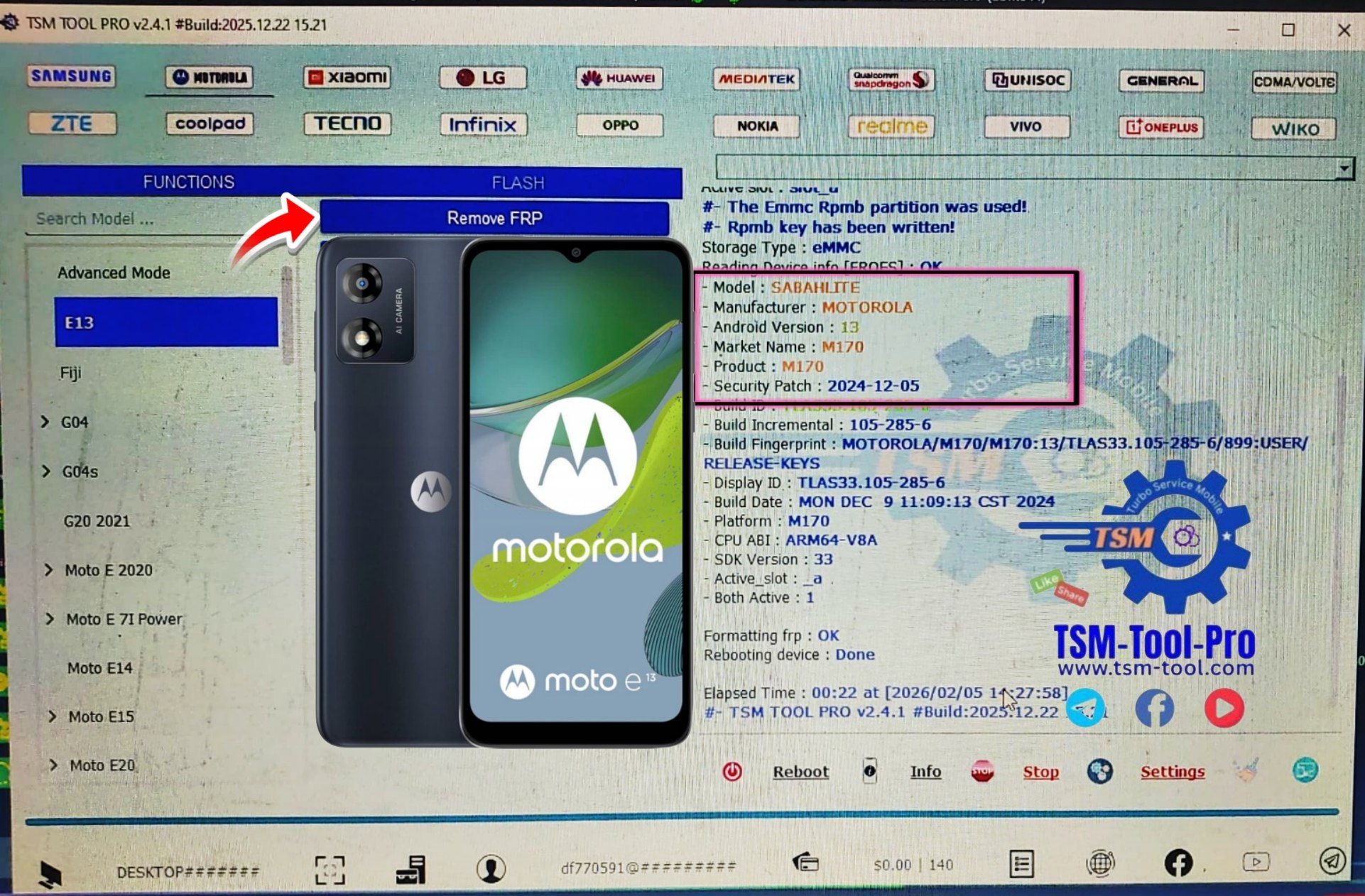
FRP Removal Process
- Select FRP removal module
- Connect device in supported mode
- Click “Remove FRP”
- Wait for confirmation
This makes the TSM Pro Edition FRP remove tool one of the most efficient solutions available.
IMEI Repair and Other Services
Depending on device support and local regulations, the TSM Pro Edition 2026 Update may assist with:
- Baseband restoration
- Network repair
- Software-level recovery
- Firmware reinstallation
Always follow legal guidelines when performing such operations.

Comparison with Other Tools
| Feature | TSM Pro Edition 2026 Update | Other Tools |
|---|---|---|
| Snapdragon FRP Support | Yes | Limited |
| Firmware Read/Write | Yes | Partial |
| Regular Updates | Frequent | Irregular |
| Professional Use | Optimized | Not always |
| Device Coverage | Wide | Narrow |
The TSM Pro Edition 2026 Update clearly stands out for technicians who require reliability and consistent updates.
Safety Tips and Legal Considerations
Using any phone unlock app or mobile unlock program comes with responsibility.
Safety Tips
- Always back up data before operations
- Use original USB cables
- Avoid interrupting flashing processes
- Follow official documentation
Legal Considerations
- Only unlock devices you own or are authorized to repair
- Follow local laws regarding IMEI and network repair
- Use the TSM Pro Edition 2026 Update ethically and professionally
Troubleshooting Common Errors
Device Not Detected
- Reinstall Qualcomm drivers
- Change USB port
- Use original cable
Operation Failed
- Check device mode
- Ensure model compatibility
- Update to the latest TSM Pro Edition 2026 Update
Login Issues
- Verify account credentials
- Check internet connection
- Contact official support
Most issues are resolved by keeping the tool updated.
Pricing and Subscription Plans
The TSM Pro Edition 2026 Update usually operates on a credit or subscription-based system.
Common Pricing Models
- Pay-per-operation credits
- Monthly or yearly subscriptions
- Technician bundles for repair shops
Pricing may vary depending on region and reseller. Always purchase from trusted sources.
Frequently Asked Questions (FAQs)
What is the TSM Pro Edition 2026 Update used for?
It is used for FRP removal, Snapdragon unlocking, firmware read/write, and advanced Android repair operations.
Is TSM Pro Edition 2026 Update suitable for beginners?
Yes, the interface is beginner-friendly, while still offering advanced features for professionals.
Does it support Snapdragon devices?
Yes, TSM Pro Edition Snapdragon FRP unlock is one of its core strengths.
Is the tool safe to use?
When used correctly and legally, the TSM Pro Edition 2026 Update is safe and reliable.
How often is the tool updated?
The developers release regular updates to add new models and improve performance.
Final Thoughts – Download TSM Pro Edition 2026 Update Today
The TSM Pro Edition 2026 Update is a complete solution for modern mobile unlocking and repair needs. Whether you are an individual user or a professional technician, this tool offers stability, power, and long-term value.
Why Buy from GsmRadix
- 100% genuine and verified firmware
- Official download mirror of TSM Pro Tool
- Instant auto-delivery 24/7
- Secure checkout with fast technical support