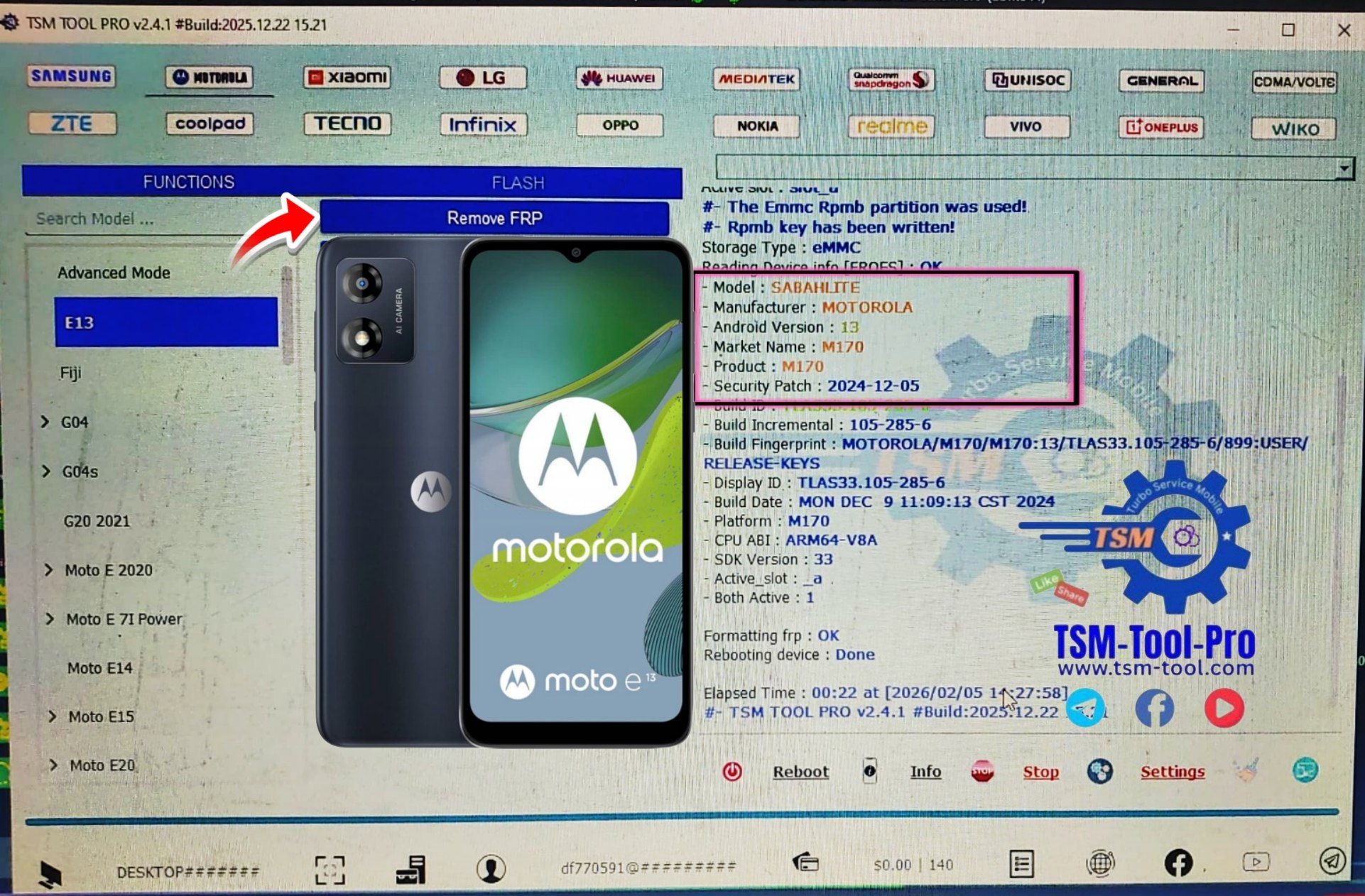
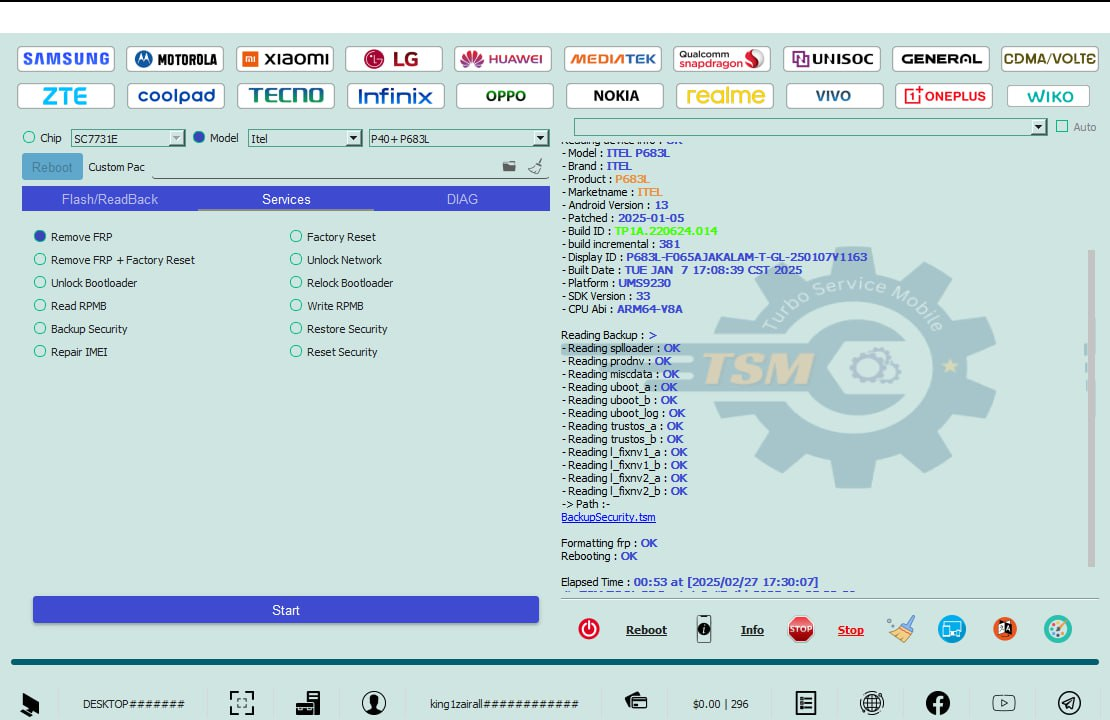
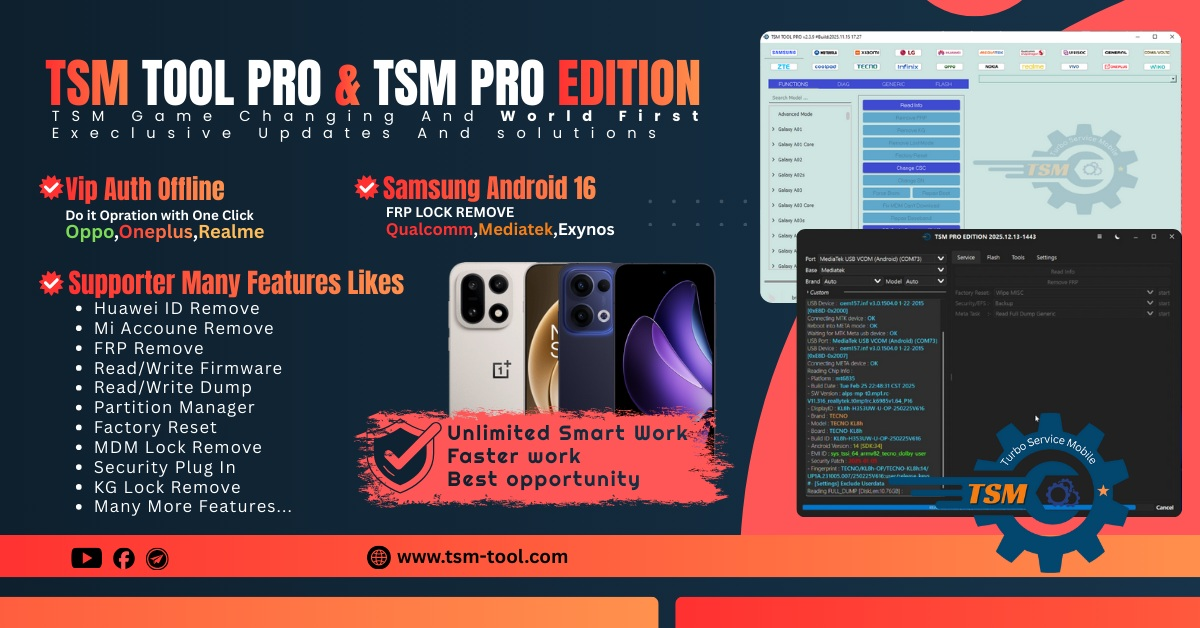
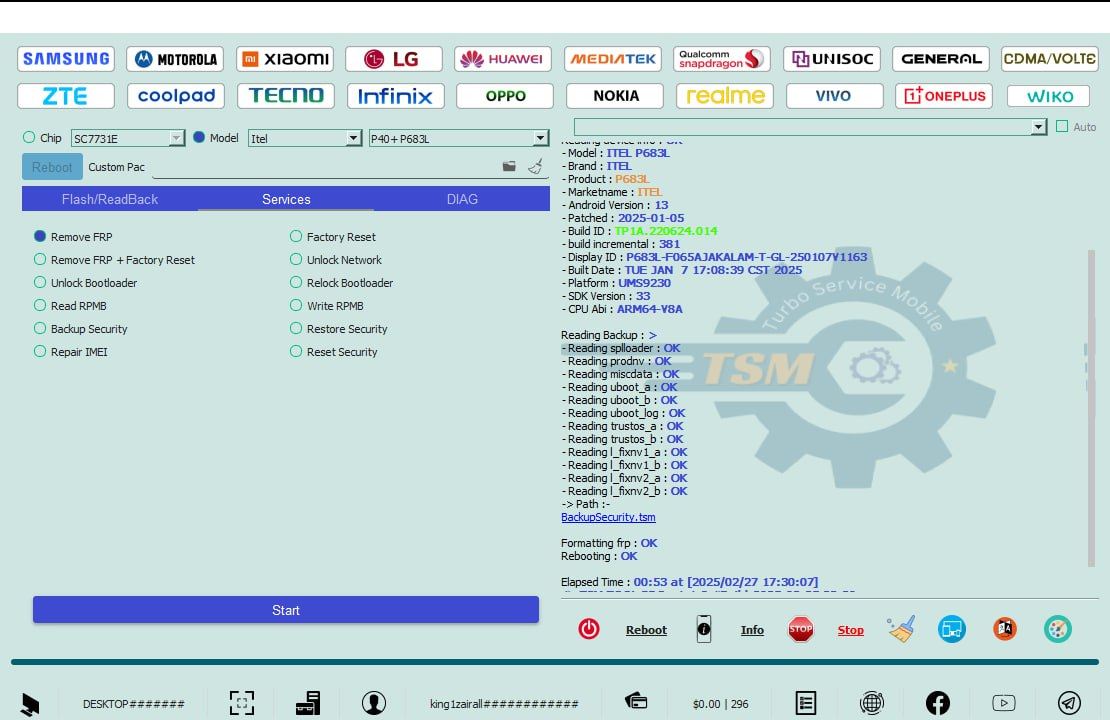
In today’s fast-moving mobile repair industry, having a reliable and regularly updated tool is essential for both individual users and professional technicians. TSM Pro Software 1 Year License provides powerful solutions for IMEI repair, flashing, unlocking, and advanced Android servicing. With full access to premium, server-based features and updates for 12 months, it is a trusted choice for efficient and professional mobile repair work.
What is TSM Pro Software 1 Year License and Why It Is Needed
TSM Pro Software is a professional mobile servicing and unlocking tool designed for Android smartphones. It supports multiple chipsets and brands, allowing users to perform advanced software-level repairs that are not possible with basic tools.
The TSM Pro Software 1 Year License (also called TSM Pro 12 Months) gives you full access to the software’s online features for one complete year. Since TSM Pro works on a server-based system, an active license is required to use most of its advanced functions.
Why Do You Need a 1 Year License?
- Continuous access to server-based tools
- Regular updates for new devices and security patches
- Professional features for IMEI repair and unlocking
- Stable performance compared to cracked or free tools
- Official support and reduced risk of errors
For technicians, buying the TSM Pro Software 1 Year License is an investment that saves time, improves success rate, and builds trust with customers. For individual users, it provides a safe and guided way to repair and unlock supported devices.
Key Features of TSM Pro Software 1 Year License (Latest Version)
The Best TSM Pro Software 1 Year License 2026 comes with several powerful features designed to meet modern mobile repair needs.
Core Features
- IMEI repair for supported models
- Flashing and firmware operations
- Factory reset and FRP functions
- Read and write security data
- Bootloader-related services (model-dependent)
Advanced Capabilities
- Support for MTK and Qualcomm chipsets
- Online server-based authentication
- One-click solutions for selected models
- High success rate on supported devices
- Frequent updates in the TSM Pro Latest Version
Benefits of the 1 Year License
- No daily usage limitations (as per plan)
- Access to new features released during the year
- Better stability compared to trial versions
- Suitable for shop-level commercial use
The TSM Pro Software 1 Year License is especially useful for technicians who handle multiple devices daily and need a dependable mobile unlock program.
Supported Devices and Brands
TSM Pro Software supports a wide range of Android smartphones. While the supported list is continuously updated, the following brands are commonly covered in the latest version:
Popular Supported Brands
- Samsung
- Xiaomi
- Vivo
- Oppo
- Realme
- Infinix
- Tecno
- Motorola
Chipset Support
- MediaTek (MTK)
- Qualcomm (Snapdragon)
Support may vary depending on the model, Android version, and security patch. Always check the latest supported model list before performing any operation using TSM Pro Software 1 Year License.
Download and Installation Process
Downloading and installing TSM Pro Software is simple, but it must be done correctly to avoid errors.
System Requirements
- Windows 10 or Windows 11 (64-bit recommended)
- Minimum 8 GB RAM
- Stable internet connection
- Updated USB drivers
Step-by-Step Installation Guide
- Download the official setup file from a trusted source.
- Disable antivirus temporarily to prevent false detection.
- Extract the downloaded ZIP or RAR file.
- Run the setup file as Administrator.
- Follow on-screen instructions to complete installation.
- Restart your system after installation.
Always use the TSM Pro Latest Version to ensure compatibility with the server and supported devices.

How to Register and Activate
To use the software, activation is mandatory.
- Open TSM Pro Software after installation.
- Register a new account using your email ID.
- Purchase the TSM Pro Software 1 Year License from an authorized seller.
- Receive login credentials or license activation confirmation.
- Log in to the software and verify server connection.
Once activated, your TSM Pro 12 Months license will remain valid for one full year.
How to Use TSM Pro Software 1 Year License (For Owners and Technicians)
TSM Pro Software is designed to be user-friendly while still offering advanced functionality.
Basic Workflow
- Connect the device in the required mode.
- Select the correct brand and model.
- Choose the desired function (IMEI repair, reset, flash, etc.).
- Follow on-screen instructions carefully.
- Wait for the process to complete.
IMEI Repair and Other Services
One of the main reasons technicians buy TSM Pro Software 1 Year License is IMEI-related work.
Supported services may include:
- IMEI repair (model-dependent and legal region-dependent)
- SN repair
- Baseband restoration
- Network-related fixes
TSM Pro Software can also act as a reliable phone unlock app alternative for supported Android devices.
Comparison with Other Tools
Below is a simple comparison to help users understand where TSM Pro stands.
| Feature | TSM Pro Software | AMT Tool | TFM Tool |
|---|---|---|---|
| Server-Based | Yes | Yes | Yes |
| IMEI Repair | Supported Models | Limited | Limited |
| Updates | Frequent | Moderate | Moderate |
| Ease of Use | Beginner-Friendly | Medium | Medium |
| 1 Year License | Available | Available | Available |
For many technicians, Buy TSM Pro Software is a balanced choice between power, usability, and cost.
Safety Tips and Legal Considerations
Using professional tools comes with responsibility.
Safety Tips
- Always backup device data before operations
- Use original USB cables
- Avoid interrupted internet connections
- Follow official instructions only
Legal Considerations
IMEI repair and unlocking laws vary by country. Users are responsible for complying with local regulations when using TSM Pro Software 1 Year License. The software is intended for repair and maintenance purposes only.
Troubleshooting Common Errors
Even with a stable setup, users may face issues.
Common Problems and Solutions
Software Not Connecting to Server
- Check internet connection
- Verify license validity
- Disable VPN or proxy
Login Error
- Double-check credentials
- Reset password if required
Device Not Detected
- Install proper USB drivers
- Try a different USB port
- Reboot device and PC
Most issues can be resolved by updating to the TSM Pro Latest Version.
Pricing and Subscription Plans
The TSM Pro License Price may vary depending on region and seller.
Typical Options
- 1 Month License (limited use)
- 6 Months License
- TSM Pro Software 1 Year License (most popular)
The 1 year plan offers the best value for money, especially for professional technicians handling regular repair work.
Always purchase from trusted sources to ensure genuine activation and support.
Frequently Asked Questions (FAQs)
What is TSM Pro Software 1 Year License?
It is a 12-month subscription that provides full access to TSM Pro Software’s online features and updates.
Is TSM Pro Software suitable for beginners?
Yes, the interface is beginner-friendly, but basic technical knowledge is recommended.
Can I use one license on multiple computers?
License usage depends on the seller’s policy and server rules.
Does TSM Pro Software support all Android phones?
No, support depends on the brand, model, chipset, and software version.
Is TSM Pro Software safe to use?
Yes, when downloaded from trusted sources and used correctly.
Final Thoughts + Download & Contact CTA
The TSM Pro Software 1 Year License is a powerful and reliable solution for anyone involved in mobile software repair and unlocking. With strong server support, regular updates, and wide device compatibility, it stands out as a professional-grade tool for 2026.
Why Buy from GsmRadix
- 100% genuine and verified firmware
- Official download mirror of TSM Pro Tool
- Instant auto-delivery 24/7
- Secure checkout with fast technical support