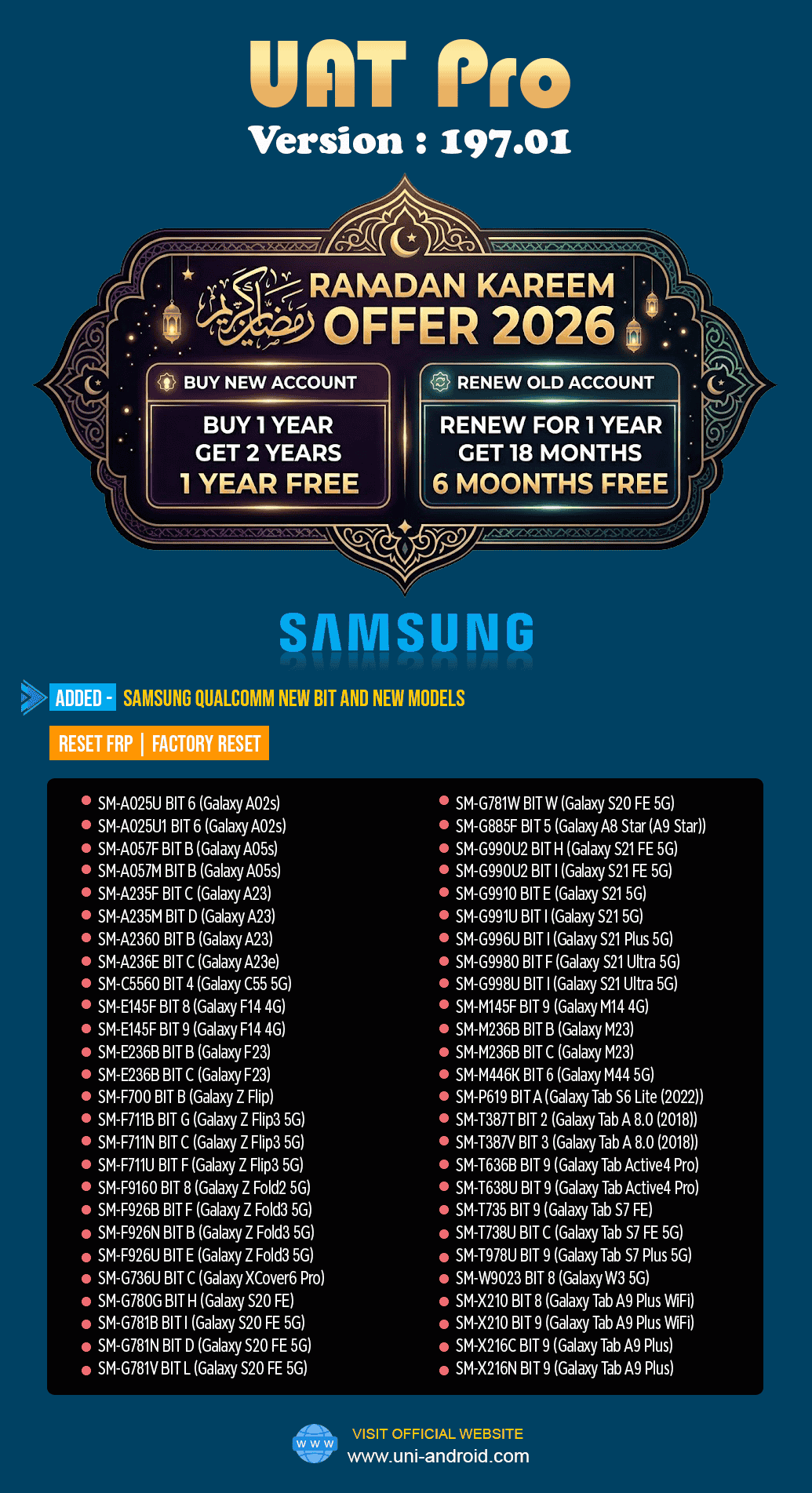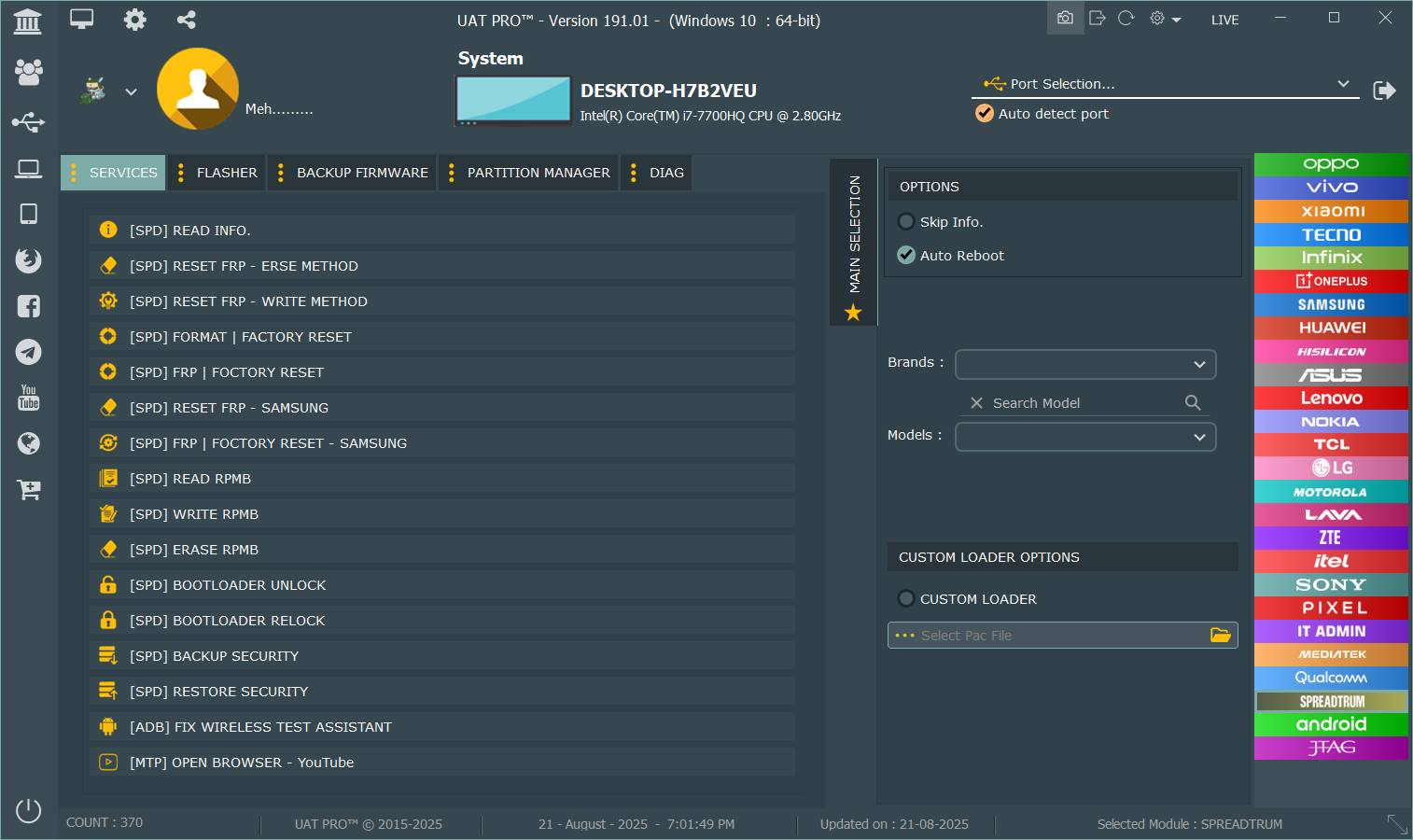
The UAT Pro 194.01 Update has been officially released with major improvements, new supported devices, and enhanced EDL Mode capabilities. Whether you are an individual user or a professional mobile repair technician, this update provides stability, speed, and powerful Qualcomm-based features that significantly improve servicing efficiency.
This detailed guide covers everything you need to know about the UAT Pro 194.01 Update, including features, supported devices, installation process, usage instructions, pricing, and more.

What is the UAT Pro 194.01 Update and Why It Matters
The UAT Pro 194.01 Update is the latest version of the UAT Pro tool designed for servicing Qualcomm-based smartphones. It provides professional support for FRP reset, factory reset, IMEI-related services (where legally allowed), and deep-level EDL operations.
This update is especially important because:
- It introduces support for many new OPPO, Realme, and OnePlus models.
- It improves software stability and processing speed.
- It expands EDL Mode compatibility.
- It strengthens the tool’s position among top mobile repair solutions.
For repair shop owners, this update reduces processing time and increases service quality.
For individual users, it offers safe and reliable solutions for device maintenance.
Key Features of the UAT Pro 194.01 Update
Below are the highlighted improvements and features included in the UAT Pro Latest Update.
1. Enhanced Qualcomm EDL Mode Support
- Improved connection speed
- Faster FRP and Factory Reset
- Stable Read and Partition Listing
- Better backup and restore support
- Expanded test point compatibility
2. Newly Added Models
Large expansion for OPPO, Realme, and OnePlus devices. The complete list is included in the next section.
3. Improved User Interface
Cleaner and more responsive UI for smoother workflow.
4. Updated IMEI Repair Framework
Includes advanced Qualcomm support, offering stable results for authorized operations.
5. Increased Processing Speed
Internal optimizations allow significantly faster read and write processes.
6. Security Enhancements
Added protection against accidental erase or incorrect commands.
Supported Devices in the UAT Pro 194.01 Update
Here are the newly supported devices included in this version.
OPPO Supported Models
- OPPO A5 2020 (CPH1931 / CPH1933 / CPH1943)
- OPPO A9 2020 (CPH1937 / CPH1939 / CPH1941)
- OPPO A52 (CPH2061 / CPH2069 / PDAM10 / PDAT10 / PDAM00)
- OPPO A72 (CPH2067)
- OPPO A92 (CPH2059)
- OPPO A11, A11N, A11X (all variants)
- OPPO K3 (PCGM00 / PCGT00)
- OPPO R17 Pro (PBDM00 / PBDT00)
- OPPO Reno Series (multiple new variants)
- OPPO Reno8 Lite 5G (CPH2324)
- OPPO Reno8T 5G (CPH2505)
- OPPO Reno7Z 5G (CPH2343)
- OPPO K12x (PJT110)
Realme Supported Models
- Realme 5 / 5i / 5s
- Realme 5 Pro
- Realme 3 Pro
- Realme XT
- Realme Q Series
- Realme Narzo 20A
- Realme X Series
- Realme Q5
- Realme V25
- Realme 9 5G / 9 Pro 5G
- Realme 10 Pro 5G
- Realme Pad X (RMP2107 / RMP2108)
OnePlus Supported Models
- OnePlus Nord CE 2 Lite (CPH2381 / CPH2409)
- OnePlus Nord CE 3 Lite (CPH2465 / CPH2467)
- OnePlus Nord CE 4 Lite (CPH2619)
- OnePlus Nord N20 (CPH2459 / GN2200)
How to Download and Install the UAT Pro 194.01 Update
Below is a clear and complete installation procedure.
Download the Setup
Use the official UAT Pro website or your authorized distributor’s link.


Installation Steps
- Download the UAT Pro 194.01 setup file.
- Extract the compressed package.
- Run the installer as Administrator.
- Follow on-screen steps to complete installation.
- Install Qualcomm and ADB drivers.
- Restart your computer after installation.
This ensures smooth performance and error-free operation.
Registration and Activation Guide
- Open UAT Pro on your system.
- Go to the Registration or Activation tab.
- Enter the required information:
- Username
- Email Address
- Phone Number
- Click on Register .
- Allow the server to validate your details.
For activation-related support, contact your distributor or use WhatsApp/Telegram (provided at the end).
How to Use the UAT Pro 194.01 Update
This version is optimized for both beginners and advanced technicians.
EDL Mode Functions
You can perform the following operations:
- Factory Reset
- FRP Reset
- Read Device Information
- Partition Listing
- Backup and Restore
- Repair Partition Table
- Qualcomm-based servicing tasks
Using IMEI Repair (Where Allowed)
UAT Pro supports IMEI-related features for devices where such operations are legally permitted.
Options include:
- IMEI Repair
- QCN Backup
- QCN Restore
- Security Backup
Users must follow local telecom regulations to avoid legal issues.
Ways to Enter EDL Mode
- Test Point method
- ADB command-based methods
- Fastboot to EDL conversion
- Special deep flash cable (optional)
UAT Pro vs Other Tools (Cheetah Tool Pro, Mobile Unlock Programs)
| Feature | UAT Pro 194.01 Update | Cheetah Tool Pro Latest Version | Mobile Unlock Programs |
|---|---|---|---|
| EDL Mode Support | Excellent | Moderate | Limited |
| FRP Reset | Stable | Moderate | Limited |
| Model Coverage | Very High | Average | Low |
| Processing Speed | Fast | Medium | Slow |
| Pricing | Affordable | Higher | Mostly Free |
| IMEI Options | Yes | Yes | No |
UAT Pro excels in Qualcomm device servicing and provides more frequent updates than most tools.
Safety Tips and Legal Guidelines
- Do not perform unauthorized IMEI operations.
- Avoid repairing stolen or blocked devices.
- Always take data backups before performing resets.
- Use only official UAT Pro software; avoid cracked versions.
- Ensure correct test point connections when working in EDL mode.
- Keep drivers updated to avoid detection failures.
Troubleshooting Guide
Device Not Detected
- Reinstall Qualcomm drivers
- Change USB cable or port
- Re-enter EDL mode
Activation Fails
- Check internet connection
- Verify serial number
- Contact official support
FRP Reset Not Working
- Use correct EDL test point
- Restart the procedure
- Ensure battery has sufficient power
Software Crashes
- Update .NET Framework
- Disable antivirus temporarily
- Reinstall the tool
Pricing and Subscription Information
Pricing varies by region and distributor, but generally includes:
- One-Year Activation
- Free Updates during validity
- Discounted renewals
- Optional add-ons for advanced features

Frequently Asked Questions
Is UAT Pro 194.01 Update free?
No, it requires a valid activation license.
Does it support the latest OPPO and Realme models?
Yes, this update includes many newly added Qualcomm-based devices.
Can beginners use this tool?
Yes, the interface is user friendly.
Is IMEI repair allowed?
Only if permitted by law in your country and only on authorized devices.
Where can I get help?
Through official WhatsApp or Telegram support (details below).
Conclusion
The UAT Pro 194.01 Update is one of the most important releases for Qualcomm mobile servicing. With significant improvements, enhanced EDL capabilities, and a large number of newly supported models, it is an essential tool for technicians and users who want a reliable and efficient servicing solution.
Its speed, stability, and wide compatibility make it a top choice among professional tools in 2025.
Why Buy from GsmRadix
- 100% genuine and verified firmware
- Official download mirror of UnlockTool 3 months
- Instant auto-delivery 24/7
- Secure checkout with fast technical support