


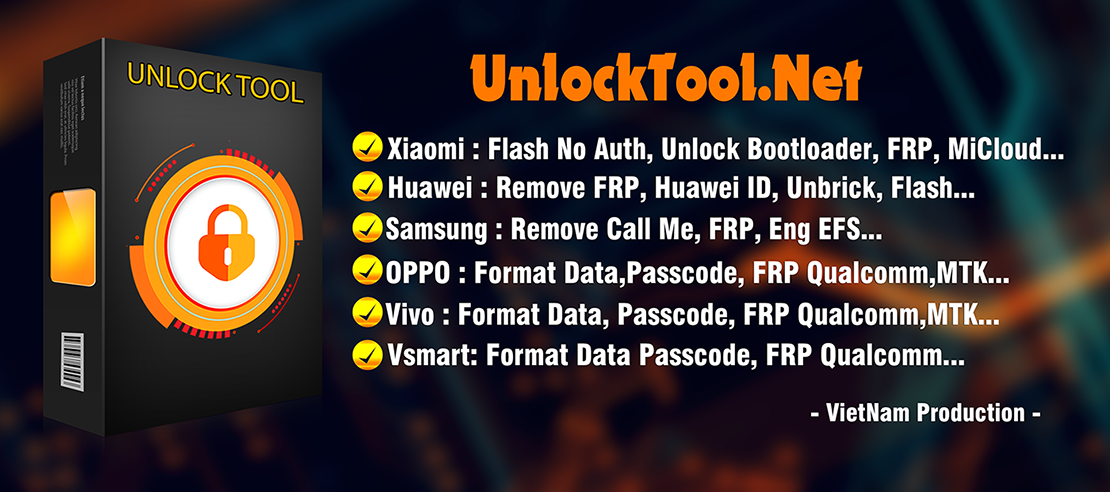
In today’s mobile repair industry, UnlockTool stands as one of the most powerful and reliable solutions for smartphone unlocking, FRP removal, and flashing. The newly released UnlockTool 2025.10.26.0 Update brings enhanced stability, broader device compatibility, and optimized support for Android 15-based devices.
Whether you’re an individual user or a professional technician managing dozens of repairs, this version is designed to make your workflow faster, safer, and more efficient. The update includes fixes for FRP erase failures, improved Meta Mode performance, and advanced Samsung Qualcomm/MTK support.
What is UnlockTool 2025.10.26.0 Update and Why It Is Needed
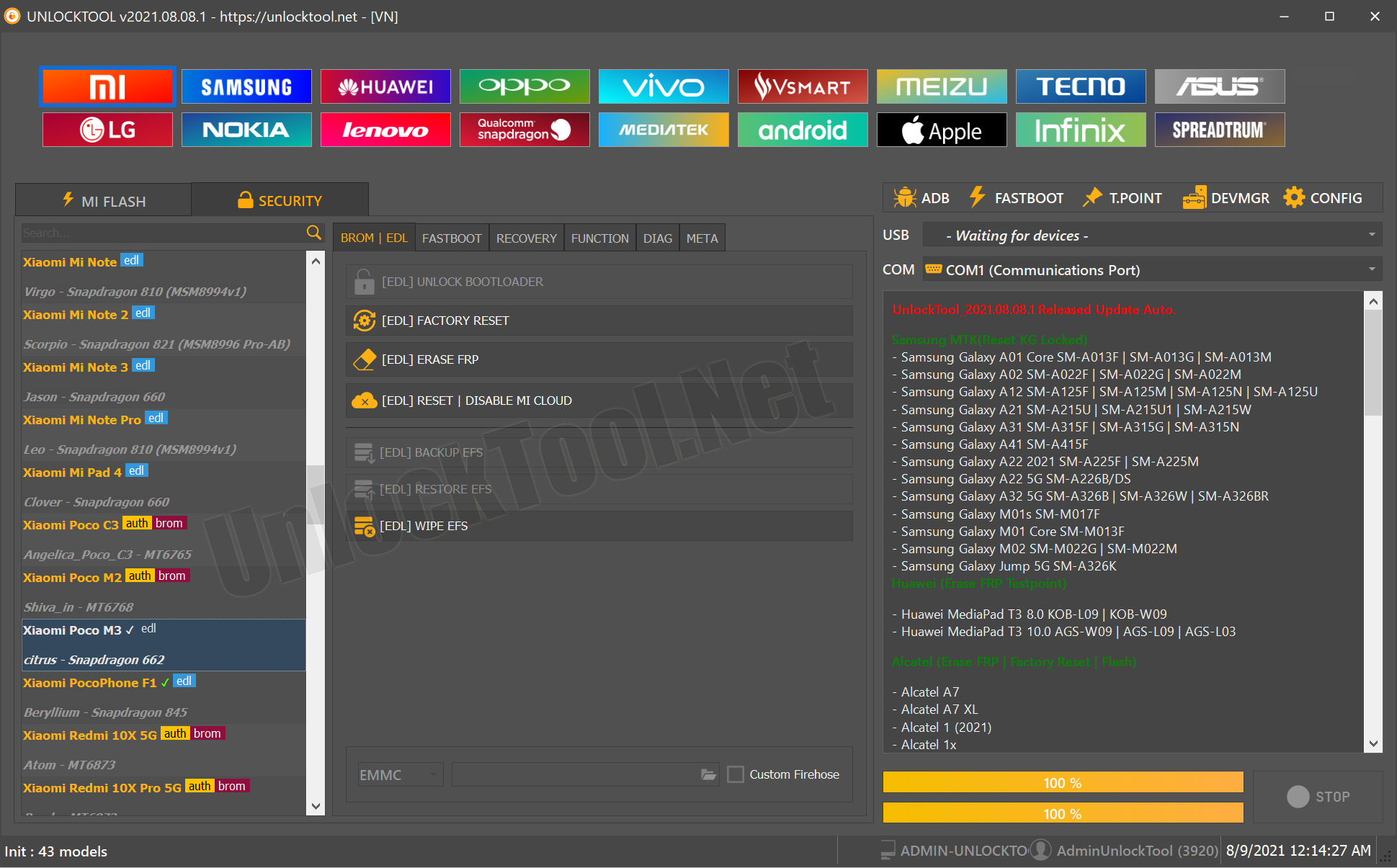
The UnlockTool 2025.10.26.0 Update is the latest version of the trusted mobile unlocking and flashing software used globally by mobile service centers. It provides advanced solutions for Factory Reset, FRP Bypass, IMEI Repair, Flashing, and Device Readback.
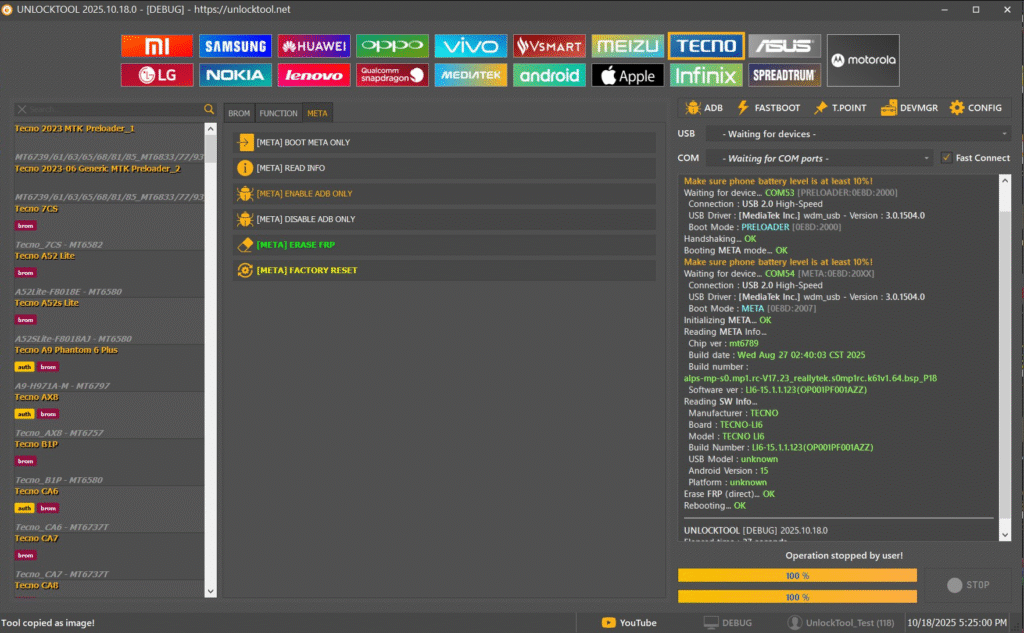
Released on October 26, 2025, this version enhances the Meta mode process, adds support for TECNO and INFINIX CPUs up to Android 15, and fixes known issues with some Samsung devices.
Why This Update Is Important
- Fixes FRP erase issues on MTK and Qualcomm models.
- Adds full Android 15 support for Tecno and Infinix.
- Improves flashing stability for Samsung Galaxy S-series devices.
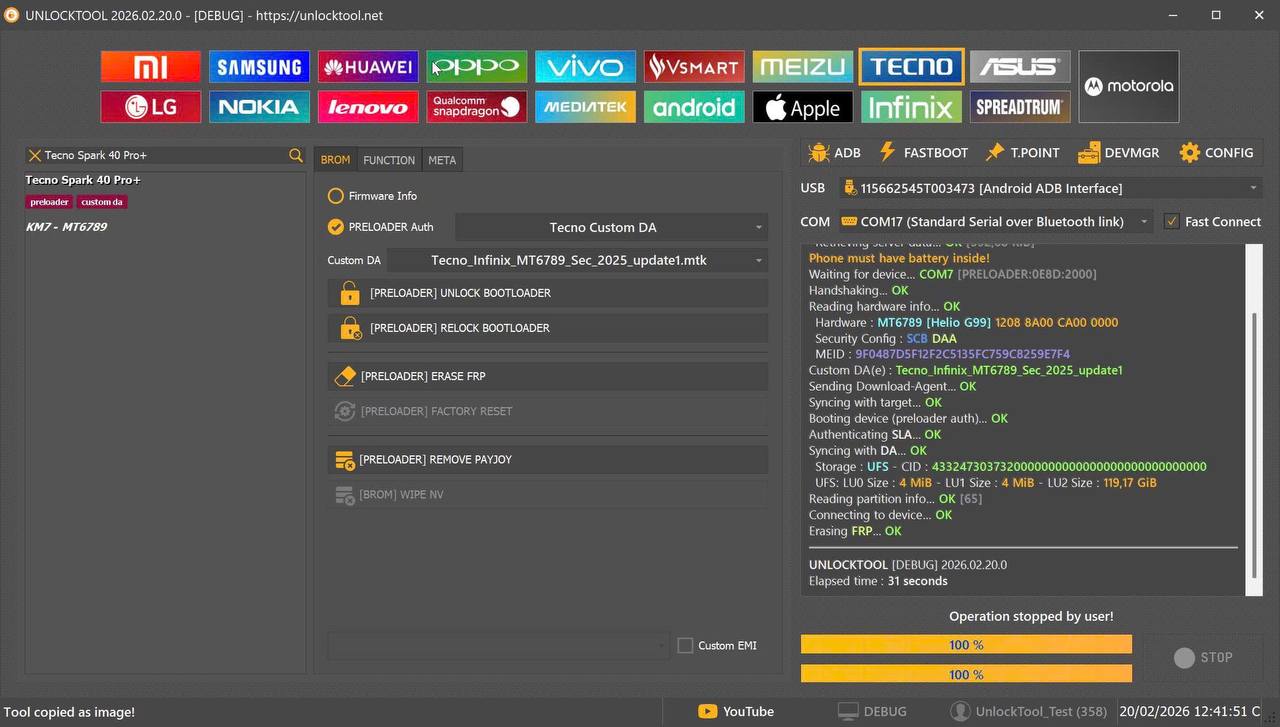
- Introduces a new option for selecting custom DA files in MTK devices.
- Provides smoother Meta Mode detection and connection handling.
This update is essential for both end users and technicians who experienced connectivity or FRP-related issues in earlier versions.
Key Features of UnlockTool 2025.10.26.0 Update
The UnlockTool latest version is loaded with enhancements, making it more stable and compatible with newer devices. Here are the top features in this release:
1. Extended Android 15 Compatibility
- Full support for Tecno and Infinix models running Android 15.
- Enhanced Meta Mode functionality for quick FRP removal.
- Optimized boot and erase procedures for modern chipsets.
2. Samsung Qualcomm Platform Improvements
Supports new Samsung devices and improved flashing, readback, and FRP erase features.
Supported models include:
- Samsung A05s (SM-A057G/DSN)
- Samsung A23 (SM-A235M/DS)
- Samsung S21 FE 5G (SM-G990B)
- Samsung Tab S6 Lite (SM-P613F)
- Samsung S22/S22+/S22 Ultra 5G (SM-S901/S906/S908U)
- Samsung S24+ and S24 Ultra (SM-S926W, SM-S928W)
3. Samsung MTK Platform Updates
- Added custom DA selection feature for advanced flashing.
- Supports new MTK-based models such as A07 series devices.
- Improved communication for readback and repair operations.
4. FRP Erase and Factory Reset Enhancements
- Fixed “Failed Erase FRP” errors in some devices.
- Added direct erase support in Meta Mode.
- Optimized reboot and detection after FRP completion.
5. Performance and Stability
- Reduced crash rates significantly.
- Faster USB recognition and driver handling.
- Streamlined interface for bulk repair operations.
Supported Devices and Brands
The UnlockTool 2025.10.26.0 Update supports a large list of brands and devices. Below is a quick overview:
| Brand | Platform | Supported Functions |
|---|---|---|
| Samsung | Qualcomm / MTK | FRP, Factory Reset, Flash, Readback |
| Tecno / Infinix | MTK / Android 15 | FRP, Flash, IMEI Repair |
| Oppo / Vivo / Realme | MTK / Qualcomm | Boot Repair, Network Unlock |
| Xiaomi / Redmi | Qualcomm / Unisoc | FRP Bypass, Flash, MDM Unlock |
| Other Android Brands | Universal | Erase User Data, Flash ROM |
Download and Installation Process
Downloading and installing the UnlockTool 2025.10.26.0 Update is straightforward. Follow the instructions carefully to ensure successful setup.
Step-by-Step Installation Guide
- Visit the official or trusted UnlockTool distributor site.
- Download the setup file for the 2025.10.26.0 version.
- Extract the downloaded ZIP or RAR file using WinRAR or 7-Zip.
- Temporarily disable your antivirus to prevent false detections.
- Right-click the installer and select Run as Administrator.
- Follow the installation prompts until setup completes.
- Open UnlockTool from the desktop shortcut and sign in using your registered credentials.
How to Register and Activate
- Go to the UnlockTool registration page or your authorized reseller’s portal.
- Purchase or renew your license key.
- Launch the tool and note your PC ID displayed on-screen.
- Enter the PC ID into your UnlockTool account dashboard.
- Wait for the activation confirmation (usually within minutes).
- Restart the tool to apply activation.
For instant activation or license help, contact support via WhatsApp or Telegram.
How to Use UnlockTool 2025.10.26.0 Update
UnlockTool offers an intuitive interface that allows both beginners and experts to perform advanced tasks efficiently. Below are key use cases for this update.
FRP Unlock
- Connect your device via USB.
- Select the brand and model from the list.
- Choose the FRP Erase method (Meta/ADB/EDL mode).
- Start the process and wait for completion.
- Once done, the device will reboot without Google lock.
For MTK-based phones, the “Direct Erase in Meta Mode” feature provides the fastest results.
Network Unlock
- Select your device from the supported list.
- Go to the “Service” tab and choose “Network Unlock.”
- The tool will remove carrier locks and enable full SIM functionality.
IMEI Repair and Other Services
- Repair IMEI on supported MTK and Qualcomm devices.
- Perform safe firmware flashing and readback operations.
- Reset FRP and factory settings simultaneously.
- Backup or restore device partitions for secure data handling.
Comparison with Other Tools
| Feature | UnlockTool 2025.10.26.0 | UMT | MRT | Hydra Tool |
|---|---|---|---|---|
| Android 15 Support | Yes | No | No | Partial |
| Samsung Qualcomm | Yes | Yes | No | Yes |
| MTK Custom DA | Yes | No | Yes | Yes |
| Direct FRP Erase | Yes | Limited | No | Yes |
| Speed and Reliability | Excellent | Moderate | Good | Very Good |
| Subscription Cost | Affordable | Medium | High | Medium |
UnlockTool continues to offer better value by combining multiple repair functions in one lightweight interface, making it ideal for professionals managing multiple brands daily.
Safety Tips and Legal Considerations
While UnlockTool is a legitimate software designed for professional repair and unlocking, users should operate responsibly.
- Only unlock or reset devices with owner authorization.
- Backup data before using erase or flash features.
- Avoid cracked or modified versions that may contain malware.
- Keep your software license genuine and up to date for stable performance.
Using the tool for illegal purposes, such as unlocking stolen devices, violates software and regional laws.
Troubleshooting Common Errors
| Error | Cause | Solution |
|---|---|---|
| Tool not launching | Antivirus blocking files | Disable antivirus or whitelist UnlockTool |
| Device not detected | Driver not installed | Reinstall Qualcomm/MTK drivers |
| FRP erase failed | Wrong connection mode | Try Meta Mode or ADB Mode |
| License expired | Subscription ended | Renew license from your account |
| Server connection failed | Network issue | Check internet connection or use a VPN |
Pricing and Subscription Plans
UnlockTool offers flexible pricing to suit users of all levels, from individuals to full-service repair centers.
| Plan | Duration | Features |
|---|---|---|
| Basic License | 3 Month | Access to all modules and updates |
| Standard License | 6 Months | Includes support and faster server access |
| Pro License | 1 Year | Lifetime updates, technician badge, priority support |
| Team License | Multi-user | Designed for repair shops with multiple systems |
For regional or reseller pricing, contact the official UnlockTool sales team via WhatsApp or Telegram.
Frequently Asked Questions (FAQ)
Q1. What’s new in UnlockTool 2025.10.26.0 Update?
This update adds Android 15 support, new Samsung models, improved FRP erase, and better flashing stability.
Q2. Is the update free for existing users?
Yes, users with active licenses can update without additional cost.
Q3. Does UnlockTool support Redmi A5 Unisoc MDM unlock?
Yes, the latest version provides a step-by-step Redmi A5 Unisoc MDM unlock process under the Unisoc tab.
Q4. Can the tool work offline?
No. The software requires an internet connection for security and license validation.
Q5. How can I get support or reseller access?
Reach out via official WhatsApp or Telegram links provided on the UnlockTool website.
Final Thoughts
The UnlockTool 2025.10.26.0 Update solidifies UnlockTool’s reputation as one of the most reliable all-in-one mobile unlocking and flashing platforms. With Android 15 compatibility, improved FRP solutions, and powerful MTK/Qualcomm performance, this update is a must-have for both beginners and experienced technicians.
If you manage a repair business or handle complex software issues daily, updating to the latest version ensures smoother workflows, faster results, and stronger security.
Why Buy from GsmRadix
- 100% genuine and verified firmware
- Official download mirror of UnlockTool
- Instant auto-delivery 24/7
- Secure checkout with fast technical support

Good replies in return of this matter with solid arguments and describing everything regarding that.