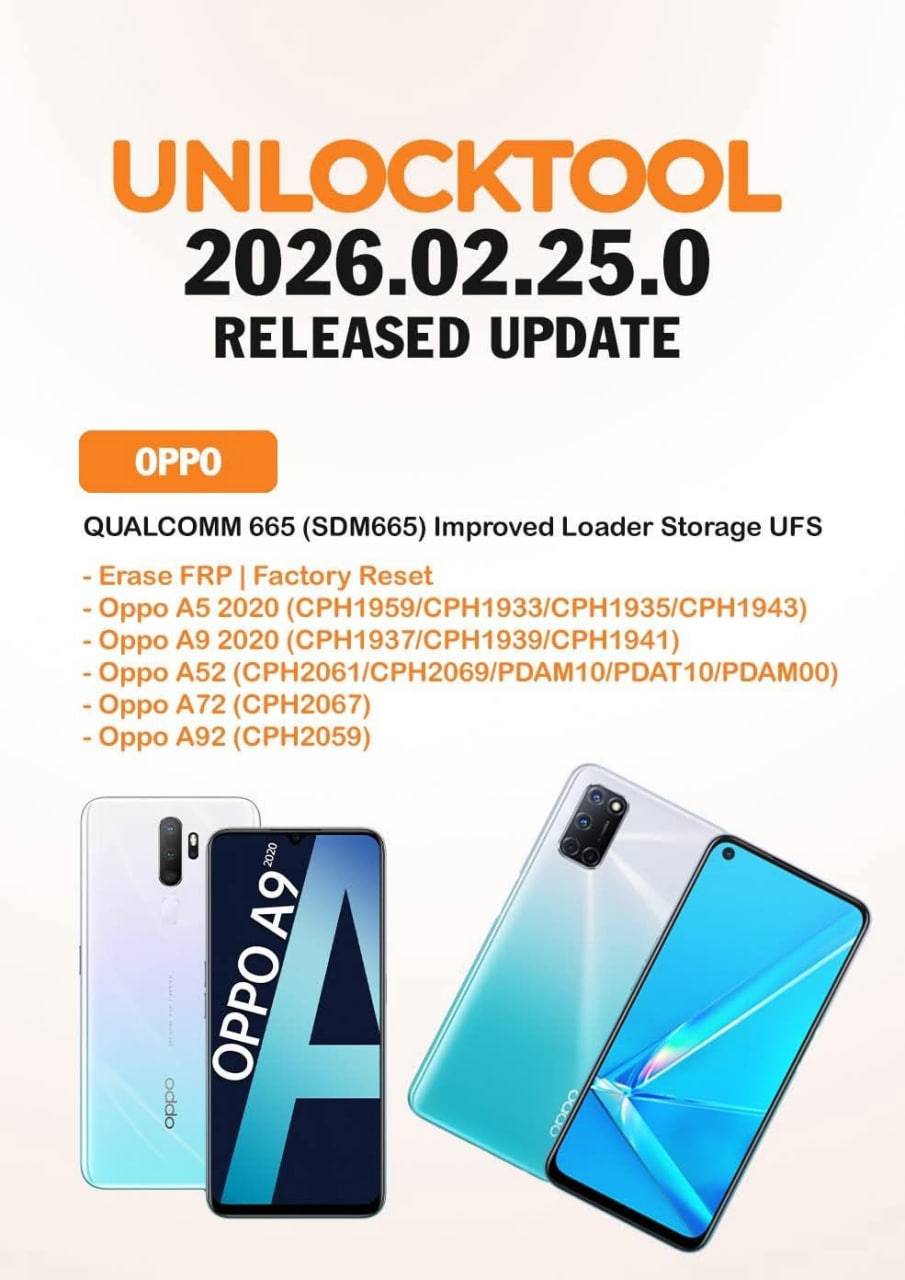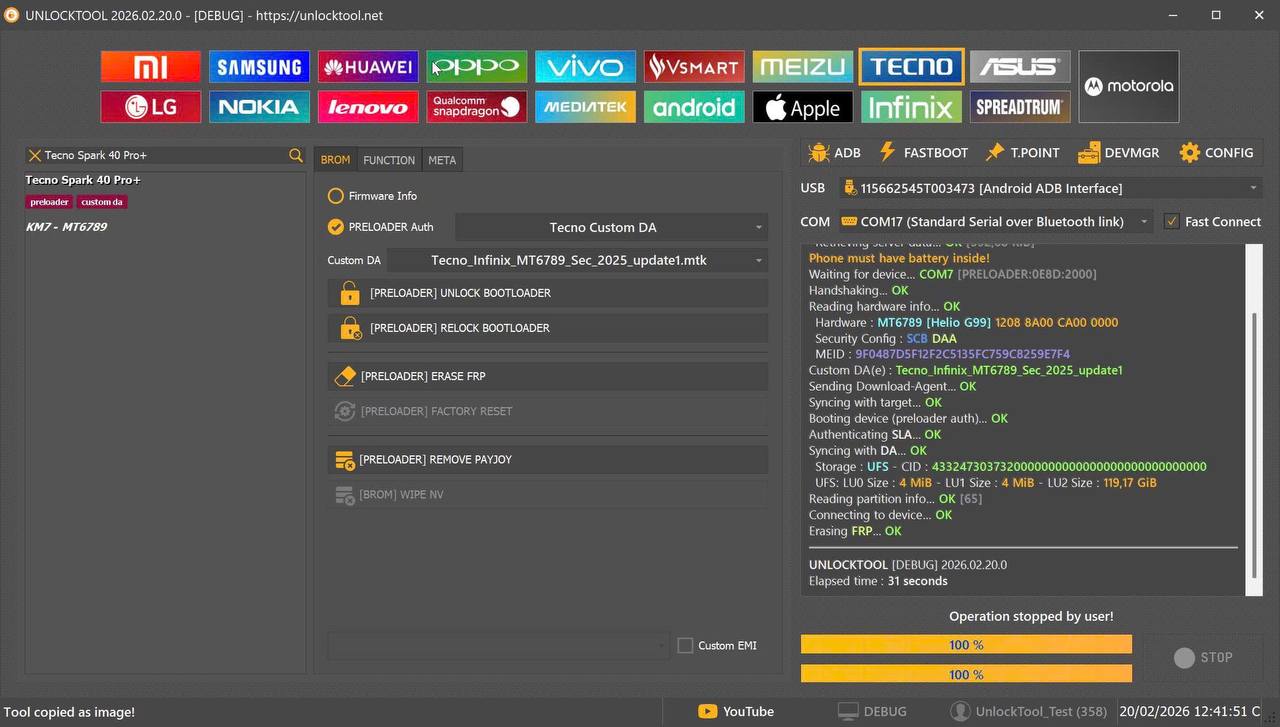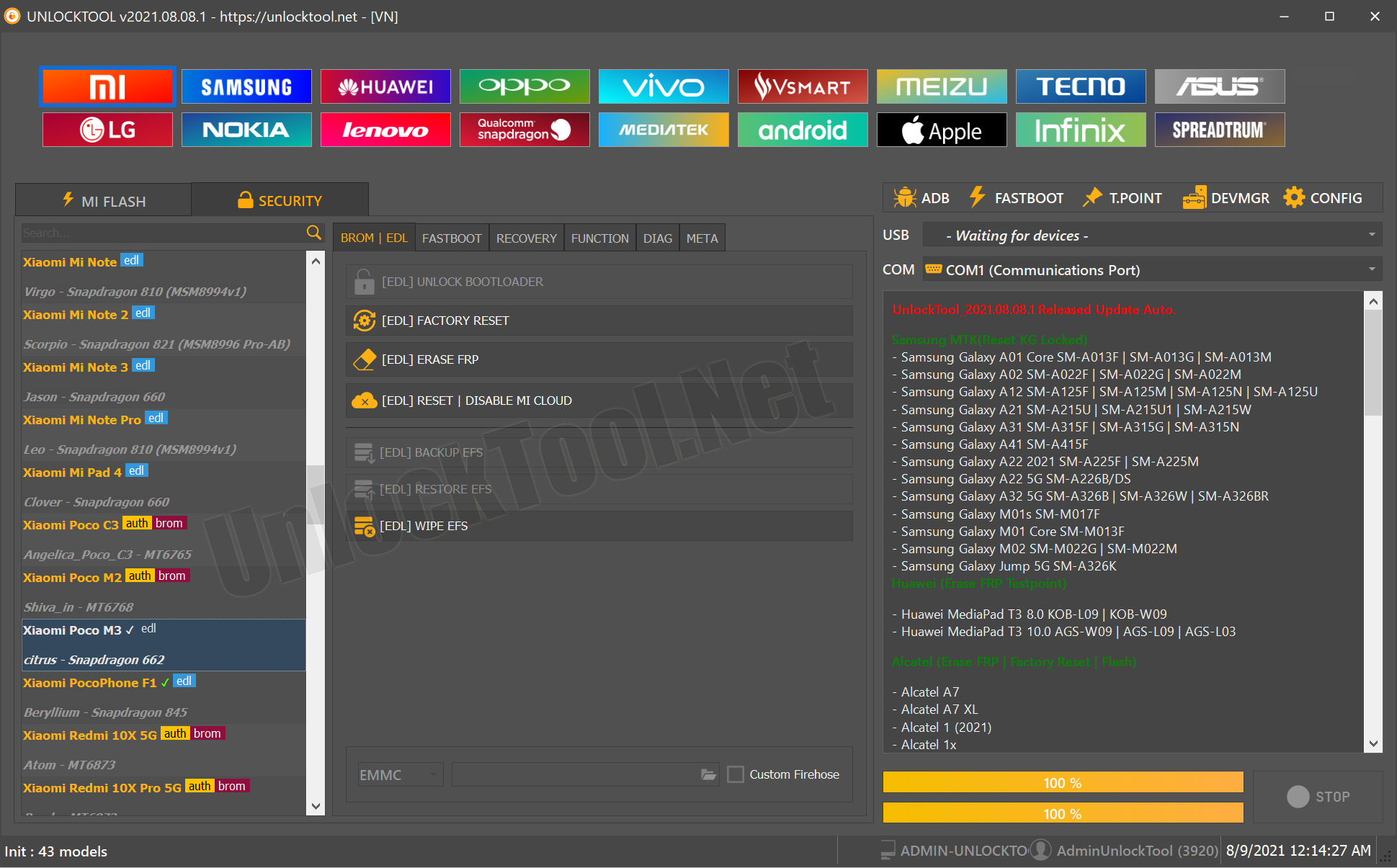
Whether you’re an individual user locked out of your device or a professional repair technician seeking the latest servicing tool, the UnlockTool 2025.11.07.0 Update brings powerful new support and features. This long-form guide will walk you through what’s new, how to install and activate it, how to use it for FRP, network unlock and IMEI repair, compare it to other tools, and help you operate it safely and effectively.
What is UnlockTool 2025.11.07.0 Update and Why It Is Needed
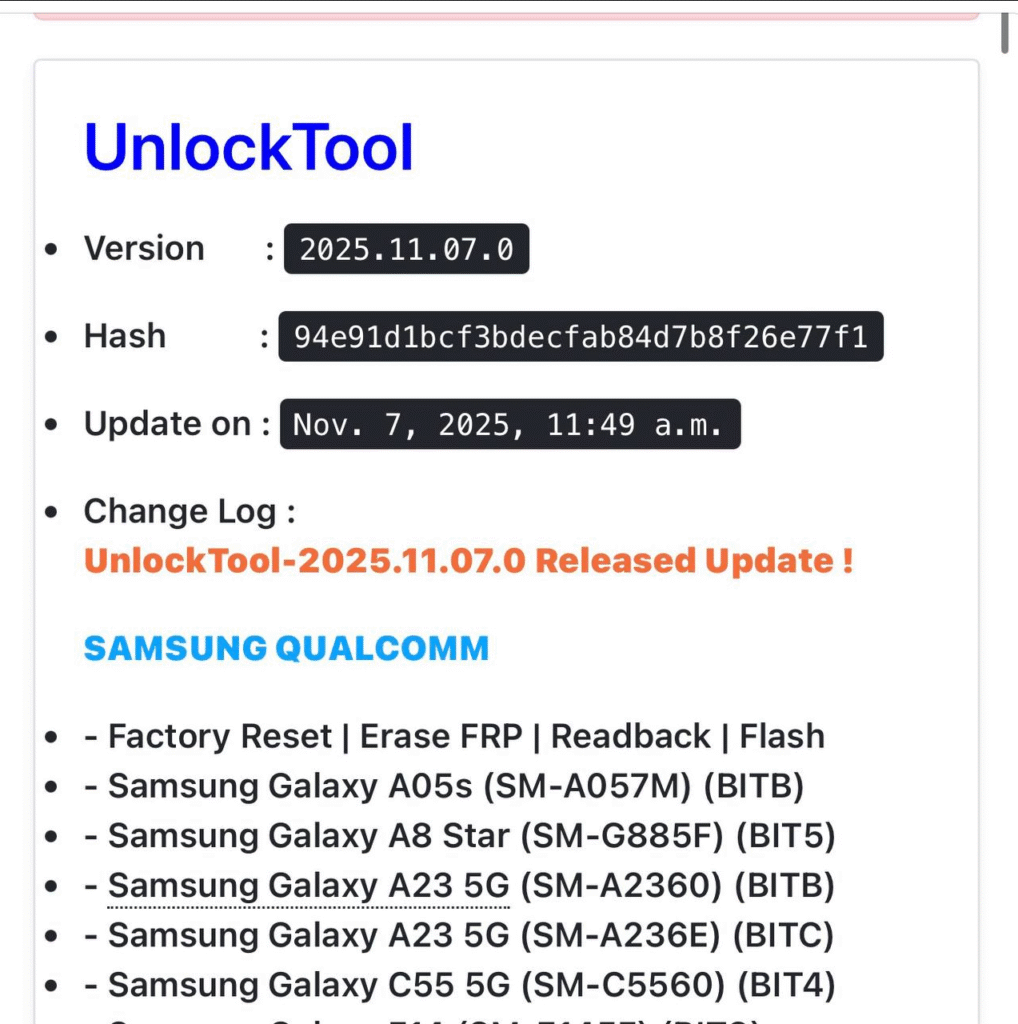
The term UnlockTool latest version 2025 refers to the newest release of the software called UnlockTool. The version number “2025.11.07.0” signals the release date (November 7, 2025) and build. This update is designed to ensure compatibility with the most recent smartphone models, chipsets and security patches.
Many technicians and individual users struggle with newer devices that no longer respond to older servicing tools. Security enhancements by OEMs and newer chipsets (Qualcomm, MTK, etc) demand fresh tool updates. The UnlockTool 2025.11.07.0 Update addresses those demands by adding support for specific Samsung Qualcomm models, Tecno/Infinix MTK models, Motorola devices and more.
This means you’re equipped to:
- Handle FRP unlocks and factory resets for newly launched devices,
- Perform network unlocks and flash support for modern chipsets,
- Serve customers with up-to-date devices rather than being limited by tool obsolescence.
By updating to the version, you improve your capabilities as a repair shop, and as a user you gain access to tools capable of handling your device.
Key Features of UnlockTool 2025.11.07.0 Update (Latest Version)
The UnlockTool 2025.11.07.0 Update November 2025 delivers several significant enhancements:
1. Expanded Samsung Qualcomm Support
The update adds support for new Samsung devices based on Qualcomm chipsets. Features include factory reset, FRP erase, readback and flash operations. Models include:
- Samsung Galaxy A05s (SM-A057M, BITB)
- Samsung Galaxy A8 Star (SM-G885F, BIT5)
- Samsung Galaxy A23 5G (SM-A2360, BITB)
- Samsung Galaxy A23 5G (SM-A236E, BITC)
- Samsung Galaxy C55 5G (SM-C5560, BIT4)
- Samsung Galaxy F14 (SM-E145F, BIT8)
- Samsung Galaxy F23 5G (SM-E236B, BITB)
- Samsung Galaxy M23 5G (SM-M236B, BITB)
- Samsung Galaxy M44 5G (SM-M446, BIT6)
- Samsung Galaxy S20 FE (SM-G780G, BITH)
- Samsung Galaxy S20 Lite 5G (SM-G781B, BITI)
- Samsung Galaxy S21 5G (SM-G9910, BITE)
- Samsung Galaxy S21 FE 5G (SM-G990U2, BITH)
- Samsung Galaxy S6 Lite 10.4 WiFi (2022) (SM-P619, BITA)
- Samsung Galaxy Tab A9+ WiFi (SM-X210, BIT8)
- Samsung Galaxy Tab S7 FE 5G (SM-T738U, BITC)
- Samsung Galaxy Tab S7+ 5G (SM-T978U, BIT9)
- Samsung Galaxy XCover 6 Pro 5G (SM-G736U, BITC)
- Samsung Galaxy Tab A 8.0 (2018) (SM-T387T, BIT2)
- Samsung Galaxy Tab A 8.0 (2018) (SM-T387V, BIT3)
These additions mean you can now service many of the latest Samsung Qualcomm models with full FRP, flash and reset support.
2. New Tecno/Infinix MTK Support
Under the heading “UnlockTool 2025.11.07.0 Update Tecno Infinix MTK update”, the software adds directly meta-mode support for many Tecno / Infinix devices:
- Tecno Pop 9 (KL4)
- Tecno Pova 6 Neo 5G (KL8)
- Tecno Pova 7 4G (LJ6)
- Tecno Pova 7 Pro 5G (LJ8)
- Tecno Pova 7 5G (LJ7)
- Tecno Pova Curve 5G (LJ8k)
- Tecno Camon 40 Pro 5G (CM7)
- Tecno Pova Slim 5G (KM9)
- Tecno Spark 40 Pro+ (KM7)
- Tecno Spark 40 (KM5)
- Infinix Note 50 (X6858)
- Infinix Note 50x (X6857B)
- Infinix Note 50s (X6870)
- Infinix Note 12 G96 (X670)
- Infinix Note 50 Pro+ 5G (X6856)
Support includes factory reset, FRP erase, flashing and more.
3. Expanded Motorola & Other Brand Support
Motorola models such as Moto G05 (XT2523), Moto G15 (XT2521), Moto E13 (XT2345), Moto E7 Plus (XT2081), Moto Tab G62 (XT2261-2) and others are now supported with factory reset, FRP, readback/flash.
Older/other models like Itel (A80, A90, A50), HTC Wildfire E Star, HMD M-KOPA X30/S34, Hisense E71, Blackview Wave 8C, ZTE Nubia Blade A36, Huawei Honor Play10 (ELA-LX2), Honor X9 4G (ANY-LX1) are added as well.
4. Enhanced Functionality & Stability
- Improved readback/flash stability for supported models
- Meta-mode selection for newer devices (especially MTK)
- Better firmware compatibility, fewer errors
- Regular bug-fixes and server updates
As a technician or user, this means fewer failed attempts and a higher success rate when servicing latest devices.
Supported Devices and Brands
Here is a concise overview of supported devices/brands in this release
| Brand | Chipset Type | Supported Models (Examples) |
|---|
| Samsung | Qualcomm | Many new V2 models listed above |
| Tecno / Infinix | MTK | Tecno Pop 9, Pova series, Infinix Note 50 series |
| Motorola | Qualcomm/Other | G05, G15, E13, E7 Plus, Tab G62 |
| Other Brands | Various | Itel A80/A90, Blackview Wave 8C, Huawei Honor Play10 & X9 4G |
This means that whether you are a user with a Samsung device or a technician servicing Tecno/Infinix or Motorola or other lesser-known brands, the UnlockTool 2025.11.07.0 Update has you covered.
Download and Installation Process
Step-by-step Installation Guide
Below is a simplified installation guide for both beginner users and technicians.
- Download the Setup
- Visit the official UnlockTool website.
- Locate version UnlockTool 2025.11.07.0 Update
- Download the Windows-based installer.
- Prepare Your PC
- Use a PC with Windows 10 or Windows 11 (64-bit recommended).
- Disable antivirus/real-time protection temporarily (if required).
- Extract the downloaded ZIP (if compressed) to a location.
- Run Installation
- Right-click the installer → Run as administrator.
- Choose the installation path.
- Complete the installation wizard.
- Install Drivers (if required)
- On first use you may need Qualcomm, MTK, ADB, VCOM drivers.
- Install them as prompted.
- Reboot the PC if driver installation requests.
- Launch the Software & Check Update
- Open UnlockTool.
- It should detect version 2025.11.07.0 – if not, check for updates.
- Connect your dongle/license or login credentials.
How to Register and Activate
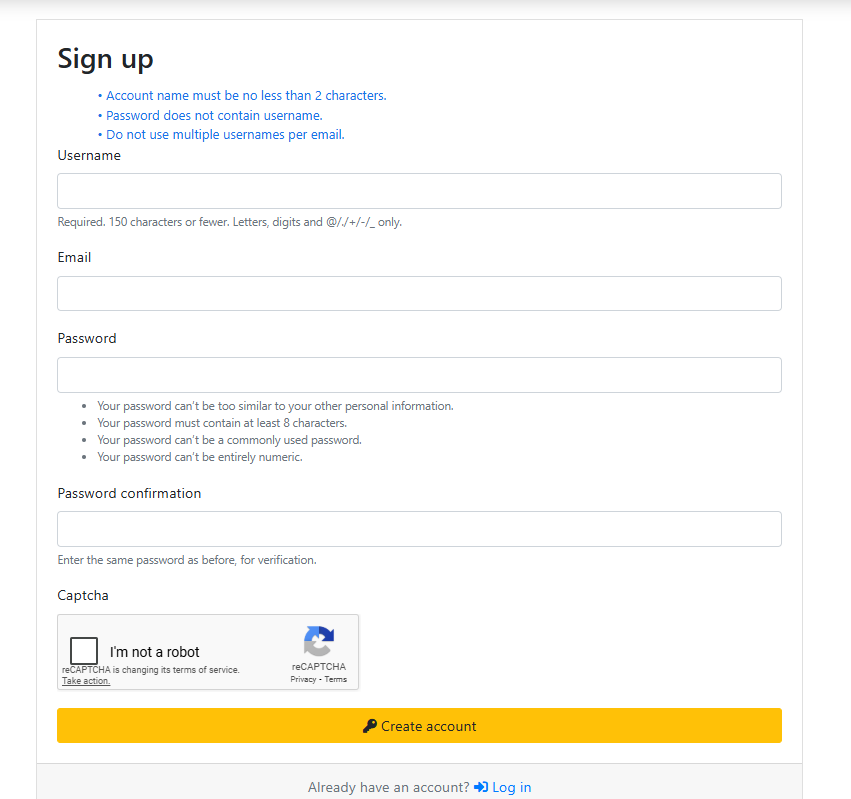
- Create your account on the UnlockTool website.
- Purchase or activate your license (monthly/annual).
- Enter your license key in the software when prompted.
- Once registered, restart the tool and verify all modules (FRP, flash, meta-mode) are unlocked.
- Link your WhatsApp/Telegram contact as support in your dashboard for leads.
How to Use UnlockTool 2025.11.07.0 Update (for Owners and Technicians)
Here we outline core service use-cases so both individual users and techs can follow.
FRP Unlock
Situation: Device locked by Google account after factory reset.
Procedure:
- Connect device to PC in appropriate mode (EDL, Download, Meta-mode) depending on brand.
- From UnlockTool choose brand (Samsung/Tecno/Infinix/Motorola) → Select model.
- Click “Erase FRP” or “Remove FRP”.
- Wait for process to complete, device reboots.
- Check access and setup.
Network Unlock
Situation: Device is locked to one network/carrier and you need to remove SIM restrictions.
Procedure:
- Connect device and select correct brand/chipset.
- Navigate to “SIM/Network Unlock” module.
- Follow on-screen prompts (some devices might require flash or readback).
- Once unlocked, insert new SIM and verify network registration.
IMEI Repair and Other Services
Services Available:
- Read/write NV (non-volatile) data
- IMEI repair/restoration for qualifying devices
- Readback & flash stock firmware
- Format/wipe system, user data, partitions
Procedure:
- Connect device and select “Readback” to take full backup of partitions (recommended).
- Use “IMEI Repair” module: supply valid IMEI and device info.
- Apply patch/flash and verify in phone Settings → About Phone
- Reboot and check network signal quality.
These services make UnlockTool suitable not just for casual users but for repair shops offering a full suite of mobile services.
Comparison with Other Tools
Here is a comparison table to help understand where UnlockTool stands.
| Feature | UnlockTool 2025.11.07.0 | Competitor A | Competitor B |
|---|---|---|---|
| Latest Samsung Qualcomm model support | ✅ Extensive | ⚠️ Limited | ⚠️ Limited |
| Tecno/Infinix MTK meta-mode support | ✅ Included | ✖ Not always | ✖ Not always |
| FRP + Network + IMEI repair | ✅ All integrated | ✅ Some | ⚠️ Few features |
| Update frequency | ✅ Frequent (2025 version) | ⚠️ Often slower | ⚠️ Slower |
| Beginner-friendly interface | ✔ Yes | ✔ Moderate | ✔ Basic |
| Subscription cost | ✔ Competitive | ✔ Comparable | ✔ Comparable |
From this, repair shops looking for wide coverage and frequent updates will find UnlockTool a strong contender.
Safety Tips and Legal Considerations
- Always obtain device owner consent before performing unlocking or IMEI repair.
- Backup user data before any operation to avoid unintended loss.
- Using unlocking features to bypass legitimate carrier restrictions or stolen devices can be illegal. Always act within the law.
- Updating to the latest version (e.g., UnlockTool 2025.11.07.0) ensures better security patches and reduces risk of bricking.
- Avoid downloading software from unverified sources—only use official site or authorized resellers.
- Ensure your PC is clean (no malware) and use legitimate licenses.
Troubleshooting Common Errors
| Problem | Solution |
|---|---|
| “Device not recognized” | Reinstall drivers, check USB cable/port, enable debugging/EDL mode. |
| “License invalid / login failed” | Verify account credentials, check for active license validity, contact support via WhatsApp/Telegram. |
| “Error during FRP erase” | Try another mode (meta/EDL), ensure model is supported by update, verify tool version is latest. |
| “Flash failed / brick risk” | Always backup first, ensure stock firmware is correct, follow on-screen instructions and ensure correct chipset selection. |
| “Network unlock failed” | Confirm device is in supported list, check IMEI status, use correct unlock module, ensure carrier lock can be removed legally. |
Pricing and Subscription Plans
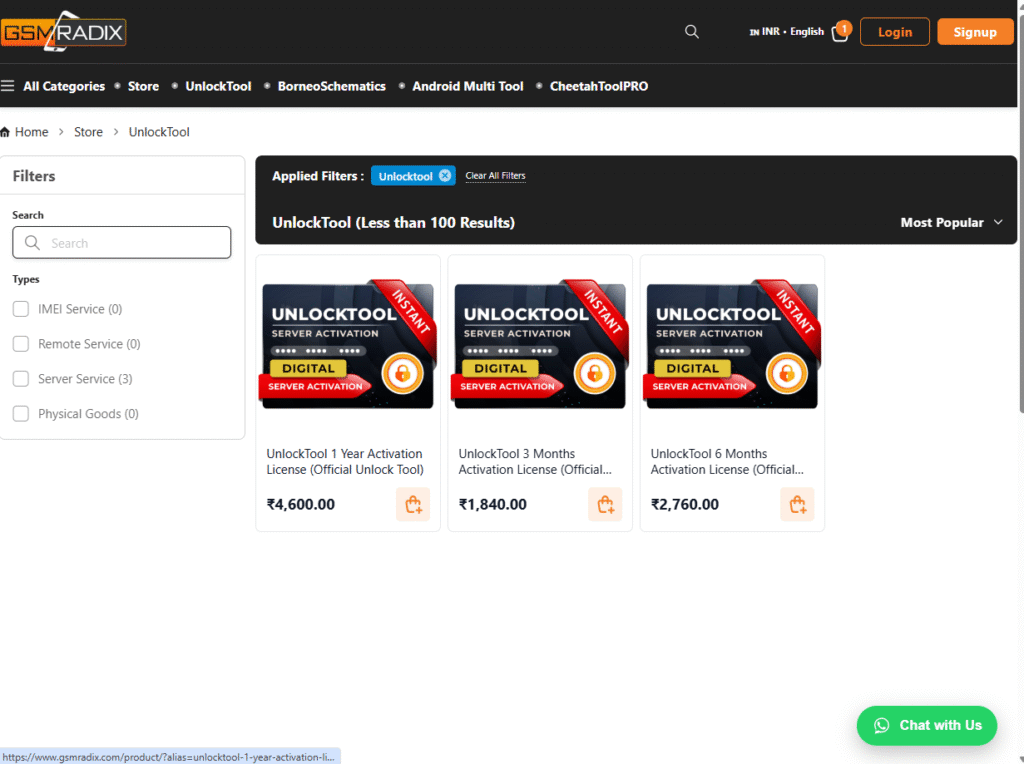
The UnlockTool pricing model typically includes licenses for different durations. Examples of what you may expect:
- 1-month license (starter)
- 3-month license (technician use)
- 12-month or lifetime option
- Add-ons such as MTK meta-mode or Samsung Qualcomm special modules
Check the official site for up-to-date pricing. Always buy from authorised sources to ensure support and updates (including the 2025.11.07.0 version).
Technician shops can factor in subscription cost as part of their service package.
FAQs
Q1: What is UnlockTool 2025.11.07.0 Update?
It is the newest build for the UnlockTool software (released November 7, 2025) that adds extensive model and chipset support for FRP, network unlocking and IMEI repair.
Q2: Will my device be supported by this update?
If your device is listed under the “Supported Devices and Brands” section of the release notes for version 2025.11.07.0, then yes. For unlisted devices you may need to wait for future updates.
Q3: Can I use UnlockTool without technical knowledge?
Yes, the interface is designed to be beginner-friendly. However, unlocking and flash operations carry risk; for best results technicians should follow instructions carefully and backup data.
Q4: Is UnlockTool legal?
Unlocking a device you legally own is typically legal; using it for stolen or illegally obtained devices is not. Ensure you have legitimate access and follow local laws.
Q5: How often are updates released?
The 2025.11.07.0 Update shows the developer’s commitment to frequent updates. You should expect regular updates to cover new models and security patches.
Final Thoughts + Download / Contact / Subscribe CTA
The UnlockTool 2025.11.07.0 Update is a robust, future-ready servicing tool—ideal for both individual users who need to regain access to locked smartphones, and professional repair technicians or shops that demand broad model support, reliable services and frequent updates.
Ready to upgrade?
- Download the latest setup from the official site (look for version 2025.11.07.0).
- Register your account, purchase the required license and activate.
- Join our WhatsApp or Telegram group to get activation help, lead-generation tips, and support.
- Subscribe to our newsletter to receive the next updates, model additions and special technician offers.
Why Buy from GsmRadix
- 100% genuine and verified firmware
- Official download mirror of UnlockTool 3 Months
- Instant auto-delivery 24/7
- Secure checkout with fast technical support