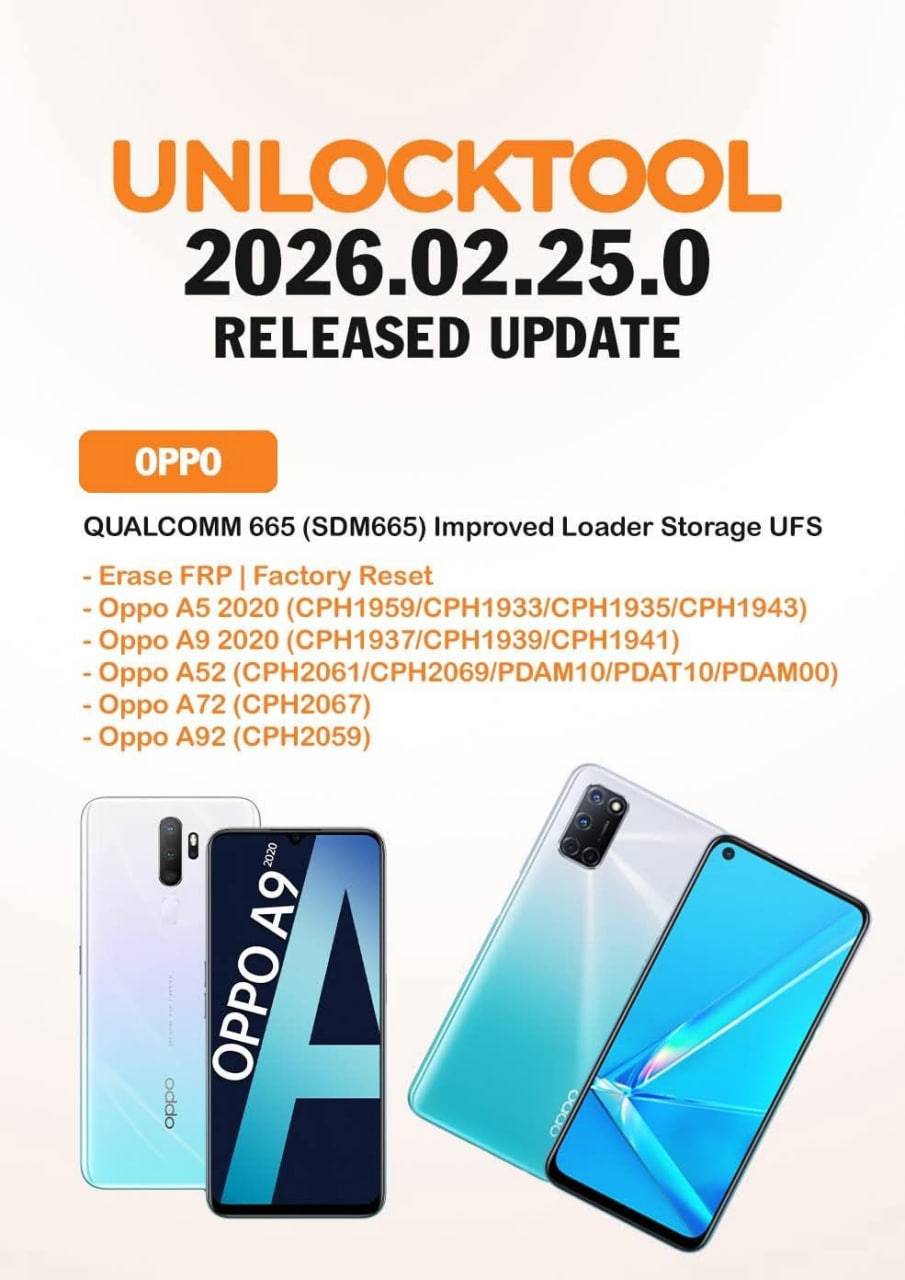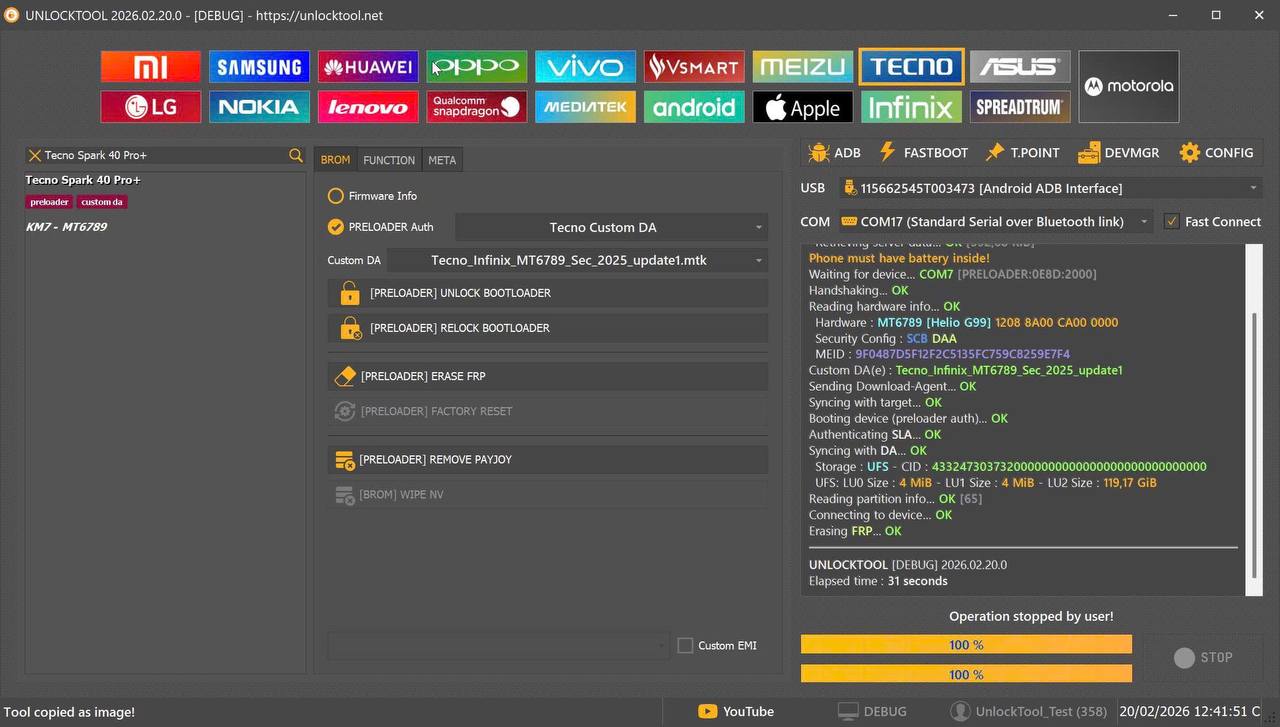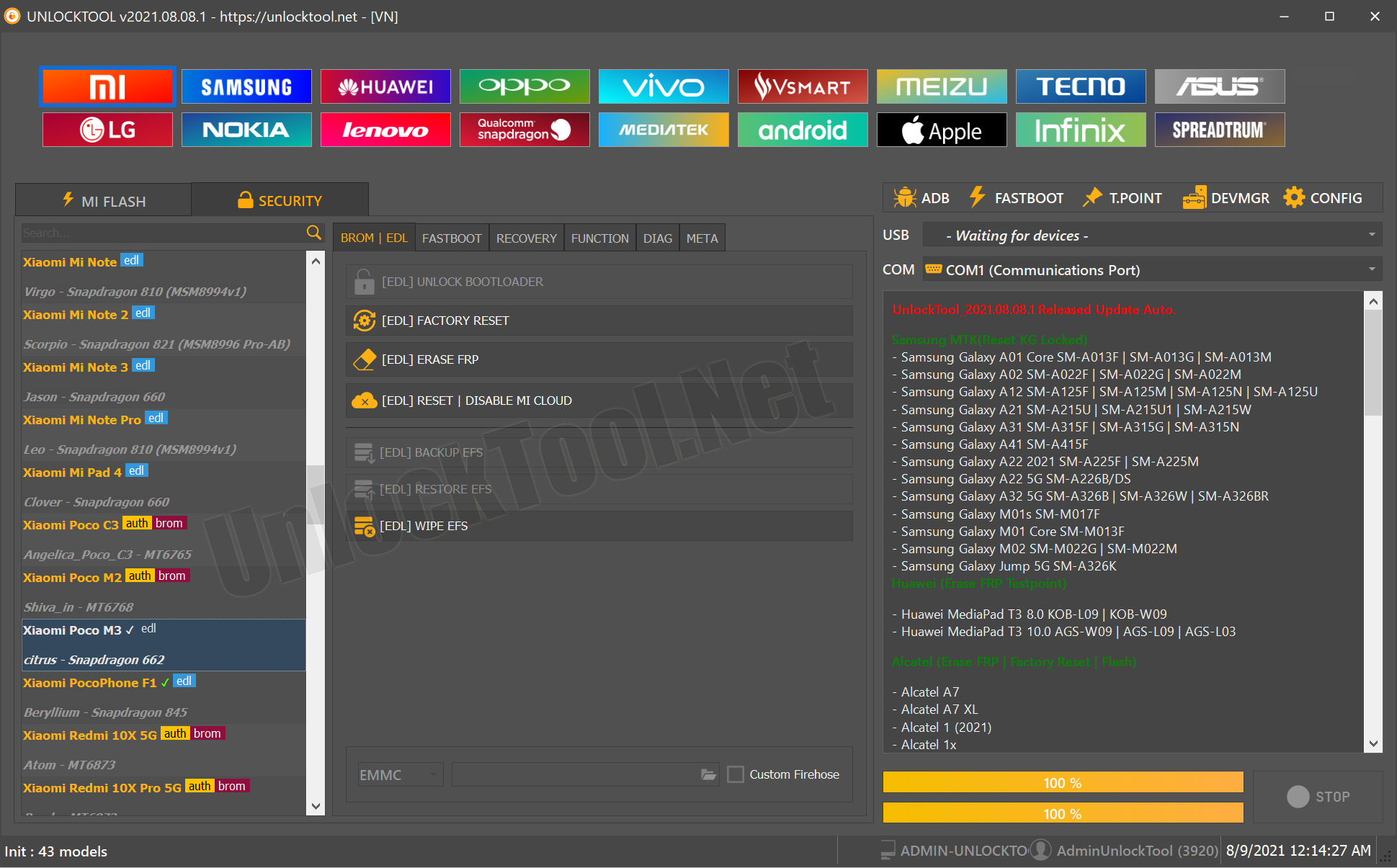
The UnlockTool 2025.11.13.0 Update has arrived, and it’s one of the most powerful releases yet for mobile repair technicians and individual users. Whether you run a professional repair shop or simply need to remove FRP on your own device, this version brings improved stability, wider model support, and an even faster unlocking process.
As smartphone security becomes more advanced, traditional tools fail to keep up. This is where UnlockTool 2025.11.13.0 Update stands out. Designed for FRP unlock, IMEI repair, Qualcomm mode operations, pattern/password removal, and factory reset tasks—it is trusted by thousands worldwide.
In this complete guide, you’ll learn everything about this update, including supported devices, detailed installation steps, usage instructions, pricing, FAQs, and download options.

What Is UnlockTool 2025.11.13.0 Update and Why It Is Needed?
UnlockTool 2025.11.13.0 Update is a professional mobile unlocking and software repair program designed for Android phones and tablets. With every update, UnlockTool expands its compatibility and introduces enhanced functions to handle new security patches.
Why Users Need This Update
- New FRP security versions on Oppo, Realme, and OnePlus require updated bypass methods
- Latest Qualcomm and MediaTek chipsets demand advanced protocol handling
- Repair shops rely on updated databases for fast and secure services
- Users need a reliable tool to remove forgotten screen locks or Google accounts
- Supports factory reset, flashing, IMEI repair, and bootloader unlocking
This update delivers major improvements, especially for:
- Oppo Reno8 Lite 5G FRP remove
- Oppo Reno8 T 5G FRP tested
- Realme 10 Pro 5G factory reset
- OnePlus Nord CE 3 Lite FRP tested
- Oppo K12x Qualcomm unlock
Key Features of UnlockTool 2025.11.13.0 Update (Latest Version)
Here are the latest features added in the UnlockTool 2025.11.13.0 Update:
1. Expanded FRP Unlock Support
Now supports the latest 2024–2025 models:
- Oppo Reno8 Lite 5G FRP remove
- Oppo Reno7 Z 5G unlock
- Oppo Reno8 T 5G FRP tested
- OnePlus Nord CE 4 Lite FRP remove
- OnePlus Nord CE 2 Lite FRP
- OnePlus Nord N20 FRP bypass
- Realme 9 Pro 5G FRP bypass
- Realme Pad X FRP unlock
2. Enhanced Qualcomm Unlock
Improved compatibility with:
- New Oppo K-series (Oppo K12x Qualcomm unlock)
- Realme and OnePlus devices with Snapdragon CPUs
- Fast EDL mode detection
- Updated firehose loaders
3. IMEI Repair and Network Unlock (Where Legal)
- Full IMEI write support (MTK & Qualcomm)
- Baseband recovery
- Repair NV partitions
- Signal fix tools
4. Practical Tools for Technicians
- Pattern/pin/password disable
- Fastboot reset & unlock commands
- Firmware reading & writing
- Factory reset for Realme 10 Pro 5G, Realme 11 Pro+, etc.
5. Improved UI & Stability
This version loads faster and handles simultaneous tasks more efficiently.
Supported Devices and Brands
UnlockTool 2025.11.13.0 Update supports a wide list of devices:
Oppo
- Oppo Reno8 Lite 5G
- Oppo Reno8 T 5G
- Oppo Reno7 Z 5G
- Oppo K12x (Qualcomm)
- Many A-series and F-series models
Realme
- Realme 9 Pro 5G
- Realme 10 Pro 5G
- Realme 11 Pro/Pro+
- Realme Pad X
- Realme C-series (C15, C21Y, C35, etc.)
OnePlus
- OnePlus Nord CE 2 Lite
- OnePlus Nord CE 3 Lite FRP tested
- OnePlus Nord CE 4 Lite
- OnePlus Nord N20 FRP bypass
Samsung (Limited Functions)
- FRP Reset (ADB/Combination)
- Rooted repair tools
Xiaomi
- Fastboot/EDL tools
- Mi Account remove (older models)
Download and Installation Process
Downloading and installing the UnlockTool 2025.11.13.0 Update is straightforward if done correctly.
Step-by-Step Installation Guide
- Download the latest UnlockTool installer
- Disable Antivirus Temporarily
Many professional tools trigger false warnings. - Extract the ZIP file
Use WinRAR or 7-Zip. - Run Setup.exe
Follow the installer instructions. - Install Drivers
Essential Qualcomm/MTK drivers are included. - Launch UnlockTool
The program will prompt for login.

How to Register and Activate UnlockTool
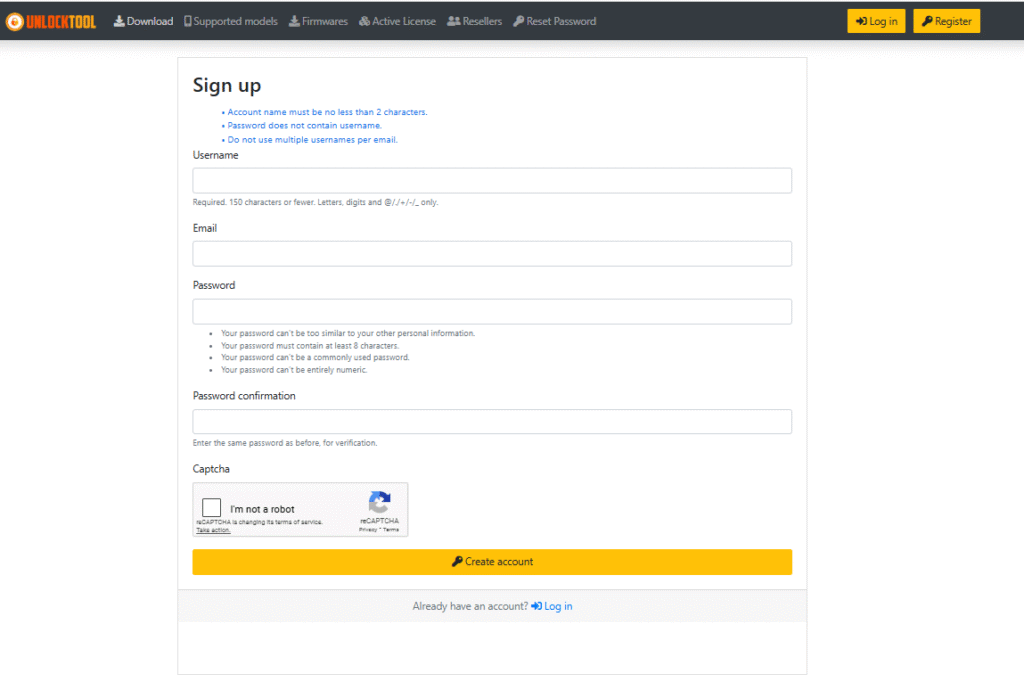
Step 1: Create an Account
Use:
- Username
- Password
Step 2: Choose Your Subscription
(See the Pricing section below.)
Step 3: Activate Using License Key
Paste your activation key into the software.
Step 4: Log In & Sync
The tool will download the latest modules automatically.
How to Use UnlockTool 2025.11.13.0 Update (For Owners & Technicians)
UnlockTool is built for both beginners and professionals. Below are common use cases.
1. How to Remove FRP
- Open UnlockTool
- Select your brand (Oppo / Realme / OnePlus)
- Choose FRP mode
- Boot the phone into fastboot, EDL, or recovery (depending on model)
- Click Start
- Wait for the tool to complete the bypass
Supports:
- Oppo Reno8 Lite 5G FRP remove
- Oppo Reno8 T 5G FRP tested
- Realme 9 Pro 5G FRP bypass
- OnePlus Nord CE 4 Lite FRP remove
2. IMEI Repair
(Legal only in allowed regions—follow local laws.)
- Connect device in META/DIAG/EDL mode
- Choose IMEI repair option
- Enter original IMEI
- Click Write IMEI
3. Qualcomm Unlock (EDL Mode)
- Enter EDL mode
- Select firehose loader
- Choose Qualcomm unlock
- Start the process
Perfect for:
- Oppo K12x Qualcomm unlock
- OnePlus Nord CE series
4. Factory Reset Tools
Useful for:
- Realme 10 Pro 5G factory reset
- Realme 11 series
- Older Oppo/Realme devices
Comparison With Other Mobile Unlock Tools
| Feature | UnlockTool 2025.11.13.0 Update | MRT Tool | UMT | Hydra Tool |
|---|---|---|---|---|
| FRP Support | ✔ Wide, updated 2025 list | Limited | Good | Medium |
| Qualcomm Unlock | ✔ Fast & stable | Slow | Medium | Good |
| IMEI Repair | ✔ MTK + Qualcomm | MTK only | Limited | MTK/QL |
| UI/Usability | ✔ Beginner-friendly | Complex | Medium | Complex |
| Price | Affordable | Medium | Medium | High |
UnlockTool is preferred for:
- Latest Oppo, Realme, and OnePlus models
- Clean, modern interface
- Fast updates
Safety Tips and Legal Considerations
- FRP unlock and IMEI repair should only be done on devices you own or are authorized to repair.
- Changing IMEI is illegal in many countries—use only for restoring the original IMEI.
- Always backup data before using the tool.
- Keep the software updated to avoid compatibility issues.
- Avoid unofficial cracked versions—they may contain malware.
Troubleshooting Common Errors
1. Driver Not Detected
- Reinstall Qualcomm/MTK drivers
- Change USB port
2. Device Not Entering EDL
- Use test points
- Try ADB reboot edl command
3. Login Failed
- Check your license expiry
- Re-sync modules
4. FRP Failed
- Try a different mode (ADB, Fastboot, EDL)
- Reflash stock firmware (if needed)
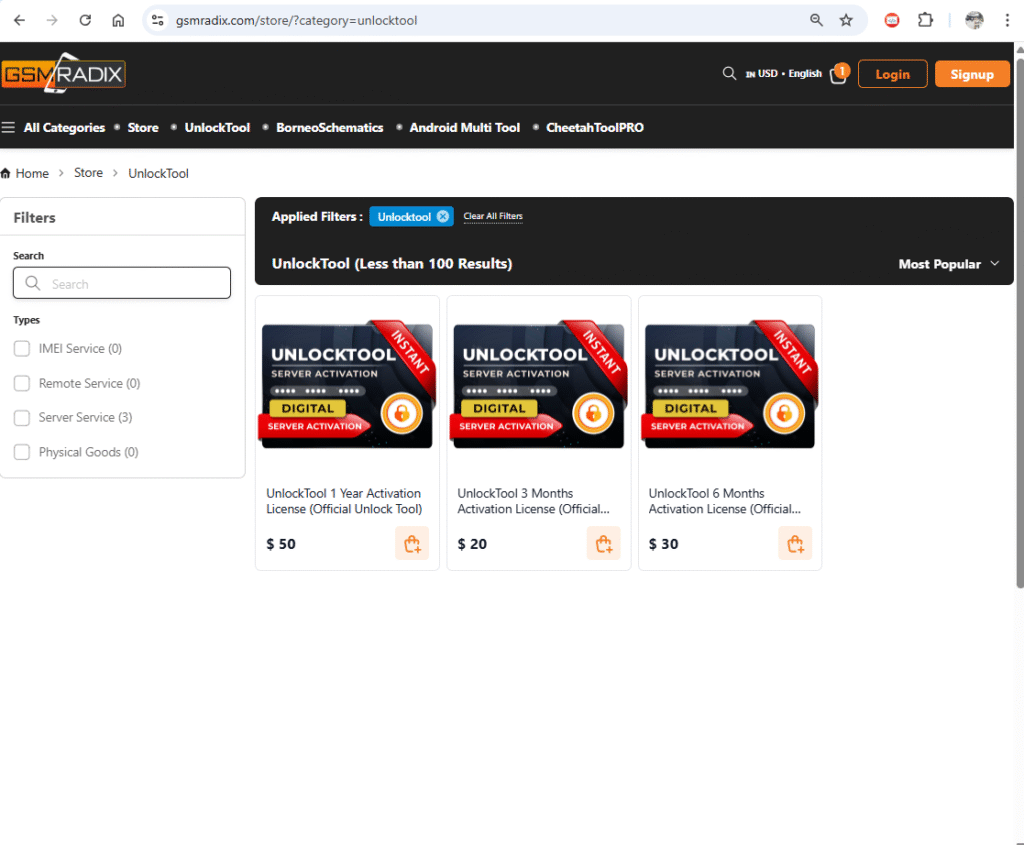
Pricing and Subscription Plans
UnlockTool typically offers:
| Plan | Duration | Features |
|---|---|---|
| Basic | 3 Months | FRP, resets, basic unlock |
| Standard | 6 Months | Full access + updates |
| Professional | 12 Months | All features, priority updates |
| Team License | Multi-user | For repair shops |
FAQs – UnlockTool 2025.11.13.0 Update
1. Is UnlockTool safe to use?
Yes, it is widely trusted and updated regularly.
2. Does it support Oppo Reno8 Lite 5G FRP remove?
Yes, fully supported in the 2025.11.13.0 update.
3. Can I repair IMEI with this tool?
Yes, but only for legal/authorized purposes.
4. Do I need internet to use UnlockTool?
Yes, login and some modules require internet.
5. How do I get support?
You can contact the team via WhatsApp or Telegram.
Final Thoughts + Download / Contact / Subscribe CTA
The UnlockTool 2025.11.13.0 Update is one of the most advanced and reliable mobile unlocking programs available today. Whether you’re handling FRP removal, Qualcomm unlock, Realme/Oppo services, or IMEI repair, this version delivers unmatched speed, accuracy, and device coverage.
If you’re a repair shop, upgrading to this version is essential. If you’re an individual user, this tool gives you full control over your device.