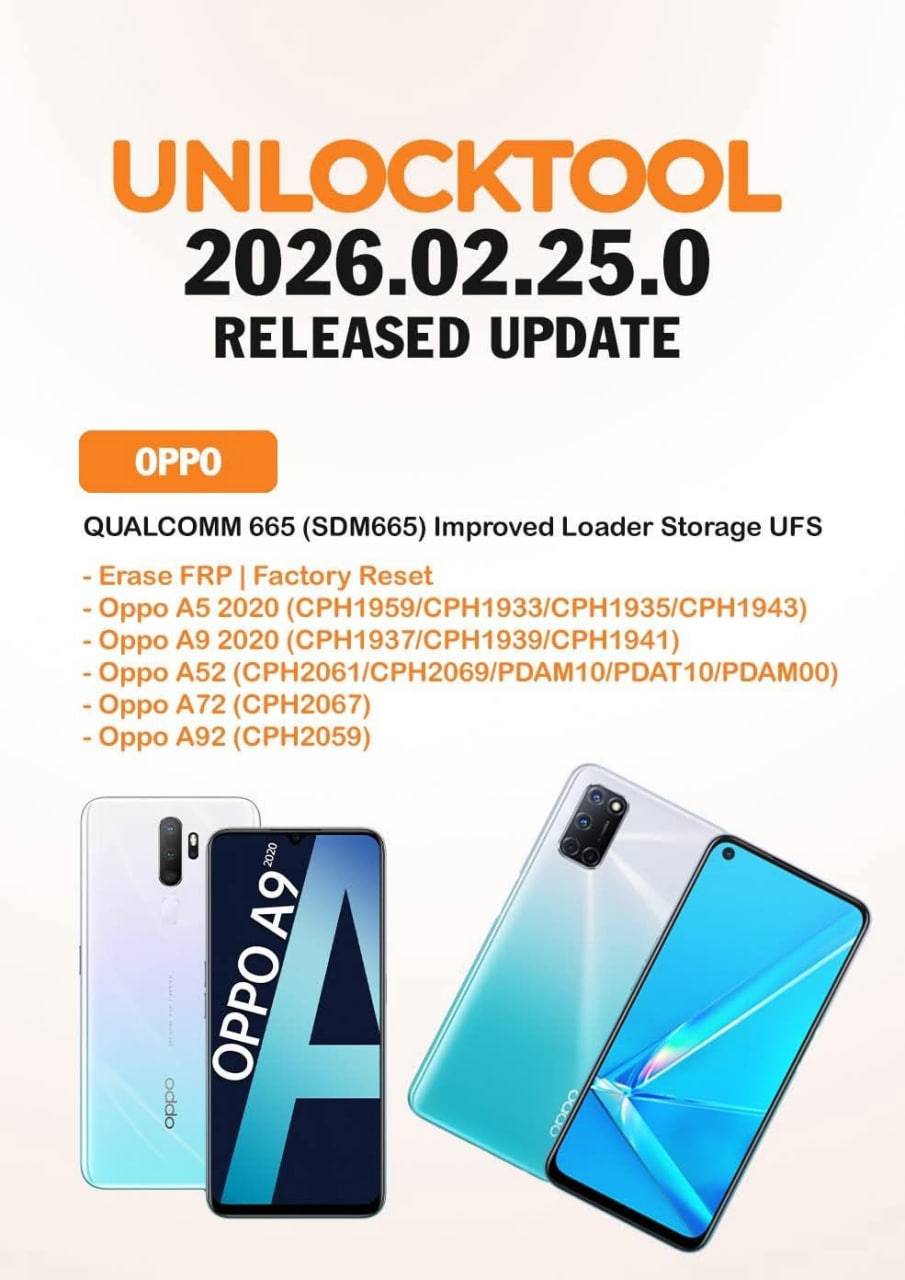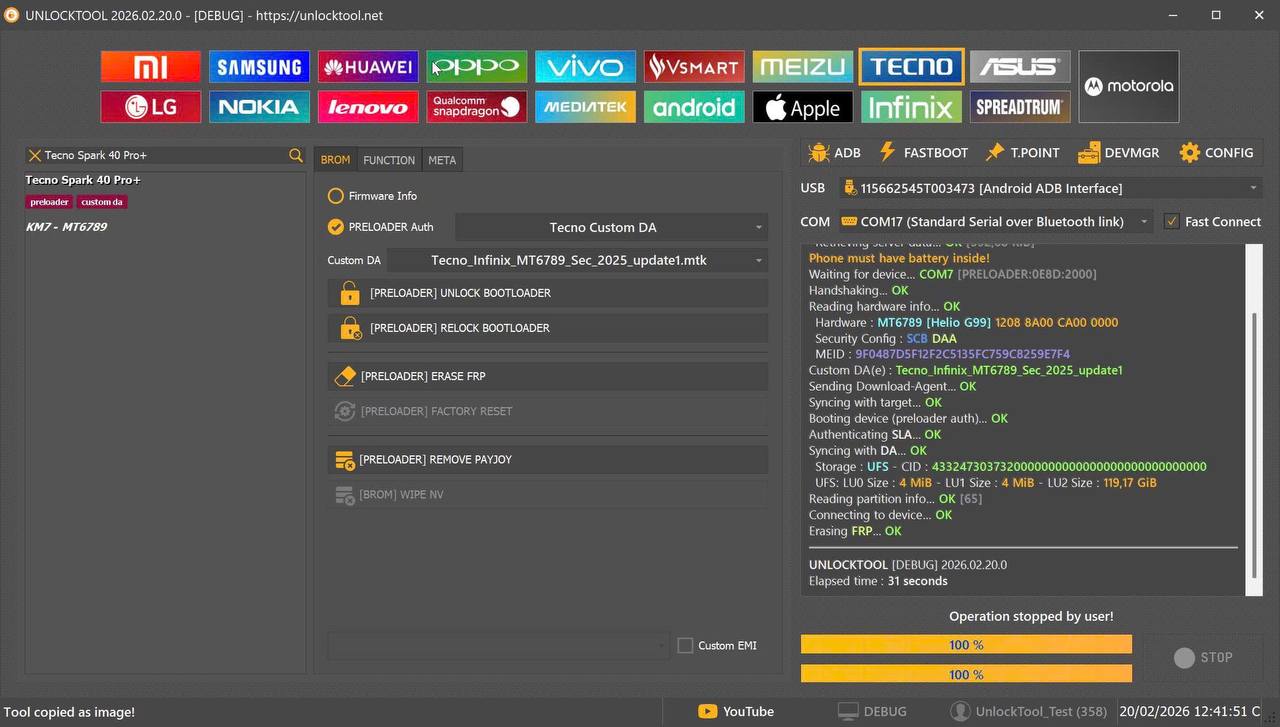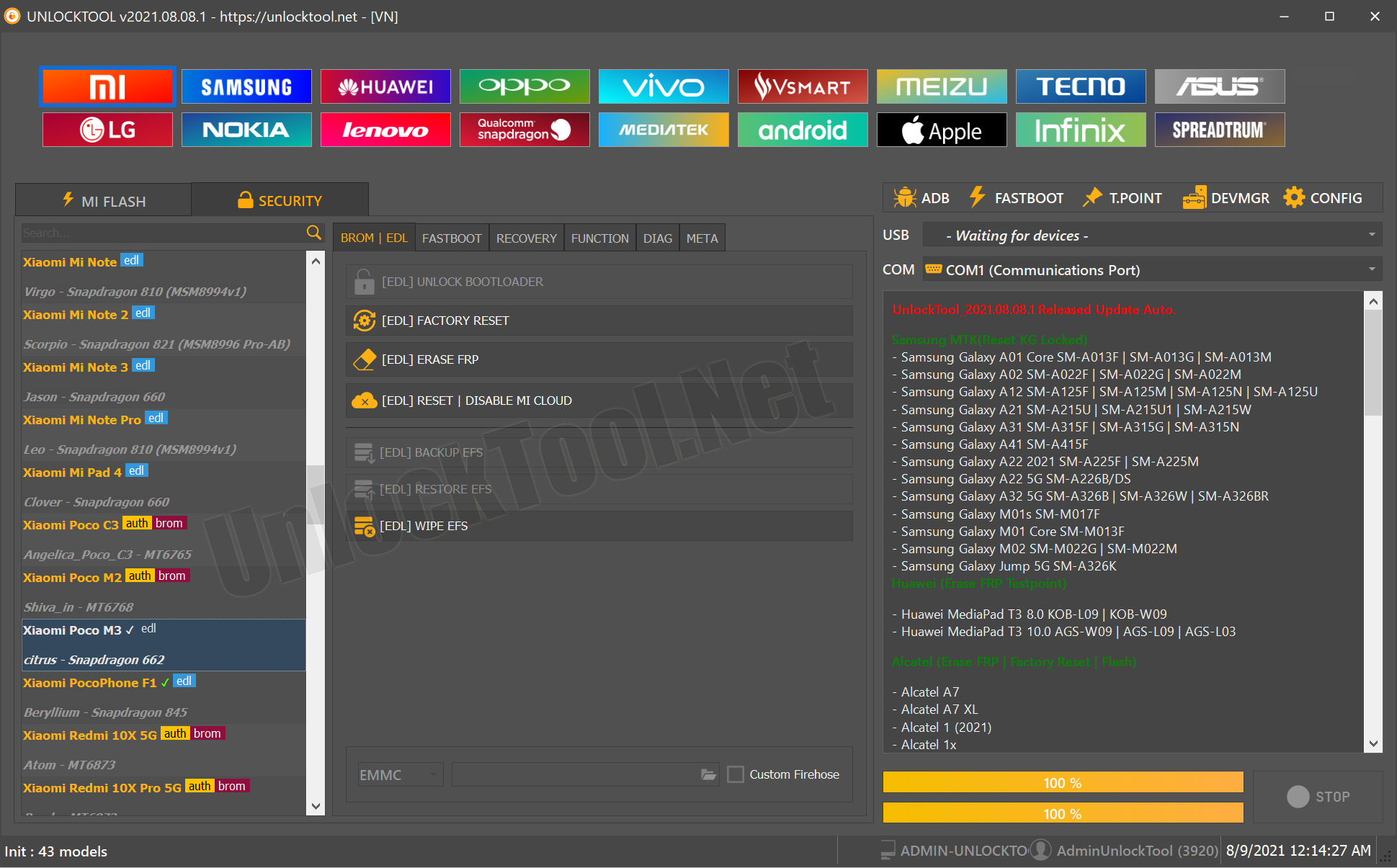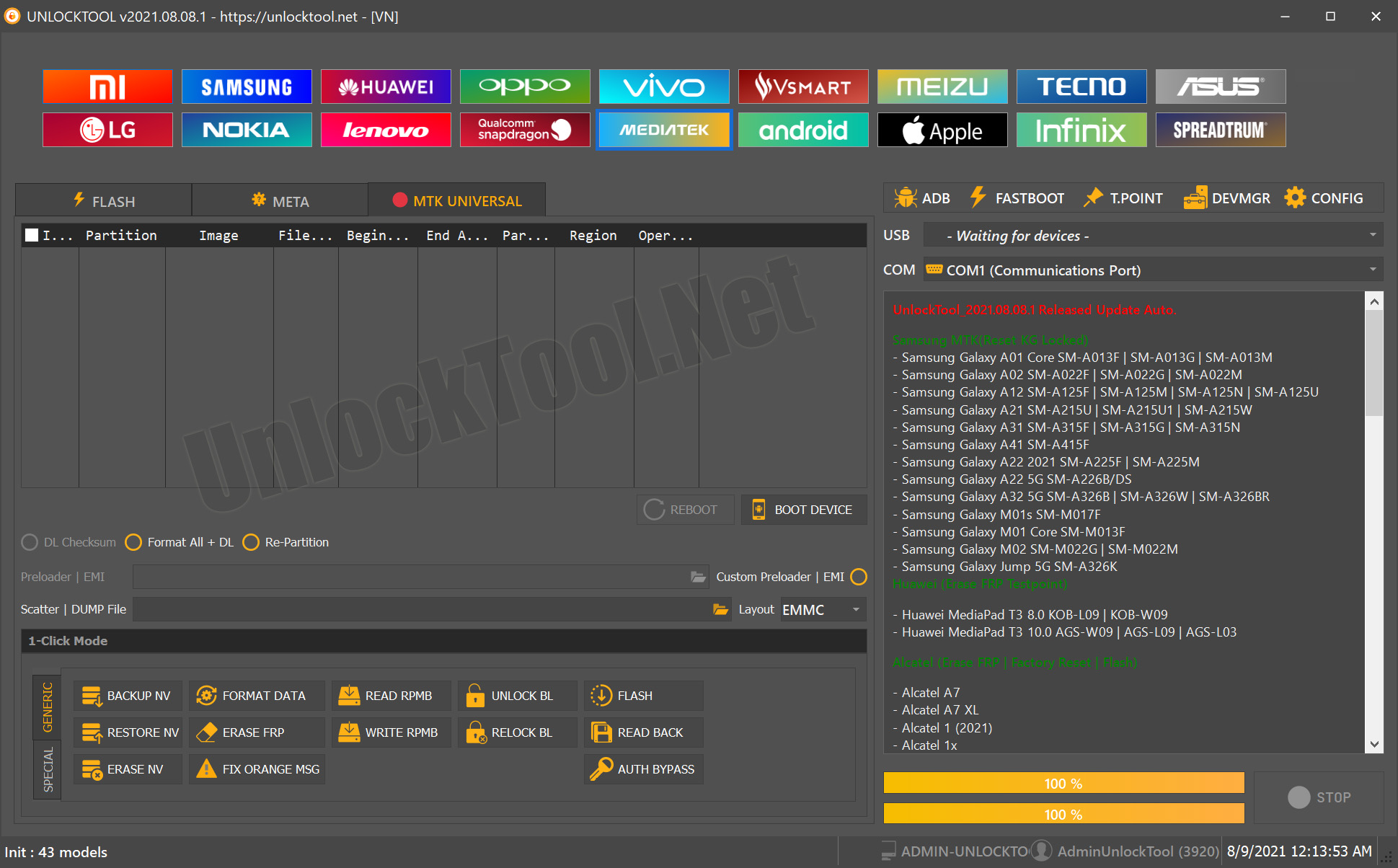
The UnlockTool 2025 Update has quickly become one of the most powerful and trusted solutions in the mobile repair industry. Whether you are an individual user trying to fix a locked smartphone or a professional technician working in a repair shop, this updated version delivers faster performance, expanded device support, and more accurate unlocking methods for Samsung, Xiaomi, Vivo, Oppo, Realme, and hundreds of other brands.
In this detailed guide, you will learn everything about the UnlockTool 2025 Update, including features, supported devices, installation steps, activation, usage guide, troubleshooting, pricing, and FAQs. This article is optimized for search engines and helps users find accurate, realistic, and safe information.
What is UnlockTool 2025 Update and Why It Is Needed
The UnlockTool 2025 Update is an all-in-one mobile unlocking and flashing software designed for Android devices. It allows you to perform essential repair tasks like FRP bypass, IMEI repair (where legally permitted), bootloader unlocking, flashing stock ROMs, removing device locks, and performing diagnostics.
Because Android security is updated frequently, older tools often fail. This 2025 update is needed to provide:
- Better compatibility with the latest Android 15 and Android 16 builds
- Improved Samsung FRP bypass methods
- Updated Qualcomm, MediaTek, Spreadtrum, Kirin, Exynos, and Unisoc chipset support
- Faster unlocking speeds
- More stable servers and lower error rates
- Safe and reliable alternatives to manual FRP hacks
Technicians prefer the UnlockTool 2025 Update because it reduces time, increases accuracy, and supports a wide range of models without requiring a special box or dongle.
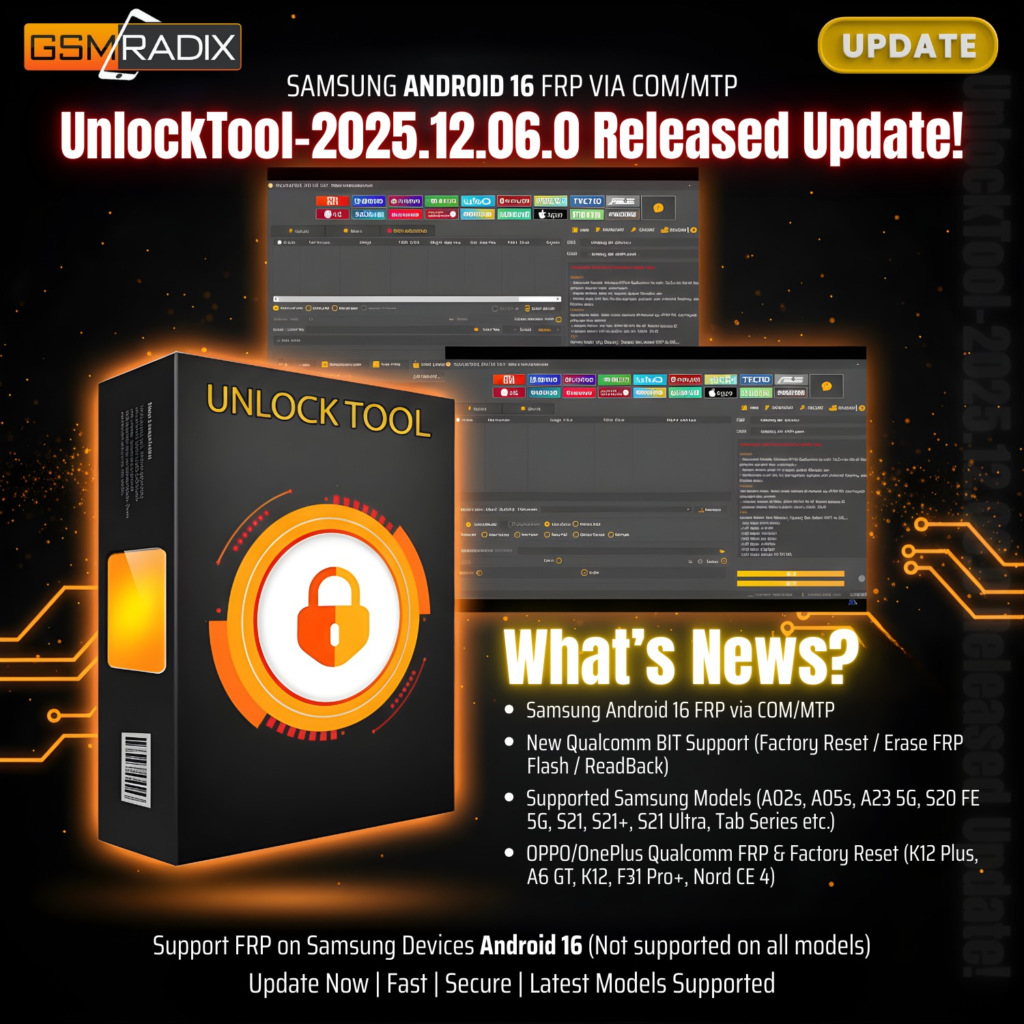
Key Features of UnlockTool 2025 Update
UnlockTool continues to evolve every month. The 2025 version introduces dozens of powerful improvements designed for both beginners and expert technicians.
1. Samsung Android 16 FRP Reset
The UnlockTool 2025 Update includes new Samsung FRP unlock methods for Android 15 and Android 16 devices.
- Works via MTP, ADB, or COM mode depending on model
- Supports OTG-based and notification-based bypass
- Works on newer security patches
- Partial support for Qualcomm-based Samsung models
2. Universal FRP Bypass Solution
The tool is known for providing one of the most stable FRP unlock methods for:
- Samsung
- Xiaomi
- Vivo
- Oppo
- Realme
- Motorola
- Tecno and Infinix
- Huawei (where supported)
3. IMEI Repair and Network Fix
IMEI repair is allowed only in countries where local law permits modifications. UnlockTool provides:
- IMEI repair for MTK devices
- Fix baseband
- NV rebuild
- Repair network signal issues
- Restore EFS for Samsung
4. Flashing and Firmware Install
You can flash stock ROMs on multiple chipsets.
- Qualcomm firehose flashing
- MediaTek scatter flashing
- Spreadtrum PAC firmware flashing
- Samsung Odin-based flashing
- Fastboot flashing and unlock
5. Remove All Types of Locks
The UnlockTool 2025 Update can remove:
- Pattern lock
- PIN lock
- Password lock
- Face lock (depends on model)
- Google account lock
- Xiaomi account lock (partial)
- Secure boot restrictions
6. Server Functions
Cloud-based server options for select operations:
- Online FRP
- Online IMEI services
- Online account unlocks
- Online authorization for Mi devices
7. Simple User Interface
Designed for both new and advanced users.
- Clean layout
- Quick search
- Automatic update detection
- One-click operations
8. Regular Monthly Updates
A major advantage of UnlockTool is frequent updates. The 2025 version promises consistent improvements every week.
Supported Devices and Brands
The UnlockTool 2025 Update supports one of the largest device lists in the mobile repair ecosystem. Below is a summary.
Samsung
- Android 11 to Android 16
- Exynos and Qualcomm models
- FRP reset, flashing, KG/MDM remove (where legal)
Xiaomi / Redmi / Poco
- Bootloader unlock
- Mi account remove (partial)
- FRP bypass
- Fastboot and EDL operations
Vivo
- FRP bypass
- Demo remove
- Flashing and test mode operations
Oppo / Realme
- Remove lock screen
- Bypass FRP
- Flash firmware
- Unlock bootloader (limited support)
Huawei / Honor
- Older models supported
- FRP and ID remove (server dependent)
Motorola, Infinix, Tecno, LG, ZTE, Nokia, Lenovo, Meizu and others
- FRP
- Flash
- Bootloader unlock
- Pattern and password reset
Download and Installation Process
Below is the complete process to download and install the UnlockTool 2025 Update.

Step-by-Step Installation Guide
- Visit the official UnlockTool website or your reseller’s secure download link.
- Download the latest UnlockTool 2025 Update installer.
- Disable antivirus temporarily to avoid false detection.
- Extract the downloaded file using any ZIP tool.
- Run the installer as Administrator.
- Wait for the setup wizard to complete installation.
- Launch the UnlockTool application.
How to Register and Activate UnlockTool 2025 Update
- Open the software after installation.
- Create a new account using your email and password.
- Verify your account through email if required.
- Contact your reseller to activate your subscription.
- Provide your UnlockTool user ID for activation.
- Once payment is confirmed, your account becomes active.
- Restart the tool and login.
How to Use UnlockTool 2025 Update
The tool is designed to be easy for both individuals and experienced technicians.
For Owners (Beginner-Level Users)
- Connect your phone using a USB cable
- Choose your device brand
- Select operation (FRP, unlock, flash, reset)
- Follow the on-screen instructions
- Wait for the process to complete
For Technicians (Advance Usage)
Technicians can use additional features such as:
- Fastboot operations
- EDL flashing (Qualcomm)
- Scatter-based flashing (MTK)
- Unlock bootloader
- IMEI repair (if legally permitted)
- Backup and restore partitions
- Write firmware and recover dead devices
IMEI Repair and Other Services
UnlockTool enables:
- NV data repair
- QCN restore
- Baseband fix
- Radio patch
- IMEI write for specific MTK chipsets
Note: Always follow local telecom rules and laws.
Comparison With Other Tools
Below is a simple comparison table.
| Feature | UnlockTool 2025 Update | Octoplus | UMT | Hydra Tool |
|---|---|---|---|---|
| Samsung Android 16 FRP Support | Yes | Partial | Partial | Limited |
| Regular Updates | Weekly | Monthly | Monthly | Monthly |
| IMEI Repair | Yes | Yes | Yes | Yes |
| Xiaomi mi Account Remove | Partial | Limited | No | No |
| Price | Affordable | Medium | Medium | Medium |
| Server-Based Functions | Yes | Yes | No | No |
| Beginner Friendly | Yes | Medium | Medium | Medium |
Safety Tips and Legal Considerations
Before using the UnlockTool 2025 Update, consider the following precautions:
- FRP bypass should only be performed on devices you own or have permission to repair.
- IMEI modification is illegal in many countries.
- Always use original firmware downloaded from official sources.
- Make a full backup before any flashing operation.
- Avoid using cracked versions; they contain malware and can steal data.
- Follow your local laws on mobile unlocking.
Troubleshooting Common Errors
Below are common errors and solutions.
1. Error: Login Failed
Solution:
- Check your internet connection
- Make sure your subscription is active
- Re-login or reset your password
2. Error: Device Not Detected
Solution:
- Install USB drivers
- Try another USB cable
- Enable USB debugging
- Try different ports
3. Error: FRP Not Supported
Solution:
- Update UnlockTool to the latest version
- Try alternative FRP mode (MTP, ADB, COM)
- Check if the device model is fully supported
4. Flashing Failed
Solution:
- Use correct firmware
- Reboot in correct mode (EDL, Fastboot, Download)
- Disable driver signature enforcement
Pricing and Subscription Plans
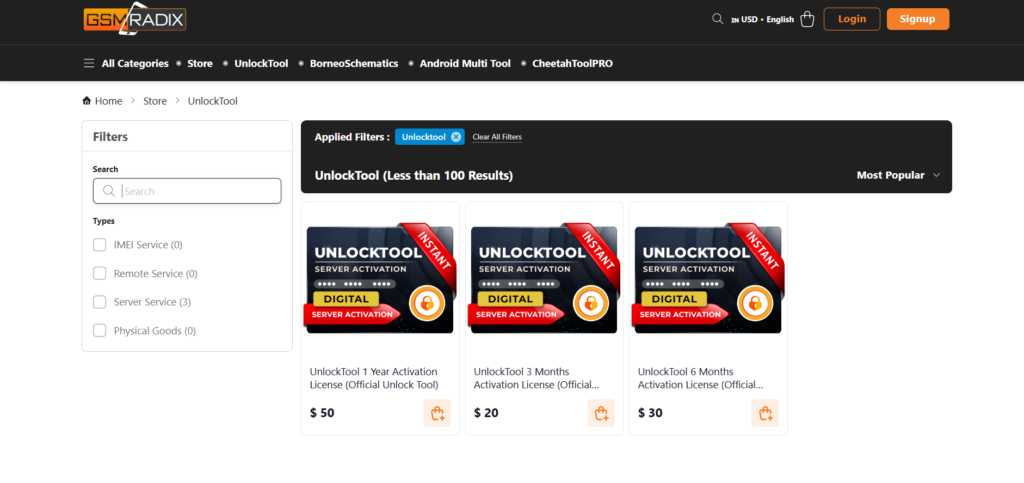
UnlockTool offers affordable plans for both individuals and repair shop owners.
- Monthly subscription
- Yearly subscription (best value)
- Multi-user shop plans
- Reseller discounts
Pricing may vary depending on region and reseller.
Frequently Asked Questions (FAQ)
What is UnlockTool 2025 Update?
It is the latest version of the UnlockTool software designed for Android FRP, flashing, IMEI repair, and unlocking.
Is UnlockTool safe to use?
Yes, it is safe and used by thousands of technicians worldwide.
Does it work on Samsung Android 16?
Yes. The UnlockTool 2025 Update includes Samsung Android 16 FRP solutions.
Can beginners use UnlockTool?
Yes. The interface is user-friendly and provides on-screen guidance.
Is IMEI repair legal?
It depends on your country. Always follow local laws.
Can I unlock Xiaomi devices?
Yes, partial support for Mi account remove and bootloader unlock is included.
How do I get updates?
The tool automatically updates when a new version is available.
Final Thoughts and Download CTA
The UnlockTool 2025 Update is one of the most reliable and advanced mobile unlocking solutions available today. Whether you are a casual user or a professional technician, this tool provides all the necessary features for Samsung FRP, flashing, IMEI repair, unlocking, diagnostics, and device recovery.
Why Buy from GsmRadix
- 100% genuine and verified firmware
- Official download mirror of UnlockTool 3 months
- Instant auto-delivery 24/7
- Secure checkout with fast technical support