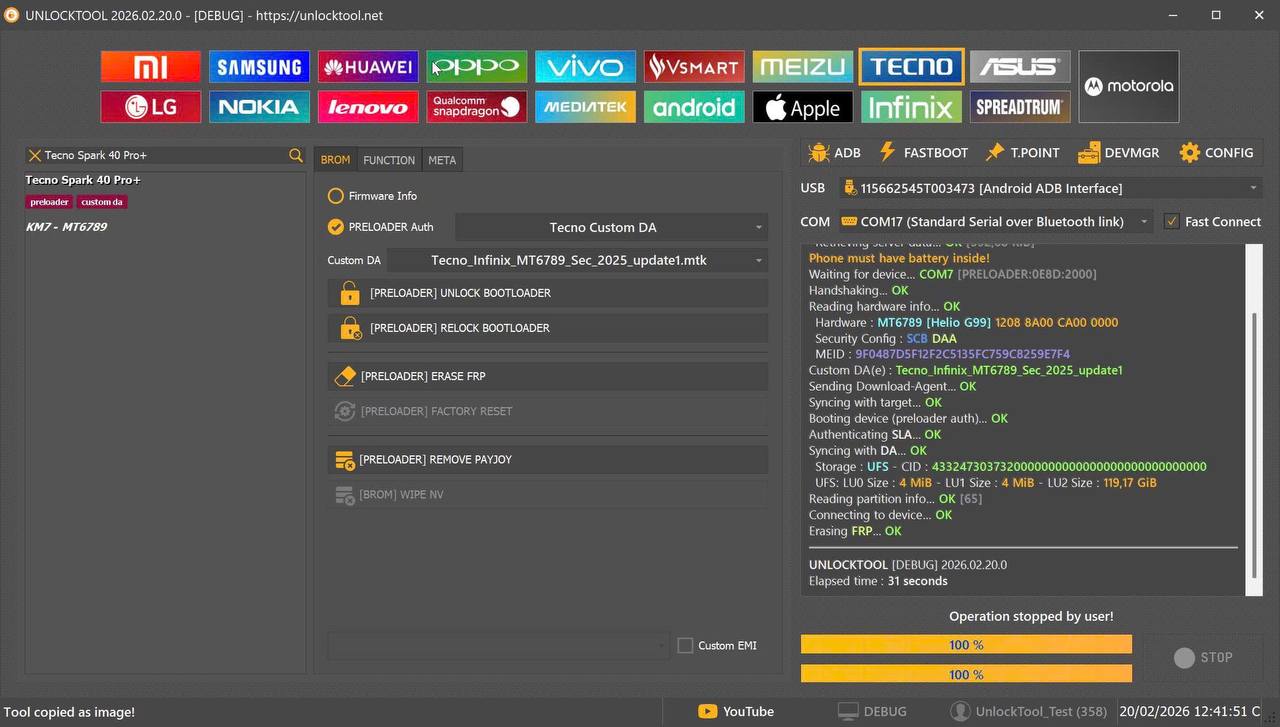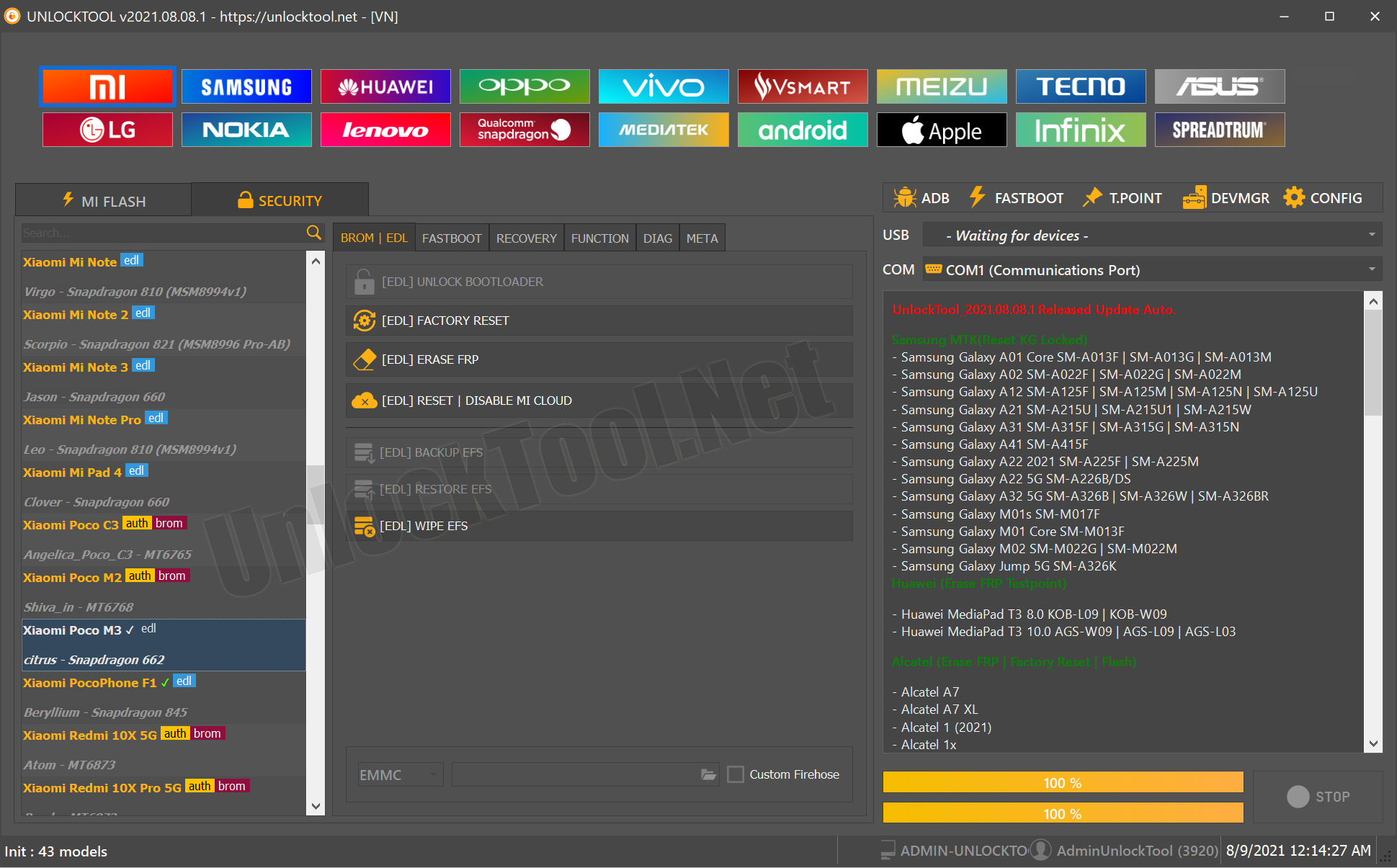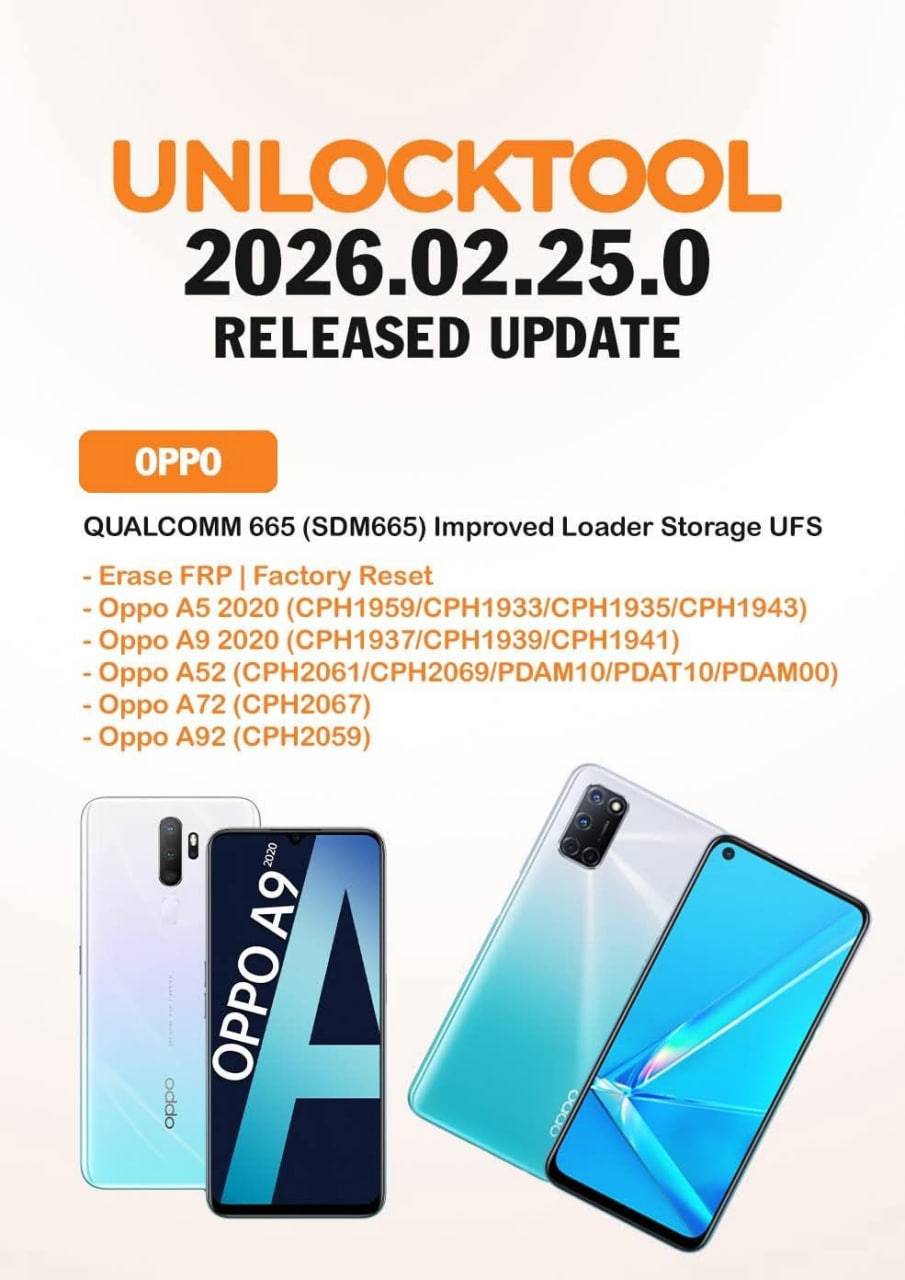
Facing FRP or factory reset issues on OPPO SDM665 devices? The UnlockTool 2026 OPPO SDM665 UFS FRP Unlock update adds improved UFS loader support for safer and faster unlocking.

Table of Contents
1. What is UnlockTool 2026 OPPO SDM665 UFS FRP Unlock?
UnlockTool 2026 OPPO SDM665 UFS FRP Unlock is the latest update of UnlockTool software that supports Qualcomm 665 devices with improved UFS storage loader.
In simple words, this update allows technicians to:
- Erase FRP lock
- Perform factory reset
- Work safely on UFS storage models
- Handle OPPO and Realme SDM665 devices professionally
Earlier, many tools struggled with UFS-based devices. Either they failed to detect storage or caused boot issues. With this new loader improvement, the risk is reduced.
This update is especially useful for Indian markets where OPPO A series phones are very common. Customers forget Google account passwords and come to local shops. With UnlockTool 2026 OPPO SDM665 UFS FRP Unlock, the solution becomes quick and reliable.
If your shop handles 3–5 FRP cases daily, this tool can easily recover its cost within weeks.
2. What’s New in Version 2026.02.25.0?
The 2026.02.25.0 update is focused mainly on Qualcomm 665 chipset devices with UFS storage improvement.
Here’s what’s new:
- Improved loader for SDM665
- Better UFS detection
- Stable FRP erase process
- Safer factory reset
- Reduced dead risk
This update covers:
- Oppo A5 2020 (CPH1959 / CPH1933 / CPH1935 / CPH1943)
- Oppo A9 2020 (CPH1937 / CPH1939 / CPH1941)
- Oppo A52 (CPH2061 / CPH2069 / PDAM10 / PDAT10 / PDAM00)
- Oppo A72 (CPH2067)
- Oppo A92 (CPH2059)
Many technicians earlier used test point methods with unstable loaders. Now, the improved UFS loader makes the UnlockTool 2026 OPPO SDM665 UFS FRP Unlock process much smoother.
This means:
Less time
Less stress
More profit
3. Supported OPPO & Realme SDM665 Models
Let’s clearly understand which devices are supported under this update.
OPPO A5 2020
Models:
- CPH1959
- CPH1933
- CPH1935
- CPH1943
OPPO A9 2020
Models:
- CPH1937
- CPH1939
- CPH1941
OPPO A52
Models:
- CPH2061
- CPH2069
- PDAM10
- PDAT10
- PDAM00
OPPO A72
Model:
- CPH2067
OPPO A92
Model:
- CPH2059
All these run on Qualcomm SDM665 chipset. Most come with UFS storage, which needs proper loader support.
If you are working in India, especially in tier-2 or tier-3 cities, these models are very common. So the UnlockTool 2026 OPPO SDM665 UFS FRP Unlock update is highly relevant.
4. Why UFS Loader Support is Important
Many technicians ignore storage type. But it matters a lot.
There are mainly two types:
- eMMC
- UFS
UFS is faster but more sensitive. If you use wrong loader:
- Device may not boot
- Stuck on logo
- Hard brick risk
- Data corruption
That’s why proper UFS loader support in UnlockTool 2026 OPPO SDM665 UFS FRP Unlock is a big improvement.
Example:
Earlier, some technicians used generic Qualcomm loaders. Phone connected, but FRP failed. After reboot, device stuck on recovery mode.
With improved loader:
- Correct partition handling
- Clean FRP removal
- Safe factory reset
For professionals, stability matters more than speed. This update focuses exactly on that.
5. Key Features of UnlockTool 2026 Update
Here are the major features of UnlockTool 2026 OPPO SDM665 UFS FRP Unlock:
1. Direct FRP Erase
No need to flash full firmware.
2. Factory Reset via EDL
Safe reset without password.
3. Qualcomm 665 Optimized Loader
Better communication with device.
4. Wide Model Support
Covers major OPPO A series.
5. Digital License Based
No dongle required.
6. Regular Updates
Developers continuously improve compatibility.
7. Easy Interface
Beginner-friendly layout.
If you are new in mobile software field, you can learn the process within 2–3 attempts.
6. Step-by-Step Guide: Erase FRP on OPPO SDM665
Now let’s understand the practical process.
Requirements:
- UnlockTool activated account
- USB cable
- Test point access
- Internet connection
Step 1: Install and Login
Open UnlockTool and login with your digital license.
Step 2: Select Brand
Choose OPPO from the list.
Step 3: Select Model / Qualcomm 665
Choose SDM665 UFS option.
Step 4: Connect in EDL Mode
Use test point to enter EDL (9008 mode).
Step 5: Click “Erase FRP”
Wait for process to complete.
Step 6: Reboot Device
Phone will restart without Google lock.
Total time: 5–10 minutes.
This is why UnlockTool 2026 OPPO SDM665 UFS FRP Unlock is helpful for daily shop work.
Real Example:
Customer forgot Gmail in Oppo A52. Official service center asked for invoice. With UnlockTool, FRP removed in 7 minutes. Customer paid service charge instantly.
7. Step-by-Step Guide: Factory Reset via UnlockTool
Sometimes device is pattern locked, not FRP locked.
You can use factory reset option.
Steps:
- Open UnlockTool
- Select OPPO → Qualcomm 665
- Connect in EDL mode
- Click “Factory Reset”
- Wait for completion
Advantages:
- No data flashing
- No firmware required
- Less time
- Safe method
Important Tip:
Always use original cable and stable PC USB port.
8. Benefits for Indian Mobile Repair Shops
If you own a repair shop in India, this update gives multiple advantages.
1. More Supported Devices
Popular OPPO models covered.
2. Faster Job Completion
More customers per day.
3. Higher Profit Margin
FRP service charges range ₹300–₹800.
4. Professional Image
Customers trust quick service.
5. Less Risk
Improved UFS loader reduces dead cases.
In metro cities like Delhi, Mumbai, Bangalore, FRP jobs are common. Even in small towns, OPPO devices are everywhere.
Using UnlockTool 2026 OPPO SDM665 UFS FRP Unlock, you can confidently handle SDM665 models.
9. Pros and Cons of UnlockTool 2026
Let’s be practical.
Pros:
- Stable FRP removal
- UFS optimized loader
- Supports multiple models
- Digital license system
- Regular updates
Cons:
- Requires internet login
- Needs test point knowledge
- Paid license (not free)
But honestly, for professional technicians, paid tools are normal. Free tools usually fail or damage devices.
So overall, the UnlockTool 2026 OPPO SDM665 UFS FRP Unlock update is worth the investment.
10. UnlockTool vs Other FRP Tools (Comparison)
Here’s a quick comparison table:
| Feature | UnlockTool 2026 | Free Tools | Old Loaders |
|---|---|---|---|
| SDM665 UFS Support | Yes | Limited | Risky |
| FRP Erase | Stable | Unstable | Sometimes fail |
| Factory Reset | Yes | Limited | Risky |
| Updates | Regular | Rare | No |
| License | Paid Digital | Free | Mixed |
From practical experience, stability is more important than saving ₹2000 on tool cost.
If one phone gets dead, loss becomes bigger than tool price.
That’s why UnlockTool 2026 OPPO SDM665 UFS FRP Unlock stands out.
11. How to Buy and Activate UnlockTool Digital License
UnlockTool works on digital license system.
Steps to Buy:
- Visit official registration page
- Create account
- Purchase license
- Activate on your PC
No dongle required.
Important Tips:
- Do not share login credentials.
- Use dedicated shop PC.
- Keep antivirus disabled during installation.
Internal Linking Suggestion:
You can link this section with anchor text like “best FRP unlocking tool for OPPO devices” to other related service pages on your website.

12. Internal SEO Tips for Service Website Owners
If you provide FRP unlocking service, create a service page targeting:
- OPPO FRP Unlock in [City Name]
- SDM665 FRP removal service
- OPPO A52 Google lock remove
Use the focus keyword UnlockTool 2026 OPPO SDM665 UFS FRP Unlock naturally in blog posts to attract technicians and resellers.
Add:
- Before & after images
- Customer testimonials
- Pricing table
- FAQ schema
This improves Google ranking.
13. Frequently Asked Questions (FAQ)
Q1: Is UnlockTool 2026 OPPO SDM665 UFS FRP Unlock safe to use?
Yes, with improved UFS loader, it is safer than generic loaders. Always follow proper EDL method.
Q2: Does it support Realme SDM665 devices?
Yes, Qualcomm 665 based Realme models are supported under the same loader improvement.
Q3: Do I need full firmware to remove FRP?
No, direct FRP erase option is available.
Q4: Is test point required?
In most cases, yes. EDL mode is required for stable operation.
Q5: Can beginners use UnlockTool?
Yes, but basic knowledge of Qualcomm EDL and test point is necessary.
Q6: Is this tool one-time purchase?
License validity depends on subscription plan. Check official details before purchase.
Q7: What if process fails?
Recheck drivers, cable, and loader selection. Usually issue is connection related.
Q8: Is internet required?
Yes, login verification requires active internet connection.
CONCLUSION
The UnlockTool 2026 OPPO SDM665 UFS FRP Unlock update is a powerful improvement for mobile technicians working on OPPO and Realme Qualcomm 665 devices.