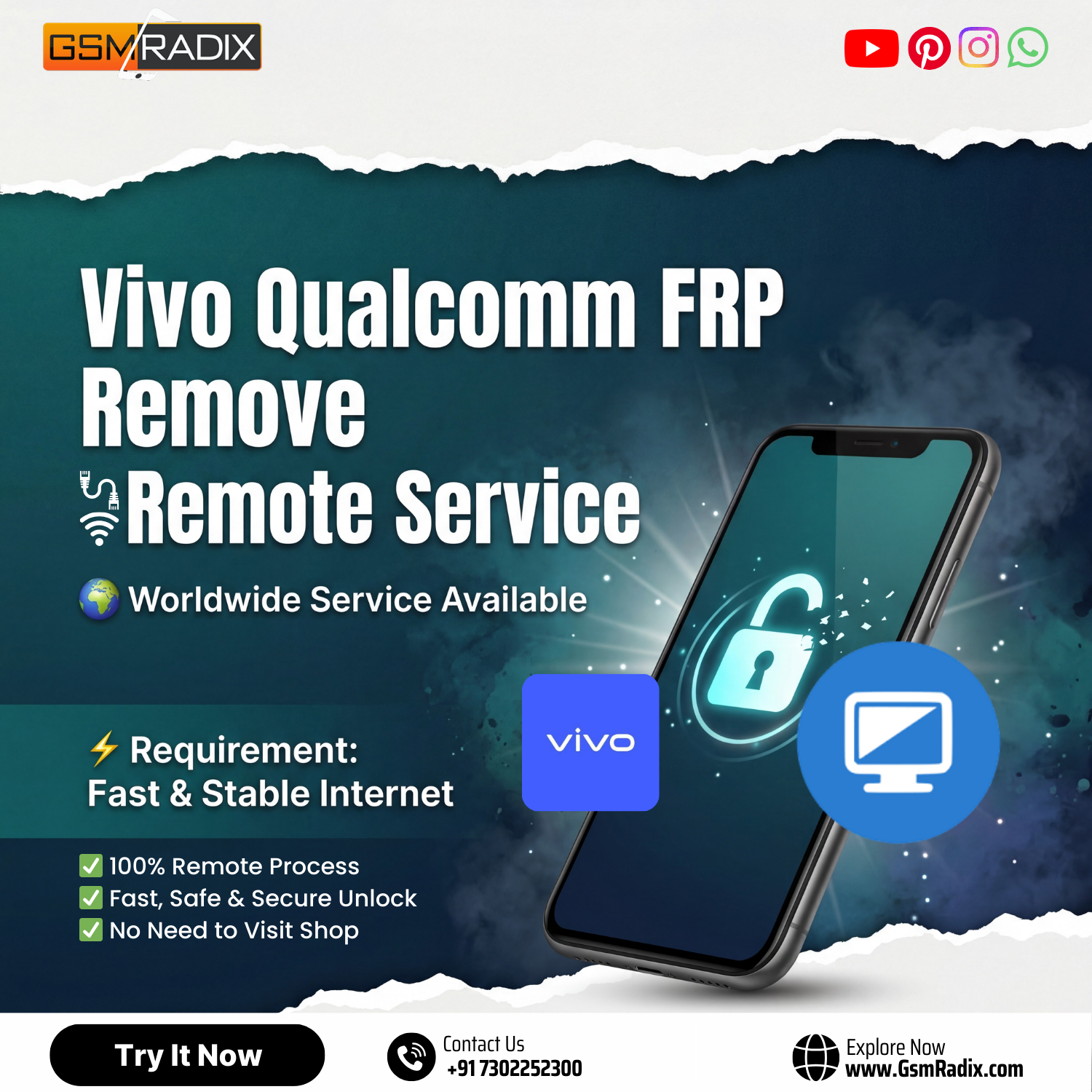
Factory Reset Protection (FRP) is an essential security feature designed to protect Android devices from unauthorized access. However, there are situations where legitimate users or mobile technicians may need to remove this lock after a reset. This is where Vivo Qualcomm FRP Remove solutions become essential.
If you own a Vivo smartphone powered by a Qualcomm chipset and are stuck on the Google account verification screen, this guide will help you understand how to safely perform a Vivo Qualcomm FRP Remove process. Whether you are an individual device owner or a professional repair technician, this article provides everything you need to know—from tools and methods to installation steps and troubleshooting.
In this comprehensive guide, we will explore the best Vivo Qualcomm FRP Remove 2025 solutions, supported devices, installation procedures, and safe practices.
What is Vivo Qualcomm FRP Remove and Why It Is Needed
Vivo Qualcomm FRP Remove refers to the process of bypassing or removing the Google Factory Reset Protection lock on Vivo smartphones that use Qualcomm processors.
FRP activates automatically when a Google account is added to an Android phone. If the device is reset without removing the Google account, it will require the original login credentials during setup.
Situations Where FRP Removal Is Needed
Common situations include:
- Forgotten Google account credentials
- Purchasing a second-hand device with FRP lock
- Device reset during software repair
- Mobile repair shops servicing customer devices
- System crash requiring factory reset
In such cases, a Vivo Qualcomm FRP Solution helps restore device access without compromising security.
Key Features of Vivo Qualcomm FRP Remove (Latest Version)
The latest Vivo Qualcomm FRP Remove update tools offer several improvements for both technicians and regular users.
Core Features
- Supports latest Vivo Qualcomm devices
- Fast Vivo Google Account Remove
- No complicated flashing required
- Compatible with multiple Windows systems
- Stable Vivo FRP Unlock Tool
- Supports new Android versions
- Regular updates and bug fixes
Additional Benefits
- Vivo FRP Unlock Without Box
- Beginner-friendly interface
- Suitable for repair shops
- Works as a mobile unlock program
- Acts as a reliable phone unlock app
These features make modern FRP tools an essential part of a technician’s toolkit.
Supported Devices and Brands
Most Vivo Qualcomm Device FRP Unlock tools support a wide range of models.
Popular Supported Vivo Models
| Series | Example Devices |
|---|---|
| Vivo Y Series | Y20, Y21, Y33, Y35 |
| Vivo V Series | V17, V20, V25 |
| Vivo S Series | S1, S7 |
| Vivo T Series | T1, T2 |
| Vivo iQOO | iQOO Z6, iQOO Neo |
Chipset Support
Supported Qualcomm chipsets include:
- Snapdragon 665
- Snapdragon 680
- Snapdragon 720G
- Snapdragon 778G
- Snapdragon 8 series
If your device uses Qualcomm hardware, there is a high chance it will work with a Vivo FRP Bypass Qualcomm solution.
Download and Installation Process
Before performing Vivo Qualcomm FRP Remove, you must download the appropriate tool and install it correctly.
System Requirements
Minimum requirements:
- Windows 7 / 8 / 10 / 11
- 4GB RAM
- USB cable
- Internet connection
- Qualcomm drivers installed
How to Register and Activate

How to Use Vivo Qualcomm FRP Remove
Using a Vivo Qualcomm FRP Remove tool is straightforward if you follow the proper steps.
Method for Device Owners
Basic method for individual users:
- Install the FRP tool
- Connect your phone via USB
- Select Vivo Qualcomm FRP Remove
- Click Start
- Wait for the process to complete
- Reboot the device
After rebooting, the Google account verification should disappear.
Method for Technicians
Professional technicians may prefer advanced methods.
Steps include:
- Enter EDL mode
- Connect device to PC
- Select chipset profile
- Start Vivo FRP Bypass Method
- Monitor process logs
Repair shops benefit from faster unlocking and multi-device support.
IMEI Repair and Other Services
Many FRP tools also provide additional features.
Common features include:
- IMEI repair
- Flash firmware
- Unlock bootloader
- Remove screen lock
- Backup partitions
These features turn the tool into a full Vivo FRP Unlock Service platform.
Comparison with Other Tools
| Tool | FRP Support | Ease of Use | Technician Friendly |
|---|---|---|---|
| Vivo Qualcomm FRP Remove Tool | Excellent | Easy | Yes |
| Generic FRP Tools | Limited | Medium | Partial |
| Box-Based Tools | Good | Hard | Yes |
The Vivo Qualcomm FRP Solution stands out because it does not require expensive hardware boxes.
Safety Tips and Legal Considerations
Performing Vivo Qualcomm FRP Remove must always be done ethically and legally.
Important Guidelines
Only unlock devices:
- You personally own
- With customer authorization
- For repair purposes
- With legal proof of ownership
Avoid Illegal Use
Never use FRP tools for:
- Stolen devices
- Unauthorized unlocking
- Fraudulent activity
Responsible usage protects technicians and customers.
Troubleshooting Common Errors
During the Vivo Qualcomm Device FRP Unlock process, some issues may appear.
Device Not Detected
Possible causes:
- Missing Qualcomm drivers
- Faulty USB cable
- Incorrect device mode
Solution: reinstall drivers and reconnect.
Authentication Error
Cause:
- Expired software license
Solution: renew subscription.
Process Failed
Possible causes:
- Unsupported model
- Old software version
Solution: update to the latest Vivo Qualcomm FRP Remove update.
Pricing and Subscription Plans
Professional FRP tools often require a subscription.
| Plan | Duration | Prices |
|---|---|---|
| 1 Phone | Instant | 2800 |
| 2 Phone | Instant | 2700 Per Pcs |
| in Bulk | Instant | Call Our team For Bulk |
Premium plans usually include:
- Unlimited unlocking
- Software updates
- Priority support
Frequently Asked Questions (FAQs)
What is Vivo Qualcomm FRP Remove?
It is a process that removes Google Factory Reset Protection from Vivo phones using Qualcomm processors.
Is Vivo FRP Unlock safe?
Yes, when performed using trusted tools and legal ownership.
Can I perform Vivo FRP Unlock Without Box?
Yes, many modern tools allow Vivo FRP Unlock Without Box using software only.
Does it work on all Vivo models?
Most Qualcomm-based models are supported.
Do I need technical knowledge?
Basic computer knowledge is enough for most users.
Technicians may use advanced options.
Final Thoughts
The Vivo Qualcomm FRP Remove process has become easier thanks to modern software tools designed for both users and professional technicians. Whether you forgot your Google account or run a repair shop, using a reliable Vivo FRP Bypass Qualcomm tool can restore device access quickly and safely.