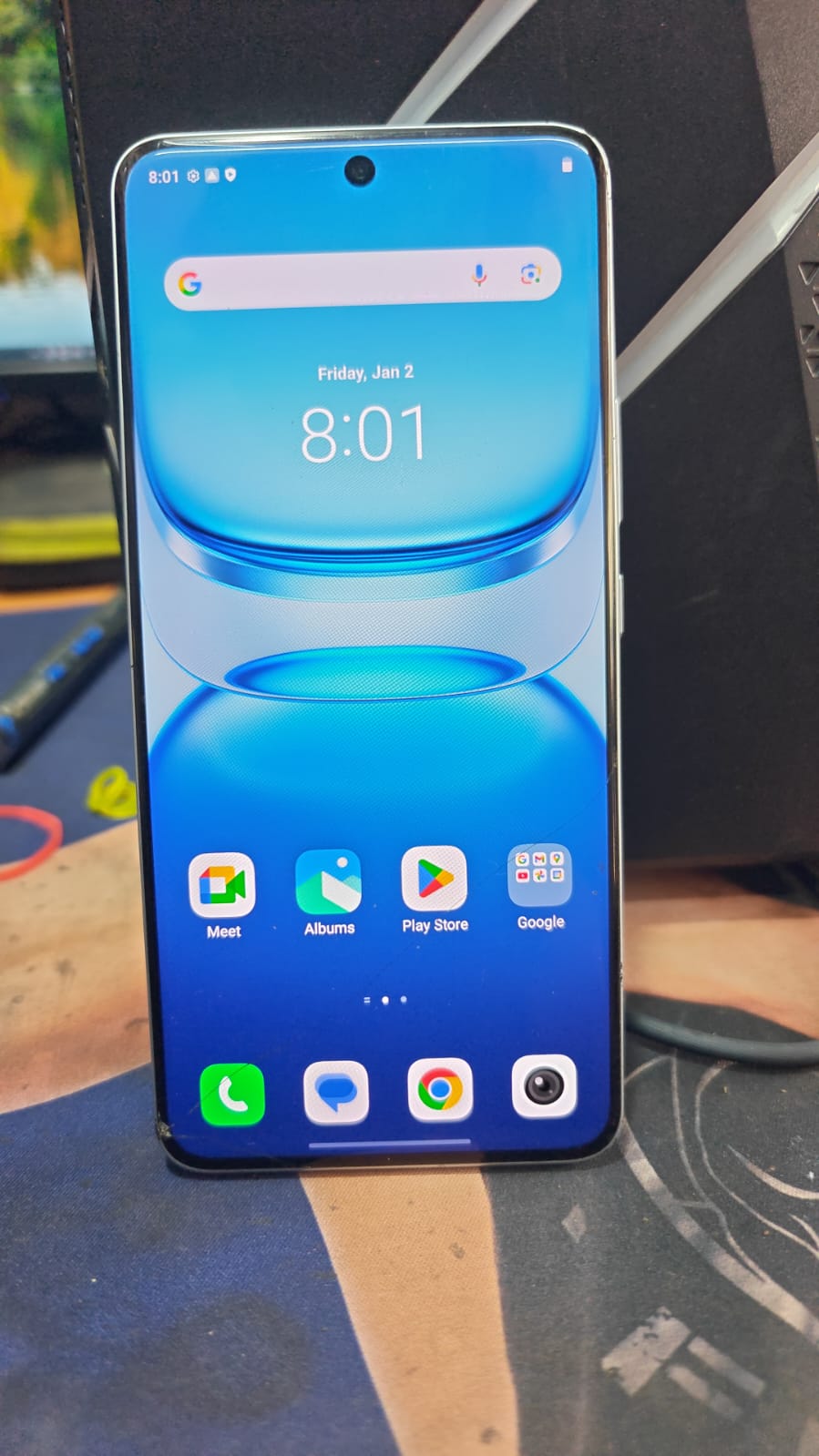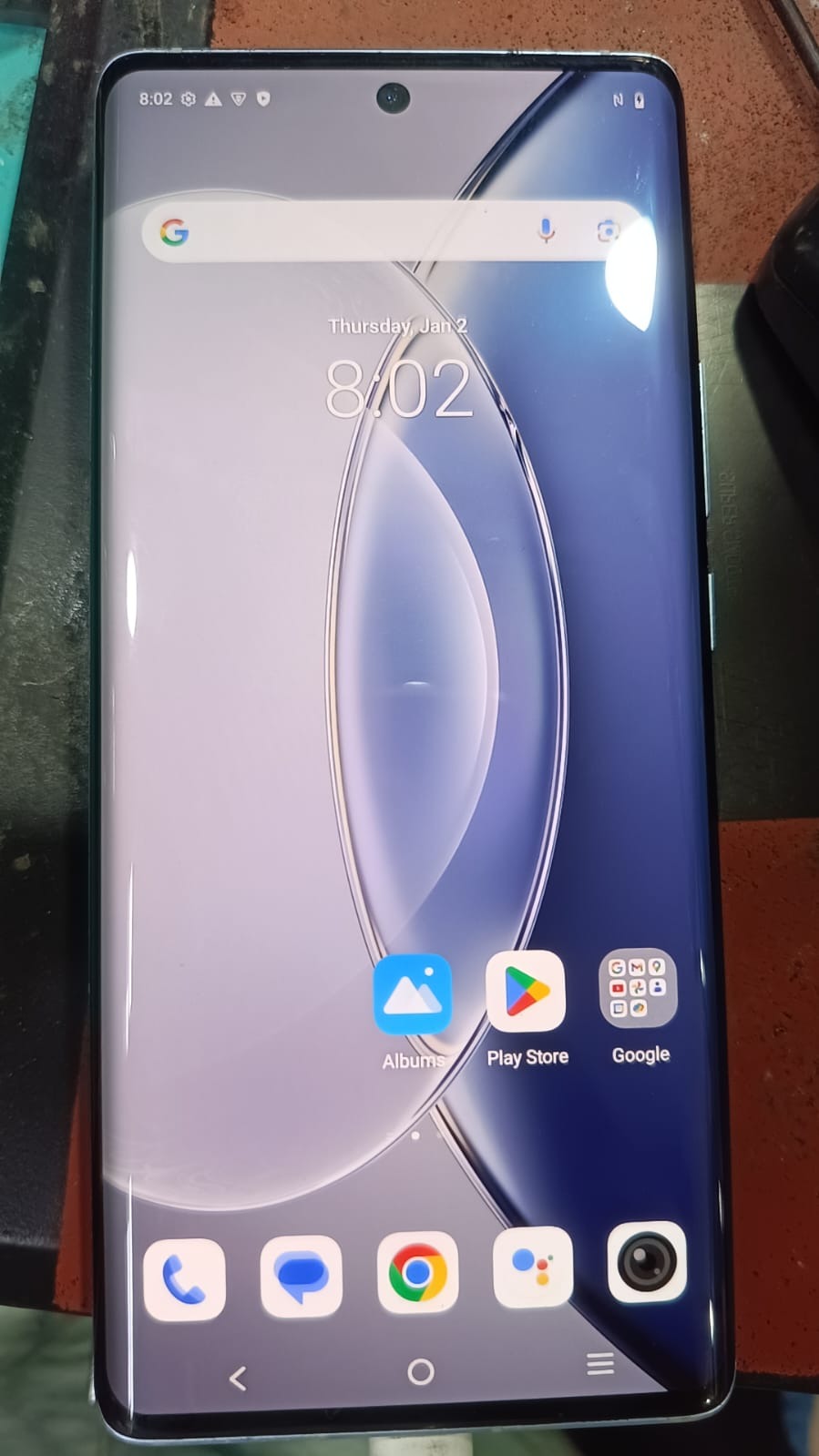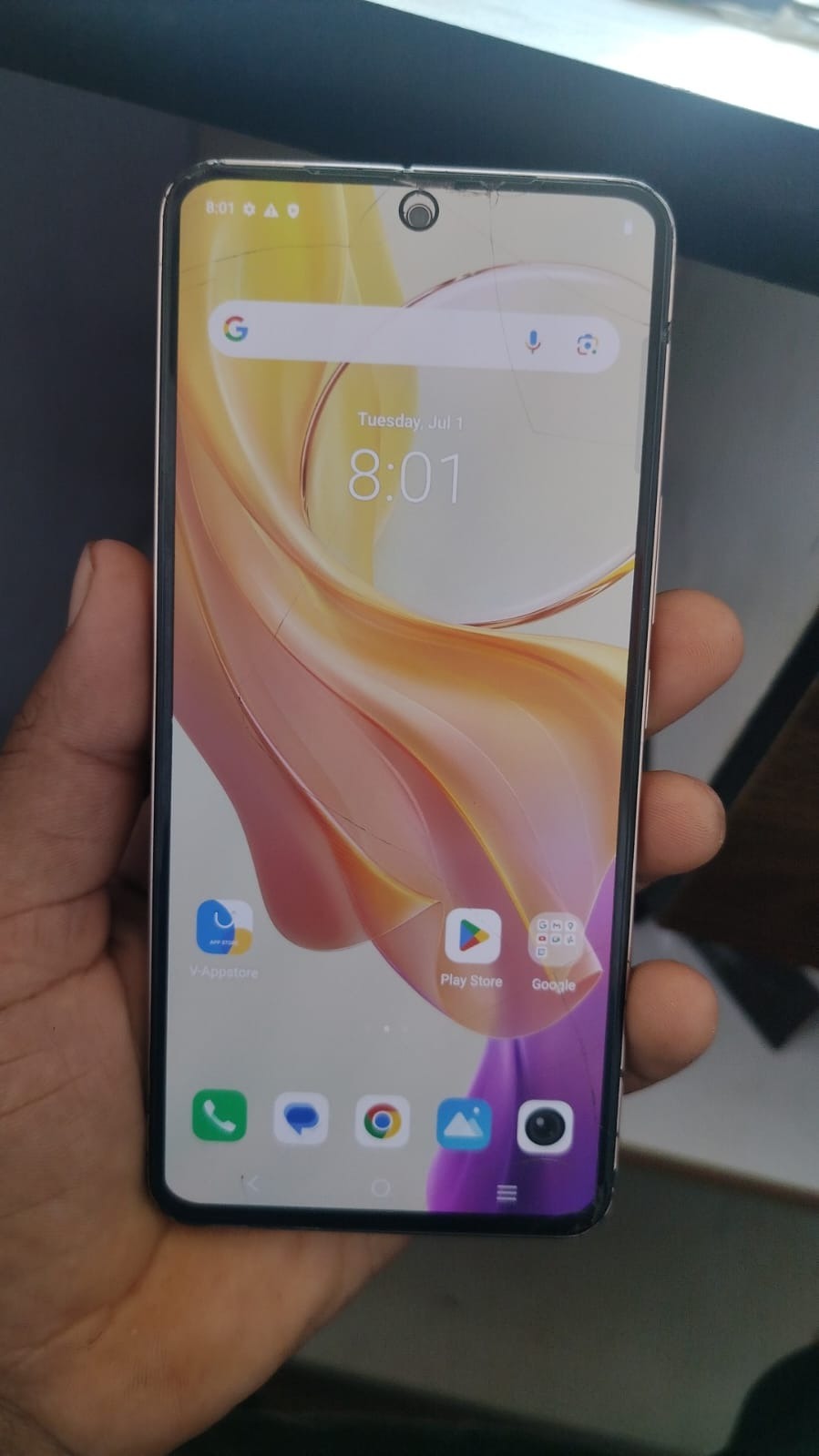
Locked out of your Vivo Y200 5G after a factory reset? This guide covers the complete Vivo Y200 5G FRP Unlock process, including Google account removal, FRP bypass methods, troubleshooting, and professional unlocking solutions.

What is Vivo Y200 5G FRP Unlock and Why Is It Needed?
Factory Reset Protection (FRP) is a security mechanism introduced by Google for Android devices. Once a Google account is added to a phone, FRP automatically activates.
After a factory reset, the device requests the previously synced Google account credentials before allowing access.
If you forget your account details or purchase a second-hand device that is still linked to another Google account, you may become locked out of the phone.
Common Reasons for FRP Lock
Forgotten Google Credentials
Many users forget their Gmail password or recovery information.
Second-Hand Device Purchase
A used Vivo Y200 5G may still be linked to the previous owner’s Google account.
Failed Software Update
Occasionally software updates or flashing procedures trigger FRP verification.
Service Center Operations
Repair shops frequently receive devices requiring FRP removal after software repairs.
The Vivo Y200 5G FRP Unlock process helps regain access while maintaining device functionality.
Understanding Vivo Y200 5G FRP Bypass
Vivo Y200 5G FRP Bypass refers to the process of removing or bypassing Google’s Factory Reset Protection verification screen.
A successful Vivo Y200 5G FRP Bypass allows authorized users to:
- Access the device again
- Configure a new Google account
- Complete device setup
- Restore normal functionality
- Continue software servicing
Professional technicians often use specialized software solutions to perform Vivo Y200 5G FRP Bypass remotely and efficiently.
Key Features of Vivo Y200 5G FRP Unlock (Latest Version)
Modern Vivo Y200 5G FRP Unlock solutions provide numerous advanced features.
Fast Remote Unlock
Remote unlocking allows technicians to perform FRP removal without requiring physical shipping of the device.
Secure Google Account Removal
Safely remove FRP verification while preserving device stability.
User-Friendly Interface
Most modern mobile unlock programs provide beginner-friendly dashboards.
High Success Rate
Professional solutions offer consistent results across multiple firmware versions.
Support for Latest Android Versions
Compatible with modern Android security patches and updates.
Quick Processing
Most operations are completed within minutes.
Technician-Friendly Tools
Designed for service centers, repair shops, and unlocking professionals.
Best Vivo Y200 5G FRP Unlock 2026 Features
The latest generation of FRP unlocking solutions includes:
Advanced Security Compatibility
Supports modern Android security mechanisms.
Remote Technical Assistance
Experts can guide users through the unlock process.
Online Activation
No complicated hardware setup required.
Firmware Support
Works with multiple software versions.
Regular Updates
Frequent improvements ensure compatibility with new updates.
Supported Devices and Brands
Although this guide focuses on Vivo Y200 5G FRP Unlock, many professional tools support multiple brands.
Vivo Devices
- Vivo Y200 5G
- Vivo Y36
- Vivo Y28
- Vivo Y27
- Vivo Y22
- Vivo V Series
- Vivo T Series
Other Android Brands
- Samsung
- Xiaomi
- Redmi
- Poco
- Oppo
- Realme
- Motorola
- Nokia
- OnePlus
- Tecno
- Infinix
This broad compatibility makes modern phone unlock apps valuable for repair businesses.
Download and Installation Process
Before performing Vivo Y200 5G FRP Unlock, ensure your computer meets minimum requirements.
System Requirements
Operating System
- Windows 10
- Windows 11
RAM
- Minimum 4 GB
- Recommended 8 GB
Internet Connection
Stable broadband connection recommended.
USB Drivers
Install latest Vivo USB drivers.
Step-by-Step Installation Guide
Step 1
Download the FRP unlocking software from the official provider.
Step 2
Extract downloaded files.
Step 3
Run the installer.
Step 4
Complete installation wizard.
Step 5
Restart the computer.
Step 6
Install all required drivers.
Step 7
Launch the software.
Step 8
Connect Vivo Y200 5G.
How to Register and Activate
Create Account
Register using your email address.
Verify Email
Complete account verification.
Purchase Plan
Select a suitable subscription package.
Enter License Key
Activate software using the provided credentials.
Login
Access the software dashboard.
You are now ready to begin Vivo Y200 5G FRP Unlock operations.

How to Use Vivo Y200 5G FRP Unlock
The unlocking process is generally straightforward.
For Individual Users
Connect Device
Use a reliable USB cable.
Enable Required Mode
Follow software instructions.
Select Vivo Y200 5G
Choose the correct model.
Start Unlock
Initiate FRP removal.
Wait for Completion
Allow the software to finish.
Reboot Device
Restart the phone.
Configure New Google Account
Complete Android setup.
For Professional Technicians
Repair shops can streamline workflows by:
- Creating dedicated workstations
- Maintaining updated drivers
- Keeping software licenses active
- Training staff on latest procedures
- Offering remote services
Professional technicians often perform multiple Vivo Y200 5G FRP Unlock operations daily.
IMEI Repair and Other Services
Many advanced mobile servicing platforms provide additional functions.
Common Features
FRP Removal
Remove Google account verification.
User Lock Removal
Unlock screen security.
Software Flashing
Install stock firmware.
Device Information Reading
Retrieve hardware and software details.
Backup Functions
Protect customer data.
Factory Reset Utilities
Restore default settings.
Always ensure compliance with local laws and manufacturer policies before performing any device modifications.
Vivo Y200 5G FRP Unlock vs Other Solutions
| Feature | Vivo Y200 5G FRP Unlock Tools | Generic Free Methods |
|---|---|---|
| Success Rate | High | Variable |
| Security | Better | Risky |
| Updates | Regular | Rare |
| Remote Support | Available | Usually None |
| Speed | Fast | Slower |
| Professional Usage | Yes | Limited |
| Technical Assistance | Available | Minimal |
Professional tools typically provide greater reliability and efficiency.
Safety Tips and Legal Considerations
Security and compliance should always be priorities.
Recommended Practices
Verify Ownership
Confirm the device belongs to the customer.
Use Trusted Software
Avoid unknown or suspicious applications.
Keep Records
Maintain service logs.
Follow Local Regulations
Respect applicable laws and policies.
Backup Important Data
Whenever possible.
Protect Customer Privacy
Handle personal information responsibly.
Troubleshooting Common Errors
Even experienced users may encounter issues.
Device Not Detected
Possible Causes:
- Faulty USB cable
- Missing drivers
- Port issues
Solutions:
- Replace cable
- Reinstall drivers
- Change USB port
Unlock Process Stuck
Possible Causes:
- Weak internet connection
- Software conflict
Solutions:
- Restart software
- Disable unnecessary applications
- Check network connectivity
Activation Failed
Possible Causes:
- Incorrect license
- Expired subscription
Solutions:
- Verify account details
- Contact support
Driver Installation Error
Possible Causes:
- Security software restrictions
Solutions:
- Run installer as Administrator
- Temporarily disable antivirus if safe and appropriate
Pricing and Subscription Plans
Pricing varies by provider and service level.
| Plan | Suitable For | Duration |
|---|---|---|
| Daily | Occasional Users | 1 Day |
| Weekly | Small Shops | 7 Days |
| Monthly | Repair Businesses | 30 Days |
| Quarterly | Service Centers | 3 Months |
| Yearly | Professional Technicians | 12 Months |
Choose a plan based on usage volume and business requirements.
Frequently Asked Questions (FAQ)
What is Vivo Y200 5G FRP Unlock?
It is the process of removing Google’s Factory Reset Protection from the Vivo Y200 5G after legitimate ownership verification.
Is Vivo Y200 5G FRP Bypass safe?
When performed using reputable tools and proper procedures, it is generally safe for authorized users.
Can Vivo Y200 5G Google Account Remove be done remotely?
Yes. Many professional services offer remote unlocking assistance.
Does Vivo Y200 5G Remote Unlock require shipping the phone?
In most cases, no. Remote sessions allow technicians to assist online.
Is technical knowledge required?
Basic computer skills are usually sufficient, although professional assistance may simplify the process.
Does FRP removal erase data?
This depends on the method used and device condition.
Can technicians use these tools commercially?
Many licensing plans are specifically designed for repair shops and service centers.
What if the unlock process fails?
Check drivers, software updates, activation status, and support documentation
Why Repair Shops Prefer Vivo Y200 5G Remote Unlock Solutions
Remote services provide:
- Faster turnaround time
- Reduced logistics costs
- Improved customer satisfaction
- Higher productivity
- Better scalability
As a result, many repair centers now integrate Vivo Y200 5G Remote Unlock services into their daily workflow.
Final Thoughts
Vivo Y200 5G FRP Unlock remains one of the most requested Android servicing procedures in 2026. Whether you are a smartphone owner locked out of your device or a professional technician serving customers, modern FRP removal solutions offer a practical and efficient way to restore access.